



VeyraX MCP Integration
Connect FlowHunt with VeyraX MCP for seamless, unified access to all your favorite tools and editors. Enjoy single authentication, effortless integration, and e...
3 min read
AI
VeyraX MCP
+5
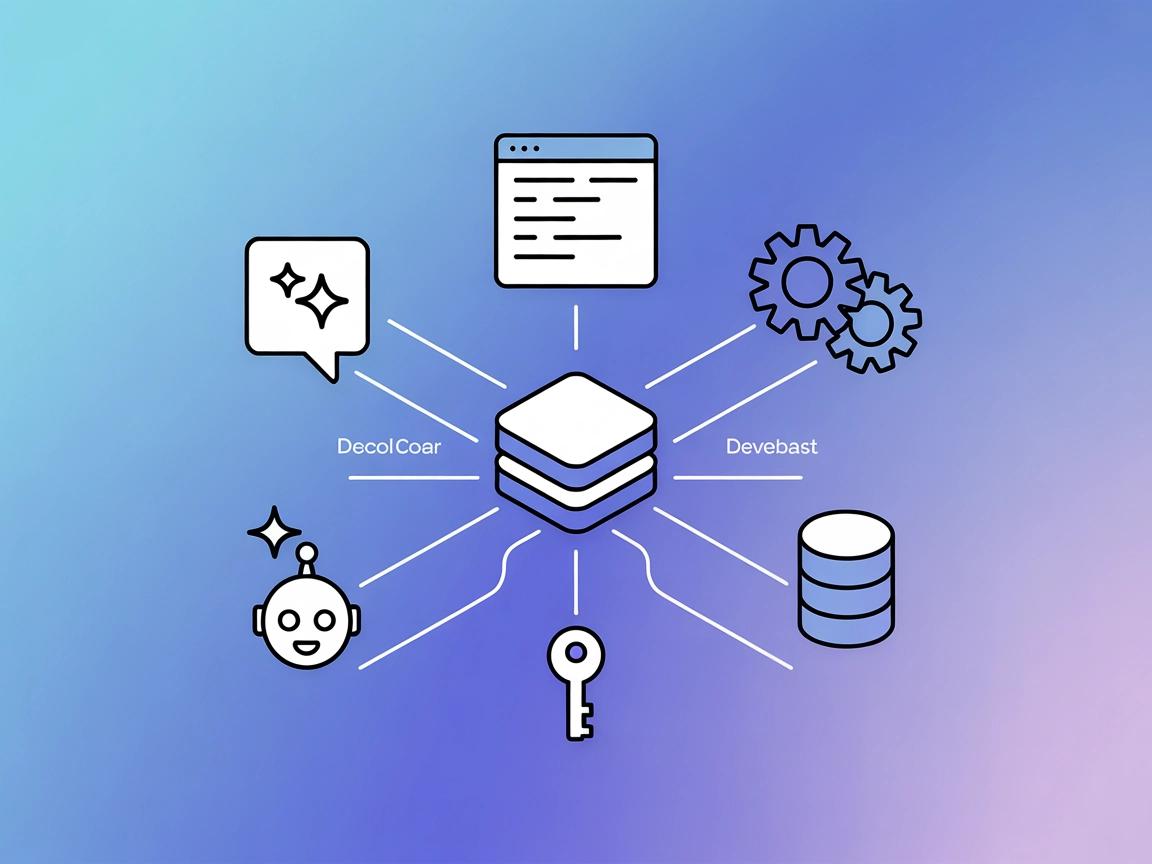
Connect your AI assistants and editors to all your tools with one login. VeyraX MCP Server enables seamless, secure, and unified tool access across FlowHunt, Windsurf, Claude, Cursor, and VS Code.
VeyraX MCP (Model Context Protocol) Server acts as a universal bridge that connects AI assistants and development environments (such as Claude, Cursor, Windsurf, and VS Code via Cline) to external tools and services. By authenticating once with VeyraX, users can access all their integrated tools seamlessly across any MCP-compatible environment without juggling multiple logins. This enables AI agents to perform a wide range of tasks—such as database queries, file management, and API interactions—directly from their preferred editors and assistants. VeyraX MCP simplifies the integration process, offering instant access to all user-connected tools and streamlining the workflow for developers and AI applications alike.
No prompt templates are specified or mentioned in the repository or documentation.

Start your free trial today and see results within days.
No specific MCP resources are documented in the provided content.
No explicit list of tools or their functions is present in the repository or the documentation provided.
Get latest tips, trends, and deals for free.
Unified Tool Access Across Editors
Developers can integrate VeyraX MCP with any supported editor (Cursor, Claude, Windsurf, VS Code), gaining immediate access to all tools connected to their VeyraX account without managing separate authentications.
Effortless AI Assistant Integration
AI assistants using the MCP protocol can leverage all VeyraX tools, enabling automation of tasks such as code analysis, file manipulation, or API interaction directly from within the assistant interface.
Rapid Onboarding for New Workflows
With a single configuration and API key, teams can set up new development environments or AI workflows in minutes, ensuring consistent access to all necessary tools.
Centralized Authentication Management
Security and credentials are managed centrally via VeyraX, reducing the risk of credential sprawl and simplifying permission management for teams.
Example JSON:
{
  "mcpServers": {
    "veyrax": {
      "command": "npx",
      "args": ["@veyrax/mcp-server@latest"],
      "env": {
        "VEYRAX_API_KEY": "YOUR_API_KEY"
      }
    }
  }
}
Securing API Keys:
Store VEYRAX_API_KEY in environment variables rather than directly in your config.
Example JSON:
{
  "mcpServers": {
    "veyrax": {
      "command": "npx",
      "args": ["@veyrax/mcp-server@latest"],
      "env": {
        "VEYRAX_API_KEY": "YOUR_API_KEY"
      }
    }
  }
}
Example JSON:
{
  "mcpServers": {
    "veyrax": {
      "command": "npx",
      "args": ["@veyrax/mcp-server@latest"],
      "env": {
        "VEYRAX_API_KEY": "YOUR_API_KEY"
      }
    }
  }
}
Example JSON:
{
  "mcpServers": {
    "veyrax": {
      "command": "npx",
      "args": ["@veyrax/mcp-server@latest"],
      "env": {
        "VEYRAX_API_KEY": "YOUR_API_KEY"
      }
    }
  }
}
Securing API Keys:
Use environment variables to store your API key:
"env": {
  "VEYRAX_API_KEY": "YOUR_API_KEY"
}
Replace "YOUR_API_KEY" with your actual API key obtained from the VeyraX dashboard.
Using MCP in FlowHunt
To integrate MCP servers into your FlowHunt workflow, start by adding the MCP component to your flow and connecting it to your AI agent:

Click on the MCP component to open the configuration panel. In the system MCP configuration section, insert your MCP server details using this JSON format:
{
  "veyrax": {
    "transport": "streamable_http",
    "url": "https://yourmcpserver.example/pathtothemcp/url"
  }
}
Once configured, the AI agent is now able to use this MCP as a tool with access to all its functions and capabilities. Remember to change "veyrax" to the actual name of your MCP server and replace the URL with your own MCP server URL.
| Section | Availability | Details/Notes |
|---|---|---|
| Overview | ✅ | High-level summary and introduction available |
| List of Prompts | ⛔ | Not present in repo or docs |
| List of Resources | ⛔ | Not present in repo or docs |
| List of Tools | ⛔ | Not present in repo or docs |
| Securing API Keys | ✅ | Covered via environment variable instructions |
| Sampling Support (less important in evaluation) | ⛔ | Not mentioned |
Based on the information above, VeyraX MCP provides a strong unified setup experience and credential management, but the repository lacks technical depth regarding specific prompts, resources, and tools. The documentation is user-oriented, but technical users may need to refer to the official docs for advanced use. Overall, the MCP is robust for setup and ease of use, but scores lower for technical transparency.
| Has a LICENSE | ⛔ (No license file found) |
|---|---|
| Has at least one tool | ⛔ (No tool listed) |
| Number of Forks | 15 |
| Number of Stars | 37 |
Experience streamlined tool access and workflow automation across all your favorite editors and AI assistants. Sign up for VeyraX and connect it to FlowHunt today.
Connect FlowHunt with VeyraX MCP for seamless, unified access to all your favorite tools and editors. Enjoy single authentication, effortless integration, and e...
The Verodat MCP Server bridges AI assistants with Verodat’s powerful data management, allowing seamless data access, automation, and workflow integration direct...
The wxflows MCP Server bridges AI assistants with external data sources and APIs, enabling secure, modular, and AI-driven workflow automation in FlowHunt. Easil...
Cookie Consent
We use cookies to enhance your browsing experience and analyze our traffic. See our privacy policy.