


YugabyteDB MCP Server
The YugabyteDB MCP Server bridges AI assistants and YugabyteDB databases, enabling secure, read-only data exploration and schema analysis through standardized M...
5 min read
MCP
Database
+5
Let your AI agents access and manage YDB databases with natural language using the YDB MCP Server integration for FlowHunt.
The YDB MCP (Model Context Protocol) Server is a bridge that connects AI assistants and large language models (LLMs) with YDB databases. By implementing the MCP standard, the YDB MCP Server enables LLMs to perform database operations and interact with YDB instances using natural language. This integration facilitates AI-powered workflows, allowing developers and users to query, manage, and manipulate YDB databases seamlessly through their AI tools. It enhances development productivity by making database access and management more intuitive and accessible, removing the need for manual SQL queries or direct database manipulation. The YDB MCP Server is ideal for scenarios where natural language interfaces to databases can drive automation, data retrieval, and management tasks.
No prompt templates are mentioned in the available documentation or codebase.

Start your free trial today and see results within days.
No explicit resources are listed in the available documentation or codebase.
No explicit tool definitions are found in the available documentation, README, or visible files. The precise tools (e.g., query_database, list_tables) exposed by the YDB MCP server are not specified.
Get latest tips, trends, and deals for free.
uvx) or pipx
installed.windsurf.json).mcpServers section:{
"mcpServers": {
"ydb": {
"command": "uvx",
"args": [
"ydb-mcp",
"--ydb-endpoint", "grpc://localhost:2136/local"
]
}
}
}
{
"mcpServers": {
"ydb": {
"command": "uvx",
"args": [
"ydb-mcp",
"--ydb-endpoint", "grpc://localhost:2136/local",
"--ydb-auth-mode", "login-password",
"--ydb-login", "<your-username>",
"--ydb-password", "<your-password>"
]
}
}
}
{
"mcpServers": {
"ydb": {
"command": "pipx",
"args": [
"run", "ydb-mcp",
"--ydb-endpoint", "grpc://localhost:2136/local"
]
}
}
}
{
  "mcpServers": {
    "ydb": {
      "command": "uvx",
      "args": [
        "ydb-mcp",
        "--ydb-endpoint", "grpc://localhost:2136/local"
      ]
    }
  }
}
{
  "mcpServers": {
    "ydb": {
      "command": "pipx",
      "args": [
        "run", "ydb-mcp",
        "--ydb-endpoint", "grpc://localhost:2136/local"
      ]
    }
  }
}
{
  "mcpServers": {
    "ydb": {
      "command": "pipx",
      "args": [
        "run", "ydb-mcp",
        "--ydb-endpoint", "grpc://localhost:2136/local",
        "--ydb-auth-mode", "login-password",
        "--ydb-login", "<your-username>",
        "--ydb-password", "<your-password>"
      ]
    }
  }
}
Use environment variables to store sensitive information. Example:
{
  "mcpServers": {
    "ydb": {
      "command": "pipx",
      "args": [
        "run", "ydb-mcp",
        "--ydb-endpoint", "grpc://localhost:2136/local"
      ],
      "env": {
        "YDB_LOGIN": "<your-username>",
        "YDB_PASSWORD": "<your-password>"
      },
      "inputs": {
        "ydb-login": "${YDB_LOGIN}",
        "ydb-password": "${YDB_PASSWORD}"
      }
    }
  }
}
Using MCP in FlowHunt
To integrate MCP servers into your FlowHunt workflow, start by adding the MCP component to your flow and connecting it to your AI agent:

Click on the MCP component to open the configuration panel. In the system MCP configuration section, insert your MCP server details using this JSON format:
{
  "ydb": {
    "transport": "streamable_http",
    "url": "https://yourmcpserver.example/pathtothemcp/url"
  }
}
Once configured, the AI agent is now able to use this MCP as a tool with access to all its functions and capabilities. Remember to change “ydb” to whatever the actual name of your MCP server is and replace the URL with your own MCP server URL.
| Section | Availability | Details/Notes |
|---|---|---|
| Overview | ✅ | |
| List of Prompts | ⛔ | Not mentioned |
| List of Resources | ⛔ | Not specified |
| List of Tools | ⛔ | Not specified |
| Securing API Keys | ✅ | Env vars example provided |
| Sampling Support (less important in evaluation) | ⛔ | Not specified |
Our overall impression is that YDB MCP is a focused integration for enabling AI-driven YDB database interactions, with clear setup instructions. However, the lack of explicit prompt, tool, and resource documentation reduces its out-of-the-box agentic and composability potential.
| Has a LICENSE | ✅ (Apache-2.0) |
|---|---|
| Has at least one tool | ⛔ |
| Number of Forks | 3 |
| Number of Stars | 20 |
Rating:
Based on the completeness of documentation, presence of a license, and integration focus, but absence of explicit tool/resource/prompt support, I would rate this MCP server a 5 out of 10. It has potential, but lacks detailed agentic composability information typical of more mature MCP servers.
Enable seamless, secure, and intuitive YDB database access for your AI agents. Empower your users and developers to query and manage YDB without SQL.
The YugabyteDB MCP Server bridges AI assistants and YugabyteDB databases, enabling secure, read-only data exploration and schema analysis through standardized M...
Integrate FlowHunt with YDB MCP to enable AI-powered natural language access, automate SQL queries, manage directories, and monitor your YDB database with secur...
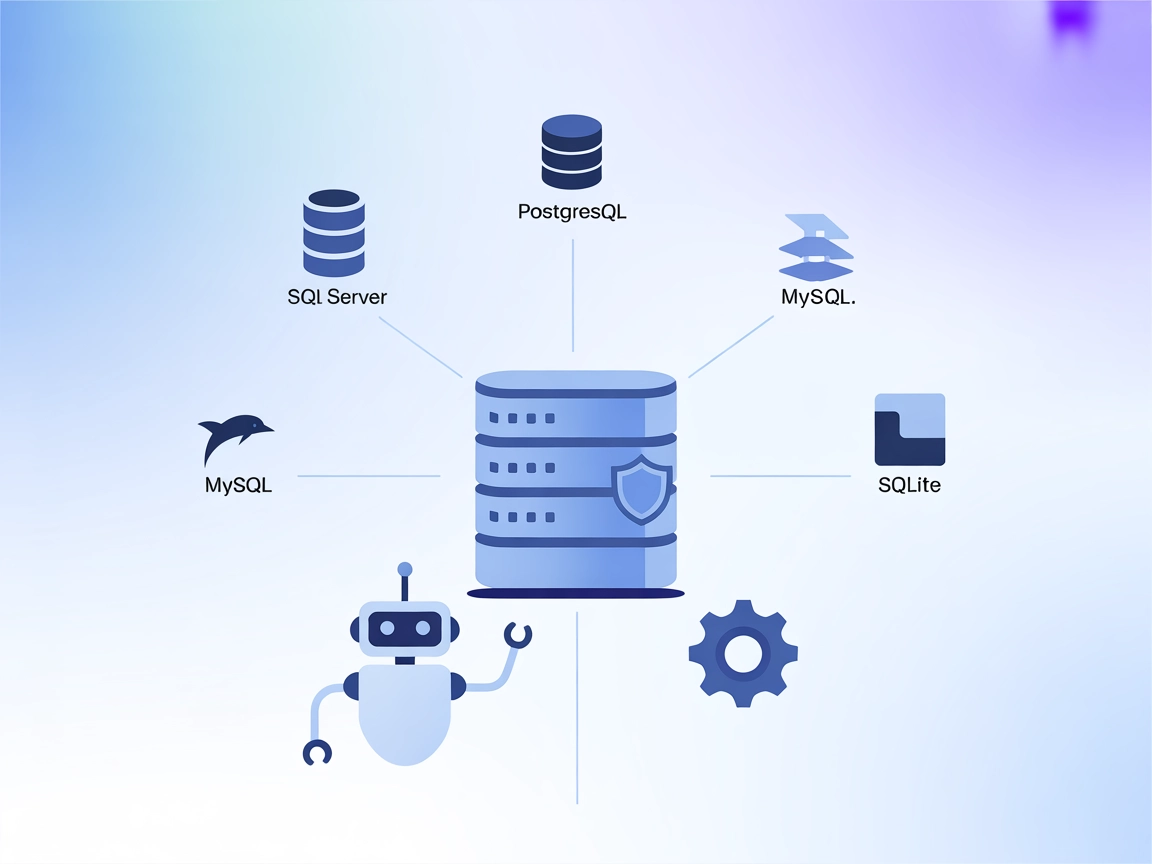
The MCP Database Server enables secure, programmatic access to popular databases like SQLite, SQL Server, PostgreSQL, and MySQL for AI assistants and automation...
Cookie Consent
We use cookies to enhance your browsing experience and analyze our traffic. See our privacy policy.