


YDB MCP Server Integration
The YDB MCP Server connects AI assistants and LLMs with YDB databases, enabling natural language access, querying, and management of YDB instances. It empowers ...
5 min read
AI
MCP
+5
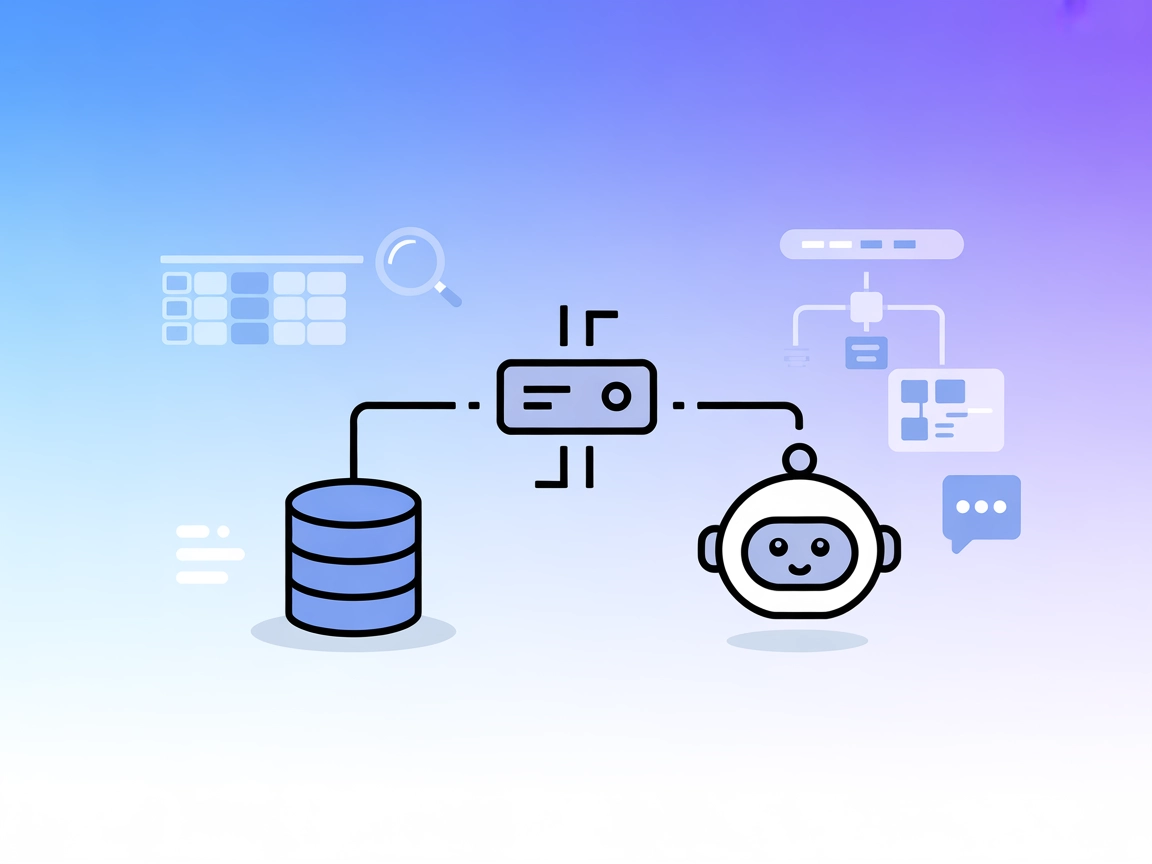
YugabyteDB MCP Server connects your AI assistants to YugabyteDB, empowering secure, read-only database querying and schema insight for developers and data teams.
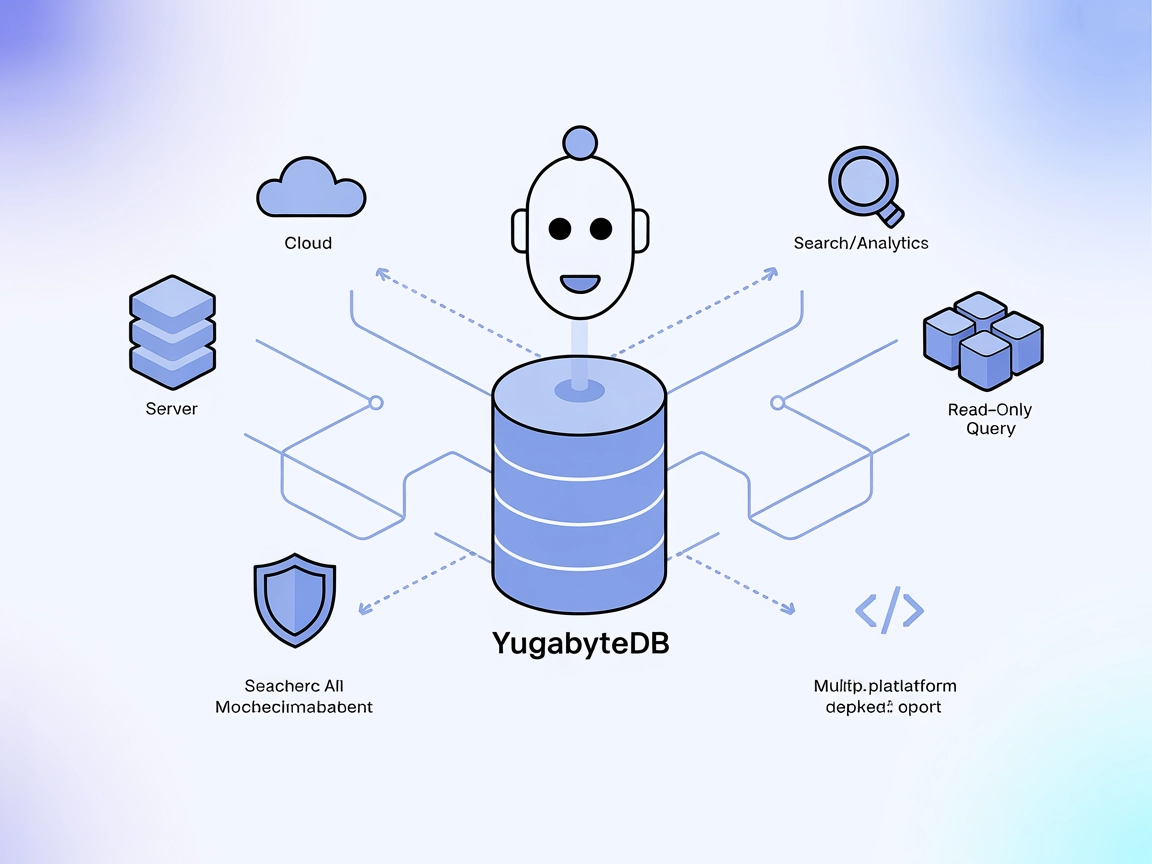
The YugabyteDB MCP Server is an implementation of the Model Context Protocol (MCP) designed to enable large language models and AI assistants to interact directly with YugabyteDB databases. By serving as a bridge between AI clients and the database, this server allows users to perform tasks such as listing database tables, viewing schema details, and running read-only SQL queries, all through standardized MCP interfaces. This greatly enhances developer workflows by making it simple for AI-powered tools and agents to access and manipulate structured data in YugabyteDB, facilitating activities like data exploration, auditing, and integration into broader development pipelines. The server is compatible with popular MCP clients including Claude Desktop, Cursor, and Windsurf Editor, and is designed for seamless deployment and secure operation.
No prompt templates are mentioned in the repository.

Start your free trial today and see results within days.
No explicit MCP resources are listed in the repository.
summarize_database
Lists all tables in the YugabyteDB database, including their schema and row counts. This tool enables LLMs and users to quickly obtain an overview of the database structure and its contents.
run_read_only_query
Executes a user-specified, read-only SQL query on the connected YugabyteDB instance and returns the results as JSON. This tool allows safe data exploration and retrieval without risking modifications to the database.
Get latest tips, trends, and deals for free.
Database Exploration
Developers and AI agents can list all tables and view their schemas, making it easier to understand the structure and contents of large YugabyteDB deployments.
Data Auditing
Run read-only queries to audit data across tables, check for anomalies, or validate business logic without risking accidental data changes.
Integration with AI Assistants
Connects YugabyteDB to AI-powered assistants (e.g., Claude, Cursor) for conversational querying and intelligent data navigation.
Rapid Prototyping and Development
Enables fast, interactive exploration of database contents, which benefits developers during schema design, testing, and debugging.
Secure Data Sharing
Allows external collaborators or tools to query data securely via MCP without direct database access or risk of data mutation.
{
  "mcpServers": {
    "yugabytedb-mcp": {
      "command": "uv",
      "args": [
        "--directory",
        "/path/to/cloned/yugabytedb-mcp-server/",
        "run",
        "src/server.py"
      ],
      "env": {
        "YUGABYTEDB_URL": "dbname=database_name host=hostname port=5433 user=username password=password"
      }
    }
  }
}
mcpServers.env field.{
"mcpServers": {
"yugabytedb-mcp": {
"command": "uv",
"args": [
"--directory",
"/path/to/cloned/yugabytedb-mcp-server/",
"run",
"src/server.py"
],
"env": {
"YUGABYTEDB_URL": "dbname=database_name host=hostname port=5433 user=username password=password"
}
}
}
}
{
  "mcpServers": {
    "yugabytedb-mcp": {
      "command": "uv",
      "args": [
        "--directory",
        "/path/to/cloned/yugabytedb-mcp-server/",
        "run",
        "src/server.py"
      ],
      "env": {
        "YUGABYTEDB_URL": "dbname=database_name host=hostname port=5433 user=username password=password"
      }
    }
  }
}
No setup instructions are provided for Cline in the repository.
It is recommended to secure database credentials using environment variables. You can configure the YUGABYTEDB_URL in the env section of your configuration JSON.
{
  "mcpServers": {
    "yugabytedb-mcp": {
      "env": {
        "YUGABYTEDB_URL": "dbname=database_name host=hostname port=5433 user=username password=password"
      }
    }
  }
}
Using MCP in FlowHunt
To integrate MCP servers into your FlowHunt workflow, start by adding the MCP component to your flow and connecting it to your AI agent:

Click on the MCP component to open the configuration panel. In the system MCP configuration section, insert your MCP server details using this JSON format:
{
  "yugabytedb-mcp": {
    "transport": "streamable_http",
    "url": "https://yourmcpserver.example/pathtothemcp/url"
  }
}
Once configured, the AI agent is now able to use this MCP as a tool with access to all its functions and capabilities. Remember to change “yugabytedb-mcp” to whatever the actual name of your MCP server is and replace the URL with your own MCP server URL.
| Section | Availability | Details/Notes |
|---|---|---|
| Overview | ✅ | Overview provided in README |
| List of Prompts | ⛔ | No prompt templates found |
| List of Resources | ⛔ | No explicit resources listed |
| List of Tools | ✅ | summarize_database, run_read_only_query described in README |
| Securing API Keys | ✅ | Environment variable configuration documented |
| Sampling Support (less important in evaluation) | ⛔ | Not mentioned |
The YugabyteDB MCP Server is a focused and useful MCP implementation for database access, with clear documentation and robust security guidance. However, it lacks prompt templates, explicit resource definitions, and advanced MCP features like Sampling or Roots. Its primary value is in database exploration and safe querying through AI clients.
| Has a LICENSE | ✅ Apache-2.0 |
|---|---|
| Has at least one tool | ✅ |
| Number of Forks | 2 |
| Number of Stars | 2 |
Rating:
Given the coverage and clarity of the setup and tool documentation, but the lack of prompt templates, resource definitions, and advanced features, this MCP server scores 6/10 for practical, focused database use but limited breadth in MCP feature support.
Empower your AI workflows with secure, conversational access to YugabyteDB data. Try the YugabyteDB MCP Server in FlowHunt or your favorite MCP-enabled editor.
The YDB MCP Server connects AI assistants and LLMs with YDB databases, enabling natural language access, querying, and management of YDB instances. It empowers ...
Integrate FlowHunt with YugabyteDB MCP Server to empower AI agents and LLMs with secure, read-only access to your distributed database. Effortlessly list tables...
The MySQL MCP Server provides a secure bridge between AI assistants and MySQL databases. It enables structured database exploration, querying, and data analysis...
Cookie Consent
We use cookies to enhance your browsing experience and analyze our traffic. See our privacy policy.