


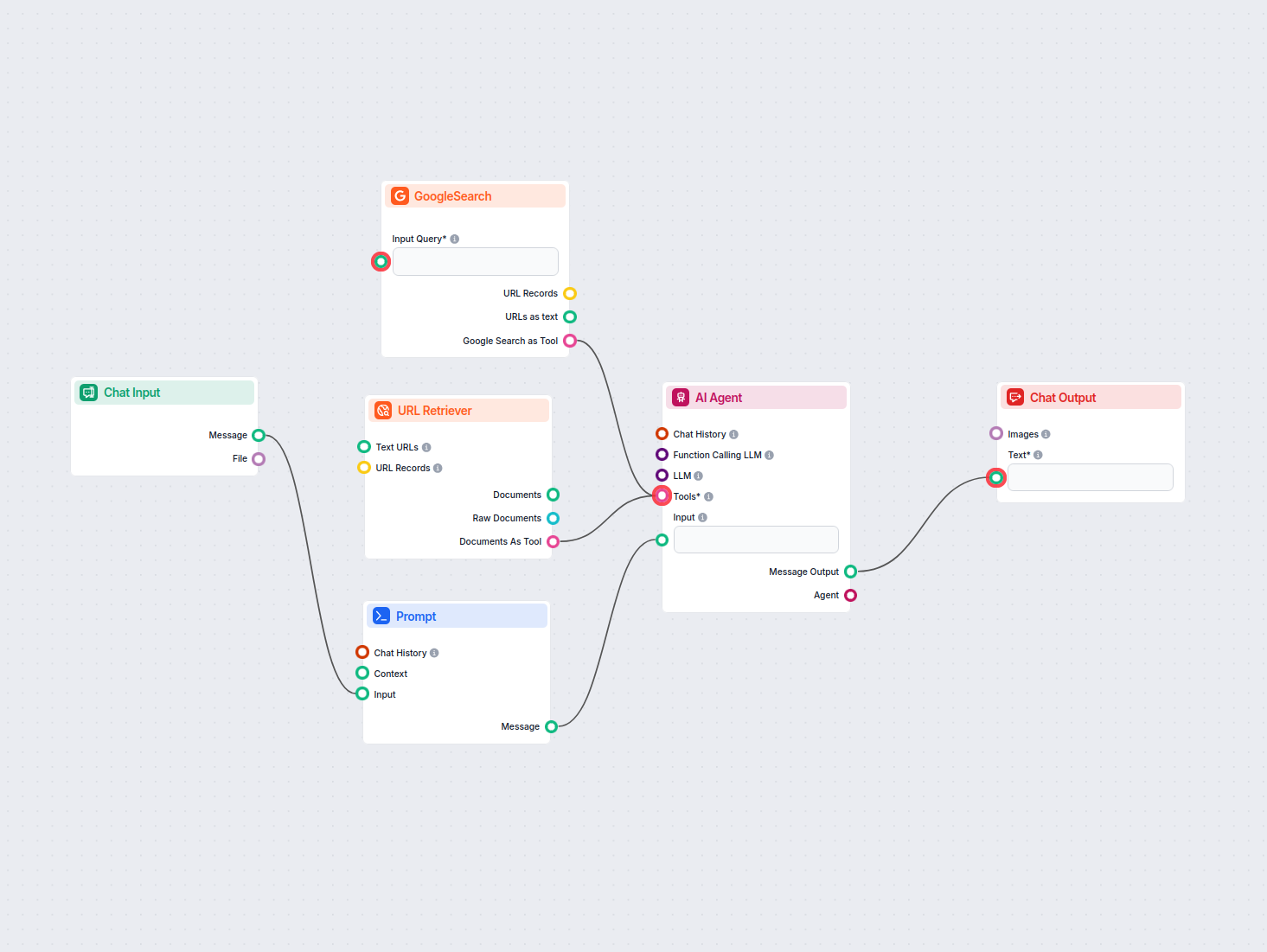
AI Email Generator
Instantly generate structured, clear emails tailored to your tone and intent, complete with a suggested subject line using AI. Perfect for professionals aiming ...
2 min read

A progressive guide to writing clever, professional emails with AI — from a one-minute draft to engaging, well-structured emails that get replies.
Want your emails to get noticed and actually get replies? You don’t need to be a pro writer. This progressive guide shows the easiest way to send clever emails — starting with a one-minute draft and going deeper into structure, tone, and engagement.
Want to invite potential customers to a meeting? AI-powered tools like FlowHunt’s Clever Email Invite Generator help brainstorm ideas, polish your tone, and format for maximum impact.
The fastest way to write a clever email is to think briefly about your reader and goal, then let AI draft it.
Type a prompt like this into ChatGPT:
Write a short, clever email to [person]. My goal is to [what you want]. Make it friendly and easy to read.
Example:
Write a short, clever email to my colleague Anna. My goal is to schedule a quick call this week. Make it friendly and easy to read.
Result:
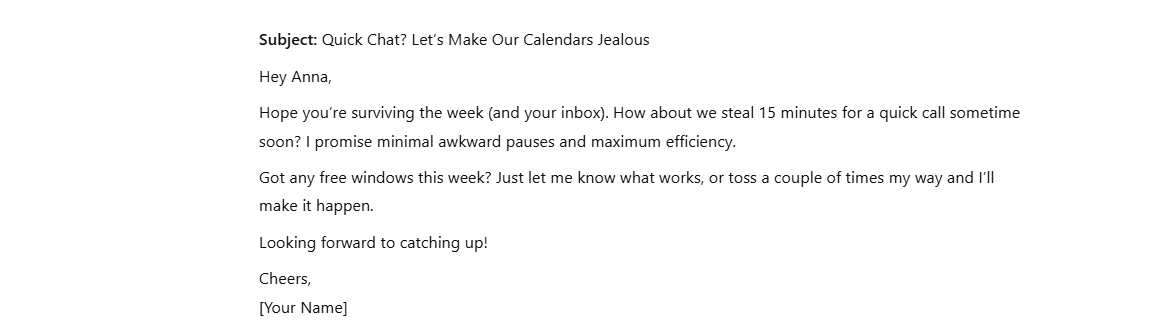
Review what the AI writes, change anything you want, and you’re done.
Once you can ship a quick email, you can step up to messages that genuinely stand out — balancing wit, relevance, and professionalism to get a response.
Before you start typing, clarify who you’re emailing and what you want from them. Match the cleverness and tone to the relationship and purpose.
A short audience checklist:
Use this all-in-one prompt in ChatGPT to instantly generate a clever, actionable email with everything baked in:
You are a witty yet professional business email writer. Write an email for me using the following details:Recipient: [describe your recipient, e.g., client, colleague, partner] Purpose: [state your goal, e.g., schedule a meeting, request feedback, make an introduction] Key message points: [list important points, e.g., meeting date options, project updates, questions] Tone: Clever, friendly, and concise—engaging but always appropriate for business Formatting:
Respond with the full email draft, ready to copy, including the subject line and all formatting in markdown.
[Optional: add any special requests, e.g., “Make it sound more formal/casual,” “Add a meeting scheduling link,” etc.]
Example:
You are a witty yet professional business email writer. Write an email for me using the following details:Recipient: client, new contact Purpose: schedule a 30-minute introduction call Key message points: brief intro, value of call, 2 date/time options, link to calendar Tone: Clever, friendly, and concise—engaging but always appropriate for business Formatting:
Respond with the full email draft, ready to copy, including the subject line and all formatting in markdown.
Result:
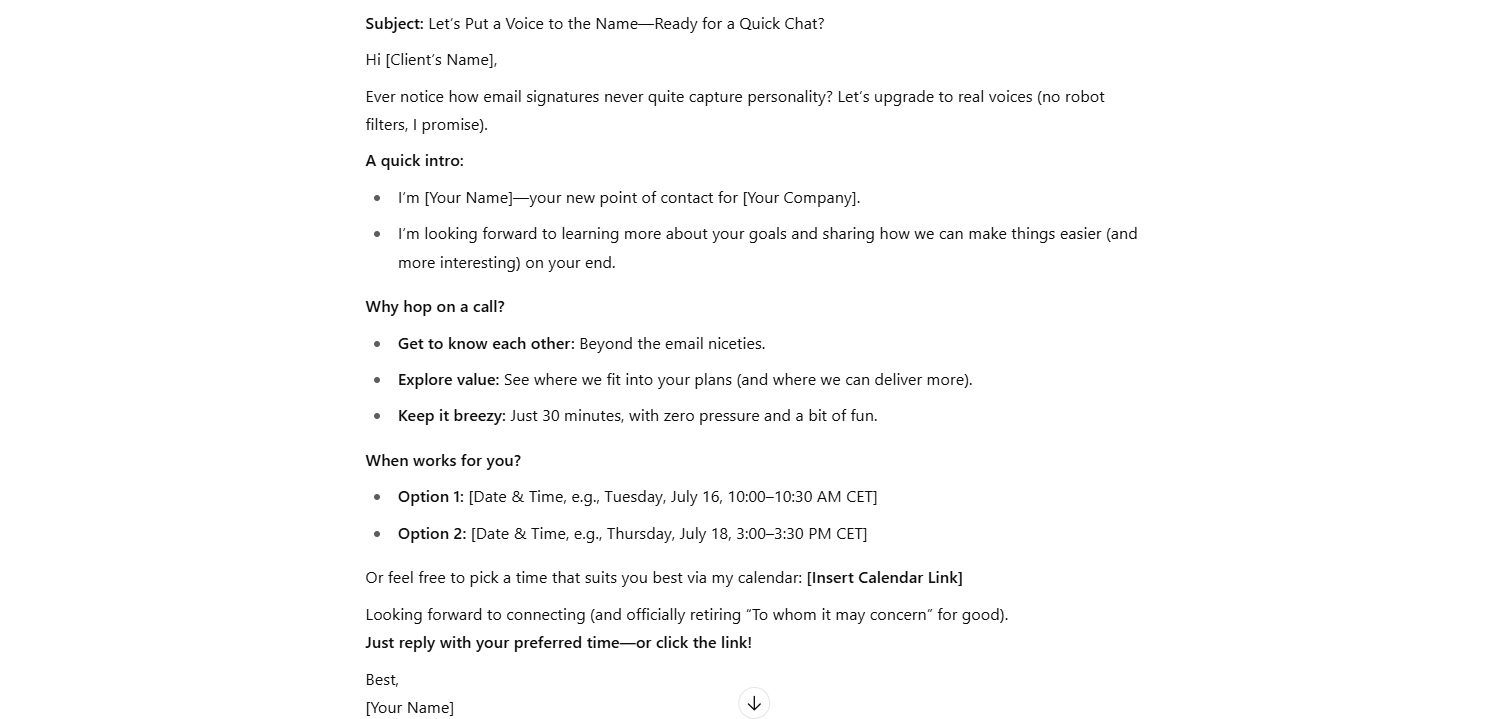
Quick refinements you can chain in the same chat:
The more specific feedback you give, the closer the next draft gets to your authentic voice.

Start your free trial today and see results within days.
| PROS | CONS |
|---|---|
| Saves time | Humor can backfire |
| Easy for anyone | Forced tone may annoy |
| Increases engagement | Needs audience insight |
| Subject lines boost opens | Risk of unprofessionalism |
| Improves readability | May lose authentic voice |
Writing clever emails that get results is easier than you think. With just a couple of steps, you can craft emails that stand out, engage your readers, and get real responses, no copywriting degree needed:
Automation saves time and adds consistency. To make it even faster, try the FlowHunt Clever Email Invite Generator to create polished emails with almost no effort.
Smart, effective communication is just a prompt away.
Instantly generate structured, clear emails tailored to your tone and intent, complete with a suggested subject line using AI. Perfect for professionals aiming ...
Transform your outreach strategy with our AI-powered Cold Email Generator. Create personalized, engaging cold emails that capture attention and drive responses,...

Create a professional product blog with AI — start with a quick three-step workflow, then level up with SEO-aware prompts, polishing, and multi-channel reuse.
Cookie Consent
We use cookies to enhance your browsing experience and analyze our traffic. See our privacy policy.