


AI Agent
The prompt/backstory for an AI Agent that specializes in finding location information for IPs using the ip_finder tool.
This AI-powered chatbot instantly provides detailed information about any IP address, including city, country, timezone, and ISP, by leveraging live data from an IP lookup API. Ideal for anyone needing fast, real-time IP intelligence in a conversational interface.
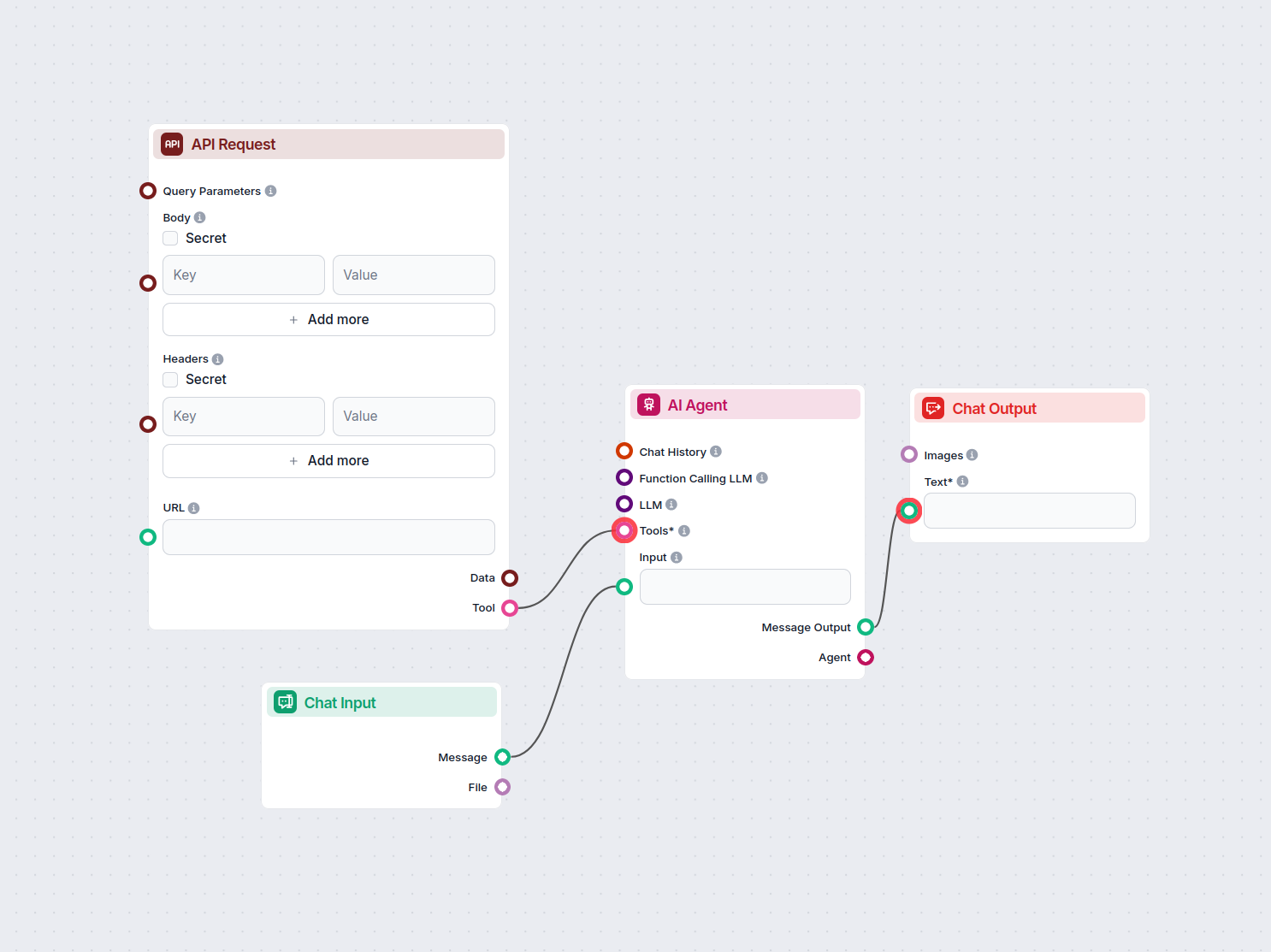

Flows
The prompt/backstory for an AI Agent that specializes in finding location information for IPs using the ip_finder tool.
The detailed goal/instruction for the AI Agent, including how to use the tool and interact with the user.
The role instruction for the AI Agent.
Below is a complete list of all components used in this flow to achieve its functionality. Components are the building blocks of every AI Flow. They allow you to create complex interactions and automate tasks by connecting various functionalities. Each component serves a specific purpose, such as handling user input, processing data, or integrating with external services.

Discover the Chat Output component in FlowHunt—finalize chatbot responses with flexible, multi-part outputs. Essential for seamless flow completion and creating advanced, interactive AI chatbots.

The Message Widget component displays custom messages within your workflow. Ideal for welcoming users, providing instructions, or showing any important information, it supports Markdown formatting and can be set to appear only once per session.

The Chat Opened Trigger component detects when a chat session starts, enabling workflows to respond instantly as soon as a user opens the chat. It initiates flows with the initial chat message, making it essential for building responsive, interactive chatbots.

The Button Widget component in FlowHunt transforms text or input into interactive, clickable buttons within your workflow. Perfect for creating dynamic user interfaces, collecting user choices, and improving engagement in AI-driven chatbots or automated processes.

Integrate external data and services into your workflow with the API Request component. Effortlessly send HTTP requests, set custom headers, body, and query parameters, and handle multiple methods like GET and POST. Essential for connecting your automations to any web API or service.

The AI Agent component in FlowHunt empowers your workflows with autonomous decision-making and tool-using capabilities. It leverages large language models and connects to various tools to solve tasks, follow goals, and provide intelligent responses. Ideal for building advanced automations and interactive AI solutions.

The Chat Input component in FlowHunt initiates user interactions by capturing messages from the Playground. It serves as the starting point for flows, enabling the workflow to process both text and file-based inputs.
Flow description
This workflow implements a real-time chatbot that allows users to look up detailed information about any IP address. It is designed to instantly provide data such as the city, country, timezone, ISP, and geographical coordinates by fetching live data from an external IP lookup API.
When a user opens the chat interface, they are greeted by a friendly welcome message. This initial message explains the bot’s capabilities and instructs the user to input any IP address (for example, 8.8.8.8) to receive information about its location and service provider. For convenience, a clickable button with a sample IP is also provided, allowing users to quickly try out the lookup feature.
The workflow also listens for direct chat input from the user. When an IP address is entered, the system seamlessly processes the request in real-time.
The workflow is composed of the following main components:
| Component | Purpose |
|---|---|
| Chat Opened Trigger | Detects when a user opens the chat, initiating the flow |
| Message Widget | Shows a welcome message, guiding the user |
| Button Widget | Offers a clickable sample IP address for quick testing |
| Chat Input | Receives user-typed IP addresses |
| API Request Tool | Connects to the external IP API for data retrieval |
| AI Agent | Orchestrates the logic, forms the API query, and formats the response |
| Chat Output | Delivers messages and results to the user within the chat UI |
Chat Initiation:
Chat Opened Trigger activates.Message Widget to display a welcome message and the Button Widget with a sample IP.User Input Handling:
AI Agent Processing:
ip_finder) to fetch information from the https://ipapi.co/<IP>/json/ endpoint.IP Lookup & Response:
API Request component makes a live HTTP request to the IP lookup service, retrieving all relevant data about the provided IP address.Result Delivery:
Chat Output component, showing details such as country, city, ISP, and coordinates.Suppose a user enters the IP address 8.8.8.8. The chatbot instantly responds with details like:
| Feature | Benefit |
|---|---|
| Automated IP Lookup | Saves time and effort |
| Real-Time Data | Always shows the latest information |
| AI-Powered Explanations | User-friendly and context-aware responses |
| Interactive UI (Sample Button) | Easy onboarding and demonstration |
This workflow is ideal for support teams, network administrators, or any application where rapid IP information lookup is valuable and can be further extended to integrate with security, analytics, or customer service platforms.
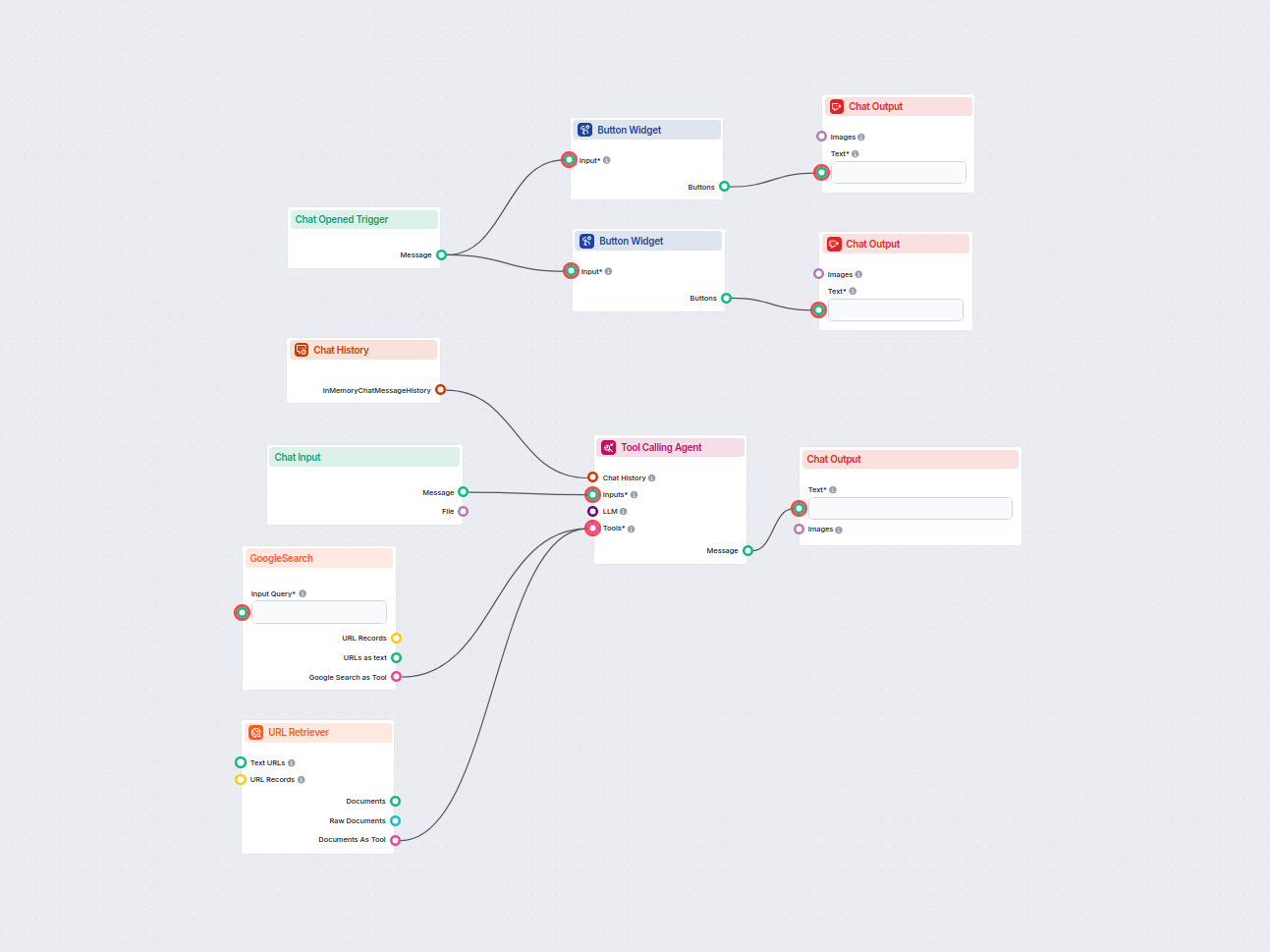
An AI chatbot that provides instant, up-to-date answers to any question by searching Google and retrieving relevant website content, always including source lin...
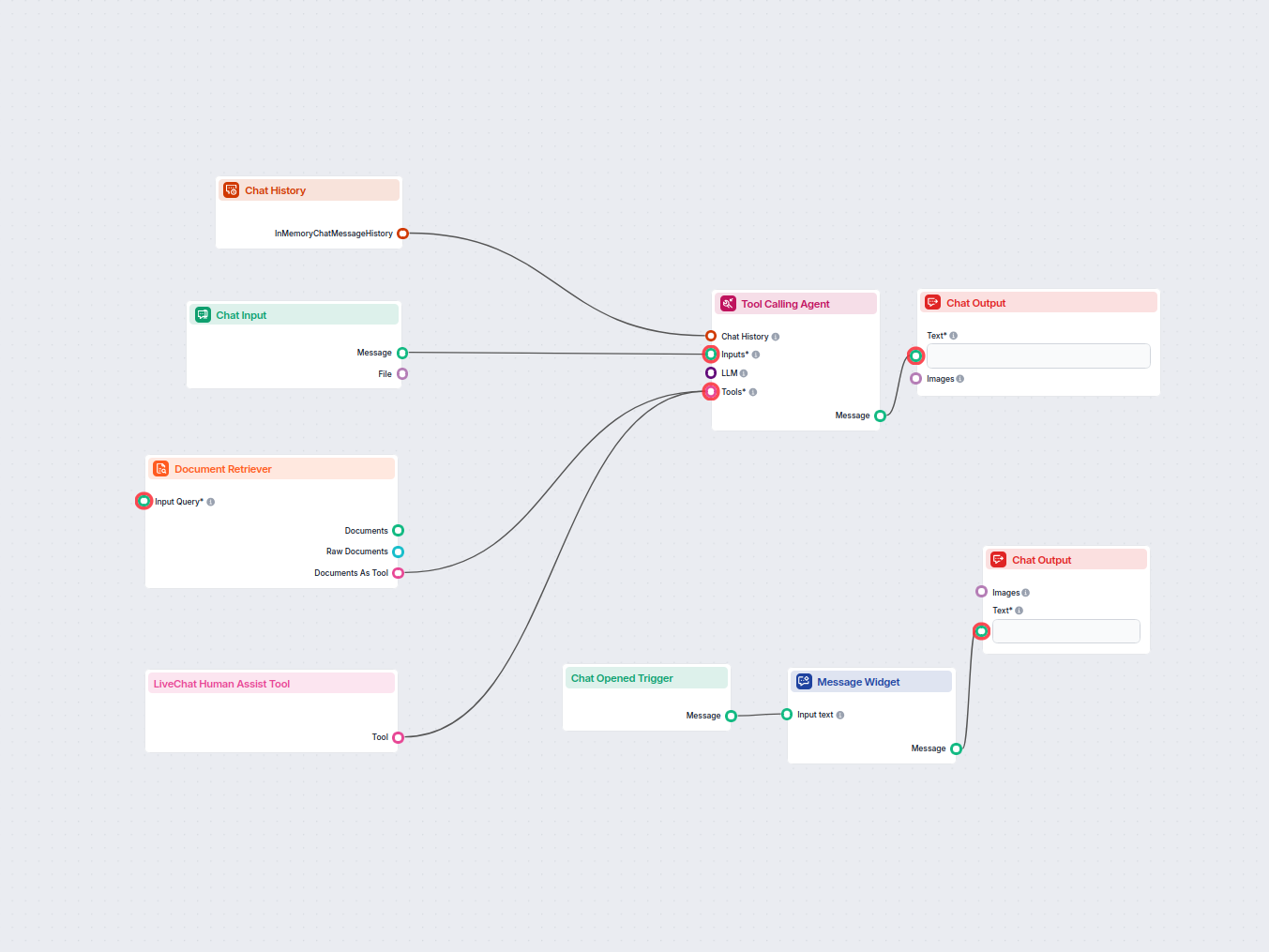
Deploy an AI-powered chatbot on your website that leverages your internal knowledge base to answer customer queries, and seamlessly forwards complex or unresolv...
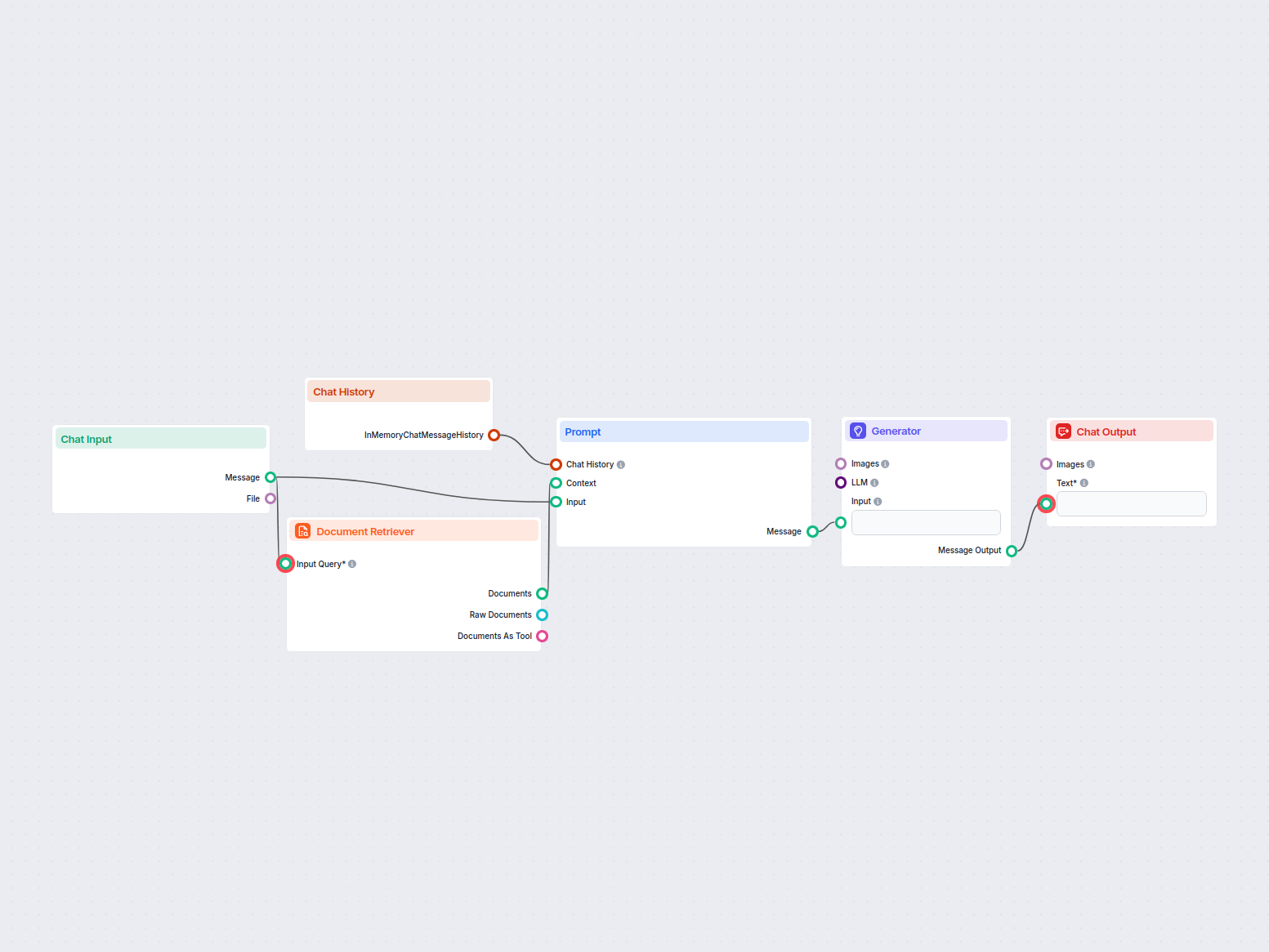
An AI-powered customer service chatbot that uses your internal knowledge sources to provide instant, accurate, and helpful responses to customer queries. It lev...
Cookie Consent
We use cookies to enhance your browsing experience and analyze our traffic. See our privacy policy.