AI Grammar Checker vs Grammarly: Which Catches More Errors in 2026?
We ran 25 text samples through both tools. Here’s a detailed comparison of error detection, style suggestions, tone analysis, and price, so you can pick the right one for your workflow.
We ran 25 text samples — academic essays, business emails, blog posts, technical documentation, and non-native speaker writing through Grammarly and FlowHunt’s Grammar Checker. We tracked results across the dimensions of error detection accuracy, style, feedback clarity, tone preservation, and overall usability. This is what we’ve found. For a broader comparison that adds LanguageTool and QuillBot to the mix, see the full AI grammar checker comparison guide
.
What We Tested and How
The 25 samples spanned five content types:
academic essays with deliberate style guide violations,
technical documentation with domain-specific phrasing,
texts written by non-native English speakers in their second or third language.
Each sample contained a controlled mix of planted errors, such as grammar mistakes (subject-verb disagreement, tense inconsistency, incorrect word forms), punctuation errors (misplaced commas, incorrect apostrophes, missing semicolons), and spelling issues (homophones, typos, incorrect capitalization). We also included samples where the “correct” phrasing was intentionally domain-specific or stylistically unconventional, to test how each tool handled text that was technically non-standard but purposefully so.
We evaluated each tool on four criteria:
Accuracy — did it catch the planted errors without flagging correct text as wrong?
Style feedback — did it offer useful suggestions beyond surface-level fixes?
Tone and voice preservation — did it maintain the original register and intent?
Usability — how much friction is involved in getting a clean corrected output?
AI Grammar Checker (FlowHunt): Results
FlowHunt’s AI Grammar Checker
processes the full range of writing errors in a single pass. Across the test samples it correctly identified and fixed subject-verb agreement issues, tense inconsistencies, misused homophones, and punctuation errors across all five content categories.
For the academic samples, specifying a style guide, e.g. APA, MLA, or Chicago, it needed to first be setup to follow the guide. Good news is, that thanks to custom knowledge bases and prompts, the setup can go way beyond the standard style guides. If set up fully and correctly, it produced corrections applied consistently, something most AI grammar checker online tools handle poorly or skip entirely. Fully set up is the keyword here, especially for custom style guides, since the accuracy will only be as good as exhaustive the training data is.
Two findings stood out. First, voice preservation was strong across content types. For the non-native speaker texts, the tool corrected grammatical errors without flattening the writer’s register or substituting idiomatic choices unnecessarily, which is a common failure mode in automated grammar tools. For a dedicated guide on using the tool effectively as an ESL or non-native English writer, see AI Grammar Checker for Non-Native English Writers
. When asked to explain corrections, it provided meaningful context, identifying the type of error and the rule behind the fix.
On the multilingual samples, texts in Spanish, French, and German, it identified and corrected errors in the source language rather than defaulting to English corrections. Grammarly still struggles with not using English grammar rules for different languages.
With FlowHunt’s AI Grammar checker, it is all about your initial setup. The default out of the box experience is rather limited, trying to appease a wide audience. So is Grammarly. The true value of FlowHunt’s solution reveals itself once you start playing around with giving it enough information about your style, unique vocabulary, and multilingual or custom writing standards. What’s more, Grammarly always checks the same things the same way, you can edit Flowhunt’s prompt to consistent custom behavior grammarly could never give you.
The main caveat and benefit both stem from the very same fact that FlowHunt cannot give you the real-time editing experience Grammarly is known for. There are no extensions for your browser or anything of that nature. You simply need to take the entirety of the text and paste it into the tool to be checked at once. This gets annoying fast for real-time editing. However, if you’re looking to edit an entire library of old posts at once, this quickly turns into a lifesaver. You can run grammar checks on batches of dozens of posts all at once.
Ready to grow your business?
Start your free trial today and see results within days.
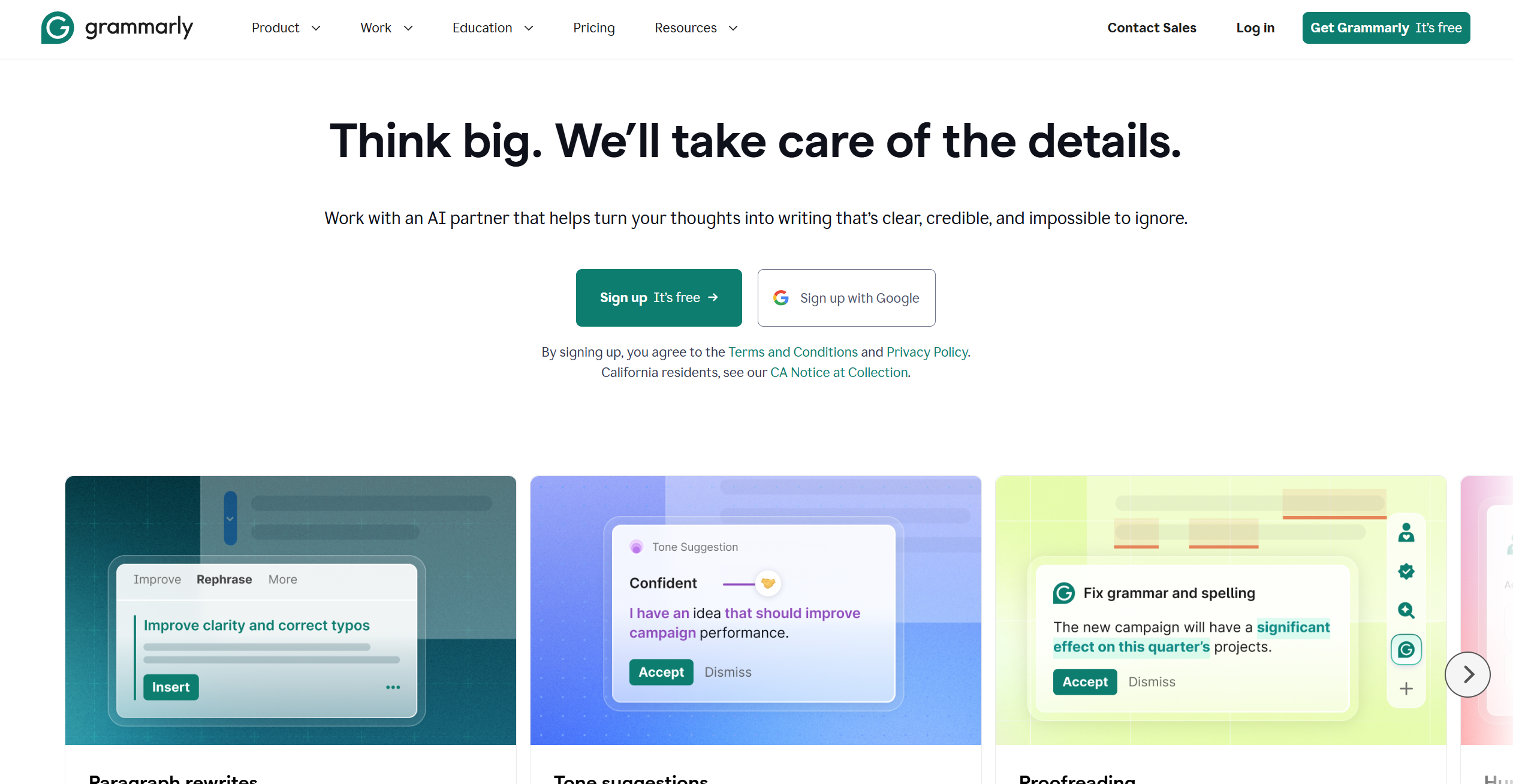
Grammarly performed strongly on standard English grammar and punctuation in the email and blog post categories. Its free tier caught spelling mistakes and basic grammar errors reliably, and the writing experience is polished.
The biggest genuine advantage over FlowHunt is the browser extension that delivers real-time inline feedback without copy-pasting, which is great for anyone writing in Gmail, Google Docs, or a browser-based CMS. This makes it the ideal tool for a wide audience of people who just need an occasional helping hand or reassurance in everyday writing.
The premium tier added meaningful improvements on the English samples. It flagged wordy sentences, passive voice overuse, and weak transitions that the free tier ignores. For everyday English business writing, Grammarly Premium is a well-tested and widely used best grammar checking tool.
Where Grammarly struggled was technical writing and multilingual content. For the technical documentation samples, it produced a notable number of false positives, flagging correct domain-specific constructions as errors, which creates extra manual review work on top of the corrections you actually need. For non-native speaker texts, it sometimes suggested rewrites that removed the writer’s voice entirely rather than preserving intent while fixing errors. And for any multilingual content, it is simply not a viable option without separate workflows or third-party extensions.
For grammar errors in standard English business writing, both tools are broadly equivalent on core checks. The gap opens on multilingual content, technical writing, style guide compliance, and false positive rate. FlowHunt’s contextual LLM reasoning handles nuance more accurately than Grammarly’s pattern-based rule matching. Another gap is in the ideal use case. For straightforward English proofreading with real-time browser feedback, Grammarly is the right choice. For checking multilingual and nuanced content at scale, choose FlowHunt.
Join our newsletter
Get latest tips, trends, and deals for free.
Tone and Clarity Analysis: Head-to-Head
Grammarly Premium includes tone detection, labeling how a piece of writing reads, and suggests adjustments. For short-form business content like emails and executive summaries, this feature is genuinely useful, giving a quick external read on how your writing will land before you send it.
FlowHunt approaches tone differently. Rather than applying a fixed taxonomy of labels, it reads the intent and register of your original text and uses that as the baseline for corrections. If you specify a tone, either in one-off prompt or as a permanent style guide, it applies corrections that stay consistent with that register. If you do not specify one, it defaults to preserving whatever register was already present in the text.
Grammarly’s tone labels are most useful when you are uncertain how your writing reads and want a quick signal. FlowHunt’s better for writers who already know their register and want corrections that stay within it, even at scale.
For content that has already passed grammar correction but still reads as stiff or AI-generated, the AI Text Humanizer
is a useful follow-up step. It rewrites formally phrased or overly mechanical text into natural, conversational prose without changing the underlying meaning.
Price Comparison: Free vs Paid Features
Grammarly’s free tier is legitimately useful for catching everyday English writing errors. Grammarly Premium adds value if you need plagiarism detection, advanced clarity suggestions, or the browser extension for real-time inline editing.
FlowHunt doesn’t offer a free tier, but as an workflow automation platform, it gives you a full suite of writing and other tools for the same base fee.
If your workflow extends beyond individual post corrections, for example, you need to update and expand older blog content to improve its search performance, the AI Blog Content Improver
handles that layer. It retrieves your existing post, cross-references it against live sources, and returns a fully revised, SEO-optimized version ready to publish.
Which Tool Is Right for Which Use Case?
The answer depends less on which tool is objectively better and more on the writing context you spend most of your time in.
Choose FlowHunt’s AI Grammar Checker if:
You write in more than one language and need grammar support beyond English
You require consistent custom style guide compliance applied automatically
You work in technical or domain-specific writing where false positives waste time
You want corrections explained so you can learn from them, not just accept them
You want to correct text at scale, not real-time inline editing
Choose Grammarly if:
You write exclusively in English and want a browser extension for real-time inline feedback without switching tools
You need plagiarism detection integrated into your editing workflow
You are writing short-form business content and find tone labeling helpful as a quick gut-check
Your team already works inside Google Workspace or Microsoft 365 with a Grammarly integration in place
Neither tool is universally the right answer. Grammarly wins on the inline browser extension workflow, English-language polish, and plagiarism detection. FlowHunt wins on multilingual use, style guide application, and scalable output.
Both tools are actively maintained and improving. Grammarly’s generative writing features, available on its premium and business tiers, have expanded the tool beyond pure error correction into assisted drafting. FlowHunt’s AI Grammar Checker sits within a broader platform of writing and research tools, meaning grammar correction can feed directly into humanization, content improvement, or research workflows without changing tools.
For a step-by-step guide to configuring the tool for your specific content type and style guide, see the FlowHunt grammar checker tutorial
.
For standard English grammar errors, both tools perform comparably on clear, well-structured text. AI Tools such as FlowHunt's AI Grammar Checker have an edge on multilingual content and technical writing, where Grammarly's rules-based approach produces more false positives. For advanced English-language style suggestions on business writing, Grammarly Premium remains strong, but only in English.
FlowHunt's AI Grammar Checker is the stronger choice for non-native speakers. It supports any language, not just English, and can explain corrections on request, so users understand why a change was made, not just what was changed. Grammarly's advanced features for non-native speakers are English-only and limited to the premium tier.
Grammarly Premium leads on English-language style suggestions for general business and academic writing, covering conciseness, delivery, and clarity in depth. AI Grammar Checkers are stronger when you need consistent style guide compliance, especially less usual standards across multilingual or technical content.
Yes, with caveats. Both tools process technical text, but rules-based systems like Grammarly may flag domain-specific phrasing as errors. FlowHunt's AI Grammar Checker uses contextual LLM reasoning, so it is better at recognizing intentional technical constructions and leaving them intact rather than over-correcting.
Yes for both. Grammarly's free tier covers spelling, basic grammar, and punctuation in English. Consistent pop-ups about premium edits being available are a strong pull, but get annoying fast. There are completely free AI Grammar Checkers on the market, but most are limited. FlowHunt's grammar checker is paid, but covers the full range of grammar, punctuation, and spelling checks, including custom style guide compliance and optional explanations without requiring any additional paid upgrades.
Maria is a copywriter at FlowHunt. A language nerd active in literary communities, she's fully aware that AI is transforming the way we write. Rather than resisting, she seeks to help define the perfect balance between AI workflows and the irreplaceable value of human creativity.
Maria Stasová
Copywriter & Content Strategist
Try the AI Grammar Checker for Free
FlowHunt's AI Grammar Checker corrects grammar, punctuation, and spelling in any text and language — without changing your voice or style. Try it free.
AI Grammar Checkers Compared: Which Subscription Is Actually Worth It in 2026?
We compared four leading AI grammar tools on accuracy, feature depth, language support, and value. Here's which subscription delivers the most for your writing ...
AI Grammar Checker: Getting Publication-Ready Text Every Time
A practical guide to using FlowHunt's AI Grammar Checker. Learn how to to use it for different content types, and discover a review process for publication-read...
Experience real-time, professional-grade grammar correction with our AI-powered Grammar Checker. This advanced tool analyzes your text and corrects grammar, pun...
2 min read
AI
Writing
+4
Cookie Consent We use cookies to enhance your browsing experience and analyze our traffic. See our privacy policy.