AI Grammar Checkers Compared: Which Subscription Is Actually Worth It in 2026?
We compared four leading AI grammar tools on accuracy, feature depth, language support, and value. Here’s which subscription delivers the most for your writing workflow.
We compared four leading AI grammar tools, Grammarly Premium, LanguageTool, QuillBot, and FlowHunt’s grammar checker across accuracy, feature depth, language support, and overall value. Here is what each subscription actually delivers, and which one fits which workflow.
What We Tested & The Scoring Criteria
Each tool was evaluated across five dimensions:
Error detection — grammar (subject-verb agreement, tense consistency, word form errors), punctuation (commas, apostrophes, semicolons), and spelling (homophones, typos)
Feature depth — what features are available and how well do they work in practice
Language support — whether the tool works reliably beyond English
Output quality — does the corrected text preserve the original voice and intent, and are corrections explained or silently applied?
Workflow fit — how the tool integrates into a real writing or publishing process
We evaluated each tool on documented features and tested performance as of mid-2026.
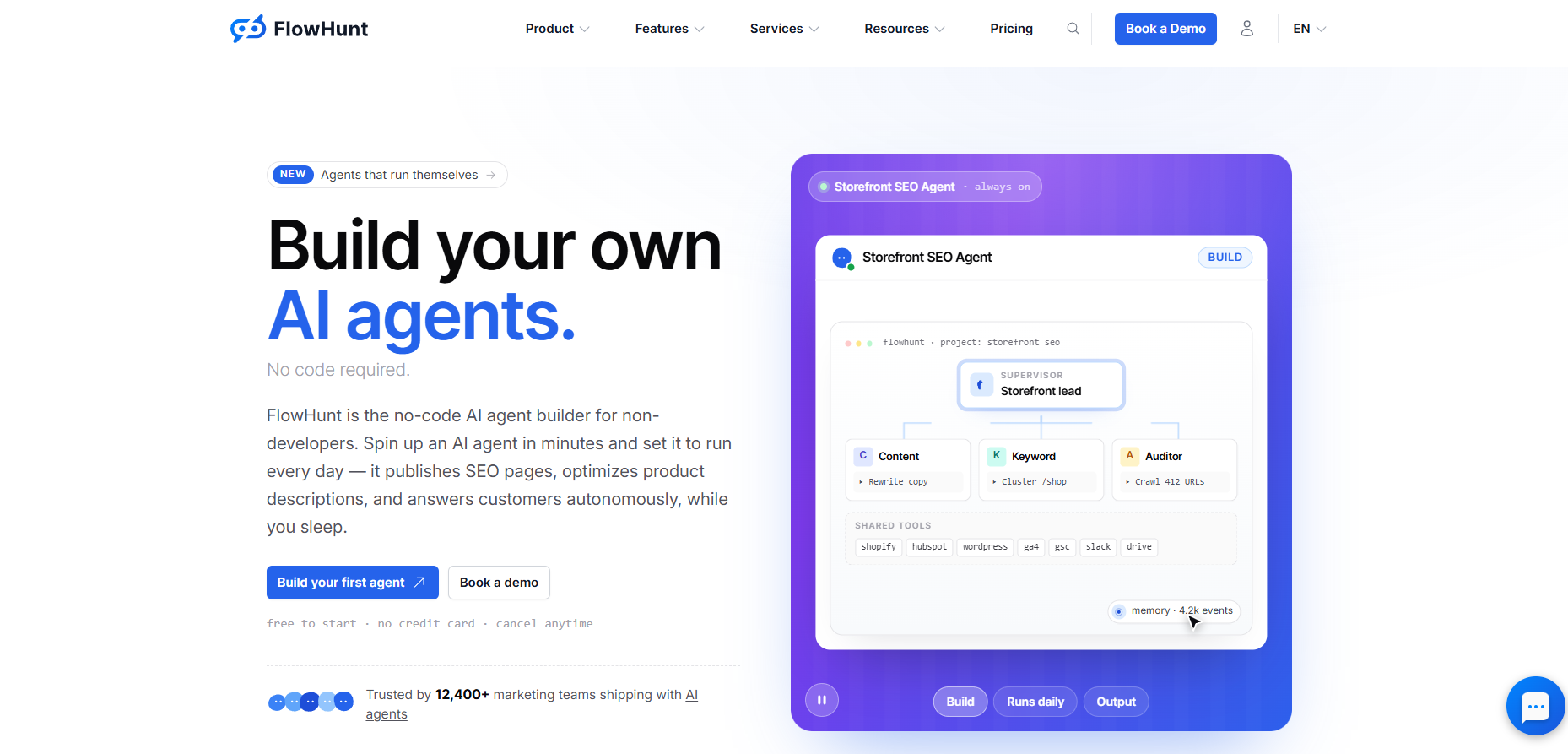
FlowHunt AI Grammar Checker
FlowHunt’s AI Grammar Checker
uses LLM-based contextual reasoning rather than a fixed rule library. It handles the full error spectrum in a single pass, across any language submitted.
FlowHunt’s practical edge over the other tools becomes most visible at scale. Rather than checking one document at a time inline, it is designed for content workflows. You can check batches of posts, integrate the checker into publishing pipelines, and chain it with other tools in a sequence.
Thanks to the prompt-based modularity, it’s easy to make FlowHunt’s Grammar Checker style guide compliant, even with custom in-house guides. The tool explains individual corrections on request, which is particularly useful for ESL writers and teams who want to build consistent writing standards rather than just accepting corrections. Multilingual support covers any language, not a fixed list.
The trade-off is the absence of a browser extension. Content has to be pasted (or otherwise linked) into the tool rather than checked inline in Gmail or Google Docs. For teams running structured publishing workflows, this is rarely a blocker. For individual writers who want real-time correction while drafting, the other tools on this list serve that use case better. For a step-by-step guide to setting up and using FlowHunt’s grammar checker across content types, see the FlowHunt grammar checker tutorial
.
Ready to grow your business?
Start your free trial today and see results within days.
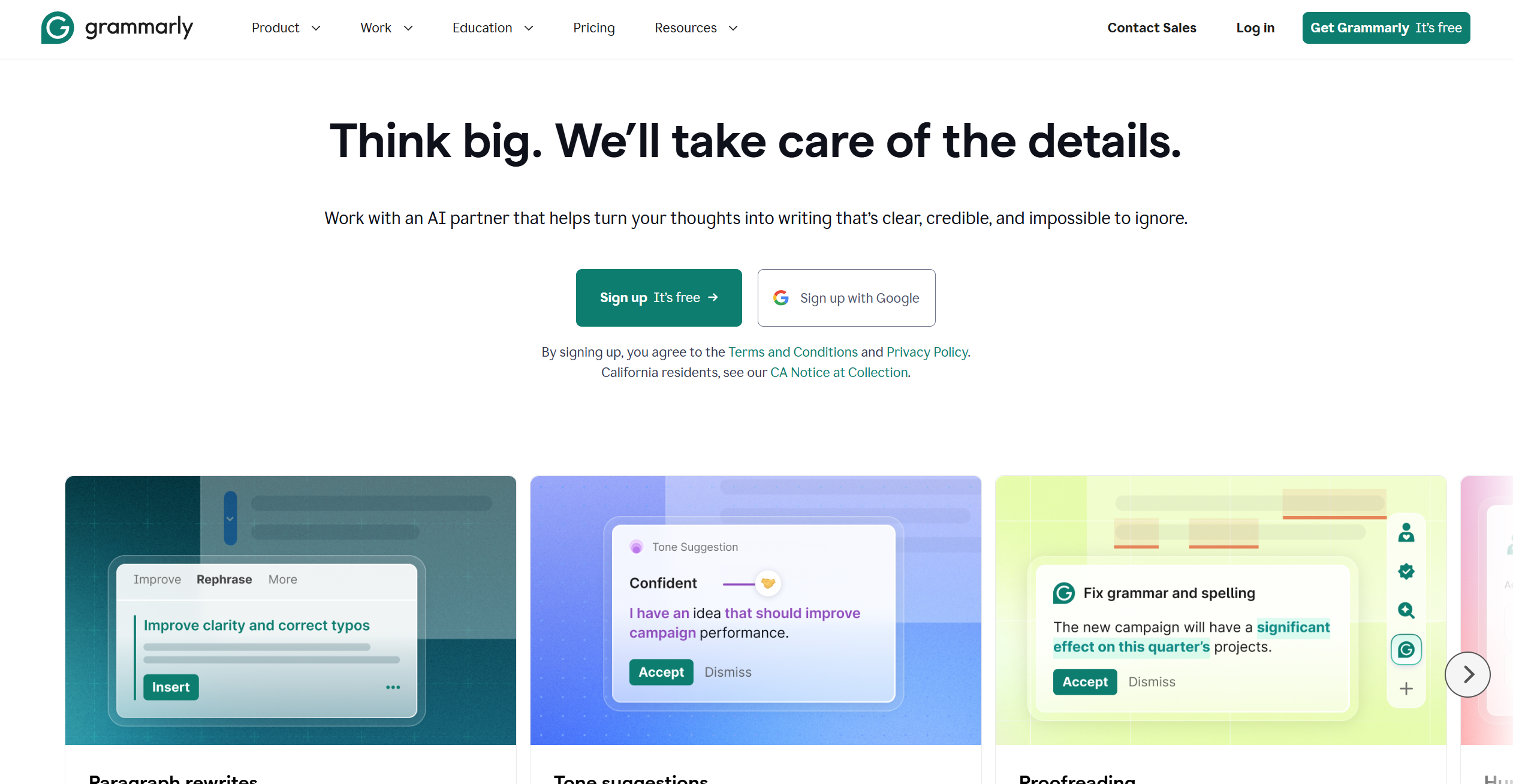
Grammarly Premium is the most widely deployed grammar tool on the market, and its reach is a part of its value. For a detailed head-to-head between FlowHunt and Grammarly specifically — including 25 tested text samples — see the AI Grammar Checker vs Grammarly comparison
. It integrates with over 500 applications, including Gmail, Google Docs, LinkedIn, Slack, and Microsoft Word. For anyone writing directly in browser-based tools, the real-time inline extension delivers the most polished experience on this list.
The premium tier adds meaningful depth beyond grammar and spelling. Clarity, engagement, and delivery scores surface issues like wordiness, weak transitions, and passive voice overuse. The plagiarism detector checks submissions against a 100M+ source database, which is relevant for academic and content teams. GrammarlyGO provides AI-assisted rewrites and suggestions with generous limits on the premium plan.
For English-language business writing, Grammarly Premium is the most complete and battle-tested option. Its limitations are language coverage (six languages, English-primary) and the absence of the custom style guide depth that teams with non-standard writing standards require. For technical writing, it also produces a notable number of false positives on domain-specific constructions, requiring manual review on top of the corrections you actually need.
LanguageTool
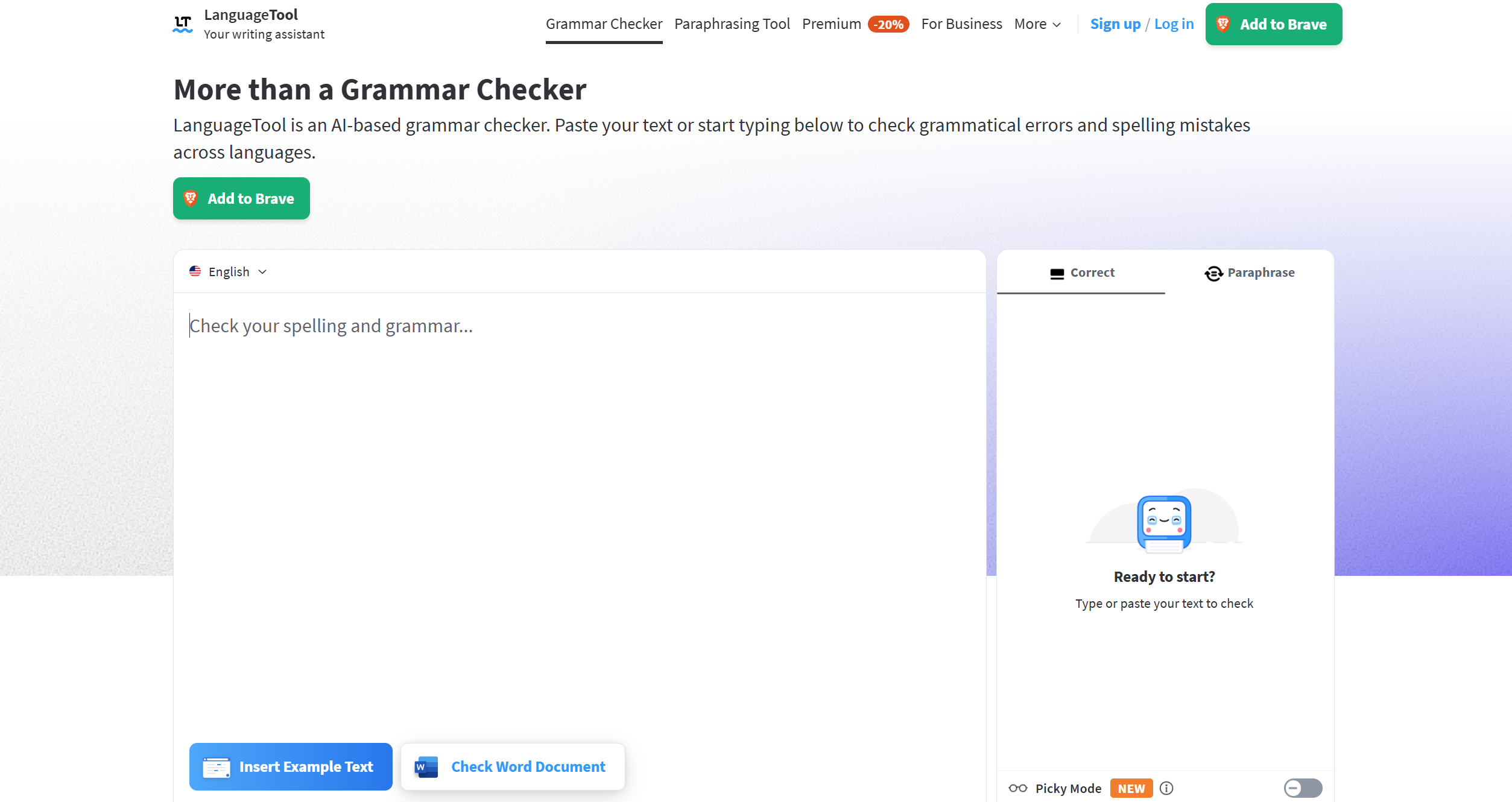
LanguageTool Premium is the strongest option on this list for multilingual content and non-English writing. It supports 30+ languages with deep rule-based checks in six languages. The rule library exceeds 20,000 checks across supported languages, covering grammar, punctuation, and style at a breadth no other tool on this list matches.
The Premium tier restores the browser extension that was removed from the free tier in March 2026, making it viable again for inline editing in Gmail, Google Docs, and browsers. It also unlocks the Picky Mode, an advanced style layer that surfaces register inconsistencies, weak formulations, and overused phrasing that the standard rule set does not flag. AI rephrasing is unlimited on Premium.
LanguageTool’s weakness is contextual reasoning. Its checks are rule-based rather than LLM-driven, which means it handles standard constructions well but can struggle with technical domain vocabulary and intentional stylistic choices. For multilingual teams who need broad language coverage with reliable rule application, it is the best fit. For teams that need contextual judgment and custom style compliance, FlowHunt’s approach is more accurate.
Join our newsletter
Get latest tips, trends, and deals for free.
QuillBot
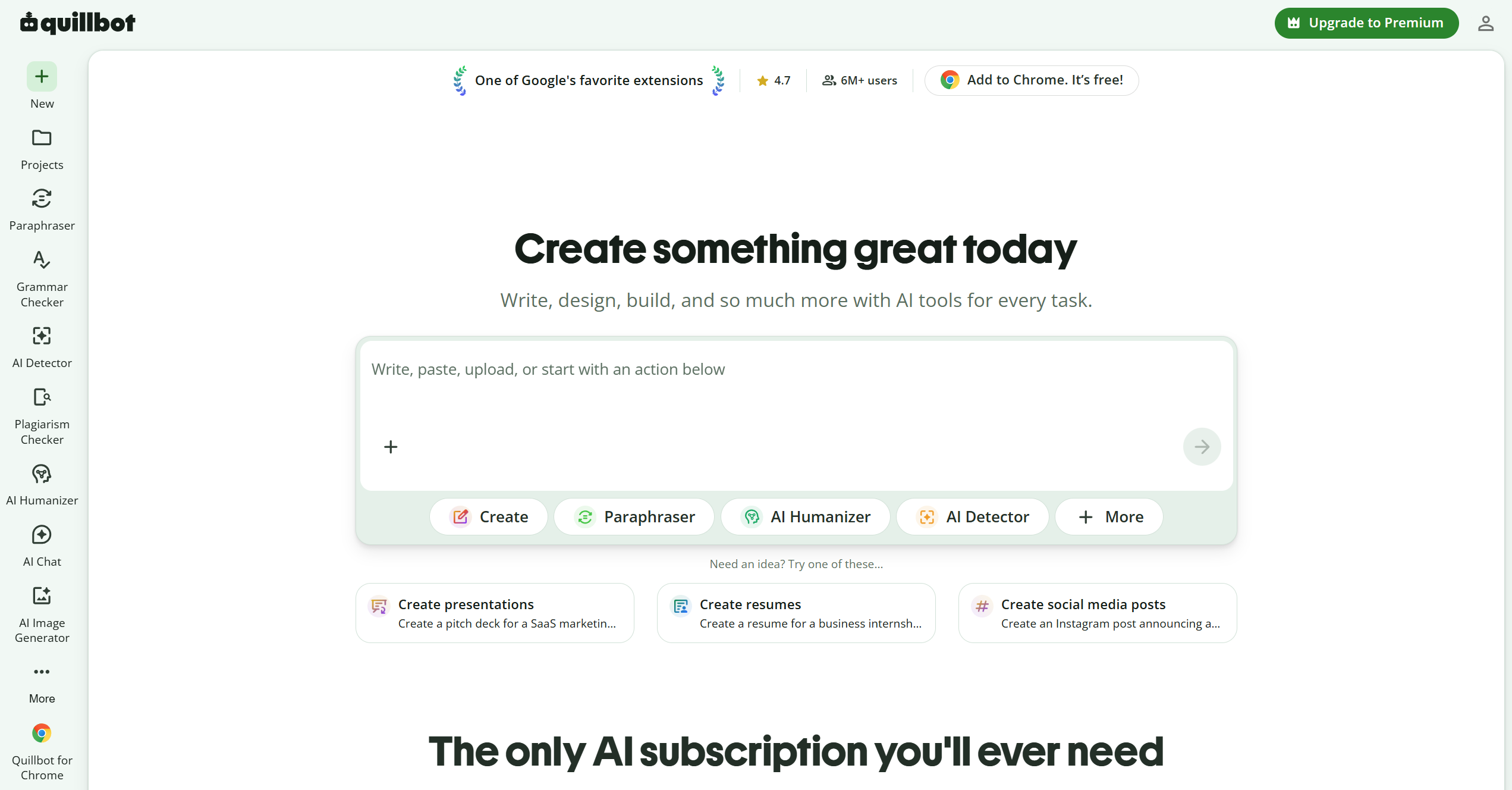
QuillBot’s core value proposition is paraphrasing rather than grammar correction, and that distinction matters when evaluating it as a grammar tool. The Premium grammar checker covers grammar, spelling, and punctuation reliably, but does not offer style analysis, tone detection, passive voice flagging, or correction explanations.
What QuillBot Premium delivers is unlimited paraphrasing with access to all modes, i.e. Standard, Formal, Creative, Expand, and Shorten. Compare Mode shows rewrites side by side with the original, which is useful for revising drafts. The grammar checker works on documents up to 10,000 words per check. Language support covers six languages.
For writers who need a paraphrasing tool with a capable grammar pass included, QuillBot is a strong choice. For teams whose primary need is rigorous grammar checking, style compliance, or multilingual coverage, it is better suited as a drafting companion than a standalone proofreading solution.
Accuracy Comparison Table
Error Type
FlowHunt
Grammarly Premium
LanguageTool Premium
QuillBot Premium
Grammar errors
Strong
Strong
Strong
Solid
Punctuation
Strong
Strong
Strong
Solid
Spelling
Strong
Strong
Strong
Solid
Passive voice
On request
Flagged automatically
Picky Mode
Not covered
Style suggestions
Custom style guide
Advanced (English)
Picky Mode (30+ languages)
None
Tone analysis
Context-based
Full detection + adjustment
Not available
Not available
Technical/jargon
Strong (LLM)
Medium (false positives)
Medium
Medium
Voice preservation
Strong
Moderate
Moderate
Moderate
Correction explanations
On request
No
No
No
Plagiarism detection
No
Yes
No
No
Feature Comparison
Feature
FlowHunt
Grammarly Premium
LanguageTool Premium
QuillBot Premium
Document size limit
None stated
No limit
No limit
Up to 10,000 words
AI rewrites/rephrases
On request
Unlimited (GrammarlyGO)
Unlimited
Unlimited
Browser extension
No
Yes (500+ apps)
Yes
Yes (limited)
Languages
Any
6
30+
6
Custom style guide
Yes
No
No
No
Explains corrections
Yes
No
No
No
Batch processing
Yes
No
No
No
Tone detection
Context-based
Full (detect + adjust)
No
No
Plagiarism check
No
Yes
No
No
Which Tool Is Right for Which Use Case
For everyday English writing with real-time browser integration → Grammarly The 500+ app integrations, inline extension, plagiarism detection, and polished style analysis make it the most complete option for English-primary business writing. If you live in Gmail and Google Docs, nothing else on this list matches the workflow convenience.
For multilingual content and non-English writing → LanguageTool The depth of rule coverage across 30+ languages is unmatched. The March 2026 Premium browser extension restoration makes it a full workflow solution again, not just a web editor.
For paraphrasing-led writing with grammar included → QuillBot Unlimited paraphrasing modes, solid grammar correction, and a reasonable price point make it the right choice when rephrasing is the primary job and grammar is a secondary check.
For style guide compliance, content at scale, ESL writing, technical content, or AI-generated drafts → FlowHunt AI Grammar Checker (see the dedicated guide for non-native and ESL writers
) The combination of LLM reasoning, any-language support, custom style guide application, correction explanations, and batch processing is not matched by the other three. As an AI automation platform, FlowHunt offers a whole suite of tools you can chain your grammar checker with. For AI-generated content that needs grammar correction followed by a naturalness pass, pair the grammar checker with the AI Text Humanizer
. For blog content that also needs structural improvements and SEO enrichment, the AI Blog Content Improver
handles grammar, content gaps, and formatting in a single run.
The right subscription depends on where you spend most of your writing time. Grammarly wins on inline browser integration and English-language polish. LanguageTool wins on multilingual rule depth. QuillBot wins on paraphrasing volume. FlowHunt wins on contextual accuracy, custom style compliance, and content pipeline integration.
Frequently asked questions
FlowHunt's AI Grammar Checker covers any language submitted, including less common ones, using LLM-based contextual reasoning rather than a fixed rule library. LanguageTool Premium supports 30+ languages with deep rule sets in six of them. Grammarly and QuillBot are primarily optimized for English, with support for a handful of additional languages.
Grammarly Premium leads on English-language style analysis. It flags passive voice, weak word choice, unclear phrasing, and delivery issues as part of its core feature set. LanguageTool Premium's Picky Mode adds advanced style and register suggestions in supported languages. FlowHunt applies style corrections in the context of a supplied style guide or explicit prompt instruction. QuillBot focuses more on paraphrasing than style analysis.
Grammarly Premium includes a full tone analysis and adjustment feature, surfacing how the writing will land and offering rewrite suggestions to shift register. FlowHunt applies context-based tone preservation, where corrections stay consistent with the register you specify, and a tone check can be requested explicitly. LanguageTool and QuillBot do not include tone analysis as a core feature.
FlowHunt's AI Grammar Checker is the strongest option for multilingual and ESL use, since it supports any language, can explain corrections in detail to help you understand the choices, and applies style guide standards consistently. LanguageTool is the best-in-class option for rule-based multilingual checking across 30+ languages, with particularly deep coverage in German, Spanish, French, Dutch, and Portuguese.
When your writing extends beyond standard English, when you need custom style guide compliance that goes beyond Grammarly's built-in rules, when you want to run grammar checks on batches of content rather than one piece at a time, or when grammar correction is one step in a broader content workflow involving humanization, SEO improvement, or automated publishing. Grammarly Premium is the better fit when you write primarily in English and need real-time inline editing across Gmail, Google Docs, and other browser-based tools, as FlowHunt doesn't offer this option at all.
Maria is a copywriter at FlowHunt. A language nerd active in literary communities, she's fully aware that AI is transforming the way we write. Rather than resisting, she seeks to help define the perfect balance between AI workflows and the irreplaceable value of human creativity.
Maria Stasová
Copywriter & Content Strategist
Try FlowHunt AI Grammar Checker
FlowHunt's AI Grammar Checker corrects grammar, punctuation, and spelling in any language — with style guide support, correction explanations, and no word limits.
AI Grammar Checker vs Grammarly: Which Catches More Errors in 2026?
We ran 25 text samples through both tools. Here's a detailed comparison of error detection, style suggestions, tone analysis, and price, so you can pick the rig...
AI Grammar Checker: Getting Publication-Ready Text Every Time
A practical guide to using FlowHunt's AI Grammar Checker. Learn how to to use it for different content types, and discover a review process for publication-read...
Experience real-time, professional-grade grammar correction with our AI-powered Grammar Checker. This advanced tool analyzes your text and corrects grammar, pun...
2 min read
AI
Writing
+4
Cookie Consent We use cookies to enhance your browsing experience and analyze our traffic. See our privacy policy.