The AI video generation landscape has changed more in the past eighteen months than in the previous five years combined. In early 2025, you had a handful of experimental tools producing shaky five-second clips, often with disfigured and unnaturally moving characters. By mid-2026, you have a dozen production-grade models capable of photorealistic footage, native audio, and coherent motion.
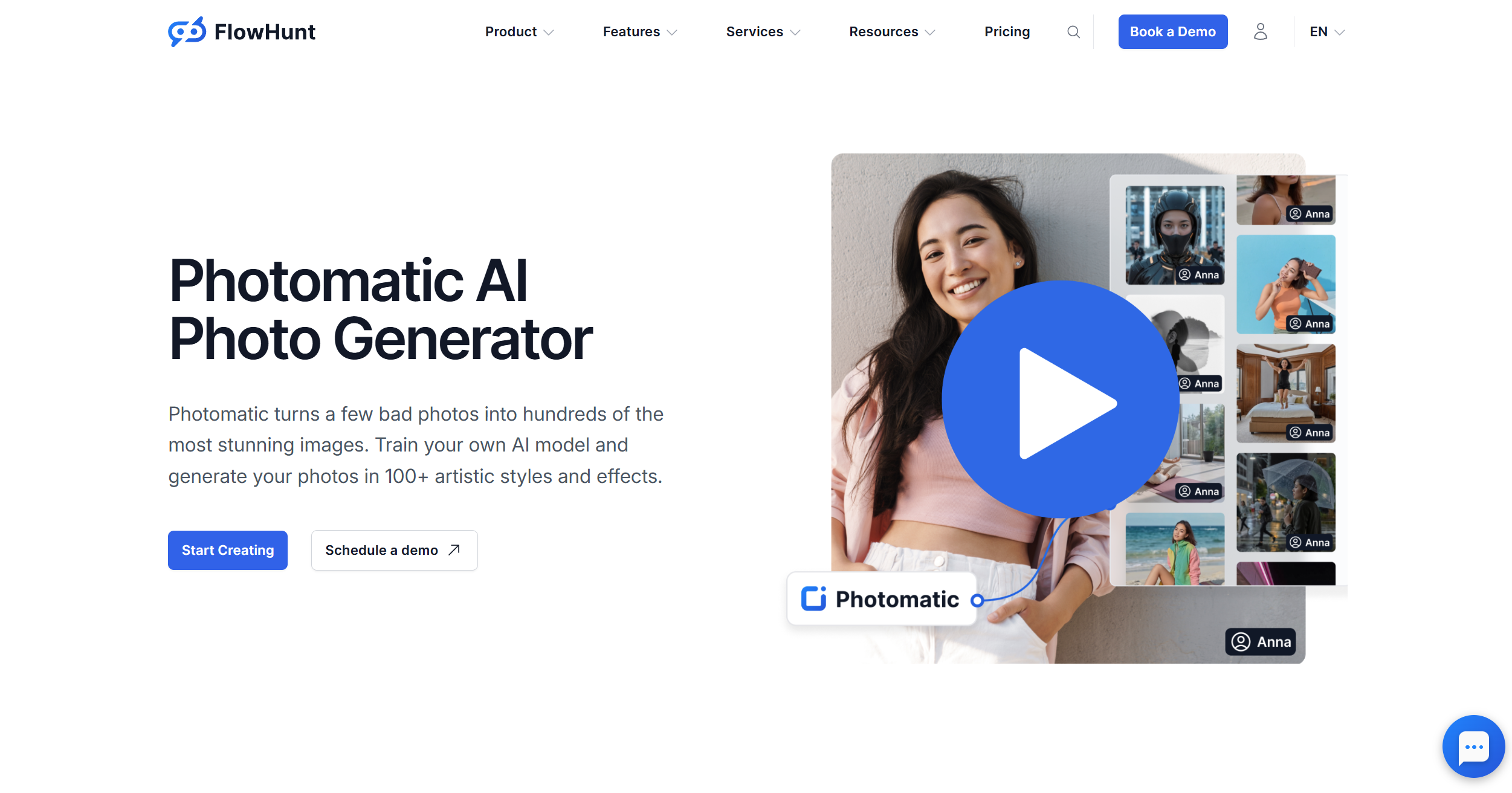
We put the leading models to the test using our Photomatic, which gives you access to most of these tools in one place. Below is what actually works, what doesn’t, and how to choose the right tool for your use case.
How We Evaluated These AI Video Generators
Every tool in this guide was assessed against the same criteria:
Output quality — realism, motion consistency, prompt adherence, and how often generations fail or produce artifacts
Ease of use — how much setup, prompting expertise, or trial-and-error is required to get a good result
Free tier — what you actually get for free, and whether outputs are watermarked
Pricing and credit systems — how far a paid plan actually goes
Text-to-video and image-to-video capability — both are distinct use cases with different best-in-class tools
Generation speed — from prompt submission to downloadable file
Use-case fit — TikTok, YouTube, marketing, music video, product video, animation
Best AI Video Generators in 2026 — Quick Comparison
Tool
Free Tier
Best For
Input Type
Avg. Length
Available in Photomatic
Kling AI
Yes (daily credits)
Cinematic quality overall
Text + Image
Up to 15s
✅ Yes
Runway Gen-4.5
Yes (limited)
Creative / ad production
Text + Image + Video
Up to 16s
✅ Yes
Luma AI Ray3
Yes (30/month)
Image-to-video
Text + Image
Up to 9s
❌ No
Pika 2.5
Yes
Quick social content
Text + Image
Up to 10s
❌ No
Google Veo 3.1
No (Google AI Ultra)
Hyper-realistic + audio
Text
Up to 8s
❌ No
Hailuo / MiniMax
Yes (generous)
Budget option
Text + Image
Up to 6s
✅ Yes
Seedance 2.0
Limited beta
Emerging newcomer
Text + Image
Up to 8s
✅ Yes
Grok AI
X Premium only
X/Twitter ecosystem
Text
Up to 10s
✅ Yes
WAN 2.6
Open-source
Face animation
Text + Image + Video
Up to 15s
✅ Yes
Ready to grow your business?
Start your free trial today and see results within days.
Best AI Video Generators in 2026 — In-Depth Reviews
1. Kling AI — Best Overall for Cinematic Quality
Kling AI, developed by Kuaishou, is the most capable all-round AI video generator available in 2026. Versions 1.5 through 3.0 represent a steady progression in motion realism, character consistency, and camera control. The 2.0 and 2.1 updates in particular closed the gap with professionally shot footage in a way that would have seemed impossible a year ago.
What sets it apart: Kling 3.0 runs on a multimodal architecture that processes text, images, audio, and video together. Camera movement control (dolly, pan, zoom, orbit) remains the most reliable of any consumer-facing model; Motion Brush adds frame-level precision for directing exactly where and how elements move; and Kling 3.0 Omni brings multi-shot storyboarding for professional shot composition. Native multilingual audio generation with lip-sync is built in as of 3.0. The free tier provides daily standard-quality credits that are genuinely useful for testing and light use.
Free vs paid: Standard-quality free generations are available daily. Professional mode, which delivers noticeably better realism and motion, requires a paid plan. Kling 3.0 supports clips up to 15 seconds. Kling is also the most popular model among our users on Photomatic.
2. Runway Gen-4.5 — Best for Creative Professionals
Runway Gen-4.5 is currently the flagship model from one of AI video’s most established platforms, and by several independent benchmarks it ranks as the top-rated video generator heading into mid-2026.
Gen-4, released in March 2025, introduced the References system letting you lock consistent characters, objects, and environments across multiple shots. Gen-4.5 builds on that with better physics simulation, sharper visual fidelity, and native audio generation alongside the video.
What sets it apart: The References system is Runway’s most significant differentiator for professional use. When you’re building a multi-shot campaign, a music video with recurring characters, or a branded content series, the ability to maintain visual identity across generations is something competing tools don’t reliably offer.
Use in ad and film production: Runway has the strongest foothold in professional video production. Creative studios use it for B-roll, concept visualization, and background generation where they previously would have hired a camera crew.
Pricing: The Standard plan starts at $12/month (625 credits/month, no watermark). The Pro plan is $28/month for 2,250 credits. Pro is the practical tier for regular production use. The free plan provides 125 one-time credits with watermarked output, enough to evaluate but not sustain. Runway is available inside Photomatic if you want to combine it with other models under one subscription rather than managing it separately.
3. Luma AI (Dream Machine / Ray3) — Best for Image-to-Video
The latest model of Luma AI at the time of writing is Ray3.14, a reasoning video model with native HDR support and 16-bit colour depth. Ray3.14 generates natively at 1080p, runs 4x faster than its predecessor, and costs 3x less per generation. If you have a product photograph, a rendered 3D image, or any still frame and want to animate it convincingly, Luma Ray3 is consistently the most reliable option.
What sets it apart: Ray3’s reasoning-driven generation produces physically accurate motion that earlier models struggled with. The HDR pipeline is a genuine differentiator for high-quality output, particularly relevant for product showcases and architectural visualisations, where colour accuracy matters. Ray3 Modify adds keyframe control and character reference, letting you preserve a specific performance while changing elements of the footage.
Free tier and pricing: Luma’s free plan now includes 30 generations per month — meaningfully more generous than before. Paid plans start at $30/month, with per-second pricing that makes costs more predictable as usage scales.
Luma AI video models are not currently available inside Photomatic — access them directly at lumalabs.ai.
4. Seedance 2.0 — Best Emerging Newcomer
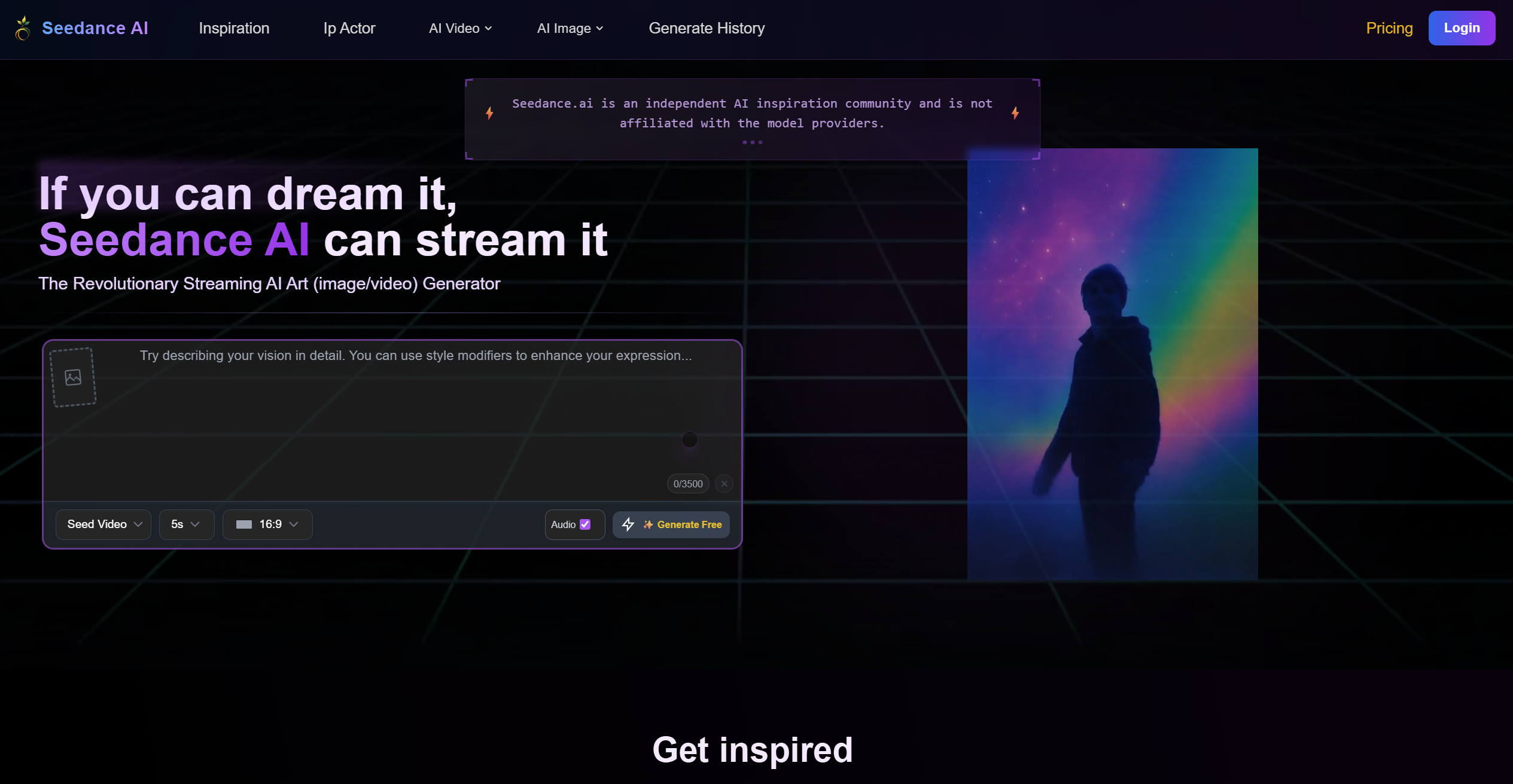
Seedance 2.0, developed by ByteDance, has rapidly become one of the most discussed AI video models of 2026. As of the time of writing, it ranks #1 globally on the Artificial Analysis Video Arena for both text-to-video and image-to-video benchmarks, ahead of Kling 3.0 and Veo 3. Its architecture handles fast-moving subjects better than many established models, and the multimodal audio-video joint generation (audio produced together with video, not layered) is a genuine differentiator.
What sets it apart: Motion handling on high-velocity subjects in sports, wildlife, and action sequences, where competing models frequently produce smearing or inconsistent motion. Seedance 2.0 accepts up to 9 reference images per generation and produces real-time lip-sync accuracy across multiple languages.
Status: Seedance 2.0 is in a phased rollout. Access is available through individual platforms, including our Photomatic, as well as via CapCut in select markets. Standalone pricing is still being established.
5. Pika — Best for Quick Social Content
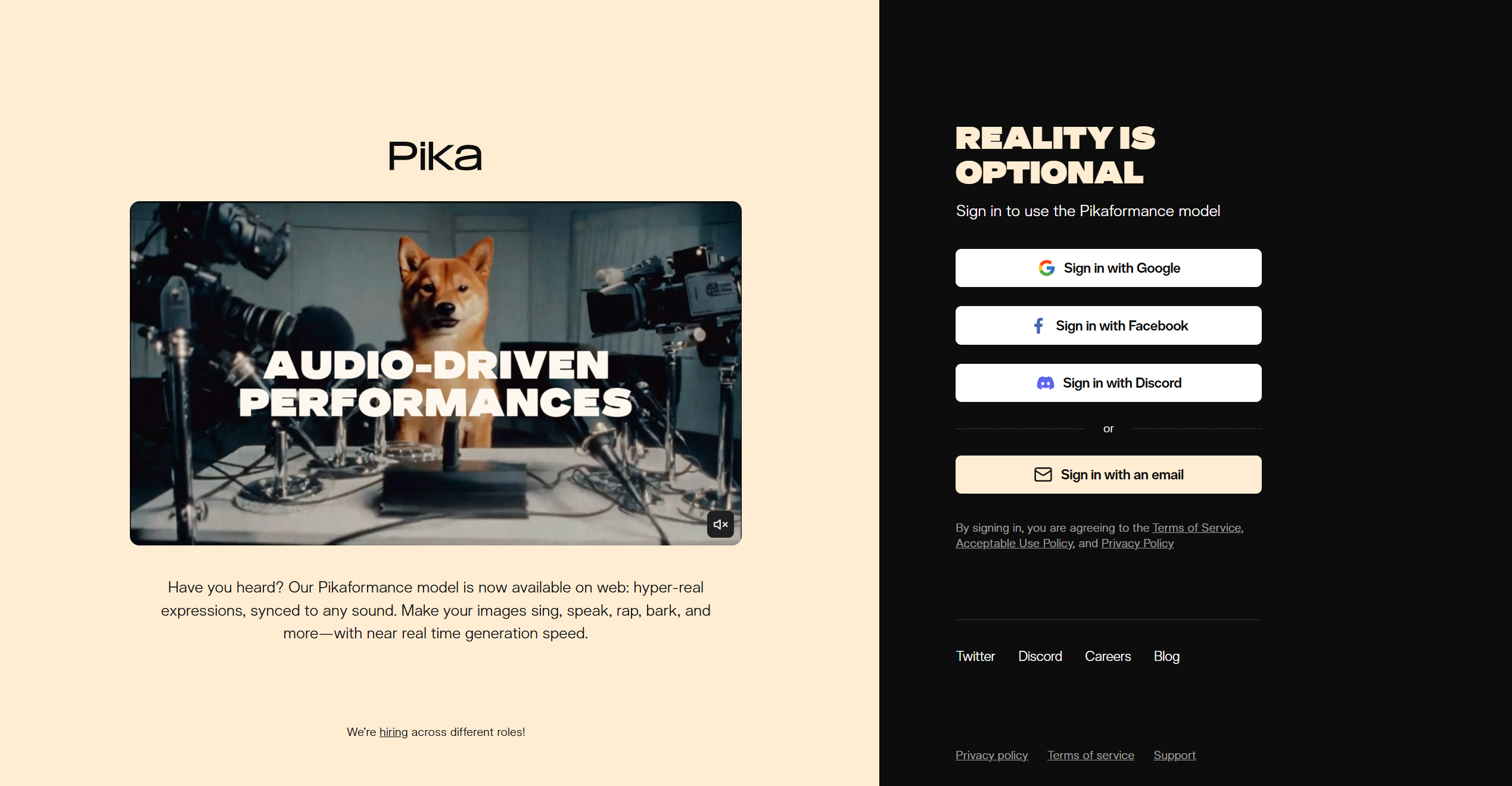
Pika 2.5 has evolved from a simple video generator into a multi-feature creative platform built specifically for short-form social content. Its Turbo model generates 720p/1080p clips quickly enough to be practical for regular TikTok, Instagram Reels, and YouTube Shorts workflows, and the prompting requirements remain forgiving throughout.
What sets it apart: The breadth of editing tools. Beyond standard text-to-video, Pika 2.5 offers Pikaframes (keyframe-based scene transitions), Pikadditions (insert objects into existing video), Pikaswaps (character replacement), and Pikaffects (stylistic effects) — a toolkit that makes it useful for content remixing and customisation, not just generation from scratch.
Free tier: Pika offers a meaningful free plan with a monthly credit allowance, and free generations do not always apply a persistent watermark depending on the mode used.
Pika is not currently available inside Photomatic — you’ll need to access it directly at pika.art.
6. Google Veo 3 — Best for Hyper-Realistic Video
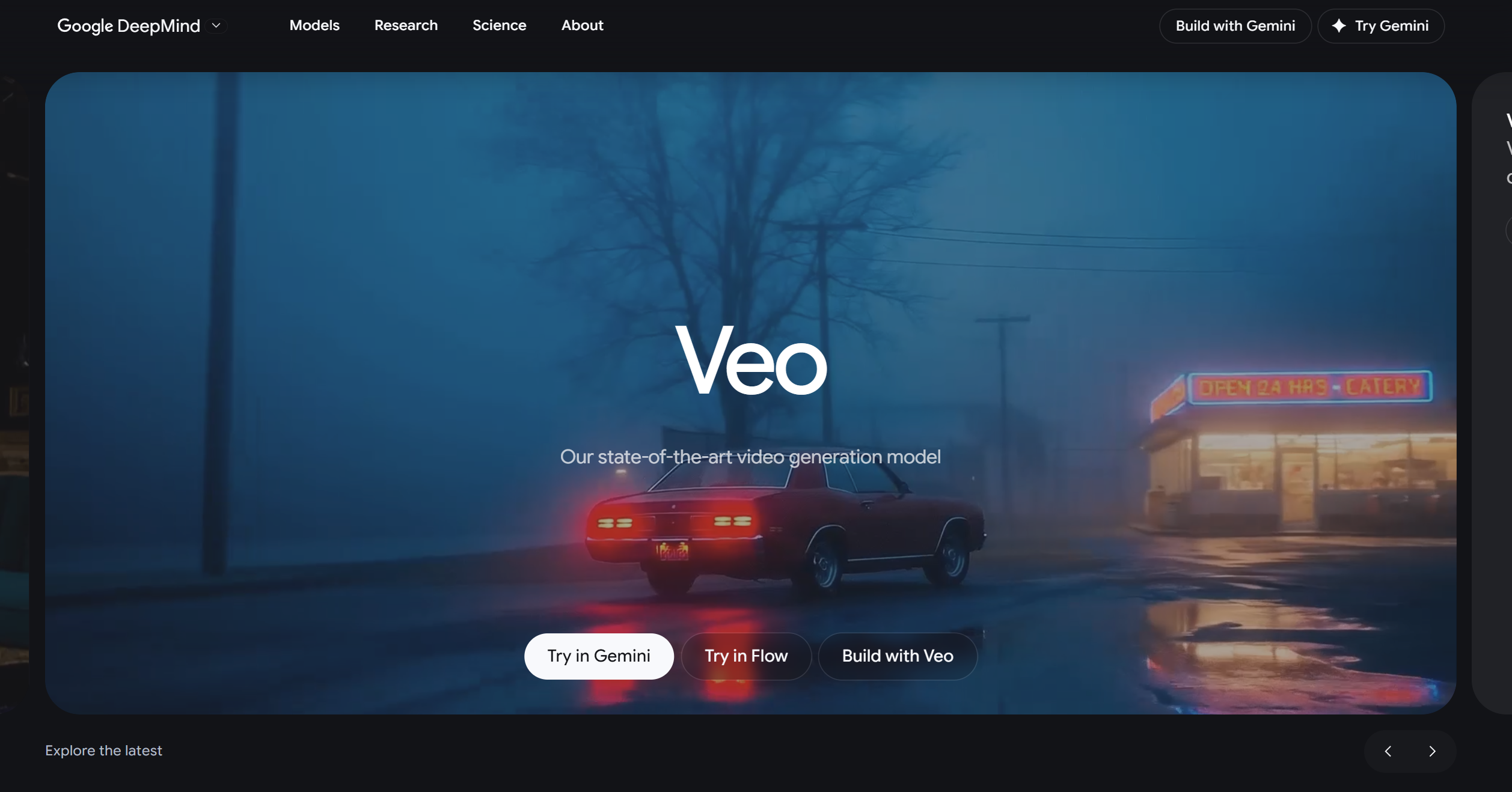
Veo 3 is the most significant AI video release of 2026. Google’s third-generation video model does something no competing model does convincingly: it generates native audio alongside video. Ambient sound, dialogue, background music, and environmental audio are produced as part of the same generation, not added as a separate layer. The current release is Veo 3.1, which adds native 4K output and spatial 3D audio.
What sets it apart: The realism benchmark. In controlled tests, Veo 3 outputs have consistently been rated as most photorealistic across categories including people, landscapes, and physical interactions. The native audio generation is a genuine differentiator that makes outputs feel complete in a way that silent video clips simply don’t. Veo 3.1’s 4K output pipeline makes it the only consumer-accessible model producing broadcast-ready quality.
Pricing: Veo 3.1 is accessible via Google’s AI Ultra subscription ($249.99/month) and via the API. It’s not a standalone consumer product, and the subscription cost means it’s primarily used by professional and commercial teams rather than individual creators.
7. Hailuo AI / MiniMax — Best Budget Option
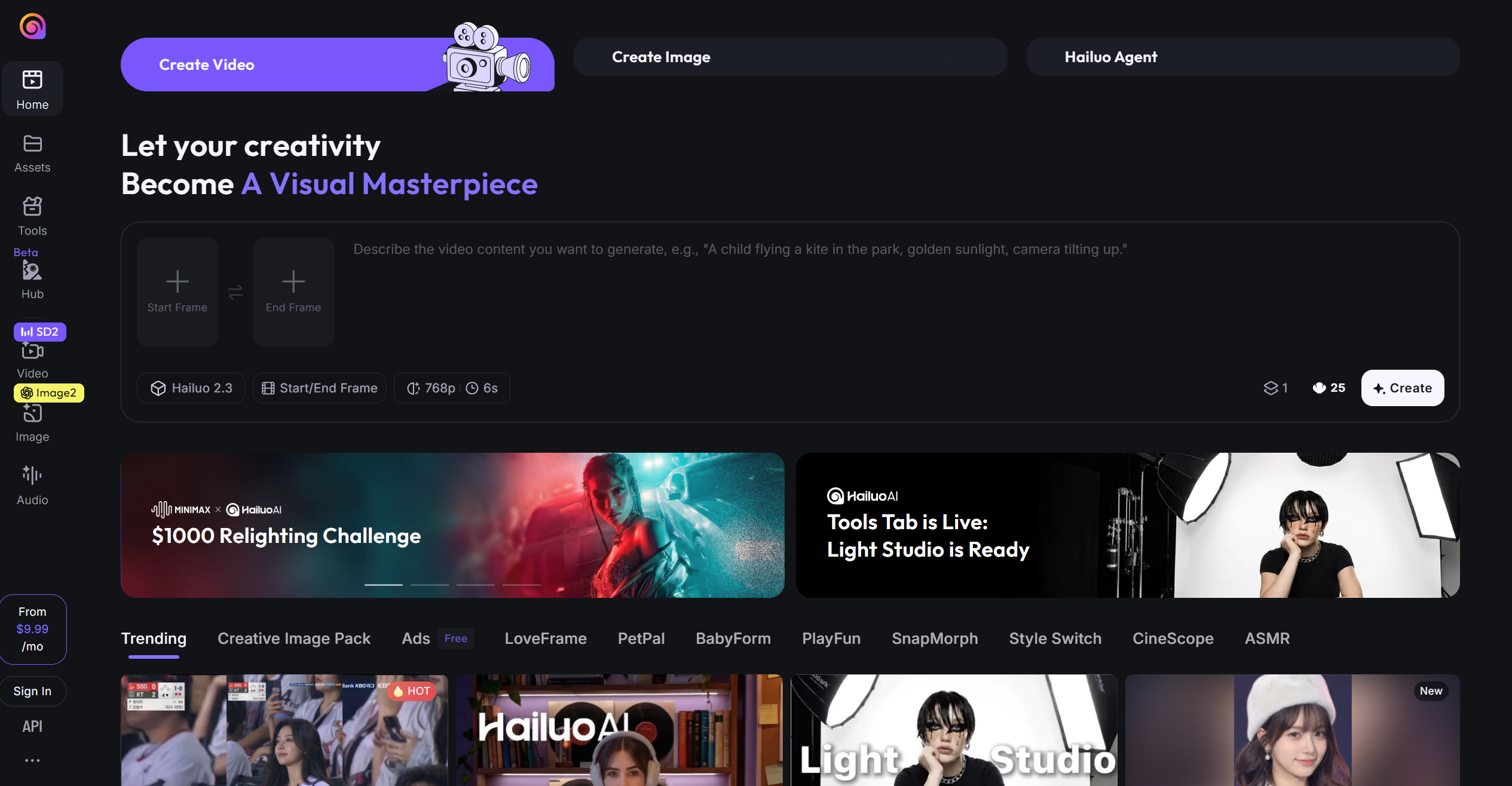
Hailuo AI, powered by MiniMax’s video model, has established itself as the standout budget option in the AI video space. Version 2.3 is the current release, adding a Motion Diffusion Engine that eliminates the typical AI jitter on character motion. It also significantly improved stylisation across anime, illustration, and game CG styles. Its paid plans are significantly cheaper than competitors like Runway or Kling’s professional tier.
What sets it apart: Value for money. For content creators, social media managers, and businesses who need to generate video regularly without enterprise-level production budgets, Hailuo delivers a quality-to-cost ratio that the more expensive tools can’t match.
The one caveat is is Hailuo’s realism, which doesn’t match Kling or Veo 3, especially on detailed scenes with people. But for abstract content, animated styles, and product-adjacent videos, the quality difference is smaller than the price difference.
Free tier: Hailuo’s free plan is among the most usable. You can generate multiple clips per day without a paid plan.
8. Grok AI Video Generation — Best for X/Twitter Users
xAI’s dedicated video generation product — Grok Imagine — launched its 1.0 version in February 2026 and has expanded rapidly. Grok Imagine is natively available within the X platform for X Premium subscribers, letting you generate and post in one flow without leaving X.
What sets it apart: The X ecosystem integration and the model’s visual style, which tends toward vivid, high-contrast imagery that performs well in social feeds. Quality Mode, launched in April 2026, improved realism and detail. Grok Imagine 2.0 is expected soon, with major upgrades to speech/audio sync and character consistency.
Daily limits: X Premium subscribers have a daily generation limit. The specific limit varies by subscription tier, with X Premium+ providing more generous daily allowances than standard X Premium.
Accessing Grok video outside X: If you don’t have an X Premium subscription, Grok video generation is also available via API on various platforms, including Photomatic.
9. WAN 2.6 — Best for Face Animation and Open-Source Flexibility
WAN 2.6, developed by Alibaba’s Tongyi Lab, is the leading open-source video model with serious production-quality output. Its 14-billion parameter architecture supports text-to-video, image-to-video, and reference-to-video generation up to 15 seconds at 720p/1080p. The Animate Replace feature (AI-driven face animation and face-swap over existing footage), remains the go-to capability for personalised video content.
What sets it apart: WAN 2.6 adds multi-shot generation and native audio synchronisation with lip-sync alignment to the face animation capabilities that made earlier versions popular. A smaller 1.3B variant runs on just 8GB VRAM, making local deployment genuinely accessible. Personalised product demos, branded character animation, and marketing videos featuring specific faces remain the primary use cases no other mainstream model handles as cleanly.
Who it’s for: Marketers creating personalised video at scale, creators building branded characters, and developers who want to self-host a capable video model. The hosted version via Photomatic removes the local compute requirements entirely.
Honourable Mentions
Vidu AI — Strong on character consistency, worth watching as the model matures. Gaining traction in the Asia-Pacific market.
Viggle AI — Specialises in character motion and dance/movement generation. Niche use case but best-in-class for that specific output.
Hedra AI — Focused on talking-head video generation with lip-sync, useful for presenter-style content without filming.
Leonardo AI — Better known for image generation, but its video generation capabilities have improved steadily. Worth testing if you already use Leonardo for images.
None of the honourable mentiones are currently available inside Photomatic.
Join our newsletter
Get latest tips, trends, and deals for free.
Best Free AI Video Generators in 2026 (No Watermark)
For users whose primary concern is cost, here are the best free options ranked by usefulness:
Kling AI free tier — Daily standard-quality credits. Free generations in standard mode often don’t apply a watermark, though this varies by prompt and output.
Hailuo / MiniMax — Most generous free plan for day-to-day use. Multiple clips per day without paying.
Pika free plan — Monthly credit allowance. Suitable for a few clips per week without committing to a subscription.
Luma AI free credits — 30 generations per month. Good for regular image-to-video work without a paid plan.
On watermarks: Most tools apply watermarks on free tiers but remove them on paid plans. The specific watermark policy changes frequently — always check the current terms before assuming free-tier outputs are watermark-free.
Photomatic free trial: Photomatic by FlowHunt offers a 7-day free trial with a small credit allowance that lets you test multiple video models — Kling, Hailuo, and others from one dashboard before committing to a subscription. Free trial outputs do not carry Photomatic watermarks.
Best AI Video Generators by Use Case
Best for TikTok and Reels
Pika and Hailuo/MiniMax dominate short-form social content. Both produce vivid, high-energy clips quickly, and Pika’s stylistic output in particular aligns with what performs on TikTok. For higher production quality on social, Kling AI’s standard tier offers a meaningful upgrade without a steep learning curve.
Best for YouTube
For YouTube content requiring production-quality video, such as intros, B-roll, cinematic segments, Kling AI and Runway Gen-4.5 are the strongest options.
Best for Music Videos
Luma Ray3 and Kling AI are the most popular choices for AI music video production in 2026. Luma’s image-to-video transitions create smooth, dreamlike sequences that suit abstract or narrative music video styles. Kling’s camera movement control gives you more directorial precision when you need specific visual storytelling.
Best for Beginners
Pika is the easiest starting point. It’s fast, forgiving on prompts, and immediately usable without understanding credit systems in depth. Hailuo/MiniMax is a close second for beginners who want more free capacity. For beginners who want to test several models side by side, Photomatic by FlowHunt simplifies onboarding by putting Kling, Hailuo, and others behind a single interface.
Best for Marketing and Product Videos
Kling AI and WAN 2.6 (with Animate Replace) are the most used for marketing and product video. Kling handles product-adjacent B-roll, lifestyle footage, and campaign concepts well. WAN 2.6 Animate Replace enables personalised product demos at scale — a capability with a clear commercial application. Runway Gen-4.5 is the choice when you need the most control over visual style and brand consistency.
Best Text-to-Video AI Generator
Kling AI 3.0 and Google Veo 3 set the current standard for text-to-video quality. For users without Google AI Ultra access, Kling is the clear recommendation for text-to-video work — its prompt understanding and motion realism on complex text descriptions is the strongest of the accessible models.
Best Image-to-Video AI Generator
Luma AI Ray3 is the best image-to-video tool available in 2026. WAN 2.6 Animate Replace is the best for face-specific animation of existing images.
How Does AI Video Generation Work?
AI video generation in 2026 is built primarily on diffusion models — the same architecture behind image generators like DALL-E and Midjourney, extended into the temporal dimension.
In image generation, a diffusion model learns to transform random noise into a coherent image by being trained on billions of image-text pairs.
In video generation, the model learns to produce sequences of frames that are coherent both spatially (each frame looks right) and temporally (the motion between frames makes physical sense). This is significantly harder: a 10-second video at 24fps requires 240 coherent frames, each consistent with its neighbours.
Text-to-video pipelines convert a text prompt into a video using a model trained on video-caption data. The model generates all frames simultaneously or in sequence, guided by the text.
Image-to-video pipelines take a still image as a starting frame and animate it outward. The model must maintain consistency with the input image while generating plausible motion. This is why image-to-video requires a different set of skills from text-to-video, and why tools like Luma AI that specialise in it tend to perform differently from text-to-video specialists.
Video-to-video pipelines restyle or transform existing footage — the basis for tools like WAN 2.6 Animate Replace, which take existing video and replace specific visual elements (like a face) while preserving motion.
The rapid quality improvements in 2026 have come primarily from scale (larger models trained on more data), better temporal coherence architectures, and the introduction of physics-aware training data that helps models understand how objects realistically move and interact.
AI Video Generation Pricing Guide 2026
Pricing in this market is credit-based across almost all platforms, which makes direct comparisons difficult. Here’s a realistic breakdown:
Tool
Free Tier
Entry Paid Plan
Notes
Kling AI
Daily standard credits
~$8/month
Professional mode costs more credits per generation
Runway Gen-4.5
125 one-time credits
~$12/month (Standard)
Standard: 625 credits/month; Pro: $28/month for 2,250 credits
Luma AI
30 free/month
~$30/month
Ray3 and Ray3.14; per-second pricing model
Pika
Monthly credits
~$8/month
Lower cost per generation than Runway
Google Veo 3.1
No
Google AI Ultra ($249.99/month)
Not a standalone product; API available per-second
Hailuo / MiniMax
Daily credits
~$5–8/month
Most affordable paid option
Seedance 2.0
Beta access
TBC
Pricing still being established
Grok
X Premium (~$16/month)
X Premium+ (~$40/month)
Embedded in X subscription cost
WAN 2.6
Open-source (self-host)
Via Photomatic
No standalone hosted plan; available via platforms
Why is AI video generation so expensive? Generating a single video clip requires significantly more compute than generating an image. A 10-second video at professional quality can require 10–50x the GPU compute of a comparable image generation. This cost is passed through to credit systems, which is why a platform’s “credits” can feel like they disappear quickly.
Why Use Photomatic by FlowHunt Instead of Subscribing to Each Tool Separately?
After working through the pricing table above, the pattern becomes clear: if you need to use more than two or three AI video models regularly, you’re quickly looking at $30–60/month across separate subscriptions, separate credit systems, and separate interfaces.
What Photomatic is: Photomatic is FlowHunt’s dedicated photo and video generation sub-product, giving users access to 30+ AI models from 9+ providers, including Kling AI, Runway, Hailuo/MiniMax, Seedance 2.0, Grok AI video, and WAN 2.6.
Photomatic is built by the same team behind the FlowHunt AI automation platform, and every Photomatic subscription includes FlowHunt’s AI Studio at no extra cost. This means you can build automated workflows that generate videos at scale, combine image and video generation in a single pipeline, connect to publishing platforms, and automate social media posting without stitching tools together manually.
Try Photomatic free for 7 days at photomaticai.com
— no credit card required.
Conclusion
The best AI video generators in 2026 cover a wide spectrum of quality, pricing, and use cases — but the standouts are clear:
Best overall: Kling AI — cinematic quality, reliable motion, accessible pricing
Best for realism and audio: Google Veo 3 — the hyper-realism benchmark, with native audio
Best for professionals: Runway Gen-4.5 — the production industry standard
Best for image-to-video: Luma AI Ray3 — consistently the strongest for animating stills
Best free option: Hailuo/MiniMax — most generous free tier for regular use
Best for face animation: WAN 2.6 with Animate Replace — unique capability for personalised content
Best newcomer: Seedance 2.0 — impressive motion quality, worth watching
Frequently asked questions
Kling AI consistently ranks as the best overall AI video generator in 2026 for its cinematic output quality, long video duration support, and strong prompt adherence. For hyper-realism with native audio, Google Veo 3 is the benchmark. If you want to access Kling AI alongside Runway, Hailuo, and others in one place, Photomatic by FlowHunt is the most practical option.
Pika and Hailuo/MiniMax are the most beginner-friendly AI video generators, offering intuitive interfaces and generous free tiers that let you experiment without committing to a paid plan. Photomatic by FlowHunt is also an excellent starting point for beginners who want to test multiple models, such as Kling, and more, from a single dashboard without managing separate accounts.
Yes. xAI launched Grok Imagine, its dedicated video generation product, in February 2026. It's available to X Premium subscribers within the X/Twitter ecosystem. Photomatic by FlowHunt also supports Grok video generation, letting you use it without an X Premium subscription.
Veo 3 is Google's third-generation AI video model, widely regarded as the most realistic AI video generator available in 2026. Its standout feature is native audio generation — it produces ambient sounds, dialogue, and music alongside the video. The current release is Veo 3.1, accessible via Google's AI Ultra subscription and AI Studio. Veo 3 is not currently available inside Photomatic.
WAN 2.6 is an open-source AI video generation model by Alibaba's Tongyi Lab, with particularly strong performance on face animation and character motion. Its Animate Replace feature enables AI-driven face swap and animation over existing footage — making it popular for personalised content and marketing. WAN 2.6 adds multi-shot generation and native audio sync to earlier versions.
For YouTube content, Kling AI and Runway Gen-4.5 deliver the best quality for longer-form or cinematic videos. Luma Ray3 excels at smooth image-to-video transitions ideal for product showcases. Both Kling and Runway are accessible inside Photomatic by FlowHunt; Luma is accessed directly at lumalabs.ai.
Video length varies significantly by model. Most free-tier AI video generators cap at 5 seconds. Paid plans typically allow 10–20 seconds. Kling AI 3.0 supports up to 15 seconds. Google Veo 3 supports up to 8 seconds in its current public form. Limits are evolving rapidly through 2026.
Maria is a copywriter at FlowHunt. A language nerd active in literary communities, she's fully aware that AI is transforming the way we write. Rather than resisting, she seeks to help define the perfect balance between AI workflows and the irreplaceable value of human creativity.
Maria Stasová
Copywriter & Content Strategist
Access All Top AI Video Models in One Place
Kling AI, Runway, Hailuo, Seedance, Grok, and WAN 2.6 — all available inside Photomatic by FlowHunt. One subscription, no juggling.
12 Best AI Apps in 2026: Ranked and Reviewed for Every Use Case
The 12 best AI apps in 2026, ranked by capability, ease of use, and value. From AI workflow automation to writing, design, and coding — find the right tool for ...
Best AI Marketing Agents in 2026: 12 Tools That Actually Run Your Marketing
Ranked and reviewed: the 12 best AI marketing agents in 2026. From content pipelines and SEO automation to ad optimization and email personalization — find the ...
Generate AI images with the latest tools and techniques. Explore our collection of resources, tutorials, and examples to create stunning visuals using artificia...
6 min read
Cookie Consent We use cookies to enhance your browsing experience and analyze our traffic. See our privacy policy.