12 Best AI Apps in 2026: Ranked and Reviewed for Every Use Case
The 12 best AI apps in 2026, ranked by capability, ease of use, and value. From AI workflow automation to writing, design, and coding — find the right tool for your team.
AI tools have moved from novelty to necessity. In 2026, the question is no longer whether to use AI apps — it’s which ones are worth your time and money. The market has exploded to thousands of tools, but only a handful genuinely transform how teams work.
This guide cuts through the noise. We’ve ranked the 12 best AI apps in 2026 across automation, writing, coding, design, and research — with clear verdicts on which tool wins each category and who each is best for.
Three forces are driving AI app adoption in 2026: the dramatic improvement in model quality (GPT-4o, Claude 3.7, Gemini 2.5), the shift from standalone chat to integrated workflow automation, and pricing that has dropped to the point where individual contributors can justify subscription costs from personal productivity gains alone.
The most impactful AI apps are no longer the ones you talk to — they’re the ones that run in the background, automating entire pipelines while your team focuses on higher-value work. For a deeper look at how these fit into broader automation strategies, see our guide to best workflow automation tools
.
Ready to grow your business?
Start your free trial today and see results within days.
FlowHunt is the most capable AI workflow automation platform available in 2026. Rather than offering a single AI function, FlowHunt lets you build complete automated pipelines that combine AI reasoning with real tool integrations — connecting your CRM, email, web scraping, content generation, and data processing into a single flow.
Where most AI apps handle one task at a time, FlowHunt handles end-to-end processes. A marketing team might build a flow that monitors competitor pricing pages, summarises changes using an LLM, drafts an email update, and sends it to the sales team — with zero manual steps. The visual flow canvas is accessible to non-technical users, and 1,400+ native integrations mean you can connect almost any stack.
What sets FlowHunt apart:
Multi-agent orchestration — chain specialist AI agents with shared memory and explicit handoffs
1,400+ integrations — CRMs, CMSs, analytics, helpdesks, and all major AI model APIs
Hosted MCP servers — connect internal tools to AI without custom infrastructure
Real observability — every run is logged with inputs, outputs, duration, and token cost
Use-case templates — pre-built workflows for SEO, sales, content, and customer support
Pricing: Free tier with execution credits. Usage-based paid plans scale with volume.
Pros:
Handles unstructured inputs that break rule-based tools
No-code for 90% of use cases; API access for the rest
The only tool here that automates entire multi-step processes end-to-end
Cons:
More setup time than a simple chatbot — it’s built for processes, not one-off questions
Usage-based pricing requires planning for high-volume automations
Best for: Marketing teams, sales ops, content agencies, and any team running repetitive multi-step workflows.
2. ChatGPT — Best General-Purpose AI Assistant
ChatGPT remains the most widely used AI app in the world, with over 200 million weekly active users. The flagship GPT-4o model is fully multimodal — it reads text, interprets images, and responds to voice — making it the closest thing to a general-purpose AI for everyday tasks. Whether you need to draft an email, debug a script, summarise a contract, or solve a math problem, ChatGPT handles all of it in a single interface.
Beyond the core chat experience, ChatGPT has evolved into a platform. The Custom GPTs marketplace lets you create or use pre-built AI agents tailored to specific tasks — from legal research to recipe planning. The Projects feature organises conversations with persistent context and custom instructions per project, while Canvas provides a collaborative document editor where you and the AI can write and code together in real time. Advanced Data Analysis (formerly Code Interpreter) lets you upload spreadsheets and have the model run Python analysis, generate charts, and clean data without any coding knowledge on your part.
Memory across conversations means ChatGPT learns your preferences, communication style, and recurring context over time — it remembers that you prefer bullet summaries, write for a technical audience, or always need output in a specific format. The DALL-E 3 integration on paid plans adds image generation directly in the chat flow, and Sora integration for video is rolling out to Plus subscribers.
Pricing: Free (GPT-4o with daily limits), Plus $20/month (more GPT-4o capacity, DALL-E, Advanced Data Analysis, Canvas), Team $30/user/month (minimum 2 users, collaboration admin controls, no training on data), Enterprise (custom pricing, SSO, audit logs, dedicated instance).
Pros:
Largest ecosystem of Custom GPTs and third-party plugins for specialised use cases
Multimodal: handles text, images, voice, file uploads, and data analysis in one interface
Projects feature maintains persistent context and custom instructions across multiple conversations
Canvas editor enables real-time collaborative writing and coding alongside the AI
Memory feature learns your preferences and communication style over time, improving response relevance
Cons:
Knowledge cutoff means it lacks real-time data unless web browsing is enabled — which adds latency
Quality degrades on very long or complex multi-step reasoning compared to Claude’s extended thinking
Usage limits on the free tier can be frustrating during peak hours, forcing waits before resuming
Custom GPTs quality is highly variable — the store lacks curation, making it hard to find reliable ones
Best for: General-purpose AI tasks — drafting, summarising, brainstorming, ad-hoc research, and anyone who wants one AI tool that handles nearly every everyday use case.
Join our newsletter
Get latest tips, trends, and deals for free.
3. Claude — Best AI App for Long-Form Reasoning
Anthropic’s Claude is the most reliable AI assistant for tasks that demand careful, nuanced reasoning. Claude 3.7 Sonnet — the current flagship model — supports a 200K token context window, which means you can load an entire book, a year’s worth of meeting notes, or a 150-page legal contract and have the model reason over the full document coherently. This context depth is genuinely ahead of most competitors and makes Claude the default choice for document-heavy professional workflows.
What distinguishes Claude from other large language models is the quality of its instruction-following. It stays on-task, follows complex multi-part instructions without losing track of constraints, and is far less likely to hallucinate than earlier-generation models. Extended Thinking mode lets Claude work through hard problems step-by-step — showing its reasoning chain before producing a final answer — which is especially valuable for analysis coding, strategic planning, and multi-variable decisions.
The Artifacts feature transforms Claude from a chat interface into a lightweight creation tool: you can generate standalone web pages, fully formatted documents, runnable code snippets, and SVG graphics that live in a side panel and can be iterated on in-place. The Projects feature organises conversations around a specific context — you can give a Project a set of documents, instructions, and files that persist across every conversation in that project, effectively giving Claude long-term memory for a specific engagement. Anthropic’s constitutional AI training means Claude is notably more cautious about producing harmful outputs, which matters when using AI for legal, medical, or regulated-industry content.
Pricing: Free (daily message limits on Claude 3.7 Sonnet), Pro $20/month (significantly higher usage limits, priority access, Projects, Extended Thinking), Team $25/user/month (minimum 5 seats, collaborative workspace, admin controls, no training on data), Enterprise (custom pricing, SSO, audit logs, expanded context, API access).
Pros:
200K token context window handles entire books, legal contracts, and lengthy technical docs in a single conversation
Extended Thinking mode shows step-by-step reasoning chains for complex analysis and multi-variable decisions
Artifacts feature lets you generate and iterate on standalone documents, web pages, and code without leaving chat
Projects maintain persistent context and custom instructions across all conversations in a given engagement
Constitutional AI training makes it the most reliable choice for sensitive content in legal, medical, and compliance contexts
Cons:
Fewer third-party integrations and no native plugin ecosystem compared to ChatGPT’s Custom GPTs marketplace
No built-in image generation — must use a separate tool for visual content
Usage limits on the free and Pro tiers can interrupt flow on large document analysis tasks
Occasionally over-cautious, refusing or heavily hedging responses that other models would answer directly
Best for: Legal, finance, and research teams working with long documents; content strategists needing detailed structured writing; anyone who has found other models unreliable on complex, constrained instructions.
4. Gemini — Best AI App for Google Workspace Users
Gemini is Google’s flagship AI assistant, and its primary advantage is native, deep integration with the tools hundreds of millions of people already use daily. Gemini 2.5 Pro — the current top-tier model — supports a 1 million token context window, the largest of any model in this guide. In Docs, it drafts and rewrites without copy-pasting. In Gmail, it summarises threads and drafts replies with full email context. In Sheets, it generates formulas and analyses data from natural language descriptions. In Meet, it takes notes and generates action items in real time.
The multimodal capabilities extend further than most competitors. Gemini can process and reason over text, images, audio files, and video natively — meaning you can upload a recorded meeting, a product photo, or a PDF and ask questions about any of them. The Deep Research feature sends Gemini on autonomous multi-step research tasks, surfacing information from across the web and synthesising it into structured reports with citations. NotebookLM, Google’s document-focused AI product, is now integrated with the Gemini ecosystem, enabling teams to build research notebooks grounded in their own uploaded sources.
For teams already on Google One or Google Workspace, the Gemini Advanced tier is priced competitively — it’s bundled with the Google One AI Premium plan rather than requiring a separate subscription. The Workspace Gemini add-on brings AI capabilities into the Docs, Sheets, Gmail, and Meet interfaces directly for business accounts, which reduces friction for non-technical users who would otherwise need to switch between tools.
Pricing: Free (Gemini 1.5 Flash with daily limits), Google One AI Premium $19.99/month (Gemini Advanced with Gemini 2.5 Pro, 2TB storage, integration with Gmail/Docs/Sheets/Meet), Google Workspace Gemini add-on (pricing varies by Workspace tier for business accounts).
Pros:
Native Google Workspace integration means AI assistance inside Gmail, Docs, Sheets, and Meet with no copy-pasting
1M token context window in Gemini 2.5 Pro — handles entire codebases, lengthy reports, or large document collections
Deep Research feature autonomously conducts multi-step research and delivers sourced, structured reports
Truly multimodal: processes text, images, audio, and video natively in one conversation
Competitively priced when bundled with Google One AI Premium for existing Google users
Cons:
Lags behind Claude and ChatGPT on pure text reasoning benchmarks, particularly for nuanced writing tasks
Deep value requires being embedded in the Google ecosystem — less compelling if you use Outlook or Microsoft 365
Workspace AI features can feel inconsistent across different Google apps in terms of depth and reliability
Privacy and data handling concerns for regulated industries given Google’s broader data business model
Best for: Teams running on Google Workspace who want AI assistance without switching tools, and researchers who need a high-context model capable of processing large document sets or multimedia inputs.
5. Perplexity — Best AI App for Research
Perplexity is an AI-powered search engine that combines real-time web retrieval with large language model synthesis, delivering answers that cite their sources inline. Where Google returns a list of links, Perplexity returns a synthesised answer built from those links — with every factual claim linked back to the source page. This makes it uniquely useful for professional research where you need to verify information and trace claims back to their origin.
The core workflow is simple: ask a question, get a structured answer with numbered citations, then click through to verify or explore. But Perplexity goes deeper than single-turn Q&A. The Pro plan lets you switch between underlying models — GPT-4o, Claude 3.7, Gemini, or Perplexity’s own Sonar model — depending on the nature of your query. You can also upload files (PDFs, CSVs, documents) and ask questions against your own content, which makes it useful for analysing industry reports or research papers. The Spaces feature allows teams to create shared research environments — essentially persistent research threads with shared context, uploaded documents, and collaborative notes.
The Pro Search mode activates deeper reasoning and multi-step web retrieval, spending more time researching before synthesising an answer. This is notably better for complex questions that require pulling from multiple sources and cross-referencing data. API access on paid plans lets developers build Perplexity’s search-with-citations capability into their own tools — a popular choice for building research-grounded AI applications.
Pricing: Free (limited Pro searches per day, standard search unlimited), Pro $20/month (300+ Pro searches/day, file uploads, multi-model selection including GPT-4o and Claude, API access, Spaces collaboration).
Pros:
Every answer includes numbered citations with clickable source links — makes fact-checking and verification fast
Real-time web access means answers are current, with no knowledge cutoff creating blind spots
Choice of underlying models (GPT-4o, Claude, Gemini, Sonar) lets you match model strengths to query type
Spaces feature creates shared research environments for collaborative team research projects
Clean, focused interface reduces the distraction of traditional search result pages
Cons:
Not designed for creative writing, content generation, or coding tasks — single-purpose research focus
Pro Search mode is slower than standard search, which can break the research flow for quick lookups
Limited workflow or automation capabilities — answers stay in Perplexity unless you manually export them
Occasional source quality issues — it will cite low-quality pages if those are what rank for a query
Best for: Researchers, analysts, journalists, and knowledge workers who need fast, accurate, source-verified information and want to replace traditional search for professional research tasks.
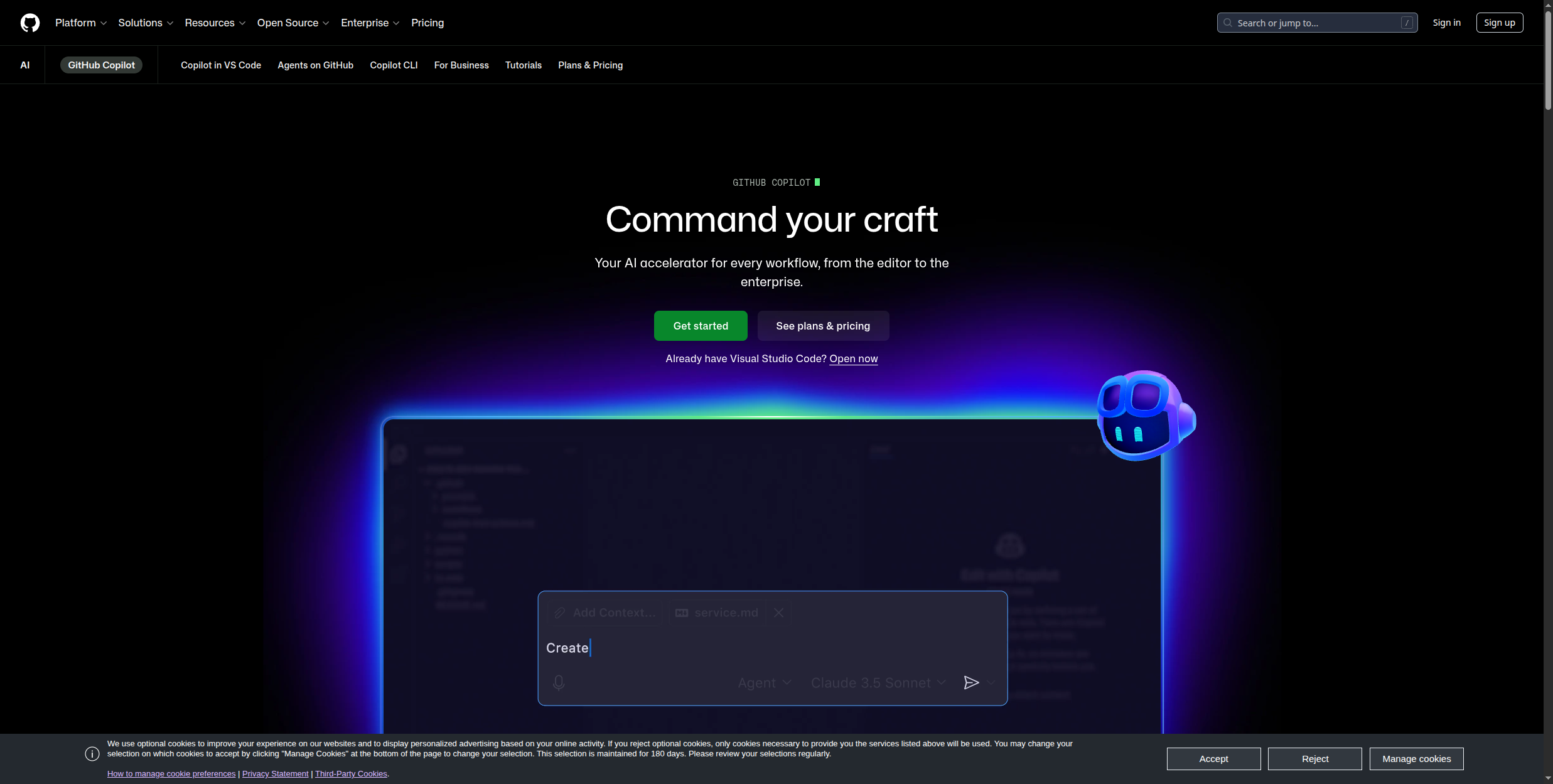
6. GitHub Copilot — Best AI App for Developers
GitHub Copilot is the AI coding assistant that turned from an experiment into an industry standard in under three years. Trained on billions of lines of public code and integrated directly into the editors developers already work in, it generates context-aware code completions, whole function implementations, documentation, and unit tests without breaking your workflow. It operates directly in VS Code, JetBrains IDEs (IntelliJ, PyCharm, WebStorm), Vim, Neovim, and Visual Studio — covering the full professional developer toolkit.
Copilot Chat adds a conversational interface to the IDE experience — you can highlight a block of code and ask it to explain what it does, identify bugs, suggest refactors, or convert it to a different language. This is especially useful when inheriting an unfamiliar codebase: instead of reading documentation, you can ask Copilot to explain what a function does, why a particular architectural pattern was used, and how a specific module fits into the broader system.
Copilot Workspace takes this further — it’s an agent mode where you describe a change in plain language (“add rate limiting to all API endpoints”) and Copilot proposes a multi-file implementation plan, which you can review and approve before it executes the changes. This shifts Copilot from line-by-line suggestion to project-level agentic coding. GitHub has also made Copilot free for individual developers with a limited tier, lowering the barrier to entry significantly. The tool supports over 40 programming languages with particularly strong performance in Python, JavaScript, TypeScript, Go, Ruby, and C#.
Enterprise tier pricing ($39/user/month) makes it one of the more expensive tools on this list at scale
Performance on less common languages and highly specialised frameworks drops significantly compared to mainstream stacks
Best for: Software engineers, data scientists, and any developer writing code daily who wants AI-accelerated completions, inline explanations, and agentic multi-file edits without leaving their IDE.
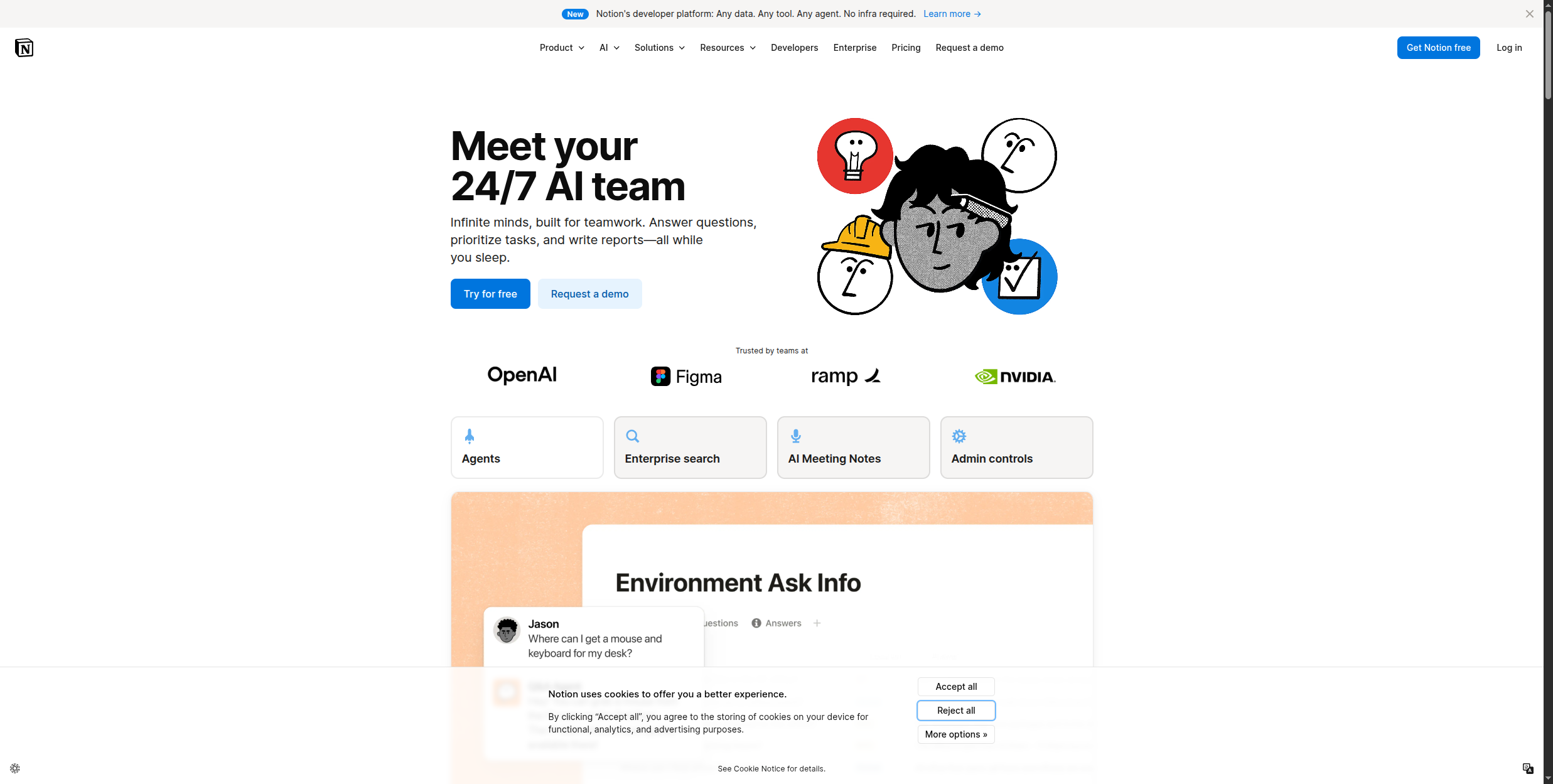
7. Notion AI — Best AI App for Knowledge Teams
Notion AI is not a standalone product — it is an AI layer built directly into Notion’s collaborative workspace, which is exactly what makes it valuable. Rather than pulling from generic web data, Notion AI reasons over your actual company documentation, meeting notes, project wikis, and databases. The Q&A feature lets any team member ask a natural language question — “What was the decision we made about the product roadmap in Q1?” — and get an answer drawn from your workspace content, with a link back to the source page.
The writing assistance features are deeply embedded in the Notion editor flow. On any page, you can invoke AI to draft a first version from a brief, expand a bullet list into prose, shorten a long document into a summary, change the tone from formal to casual, or translate content into one of dozens of languages. These are not separate windows or chat interfaces — they appear inline as you work, keeping you in context. AI autofill for database properties is particularly useful for teams managing project trackers or CRM-like pipelines: you can define a property like “Project Summary” and have AI populate it automatically by reading the page content.
The value of Notion AI scales directly with how well your workspace is organised. Teams with well-structured pages, consistent naming, and good content coverage see the strongest Q&A results. If your workspace is a mix of stale, poorly named pages, Notion AI will reflect that quality back. At $8-10 per member per month added to an existing Notion plan, it is priced reasonably for teams already invested in Notion, but it is not a tool worth adopting if you do not already use Notion as your primary knowledge base.
Pricing: Notion AI add-on $8/member/month (billed annually) or $10/member/month (monthly), added on top of any Notion plan — Free, Plus ($10/mo), Business ($18/mo), or Enterprise.
Pros:
Q&A feature answers natural language questions using your actual workspace content, not generic web data
Writing assistance is embedded directly in the Notion editor — draft, summarise, translate, and rewrite inline
AI autofill populates database properties automatically by reading page content, saving manual data entry
Translation support across dozens of languages makes it useful for internationally distributed teams
Priced as an add-on, so teams only pay for AI capabilities on top of a workspace they already use
Cons:
Only useful if your team already uses Notion — zero value outside the Notion ecosystem
Add-on cost ($8-10/member/month) stacks on top of the Notion subscription, pushing total cost higher for large teams
Q&A quality degrades significantly if the workspace has stale content, inconsistent structure, or sparse documentation
Writing generation is weaker than dedicated tools like Jasper or Claude for complex long-form content
Best for: Notion-native teams who want AI writing assistance and workspace-aware Q&A without switching tools, particularly those with well-maintained knowledge bases that benefit most from contextual AI retrieval.
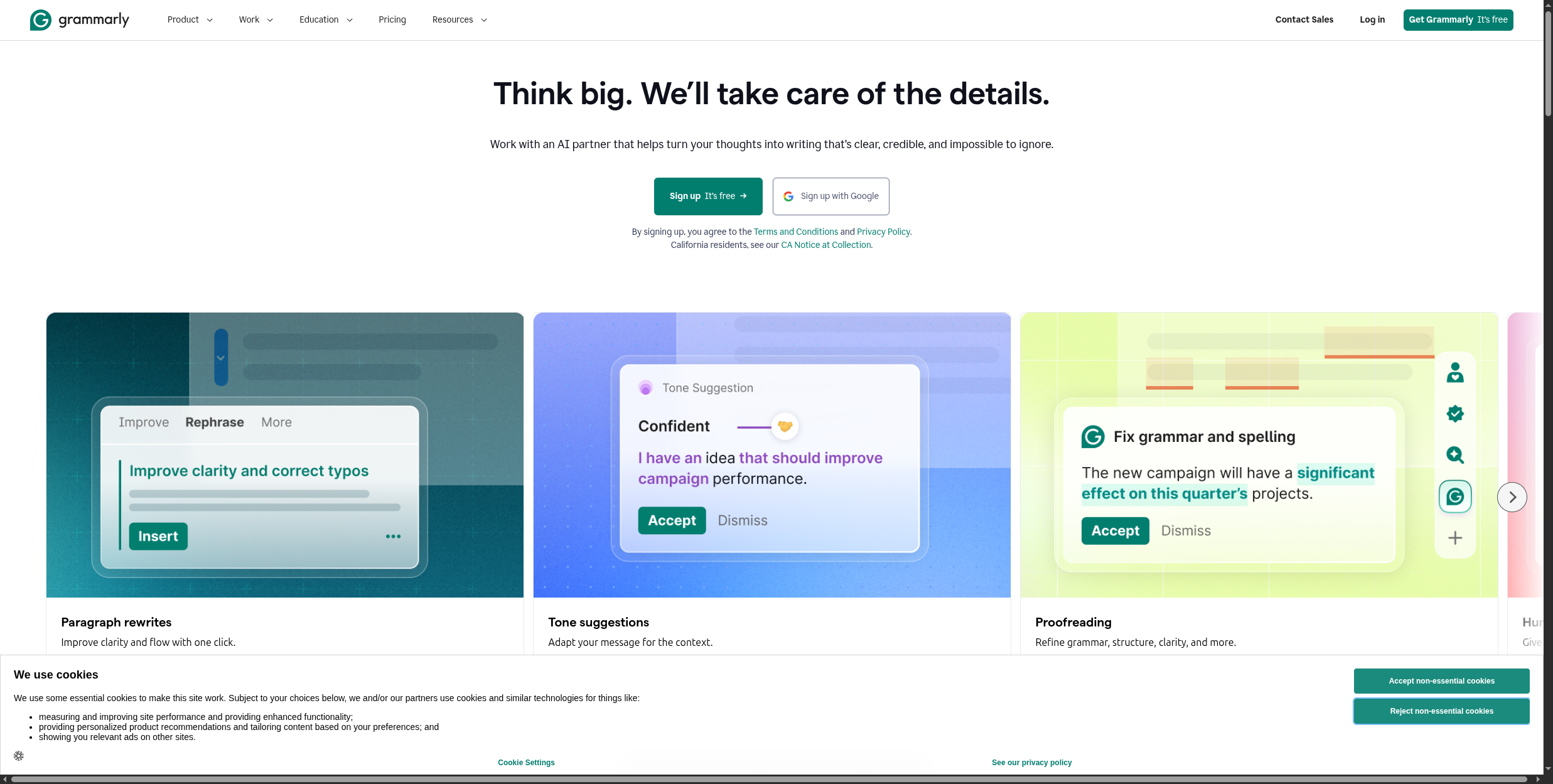
8. Grammarly — Best AI App for Writing Quality
Grammarly is the most widely deployed AI writing assistant in the world, used by over 30 million people daily across business, academic, and personal writing contexts. Its core value proposition is universal coverage: via its browser extension, Grammarly works across over 500,000 apps and websites — Gmail, Google Docs, Outlook, Slack, LinkedIn, Notion, Salesforce, and virtually any text input field in a browser. This means you get consistent writing quality across your entire digital communication footprint without switching tools.
The product has evolved far beyond grammar checking. The tone detector analyses how your writing reads emotionally — whether it comes across as confident, friendly, formal, or aggressive — and lets you adjust the tone of specific sentences to match your intent. Clarity scoring identifies sentences that are technically correct but hard to parse, suggesting rewrites that communicate the same idea more directly. The plagiarism checker on Premium and Business plans scans against billions of web pages, which is valuable for content teams needing to ensure originality before publishing.
GrammarlyGO is the generative AI layer: it drafts full emails from a short prompt, rewrites paragraphs to match a target tone, and generates reply suggestions for received messages. For Business plan users, Brand Voice training lets Grammarly learn a company’s specific tone and style guidelines from existing content samples, then apply that voice across all suggestions and generations. This makes Grammarly genuinely useful for distributed teams where maintaining a consistent communication style across dozens of contributors is otherwise hard to enforce.
Pricing: Free (grammar, spelling, punctuation checks, tone detector limited), Premium $12/month billed annually or $30/month monthly (clarity, delivery, tone rewrites, GrammarlyGO, plagiarism checker), Business $15/user/month (Brand Voice, team style guides, analytics, admin controls, minimum 3 users).
Pros:
Works across 500,000+ apps and websites via browser extension — no copy-pasting required for any platform
Tone detector shows how writing reads emotionally and helps adjust before sending to high-stakes recipients
Plagiarism checker on Premium+ scans against billions of web pages, protecting content teams from unintentional duplication
Brand Voice on Business plan trains Grammarly on your company’s style guidelines for consistent team-wide communication
Free tier provides genuine value for everyday grammar, spelling, and basic clarity checking with no cost barrier
Cons:
Aggressive suggestions can dilute natural voice — heavy use of “accept all” produces writing that sounds generic and over-edited
GrammarlyGO generative AI capabilities are weaker than dedicated content tools like Jasper, Claude, or ChatGPT for long-form drafts
Premium pricing at $30/month on monthly billing is high relative to alternatives that include full AI generation at similar price points
Occasional false positives on grammar flagging — particularly with industry jargon, intentional fragments, or conversational copy
Best for: Anyone writing professional email, reports, proposals, or web content who wants a real-time quality layer that travels across every tool they use, regardless of platform.
9. Midjourney — Best AI App for Image Generation
Midjourney is the gold standard for AI-generated imagery, consistently producing results that outclass competitors on aesthetic quality, detail, and compositional sophistication. The V6.1 model delivers images that span the full range from photorealistic to painterly to abstract — and the model’s aesthetic sensibility is particularly strong for editorial, fashion, architectural, and conceptual imagery where other tools produce generic or uncanny results. This is not a tool for quick throwaway visuals; it is a creative production tool used by professional photographers, art directors, and concept artists.
The workflow runs via a Discord server and a dedicated web interface. In Discord, you use the /imagine command followed by a prompt; the web interface provides a more structured gallery and editing environment. Midjourney’s prompting language has its own grammar: --ar 16:9 sets the aspect ratio, --chaos controls how varied the four initial image variants are, --style switches between rendering aesthetics, and --sref (style reference) lets you use an existing image as a style guide rather than describing the style in words. Variations let you iterate on any of the four initial results — subtle variations keep the composition and adjust details, while strong variations explore different interpretations of the same prompt.
The community gallery is a genuine resource: because all generations on standard plans are public, Midjourney’s explore tab gives you a searchable library of millions of prompts and their outputs. This is invaluable for learning what kinds of prompts produce what kinds of results, and for finding style references that match the visual direction you are working toward. Pro and Mega plans unlock stealth mode for private generation, which is necessary for commercial projects where you do not want to reveal work-in-progress visuals.
Pricing: Basic $10/month (3.3 GPU hours/month, public gallery only), Standard $30/month (15 GPU hours/month, unlimited relaxed generations), Pro $60/month (30 GPU hours/month, stealth mode for private generations), Mega $120/month (60 GPU hours/month, stealth mode). No free tier.
Pros:
Best-in-class visual quality for artistic, editorial, and photorealistic imagery — consistently ahead of DALL-E and Stable Diffusion
V6.1 model handles a wide aesthetic range from photorealistic product shots to painterly editorial illustrations
Rapid iteration via variations, upscaling, and outpainting lets you develop a rough concept into a polished final image
Style reference parameter (--sref) lets you maintain consistent visual direction across a campaign without laborious prompting
Community gallery provides a searchable library of millions of real prompts and outputs for learning and inspiration
Cons:
No free tier — starts at $10/month, which is a barrier for occasional or exploratory use
Limited control over text within images — generating accurate readable text in compositions remains unreliable
Fine-grained layout control (exact positioning of elements, specific facial features) is still more difficult than working with a human designer
Standard plan generations are public — commercial users needing privacy must upgrade to the Pro tier at $60/month
Best for: Creative teams, marketers, art directors, and designers who need high-quality original visuals for campaigns, editorial content, concept development, and brand imagery.
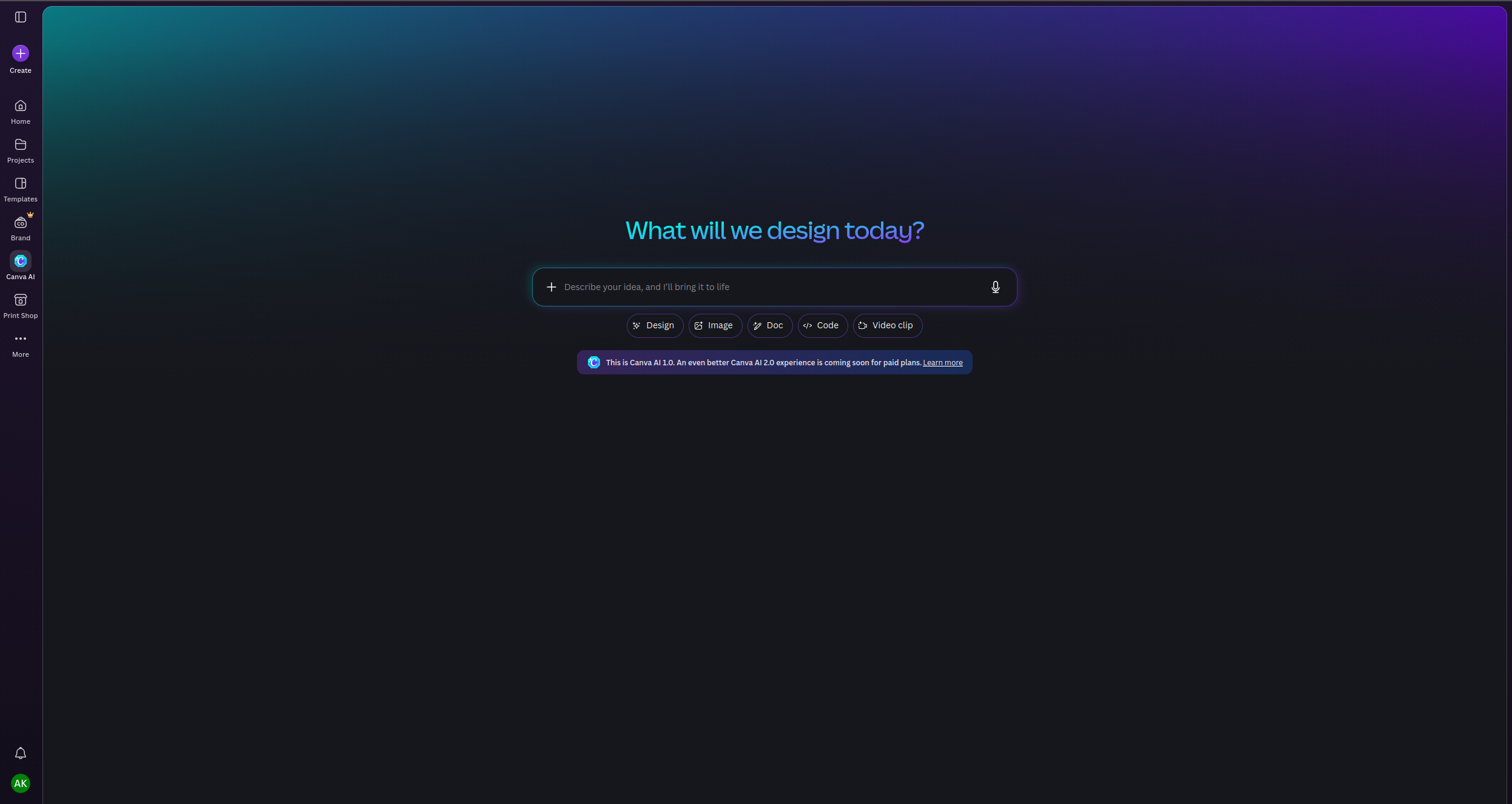
10. Canva AI — Best AI App for Non-Designers
Canva has always been the democratisation play for design — making professional-looking graphics accessible to people who do not know the difference between kerning and tracking. Its AI suite, introduced over the past two years, takes that mission further: you can now describe what you need and have Canva generate it, rather than starting from a blank canvas or searching through templates. Magic Design takes a prompt (or an uploaded image) and generates a set of ready-to-use design options — social post, presentation slide, flyer, or video — that you can then customise.
The breadth of Canva AI tools is its distinguishing feature. Magic Write generates copy within any Canva design using AI, so you can draft the text and layout in the same tool. Magic Media creates images and short video clips from text prompts, with a generation quality that is lower than Midjourney but considerably faster and integrated directly into the design flow. Background Remover works one-click on any uploaded photo. Magic Eraser removes unwanted objects from images. Magic Expand uses AI to extend the canvas beyond the original image boundaries — useful for adapting a portrait-oriented photo to a landscape banner. These tools collectively eliminate the need for separate tools like Photoshop for basic photo editing tasks.
Canva Pro unlocks access to over 100 million stock photos, 2,000+ fonts, unlimited brand kit slots, and the full AI feature suite including Magic Resize (adapts a design to different dimensions automatically) and bulk content creation. For marketing teams managing social media across multiple channels and formats, this combination of template variety, AI generation, and bulk resizing is genuinely powerful. The Teams plan adds collaboration features, brand controls, and approval workflows — making it viable for small agencies managing client brands.
Pricing: Free (limited AI credits, 5GB storage, basic templates), Pro $15/month or $120/year (full AI suite, 100M+ stock photos, 2,000+ fonts, unlimited brand kits, Magic Resize), Teams $10/user/month (billed annually, minimum 3 users, collaboration, brand controls, approval workflows).
Pros:
No design skills required — Magic Design generates complete, layout-ready designs from a text prompt
Comprehensive tool coverage: graphics, presentations, social posts, short video, and photo editing in one platform
Magic Eraser, Magic Expand, and Background Remover replace basic Photoshop workflows for non-technical users
Magic Resize adapts any design to different channel formats automatically, saving time on social media asset production
Generous free tier covers most casual use cases; Pro pricing is competitive relative to standalone stock photo subscriptions alone
Cons:
Output can look recognisably “Canva-ish” — the template aesthetic is distinctive and limits truly unique brand differentiation
AI image generation quality (Magic Media) is lower than Midjourney or DALL-E for complex or highly creative visuals
Heavy users hit AI credit limits on lower tiers, requiring upgrades for consistent high-volume generation
Less control for professional designers — the constraint-based interface makes custom design work slower than dedicated tools
Best for: Small business owners, social media managers, content marketers, and non-designers who need to produce professional-looking visual content quickly across multiple formats without hiring a designer.
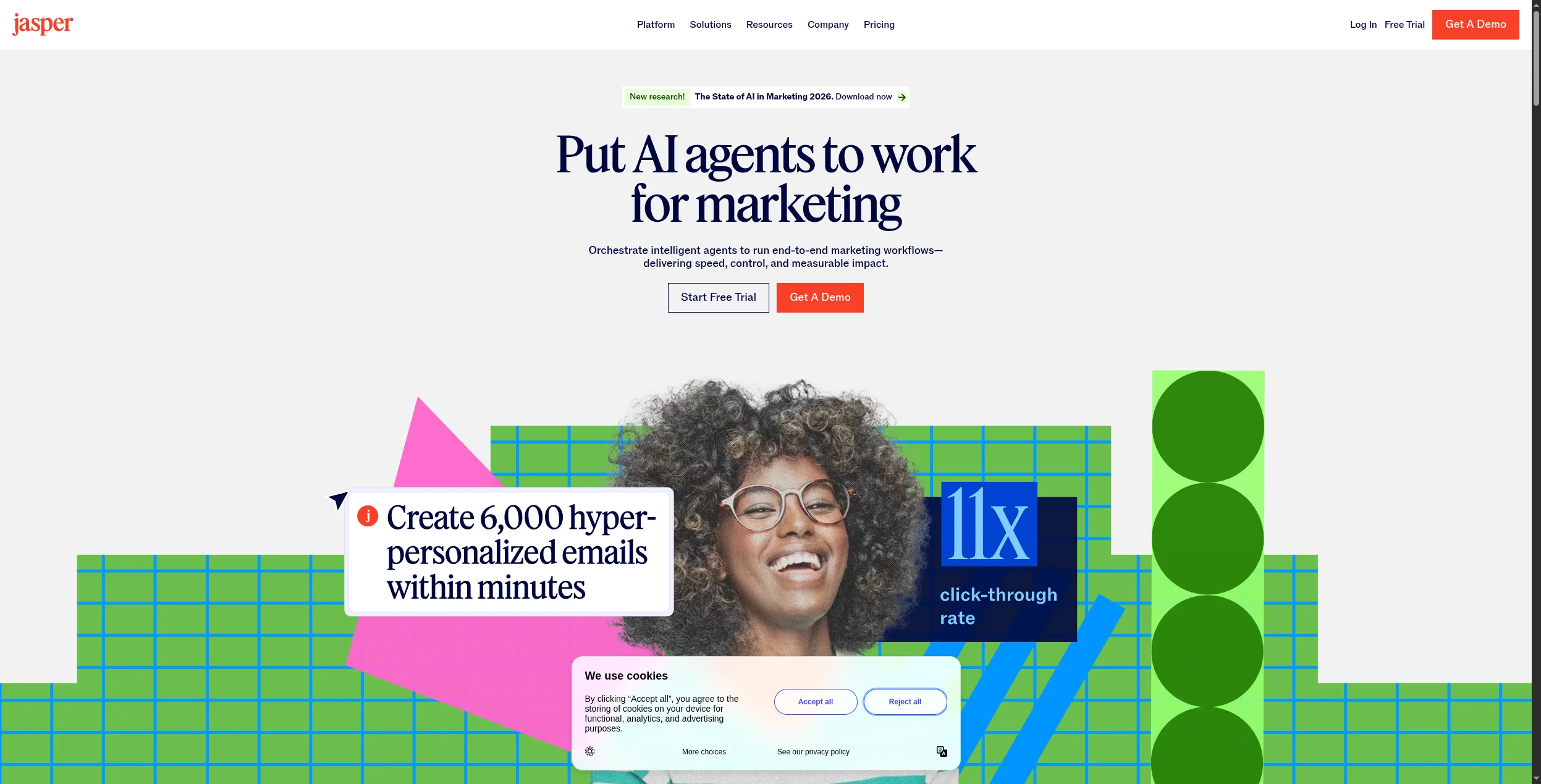
11. Jasper — Best AI App for Enterprise Content Teams
Jasper is an AI content platform designed specifically for marketing teams that produce high volumes of content and need it to maintain brand consistency at scale. Where general-purpose AI tools like ChatGPT or Claude are flexible across any task, Jasper is focused: it is built around marketing content workflows — blog posts, ad copy, email sequences, landing page copy, product descriptions, and social posts — with features and templates optimised for those specific outputs.
The Brand Voice feature is Jasper’s most significant differentiator. You upload examples of your existing content — website copy, published articles, brand guidelines — and Jasper learns your company’s tone, vocabulary preferences, and style patterns. Subsequent generations are filtered through that trained voice, which means content produced by different team members or across different content types still sounds like it came from the same source. For enterprise marketing teams managing agencies, contractors, or fast-growing content calendars, this is a material operational advantage over ad-hoc prompting.
The Campaigns feature lets you build out multi-channel content assets from a single brief — provide the campaign goal, target audience, and key messages, and Jasper generates coordinated assets across blog, email, social, and ad formats simultaneously. The Surfer SEO integration (on certain plans) lets you optimise content for specific keywords directly in the Jasper editor, connecting content generation with SEO strategy in the same workflow. Over 80 templates cover specific marketing content formats with structured prompts that produce more reliable first drafts than blank-canvas generation. Jasper Chat provides a conversational interface for iterating on drafts, brainstorming angles, and refining content without leaving the platform.
Pricing: Creator $49/month (1 user, Brand Voice, 80+ templates, Jasper Chat, basic integrations), Pro $69/month (1 user, 3 Brand Voices, Campaigns, collaboration features, Surfer SEO integration), Business (custom pricing, unlimited Brand Voices, API access, SSO, advanced team controls). No free tier.
Pros:
Brand Voice trains on your existing content to produce consistently on-brand output across every piece, regardless of who prompts it
Campaigns feature generates coordinated multi-channel content assets from a single brief, reducing production time significantly
80+ marketing-specific templates provide structured prompts that produce more reliable first drafts for specific content types
Surfer SEO integration connects content generation with keyword optimisation in a single workflow
Strong team collaboration features with shared brand assets, project folders, and workflow approval — built for content teams, not individuals
Cons:
Expensive for individual users — Creator at $49/month delivers capabilities available at lower cost in Claude or ChatGPT
Content quality on complex or nuanced topics still requires substantial human editing — Jasper accelerates production but does not replace editorial judgment
No free tier makes it hard to evaluate before committing to a paid plan
Increasingly competes with general-purpose AI tools that have added brand voice and template features at lower price points
Best for: Enterprise and mid-market marketing teams producing content at volume who need consistent brand voice across contributors, multi-channel campaign coordination, and marketing-specific templates that reduce the prompt engineering burden on non-technical writers.
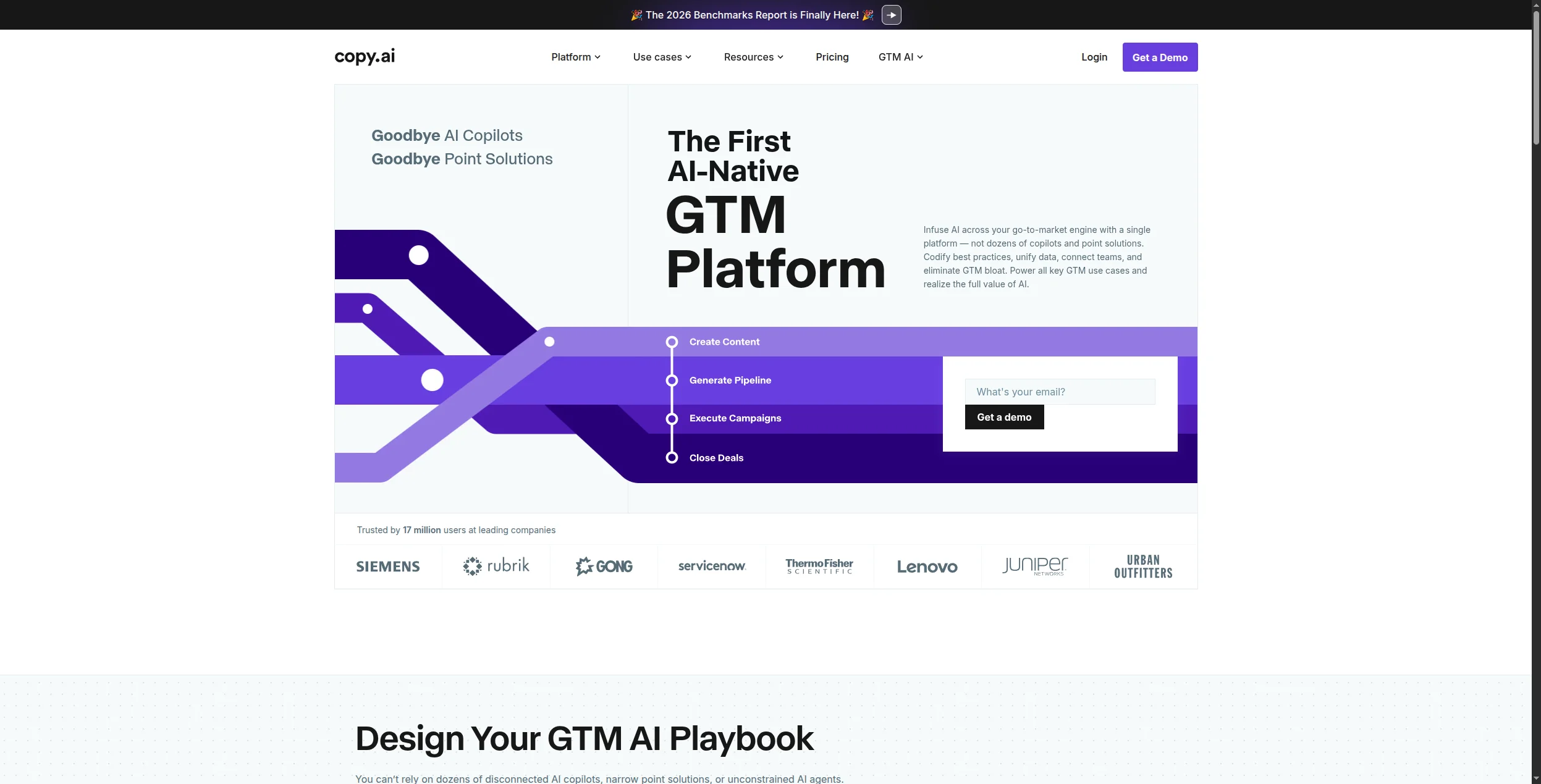
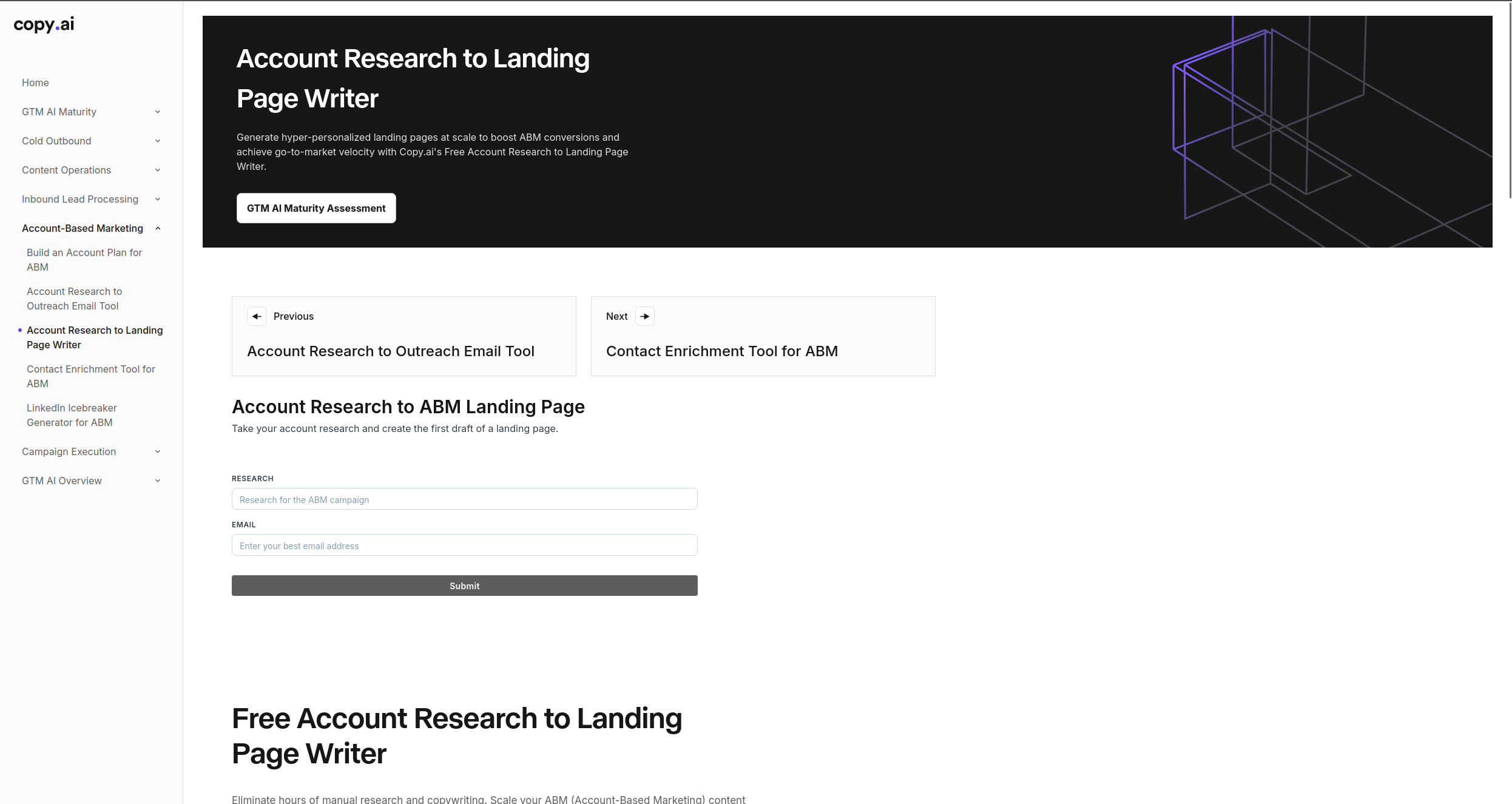
12. Copy.ai — Best AI App for GTM Workflows
Copy.ai has undergone a significant repositioning since its early days as a single-purpose copywriting generator. It is now a GTM (go-to-market) workflow platform — a tool specifically designed for revenue teams that need to automate the content-heavy, repetitive workflows that sit across sales, marketing, and customer success operations. The shift reflects where enterprise demand has moved: away from one-off copy generation and toward automated pipelines that handle prospect research, personalised outreach, content sequencing, and CRM data entry as a connected workflow.
The Workflows feature is the core of this repositioning. Rather than generating one piece of copy at a time, Workflows lets you build multi-step automated pipelines: pull a lead from a CRM, research the company website, identify relevant pain points, generate a personalised cold email sequence, and push the output back to HubSpot or Salesforce — all without manual steps between each stage. These workflows can be triggered manually, run on a schedule, or fired from external events via integrations. The no-code builder makes this accessible to sales ops and marketing ops teams who need automation capability without engineering resources.
Infobase stores brand information — company messaging, target personas, competitive positioning, product details — that Copy.ai draws from automatically when generating content. This is the equivalent of Jasper’s Brand Voice but oriented toward sales enablement content rather than marketing copy. The 90+ tools library covers specific copywriting use cases: cold emails, LinkedIn messages, Facebook and Google ad copy, product descriptions, blog outlines, and more. Copy.ai supports 29+ languages, making it viable for globally distributed GTM teams running outreach across multiple markets.
Workflows feature automates multi-step GTM pipelines — from prospect research to personalised outreach to CRM updates — without manual steps
Infobase stores brand messaging, personas, and positioning that Copy.ai draws from automatically, keeping all outputs consistent
90+ purpose-built tools cover specific sales and marketing content formats with structured outputs better than blank-canvas prompting
Native integrations with HubSpot, Salesforce, and Zapier connect content generation directly into existing GTM tech stacks
Strong outreach copy generation for cold email and LinkedIn sequences, with personalisation at scale
Cons:
Workflow automation scope is narrower than FlowHunt — focused primarily on GTM content workflows rather than broad business process automation
Free tier is limited to 2,000 words per month and one user, which is insufficient for meaningful evaluation of the Workflows feature
Starter plan at $49/month is priced competitively for teams but expensive for individual contributors exploring the tool
Content quality for complex, nuanced, or highly technical topics still requires significant human editing before use
Best for: Sales and marketing teams, GTM ops, and revenue operations professionals building repeatable outreach sequences, account-based marketing content, and multi-channel campaign workflows at scale.
How to Choose the Right AI App
Start with your highest-pain workflow. Don’t adopt 12 tools at once. Identify the task that costs your team the most time and find the AI app that addresses it specifically.
If you’re automating multi-step business processes → FlowHunt
If you need a general-purpose AI assistant → ChatGPT or Claude
If you write code daily → GitHub Copilot
If your team runs on Google → Gemini
If you do a lot of research → Perplexity
If you produce marketing content at volume → Jasper or Copy.ai
If you need professional visuals without a designer → Canva AI or Midjourney
For teams looking to connect AI to actual business systems, the best Zapier alternatives
guide covers how workflow automation platforms compare on integration depth and AI capability.
The Bottom Line
The best AI apps in 2026 aren’t the flashiest — they’re the ones that eliminate real work. ChatGPT and Claude handle on-demand tasks; Jasper and Copy.ai accelerate content; GitHub Copilot keeps developers in flow. But if you want AI that runs your processes automatically — not just helps you complete tasks one at a time — FlowHunt is the tool that delivers that outcome.
Start with the tool that addresses your biggest workflow bottleneck, prove the ROI, and expand from there. The teams winning with AI in 2026 aren’t using more tools — they’re using the right ones deeply.
Frequently asked questions
The best AI apps in 2026 depend on your use case. For workflow automation, FlowHunt leads the pack. For conversational AI, ChatGPT and Claude are the most capable. For coding, GitHub Copilot is the standard. For writing, Grammarly and Jasper serve different tiers of need. For AI image generation, Midjourney and Canva AI are the top choices.
Several top AI apps offer strong free tiers: ChatGPT (free tier with GPT-4o access), Claude (free tier with generous daily limits), Perplexity (free searches with citations), Canva AI (free tier with limited generations), FlowHunt (free tier with workflow execution credits), and Grammarly (free grammar and tone checks). The 'best' free AI app depends on whether your priority is chat, writing, design, or automation.
AI productivity apps save time in three ways: automation (eliminating recurring manual tasks entirely), acceleration (completing tasks in seconds that previously took hours), and augmentation (improving the quality of work produced in the same time). Tools like FlowHunt automate entire multi-step workflows; tools like Grammarly and Notion AI accelerate writing and editing tasks.
An AI chatbot like ChatGPT or Claude is conversational — you ask, it answers. An AI workflow app like FlowHunt automates processes that run on their own, connecting multiple tools, triggering on schedules or events, processing data, and taking actions without requiring a human to ask each time. Workflow apps are better for business process automation; chatbots are better for on-demand tasks.
Most enterprise AI apps — including FlowHunt, ChatGPT Enterprise, Claude for Work, and Jasper Business — offer data processing agreements, SOC 2 compliance, and options to opt out of model training. Always verify data handling policies before inputting sensitive customer or financial data. For highly regulated industries, look for on-premise or private cloud deployment options.
Arshia is an AI Workflow Engineer at FlowHunt. With a background in computer science and a passion for AI, he specializes in creating efficient workflows that integrate AI tools into everyday tasks, enhancing productivity and creativity.
Arshia Kahani
AI Workflow Engineer
The AI App That Automates Your Entire Workflow — Try FlowHunt Free
FlowHunt connects AI models, your existing tools, and real data into automated workflows that run without manual effort. Build your first flow in minutes — no code needed.
Best Workflow Automation Tools in 2026: 12 Platforms Ranked and Reviewed
Ranked and reviewed: the 12 best workflow automation tools in 2026. Comparison table, pricing, free tiers, and a clear verdict on which platform fits your team.
Best AI Agent Tools in 2026: 12 Platforms for Building and Running AI Agents
Ranked and reviewed: the 12 best AI agent tools in 2026. From no-code agent builders to open-source frameworks — find the right platform for your team's AI stra...
Best AI Agent Builder in 2026: 12 Tools Ranked and Reviewed
Ranked and reviewed: the 12 best AI agent builders in 2026. Comparison table, pricing, free tiers, and a clear verdict on which platform fits your use case.
30 min read
AI Agents
Automation
+3
Cookie Consent We use cookies to enhance your browsing experience and analyze our traffic. See our privacy policy.