


Chat with PDF: Complete Setup and Best Practices for Accurate Answers
A practical walkthrough of using Chat with PDF in FlowHunt, from uploading documents to writing queries that get precise, context-grounded answers.
6 min read
AI
Tutorial
+3

We compared ChatPDF, FlowHunt Chat with PDF, Adobe Acrobat AI Assistant, and Humata AI on five document types: legal contract, financial report, academic paper, technical manual, and an invoice. Here’s the accuracy, pricing, and usability breakdown for 2026.
If you’ve outgrown ChatPDF or you’re evaluating which ChatPDF alternative fits professional document work, the market has matured significantly. Today we’ll be comparing ChatPDF, FlowHunt Chat with PDF, Adobe Acrobat AI Assistant, and Humata AI.
We tested the four files on five document types: a legal contract, a financial report, an academic paper, a technical manual, and a dense multi-section invoice. We compared them on accuracy, behavior with difficult documents, integration depth, and paid-plan pricing. Here’s what we found.
Every tool was evaluated on the same five documents:
Each tool was tested on the same queries per document:
We also tested each tool on a scanned PDF without embedded text. All tools were evaluated on their paid plans only. FlowHunt does not offer a free tier, and free-tier behavior on other platforms is not representative of their production performance.
ChatPDF’s Plus plan ($19.99/month) covers up to 2,000 pages per PDF at a 32 MB file size cap, with unlimited questions across unlimited documents.
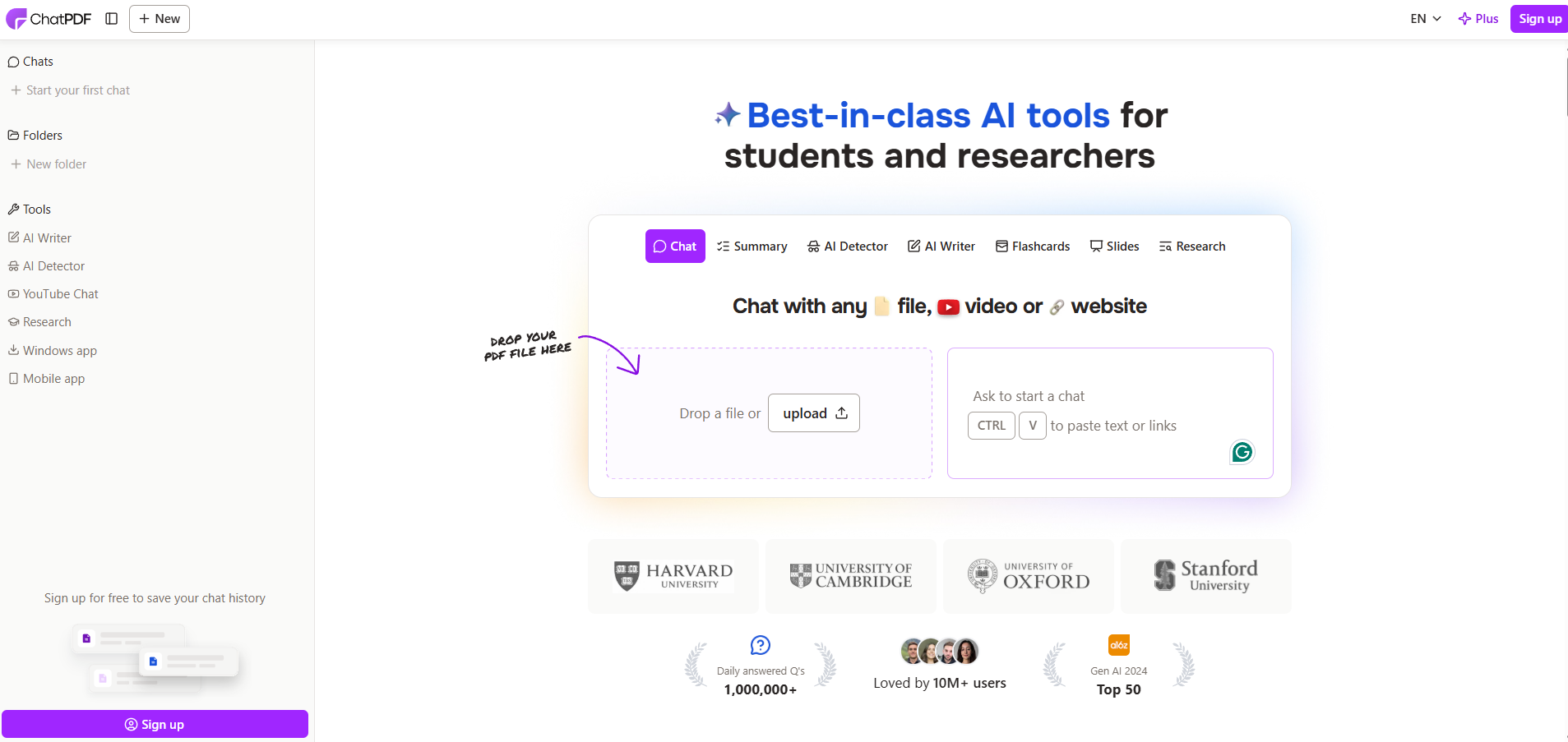
For simple & short documents, such as contracts under 30 pages, single-section papers, brief reports, ChatPDF performs well. The interface is fast, the citation behavior is consistent, and source references are shown in responses.
The limitations emerge with document complexity. On the 90-page annual report, ChatPDF returned accurate headline figures but struggled with cross-sectional queries. On the 62-page contract, clause cross-references required repeated rephrasing to get the right section surfaced. Independent testing has rated ChatPDF’s citation precision at around 78%, which holds for straightforward queries but drops on documents where the answer requires connecting two separate sections.
For scanned PDFs, ChatPDF does not include a native OCR, and so documents without embedded text produce limited or no results.
Best for: Quick Q&A on shorter, well-formatted text-based documents where you need a fast answer, not necessarily a precise one.

Start your free trial today and see results within days.
FlowHunt’s Chat with PDF tool has one major upside. Rather than summarizing a document on upload and answering from that summary, it runs a retrieval pass, using a file retriever to locate the most relevant passages before every response. That architectural choice is what separates its accuracy on complex documents.
On the 62-page services agreement, FlowHunt returned the exact clause language for every termination and indemnity query, including cross-referenced definitions. On the financial report, footnote disclosures were retrieved verbatim alongside the headline figures they qualified. On the technical specification, error code lookups returned the precise passage from the relevant section, not a paraphrased summary.
Conversation history is maintained throughout the session, so follow-up queries resolve correctly without the need to re-establish context. If a query is ambiguous, the tool asks a clarifying question rather than returning a plausible-but-wrong answer.
By default, the tool itself works with text-based PDFs only. Scanned PDFs without embedded text require OCR pre-processing, which FlowHunt supports. OCR can be turned on right in the chat flow, but this adds processing time and cost for each query. It’s recommended to use the OCR tool alone first, and then chat with the processed document.
FlowHunt is a platform, not a single-use product, and so the underlying flow can be connected to knowledge sources , other flows, and custom chatbots, which makes it the most extensible option here for teams that need to go beyond one-document-at-a-time queries.
Best for: Professional workflows where answer precision matters, such as legal, financial, technical, and compliance document review.
Adobe Acrobat AI Assistant is part of the Acrobat ecosystem, now bundled into Acrobat Studio at $24.99/month for individuals. The AI features sit on top of a full PDF editing suite — conversion, OCR, electronic signatures, and annotation tools are all part of the same subscription.
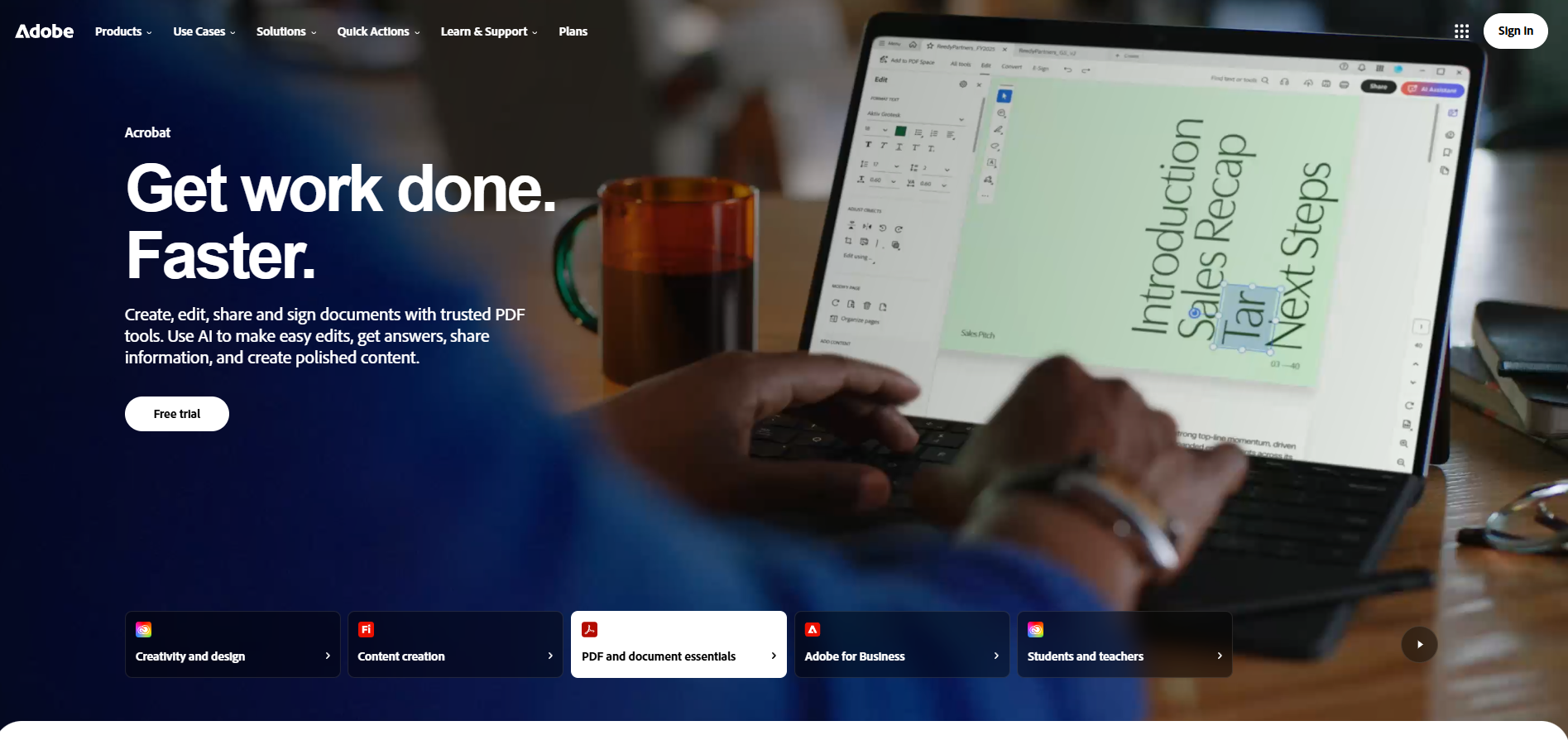
On scanned documents, Adobe leads the field. OCR has been a core part of Acrobat for decades, and scanned PDFs are processed reliably before AI queries run against them. For the invoice PDF, which included a partly-scanned layout, Adobe was the only tool that handled it without pre-processing.
For Q&A on text-based documents, the AI Assistant performs solidly. Responses include links back to the source text within the document, which makes verification straightforward. On the financial report, the AI Assistant correctly located footnotes but occasionally surfaced responses that synthesized rather than retrieved, generating a plausible figure that was slightly different from the document’s stated number. For workflows where exact document language matters, this distinction is significant.
The Acrobat AI Assistant also suggests follow-up questions, which is useful for users who are less certain what to ask but reduces control for users who know exactly what they need.
Best for: Teams already in the Adobe ecosystem, workflows involving scanned documents, and users who need a full PDF editing suite alongside AI Q&A.
Get latest tips, trends, and deals for free.
Humata AI’s Expert plan at $9.99/month covers up to 500 pages with additional pages billed at $0.02 per page, unlimited questions, and supports up to three users. The Team plan at $49/month per user extends this to 5,000 pages and adds folder organization, role-based permissions, and OCR.
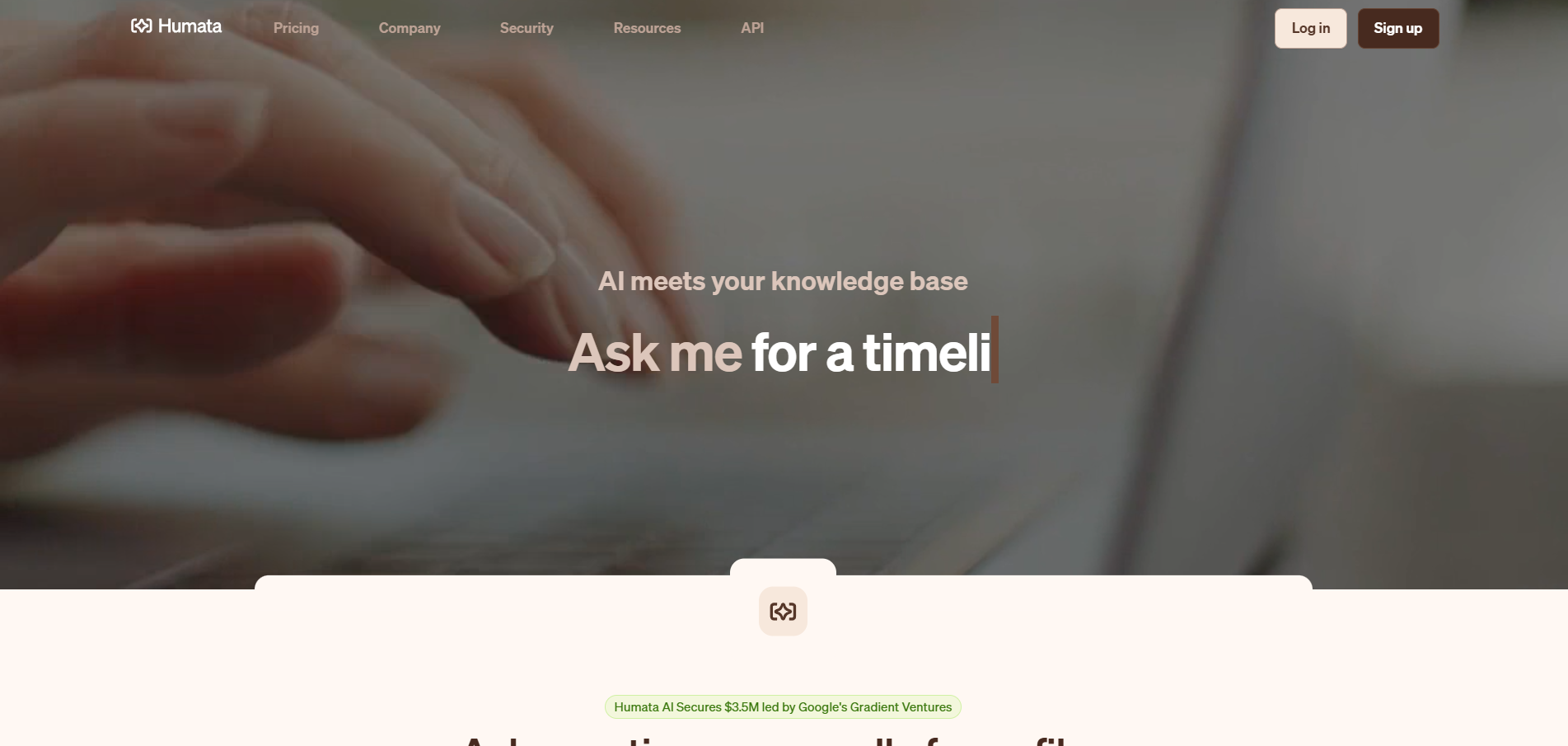
Humata has invested heavily in citation accuracy. On the academic paper, every answer included a direct citation linking to the exact passage, with an independent assessment putting citation precision at 87%, which is meaningfully higher than ChatPDF. On the financial report, Humata correctly surfaced the footnote context alongside the headline figure in most queries.
The multi-document capability is one of Humata’s clearest differentiators on paid plans. You can query across all documents in a folder, which makes it practical for tasks like reviewing a full contract suite or comparing multiple research papers simultaneously. The interface is designed for teams, with folder-based organization and user management built into the core product rather than added as enterprise extras.
For scanned PDFs, OCR is included on Team plans and works reliably. On Expert, OCR availability is more limited.
Best for: Research teams, academic workflows, and small professional teams that need multi-document querying and citation-backed answers at a mid-range price point. Also the strongest option if your primary concern is verifiable citations.
| Document type | ChatPDF Plus | FlowHunt | Adobe Acrobat AI | Humata Expert |
|---|---|---|---|---|
| Legal contract — clause retrieval | Inconsistent on cross-refs | Precise, exact language | Solid, with source links | Good with citations |
| Financial report — footnote surfacing | Misses qualifying context | Retrieves verbatim | Occasionally synthesizes | Good citation coverage |
| Academic paper — methodology extraction | Good on shorter papers | Accurate per-query retrieval | Accurate with source links | Best citation precision |
| Technical manual — specific lookup | Variable on long docs | Direct, passage-level | Accurate | Good |
| Invoice / structured data | Limited | Good (text-based) | Best (OCR handles mixed) | Good on Team (OCR) |
Adobe Acrobat AI Assistant is the clear leader for scanned documents. OCR is a mature, core feature of the Acrobat platform, and it handles mixed layouts (partly scanned, partly text-based) that other tools struggle with.
Humata includes OCR on Team plans.
ChatPDF does not include native OCR.
FlowHunt Chat with PDF OCR is supported by the platform, but isn’t a part of the Chat with PDF workflow by default. It needs to be enabled or used as a separate FlowHunt tool altogether.
If scanned PDF support is a primary requirement, Adobe is the right choice.
| Tool | Paid plan | Monthly cost | Page limit | File limit |
|---|---|---|---|---|
| ChatPDF | Plus | $19.99/mo | 2,000 pages/PDF | 32 MB |
| FlowHunt | Starter / Pro / Premium | from €50/mo | No stated per-tool cap | — |
| Adobe Acrobat AI | Acrobat Studio | $24.99/mo | No stated cap | — |
| Humata | Expert | $9.99/mo | 500 pages + $0.02/page | — |
FlowHunt and Adobe are platform subscriptions that include multiple capabilities beyond PDF chat. FlowHunt plans start at €50/month (Starter) and scale to €120/month (Pro) and €500/month (Premium), with a 7-day free trial available; Adobe Acrobat Studio is $24.99/month and adds full PDF editing, conversion, and e-signatures alongside the AI features.
The right answer depends on what you’re actually doing with the documents:
Choose FlowHunt Chat with PDF if you need the highest accuracy on complex professional documents, such as legal contracts with cross-references , financial reports with footnotes, technical specifications. The per-query retrieval architecture keeps answers precise where summarization-based tools drift. It also makes sense if you’re building document Q&A into a broader workflow, connecting it to custom chatbots, or querying against a knowledge base. Plans start at €50/month, with a 7-day free trial. For a setup walkthrough and query best practices, see the Chat with PDF tutorial .
Choose Adobe Acrobat AI Assistant if you work regularly with scanned documents, need a full PDF editing suite alongside AI Q&A, or your team is already in the Adobe ecosystem. The $24.99/month cost makes more sense when you’re using OCR, editing, and signatures alongside the AI features.
Choose Humata AI if you need multi-document querying with strong citation backing at a lower per-user cost. The Expert plan at $9.99/month is the best value entry point if citation accuracy matters more than deep workflow integration.
Choose ChatPDF if you primarily work with shorter, straightforward documents and need a fast, low-friction tool for one-off questions. For short PDFs with simple queries, the accuracy difference versus more sophisticated tools is negligible — and the Plus plan covers a wide range of casual use cases at $19.99/month.
Maria is a copywriter at FlowHunt. A language nerd active in literary communities, she's fully aware that AI is transforming the way we write. Rather than resisting, she seeks to help define the perfect balance between AI workflows and the irreplaceable value of human creativity.

Upload any document and get accurate, retrieval-grounded answers in seconds. No free tier — just a tool built for professional document workflows.
A practical walkthrough of using Chat with PDF in FlowHunt, from uploading documents to writing queries that get precise, context-grounded answers.
Upload a PDF and ask questions about it with FlowHunt's Chat with PDF tool. Get accurate answers, summaries, and relevant excerpts drawn directly from your docu...

From legal teams reviewing contracts to analysts extracting data from reports, here are seven specific workflows where AI PDF chat replaces hours of manual sear...
Cookie Consent
We use cookies to enhance your browsing experience and analyze our traffic. See our privacy policy.