12 nejlepších AI aplikací v roce 2026: hodnocení a recenze pro každý případ použití
12 nejlepších AI aplikací v roce 2026, hodnocených podle schopností, snadnosti použití a hodnoty. Od AI automatizace workflow po psaní, design a kódování — najděte ten správný nástroj pro svůj tým.
AI tools have moved from novelty to necessity. In 2026, the question is no longer whether to use AI apps — it’s which ones are worth your time and money. The market has exploded to thousands of tools, but only a handful genuinely transform how teams work.
This guide cuts through the noise. We’ve ranked the 12 best AI apps in 2026 across automation, writing, coding, design, and research — with clear verdicts on which tool wins each category and who each is best for.
Three forces are driving AI app adoption in 2026: the dramatic improvement in model quality (GPT-4o, Claude 3.7, Gemini 2.5), the shift from standalone chat to integrated workflow automation, and pricing that has dropped to the point where individual contributors can justify subscription costs from personal productivity gains alone.
The most impactful AI apps are no longer the ones you talk to — they’re the ones that run in the background, automating entire pipelines while your team focuses on higher-value work. For a deeper look at how these fit into broader automation strategies, see our guide to best workflow automation tools
.
Připraveni rozšířit své podnikání?
Začněte svou bezplatnou zkušební verzi ještě dnes a viďte výsledky během několika dní.
FlowHunt is the most capable AI workflow automation platform available in 2026. Rather than offering a single AI function, FlowHunt lets you build complete automated pipelines that combine AI reasoning with real tool integrations — connecting your CRM, email, web scraping, content generation, and data processing into a single flow.
Where most AI apps handle one task at a time, FlowHunt handles end-to-end processes. A marketing team might build a flow that monitors competitor pricing pages, summarises changes using an LLM, drafts an email update, and sends it to the sales team — with zero manual steps. The visual flow canvas is accessible to non-technical users, and 1,400+ native integrations mean you can connect almost any stack.
What sets FlowHunt apart:
Multi-agent orchestration — chain specialist AI agents with shared memory and explicit handoffs
1,400+ integrations — CRMs, CMSs, analytics, helpdesks, and all major AI model APIs
Hosted MCP servers — connect internal tools to AI without custom infrastructure
Real observability — every run is logged with inputs, outputs, duration, and token cost
Use-case templates — pre-built workflows for SEO, sales, content, and customer support
Pricing: Free tier with execution credits. Usage-based paid plans scale with volume.
Pros:
Handles unstructured inputs that break rule-based tools
No-code for 90% of use cases; API access for the rest
The only tool here that automates entire multi-step processes end-to-end
Cons:
More setup time than a simple chatbot — it’s built for processes, not one-off questions
Usage-based pricing requires planning for high-volume automations
Best for: Marketing teams, sales ops, content agencies, and any team running repetitive multi-step workflows.
2. ChatGPT — Best General-Purpose AI Assistant
ChatGPT remains the most widely used AI app in the world, and for good reason. GPT-4o delivers fast, high-quality responses across writing, analysis, coding, math, and research. The free tier is genuinely useful; the paid tiers unlock longer context windows, DALL-E image generation, and the GPT store for specialised agents.
Pros:
Best ecosystem of plugins and custom GPTs
Fast, reliable, and works for almost any text-based task
Memory across conversations (paid tier)
Cons:
Knowledge cutoff limits real-time research
Quality degrades on very long or complex multi-step reasoning
Best for: General-purpose AI tasks — drafting, summarising, brainstorming, and ad-hoc research.
Přihlaste se k odběru newsletteru
Získejte nejnovější tipy, trendy a nabídky zdarma.
3. Claude — Best AI App for Long-Form Reasoning
Anthropic’s Claude consistently outperforms other models on tasks requiring long-context reasoning, nuanced writing, and careful instruction-following. Claude 3.7 handles up to 200K tokens, making it the go-to for analysing long documents, writing detailed reports, and maintaining consistency across extended content projects.
Pros:
Best-in-class long-context handling
More reliable instruction-following on complex prompts
Safer for sensitive business content (stricter data handling)
Cons:
Fewer third-party integrations than ChatGPT
Image generation not built in
Best for: Legal, finance, and research teams working with long documents; content teams needing detailed, structured writing.
4. Gemini — Best AI App for Google Workspace Users
Gemini 2.5 integrates deeply into Gmail, Docs, Sheets, Meet, and Search. If your team runs on Google Workspace, Gemini is the most friction-free AI layer to add. The multimodal capabilities — understanding images, audio, and video alongside text — also make it useful for mixed-media workflows.
Pros:
Native Google Workspace integration (no copy-paste needed)
Multimodal input handling
Competitive pricing bundled with Google One
Cons:
Less powerful than Claude or ChatGPT for pure text reasoning
Best value only if you’re already in the Google ecosystem
Best for: Teams running on Google Workspace who want AI without switching apps.
5. Perplexity — Best AI App for Research
Perplexity combines web search with LLM synthesis, delivering cited, real-time answers. It’s the best AI app for research tasks where accuracy and source verification matter. The Pro plan unlocks deeper search, file uploads, and access to multiple underlying models.
Pros:
Every answer includes citations with clickable sources
Real-time web access, no knowledge cutoff
Clean, focused interface with minimal distractions
Cons:
Not designed for creative writing or content generation
Limited workflow or automation capabilities
Best for: Researchers, analysts, and knowledge workers who need fast, accurate, cited information.
6. GitHub Copilot — Best AI App for Developers
GitHub Copilot has become the standard AI coding tool for professional developers. It generates whole functions from comments, explains unfamiliar code, suggests tests, and now includes an agent mode that can implement multi-file changes from a single instruction.
Pros:
Deep IDE integration (VS Code, JetBrains, Vim)
Supports 40+ programming languages
Agent mode for autonomous code changes
Cons:
Requires a GitHub account and IDE setup
Occasionally suggests outdated patterns — review before accepting
Best for: Software engineers, data scientists, and any developer who writes code daily.
7. Notion AI — Best AI App for Knowledge Teams
Notion AI sits inside Notion’s collaborative workspace, letting teams generate drafts, summarise meeting notes, translate documents, and query their entire knowledge base in natural language. The value is in contextual access — AI that understands your actual company docs, not generic web data.
Pros:
Understands the context of your specific workspace and docs
Seamlessly integrated — no switching tools
Strong for summarisation and knowledge retrieval
Cons:
Only useful if you already use Notion
Add-on cost on top of Notion subscription
Best for: Notion-native teams who want AI writing and knowledge search without leaving their workspace.
8. Grammarly — Best AI App for Writing Quality
Grammarly is the most widely deployed writing AI, used by over 30 million people daily. It goes beyond grammar checking to offer tone adjustment, clarity improvements, sentence rewrites, and now full paragraph generation via GrammarlyGO. It works across email clients, Google Docs, Slack, and browsers.
Pros:
Works everywhere via browser extension
Tone and clarity suggestions improve professional communication
Free tier is genuinely useful for everyday writing
Cons:
Aggressive suggestions can dilute your natural voice
GrammarlyGO content generation is weaker than Jasper or Claude
Best for: Anyone writing professional email, reports, or web content who wants a real-time quality layer.
9. Midjourney — Best AI App for Image Generation
Midjourney consistently produces the highest-quality AI-generated images of any tool on the market. Its aesthetic sensibility — especially for editorial, artistic, and conceptual imagery — remains ahead of competitors like DALL-E and Stable Diffusion. The web interface has made it significantly more accessible since its Discord-only era.
Pros:
Best visual quality for artistic and editorial imagery
Rapid iteration with variations and remixing
Strong community and style reference library
Cons:
No free tier (starting at $10/mo)
Limited control over fine-grained layout or text in images
Best for: Creative teams, marketers, and designers who need high-quality visuals for content and campaigns.
10. Canva AI — Best AI App for Non-Designers
Canva’s AI suite — Magic Design, Magic Write, text-to-image, background remover, and AI video — makes professional-grade design accessible without design skills. The free tier is generous, and the paid Pro plan unlocks the full AI toolkit including brand kit generation.
Pros:
No design skills required — AI guides the entire process
Comprehensive: covers graphics, presentations, video, and social posts
Generous free tier
Cons:
Output can look “Canva-ish” — recognisable templates limit uniqueness
Less powerful for custom or highly creative visuals than Midjourney
Best for: Small business owners, social media managers, and marketers who need to produce visual content quickly.
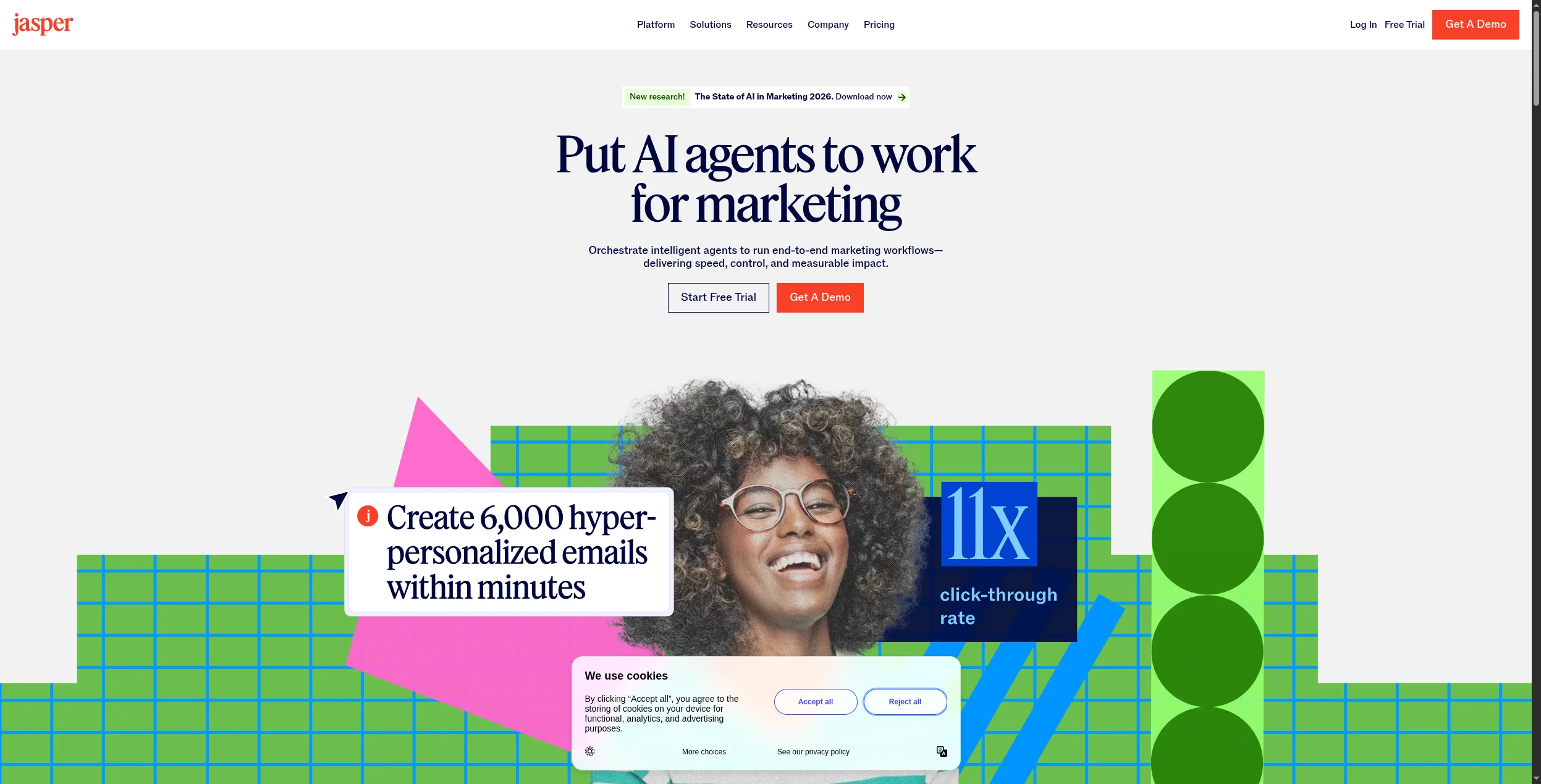
11. Jasper — Best AI App for Enterprise Content Teams
Jasper is purpose-built for enterprise marketing teams that need to produce high volumes of on-brand content. Its Brand Voice feature trains on your existing content to maintain tone and style consistency at scale. Templates cover everything from blog posts to Google Ads to product descriptions.
Pros:
Brand Voice ensures consistent tone across all generated content
50+ marketing-specific templates
Strong team collaboration and workflow approval features
Cons:
Expensive compared to Claude or ChatGPT for individual users
Content quality still needs human editing for nuanced topics
Best for: Enterprise marketing teams producing content at volume with strict brand guidelines.
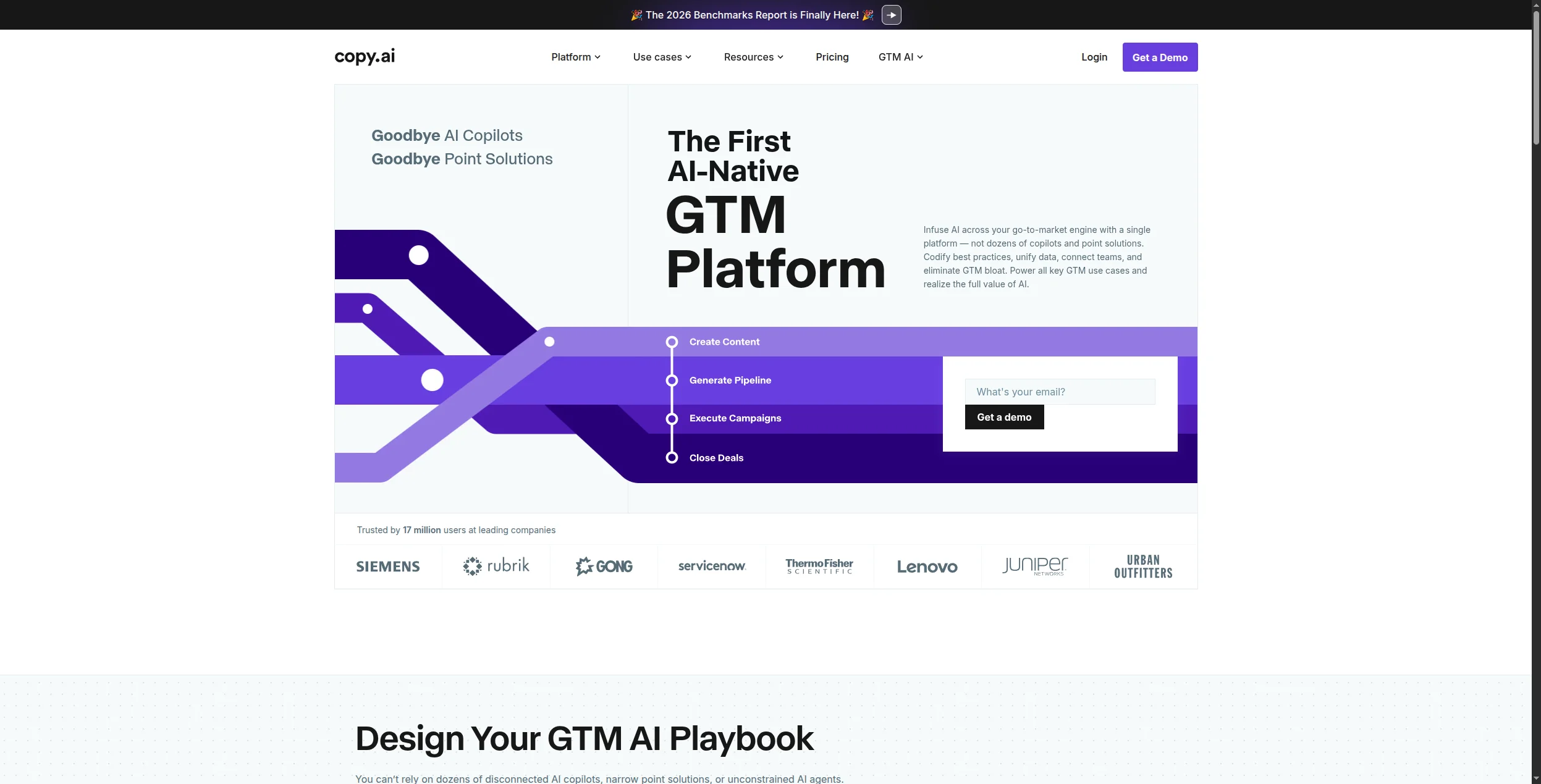
12. Copy.ai — Best AI App for GTM Workflows
Copy.ai has evolved from a copywriting tool into a GTM (go-to-market) workflow platform. It automates sequences across content creation, sales outreach, and marketing operations — connecting research, writing, and CRM updates into repeatable workflows for revenue teams.
Pros:
Built specifically for sales and marketing GTM workflows
Strong outreach copy generation for cold email and LinkedIn
Integrations with HubSpot, Salesforce, and major CRMs
Cons:
Workflow automation is narrower than FlowHunt — primarily GTM-focused
Free tier is limited in workflow runs and outputs
Best for: Sales and marketing teams building repeatable outreach and content workflows at scale.
How to Choose the Right AI App
Start with your highest-pain workflow. Don’t adopt 12 tools at once. Identify the task that costs your team the most time and find the AI app that addresses it specifically.
If you’re automating multi-step business processes → FlowHunt
If you need a general-purpose AI assistant → ChatGPT or Claude
If you write code daily → GitHub Copilot
If your team runs on Google → Gemini
If you do a lot of research → Perplexity
If you produce marketing content at volume → Jasper or Copy.ai
If you need professional visuals without a designer → Canva AI or Midjourney
For teams looking to connect AI to actual business systems, the best Zapier alternatives
guide covers how workflow automation platforms compare on integration depth and AI capability.
The Bottom Line
The best AI apps in 2026 aren’t the flashiest — they’re the ones that eliminate real work. ChatGPT and Claude handle on-demand tasks; Jasper and Copy.ai accelerate content; GitHub Copilot keeps developers in flow. But if you want AI that runs your processes automatically — not just helps you complete tasks one at a time — FlowHunt is the tool that delivers that outcome.
Start with the tool that addresses your biggest workflow bottleneck, prove the ROI, and expand from there. The teams winning with AI in 2026 aren’t using more tools — they’re using the right ones deeply.
Často kladené otázky
The best AI apps in 2026 depend on your use case. For workflow automation, FlowHunt leads the pack. For conversational AI, ChatGPT and Claude are the most capable. For coding, GitHub Copilot is the standard. For writing, Grammarly and Jasper serve different tiers of need. For AI image generation, Midjourney and Canva AI are the top choices.
Several top AI apps offer strong free tiers: ChatGPT (free tier with GPT-4o access), Claude (free tier with generous daily limits), Perplexity (free searches with citations), Canva AI (free tier with limited generations), FlowHunt (free tier with workflow execution credits), and Grammarly (free grammar and tone checks). The 'best' free AI app depends on whether your priority is chat, writing, design, or automation.
AI productivity apps save time in three ways: automation (eliminating recurring manual tasks entirely), acceleration (completing tasks in seconds that previously took hours), and augmentation (improving the quality of work produced in the same time). Tools like FlowHunt automate entire multi-step workflows; tools like Grammarly and Notion AI accelerate writing and editing tasks.
An AI chatbot like ChatGPT or Claude is conversational — you ask, it answers. An AI workflow app like FlowHunt automates processes that run on their own, connecting multiple tools, triggering on schedules or events, processing data, and taking actions without requiring a human to ask each time. Workflow apps are better for business process automation; chatbots are better for on-demand tasks.
Most enterprise AI apps — including FlowHunt, ChatGPT Enterprise, Claude for Work, and Jasper Business — offer data processing agreements, SOC 2 compliance, and options to opt out of model training. Always verify data handling policies before inputting sensitive customer or financial data. For highly regulated industries, look for on-premise or private cloud deployment options.
Arshia je inženýr AI pracovních postupů ve FlowHunt. Sxa0vzděláním vxa0oboru informatiky a vášní pro umělou inteligenci se specializuje na vytváření efektivních workflow, které integrují AI nástroje do každodenních úkolů a zvyšují tak produktivitu i kreativitu.
Arshia Kahani
Inženýr AI pracovních postupů
AI aplikace, která automatizuje celý váš workflow — Vyzkoušejte FlowHunt zdarma
FlowHunt vám umožňuje vytvářet AI agenty pro automatizaci workflow, generování leadů, správu obsahu a další — vizuálně, bez kódu a s 1 400+ integrací.
Nejlepší nástroj pro tvorbu AI aplikací v roce 2026: 12 nástrojů pro rychlejší tvorbu chytřejších aplikací
Ohodnoceno a recenzováno: 12 nejlepších nástrojů pro tvorbu AI aplikací v roce 2026. Ať chcete vytvořit AI agenty, dodat full-stack aplikace z promptu nebo vytv...
Nejlepší tvůrce AI agentů v roce 2026: 12 nástrojů seřazených a recenzovaných
Seřazeno a recenzováno: 12 nejlepších tvůrců AI agentů v roce 2026. Tabulka porovnání, ceny, bezplatné verze a jasný verdikt, který platform vyhovuje vašemu pří...
Nejlepší nástroje pro automatizaci pracovních postupů v roce 2026: 12 platforem seřazeno a recenzováno
Seřazeno a recenzováno: 12 nejlepších nástrojů pro automatizaci pracovních postupů v roce 2026. Tabulka srovnání, ceny, bezplatné úrovně a jasný verdikt, která ...
12 min čtení
Automation
AI Tools
+3
Souhlas s cookies Používáme cookies ke zlepšení vašeho prohlížení a analýze naší návštěvnosti. See our privacy policy.