


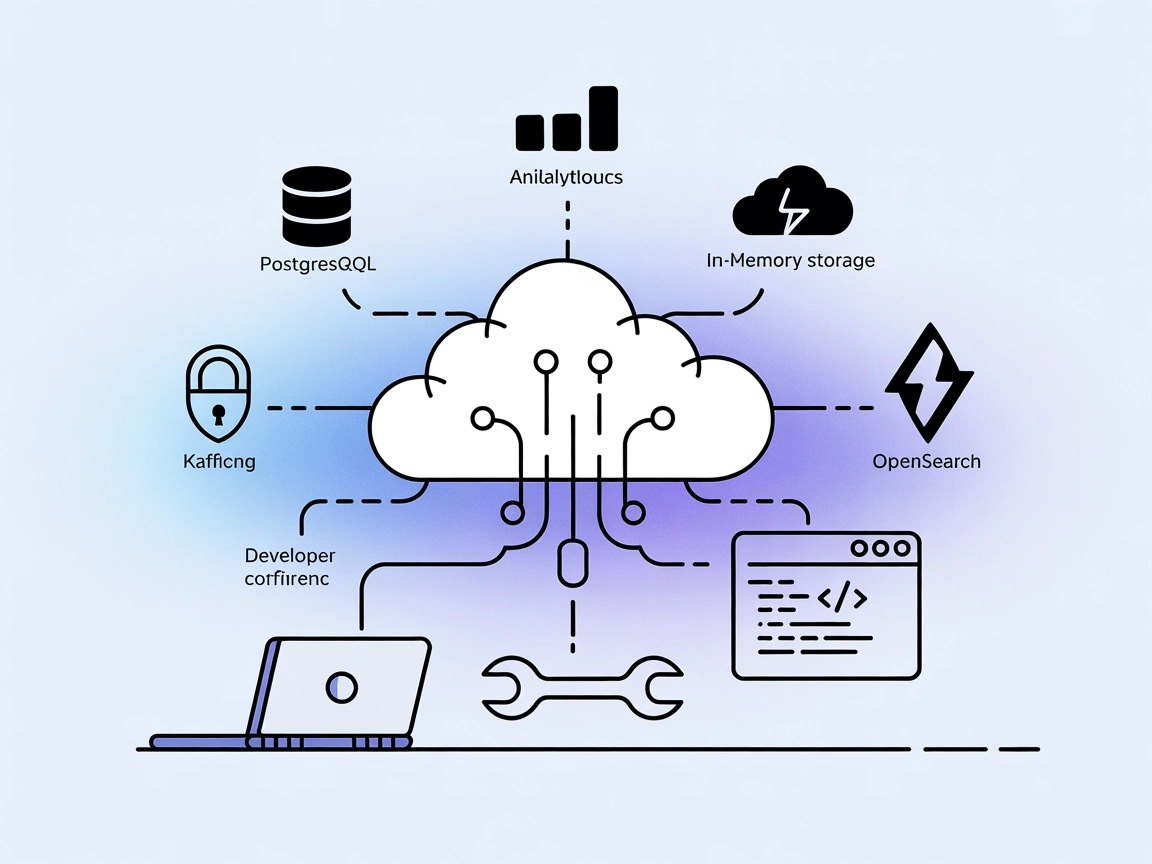
Aiven MCP
Integrate FlowHunt with Aiven’s Model Context Protocol (MCP) server to empower AI agents and LLMs with secure, real-time automation and management of PostgreSQL...
4 min read
AI
Aiven
+4

Seamlessly connect FlowHunt with Aiven’s cloud platform for automated project management, service monitoring, and secure AI-driven infrastructure workflows.
The Aiven MCP (Model Context Protocol) Server is a tool that connects AI assistants with the Aiven cloud platform, enabling seamless integration with Aiven’s managed services such as PostgreSQL, Kafka, ClickHouse, Valkey, and OpenSearch. By exposing these resources and functionalities through the MCP interface, the server empowers AI-driven workflows to perform tasks like listing projects, retrieving service details, and managing cloud infrastructure programmatically. This bridge between AI agents and Aiven’s ecosystem allows for enhanced development workflows, enabling automation, dynamic database management, and real-time service insights—all securely executed within the user’s environment.
No prompt templates are mentioned in the repository.

Start your free trial today and see results within days.
No specific resources are described in the repository.
Get latest tips, trends, and deals for free.
No setup instructions found for Windsurf.
~/Library/Application Support/Claude/claude_desktop_config.json%APPDATA%/Claude/claude_desktop_config.json{
"mcpServers": {
"mcp-aiven": {
"command": "uv",
"args": [
"--directory",
"$REPOSITORY_DIRECTORY",
"run",
"--with-editable",
"$REPOSITORY_DIRECTORY",
"--python",
"3.13",
"mcp-aiven"
],
"env": {
  "AIVEN_BASE_URL": "https://api.aiven.io",
  "AIVEN_TOKEN": "$AIVEN_TOKEN"
}
}
}
}
$REPOSITORY_DIRECTORY to the path of the cloned repo and AIVEN_TOKEN to your Aiven login token
.uv command entry with the absolute path to the uv executable (find with which uv).Environment variables are used for sensitive information:
"env": {
"AIVEN_BASE_URL": "https://api.aiven.io",
"AIVEN_TOKEN": "$AIVEN_TOKEN"
}
mcp-aivencommanduv --directory $REPOSITORY_DIRECTORY run --with-editable $REPOSITORY_DIRECTORY --python 3.13 mcp-aiven
$REPOSITORY_DIRECTORY and add AIVEN_BASE_URL, AIVEN_PROJECT_NAME, and AIVEN_TOKEN as variables.No setup instructions found for Cline.
Using MCP in FlowHunt
To integrate MCP servers into your FlowHunt workflow, start by adding the MCP component to your flow and connecting it to your AI agent:

Click on the MCP component to open the configuration panel. In the system MCP configuration section, insert your MCP server details using this JSON format:
{
  "MCP-name": {
    "transport": "streamable_http",
    "url": "https://yourmcpserver.example/pathtothemcp/url"
  }
}
Once configured, the AI agent can use this MCP as a tool with access to all its functions and capabilities. Remember to change “MCP-name” to “mcp-aiven” and update the URL accordingly.
| Section | Availability | Details/Notes |
|---|---|---|
| Overview | ✅ | |
| List of Prompts | ⛔ | None documented |
| List of Resources | ⛔ | None documented |
| List of Tools | ✅ | 3 tools (list_projects, etc.) |
| Securing API Keys | ✅ | Uses env vars |
| Sampling Support (less important in evaluation) | ⛔ | Not mentioned |
Based on the above, the Aiven MCP Server provides clear tooling and secure setup, but lacks documentation for resources and prompt templates. It’s a solid, functional MCP server for Aiven-specific automation, earning a moderate score for its focus and clarity, but missing more advanced MCP features.
| Has a LICENSE | ✅ (Apache-2.0) |
|---|---|
| Has at least one tool | ✅ |
| Number of Forks | 7 |
| Number of Stars | 7 |
Roots and Sampling:
No evidence of support for Roots or Sampling in the repository documentation or code listings.
Automate your cloud workflows by integrating Aiven's managed services with FlowHunt’s advanced AI automation. Streamline project discovery, service inventory, and infrastructure insights—all with secure, programmatic control.
Integrate FlowHunt with Aiven’s Model Context Protocol (MCP) server to empower AI agents and LLMs with secure, real-time automation and management of PostgreSQL...

The Skyvern MCP (Model Context Protocol) Server bridges AI assistants and external systems, enabling seamless integration with databases, APIs, and file storage...

The edwin MCP Server bridges AI assistants and external data sources, APIs, and services, enabling smarter, context-aware agents in FlowHunt by exposing resourc...
Cookie Consent
We use cookies to enhance your browsing experience and analyze our traffic. See our privacy policy.