


Flyworks MCP
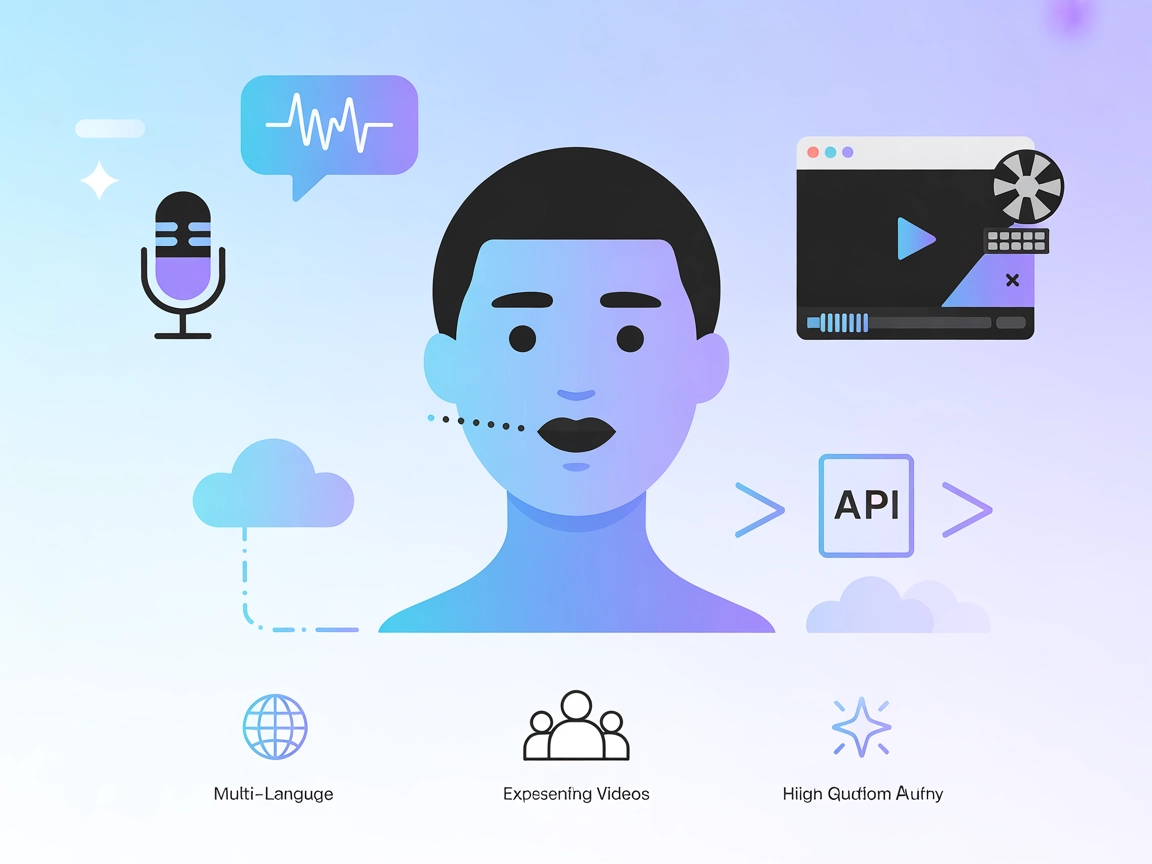
Integrate FlowHunt with Flyworks MCP to automate the creation of fast, free, and high-quality lipsync videos using digital avatars. Effortlessly animate avatars...
4 min read
AI
Flyworks MCP
+5

Flyworks MCP Server empowers FlowHunt users to create lipsynced avatar videos and generate digital humans from media, streamlining content workflows for virtual, animated, and interactive experiences.
The Flyworks MCP Server is a Model Context Protocol (MCP) server that provides a user-friendly interface to the Flyworks API, enabling rapid and free lipsync video creation for a variety of digital avatars, ranging from realistic to cartoon styles. By connecting AI assistants with the capabilities of the Flyworks platform, it allows developers and creative professionals to easily generate lipsynced videos using avatar footage and audio clips or even produce avatars directly from images or videos. The server supports both synchronous and asynchronous operations, streamlining workflows for applications in digital content creation, virtual humans, and interactive media experiences.
No information about prompt templates is provided in the repository.

Start your free trial today and see results within days.
No explicit MCP resources are listed in the documentation or repository.
No explicit list of tool definitions is provided in the repository or its documentation.
Get latest tips, trends, and deals for free.
No Windsurf-specific setup instructions are provided.
httpx, mcp[cli]) are installed.Claude > Settings > Developer > Edit Config > claude_desktop_config.json.Example JSON configuration:
{
  "mcpServers": {
    "flyworks": {
      "command": "uvx",
      "args": [
        "flyworks-mcp",
        "-y"
      ],
      "env": {
        "FLYWORKS_API_TOKEN": "your_api_token_here",
        "FLYWORKS_API_BASE_URL": "https://hfw-api.hifly.cc/api/v2/hifly",
        "FLYWORKS_MCP_BASE_PATH": "/path/to/your/output/directory"
      }
    }
  }
}
Note: Secure your API keys using environment variables as shown in the env section above.
No Cursor-specific setup instructions are provided.
No Cline-specific setup instructions are provided.
Using MCP in FlowHunt
To integrate MCP servers into your FlowHunt workflow, start by adding the MCP component to your flow and connecting it to your AI agent:

Click on the MCP component to open the configuration panel. In the system MCP configuration section, insert your MCP server details using this JSON format:
{
  "flyworks": {
    "transport": "streamable_http",
    "url": "https://yourmcpserver.example/pathtothemcp/url"
  }
}
Once configured, the AI agent is now able to use this MCP as a tool with access to all its functions and capabilities. Remember to change “flyworks” to whatever the actual name of your MCP server is and replace the URL with your own MCP server URL.
| Section | Availability | Details/Notes |
|---|---|---|
| Overview | ✅ | Description available in README.md |
| List of Prompts | ⛔ | No prompt templates documented |
| List of Resources | ⛔ | No explicit MCP resources listed |
| List of Tools | ⛔ | No explicit tools defined in documentation |
| Securing API Keys | ✅ | Example provided using env in configuration |
| Sampling Support (less important in evaluation) | ⛔ | Not mentioned |
Between these two tables, Flyworks MCP provides a clear overview, license, and secure configuration, but lacks documentation on prompts, resources, and tools. As such, it is best suited for straightforward avatar lipsync workflows but may require further protocol-specific enhancements for MCP-compliant integrations.
Based on the above, we rate this MCP server a 4 out of 10 for general MCP protocol utility: strong in its focused use case, but lacking broader MCP features and documentation.
| Has a LICENSE | ✅ (MIT) |
|---|---|
| Has at least one tool | ⛔ |
| Number of Forks | 12 |
| Number of Stars | 87 |
Accelerate your digital avatar workflows with Flyworks MCP Server—generate lipsynced videos and custom avatars effortlessly inside FlowHunt.
Integrate FlowHunt with Flyworks MCP to automate the creation of fast, free, and high-quality lipsync videos using digital avatars. Effortlessly animate avatars...

Integrate FlowHunt with Creatify MCP Server to automate AI avatar video generation, streamline video workflows, and enhance content creation using advanced Mode...
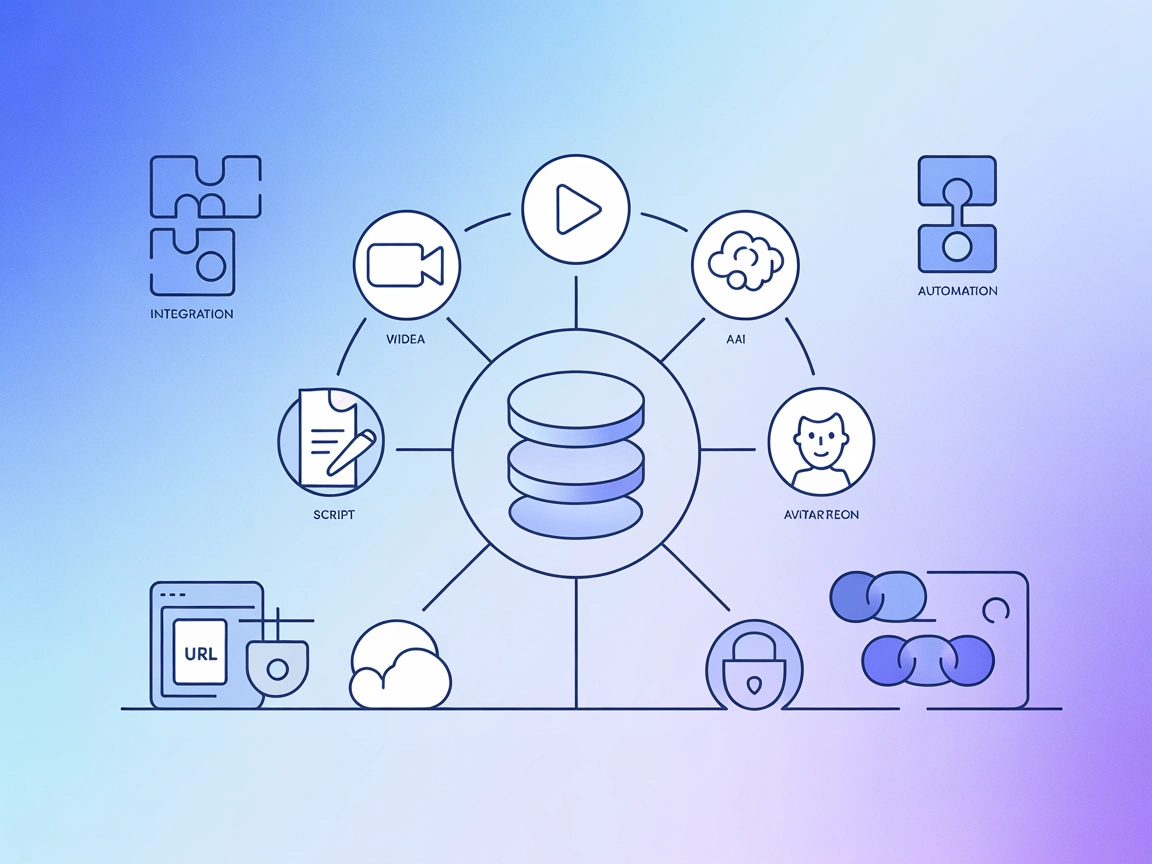
The Creatify MCP Server integrates Creatify AI’s advanced video generation APIs into your AI workflows, enabling avatar-based video creation, URL-to-video conve...
Cookie Consent
We use cookies to enhance your browsing experience and analyze our traffic. See our privacy policy.