



MCP Server
Integrate FlowHunt with MCP Server to automate data science workflows, explore complex CSV datasets, run custom Python scripts, and generate actionable insights...
3 min read
AI
MCP Server
+4
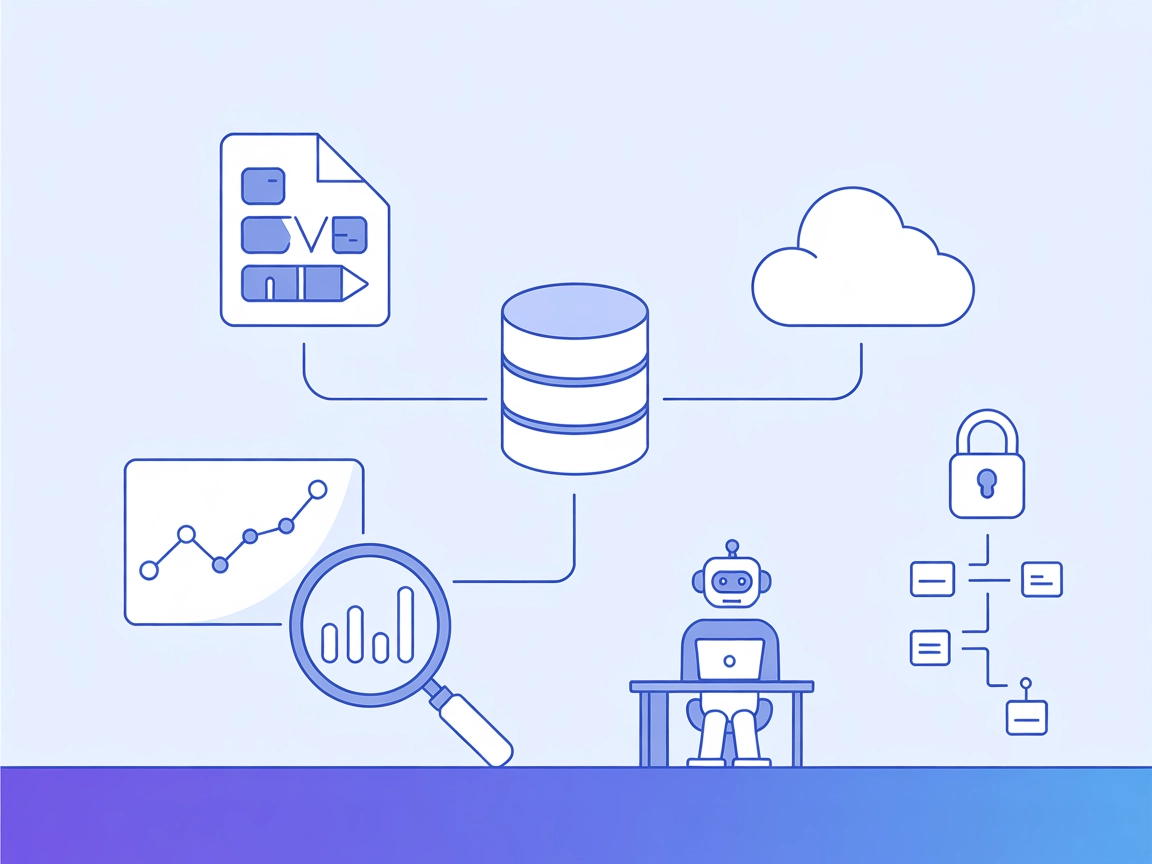
Connect your AI agent to external datasets for powerful data analysis, reporting, and visualization with the Data Exploration MCP Server.
The Data Exploration MCP Server is a versatile tool designed to connect AI assistants with external datasets for interactive data analysis. Acting as a personal Data Scientist assistant, it empowers users—especially developers and analysts—to explore complex datasets and extract actionable insights with ease. By allowing AI agents to access local CSV files and define topics of exploration, the server streamlines tasks such as summarizing trends, generating analytical reports, and visualizing data. Its integration with major AI platforms makes it a valuable component for database queries, data-driven conversations, and workflow automation, all while enabling seamless and secure interactions with user-provided data.
csv_path (local file path) and topic (subject of exploration).
Start your free trial today and see results within days.
Get latest tips, trends, and deals for free.
{
  "mcpServers": {
    "data-exploration": {
      "command": "python",
      "args": ["setup.py"]
    }
  }
}
python setup.py
csv_path, topic).{
"mcpServers": {
"data-exploration": {
"command": "python",
"args": ["setup.py"]
}
}
}
{
  "mcpServers": {
    "data-exploration": {
      "command": "python",
      "args": ["setup.py"]
    }
  }
}
If the server requires API keys, set them via environment variables for security:
{
  "mcpServers": {
    "data-exploration": {
      "command": "python",
      "args": ["setup.py"],
      "env": {
        "API_KEY": "${API_KEY}"
      },
      "inputs": {
        "api_key": "${API_KEY}"
      }
    }
  }
}
Replace "API_KEY" with your actual environment variable name.
Using MCP in FlowHunt
To integrate MCP servers into your FlowHunt workflow, start by adding the MCP component to your flow and connecting it to your AI agent:

Click on the MCP component to open the configuration panel. In the system MCP configuration section, insert your MCP server details using this JSON format:
{
  "data-exploration": {
    "transport": "streamable_http",
    "url": "https://yourmcpserver.example/pathtothemcp/url"
  }
}
Once configured, the AI agent is now able to use this MCP as a tool with access to all its functions and capabilities. Remember to change “data-exploration” to whatever the actual name of your MCP server is and replace the URL with your own MCP server URL.
| Section | Availability | Details/Notes |
|---|---|---|
| Overview | ✅ | Based on README.md and repo description |
| List of Prompts | ✅ | “explore-data” prompt template documented |
| List of Resources | ✅ | CSV file, Kaggle datasets, reports, visualizations |
| List of Tools | ⛔ | No explicit tool list found |
| Securing API Keys | ✅ | Example provided, though not mentioned in repo |
| Sampling Support (less important in evaluation) | ⛔ | No evidence found |
Based on the available documentation and repo content, this MCP server is well-suited for data exploration and analysis tasks. However, the lack of a clear tools list and explicit sampling or roots support slightly limits its flexibility for advanced agentic workflows. Still, for its primary purpose, it offers solid utility and clear integration steps.
| Has a LICENSE | ✅ (MIT) |
|---|---|
| Has at least one tool | ⛔ |
| Number of Forks | 40 |
| Number of Stars | 389 |
Empower your workflows with interactive data analysis and visualization. Connect your AI agent to the Data Exploration MCP Server for real-time insights from your datasets.
Integrate FlowHunt with MCP Server to automate data science workflows, explore complex CSV datasets, run custom Python scripts, and generate actionable insights...

The Azure Data Explorer (ADX) MCP Server enables AI assistants and agents to connect seamlessly with Azure Data Explorer clusters, execute KQL queries, explore ...

The py-mcp-mssql MCP Server provides a secure and efficient bridge for AI agents to interact programmatically with Microsoft SQL Server databases via the Model ...
Cookie Consent
We use cookies to enhance your browsing experience and analyze our traffic. See our privacy policy.