



EduBase MCP Integration
Integrate FlowHunt with EduBase’s Model Context Protocol (MCP) server for advanced AI-driven automation in education. Automate quiz creation, grading, secure as...
3 min read
AI
EduBase
+3
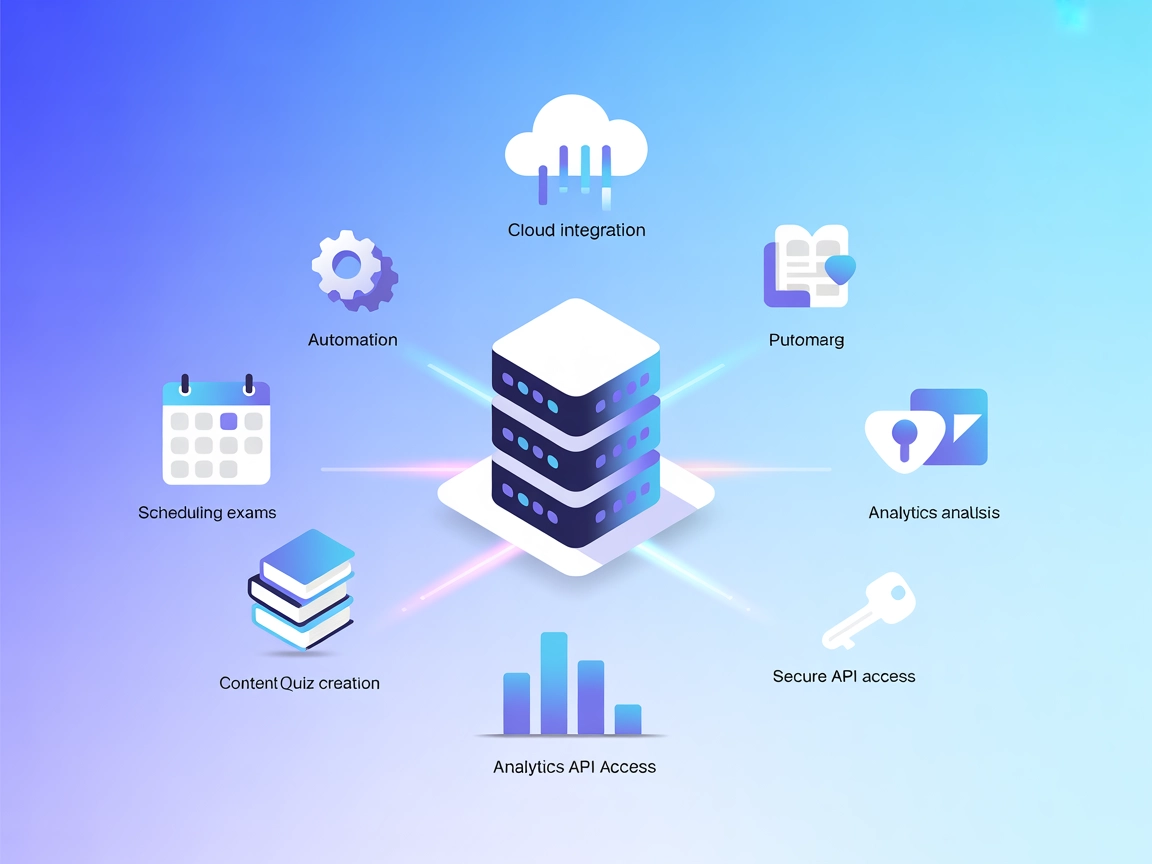
Connect AI tools to EduBase: automate quizzes, manage exams, and analyze results through the EduBase MCP Server for next-level e-learning experiences.
The EduBase MCP (Model Context Protocol) Server functions as a bridge between AI assistants, like Claude, and the EduBase e-learning platform. By exposing EduBase’s capabilities via the MCP protocol, it allows LLMs and AI clients to perform advanced e-learning operations—such as uploading quiz questions, scheduling exams, and analyzing results—through a standardized interface. This significantly enhances development workflows in educational and enterprise contexts, enabling automated and interactive management of content, assessments, and user data. With support for various transport protocols (stdio, SSE, streamable HTTP), the server empowers AI-driven automation, seamless integration, and secure access to EduBase’s robust educational features.
No explicit prompt templates are mentioned in the available documentation.

Start your free trial today and see results within days.
No explicit MCP resources are detailed in the documentation or repository.
No explicit tool definitions are described in the documentation or visible files.
Get latest tips, trends, and deals for free.
~/.windsurf/config.json).mcpServers object:{
"mcpServers": {
"edubase-mcp": {
"command": "npx",
"args": ["@EduBase/mcp-server@latest"]
}
}
}
Add your API credentials using environment variables:
{
  "mcpServers": {
    "edubase-mcp": {
      "command": "npx",
      "args": ["@EduBase/mcp-server@latest"],
      "env": {
        "EDUBASE_API_KEY": "your-api-key"
      },
      "inputs": {
        "apiKey": "${EDUBASE_API_KEY}"
      }
    }
  }
}
.cursor/config.json file.{
"mcpServers": {
"edubase-mcp": {
"command": "npx",
"args": ["@EduBase/mcp-server@latest"]
}
}
}
Using MCP in FlowHunt
To integrate MCP servers into your FlowHunt workflow, start by adding the MCP component to your flow and connecting it to your AI agent:

Click on the MCP component to open the configuration panel. In the system MCP configuration section, insert your MCP server details using this JSON format:
{
  "edubase-mcp": {
    "transport": "streamable_http",
    "url": "https://yourmcpserver.example/pathtothemcp/url"
  }
}
Once configured, the AI agent is now able to use this MCP as a tool with access to all its functions and capabilities. Remember to change “edubase-mcp” to whatever the actual name of your MCP server is and replace the URL with your own MCP server URL.
| Section | Availability | Details/Notes |
|---|---|---|
| Overview | ✅ | Detailed in README |
| List of Prompts | ⛔ | Not mentioned |
| List of Resources | ⛔ | Not mentioned |
| List of Tools | ⛔ | Not mentioned |
| Securing API Keys | ✅ | Described in setup |
| Sampling Support (less important in evaluation) | ⛔ | Not mentioned |
The EduBase MCP server is well-documented for setup and integration, but currently lacks public details on prompt templates, tool interfaces, or resource surfaces in its documentation. It is clearly production-ready for EduBase/LLM integration but could benefit from more explicit developer-facing technical detail. Based on the above, we rate this MCP a 5/10 for developer readiness and completeness.
| Has a LICENSE | ✅ (MIT) |
|---|---|
| Has at least one tool | ⛔ |
| Number of Forks | 5 |
| Number of Stars | 12 |
Integrate the EduBase MCP Server into your FlowHunt workflow for seamless AI-powered education automation. Create, schedule, and analyze with ease.
Integrate FlowHunt with EduBase’s Model Context Protocol (MCP) server for advanced AI-driven automation in education. Automate quiz creation, grading, secure as...
The Grafbase MCP Server bridges AI assistants and external data sources or APIs, enabling LLMs to access real-time data, automate workflows, and extend capabili...
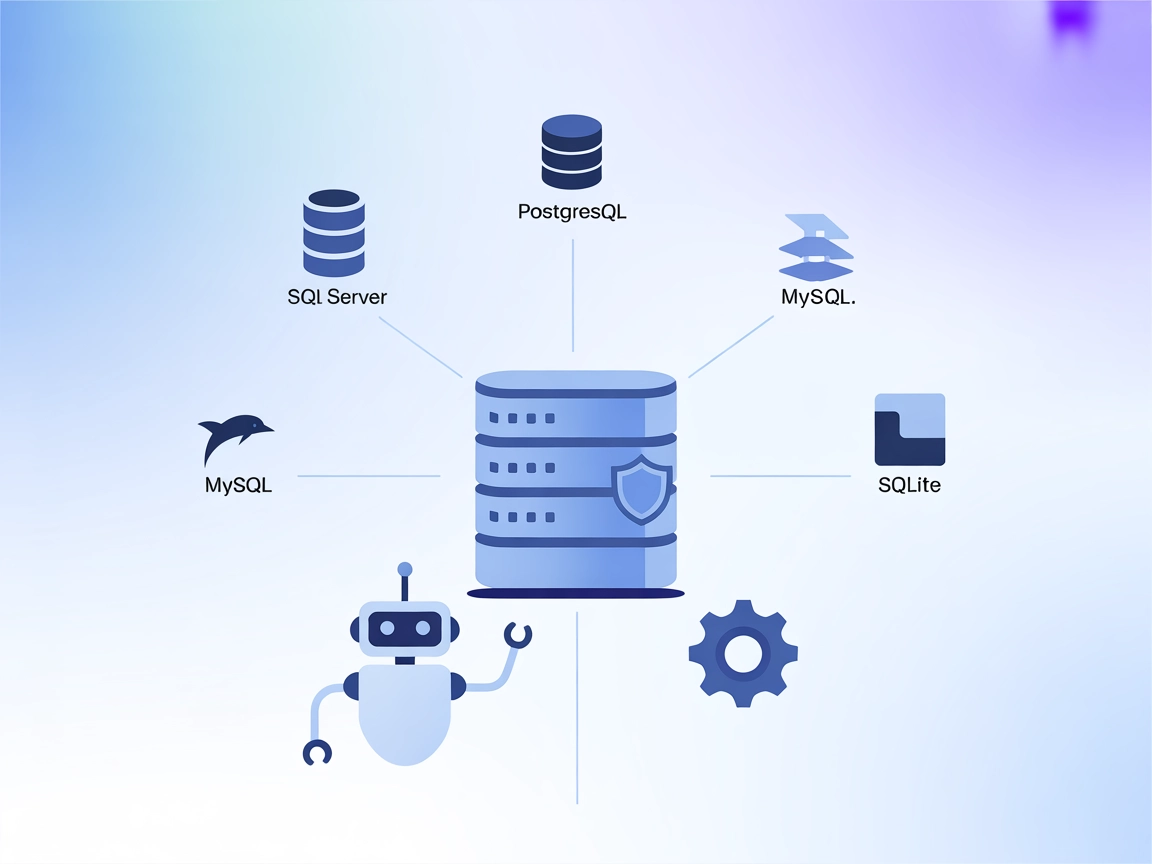
The MCP Database Server enables secure, programmatic access to popular databases like SQLite, SQL Server, PostgreSQL, and MySQL for AI assistants and automation...
Cookie Consent
We use cookies to enhance your browsing experience and analyze our traffic. See our privacy policy.