


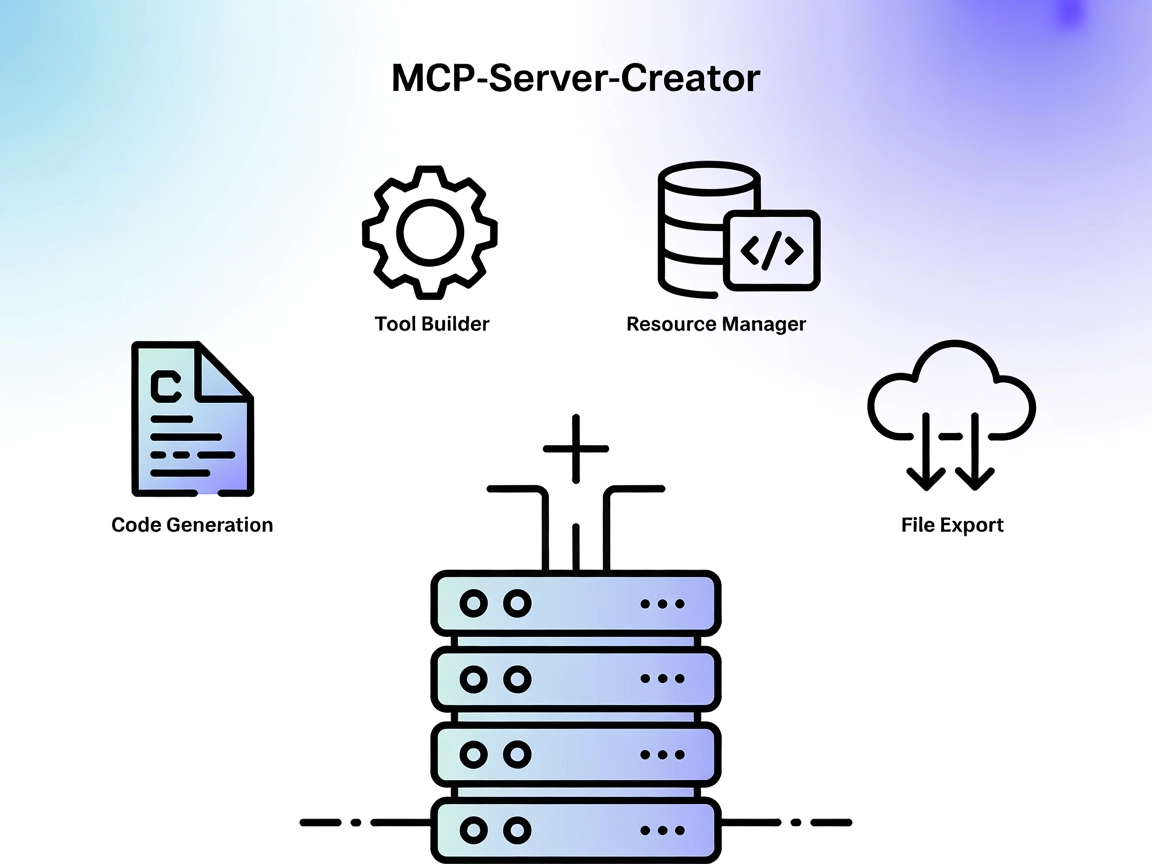
MCP-Server-Creator MCP Server
The MCP-Server-Creator is a meta-server that enables rapid creation and configuration of new Model Context Protocol (MCP) servers. With dynamic code generation,...
5 min read
AI
MCP
+5

PromptPilot accelerates and improves the creation of AI prompts with interactive, guided workflows, empowering developers to standardize and enhance AI-generated results.
The Enhance Prompt MCP Server, also known as PromptPilot, is designed to assist users in generating and enhancing prompts for generative AI models. It serves as a bridge between AI assistants and external services, offering both quick prompt generation based on user keywords and a guided, conversational interface that walks users through refining their prompt requirements. By providing structured workflows for prompt creation, it empowers developers and end-users to standardize and improve the quality of AI-generated responses. The server is tailored for integration into broader development workflows, enabling tasks such as rapid prompt prototyping and interactive prompt enhancement for a variety of AI applications.
No explicit prompt templates are listed in the available documentation or repository files.

Start your free trial today and see results within days.
No explicit MCP resources are documented or listed in the available repository files.
No explicit MCP tools are defined or listed in the available repository files (e.g., server.py or equivalent).
Get latest tips, trends, and deals for free.
git clone https://github.com/FelixFoster/mcp-enhance-promptnpm installnpm run buildnode build/index.js (or use Docker/npx as needed).{
"mcpServers": {
"enhance-prompt": {
"command": "npx",
"args": ["-y", "enhance-prompt-server"],
"env": {
"API_KEY": "${ENHANCE_API_KEY}"
}
}
}
}
Note: Secure API keys using environment variables as shown above.
{
  "mcpServers": {
    "enhance-prompt": {
      "command": "npx",
      "args": ["-y", "enhance-prompt-server"],
      "env": {
        "API_KEY": "${ENHANCE_API_KEY}"
      }
    }
  }
}
Note: Use environment variables for sensitive data.
{
  "mcpServers": {
    "enhance-prompt": {
      "command": "npx",
      "args": ["-y", "enhance-prompt-server"],
      "env": {
        "API_KEY": "${ENHANCE_API_KEY}"
      }
    }
  }
}
Note: Use environment variables for security.
{
  "mcpServers": {
    "enhance-prompt": {
      "command": "npx",
      "args": ["-y", "enhance-prompt-server"],
      "env": {
        "API_KEY": "${ENHANCE_API_KEY}"
      }
    }
  }
}
Note: Secure your configuration by using environment variables for API keys.
Using MCP in FlowHunt
To integrate MCP servers into your FlowHunt workflow, start by adding the MCP component to your flow and connecting it to your AI agent:

Click on the MCP component to open the configuration panel. In the system MCP configuration section, insert your MCP server details using this JSON format:
{
  "enhance-prompt": {
    "transport": "streamable_http",
    "url": "https://yourmcpserver.example/pathtothemcp/url"
  }
}
Once configured, the AI agent can use this MCP as a tool with access to all its functions and capabilities. Remember to change “enhance-prompt” to your MCP server’s actual name and set the correct URL.
| Section | Availability | Details/Notes |
|---|---|---|
| Overview | ✅ | |
| List of Prompts | ⛔ | No templates found |
| List of Resources | ⛔ | No MCP resources found |
| List of Tools | ⛔ | No MCP tools found |
| Securing API Keys | ✅ | Environment variable usage in setup |
| Sampling Support (less important in evaluation) | ⛔ | Not documented |
| Roots Support | Not documented | | Sampling | Not documented |
The Enhance Prompt MCP Server (PromptPilot) provides a clear and straightforward setup process with strong documentation on installation and integration. However, the absence of explicit prompt templates, MCP resources, or tools reduces its immediate utility as a standardized MCP server. Its setup instructions and focus on security are strong points, but the lack of deeper MCP-specific features limits its score for advanced users.
Rating: 5/10
| Has a LICENSE | ✅ (MIT) |
|---|---|
| Has at least one tool | ⛔ |
| Number of Forks | 1 |
| Number of Stars | 5 |
Supercharge your AI workflows with fast, guided prompt generation and enhancement. Integrate Enhance Prompt MCP into your FlowHunt projects for better, more consistent AI outcomes.
The MCP-Server-Creator is a meta-server that enables rapid creation and configuration of new Model Context Protocol (MCP) servers. With dynamic code generation,...
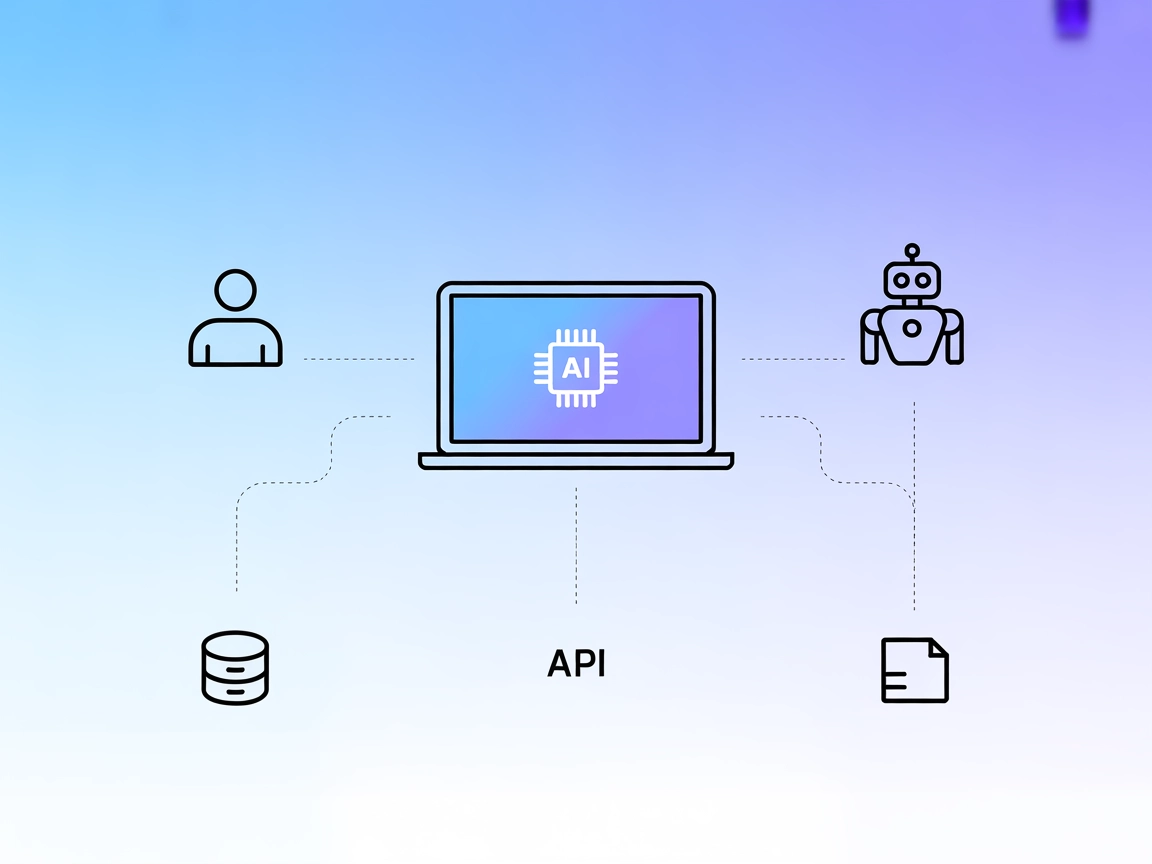
The interactive-mcp MCP Server enables seamless, human-in-the-loop AI workflows by bridging AI agents with users and external systems. It supports cross-platfor...
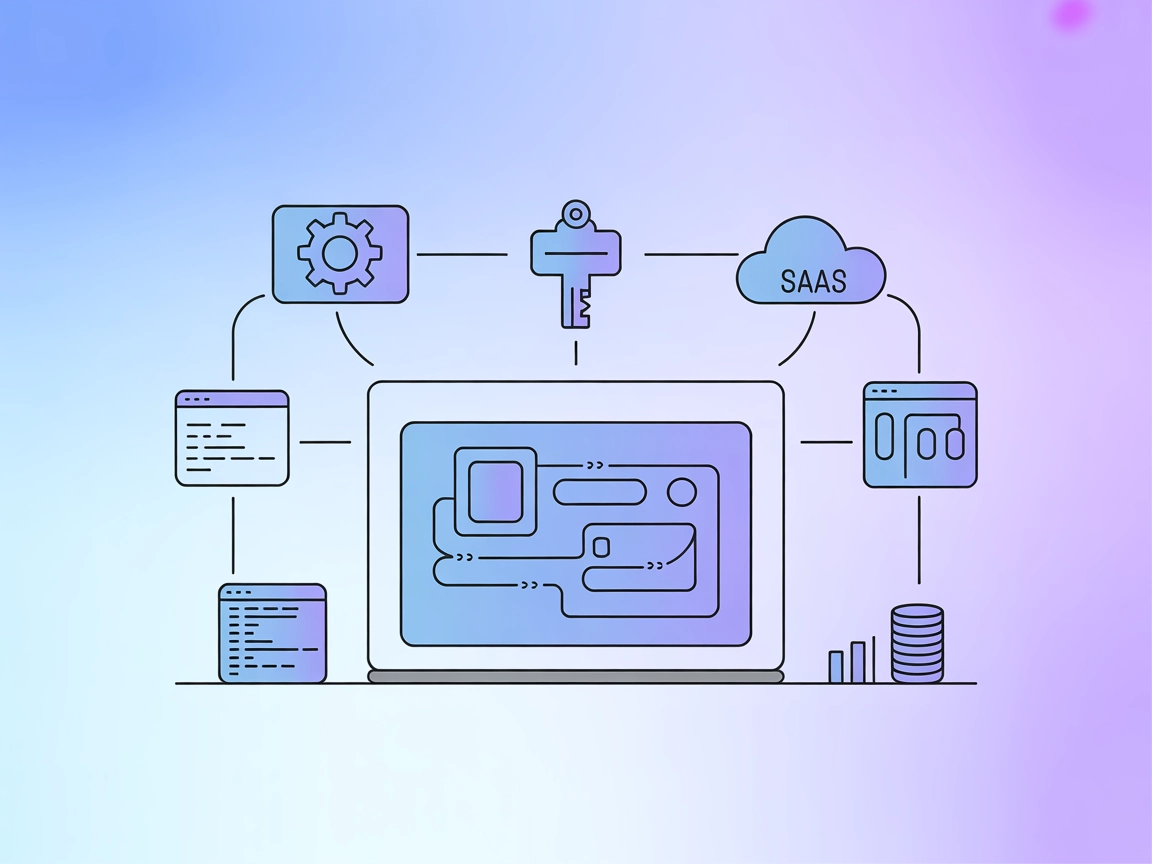
The Opik MCP Server connects the Opik platform with IDEs and development tools, enabling AI assistants to access project management, prompt templates, traces, a...
Cookie Consent
We use cookies to enhance your browsing experience and analyze our traffic. See our privacy policy.