



Goal Story
Integrate FlowHunt with Goal Story to achieve next-level, story-driven goal management. Leverage conversational AI, visualization techniques, and secure progres...
4 min read
AI
Goal Management
+4
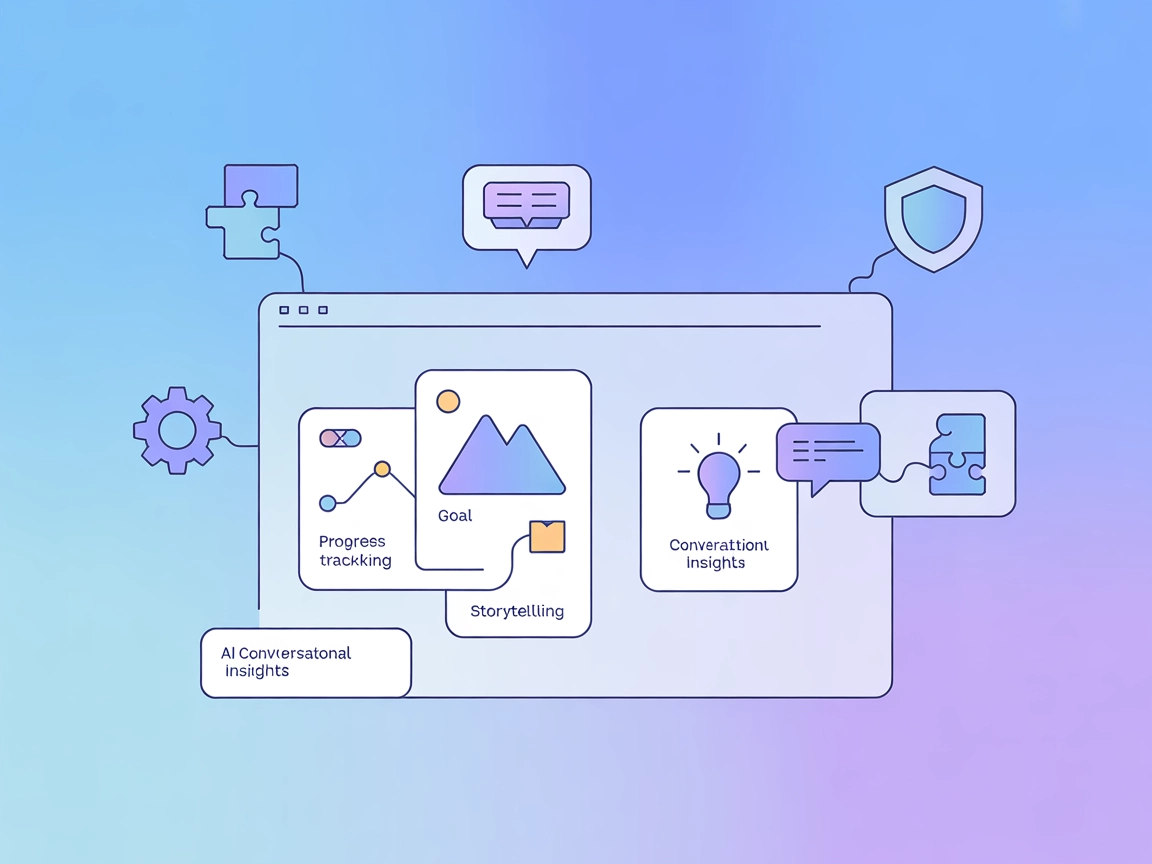
Transform goals into engaging stories and actionable plans with Goal Story MCP Server—an AI-powered tool for narrative-driven motivation and personal growth.
Goal Story MCP Server is a conversational AI tool designed to help users manage their aspirations through a process called “Goal Storying.” Rather than functioning as a traditional goal tracker, Goal Story guides users to focus on one goal at a time, weaving their aspirations into a personalized narrative. Leveraging proven visualization techniques, the server acts as an AI “thought partner,” delivering constructive insights and creative storytelling tailored to a user’s unique motivations. This approach helps users stay engaged, motivated, and on track to achieve their goals. The server enables AI assistants and development tools to connect with Goal Story’s API, allowing tasks such as goal creation, visualization, and progress tracking to be integrated into various development and productivity workflows.
No information about prompt templates is provided in the repository or documentation.

Start your free trial today and see results within days.
No explicit details about resources provided to AI clients are present in the available documentation.
No tool definitions or specific actions exposed via the MCP server (such as query_database, call_api, etc.) are described in the repository or its documentation.
Get latest tips, trends, and deals for free.
windsurf.config.json)."mcpServers": {
"goalStory": {
"command": "npx",
"args": ["-y", "goalstory-mcp", "https://prod-goalstory-rqc2.encr.app", "your-api-key"]
}
}
"mcpServers": {
  "goalStory": {
    "command": "npx",
    "args": ["-y", "goalstory-mcp", "https://prod-goalstory-rqc2.encr.app", "your-api-key"]
  }
}
"mcpServers": {
  "goalStory": {
    "command": "npx",
    "args": ["-y", "goalstory-mcp", "https://prod-goalstory-rqc2.encr.app", "your-api-key"]
  }
}
"mcpServers": {
  "goalStory": {
    "command": "npx",
    "args": ["-y", "goalstory-mcp", "https://prod-goalstory-rqc2.encr.app", "your-api-key"]
  }
}
Securing API Keys Using Environment Variables
To keep your API key secure, use environment variables in your configuration. Example:
"mcpServers": {
  "goalStory": {
    "command": "npx",
    "args": ["-y", "goalstory-mcp", "https://prod-goalstory-rqc2.encr.app"],
    "env": {
      "GOALSTORY_API_KEY": "your-api-key"
    },
    "inputs": {
      "apiKey": "${GOALSTORY_API_KEY}"
    }
  }
}
Using MCP in FlowHunt
To integrate MCP servers into your FlowHunt workflow, start by adding the MCP component to your flow and connecting it to your AI agent:

Click on the MCP component to open the configuration panel. In the system MCP configuration section, insert your MCP server details using this JSON format:
{
  "goalStory": {
    "transport": "streamable_http",
    "url": "https://prod-goalstory-rqc2.encr.app"
  }
}
Once configured, the AI agent is now able to use this MCP as a tool with access to all its functions and capabilities. Remember to change “goalStory” if you use a different MCP server name and set the correct URL.
| Section | Availability | Details/Notes |
|---|---|---|
| Overview | ✅ | Clear description and conceptual details present |
| List of Prompts | ⛔ | No prompt templates described |
| List of Resources | ⛔ | No explicit resource definitions |
| List of Tools | ⛔ | No tool list or definitions found |
| Securing API Keys | ✅ | API key security via env vars and config documented |
| Sampling Support (less important in evaluation) | ⛔ | No mention of sampling support |
The Goal Story MCP Server has a compelling narrative and use case, with solid setup documentation and integration guidance. However, it lacks technical depth in its public documentation regarding prompts, tools, and resources, which limits its immediate developer utility. Based on the above, we would rate this MCP server a 4/10 for developer usability and completeness.
| Has a LICENSE | ⛔ (no obvious LICENSE file present) |
|---|---|
| Has at least one tool | ⛔ |
| Number of Forks | 2 |
| Number of Stars | 12 |
Integrate Goal Story MCP Server into your FlowHunt workflows to visualize, narrate, and track your goals with AI-powered motivation.
Integrate FlowHunt with Goal Story to achieve next-level, story-driven goal management. Leverage conversational AI, visualization techniques, and secure progres...
The SingleStore MCP Server allows seamless natural language interaction with SingleStore databases and services via AI assistants. Integrate, manage, and monito...
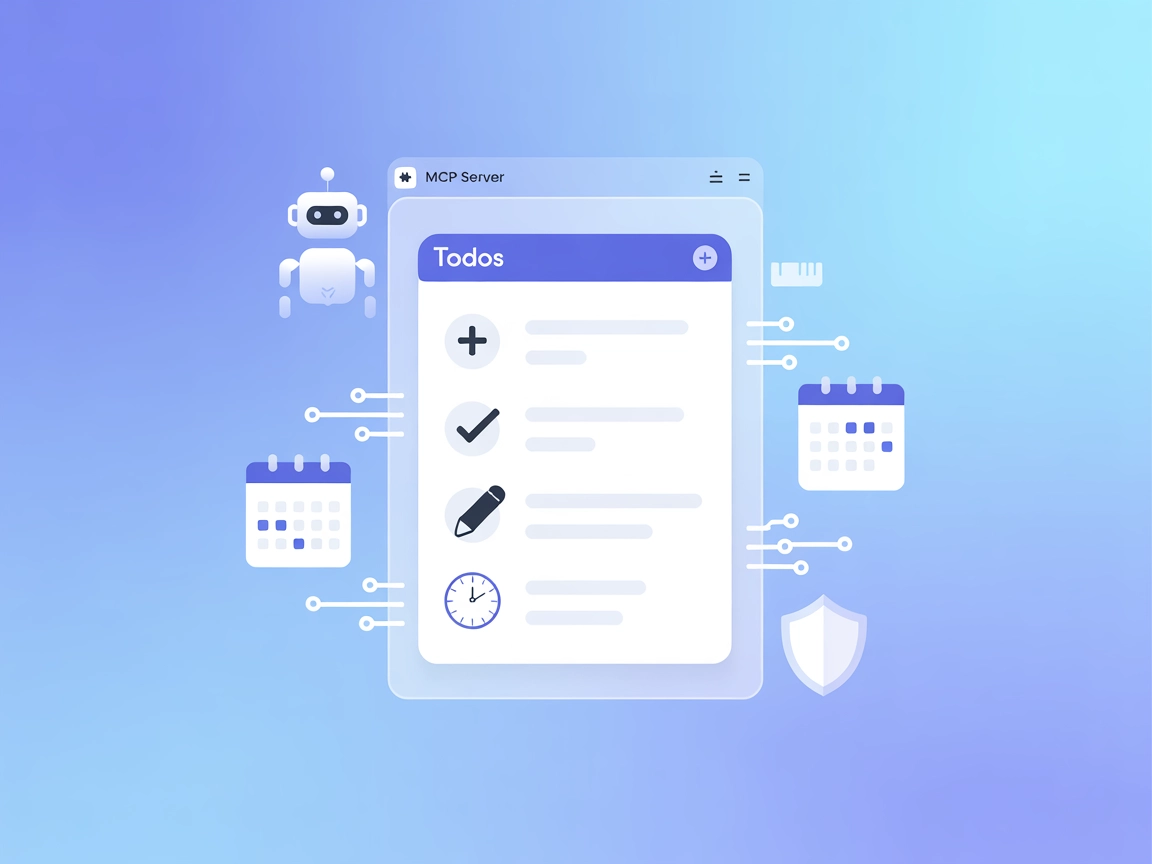
The Todos MCP Server is an open-source todo list application with Model Context Protocol (MCP) support, allowing AI assistants and chatbots to manage tasks prog...
Cookie Consent
We use cookies to enhance your browsing experience and analyze our traffic. See our privacy policy.