



Eunomia MCP Server
Eunomia MCP Server is an extension of the Eunomia framework that orchestrates data governance policies—like PII detection and access control—across text streams...
4 min read
AI
MCP
+6

Enable your AI to perform persistent, context-rich user data management by connecting Anthropic’s Claude with Apache Unomi via the Inoyu MCP Unomi Server.
The Inoyu MCP Unomi Server is a Model Context Protocol (MCP) server that integrates Anthropic’s MCP with the Apache Unomi Customer Data Platform (CDP). This enables AI assistants, such as Claude, to interact with and manage user profiles within Unomi, facilitating contextual awareness and persistent user data across sessions. The server supports profile lookup and creation using email, profile property management, session handling, and scope management for context isolation. By exposing these capabilities via MCP, the Inoyu server allows AI agents to perform advanced user data operations, such as retrieving or updating user information, thereby enhancing development workflows that require persistent, context-rich user data management.
No prompt templates are listed in the repository or documentation.

Start your free trial today and see results within days.
No explicit MCP resources are documented or listed in the available repository files.
get_my_profile
Retrieves the user’s profile using environment variables. Supports retrieving segment and score information and generates a session ID based on the current date.
update_my_profile
Updates properties of the user’s profile. Accepts a properties object with key-value pairs supporting various data types (string, number, boolean, null).
get_profile
Retrieves a specific profile by its ID from Unomi, returning the complete profile data.
search_profiles
Searches for profiles based on a query string, with optional limit and offset parameters. Searches across firstName, lastName, and email fields.
Get latest tips, trends, and deals for free.
No specific Windsurf instructions are provided.
~/Library/Application Support/Claude/claude_desktop_config.json%APPDATA%/Claude/claude_desktop_config.json{
"mcpServers": {
"unomi-server": {
"command": "npx",
"args": ["@inoyu/mcp-unomi-server"],
"env": {
"UNOMI_BASE_URL": "http://your-unomi-server:8181",
"UNOMI_USERNAME": "your-username",
"UNOMI_PASSWORD": "your-password",
"UNOMI_PROFILE_ID": "your-profile-id",
"UNOMI_KEY": "your-unomi-key",
"UNOMI_EMAIL": "your-email@example.com",
"UNOMI_SOURCE_ID": "claude-desktop"
}
}
}
}
Use the env section in the JSON configuration to set sensitive credentials as environment variables.
No specific Cursor instructions are provided.
No specific Cline instructions are provided.
Using MCP in FlowHunt
To integrate MCP servers into your FlowHunt workflow, start by adding the MCP component to your flow and connecting it to your AI agent:

Click on the MCP component to open the configuration panel. In the system MCP configuration section, insert your MCP server details using this JSON format:
{
  "inoyu-unomi": {
    "transport": "streamable_http",
    "url": "https://yourmcpserver.example/pathtothemcp/url"
  }
}
Once configured, the AI agent is now able to use this MCP as a tool with access to all its functions and capabilities. Remember to change “inoyu-unomi” to the actual name you wish to use and replace the URL with your MCP server’s address.
| Section | Availability | Details/Notes |
|---|---|---|
| Overview | ✅ | Overview and feature summary available |
| List of Prompts | ⛔ | No prompt templates listed |
| List of Resources | ⛔ | No explicit resources documented |
| List of Tools | ✅ | Four tools: get_my_profile, update_my_profile, etc. |
| Securing API Keys | ✅ | JSON env example provided for Claude |
| Sampling Support (less important in evaluation) | ⛔ | Not mentioned |
This MCP server provides solid integration for user profile management with Apache Unomi through a clear set of tools and straightforward setup for Claude Desktop. However, the absence of prompt templates, explicit resource definitions, and platform-specific instructions for Windsurf, Cursor, and Cline limits its completeness. It is best suited for experimentation and learning at this stage.
| Has a LICENSE | ✅ (Apache-2.0) |
|---|---|
| Has at least one tool | ✅ |
| Number of Forks | 7 |
| Number of Stars | 5 |
Rating: 6/10
The Inoyu MCP Unomi Server is promising for Unomi profile management and AI integration, but its early stage, lack of resource/prompt details, and limited multi-platform setup reduce its current utility for broader developer audiences.
Integrate advanced user profile management into your AI flows. Connect Anthropic Claude with Apache Unomi for personalized, persistent conversations and streamlined customer data workflows.
Eunomia MCP Server is an extension of the Eunomia framework that orchestrates data governance policies—like PII detection and access control—across text streams...
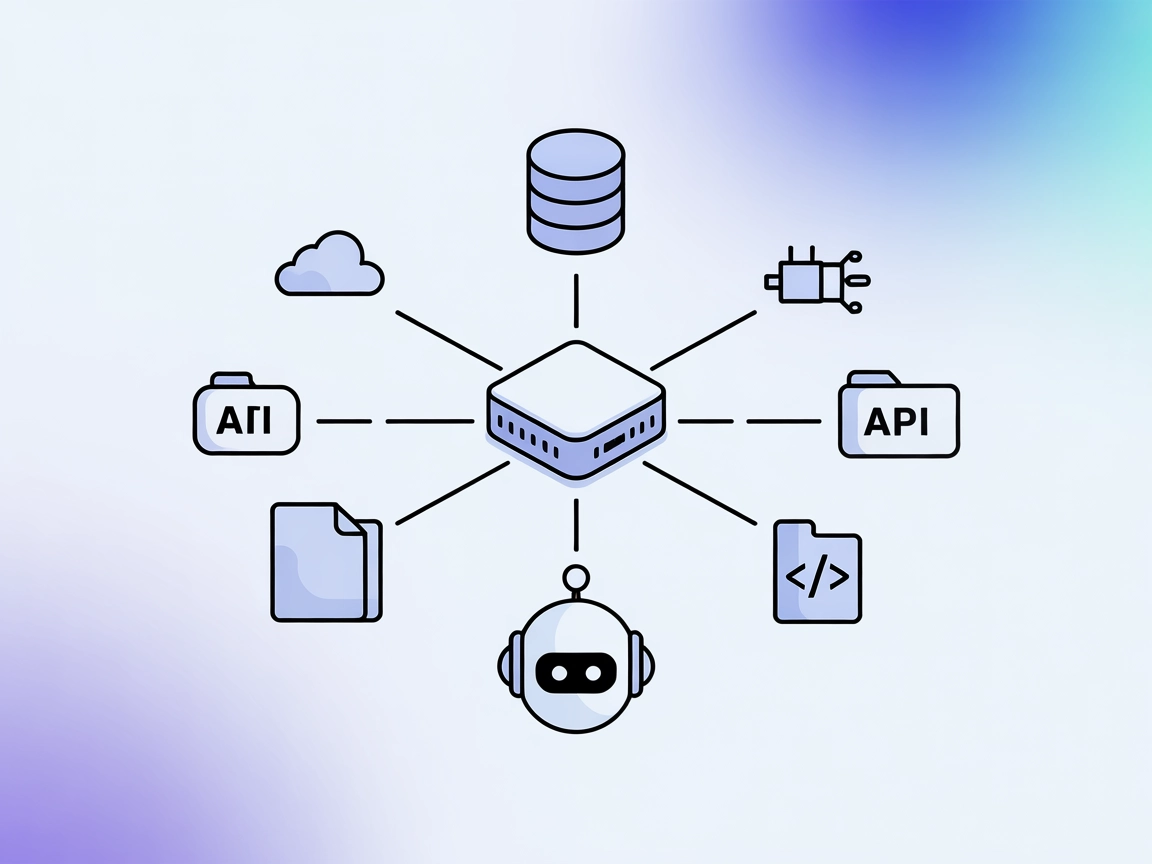
The UnifAI MCP Server connects AI assistants with external data sources, APIs, and services, enabling advanced automation and workflow orchestration within the ...
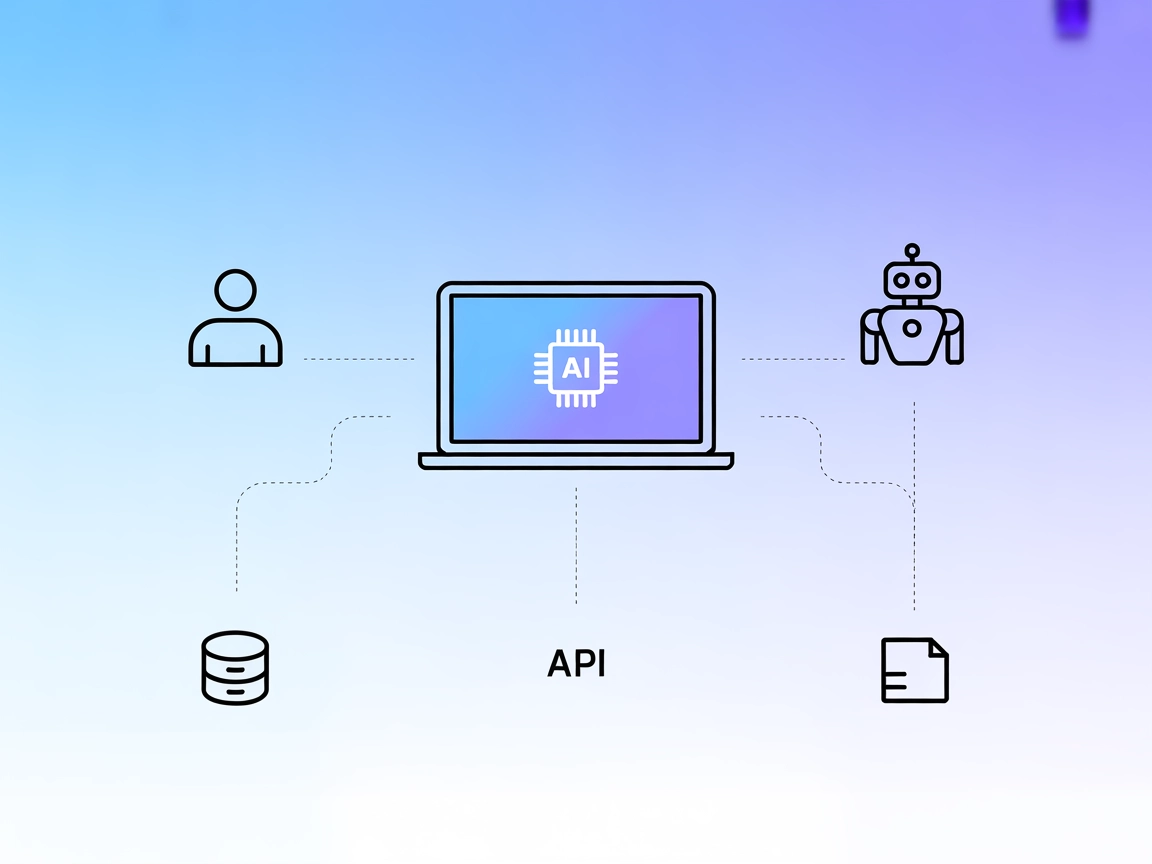
The interactive-mcp MCP Server enables seamless, human-in-the-loop AI workflows by bridging AI agents with users and external systems. It supports cross-platfor...
Cookie Consent
We use cookies to enhance your browsing experience and analyze our traffic. See our privacy policy.