


lingo.dev MCP Server
The lingo.dev MCP Server bridges AI assistants with external data sources, APIs, and services, enabling structured resource access, prompt templating, and tool ...
2 min read
MCP Servers
AI Tools
+3

Integrate the Langfuse MCP Server with FlowHunt to centrally manage, retrieve, and compile AI prompts from Langfuse, empowering dynamic and standardized LLM workflows.
The Langfuse MCP Server is a Model Context Protocol (MCP) server designed for Langfuse Prompt Management. It enables AI assistants and developers to access and manage prompts stored in Langfuse using the standardized MCP interface. By connecting AI clients to external prompt repositories through MCP, this server streamlines the retrieval, listing, and compilation of prompts, which enhances the development workflow for large language models (LLMs). The Langfuse MCP Server supports prompt discovery, retrieval, and compilation, allowing tasks such as dynamic prompt selection and variable substitution. This integration simplifies prompt management and standardizes interactions between LLMs and prompt databases, making it especially useful in environments where consistent prompt usage and sharing are required across teams or platforms.
prompts/list: Lists all available prompts in the Langfuse repository. Supports optional cursor-based pagination and provides prompt names with their required arguments. All arguments are assumed optional.prompts/get: Retrieves a specific prompt by name and compiles it with provided variables. Supports both text and chat prompts, transforming them into MCP prompt objects.
Start your free trial today and see results within days.
production in Langfuse for discovery and retrieval by AI clients.get-prompts: Lists available prompts with their arguments. Supports optional cursor parameter for pagination, returning a list of prompt names and arguments.get-prompt: Retrieves and compiles a specific prompt. Requires a name parameter and optionally takes a JSON object of variables to populate the prompt.Get latest tips, trends, and deals for free.
No specific instructions for Windsurf were found in the repository.
npm install
npm run build
claude_desktop_config.json to add the MCP server:{
"mcpServers": {
"langfuse": {
"command": "node",
"args": ["<absolute-path>/build/index.js"],
"env": {
"LANGFUSE_PUBLIC_KEY": "your-public-key",
"LANGFUSE_SECRET_KEY": "your-secret-key",
"LANGFUSE_BASEURL": "https://cloud.langfuse.com"
}
}
}
}
npm install
npm run build
LANGFUSE_PUBLIC_KEY="your-public-key" LANGFUSE_SECRET_KEY="your-secret-key" LANGFUSE_BASEURL="https://cloud.langfuse.com" node absolute-path/build/index.js
No specific instructions for Cline were found in the repository.
It is recommended to secure your API keys using environment variables. Here is an example JSON snippet for MCP server configuration:
{
  "mcpServers": {
    "langfuse": {
      "command": "node",
      "args": ["<absolute-path>/build/index.js"],
      "env": {
        "LANGFUSE_PUBLIC_KEY": "your-public-key",
        "LANGFUSE_SECRET_KEY": "your-secret-key",
        "LANGFUSE_BASEURL": "https://cloud.langfuse.com"
      }
    }
  }
}
Replace the values with your actual API credentials.
Using MCP in FlowHunt
To integrate MCP servers into your FlowHunt workflow, start by adding the MCP component to your flow and connecting it to your AI agent:

Click on the MCP component to open the configuration panel. In the system MCP configuration section, insert your MCP server details using this JSON format:
{
  "langfuse": {
    "transport": "streamable_http",
    "url": "https://yourmcpserver.example/pathtothemcp/url"
  }
}
Once configured, the AI agent is now able to use this MCP as a tool with access to all its functions and capabilities. Remember to change "langfuse" to the actual name of your MCP server and replace the URL with your own MCP server URL.
| Section | Availability | Details/Notes |
|---|---|---|
| Overview | ✅ | Langfuse MCP for prompt management |
| List of Prompts | ✅ | prompts/list, prompts/get |
| List of Resources | ✅ | Prompt listing, prompt variables, paginated resources |
| List of Tools | ✅ | get-prompts, get-prompt |
| Securing API Keys | ✅ | Via environment variables in MCP config |
| Sampling Support (less important in evaluation) | ⛔ | Not mentioned |
Based on the available sections and features, the Langfuse MCP Server is well-documented and covers most critical MCP capabilities, especially for prompt management. Lack of explicit sampling or roots support lowers the extensibility slightly. Overall, it’s a strong implementation for its focus area.
| Has a LICENSE | ✅ (MIT) |
|---|---|
| Has at least one tool | ✅ |
| Number of Forks | 22 |
| Number of Stars | 98 |
Centralize and standardize your AI prompt workflows by integrating the Langfuse MCP Server with FlowHunt. Unlock efficient prompt discovery, retrieval, and dynamic compilation for advanced LLM operations.
The lingo.dev MCP Server bridges AI assistants with external data sources, APIs, and services, enabling structured resource access, prompt templating, and tool ...

The Grafbase MCP Server bridges AI assistants and external data sources or APIs, enabling LLMs to access real-time data, automate workflows, and extend capabili...
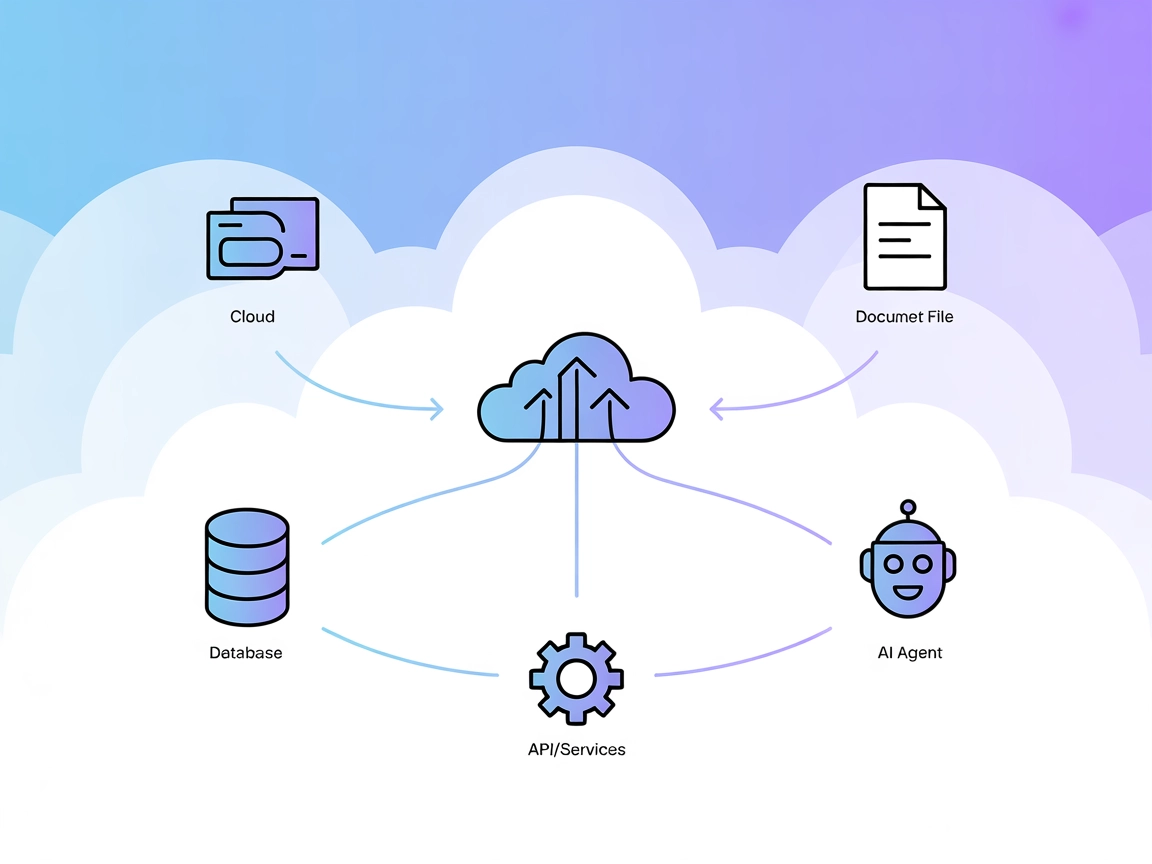
The Model Context Protocol (MCP) Server bridges AI assistants with external data sources, APIs, and services, enabling streamlined integration of complex workfl...
Cookie Consent
We use cookies to enhance your browsing experience and analyze our traffic. See our privacy policy.