



Lucene MCP Server
Integrate FlowHunt with the Lucene MCP Server to enable advanced document search, rapid indexing, and seamless management. Benefit from Apache Lucene's full-tex...
4 min read
AI
Lucene
+6

Integrate powerful Lucene-based search and document management into FlowHunt with the Lucene MCP Server. Ideal for scalable enterprise search, knowledge base augmentation, and automated indexing.
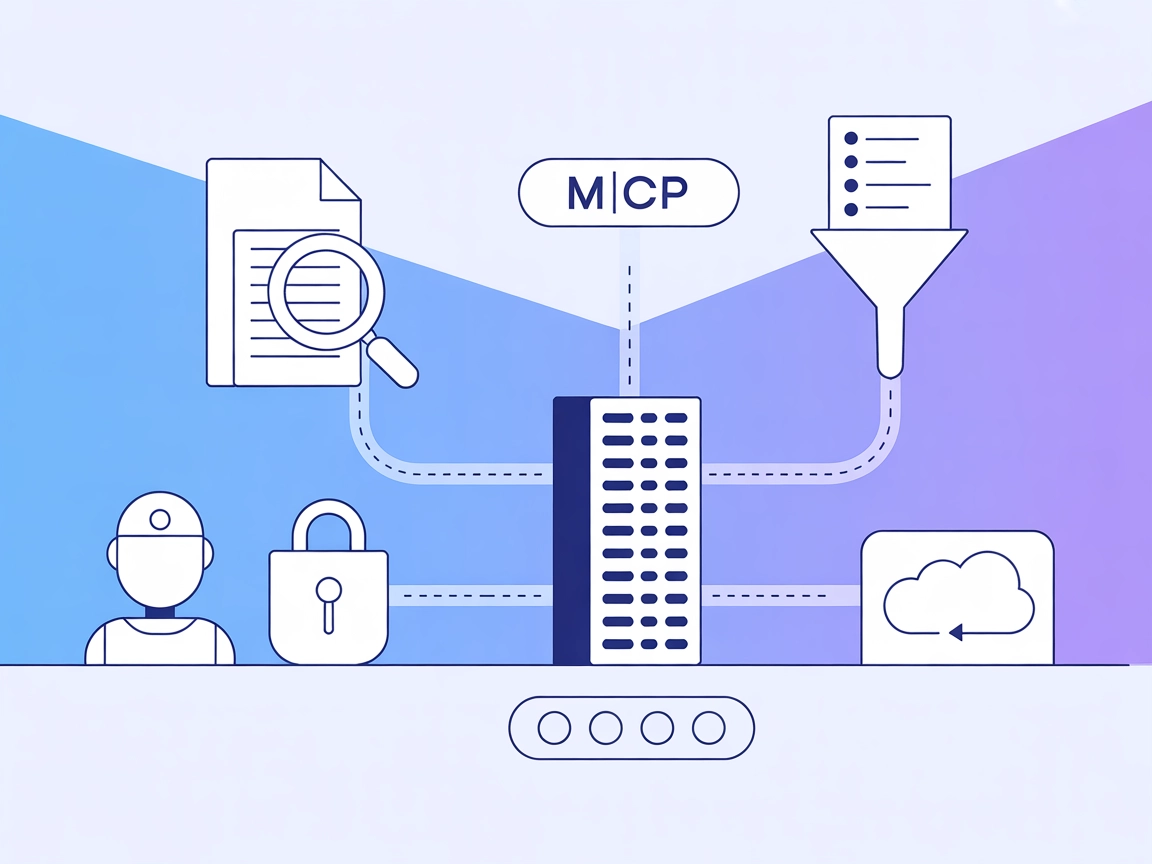
The MCP Lucene Server is a Java-based implementation of the Model Context Protocol (MCP) designed to provide efficient search and retrieval capabilities using Apache Lucene. Acting as an MCP-compliant server, it enables AI assistants and agents to interact with large document repositories for tasks such as full-text search, indexing, and metadata filtering. Through its RESTful API, the Lucene MCP Server allows clients to upsert (add/update), delete, list, and query documents using Lucene’s powerful query syntax. Built on Spring Boot, it is easy to deploy and can be containerized with Docker. This server is ideal for integrating advanced document search and management features into AI-driven workflows or software development pipelines.
No information about prompt templates is provided in the repository.

Start your free trial today and see results within days.
No explicit MCP resources are described in the repository.
Upsert Tool
/mcp/v1/upsert endpoint.Delete Tool
/mcp/v1/delete endpoint.List Tool
/mcp/v1/list endpoint.Query Tool
/mcp/v1/query endpoint.Status Tool
/mcp/v1/status endpoint.Get latest tips, trends, and deals for free.
Enterprise Document Search
Developers can integrate the Lucene MCP Server to provide robust, scalable search capabilities over large sets of business documents, making it easy to find relevant files and records.
Knowledge Base Augmentation
Enhance AI assistants by allowing them to query and retrieve information from indexed company manuals, FAQs, or support tickets.
Automated Data Ingestion and Indexing
Streamline workflows by programmatically upserting and updating documents in the Lucene index, ensuring the search engine is always current.
Metadata-based Filtering
Take advantage of Lucene’s ability to filter queries based on document metadata, supporting advanced data retrieval scenarios.
API-driven Search Integration
Facilitate seamless access to document search and management features for other applications or agents via RESTful endpoints.
mvn clean install
{
  "mcpServers": {
    "lucene-mcp": {
      "command": "java",
      "args": ["-jar", "target/mcp-lucene-server-0.0.1-SNAPSHOT.jar"]
    }
  }
}
http://localhost:8080/mcp/v1/status.mvn clean install
{
  "mcpServers": {
    "lucene-mcp": {
      "command": "java",
      "args": ["-jar", "target/mcp-lucene-server-0.0.1-SNAPSHOT.jar"]
    }
  }
}
mvn clean install
{
  "mcpServers": {
    "lucene-mcp": {
      "command": "java",
      "args": ["-jar", "target/mcp-lucene-server-0.0.1-SNAPSHOT.jar"]
    }
  }
}
http://localhost:8080/mcp/v1/status.mvn clean install
{
  "mcpServers": {
    "lucene-mcp": {
      "command": "java",
      "args": ["-jar", "target/mcp-lucene-server-0.0.1-SNAPSHOT.jar"]
    }
  }
}
If your setup requires securing API keys or sensitive information, use environment variables:
{
  "mcpServers": {
    "lucene-mcp": {
      "command": "java",
      "args": ["-jar", "target/mcp-lucene-server-0.0.1-SNAPSHOT.jar"],
      "env": {
        "LUCENE_API_KEY": "${LUCENE_API_KEY}"
      },
      "inputs": {
        "apiKey": "${LUCENE_API_KEY}"
      }
    }
  }
}
Using MCP in FlowHunt
To integrate MCP servers into your FlowHunt workflow, start by adding the MCP component to your flow and connecting it to your AI agent:

Click on the MCP component to open the configuration panel. In the system MCP configuration section, insert your MCP server details using this JSON format:
{
  "lucene-mcp": {
    "transport": "streamable_http",
    "url": "https://yourmcpserver.example/pathtothemcp/url"
  }
}
Once configured, the AI agent is now able to use this MCP as a tool with access to all its functions and capabilities. Remember to change “lucene-mcp” to whatever the actual name of your MCP server is and replace the URL with your own MCP server URL.
| Section | Availability | Details/Notes |
|---|---|---|
| Overview | ✅ | |
| List of Prompts | ⛔ | None found |
| List of Resources | ⛔ | None found |
| List of Tools | ✅ | REST endpoints as tools |
| Securing API Keys | ✅ | Example given |
| Sampling Support (less important in evaluation) | ⛔ | Not found |
| Supports Roots | ⛔ |
|---|---|
| Supports Sampling | ⛔ |
Based on the available information, the MCP Lucene Server provides a strong foundation for document search and management but lacks explicit support for prompt templates, resources, roots, or sampling. It is well-documented for setup and usage as an MCP server.
The MCP Lucene Server is a robust, practical MCP implementation for enterprise-grade search and document management. However, the lack of prompt templates, resource definitions, and advanced MCP features like roots or sampling limits its flexibility for more complex, agentic workflows. Overall, it is a solid starting point for integrating Lucene-powered search into AI systems. MCP Score: 6/10
| Has a LICENSE | ✅ (Apache-2.0) |
|---|---|
| Has at least one tool | ✅ |
| Number of Forks | 1 |
| Number of Stars | 0 |
Boost your AI workflows with advanced, scalable document search and management. Add the Lucene MCP Server to your FlowHunt setup today.
Integrate FlowHunt with the Lucene MCP Server to enable advanced document search, rapid indexing, and seamless management. Benefit from Apache Lucene's full-tex...
The Solr Search MCP Server integrates Large Language Models (LLMs) with Apache Solr, enabling secure, authenticated, and type-safe search and retrieval of docum...

The Box MCP Server enables seamless integration of FlowHunt with Box, allowing AI-powered workflows to search, analyze, manage, and automate document operations...
Cookie Consent
We use cookies to enhance your browsing experience and analyze our traffic. See our privacy policy.