


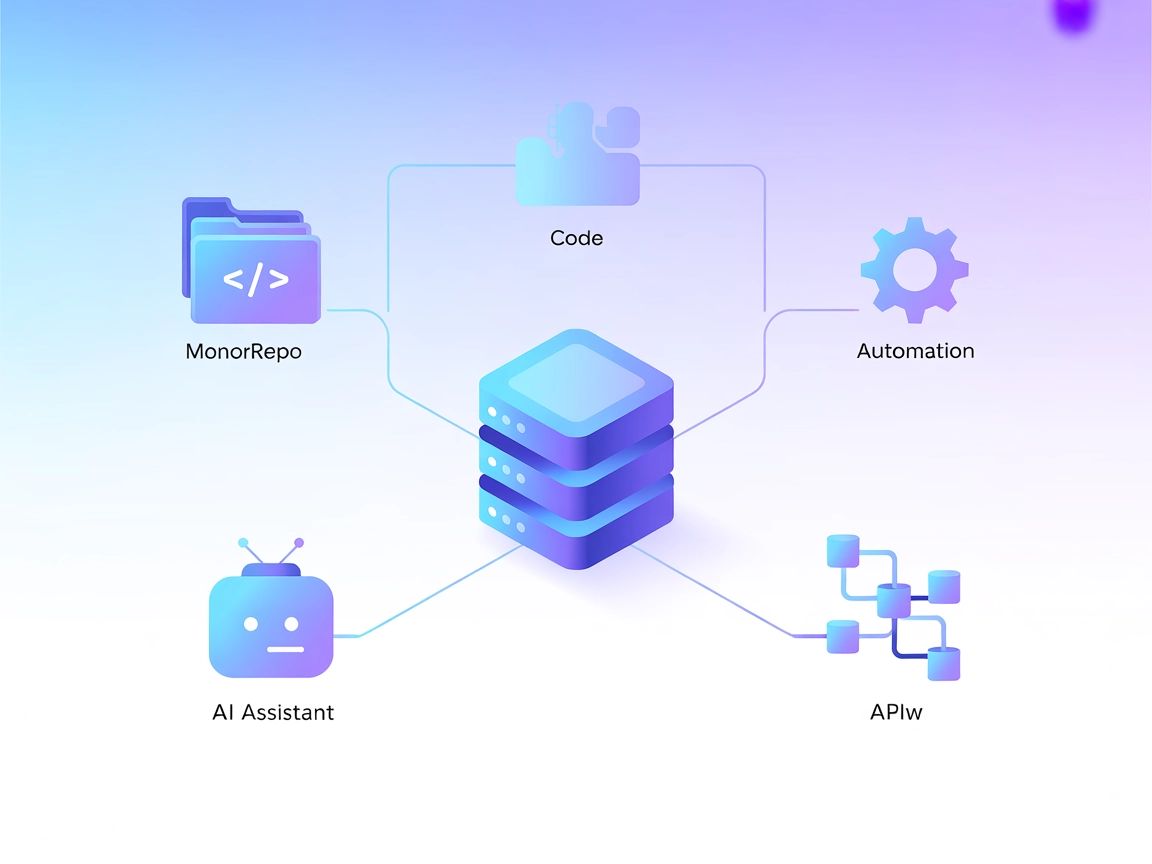
nx-mcp MCP Server Integration
The nx-mcp MCP Server bridges Nx monorepo build tools with AI assistants and LLM workflows via the Model Context Protocol. Automate workspace management, run Nx...
4 min read
MCP Server
Nx
+5
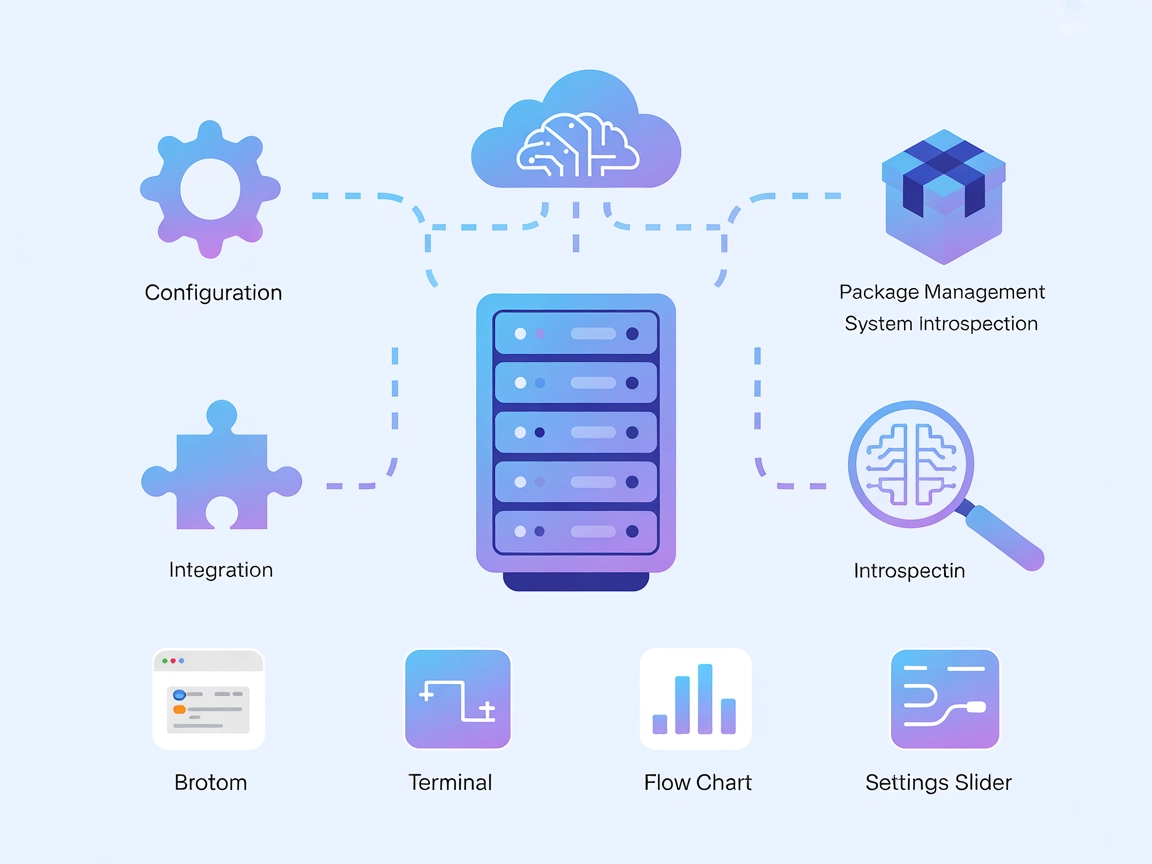
MCP-NixOS bridges AI assistants with the NixOS ecosystem, offering programmatic access to configuration, package management, and system state for robust automation.
MCP-NixOS is a Model Context Protocol (MCP) Server specifically designed to interface with NixOS resources. It acts as a bridge between AI assistants and the NixOS ecosystem, enabling seamless access to NixOS configuration, package management, and system state. By exposing NixOS data and operations through the MCP standard, MCP-NixOS empowers developers and AI systems to query, manage, and interact with NixOS environments programmatically. This facilitates workflows such as automated system configuration, package discovery, and state introspection—making it highly valuable for infrastructure automation, reproducible builds, and AI-powered DevOps tasks.
No prompt templates were found in the repository or its documentation.

Start your free trial today and see results within days.
No explicit MCP resources were documented or found in the repository structure or documentation.
No explicit tools were found in the server.py or equivalent implementation files in the repository.
Get latest tips, trends, and deals for free.
mcpServers section.{
"mcpServers": {
"mcp-nixos": {
"command": "npx",
"args": ["@utensils/mcp-nixos@latest"]
}
}
}
mcpServers key.{
"mcpServers": {
"mcp-nixos": {
"command": "npx",
"args": ["@utensils/mcp-nixos@latest"]
}
}
}
mcpServers section.{
"mcpServers": {
"mcp-nixos": {
"command": "npx",
"args": ["@utensils/mcp-nixos@latest"]
}
}
}
mcpServers array.{
"mcpServers": {
"mcp-nixos": {
"command": "npx",
"args": ["@utensils/mcp-nixos@latest"]
}
}
}
Note:
To secure API keys or sensitive environment variables, use the env field in your configuration. Example:
{
  "mcpServers": {
    "mcp-nixos": {
      "command": "npx",
      "args": ["@utensils/mcp-nixos@latest"],
      "env": {
        "API_KEY": "${API_KEY}"
      },
      "inputs": {
        "apiKey": "${API_KEY}"
      }
    }
  }
}
Using MCP in FlowHunt
To integrate MCP servers into your FlowHunt workflow, start by adding the MCP component to your flow and connecting it to your AI agent:

Click on the MCP component to open the configuration panel. In the system MCP configuration section, insert your MCP server details using this JSON format:
{
  "mcp-nixos": {
    "transport": "streamable_http",
    "url": "https://yourmcpserver.example/pathtothemcp/url"
  }
}
Once configured, the AI agent is now able to use this MCP as a tool with access to all its functions and capabilities. Remember to change “mcp-nixos” to your actual MCP server name and replace the URL with your own MCP server URL.
| Section | Availability | Details/Notes |
|---|---|---|
| Overview | ✅ | |
| List of Prompts | ⛔ | None documented |
| List of Resources | ⛔ | None found |
| List of Tools | ⛔ | None found |
| Securing API Keys | ✅ | env field in config |
| Sampling Support (less important in evaluation) | ⛔ | Not documented |
I would rate this MCP server as a 5/10: it has strong documentation for setup and use cases, but lacks explicit prompt templates, resources, and tools in the current repository state.
| Has a LICENSE | ✅ (MIT) |
|---|---|
| Has at least one tool | ⛔ |
| Number of Forks | 10 |
| Number of Stars | 142 |
Empower your DevOps and automation workflows by integrating MCP-NixOS with FlowHunt for seamless NixOS management.
The nx-mcp MCP Server bridges Nx monorepo build tools with AI assistants and LLM workflows via the Model Context Protocol. Automate workspace management, run Nx...
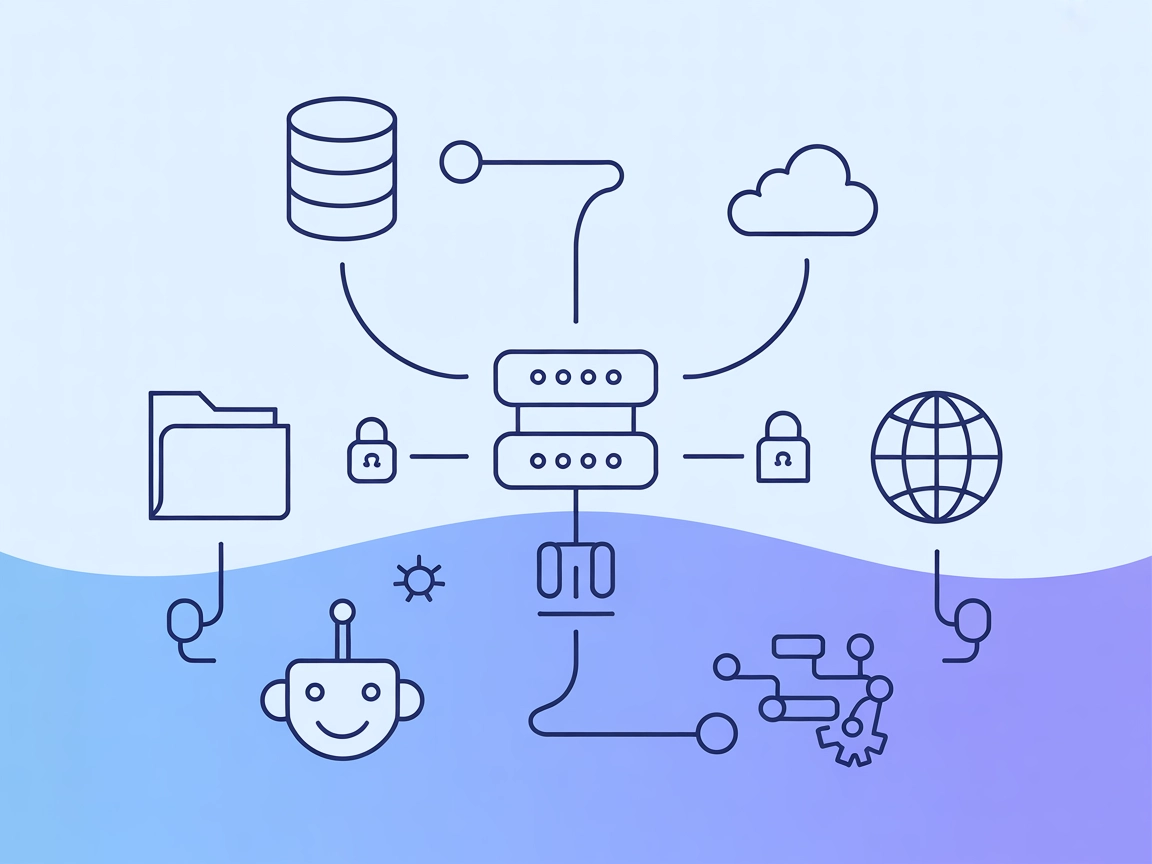
The wxflows MCP Server bridges AI assistants with external data sources and APIs, enabling secure, modular, and AI-driven workflow automation in FlowHunt. Easil...
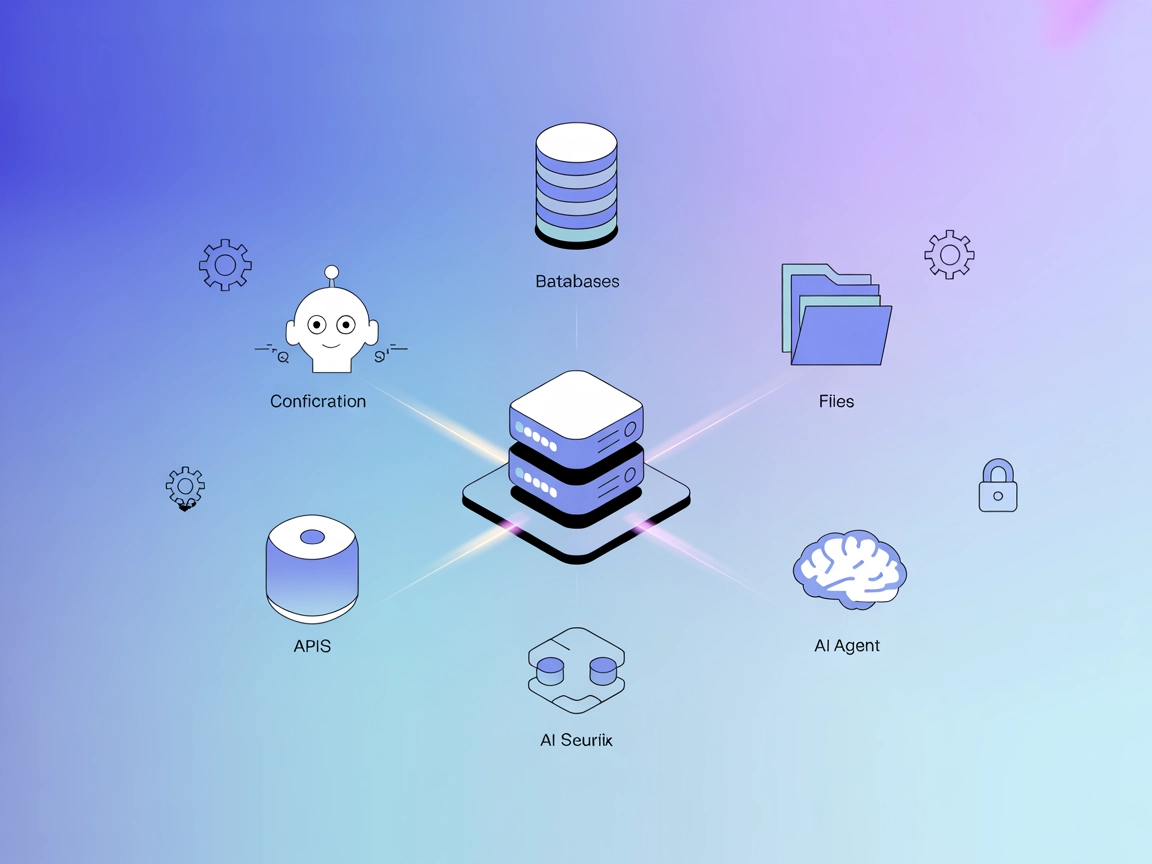
The ModelContextProtocol (MCP) Server acts as a bridge between AI agents and external data sources, APIs, and services, enabling FlowHunt users to build context...
Cookie Consent
We use cookies to enhance your browsing experience and analyze our traffic. See our privacy policy.