


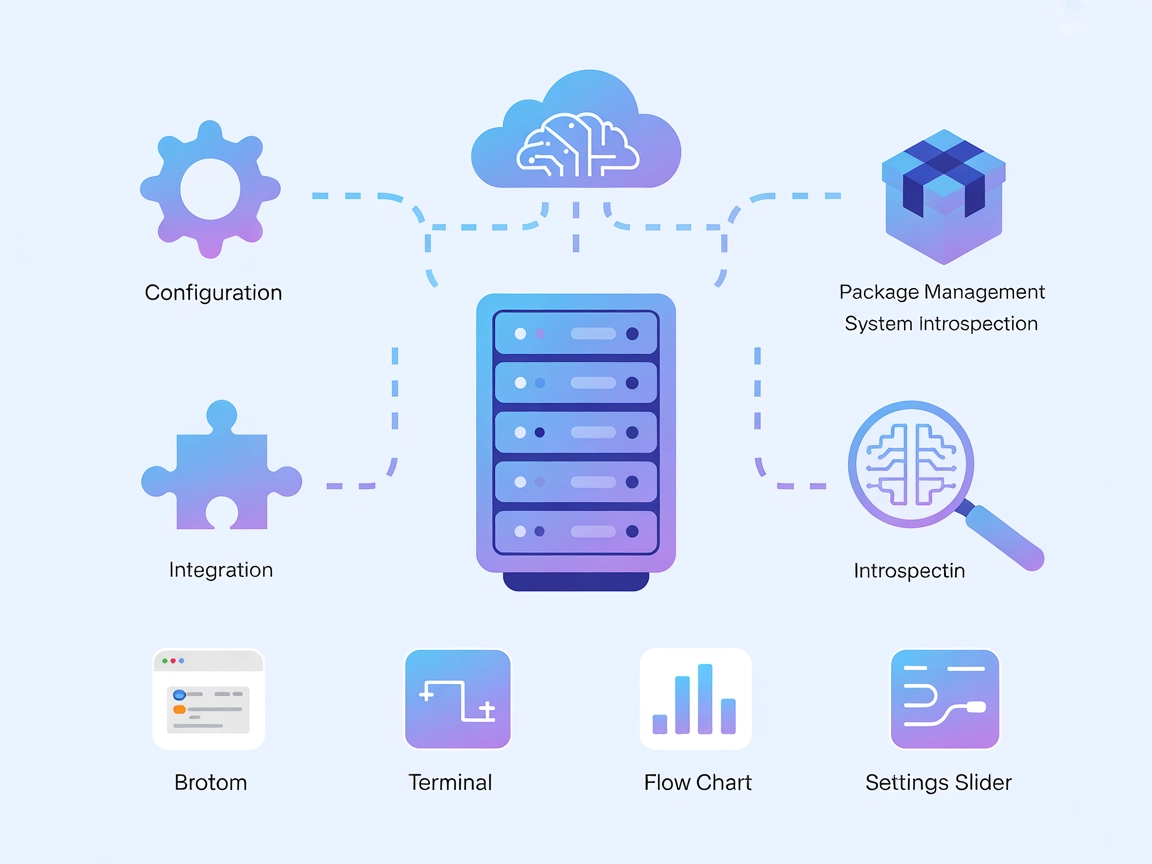
MCP-NixOS MCP Server
MCP-NixOS is a Model Context Protocol server for NixOS, enabling AI assistants and developers to programmatically access and manage NixOS configurations, packag...
4 min read
MCP Server
NixOS
+3
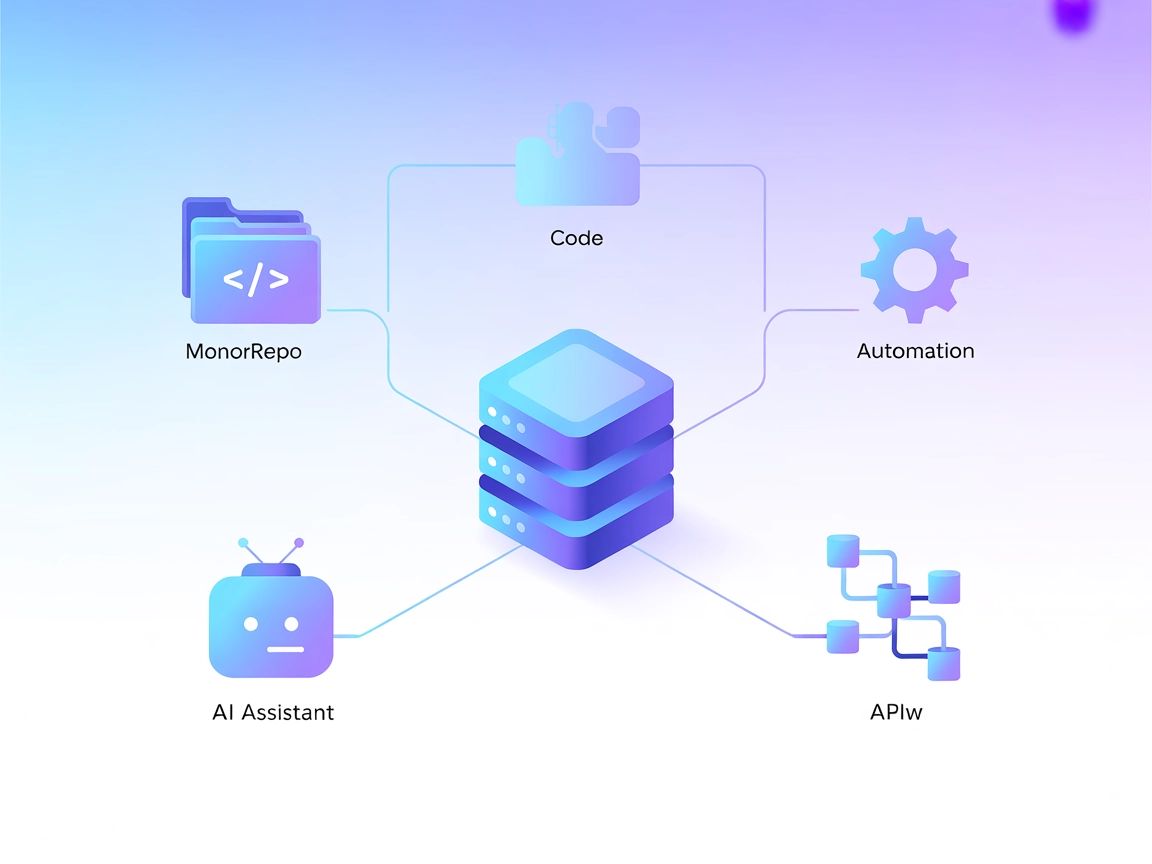
Integrate Nx with AI-powered workflows using the nx-mcp MCP Server for seamless automation, workspace management, and intelligent project analysis inside FlowHunt or any MCP-compatible platform.
The nx-mcp MCP (Model Context Protocol) Server is an integration tool designed to bridge Nx (a popular build system for monorepos) with AI assistants and LLM-based workflows. It exposes Nx’s capabilities through the MCP interface, allowing AI clients to interact programmatically with Nx workspaces. This server enables tasks such as workspace analysis, project management, and execution of Nx commands through API-like endpoints. By connecting Nx to external data sources, plugins, or development tools, the nx-mcp server enhances automation, simplifies development workflows, and empowers AI-powered agents to assist developers with queries, actions, and resource management within an Nx-based codebase.
No prompt templates were found in the repository.

Start your free trial today and see results within days.
No explicit resource primitives were documented in the visible files.
No tools were found in server.py or related files in the provided link.
Get latest tips, trends, and deals for free.
windsurf.json).mcpServers section:{
"mcpServers": {
"nx-mcp": {
"command": "npx",
"args": ["@nrwl/nx-mcp@latest"]
}
}
}
{
  "mcpServers": {
    "nx-mcp": {
      "command": "npx",
      "args": ["@nrwl/nx-mcp@latest"]
    }
  }
}
cursor.json).{
"mcpServers": {
"nx-mcp": {
"command": "npx",
"args": ["@nrwl/nx-mcp@latest"]
}
}
}
{
  "mcpServers": {
    "nx-mcp": {
      "command": "npx",
      "args": ["@nrwl/nx-mcp@latest"]
    }
  }
}
To secure API keys, use environment variables and reference them in your configuration. For example:
{
  "mcpServers": {
    "nx-mcp": {
      "command": "npx",
      "args": ["@nrwl/nx-mcp@latest"],
      "env": {
        "NX_API_KEY": "${NX_API_KEY}"
      },
      "inputs": {
        "api_key": "${NX_API_KEY}"
      }
    }
  }
}
Using MCP in FlowHunt
To integrate MCP servers into your FlowHunt workflow, start by adding the MCP component to your flow and connecting it to your AI agent:

Click on the MCP component to open the configuration panel. In the system MCP configuration section, insert your MCP server details using this JSON format:
{ “nx-mcp”: { “transport”: “streamable_http”, “url”: “https://yourmcpserver.example/pathtothemcp/url" } }
Once configured, the AI agent is now able to use this MCP as a tool with access to all its functions and capabilities. Remember to change “nx-mcp” to whatever the actual name of your MCP server is and replace the URL with your own MCP server URL.
| Section | Availability | Details/Notes |
|---|---|---|
| Overview | ✅ | |
| List of Prompts | ⛔ | None found |
| List of Resources | ⛔ | None found |
| List of Tools | ⛔ | None found |
| Securing API Keys | ✅ | See sample JSON in setup instructions |
| Sampling Support (less important in evaluation) | ⛔ | Not mentioned |
The nx-mcp MCP server offers a valuable foundation for integrating Nx with AI workflows, but the current documentation and implementation lack explicit prompts, resources, and tool definitions. Its real strengths lie in setup flexibility and potential for automation, but it would benefit from clearer protocol primitives and examples.
| Has a LICENSE | ⛔ |
|---|---|
| Has at least one tool | ⛔ |
| Number of Forks | 0 |
| Number of Stars | 0 |
Rating: 3/10 — While the MCP concept and setup guidance are present, the lack of documented tools, prompts, resources, and clear licensing limits practical utility and adoption at this stage.
Unlock automation and AI-driven project management for your Nx monorepo. Try nx-mcp in FlowHunt today and let intelligent agents streamline your development processes.
MCP-NixOS is a Model Context Protocol server for NixOS, enabling AI assistants and developers to programmatically access and manage NixOS configurations, packag...

The n8n MCP Server enables seamless integration between AI assistants and the n8n automation platform, allowing FlowHunt users to trigger, monitor, and manage a...
Integrate FlowHunt with Nx MCP Server to empower large language models with deep monorepo insights, automated code generation, project graph analysis, and AI-dr...
Cookie Consent
We use cookies to enhance your browsing experience and analyze our traffic. See our privacy policy.