


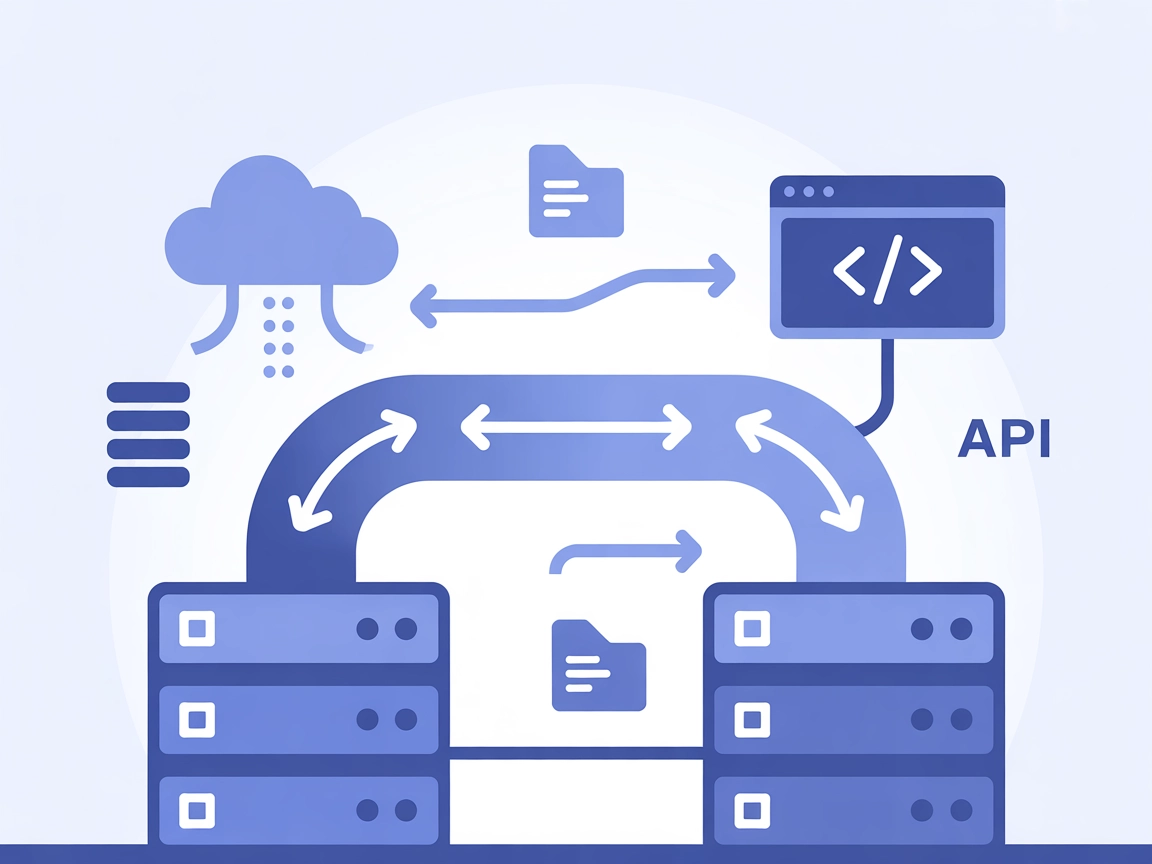
mcp-proxy MCP Server
The mcp-proxy MCP Server bridges Streamable HTTP and stdio MCP transports, enabling seamless integration between AI assistants and diverse Model Context Protoco...
4 min read
MCP
AI
+4
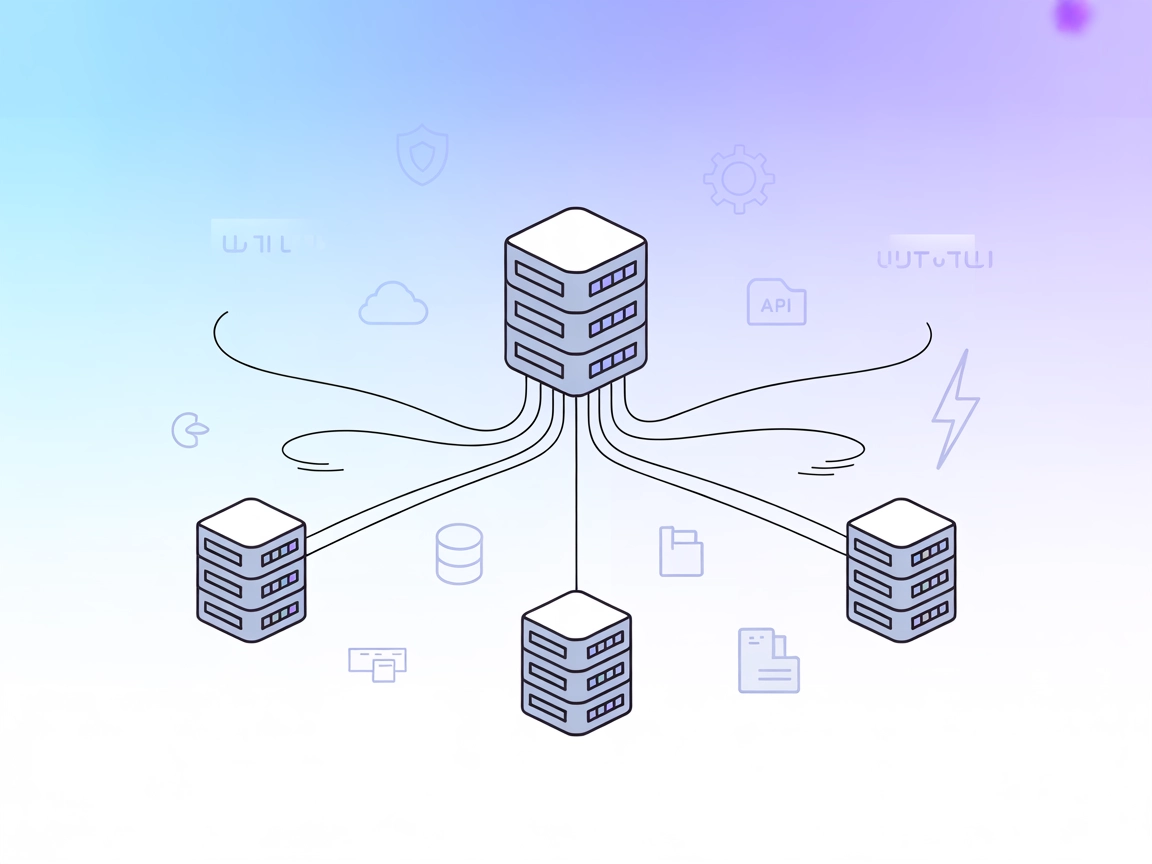
Aggregate multiple MCP servers into a single, unified endpoint for streamlined AI workflows, with real-time streaming and centralized configuration.
The MCP Proxy Server is a tool that aggregates and serves multiple MCP (Model Context Protocol) resource servers through a single HTTP server. By acting as a proxy, it allows AI assistants and clients to connect to several different MCP servers at once, combining their tools, resources, and capabilities into a unified interface. This setup simplifies integration, as developers and AI workflows can access a variety of external data sources, APIs, or services through a single endpoint. The MCP Proxy Server supports real-time updates via SSE (Server-Sent Events) or HTTP streaming and is highly configurable, making it easier to perform complex tasks such as database queries, file management, or API interactions by routing them through the appropriate underlying MCP servers.
No information about prompt templates is provided in the repository or documentation.

Start your free trial today and see results within days.
No explicit resources are documented in the repository or example configuration. The server aggregates resources from connected MCP servers, but none are listed directly.
No tools are directly provided by the MCP Proxy Server itself; it acts as a proxy to tools from other configured MCP servers (such as github, fetch, amap as seen in the configuration example).
Get latest tips, trends, and deals for free.
mcpServers section."mcpServers": {
"mcp-proxy": {
"command": "npx",
"args": ["@TBXark/mcp-proxy@latest"],
"env": {
"GITHUB_PERSONAL_ACCESS_TOKEN": "<YOUR_TOKEN>"
}
}
}
Note: Secure your API keys using environment variables as shown above.
mcpServers section:"mcpServers": {
"mcp-proxy": {
"command": "npx",
"args": ["@TBXark/mcp-proxy@latest"],
"env": {
"GITHUB_PERSONAL_ACCESS_TOKEN": "<YOUR_TOKEN>"
}
}
}
Note: Use environment variables for secret tokens.
"mcpServers": {
  "mcp-proxy": {
    "command": "npx",
    "args": ["@TBXark/mcp-proxy@latest"],
    "env": {
      "GITHUB_PERSONAL_ACCESS_TOKEN": "<YOUR_TOKEN>"
    }
  }
}
Note: Use environment variables for sensitive credentials.
"mcpServers": {
  "mcp-proxy": {
    "command": "npx",
    "args": ["@TBXark/mcp-proxy@latest"],
    "env": {
      "GITHUB_PERSONAL_ACCESS_TOKEN": "<YOUR_TOKEN>"
    }
  }
}
Note: Secure API keys using the env property as in the example.
"mcpServers": {
  "github": {
    "command": "npx",
    "args": ["-y", "@modelcontextprotocol/server-github"],
    "env": {
      "GITHUB_PERSONAL_ACCESS_TOKEN": "<YOUR_TOKEN>"
    }
  }
}
Using MCP in FlowHunt
To integrate MCP servers into your FlowHunt workflow, start by adding the MCP component to your flow and connecting it to your AI agent:

Click on the MCP component to open the configuration panel. In the system MCP configuration section, insert your MCP server details using this JSON format:
{
  "mcp-proxy": {
    "transport": "streamable_http",
    "url": "https://yourmcpserver.example/pathtothemcp/url"
  }
}
Once configured, the AI agent is now able to use this MCP as a tool with access to all its functions and capabilities. Remember to change “mcp-proxy” to whatever the actual name of your MCP server is and replace the URL with your own MCP server URL.
| Section | Availability | Details/Notes |
|---|---|---|
| Overview | ✅ | |
| List of Prompts | ⛔ | No prompt templates documented in repo. |
| List of Resources | ⛔ | No explicit resource definitions; aggregates from other MCP servers. |
| List of Tools | ⛔ | No direct tools; proxies tools from configured servers. |
| Securing API Keys | ✅ | Configuration supports env for secrets. |
| Sampling Support (less important in evaluation) | ⛔ | Not mentioned in available documentation. |
Based on the above, the MCP Proxy is a useful aggregation layer for MCP resources but lacks direct tools, resources, or prompt templates; it’s mainly a configuration and routing solution.
This MCP server is best rated as a backend utility, not suited for standalone use but excellent for aggregating and managing multiple MCP servers in a unified workflow. Its documentation is clear for configuration and security, but lacks details on prompts, tools, and resources. Overall, it is a solid infrastructure piece for advanced users. Score: 5/10.
| Has a LICENSE | ✅ (MIT) |
|---|---|
| Has at least one tool | ⛔ (Proxy only, no tools) |
| Number of Forks | 43 |
| Number of Stars | 315 |
Unify your AI and automation workflows by connecting multiple MCP servers through the powerful MCP Proxy. Simplify your integration today.
The mcp-proxy MCP Server bridges Streamable HTTP and stdio MCP transports, enabling seamless integration between AI assistants and diverse Model Context Protoco...

Nacos-MCP-Router is a powerful MCP Server that centralizes discovery, installation, and proxying of other MCP servers, bridging protocol gaps and orchestrating ...

Learn what MCP (Model Context Protocol) servers are, how they work, and why they're revolutionizing AI integration. Discover how MCP simplifies connecting AI ag...
Cookie Consent
We use cookies to enhance your browsing experience and analyze our traffic. See our privacy policy.