


Memgraph
Integrate FlowHunt with Memgraph to enable AI-driven, real-time graph database interaction through the Model Context Protocol (MCP). Automate Cypher queries, st...
4 min read
AI
Memgraph
+5

Connect your Memgraph graph data to AI agents and chatbots with the Memgraph MCP Server, enabling real-time, context-aware database interactions in FlowHunt and beyond.
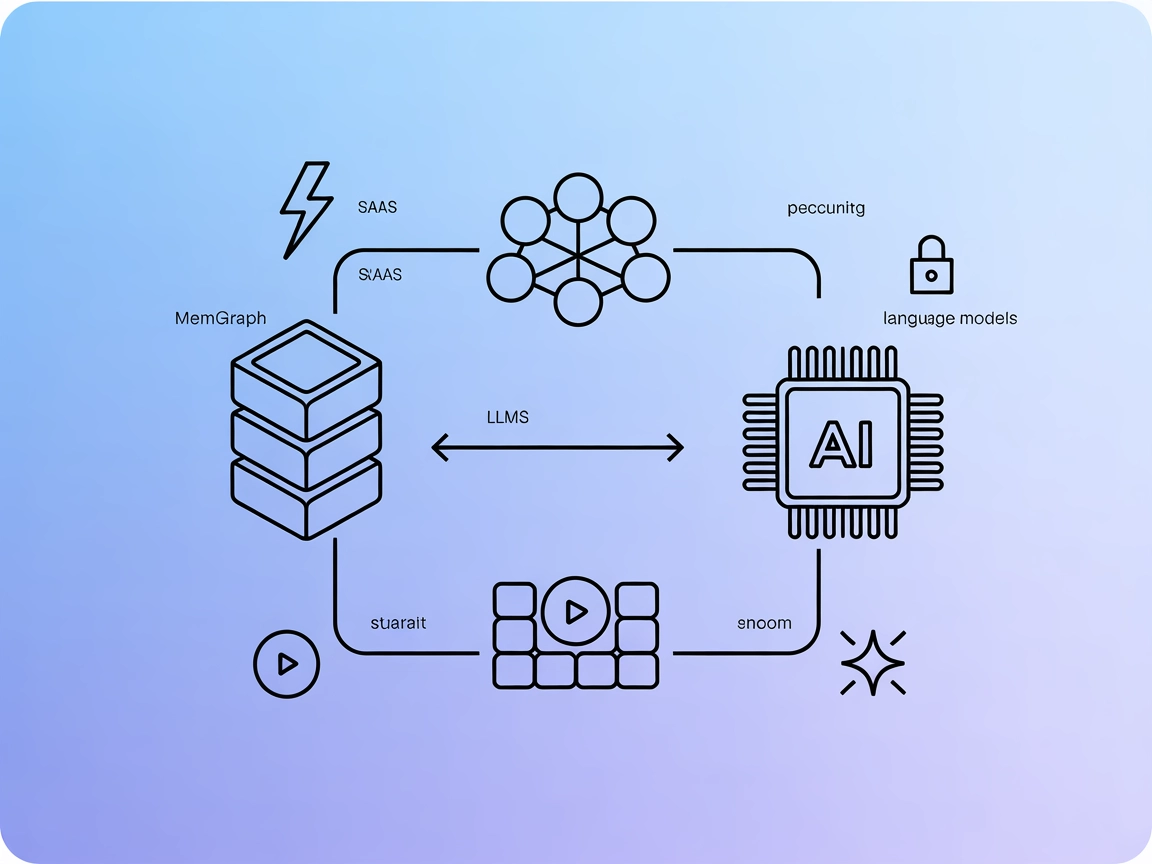
Memgraph MCP Server is a lightweight implementation of the Model Context Protocol (MCP) designed to bridge the gap between Memgraph, a graph database, and large language models (LLMs). By exposing Memgraph’s data, schema, and query capabilities as MCP resources and tools, this server allows AI assistants to interact with graph data in real time. Developers can use it to perform database queries, extract schema information, and facilitate AI-driven workflows that require access to connected data stored in Memgraph. This integration streamlines building intelligent agents and applications that leverage graph-powered insights, making tasks such as querying, data exploration, and schema discovery more accessible and standardized within LLM ecosystems.
No prompt templates are mentioned in the repository.

Start your free trial today and see results within days.
--schema-info-enabled=True.)Get latest tips, trends, and deals for free.
Chat with the Database
Users can interact conversationally with the Memgraph database, leveraging LLMs to compose, execute, and interpret Cypher queries for graph data exploration and analysis.
Schema Discovery
AI agents can automatically retrieve and understand the structure of the Memgraph database, simplifying the process of generating valid queries and integrating with new or evolving data models.
Database Management
Developers can use LLMs to help manage and query graph data, making it easier to perform administrative or analytical tasks without deep Cypher expertise.
Integration with AI Workflows
The server can be incorporated into AI-driven applications or platforms (like Claude) to provide real-time graph database access within larger intelligent workflows.
No setup instructions available for Windsurf.
~/Library/Application Support/Claude/claude_desktop_config.json$env:AppData\Claude\claude_desktop_config.jsonmcpServers object:{
"mcpServers": {
"mpc-memgraph": {
"command": "/absolute/path/to/uv",
"args": [
"--directory",
"/absolute/path/to/mcp-memgraph",
"run",
"server.py"
]
}
}
}
Note: Use the absolute path for the uv executable. Obtain it with which uv (MacOS/Linux) or where uv (Windows).
No setup instructions available for Cursor.
No setup instructions available for Cline.
No mention of securing API keys or usage of environment variables in the available documentation.
Using MCP in FlowHunt
To integrate MCP servers into your FlowHunt workflow, start by adding the MCP component to your flow and connecting it to your AI agent:

Click on the MCP component to open the configuration panel. In the system MCP configuration section, insert your MCP server details using this JSON format:
{
  "memgraph": {
    "transport": "streamable_http",
    "url": "https://yourmcpserver.example/pathtothemcp/url"
  }
}
Once configured, the AI agent is now able to use this MCP as a tool with access to all its functions and capabilities. Remember to change “memgraph” to whatever the actual name of your MCP server is and replace the URL with your own MCP server URL.
| Section | Availability | Details/Notes |
|---|---|---|
| Overview | ✅ | |
| List of Prompts | ⛔ | No prompt templates found |
| List of Resources | ✅ | get_schema() |
| List of Tools | ✅ | run_query() |
| Securing API Keys | ⛔ | Not mentioned |
| Sampling Support (less important in evaluation) | ⛔ | Not mentioned |
Roots Support: Not specified
Sampling Support: Not specified
Between the available setup, clear tool/resource description, and absence of prompts, roots, and sampling references, the Memgraph MCP Server is relatively basic but functional. It scores better for clarity and open source presence, though lacks advanced MCP features.
Based on the two tables, the Memgraph MCP Server scores a 5/10. It offers basic but well-documented MCP integration for Memgraph with working tools and resources, but lacks prompt templates, advanced features (roots, sampling), and broader multi-platform setup instructions.
| Has a LICENSE | ✅ (MIT) |
|---|---|
| Has at least one tool | ✅ |
| Number of Forks | 8 |
| Number of Stars | 18 |
Leverage the power of graph data and AI with FlowHunt’s Memgraph MCP Server integration. Enable advanced querying and schema discovery for your intelligent workflows.
Integrate FlowHunt with Memgraph to enable AI-driven, real-time graph database interaction through the Model Context Protocol (MCP). Automate Cypher queries, st...
The Neo4j MCP Server bridges AI assistants with the Neo4j graph database, enabling secure, natural language-driven graph operations, Cypher queries, and automat...
MCP GraphQL is a Model Context Protocol (MCP) server that standardizes access to GraphQL APIs, dynamically exposing each query as a tool for AI assistants and d...
Cookie Consent
We use cookies to enhance your browsing experience and analyze our traffic. See our privacy policy.