


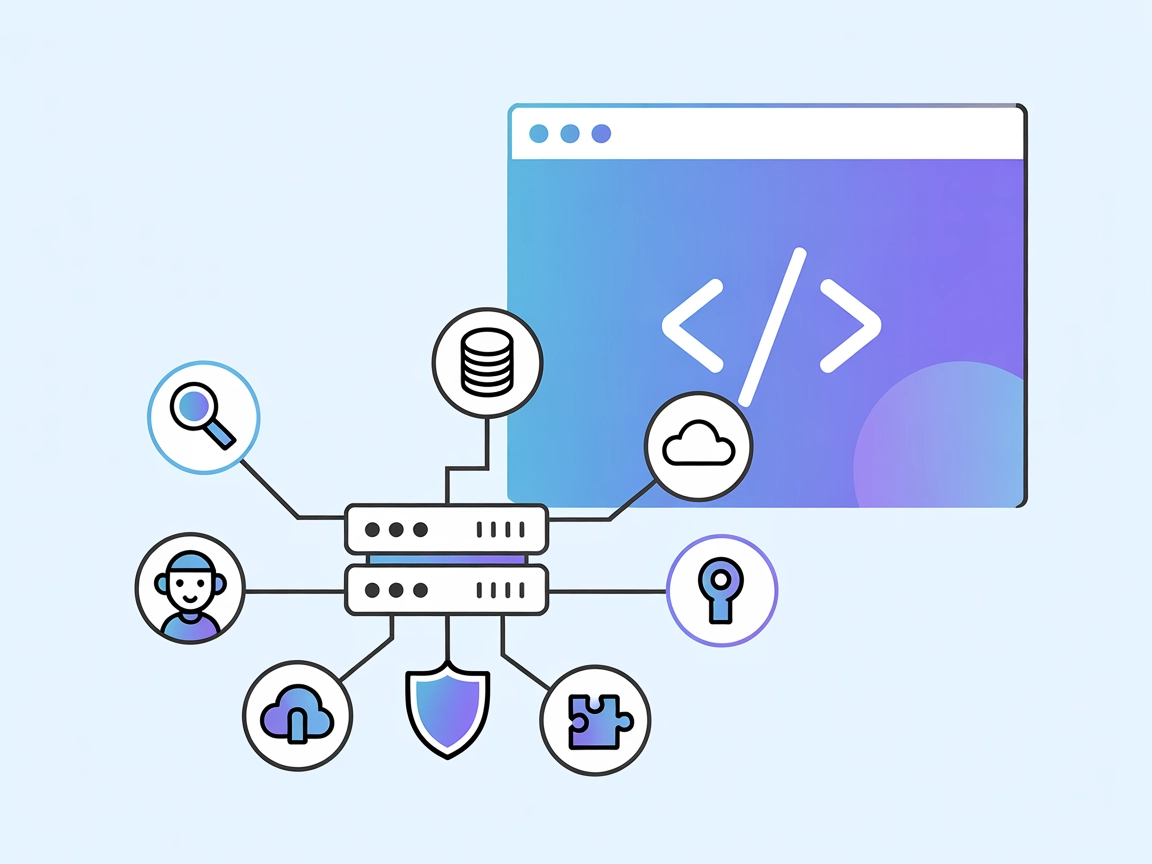
MCP GraphQL Server
MCP GraphQL is a Model Context Protocol (MCP) server that standardizes access to GraphQL APIs, dynamically exposing each query as a tool for AI assistants and d...
5 min read
GraphQL
AI Integration
+4
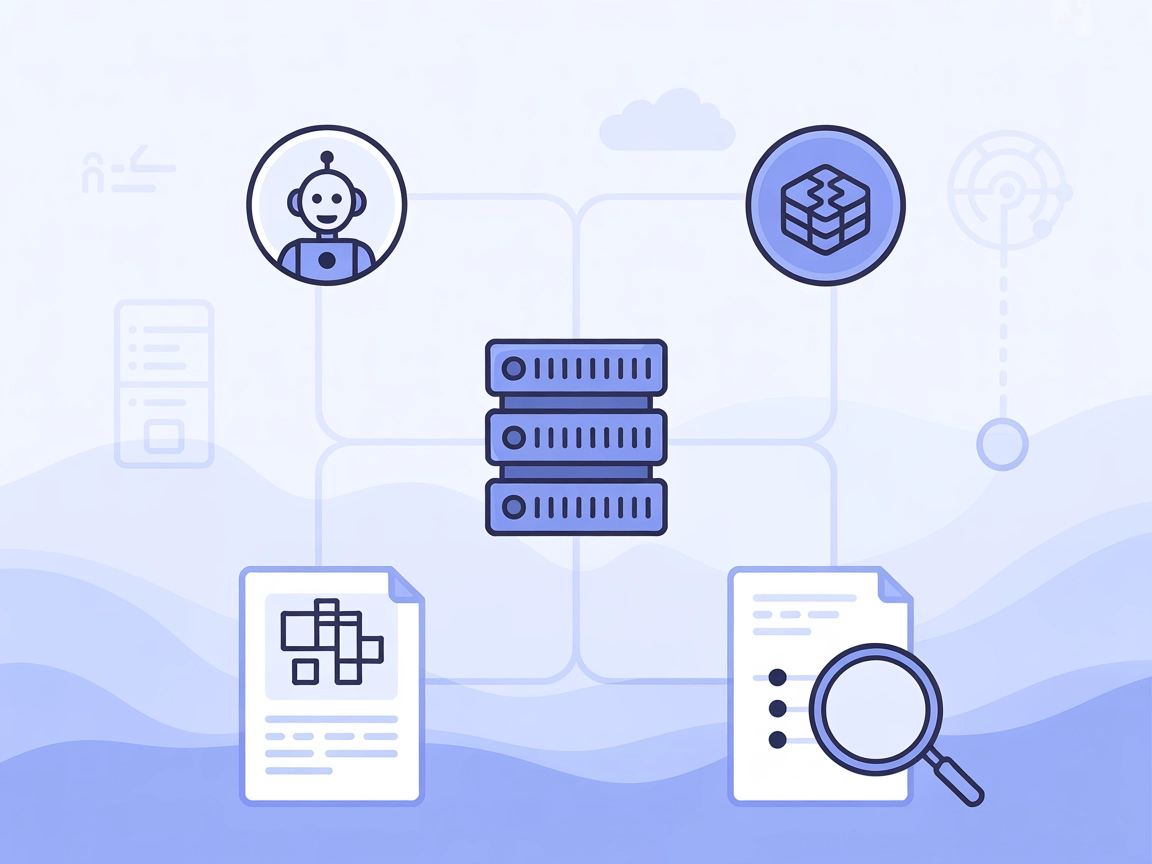
Easily integrate and query blockchain data in your AI workflows with TheGraph MCP Server, bringing the power of The Graph protocol to FlowHunt and AI agents.
TheGraph MCP Server is an integration layer that connects AI agents with indexed blockchain data from The Graph protocol. It empowers AI systems to access, query, and analyze blockchain information efficiently by exposing subgraph data through standardized MCP (Model Context Protocol) tools. By allowing assistants to fetch subgraph schemas and execute GraphQL queries, TheGraph MCP Server facilitates development workflows involving blockchain analytics, on-chain data retrieval, and decentralized finance (DeFi) monitoring. This server makes it possible for developers and AI agents to retrieve structured blockchain data, perform automated analyses, and build applications that interact seamlessly with The Graph’s decentralized indexing network.

Start your free trial today and see results within days.
No explicit MCP resources are documented in the repository.
Get latest tips, trends, and deals for free.
uv are installed.git clone https://github.com/kukapay/thegraph-mcp.gitconfig.json).{
"mcpServers": {
"thegraph-mcp": {
"command": "uv",
"args": ["--directory", "path/to/thegraph-mcp", "run", "main.py"],
"env": {
"THEGRAPH_API_KEY": "your_api_key_here"
}
}
}
}
uv installed.git clone https://github.com/kukapay/thegraph-mcp.git{
"mcpServers": {
"thegraph-mcp": {
"command": "uv",
"args": ["--directory", "path/to/thegraph-mcp", "run", "main.py"],
"env": {
"THEGRAPH_API_KEY": "your_api_key_here"
}
}
}
}
uv.git clone https://github.com/kukapay/thegraph-mcp.git{
"mcpServers": {
"thegraph-mcp": {
"command": "uv",
"args": ["--directory", "path/to/thegraph-mcp", "run", "main.py"],
"env": {
"THEGRAPH_API_KEY": "your_api_key_here"
}
}
}
}
uv are available.git clone https://github.com/kukapay/thegraph-mcp.git{
"mcpServers": {
"thegraph-mcp": {
"command": "uv",
"args": ["--directory", "path/to/thegraph-mcp", "run", "main.py"],
"env": {
"THEGRAPH_API_KEY": "your_api_key_here"
}
}
}
}
THEGRAPH_API_KEY as an environment variable.{
"mcpServers": {
"thegraph-mcp": {
"command": "uv",
"args": ["--directory", "path/to/thegraph-mcp", "run", "main.py"],
"env": {
"THEGRAPH_API_KEY": "${THEGRAPH_API_KEY}"
}
}
}
}
Using MCP in FlowHunt
To integrate MCP servers into your FlowHunt workflow, start by adding the MCP component to your flow and connecting it to your AI agent:

Click on the MCP component to open the configuration panel. In the system MCP configuration section, insert your MCP server details using this JSON format:
{
  "thegraph-mcp": {
    "transport": "streamable_http",
    "url": "https://yourmcpserver.example/pathtothemcp/url"
  }
}
Once configured, the AI agent is now able to use this MCP as a tool with access to all its functions and capabilities. Remember to change “thegraph-mcp” to whatever the actual name of your MCP server is and replace the URL with your own MCP server URL.
| Section | Availability | Details/Notes |
|---|---|---|
| Overview | ✅ | |
| List of Prompts | ✅ | |
| List of Resources | ⛔ | No explicit MCP resources found |
| List of Tools | ✅ | 2 tools: getSubgraphSchema, querySubgraph |
| Securing API Keys | ✅ | Environment variable supported |
| Sampling Support (less important in evaluation) | ⛔ | Not mentioned |
TheGraph MCP Server provides a clear interface and two essential tools for interacting with The Graph’s indexed blockchain data. The documentation covers setup and security, but lacks details on explicit MCP resources, roots, or sampling. Overall, it’s straightforward and functional for its intended use.
Rating: 7/10
| Has a LICENSE | ✅ (MIT) |
|---|---|
| Has at least one tool | ✅ |
| Number of Forks | 7 |
| Number of Stars | 4 |
Connect your AI agents to The Graph’s indexed blockchain data using TheGraph MCP Server. Enable instant analytics, DeFi monitoring, and custom data queries in FlowHunt today.
MCP GraphQL is a Model Context Protocol (MCP) server that standardizes access to GraphQL APIs, dynamically exposing each query as a tool for AI assistants and d...
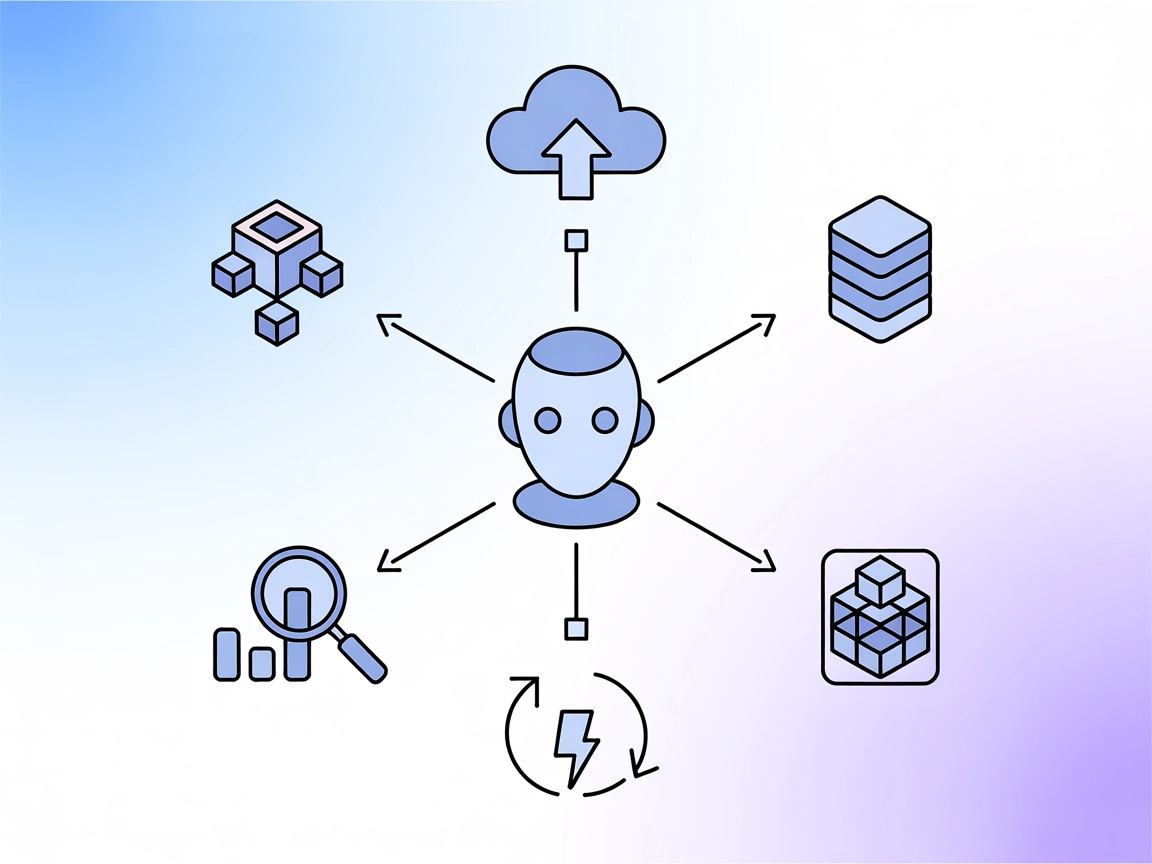
Integrate FlowHunt with TheGraph MCP to empower AI agents with real-time, indexed blockchain data. Instantly fetch subgraph schemas, execute complex GraphQL que...

The Memgraph MCP Server bridges the Memgraph graph database with large language models, enabling real-time graph data access and AI-driven workflows via standar...
Cookie Consent
We use cookies to enhance your browsing experience and analyze our traffic. See our privacy policy.