



Monday.com
Integrate FlowHunt with Monday.com to automate board and item management, streamline collaboration, and enhance project workflows using AI-driven tools and the ...
4 min read
AI
Monday.com
+3
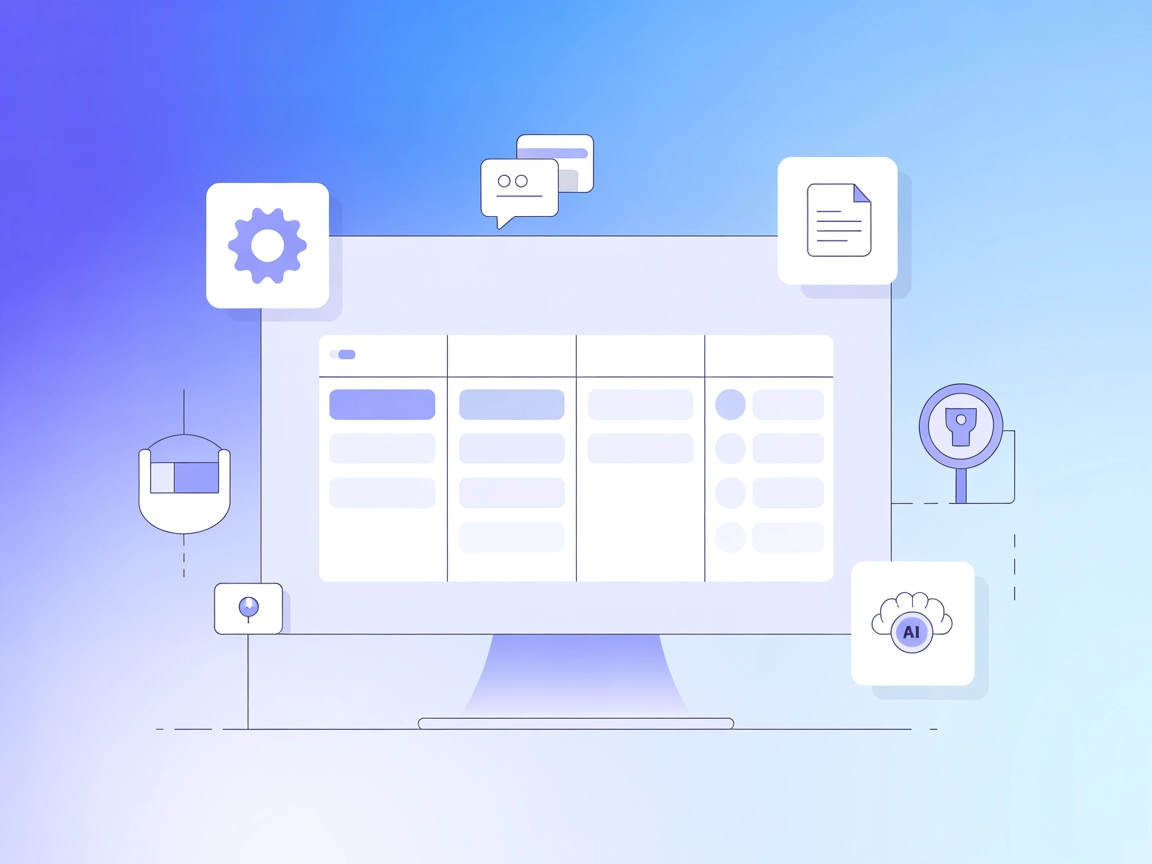
Integrate Monday.com into your FlowHunt workflows with the Monday.com MCP Server—automate board management, item tracking, collaborative updates, and document handling with ease.
The Monday.com MCP Server is a Model Context Protocol (MCP) server that enables AI assistants and MCP clients to interact seamlessly with Monday.com boards, items, updates, and documents. By connecting directly to Monday.com’s API, this server allows AI-driven workflows to manage tasks like creating boards, handling items, updating statuses, managing documents, and more. It empowers developers and AI agents to automate project management, enhance productivity, and integrate Monday.com capabilities directly into their development or conversational environments, supporting advanced use cases such as automated board management, item tracking, document handling, and collaborative updates.
No explicit prompt templates are listed in the documentation or repository.

Start your free trial today and see results within days.
No explicit resources are documented in the repository.
Get latest tips, trends, and deals for free.
No specific Windsurf setup instructions found.
claude_desktop_config.json (Mac: ~/Library/Application Support/Claude/claude_desktop_config.json, Windows: %APPDATA%/Claude/claude_desktop_config.json).mcpServers using uvx:"mcpServers": {
"monday": {
"command": "uvx",
"args": [
"mcp-server-monday"
],
"env": {
"MONDAY_API_KEY": "your-monday-api-key",
"MONDAY_WORKSPACE_NAME": "your-monday-workspace-name"
}
}
}
"mcpServers": {
  "monday-docker": {
    "command": "docker",
    "args": [
      "run",
      "--rm",
      "-i",
      "-e",
      "MONDAY_API_KEY=your-monday-api-key",
      "-e",
      "MONDAY_WORKSPACE_NAME=your-monday-workspace-name",
      "sakce/mcp-server-monday"
    ]
  }
}
No specific Cursor setup instructions found.
No specific Cline setup instructions found.
To install automatically:
npx -y @smithery/cli install @sakce/mcp-server-monday --client claude
Store API keys in the env section:
"env": {
  "MONDAY_API_KEY": "your-monday-api-key",
  "MONDAY_WORKSPACE_NAME": "your-monday-workspace-name"
}
Using MCP in FlowHunt
To integrate MCP servers into your FlowHunt workflow, start by adding the MCP component to your flow and connecting it to your AI agent:

Click on the MCP component to open the configuration panel. In the system MCP configuration section, insert your MCP server details using this JSON format:
{
  "monday": {
    "transport": "streamable_http",
    "url": "https://yourmcpserver.example/pathtothemcp/url"
  }
}
Once configured, the AI agent is now able to use this MCP as a tool with access to all its functions and capabilities. Remember to change “monday” to whatever the actual name of your MCP server is and replace the URL with your own MCP server URL.
| Section | Availability | Details/Notes |
|---|---|---|
| Overview | ✅ | |
| List of Prompts | ⛔ | No prompt templates documented |
| List of Resources | ⛔ | No explicit resources documented |
| List of Tools | ✅ | 15+ tools for Monday.com actions |
| Securing API Keys | ✅ | Setup includes env variables |
| Sampling Support (less important in evaluation) | ⛔ | Not specified |
Between the available documentation and the provided features, this MCP server is well-equipped for Monday.com automation but lacks information on prompt templates and explicit resource definitions. Sampling and Roots support are not mentioned.
This MCP server is robust in its tooling for Monday.com project automation and integration. However, the lack of explicit prompt templates, resource documentation, and information on Roots and Sampling slightly limits its utility for advanced MCP scenarios. Based on the table above, we would rate this MCP server a 7/10 for completeness and practical usability.
| Has a LICENSE | ✅ (MIT) |
|---|---|
| Has at least one tool | ✅ |
| Number of Forks | 12 |
| Number of Stars | 31 |
Connect your Monday.com workspace to FlowHunt and unlock advanced automation, AI-powered updates, and streamlined team collaboration. Experience hands-free project management today.
Integrate FlowHunt with Monday.com to automate board and item management, streamline collaboration, and enhance project workflows using AI-driven tools and the ...
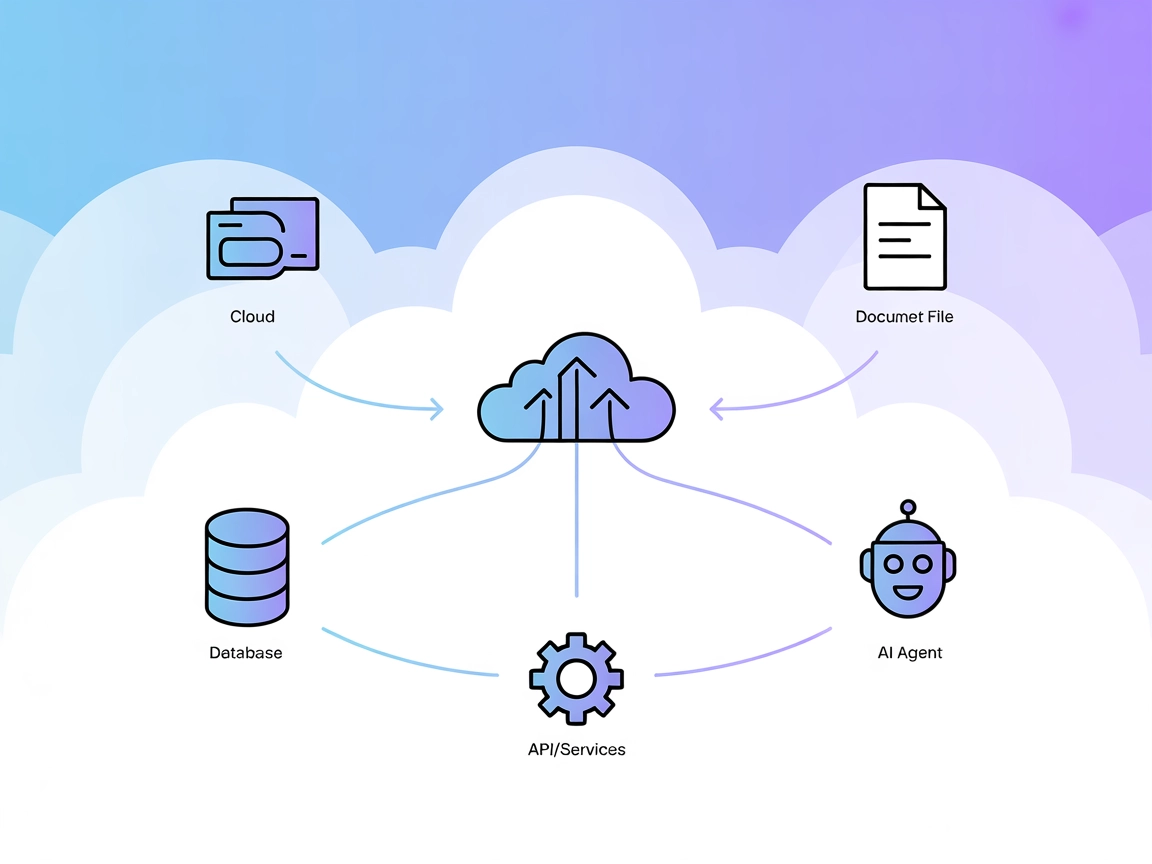
The Model Context Protocol (MCP) Server bridges AI assistants with external data sources, APIs, and services, enabling streamlined integration of complex workfl...
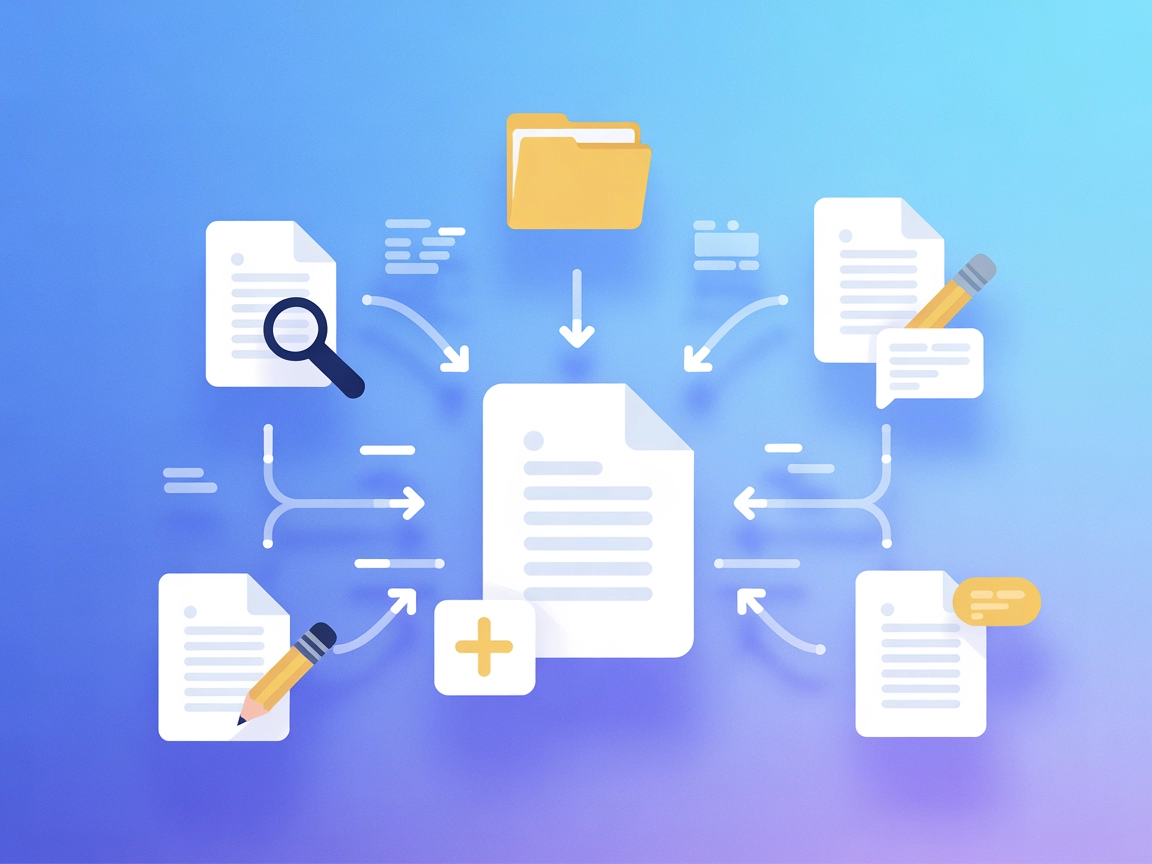
Integrate your AI agents with Outline documentation using the Outline MCP Server. Enable document search, content management, collection handling, and comment w...
Cookie Consent
We use cookies to enhance your browsing experience and analyze our traffic. See our privacy policy.