


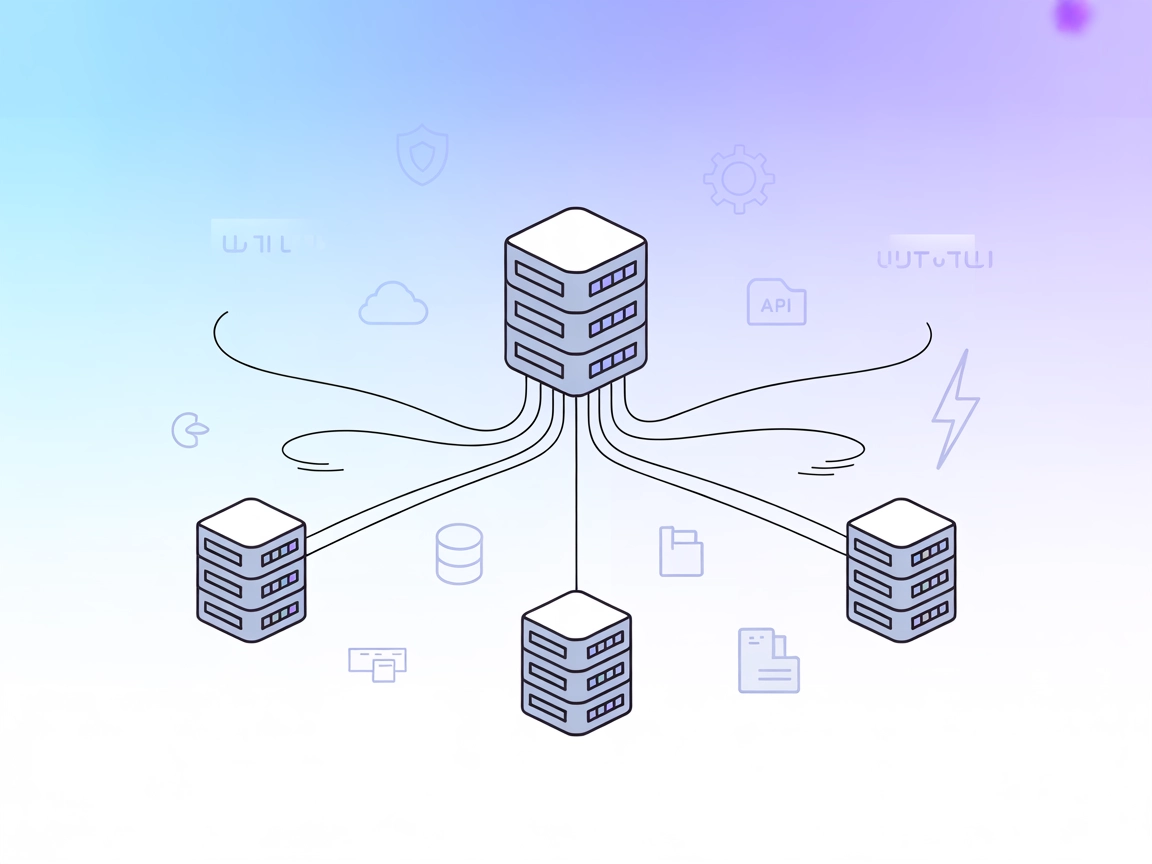
MCP Proxy Server
The MCP Proxy Server aggregates multiple MCP resource servers into a single HTTP server, streamlining connections for AI assistants and developers. It enables u...
5 min read
AI
Infrastructure
+4

Nacos-MCP-Router enables seamless discovery, installation, and proxying of MCP servers, making it easy to unify, manage, and orchestrate tools and services across modern AI and microservice environments.
Nacos-MCP-Router is an MCP (Model Context Protocol) Server that acts as a powerful intermediary to connect AI assistants and clients with other MCP servers and their functionalities. It enables centralized search, installation, and proxying of various MCP servers, streamlining the development workflow for cloud-native applications and microservices. By operating in either “router” or “proxy” mode, Nacos-MCP-Router can recommend, distribute, install, and proxy the functions of other MCP servers, or convert different MCP server protocols (such as SSE and stdio) into a unified streamable HTTP protocol. This makes it easier for developers and AI agents to interact with external data sources, APIs, and tools—enabling tasks such as database queries, file management, and service orchestration with enhanced flexibility and convenience.

Start your free trial today and see results within days.
Get latest tips, trends, and deals for free.
mcpServers object:{
"nacos-mcp-router": {
"command": "uvx",
"args": ["nacos-mcp-router@latest"],
"env": {
"NACOS_ADDR": "<NACOS-ADDR, optional, default is 127.0.0.1:8848>",
"NACOS_USERNAME": "<NACOS-USERNAME, optional, default is nacos>",
"NACOS_PASSWORD": "<NACOS-PASSWORD, required>"
}
}
}
{
  "mcpServers": {
    "nacos-mcp-router": {
      "command": "uvx",
      "args": ["nacos-mcp-router@latest"],
      "env": {
        "NACOS_ADDR": "<NACOS-ADDR, optional, default is 127.0.0.1:8848>",
        "NACOS_USERNAME": "<NACOS-USERNAME, optional, default is nacos>",
        "NACOS_PASSWORD": "<NACOS-PASSWORD, required>"
      }
    }
  }
}
{
  "mcpServers": {
    "nacos-mcp-router": {
      "command": "uvx",
      "args": ["nacos-mcp-router@latest"],
      "env": {
        "NACOS_ADDR": "<NACOS-ADDR, optional, default is 127.0.0.1:8848>",
        "NACOS_USERNAME": "<NACOS-USERNAME, optional, default is nacos>",
        "NACOS_PASSWORD": "<NACOS-PASSWORD, required>"
      }
    }
  }
}
{
  "mcpServers": {
    "nacos-mcp-router": {
      "command": "uvx",
      "args": ["nacos-mcp-router@latest"],
      "env": {
        "NACOS_ADDR": "<NACOS-ADDR, optional, default is 127.0.0.1:8848>",
        "NACOS_USERNAME": "<NACOS-USERNAME, optional, default is nacos>",
        "NACOS_PASSWORD": "<NACOS-PASSWORD, required>"
      }
    }
  }
}
To secure API keys, use environment variables in your configuration. Example:
{
  "mcpServers": {
    "nacos-mcp-router": {
      "command": "uvx",
      "args": ["nacos-mcp-router@latest"],
      "env": {
        "NACOS_ADDR": "127.0.0.1:8848",
        "NACOS_USERNAME": "nacos",
        "NACOS_PASSWORD": "${NACOS_PASSWORD}"
      }
    }
  }
}
Set the NACOS_PASSWORD environment variable in your system before starting the server.
Using MCP in FlowHunt
To integrate MCP servers into your FlowHunt workflow, start by adding the MCP component to your flow and connecting it to your AI agent:

Click on the MCP component to open the configuration panel. In the system MCP configuration section, insert your MCP server details using this JSON format:
{
  "nacos-mcp-router": {
    "transport": "streamable_http",
    "url": "https://yourmcpserver.example/pathtothemcp/url"
  }
}
Once configured, the AI agent is now able to use this MCP as a tool with access to all its functions and capabilities. Remember to change “nacos-mcp-router” to whatever the actual name of your MCP server is and replace the URL with your own MCP server URL.
| Section | Availability | Details/Notes |
|---|---|---|
| Overview | ✅ | |
| List of Prompts | ⛔ | No prompt templates documented |
| List of Resources | ⛔ | No resources documented |
| List of Tools | ✅ | 3 tools: search_mcp_server, add_mcp_server, use_tool |
| Securing API Keys | ✅ | Example provided |
| Sampling Support (less important in evaluation) | ⛔ | Not mentioned |
Roots support: Not mentioned in documentation.
Between these two tables, the Nacos-MCP-Router MCP server provides strong core functionality for MCP server orchestration and tool proxying, but lacks documentation on prompt templates and resource exposure. Sampling and roots features are not clearly described. I would rate this MCP implementation a 6/10 based on completeness and documentation.
| Has a LICENSE | ✅ |
|---|---|
| Has at least one tool | ✅ |
| Number of Forks | 18 |
| Number of Stars | 84 |
Streamline your workflow with centralized MCP server discovery, installation, and tool proxying. Simplify integration across your AI and microservice ecosystems.
The MCP Proxy Server aggregates multiple MCP resource servers into a single HTTP server, streamlining connections for AI assistants and developers. It enables u...
Integrate FlowHunt with nacos-mcp-router for dynamic AI-powered service discovery, scalable MCP server search, vector similarity, and seamless microservices man...
The mcp-proxy MCP Server bridges Streamable HTTP and stdio MCP transports, enabling seamless integration between AI assistants and diverse Model Context Protoco...
Cookie Consent
We use cookies to enhance your browsing experience and analyze our traffic. See our privacy policy.