


Weather MCP Server
The Weather MCP Server connects FlowHunt and AI assistants to rich, real-time weather data, forecasts, air quality, astronomy, and more via WeatherAPI, streamli...
5 min read
AI
MCP
+6

Connect AI workflows to real-time weather conditions and forecasts using the OpenWeather MCP Server for enhanced context-aware automation and chatbot experiences.
The OpenWeather MCP Server is a lightweight Model Context Protocol (MCP) service that connects AI assistants to real-time weather data by interfacing with the free OpenWeatherMap API. It enables enhanced development workflows by allowing AI clients to retrieve current weather conditions and 5-day forecasts for any city, with options for configurable units (Celsius, Fahrenheit, Kelvin) and multi-language support. By exposing weather data as structured resources and tools, OpenWeather MCP Server simplifies tasks like weather information retrieval, contextual AI responses, and integration into automation pipelines. This server is ideal for projects that require up-to-date weather context, making it easier to build AI-powered applications that interact with external data sources through MCP.
No explicit prompt templates are mentioned in the repository.

Start your free trial today and see results within days.
city (required), units (optional: c|f|k), and lang (optional: en|de|fr|…). It fetches current weather and forecast data for the specified city.Get latest tips, trends, and deals for free.
git clone https://github.com/mschneider82/mcp-openweather.git
cd mcp-openweather
go build -o mcp-weather
{
  "mcpServers": {
    "mcp-openweather": {
      "command": "/path/to/mcp-weather",
      "env": {
        "OWM_API_KEY": "PUT_API_KEY_HERE"
      }
    }
  }
}
npx -y @smithery/cli install @mschneider82/mcp-openweather --client claude
export OWM_API_KEY="your_api_key_here"
{
  "mcpServers": {
    "mcp-openweather": {
      "command": "/path/to/mcp-weather",
      "env": {
        "OWM_API_KEY": "PUT_API_KEY_HERE"
      }
    }
  }
}
{
  "mcpServers": {
    "mcp-openweather": {
      "command": "/path/to/mcp-weather",
      "env": {
        "OWM_API_KEY": "PUT_API_KEY_HERE"
      }
    }
  }
}
{
  "mcpServers": {
    "mcp-openweather": {
      "command": "/path/to/mcp-weather",
      "env": {
        "OWM_API_KEY": "PUT_API_KEY_HERE"
      }
    }
  }
}
Securing API Keys
Always use environment variables for API keys. Example JSON configuration:
{
  "mcpServers": {
    "mcp-openweather": {
      "command": "/path/to/mcp-weather",
      "env": {
        "OWM_API_KEY": "${OWM_API_KEY}"  // Use your environment variable
      }
    }
  }
}
Using MCP in FlowHunt
To integrate MCP servers into your FlowHunt workflow, start by adding the MCP component to your flow and connecting it to your AI agent:

Click on the MCP component to open the configuration panel. In the system MCP configuration section, insert your MCP server details using this JSON format:
{
  "mcp-openweather": {
    "transport": "streamable_http",
    "url": "https://yourmcpserver.example/pathtothemcp/url"
  }
}
Once configured, the AI agent is now able to use this MCP as a tool with access to all its functions and capabilities. Remember to change “mcp-openweather” to whatever the actual name of your MCP server is and replace the URL with your own MCP server URL.
| Section | Availability | Details/Notes |
|---|---|---|
| Overview | ✅ | |
| List of Prompts | ⛔ | No prompts found |
| List of Resources | ✅ | |
| List of Tools | ✅ | |
| Securing API Keys | ✅ | |
| Sampling Support (less important in evaluation) | ⛔ | Not mentioned |
Based on the available information, the OpenWeather MCP Server provides clear weather data tooling and resource exposure, but lacks prompt templates and sampling support. Roots support is not mentioned.
The project is basic but functional for its purpose, with solid setup instructions and all critical features for weather data exposure.
The OpenWeather MCP Server is straightforward, easy to set up, and well-suited for adding weather data to AI workflows. It lacks some advanced MCP features like prompt templates and sampling, but for weather data retrieval it is robust and user-friendly.
| Has a LICENSE | ✅ (MIT) |
|---|---|
| Has at least one tool | ✅ |
| Number of Forks | 3 |
| Number of Stars | 2 |
Enhance your AI agents and workflows with real-time weather information using FlowHunt's OpenWeather MCP integration.
The Weather MCP Server connects FlowHunt and AI assistants to rich, real-time weather data, forecasts, air quality, astronomy, and more via WeatherAPI, streamli...
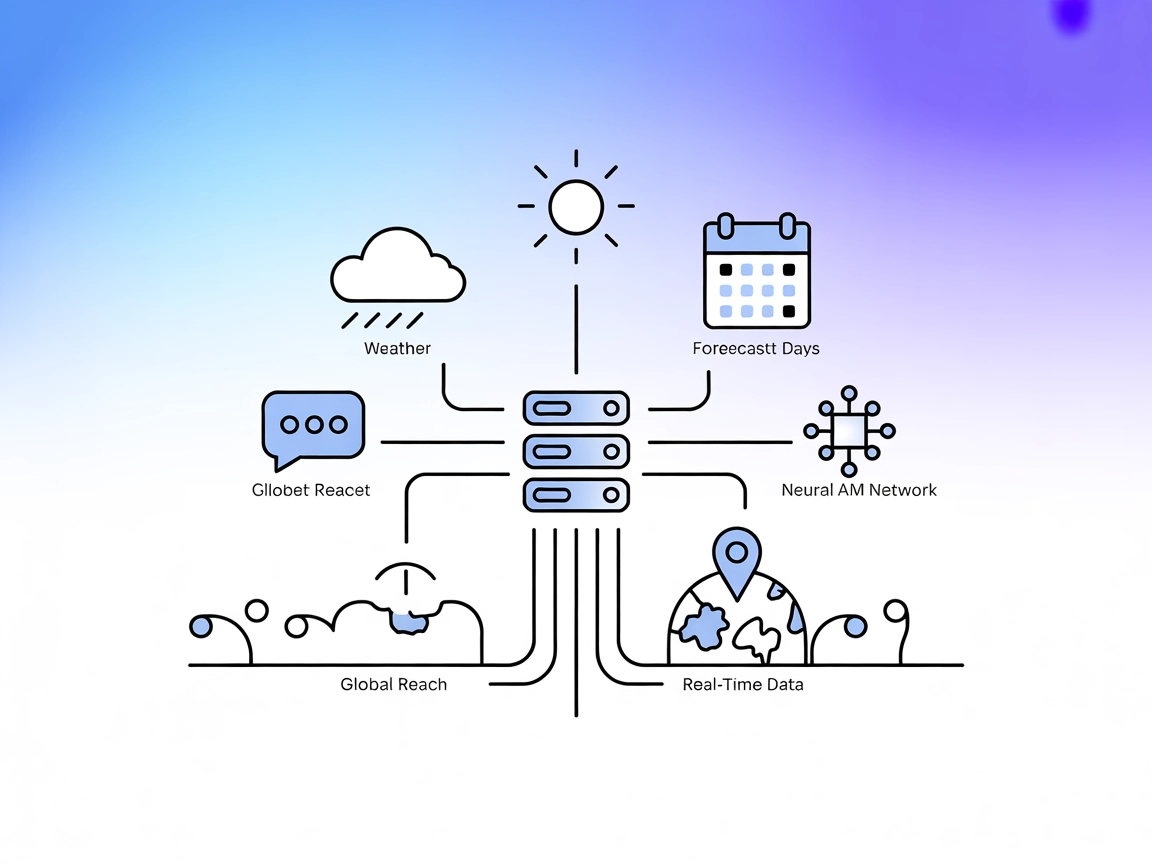
Integrate FlowHunt with the MCP Weather Server to deliver real-time, global weather data in your AI and SaaS workflows. Powered by the AccuWeather API, support ...

Integrate FlowHunt with OpenWeather to enable real-time weather data, 5-day forecasts, and multi-language support directly in your MCP workflows. Automate weath...
Cookie Consent
We use cookies to enhance your browsing experience and analyze our traffic. See our privacy policy.