



OpenWeather MCP Server
The OpenWeather MCP Server connects AI assistants to real-time weather data using the OpenWeatherMap API. It enables retrieval of current weather and 5-day fore...
5 min read
AI
Weather
+4

Integrate advanced, real-time weather data and forecasts into your AI agents and workflows with the Weather MCP Server for FlowHunt.
The Weather MCP Server is a Model Context Protocol (MCP) server designed to provide AI assistants with seamless access to comprehensive weather data and related services. By acting as an intermediary between AI clients and the WeatherAPI , this server enables AI-driven workflows to retrieve current weather conditions, forecasts (up to 14 days), historical weather data, air quality indices, astronomy data, location-based searches, timezone information, and even details on sports events. The server is built with FastAPI and the MCP framework, facilitating easy integration into AI development environments. This enhances the ability of AI agents to answer user queries, automate weather-dependent workflows, and enrich context for language model interactions.
No explicit prompt templates were found in the repository files.

Start your free trial today and see results within days.
No explicit resources are described in the available documentation or code listings.
Get latest tips, trends, and deals for free.
mcpServers object with the command and arguments."mcpServers": {
"weather-mcp": {
"command": "python",
"args": ["main.py"]
}
}
Set your WeatherAPI key using environment variables:
"env": {
"WEATHER_API_KEY": "your_api_key_here"
},
"inputs": {
// Other config options
}
mcpServers object as shown below."mcpServers": {
"weather-mcp": {
"command": "python",
"args": ["main.py"]
}
}
"env": {
"WEATHER_API_KEY": "your_api_key_here"
}
"mcpServers": {
  "weather-mcp": {
    "command": "python",
    "args": ["main.py"]
  }
}
"env": {
  "WEATHER_API_KEY": "your_api_key_here"
}
mcpServers object."mcpServers": {
"weather-mcp": {
"command": "python",
"args": ["main.py"]
}
}
"env": {
  "WEATHER_API_KEY": "your_api_key_here"
}
Using MCP in FlowHunt
To integrate MCP servers into your FlowHunt workflow, start by adding the MCP component to your flow and connecting it to your AI agent:

Click on the MCP component to open the configuration panel. In the system MCP configuration section, insert your MCP server details using this JSON format:
{
  "weather-mcp": {
    "transport": "streamable_http",
    "url": "https://yourmcpserver.example/pathtothemcp/url"
  }
}
Once configured, the AI agent is now able to use this MCP as a tool with access to all its functions and capabilities. Remember to change “weather-mcp” to whatever the actual name of your MCP server is and replace the URL with your own MCP server URL.
| Section | Availability | Details/Notes |
|---|---|---|
| Overview | ✅ | |
| List of Prompts | ⛔ | No prompt templates found |
| List of Resources | ⛔ | No explicit MCP resources listed |
| List of Tools | ✅ | Weather, forecast, alerts, air quality, astronomy, location, timezone… |
| Securing API Keys | ✅ | .env example and JSON config examples provided |
| Sampling Support (less important in evaluation) | ⛔ | Not specified |
Based on the available information, the Weather MCP Server provides solid tool coverage and easy setup, but lacks explicit documentation for prompts, resources, or support for roots and sampling. Its primary focus is on weather-related tools, with clear instructions for API key security. For a focused weather MCP, it’s effective but could be improved with more MCP-standard documentation and resource definitions.
| Has a LICENSE | ✅ (MIT) |
|---|---|
| Has at least one tool | ✅ |
| Number of Forks | 9 |
| Number of Stars | 6 |
Enhance your AI workflows with real-time weather, forecasts, air quality, and astronomy data using FlowHunt's Weather MCP Server.
The OpenWeather MCP Server connects AI assistants to real-time weather data using the OpenWeatherMap API. It enables retrieval of current weather and 5-day fore...
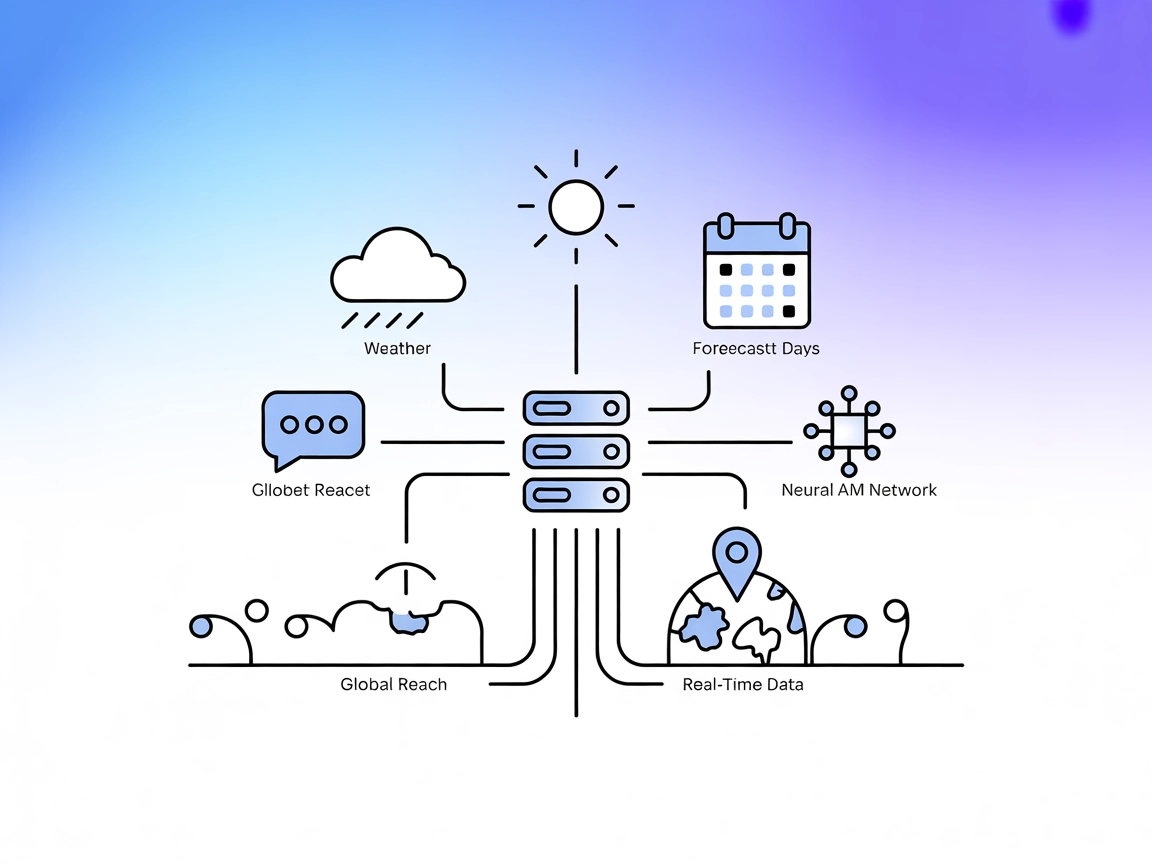
Integrate FlowHunt with the MCP Weather Server to deliver real-time, global weather data in your AI and SaaS workflows. Powered by the AccuWeather API, support ...
Integrate FlowHunt with the Weather MCP Server to automate real-time and historical weather data retrieval, timezone-aware datetime queries, and power your work...
Cookie Consent
We use cookies to enhance your browsing experience and analyze our traffic. See our privacy policy.