


Azure MCP Server Integration
The Azure MCP Server enables seamless integration between AI agents and Azure's cloud ecosystem, allowing AI-powered automation, resource management, and workfl...
4 min read
Azure
Cloud
+4
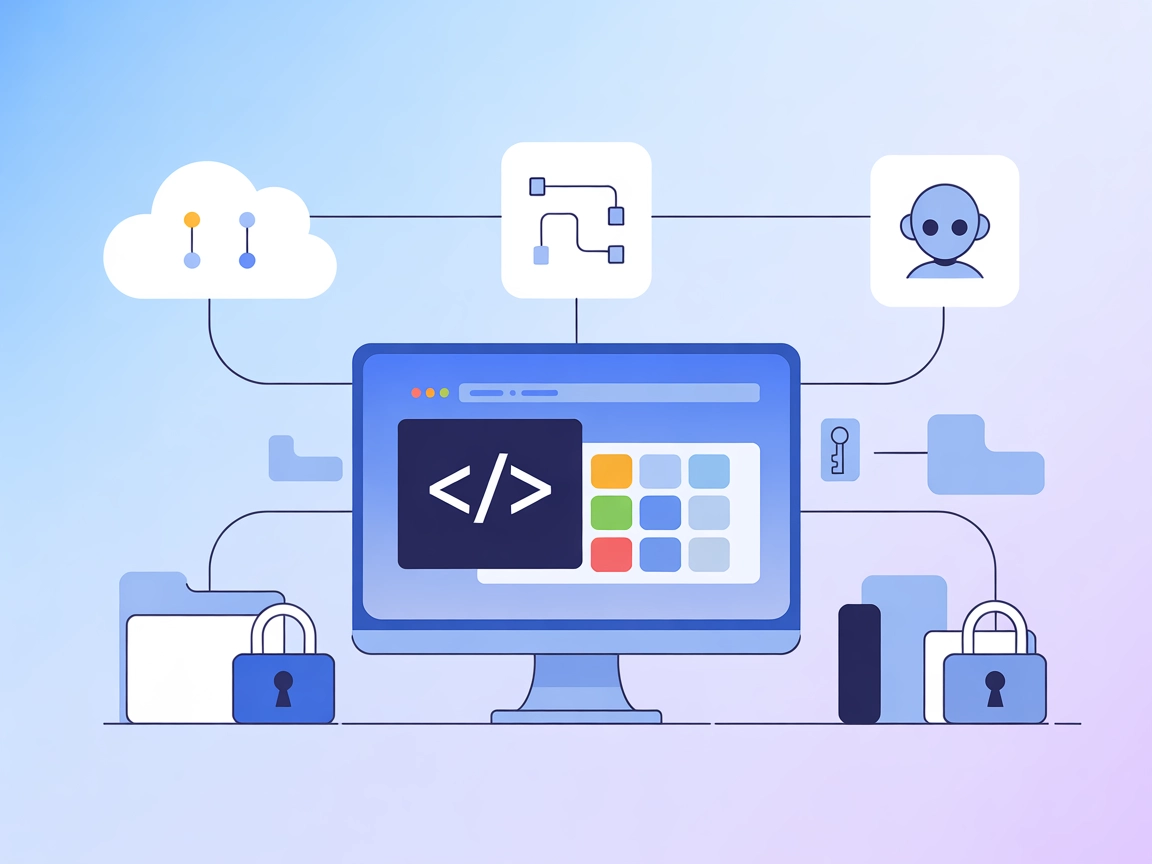
A reference MCP server for Visual Studio Code, showcasing how to bridge AI assistants and APIs for automating editor appearance and workspace management.
The Peacock MCP Server is designed to serve as a Model Context Protocol (MCP) server for the Peacock extension in Visual Studio Code. Its primary purpose is to illustrate how an MCP server can facilitate connections between AI assistants and external APIs, thereby enhancing development workflows. By acting as a bridge, the Peacock MCP Server enables AI-powered assistants to interact programmatically with the VS Code environment, such as customizing editor appearance or managing project-specific settings. This empowers developers to automate tasks like theming, workspace identification, or other API-driven interactions, ultimately streamlining and enriching the coding experience.
No prompt templates are explicitly mentioned in the available documentation or repository files.

Start your free trial today and see results within days.
No explicit resources are described in the available documentation or repository files.
No explicit tools are listed in the available documentation or repository files, and server.py is not present in this repository.
Get latest tips, trends, and deals for free.
wind.config.json).{
"mcpServers": {
"peacock-mcp": {
"command": "npx",
"args": ["@johnpapa/peacock-mcp@latest"]
}
}
}
claude.json).{
"mcpServers": {
"peacock-mcp": {
"command": "npx",
"args": ["@johnpapa/peacock-mcp@latest"]
}
}
}
cursor.config.json.{
"mcpServers": {
"peacock-mcp": {
"command": "npx",
"args": ["@johnpapa/peacock-mcp@latest"]
}
}
}
cline.config.json).{
"mcpServers": {
"peacock-mcp": {
"command": "npx",
"args": ["@johnpapa/peacock-mcp@latest"]
}
}
}
Store API keys as environment variables and reference them in your configuration. Example:
{
  "mcpServers": {
    "peacock-mcp": {
      "command": "npx",
      "args": ["@johnpapa/peacock-mcp@latest"],
      "env": {
        "API_KEY": "${PEACOCK_API_KEY}"
      },
      "inputs": {
        "apiKey": "${PEACOCK_API_KEY}"
      }
    }
  }
}
Using MCP in FlowHunt
To integrate MCP servers into your FlowHunt workflow, start by adding the MCP component to your flow and connecting it to your AI agent:

Click on the MCP component to open the configuration panel. In the system MCP configuration section, insert your MCP server details using this JSON format:
{
  "peacock-mcp": {
    "transport": "streamable_http",
    "url": "https://yourmcpserver.example/pathtothemcp/url"
  }
}
Once configured, the AI agent is now able to use this MCP as a tool with access to all its functions and capabilities. Remember to change “peacock-mcp” to whatever the actual name of your MCP server is and replace the URL with your own MCP server URL.
| Section | Availability | Details/Notes |
|---|---|---|
| Overview | ✅ | Overview provided in README and repo description |
| List of Prompts | ⛔ | No prompt templates found |
| List of Resources | ⛔ | No resources described |
| List of Tools | ⛔ | No tools described; no server.py present |
| Securing API Keys | ✅ | Example provided |
| Sampling Support (less important in evaluation) | ⛔ | Not mentioned |
Based on the tables, the Peacock MCP server serves as a helpful demonstration project but lacks detailed documentation, prompt templates, resources, and tool definitions, limiting its practical use for advanced MCP integrations. Its main value is as a learning or starting point for MCP server development.
| Has a LICENSE | ✅ (MIT) |
|---|---|
| Has at least one tool | ⛔ |
| Number of Forks | 1 |
| Number of Stars | 1 |
Overall rating: 3/10 – This MCP server is a useful reference for getting started but is quite limited in scope and documentation for real-world use.
Explore how the Peacock MCP Server can automate your VS Code workflows and serve as a foundation for your own MCP integrations.
The Azure MCP Server enables seamless integration between AI agents and Azure's cloud ecosystem, allowing AI-powered automation, resource management, and workfl...

Connect FlowHunt with the Peacock MCP Server to automate retrieval of up-to-date documentation, enable instant Q&A for the Peacock VS Code extension, and enhanc...
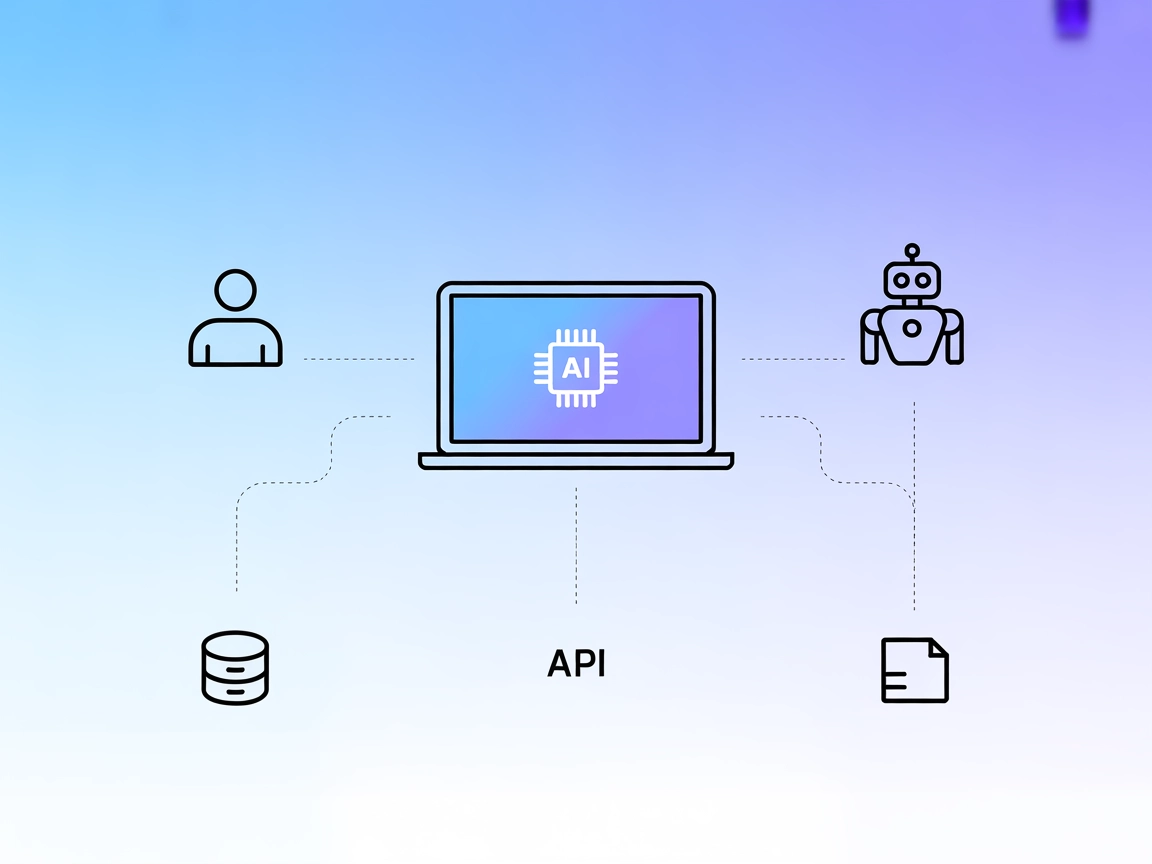
The interactive-mcp MCP Server enables seamless, human-in-the-loop AI workflows by bridging AI agents with users and external systems. It supports cross-platfor...
Cookie Consent
We use cookies to enhance your browsing experience and analyze our traffic. See our privacy policy.