


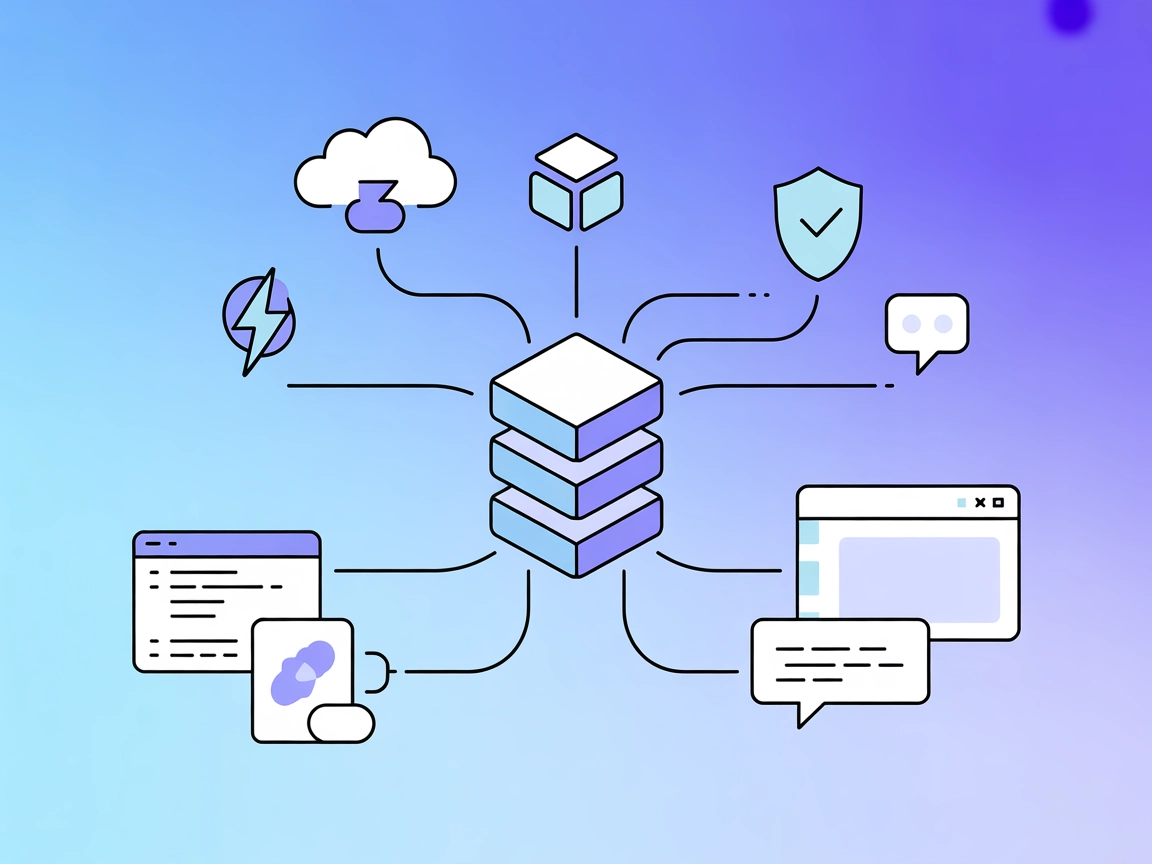
Pulumi MCP Server
Integrate FlowHunt with Pulumi MCP Server to automate infrastructure as code workflows, streamline cloud deployments, and manage resources using AI-driven inter...
3 min read
AI
Pulumi
+5
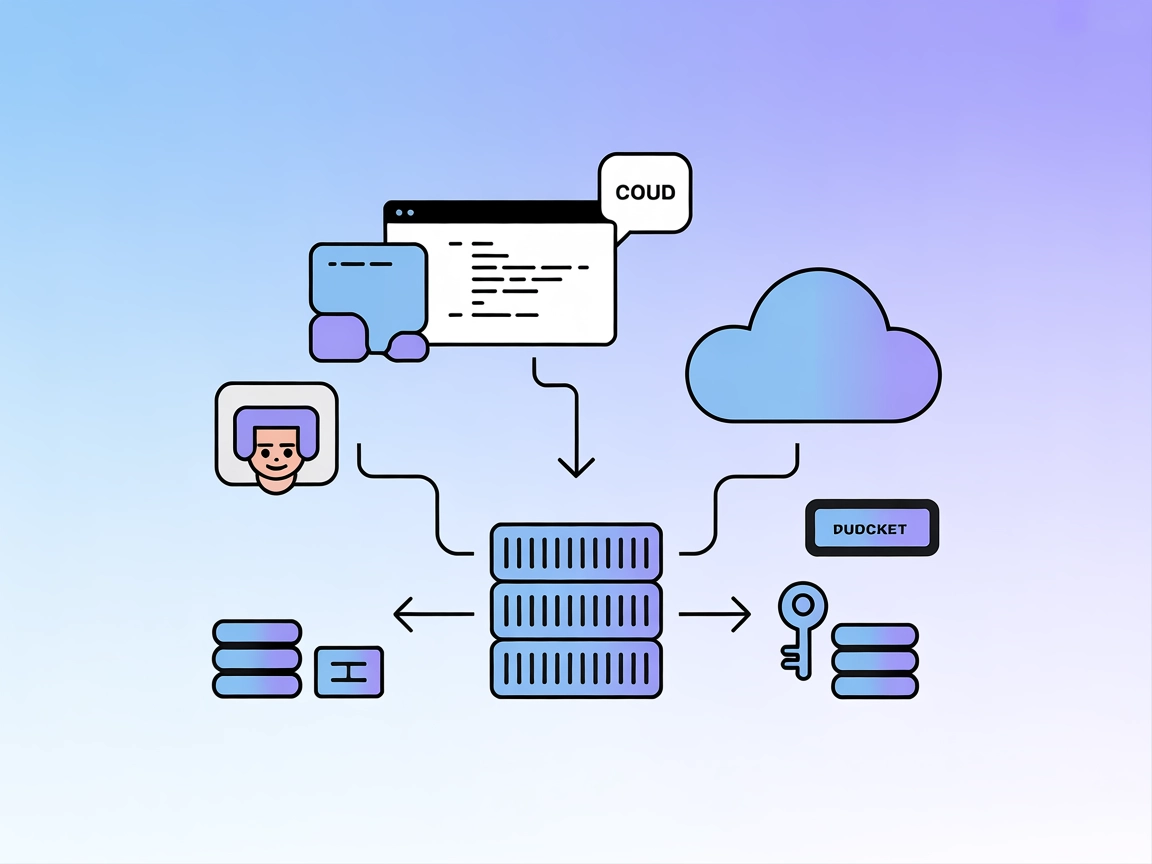
Empower your AI workflows with the Pulumi MCP Server—programmatically deploy, manage, and query cloud infrastructure right from your AI-driven tools and IDEs.
The Pulumi MCP Server acts as a bridge between AI assistants and the Pulumi infrastructure-as-code platform. By exposing Pulumi operations through the Model Context Protocol (MCP), this server enables AI-powered development workflows, allowing clients (such as Claude Desktop, VSCode, and Cline) to interact with cloud infrastructure programmatically. Using this server, AI assistants can perform tasks like deploying resources, managing stacks, querying state, and automating routine infrastructure operations. This integration streamlines infrastructure management, reduces manual intervention, and empowers developers to control cloud environments directly from their preferred AI-enhanced tools.
No information about prompt templates was found in the repository.

Start your free trial today and see results within days.
No specific MCP “resources” are listed or exposed by the Pulumi MCP Server in the repository.
No explicit tools are enumerated in the documentation or visible in the repository’s surface files. The main functionality appears centered around running Pulumi operations via Docker.
Get latest tips, trends, and deals for free.
No setup instructions for Windsurf are provided in the repository.
PULUMI_ACCESS_TOKEN.mcpServers configuration:{
"pulumi-mcp-server": {
"command": "docker",
"args": [
"run",
"-i",
"--rm",
"--name",
"pulumi-mcp-server",
"-e",
"PULUMI_ACCESS_TOKEN",
"dogukanakkaya/pulumi-mcp-server"
],
"env": {
  "PULUMI_ACCESS_TOKEN": "${YOUR_TOKEN}"
},
"transportType": "stdio"
}
}
Securing API Keys:
Store your Pulumi access token in an environment variable. In your configuration, use:
"env": {
"PULUMI_ACCESS_TOKEN": "${YOUR_TOKEN}"
}
No setup instructions for Cursor are provided in the repository.
PULUMI_ACCESS_TOKEN.{
"pulumi-mcp-server": {
"command": "docker",
"args": [
"run",
"-i",
"--rm",
"--name",
"pulumi-mcp-server",
"-e",
"PULUMI_ACCESS_TOKEN",
"dogukanakkaya/pulumi-mcp-server"
],
"env": {
"PULUMI_ACCESS_TOKEN": "${YOUR_TOKEN}"
},
"transportType": "stdio"
}
}
Securing API Keys:
See the above env usage example.
Using MCP in FlowHunt
To integrate MCP servers into your FlowHunt workflow, start by adding the MCP component to your flow and connecting it to your AI agent:

Click on the MCP component to open the configuration panel. In the system MCP configuration section, insert your MCP server details using this JSON format:
{
  "pulumi-mcp-server": {
    "transport": "streamable_http",
    "url": "https://yourmcpserver.example/pathtothemcp/url"
  }
}
Once configured, the AI agent can use this MCP as a tool with access to all its functions and capabilities. Remember to change “pulumi-mcp-server” to the actual name of your MCP server and replace the URL with your own MCP server URL.
| Section | Availability | Details/Notes |
|---|---|---|
| Overview | ✅ | |
| List of Prompts | ⛔ | None found |
| List of Resources | ⛔ | None found |
| List of Tools | ⛔ | None found |
| Securing API Keys | ✅ | Provided via env in configuration |
| Sampling Support (less important in evaluation) | ⛔ | Not mentioned |
ROOTS support: Not documented
Sampling support: Not documented
Based on the information found, the Pulumi MCP Server repository is functional and integrates Pulumi with MCP clients, but lacks documentation on prompts, resources, and explicit tool definitions. For a developer seeking a turnkey, well-documented MCP server, this repository would score moderately, as it mainly provides setup details and basic use cases.
| Has a LICENSE | ⛔ |
|---|---|
| Has at least one tool | ⛔ |
| Number of Forks | 2 |
| Number of Stars | 3 |
Our overall rating: 3/10 – The repository provides a basic bridge to Pulumi via MCP but lacks documentation, explicit resource/tool definitions, and licensing, making it less suitable for production or broader adoption without further development.
Integrate Pulumi’s infrastructure automation into your FlowHunt flows or AI-powered IDEs to streamline DevOps and cloud operations without manual intervention.
Integrate FlowHunt with Pulumi MCP Server to automate infrastructure as code workflows, streamline cloud deployments, and manage resources using AI-driven inter...
Integrate AI assistants with the Terraform Cloud API using the Terraform Cloud MCP Server. Manage infrastructure through natural language, automate workspace an...
The Cloudflare MCP Server bridges AI assistants and Cloudflare’s cloud services, enabling natural language automation for configurations, logs, builds, and docu...
Cookie Consent
We use cookies to enhance your browsing experience and analyze our traffic. See our privacy policy.