


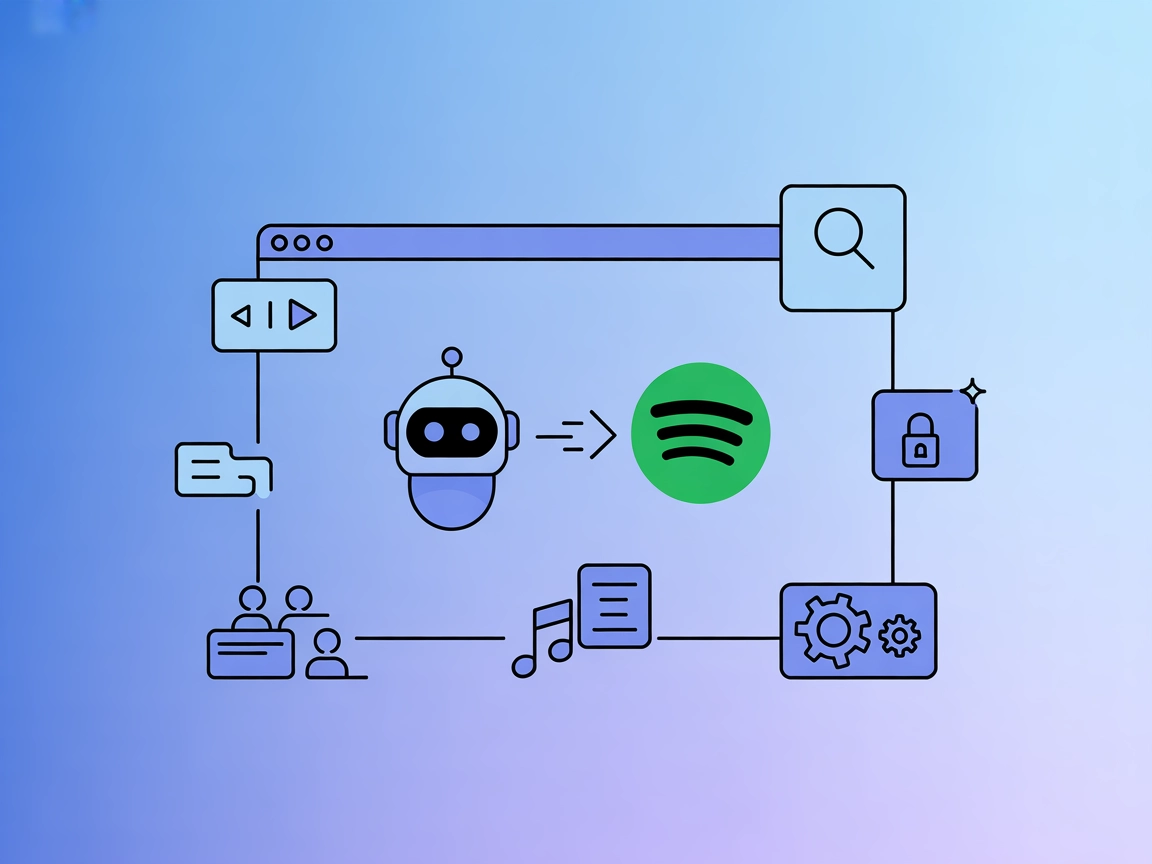
Spotify MCP Integration
Integrate FlowHunt's AI agent with Spotify MCP for seamless music playback control, advanced music search, real-time queue management, and secure configuration ...
4 min read
Spotify
AI
+3
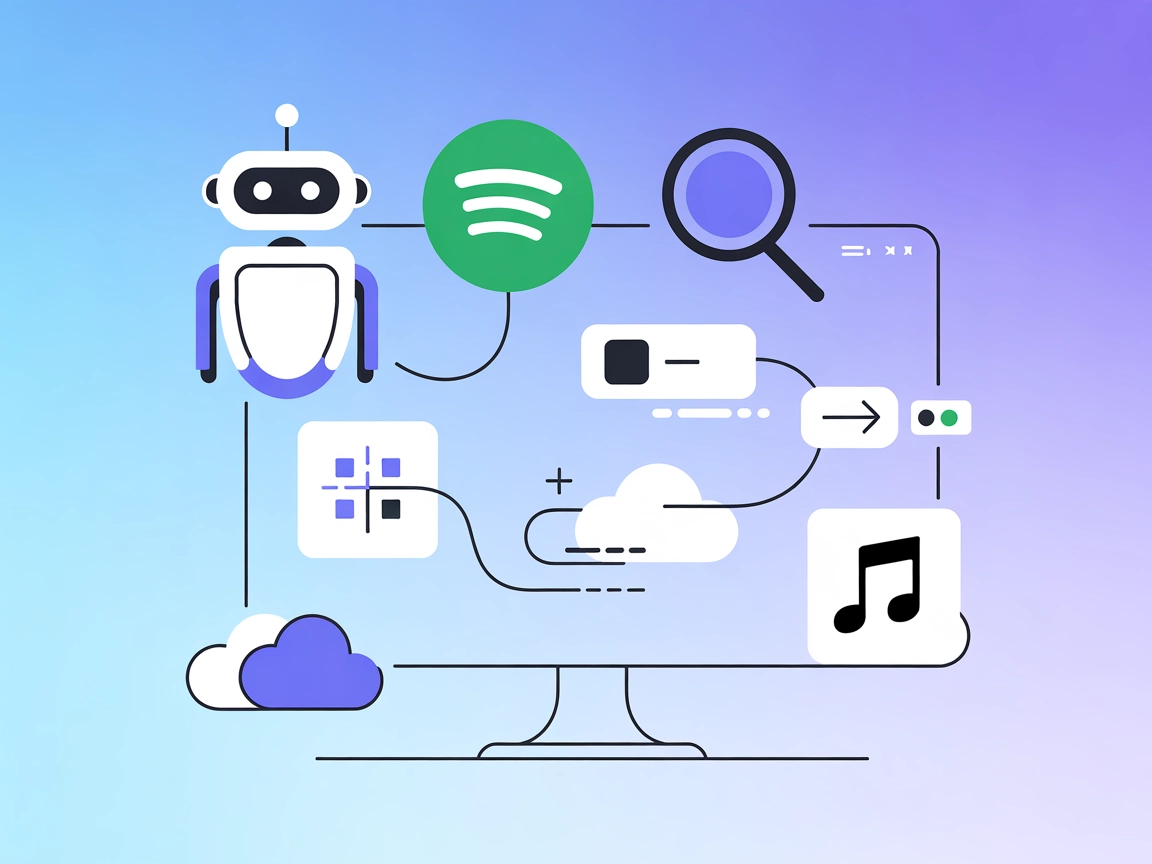
Seamlessly connect FlowHunt AI workflows to Spotify for advanced music playback, search, playlist, and queue management with the Spotify MCP Server.
The Spotify MCP (Model Context Protocol) Server is a tool designed to connect AI assistants, such as LLMs, with Spotify’s extensive API. By acting as an intermediary, it allows AI-powered workflows to control Spotify playback, search for tracks, albums, artists, or playlists, retrieve detailed information, and manage user playlists and queues. This capability enables developers and AI users to seamlessly integrate music data and playback control into their applications, automating music management, curation, and exploration tasks. It enhances development workflows by providing standardized access to Spotify’s features, making it easier to build intelligent agents that interact dynamically with music content.
No prompt templates are mentioned in the repository.

Start your free trial today and see results within days.
No explicit MCP resources are documented in the repository.
Get latest tips, trends, and deals for free.
No Windsurf-specific setup instructions are provided.
git clone https://github.com/varunneal/spotify-mcp.git
~/Library/Application Support/Claude/claude_desktop_config.json%APPDATA%/Claude/claude_desktop_config.jsonmcpServers section:"spotify": {
"command": "uv",
"args": [
"--directory",
"/path/to/spotify_mcp",
"run",
"spotify-mcp"
],
"env": {
  "SPOTIFY_CLIENT_ID": "YOUR_CLIENT_ID",
  "SPOTIFY_CLIENT_SECRET": "YOUR_CLIENT_SECRET",
  "SPOTIFY_REDIRECT_URI": "http://127.0.0.1:8080/callback"
}
}
No Cursor-specific setup instructions are provided.
No Cline-specific setup instructions are provided.
API credentials are stored via environment variables in the configuration JSON:
"env": {
"SPOTIFY_CLIENT_ID": "YOUR_CLIENT_ID",
"SPOTIFY_CLIENT_SECRET": "YOUR_CLIENT_SECRET",
"SPOTIFY_REDIRECT_URI": "http://127.0.0.1:8080/callback"
}
Using MCP in FlowHunt
To integrate MCP servers into your FlowHunt workflow, start by adding the MCP component to your flow and connecting it to your AI agent:

Click on the MCP component to open the configuration panel. In the system MCP configuration section, insert your MCP server details using this JSON format:
{
  "spotify": {
    "transport": "streamable_http",
    "url": "https://yourmcpserver.example/pathtothemcp/url"
  }
}
Once configured, the AI agent is now able to use this MCP as a tool with access to all its functions and capabilities. Remember to change “spotify” to whatever the actual name of your MCP server is and replace the URL with your own MCP server URL.
| Section | Availability | Details/Notes |
|---|---|---|
| Overview | ✅ | |
| List of Prompts | ⛔ | No prompt templates found |
| List of Resources | ⛔ | No explicit resources found |
| List of Tools | ✅ | Inferred from README feature list |
| Securing API Keys | ✅ | Via env in JSON configuration |
| Sampling Support (less important in evaluation) | ⛔ | Not mentioned |
The Spotify MCP server offers practical music integration capabilities, with clear setup for Claude and comprehensive tool support for playback and search. However, the absence of prompt templates, explicit resources, and roots/sampling support lowers its extensibility for advanced MCP users.
| Has a LICENSE | ✅ (MIT) |
|---|---|
| Has at least one tool | ✅ |
| Number of Forks | 69 |
| Number of Stars | 358 |
Automate music playback and management in your AI flows by connecting the Spotify MCP Server to FlowHunt.
Integrate FlowHunt's AI agent with Spotify MCP for seamless music playback control, advanced music search, real-time queue management, and secure configuration ...
The Discogs MCP Server enables AI assistants and development tools to seamlessly connect with the Discogs music database, providing automated access to music re...
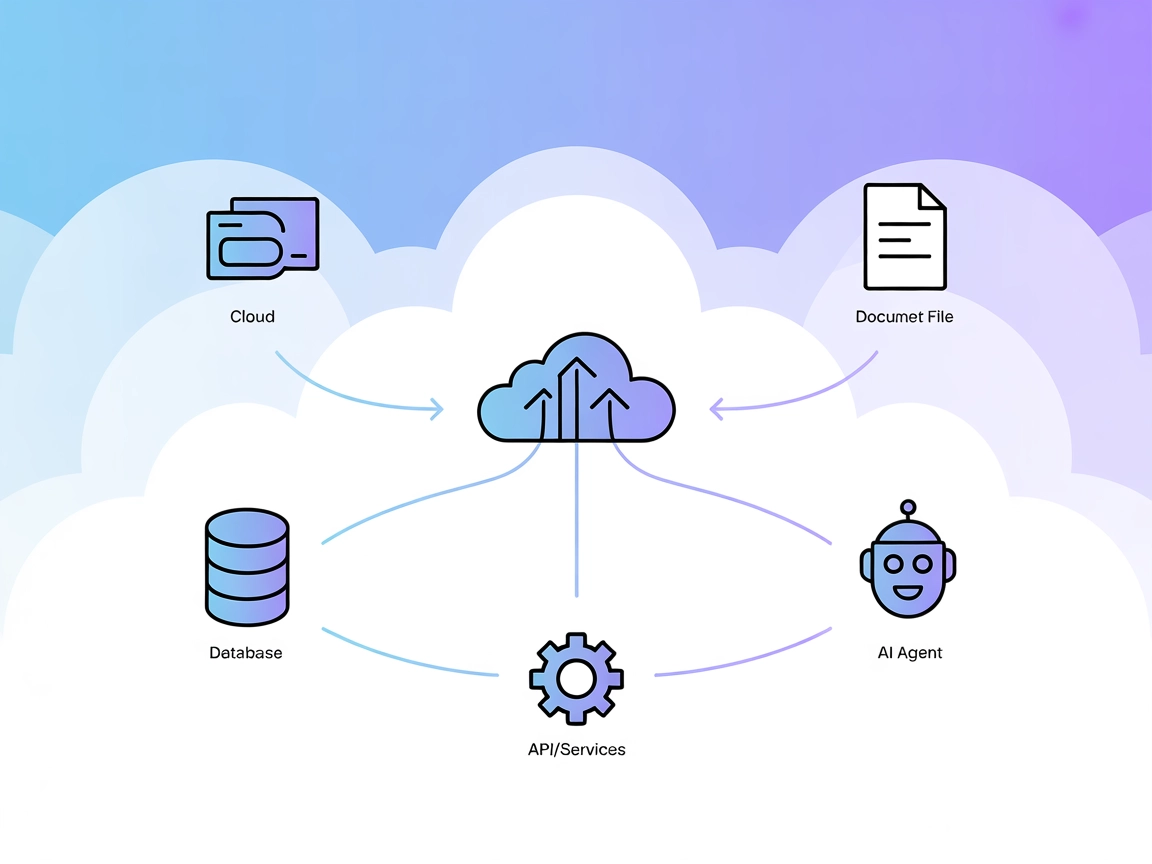
The Model Context Protocol (MCP) Server bridges AI assistants with external data sources, APIs, and services, enabling streamlined integration of complex workfl...
Cookie Consent
We use cookies to enhance your browsing experience and analyze our traffic. See our privacy policy.