


Ticketmaster
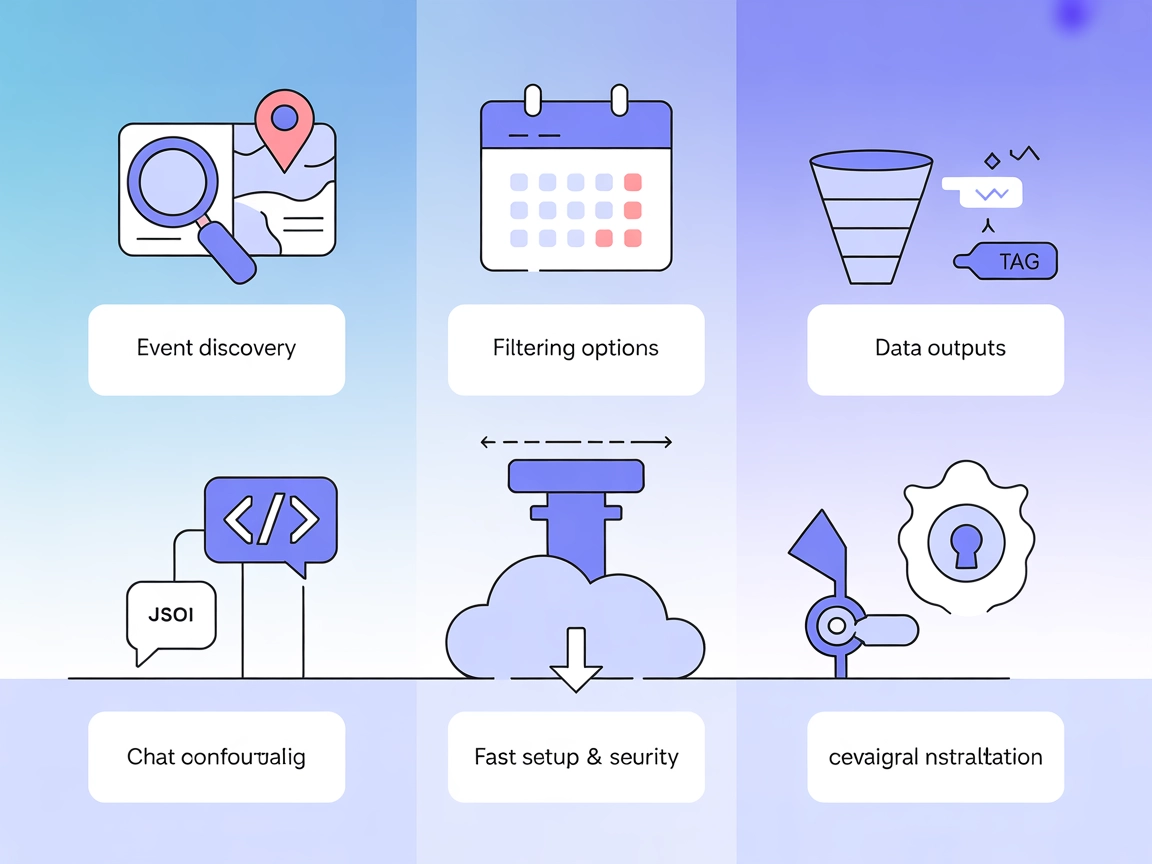
Integrate FlowHunt with Ticketmaster's Model Context Protocol server to deliver powerful event discovery, venue search, and attraction listings. Empower your us...
4 min read
AI
Ticketmaster
+4

Connect FlowHunt with Ticketmaster’s MCP Server for AI-driven event, venue, and attraction search—enabling smarter assistants and seamless event planning.
The Ticketmaster MCP (Model Context Protocol) Server is a tool designed to connect AI assistants with the Ticketmaster Discovery API, enabling seamless integration with external data sources for event-related information. This server allows AI systems and developers to search for events, venues, and attractions using flexible queries, such as keyword searches, date ranges, location filters, and event classifications. By providing both structured JSON and human-readable outputs, the Ticketmaster MCP Server enhances development workflows in applications that require up-to-date event data, streamlined ticket searches, and contextual information for various use cases. It is especially useful for building AI-powered assistants that need to interact with the Ticketmaster ecosystem for tasks such as event discovery, recommendations, and planning.
No prompt templates are mentioned in the available documentation or code.

Start your free trial today and see results within days.
No explicit MCP resources are described in the documentation or code.
type: Type of search (’event’, ‘venue’, or ‘attraction’)keyword, startDate, endDate, city, stateCode, countryCode, venueId, attractionId, classificationName, formatGet latest tips, trends, and deals for free.
{
  "mcpServers": {
    "ticketmaster": {
      "command": "npx",
      "args": ["-y", "@delorenj/mcp-server-ticketmaster"],
      "env": {
        "TICKETMASTER_API_KEY": "your-api-key-here"
      }
    }
  }
}
{
  "mcpServers": {
    "ticketmaster": {
      "command": "npx",
      "args": ["-y", "@delorenj/mcp-server-ticketmaster"],
      "env": {
        "TICKETMASTER_API_KEY": "your-api-key-here"
      }
    }
  }
}
{
  "mcpServers": {
    "ticketmaster": {
      "command": "npx",
      "args": ["-y", "@delorenj/mcp-server-ticketmaster"],
      "env": {
        "TICKETMASTER_API_KEY": "your-api-key-here"
      }
    }
  }
}
{
  "mcpServers": {
    "ticketmaster": {
      "command": "npx",
      "args": ["-y", "@delorenj/mcp-server-ticketmaster"],
      "env": {
        "TICKETMASTER_API_KEY": "your-api-key-here"
      }
    }
  }
}
Securing API Keys:
The configuration above stores the API key securely using environment variables (env block in JSON).
Using MCP in FlowHunt
To integrate MCP servers into your FlowHunt workflow, start by adding the MCP component to your flow and connecting it to your AI agent:

Click on the MCP component to open the configuration panel. In the system MCP configuration section, insert your MCP server details using this JSON format:
{
  "ticketmaster": {
    "transport": "streamable_http",
    "url": "https://yourmcpserver.example/pathtothemcp/url"
  }
}
Once configured, the AI agent is now able to use this MCP as a tool with access to all its functions and capabilities. Remember to change “ticketmaster” to whatever the actual name of your MCP server is and replace the URL with your own MCP server URL.
| Section | Availability | Details/Notes |
|---|---|---|
| Overview | ✅ | |
| List of Prompts | ⛔ | No prompt templates documented |
| List of Resources | ⛔ | No explicit MCP resources listed |
| List of Tools | ✅ | search_ticketmaster tool documented |
| Securing API Keys | ✅ | Uses environment variable TICKETMASTER_API_KEY |
| Sampling Support (less important in evaluation) | ⛔ | Not documented |
Based on the available documentation, this MCP server is straightforward to set up and exposes a single, well-documented tool. However, it lacks advanced MCP features such as prompt templates, resource definitions, roots, and sampling. Its score is moderate because of clear setup and usage, but limited protocol surface.
| Has a LICENSE | ✅ (MIT License) |
|---|---|
| Has at least one tool | ✅ |
| Number of Forks | 7 |
| Number of Stars | 17 |
Empower your AI workflows with real-time event data and intelligent recommendations. Connect the Ticketmaster MCP Server to FlowHunt and unlock seamless event discovery for your users.
Integrate FlowHunt with Ticketmaster's Model Context Protocol server to deliver powerful event discovery, venue search, and attraction listings. Empower your us...

The Airbnb MCP Server connects AI agents and applications to real-time Airbnb listings, enabling property search, detailed accommodation info retrieval, and tra...
The TMDB MCP Server connects AI assistants with The Movie Database (TMDB) API, enabling powerful movie search, trending data, recommendations, and detailed film...
Cookie Consent
We use cookies to enhance your browsing experience and analyze our traffic. See our privacy policy.