


AWS MCP Server
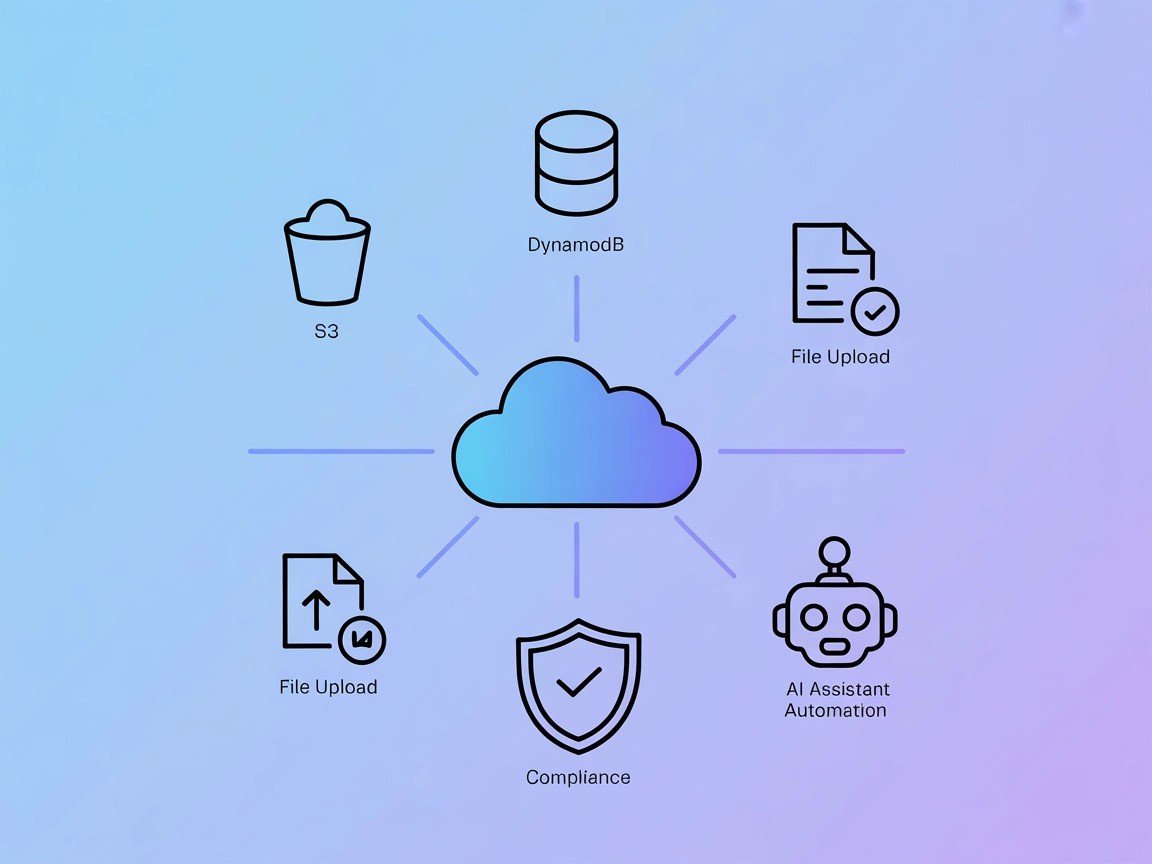
The AWS MCP Server integrates FlowHunt with AWS S3 and DynamoDB, enabling AI agents to automate cloud resource management, perform database operations, and hand...
4 min read
AWS
MCP
+6
Query, explore, and manage your Volcengine TOS storage using natural language with FlowHunt’s TOS MCP Server integration.
The TOS MCP Server is an official offering designed to provide powerful querying capabilities for ByteDance Volcengine’s TOS (Tencent Object Storage) platform. It enables users to explore and retrieve stored content using natural language, making data access more intuitive and efficient. By leveraging the Model Context Protocol (MCP), this server allows AI assistants and developer tools to perform seamless database queries, manage files, and interact with storage services programmatically. This enhances developer workflows by simplifying resource discovery and supporting integration with other Volcengine cloud products, enabling more intelligent business applications and automation.

Start your free trial today and see results within days.
Get latest tips, trends, and deals for free.
mcpServers section using the following JSON:{
"mcpServers": {
"tos-mcp": {
"command": "npx",
"args": ["@tos/mcp-server@latest"]
}
}
}
mcpServers:{
"mcpServers": {
"tos-mcp": {
"command": "npx",
"args": ["@tos/mcp-server@latest"]
}
}
}
mcpServers array:{
"mcpServers": {
"tos-mcp": {
"command": "npx",
"args": ["@tos/mcp-server@latest"]
}
}
}
{
  "mcpServers": {
    "tos-mcp": {
      "command": "npx",
      "args": ["@tos/mcp-server@latest"]
    }
  }
}
Securing API Keys:
Store sensitive credentials as environment variables. Example:
{
  "mcpServers": {
    "tos-mcp": {
      "command": "npx",
      "args": ["@tos/mcp-server@latest"],
      "env": {
        "TOS_ACCESS_KEY": "YOUR_ACCESS_KEY",
        "TOS_SECRET_KEY": "YOUR_SECRET_KEY"
      },
      "inputs": {
        "region": "ap-guangzhou"
      }
    }
  }
}
Using MCP in FlowHunt
To integrate MCP servers into your FlowHunt workflow, start by adding the MCP component to your flow and connecting it to your AI agent:

Click on the MCP component to open the configuration panel. In the system MCP configuration section, insert your MCP server details using this JSON format:
{
  "tos-mcp": {
    "transport": "streamable_http",
    "url": "https://yourmcpserver.example/pathtothemcp/url"
  }
}
Once configured, the AI agent is now able to use this MCP as a tool with access to all its functions and capabilities. Remember to change “tos-mcp” to whatever the actual name of your MCP server is and replace the URL with your own MCP server URL.
| Section | Availability | Details/Notes |
|---|---|---|
| Overview | ✅ | |
| List of Prompts | ✅ | 2 prompt templates listed |
| List of Resources | ✅ | Buckets, Objects, Bucket Properties, Object Properties |
| List of Tools | ✅ | list_buckets, list_objects, get_object |
| Securing API Keys | ✅ | .env_example and JSON example provided |
| Sampling Support (less important in evaluation) | ⛔ | Not mentioned |
This MCP server offers clear documentation and practical tools for interacting with TOS storage resources. It supports a range of use cases, from simple resource listing to integration in intelligent workflows. However, the documentation does not mention support for Roots or Sampling.
Based on the tables above, I would rate this MCP server a 7/10: it has solid functionality and instructions, but lacks clarity on advanced MCP features like Roots and Sampling, and is missing a LICENSE file.
| Has a LICENSE | ⛔ |
|---|---|
| Has at least one tool | ✅ |
| Number of Forks | 3 |
| Number of Stars | 2 |
Supercharge your data workflows by connecting Volcengine TOS to FlowHunt. Query buckets and objects using natural language, automate content management, and build intelligent business applications.
The AWS MCP Server integrates FlowHunt with AWS S3 and DynamoDB, enabling AI agents to automate cloud resource management, perform database operations, and hand...
The mcp-server-docker MCP Server enables AI assistants to manage Docker containers through natural language. Integrate this MCP with FlowHunt and other clients ...
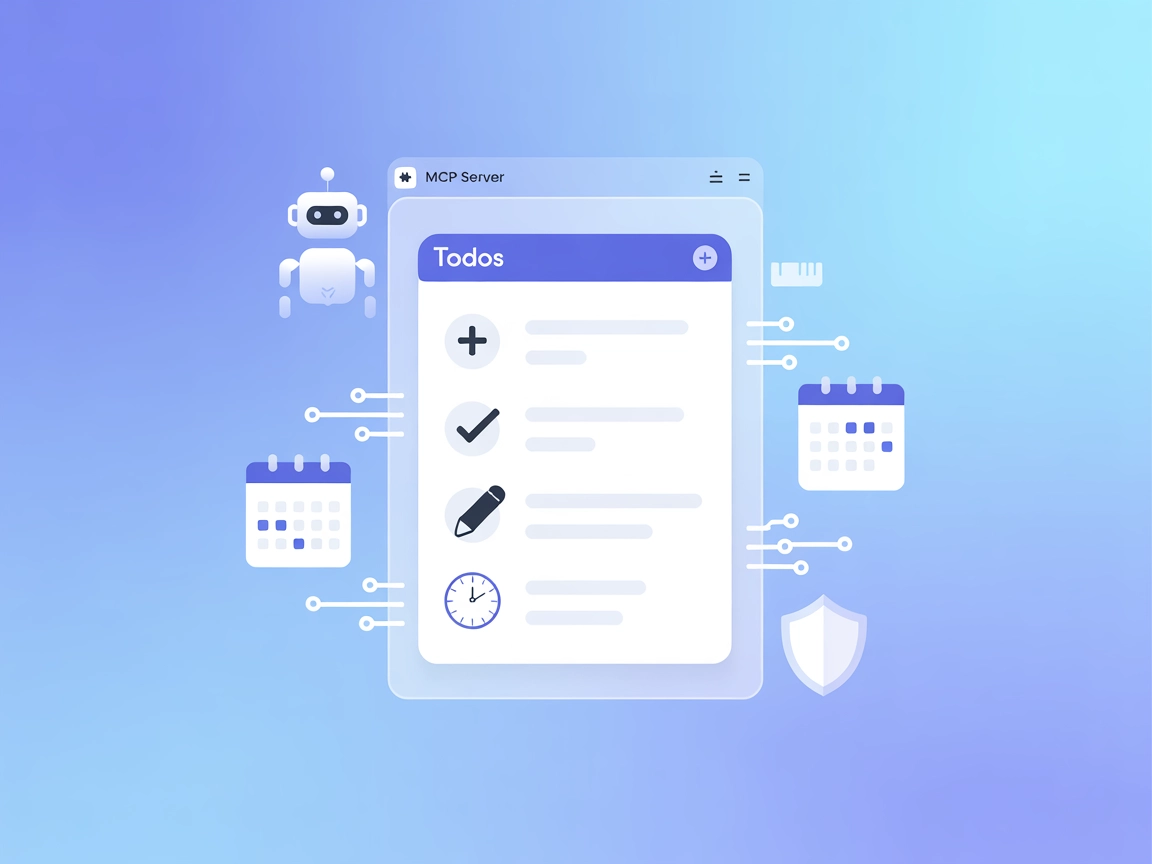
The Todos MCP Server is an open-source todo list application with Model Context Protocol (MCP) support, allowing AI assistants and chatbots to manage tasks prog...
Cookie Consent
We use cookies to enhance your browsing experience and analyze our traffic. See our privacy policy.