8 najlepších alternatív Power Automate v roku 2026 (bezplatné a platené)
Hľadáte alternatívy k Microsoft Power Automate? Porovnali sme 8 nástrojov na základe ceny, AI možností, jednoduchosti použitia a integrácií — aby ste našli ten najlepší pre vás.
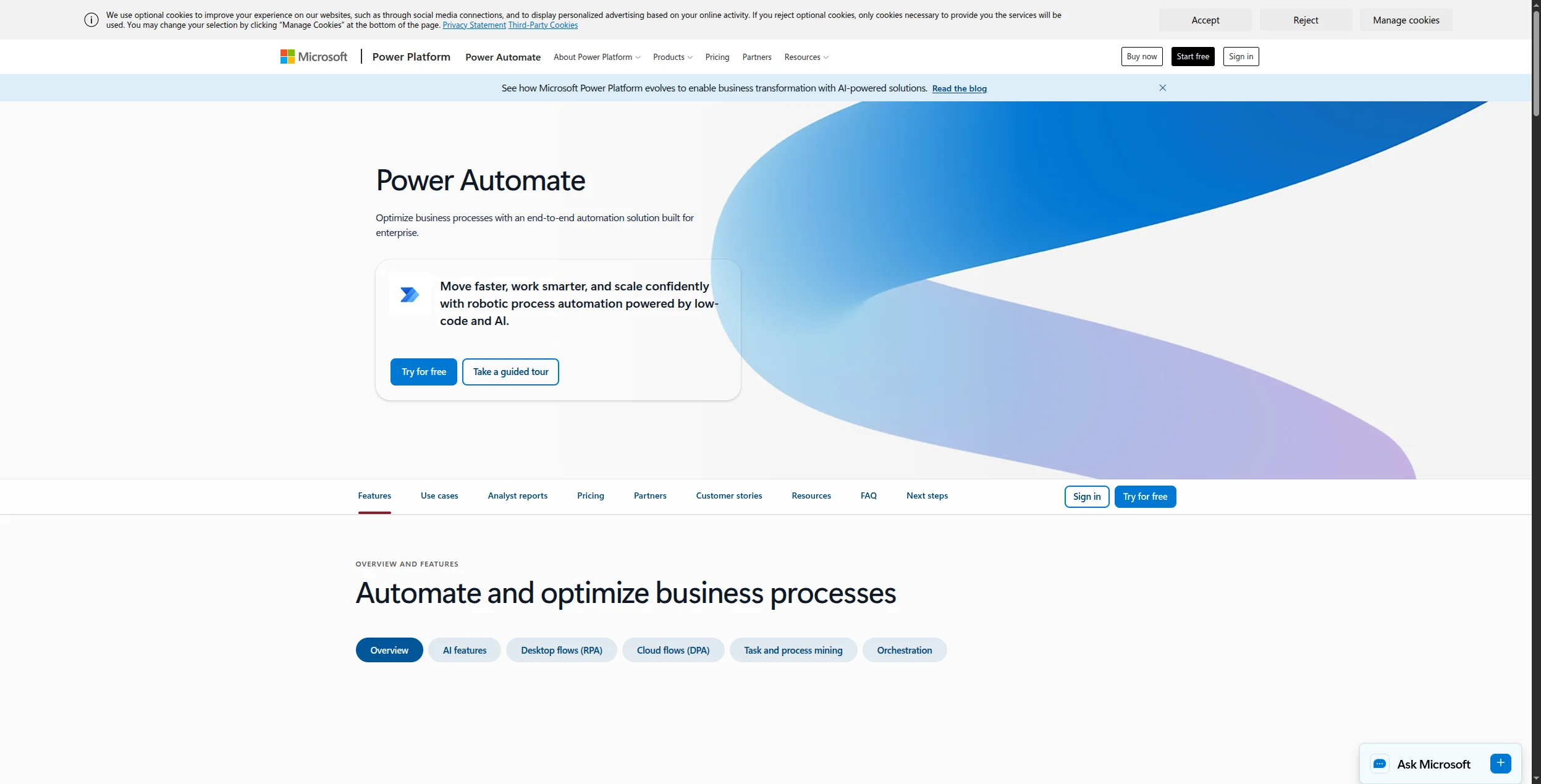
Power Automate
Microsoft
Alternatives
Workflow Automation
Microsoft Power Automate je predvolený automatizačný nástroj pre organizácie hlboko zakorenené v ekosystéme Microsoft 365. Ale prichádza so skutočnými obmedzeniami: strmé oceňovanie na používateľa, silný sklon k aplikáciám Microsoft, nešikovné rozhranie v porovnaní s modernými alternatívami a funkcie AI, ktoré zaostávajú za platformami vytvorenými na účel.
Ak hľadáte alternatívu Power Automate — či už chcete lepšiu AI, nižšie náklady, integrácie nezávislé na stacku alebo flexibilitu s otvoreným zdrojovým kódom — tento sprievodca vám pomôže.
Čo je Microsoft Power Automate?
Power Automate (predtým Microsoft Flow) je cloudová platforma automatizácie od Microsoftu, súčasť sady Power Platform popri Power BI, Power Apps a Power Pages. Umožňuje používateľom vytvárať automatizované pracovné postupy medzi aplikáciami Microsoft 365 (SharePoint, Teams, Outlook, Dynamics) a službami tretích strán.
Power Automate má dva hlavné režimy:
Cloudové toky — automatizácie spustené udalosťou medzi webovými aplikáciami
Pracovné postupy na ploche (RPA) — automatizácia robotických procesov pre staré aplikácie na ploche
Jej hlavnou výhodou je hlboká natívna integrácia so stackom Microsoft 365. Pre organizácie, ktoré žijú v Teams, SharePointe a Dynamics 365, je Power Automate prirodzeným fitom. Pre všetkých ostatných je to často nesprávny nástroj.
Rýchle porovnanie: Power Automate vs alternatívy
Nástroj
Najlepší pre
Bezplatná vrstva
Počiatočná cena
Samohostovanie
Natívny pre AI
FlowHunt
Automatizácia natívna pre AI
✅
Na základe spotreby
❌
✅
Power Automate
Používatelia Microsoft 365
✅ (obmedzené)
15 USD/používateľ/mesiac
❌
Čiastočné
Zapier
Rozsiahle pokrytie aplikácií
✅
19,99 USD/mesiac
❌
Čiastočné
Make
Vizuálne zložité pracovné postupy
✅
9 USD/mesiac
❌
Čiastočné
n8n
Open-source, samohostovanie
✅
Bezplatné / 20 USD/mesiac
✅
✅
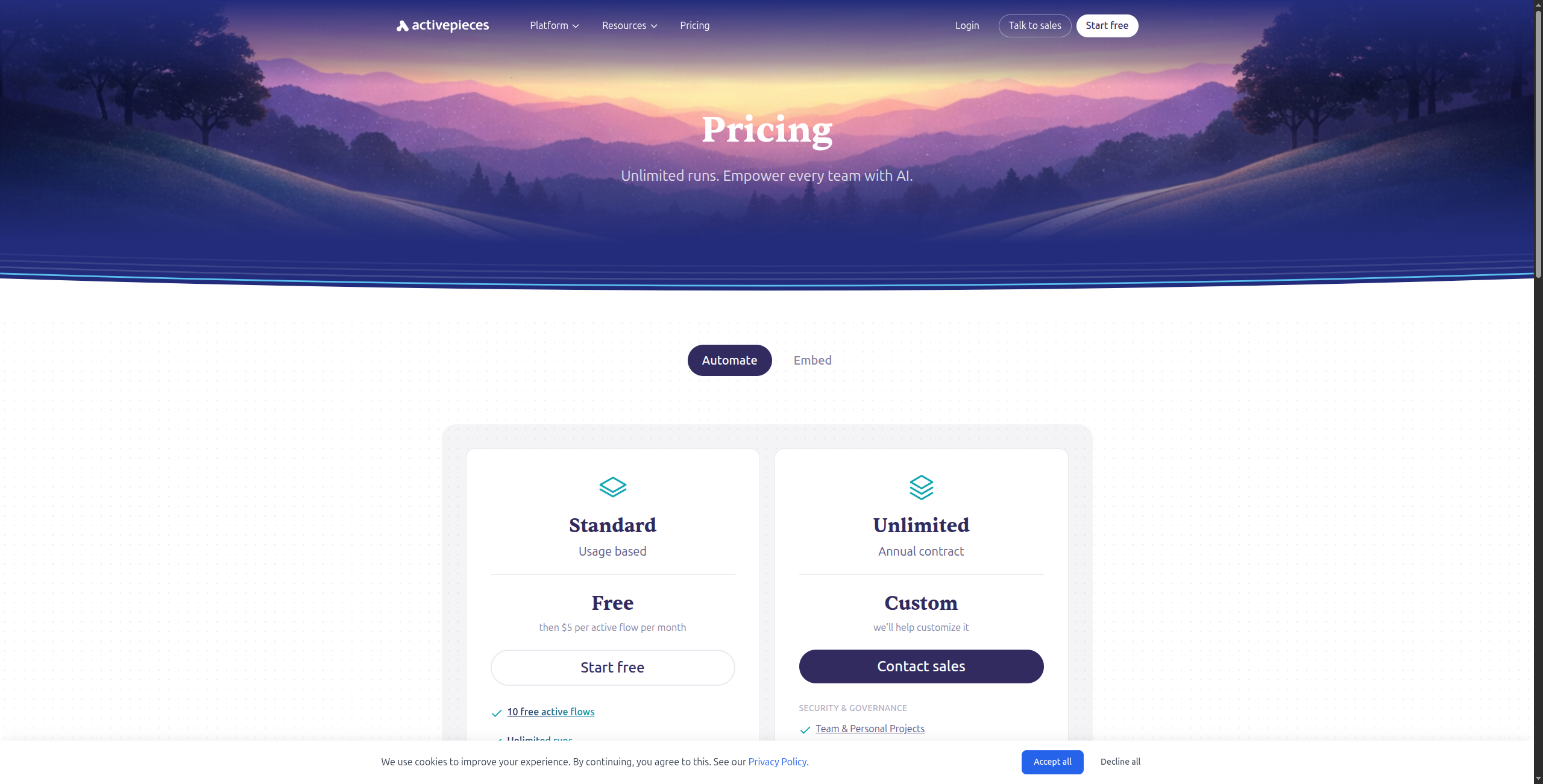
Activepieces
Open-source, známe rozhranie
✅
Bezplatné / 99 USD/mesiac
✅
Čiastočné
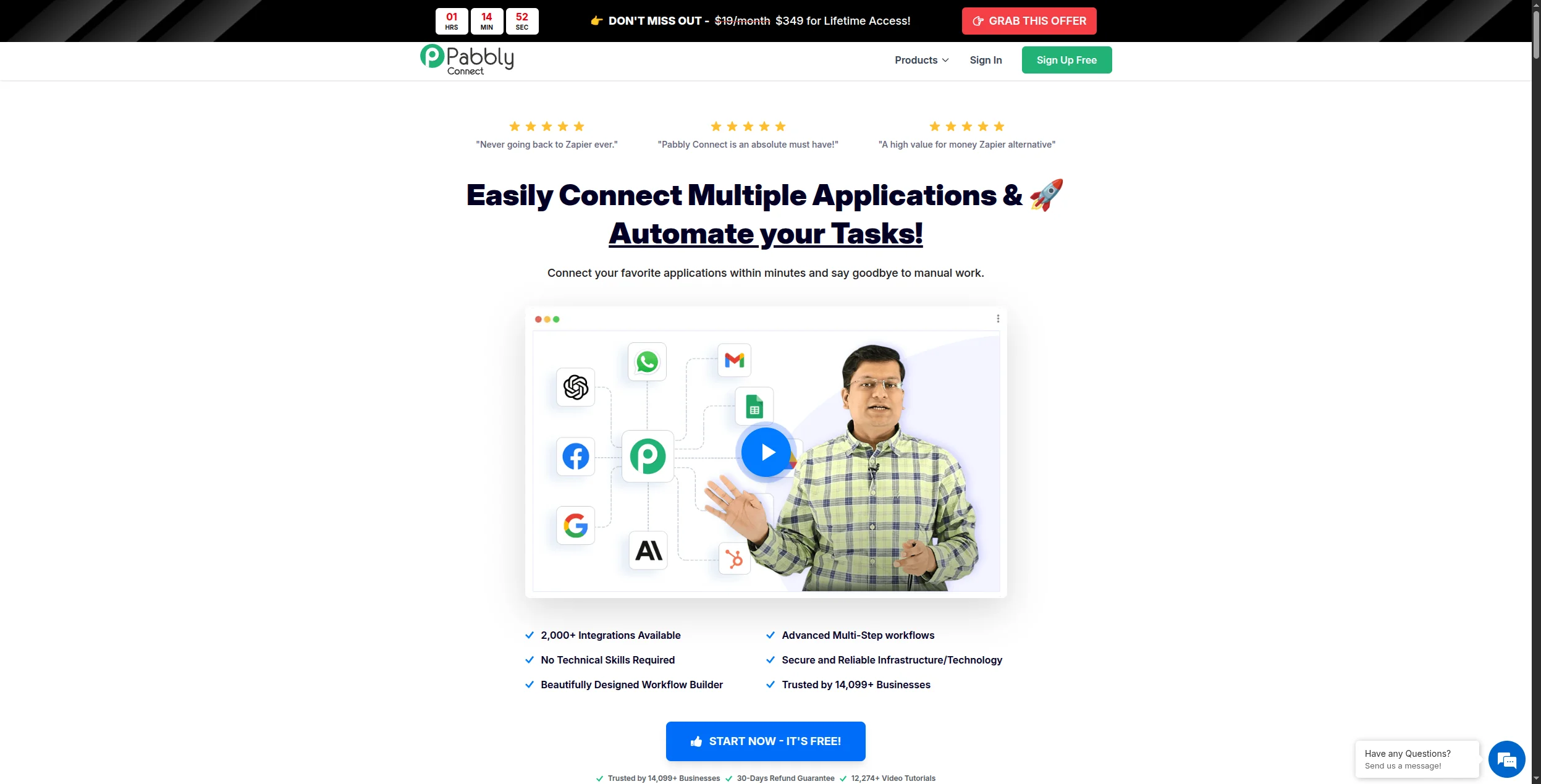
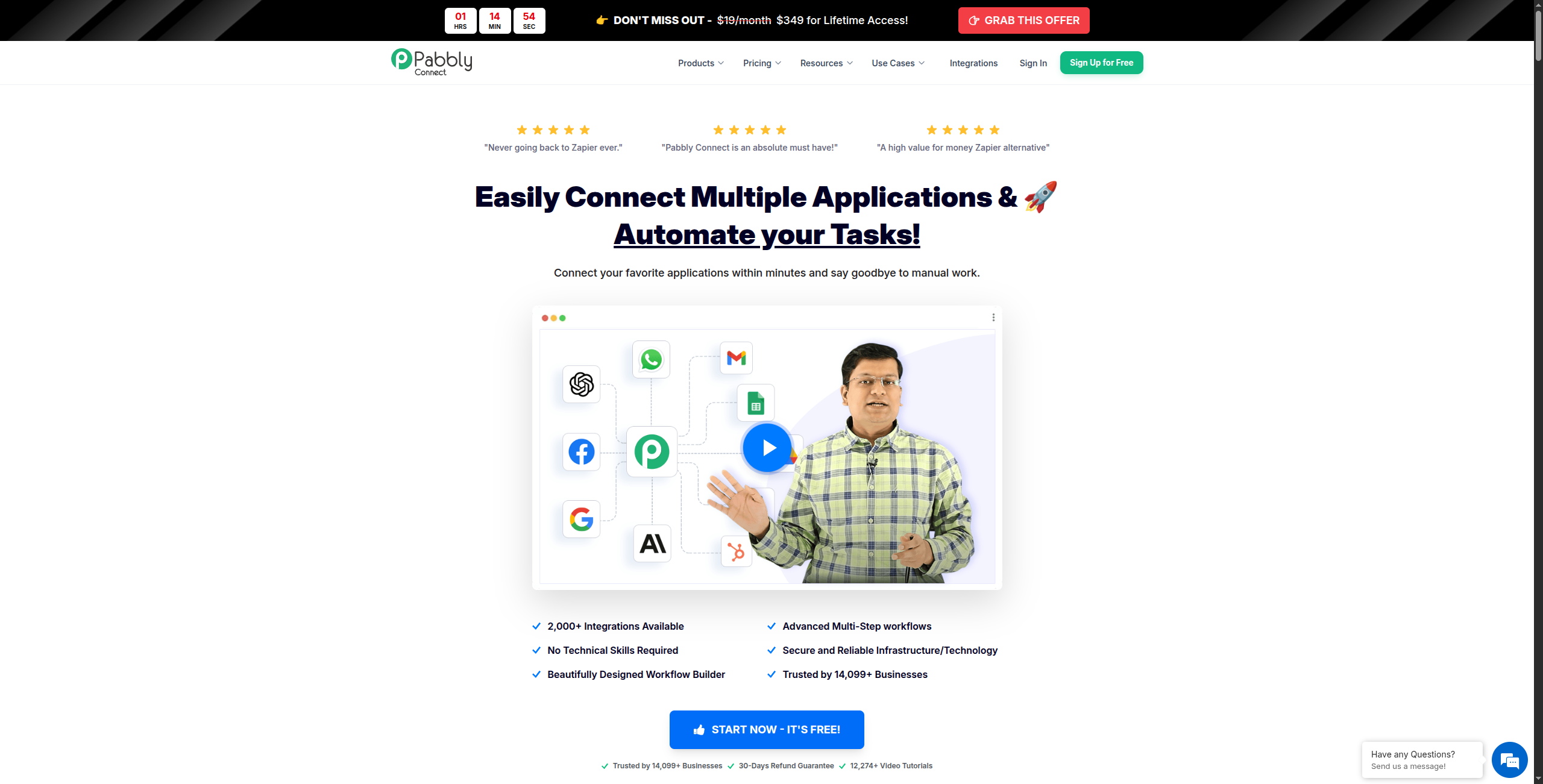
Pabbly Connect
Rozpočet, vysoký objem
❌
19 USD/mesiac
❌
❌
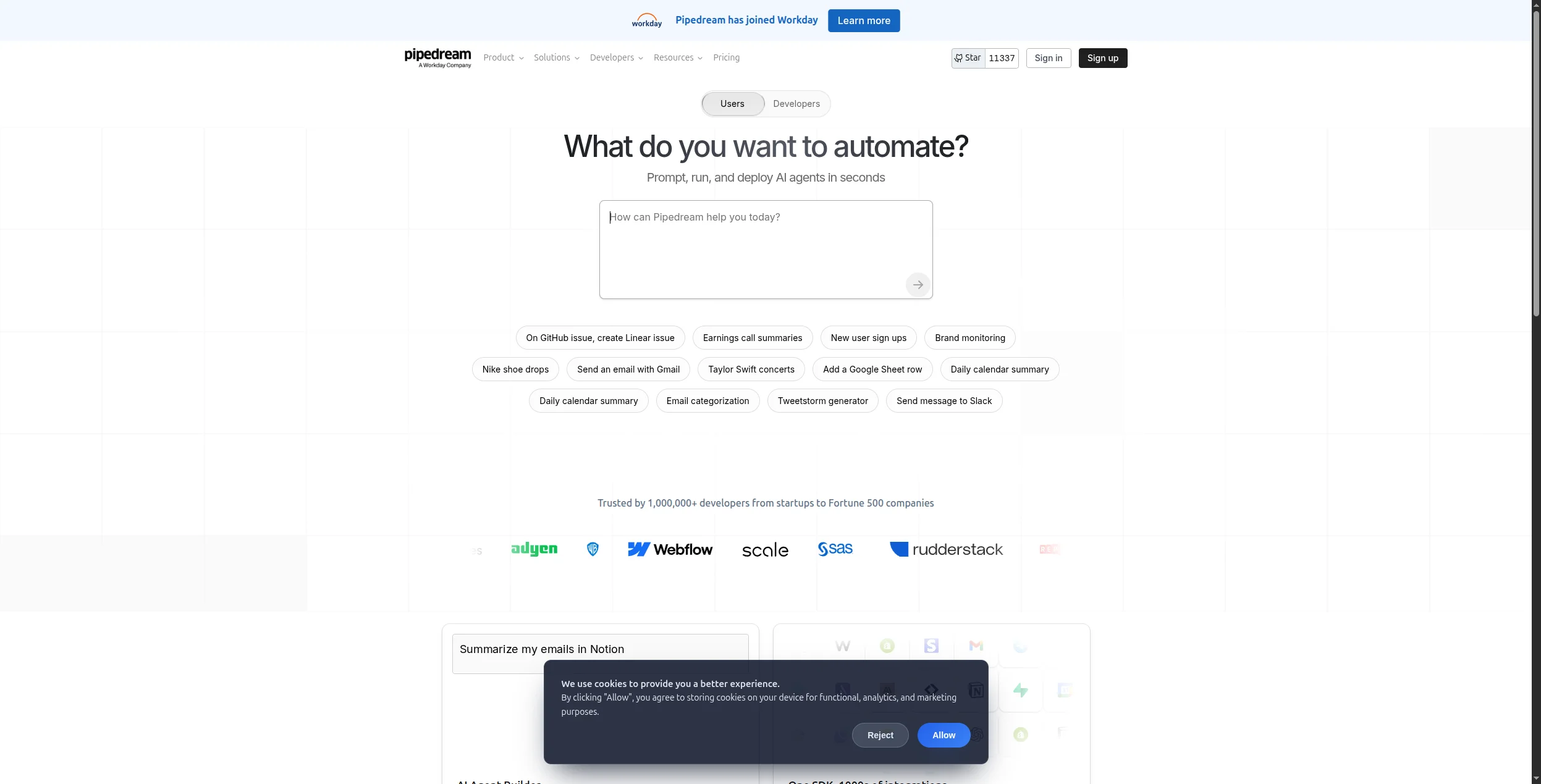
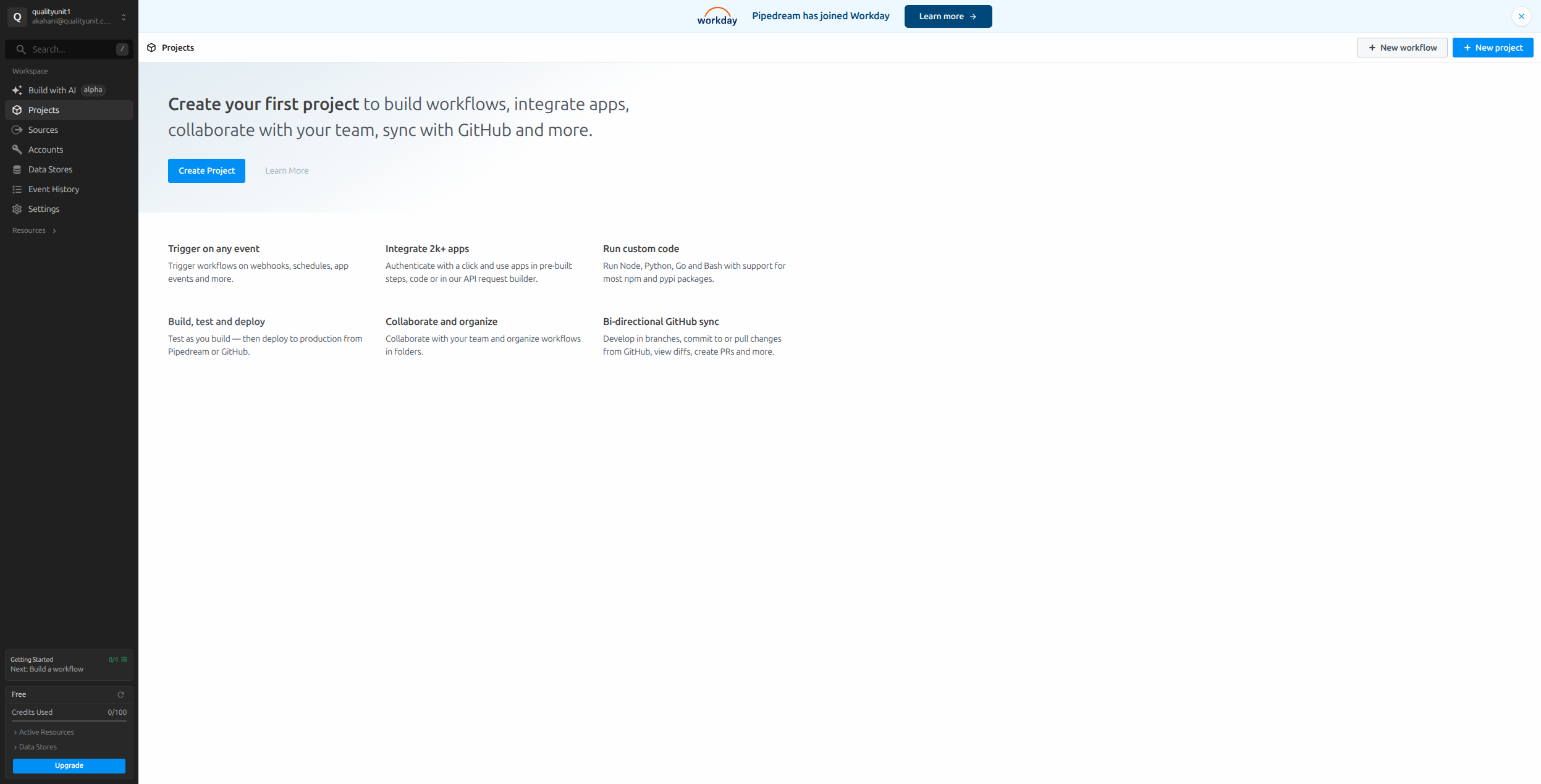
Pipedream
Vývojári, vlastný kód
✅
19 USD/mesiac
✅
Čiastočné
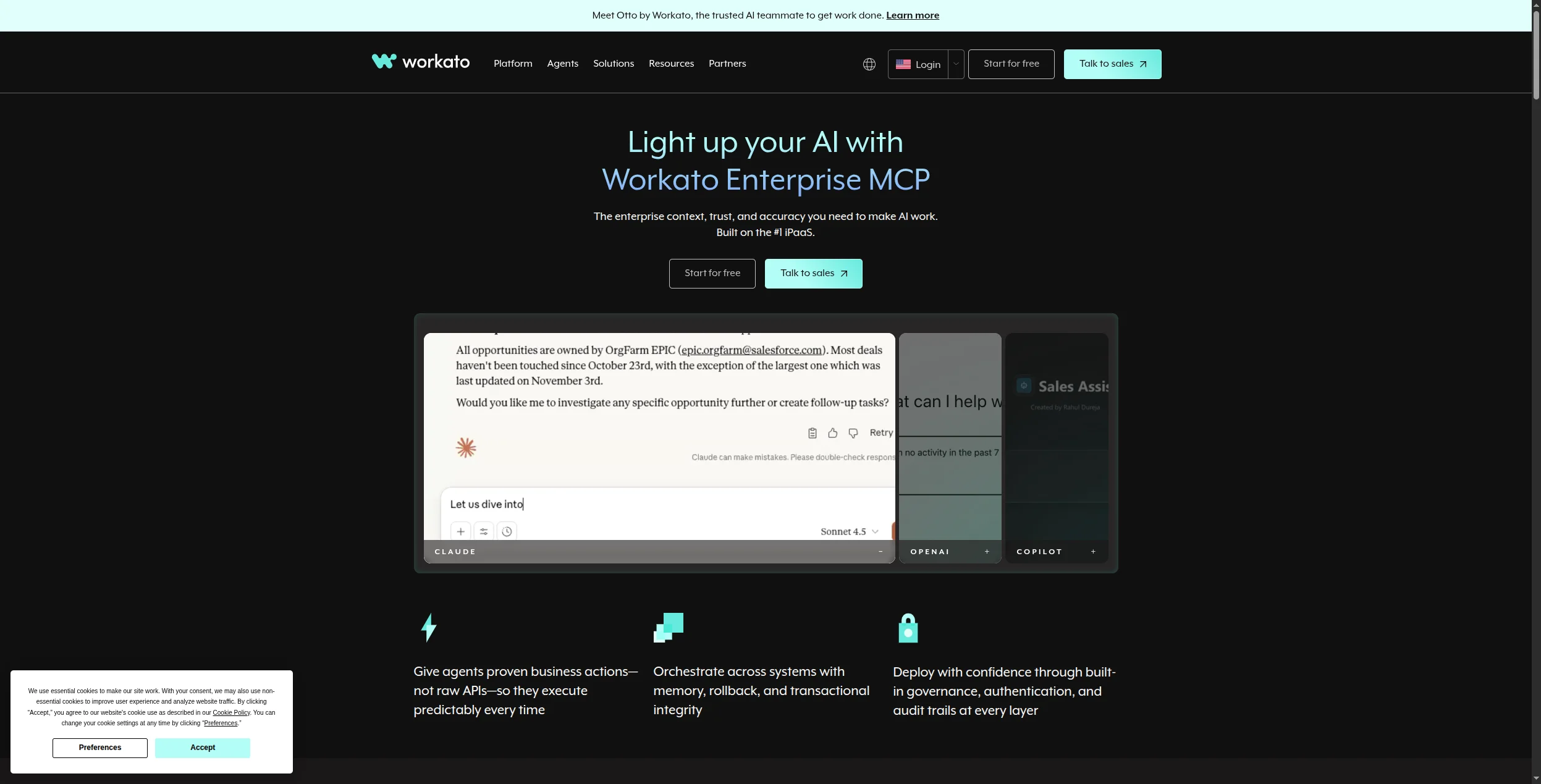
Workato
Podniková iPaaS
❌
Vlastný
❌
Čiastočné
Pripravení rozšíriť svoje podnikanie?
Začnite svoju 30-dňovú skúšobnú verziu ešte dnes a vidzte výsledky behom pár dní.
1. FlowHunt — Najlepšia alternatíva Power Automate pre pracovné postupy AI
FlowHunt je to, ako vyzerá moderná automatizácia pracovného postupu, keď je vybudovaná od základu pre AI. Na rozdiel od modelu pracovného postupu na základe pravidiel Power Automate vám FlowHunt umožňuje vytvárať inteligentných agentov, ktorí čítajú neštruktúrované vstupy, uvažujú o tom, čo robiť ďalej, a vykonávajú v sekvencii desiatky nástrojov.
Kde Power Automate pýta “aká podmienka spustí túto akciu?”, FlowHunt pýta “čo musí tento agent dosiahnuť?” — zásadne odlišné paradigma, ktoré zvláda okrajové prípady, nejednoznačné vstupy a viacstupňové uvažovanie, ktoré pracovné postupy na základe pravidiel nemôžu.
Kľúčové výhody oproti Power Automate:
Žiadne uzamknutie Microsoftom — pripojte ľubovoľný nástroj v tvojom stacku, nie len aplikácie Microsoft
Uvažovanie AI zabudované — agenti chápajú zámer, nie len zápasy s podmienkami
1 400+ integrácií — porovnateľné pokrytie bez príplatkov za prémium konektory
Žiadne licencovanie na používateľa — oceňovanie na základe spotreby sa škáluje s skutočným pracovným zaťažením
Rýchlejšie nastavenie — vytvorte pracovnú automatizáciu za minúty, nie za hodiny
Oceňovanie: Dostupná bezplatná vrstva. Platené plány sa škálujú podľa spotreby, nie podľa počtu používateľov.
Výhody:
Spracováva neštruktúrované vstupy, ktoré porušujú logiku na základe podmienok Power Automate
Nezávislý na stacku — funguje, či ste v Google Workspace, Salesforce alebo čomkoľvek inom
Žiadne dodatočné licencovanie pre “prémium konektory”
Vynikajúci pre pracovné postupy zákazníckej podpory, generovania obsahu a kvalifikácie potenciálnych zákazníkov
Nevýhody:
Žiadna RPA/automatizácia na ploche pre staré aplikácie (RPA Power Automate zostáva jedinečné)
Nie je najlepšou voľbou, ak potrebujete hlboké spúšťače natívne pre SharePoint/Teams
Najlepší pre: Tímy mimo ekosystému Microsoft, ktoré chcú automatizáciu poháňanú AI bez licencií na používateľa, poplatkov za prémium konektory alebo obmedzení logiky na základe pravidiel.
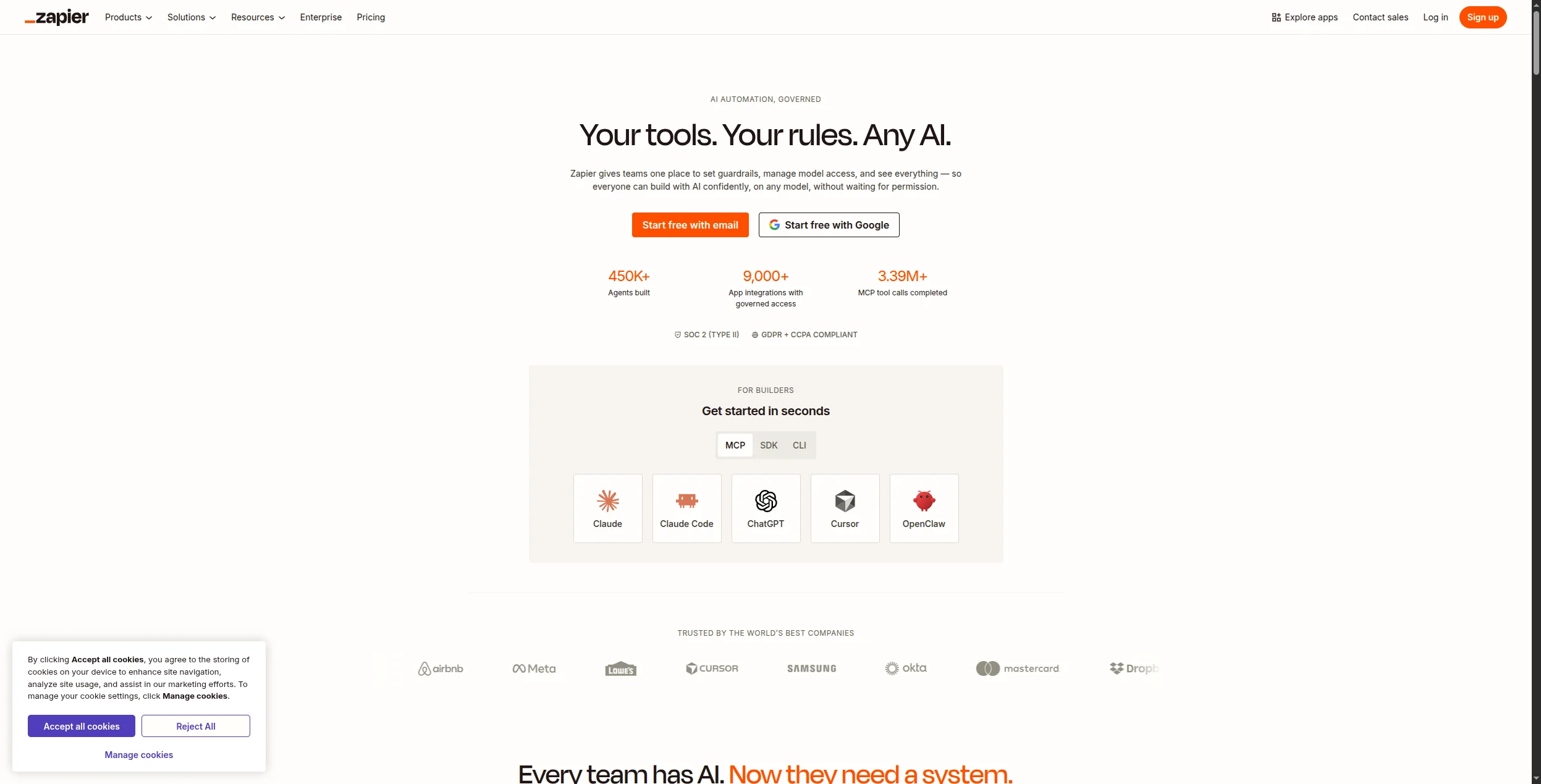
2. Zapier — Najlepší pre pokrytie aplikácií a jednoduchosť použitia
Zapier je najčastejšie používaná platforma automatizácie bez kódu s konektormi pre 6 000+ aplikácií. Ak je vašou hlavnou frustráciou Power Automate jeho obmedzená knižnica aplikácií mimo Microsoftu, Zapier to vyriešil okamžite.
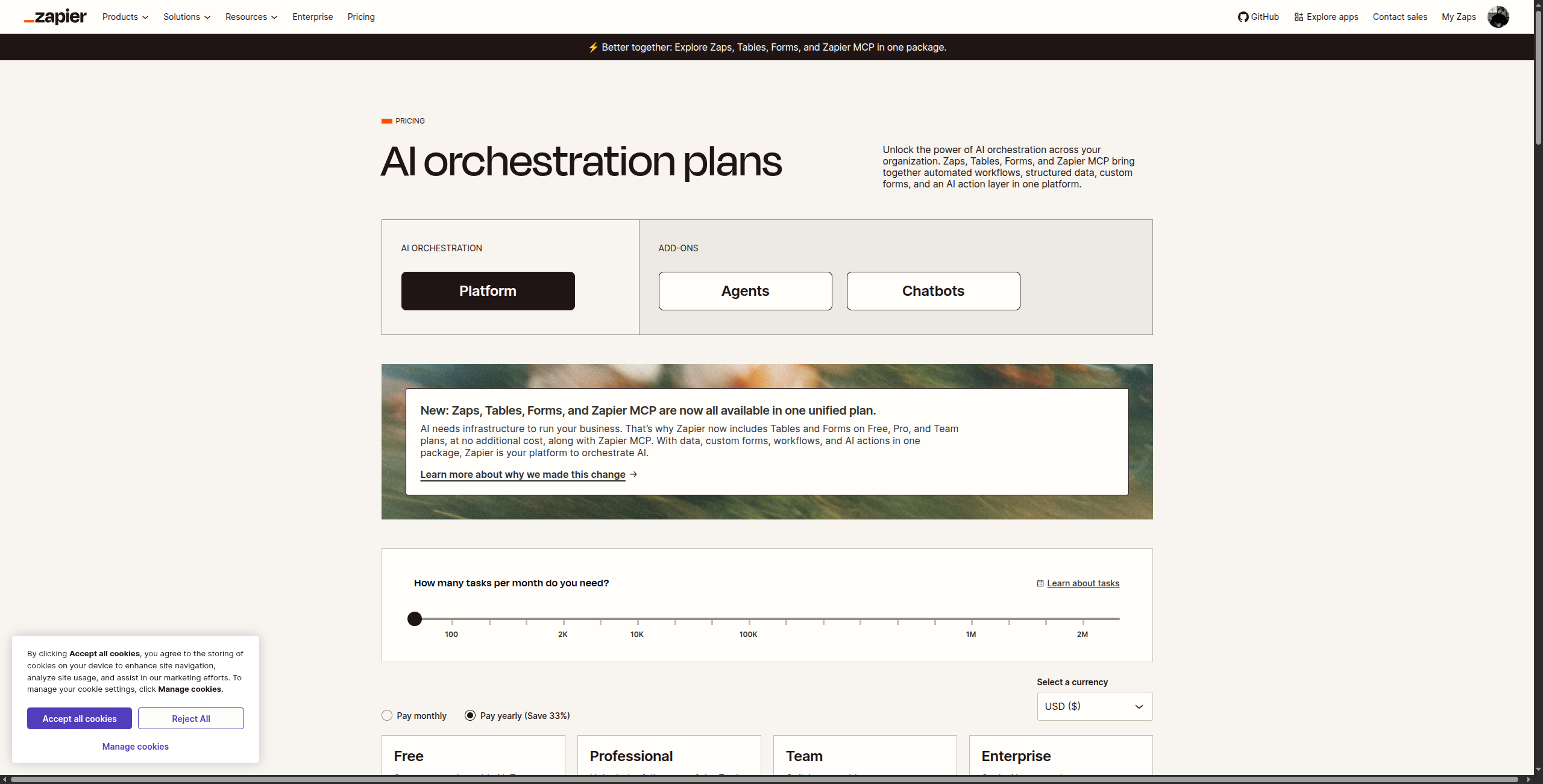
Oceňovanie: Bezplatná vrstva (100 úloh/mesiac). Starter od 19,99 USD/mesiac (750 úloh), Professional od 49 USD/mesiac (2 000 úloh), Team od 69 USD/mesiac (2 000 úloh + zdieľané pracovné priestory), Enterprise vlastný.
Kľúčové funkcie:
6 000+ integrácií aplikácií — najväčší katalóg akejkoľvek platformy automatizácie
Zapier AI na vytváranie Zaps z popisov prirodzeného jazyka
Cesty pre podmienené rozvetvovania a logiku s viacerými trasami
Filtre na spustenie krokov iba keď sú splnené špecifické podmienky
Nástroj Formatter na transformáciu údajov (text, dátumy, čísla)
Tabuľky Zapier na ľahké skladovanie údajov v platforme
Viacstupňové Zaps so slučkami, oneskoreniami a spúšťačmi pod-Zaps
Výhody:
Najväčší katalóg aplikácií akéhokoľvek automatizačného nástroja
Najľahšia registrácia pre netechnických používateľov
Silná knižnica šablón na rýchly začiatok
Nevýhody:
Oceňovanie na základe úloh sa stáva drahým pri vysokom objeme
Funkcie AI stále zaostávajú za dedikovanými platformami AI
Obmedzená logika pre zložité viacstupňové rozvetvovania
Najlepší pre: Netechnické tímy, ktoré potrebujú rozsiahle pokrytie aplikácií a rýchle nastavenie — obzvlášť pri prechode z obmedzené knižnice konektora mimo Microsoftu Power Automate.
Prihláste sa na newsletter
Získajte najnovšie tipy, trendy a ponuky zadarmo.
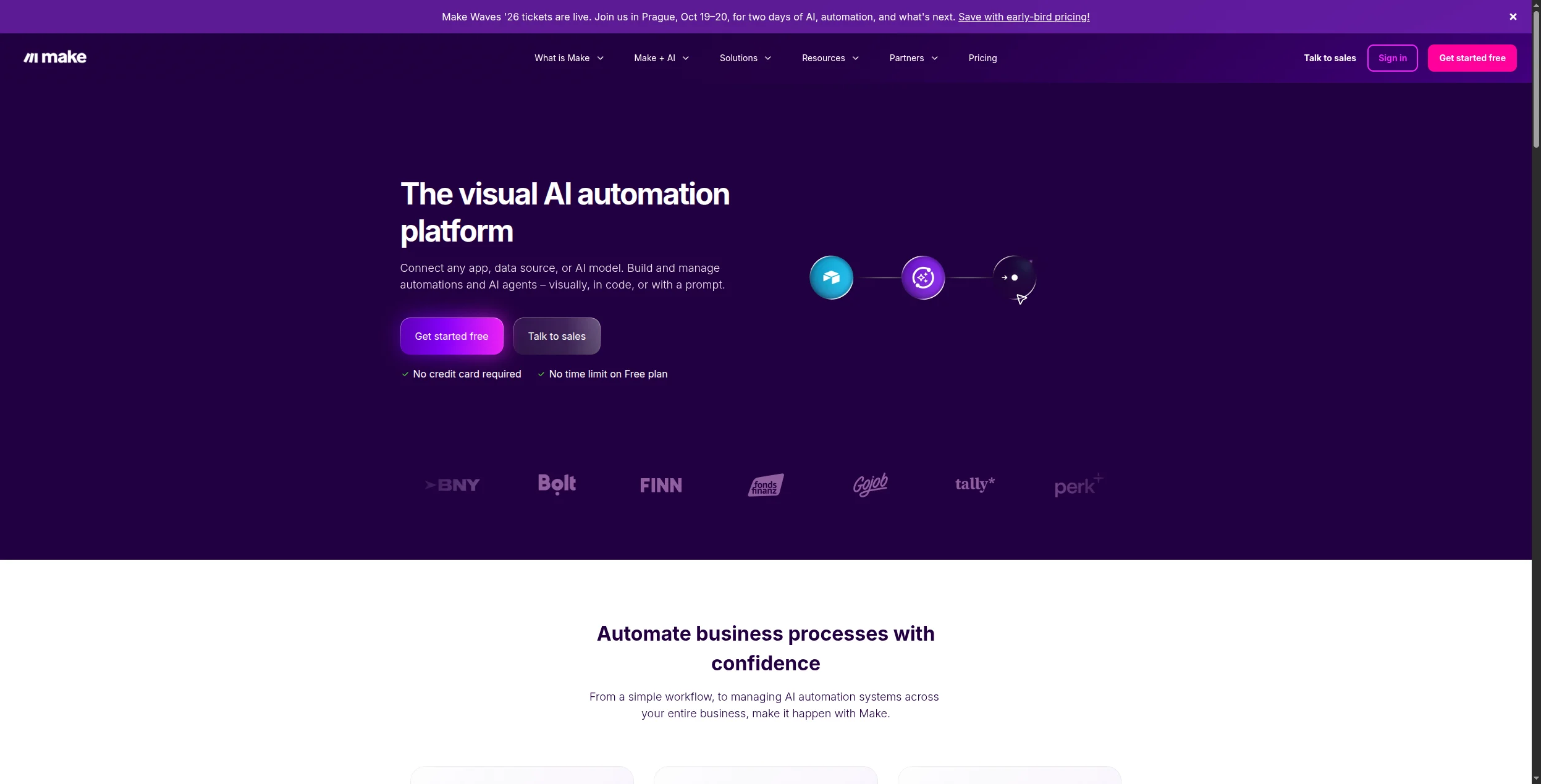
3. Make — Najlepší pre vizuálne zložité pracovné postupy
Make (predtým Integromat) ponúka editor na báze vizuálneho plátna, ktorý robí viacstupňové, rozvetvené pracovné postupy oveľa ľahšími na vytváranie ako lineárne rozhranie Power Automate. Je obzvlášť silný pri transformácii údajov medzi aplikáciami.
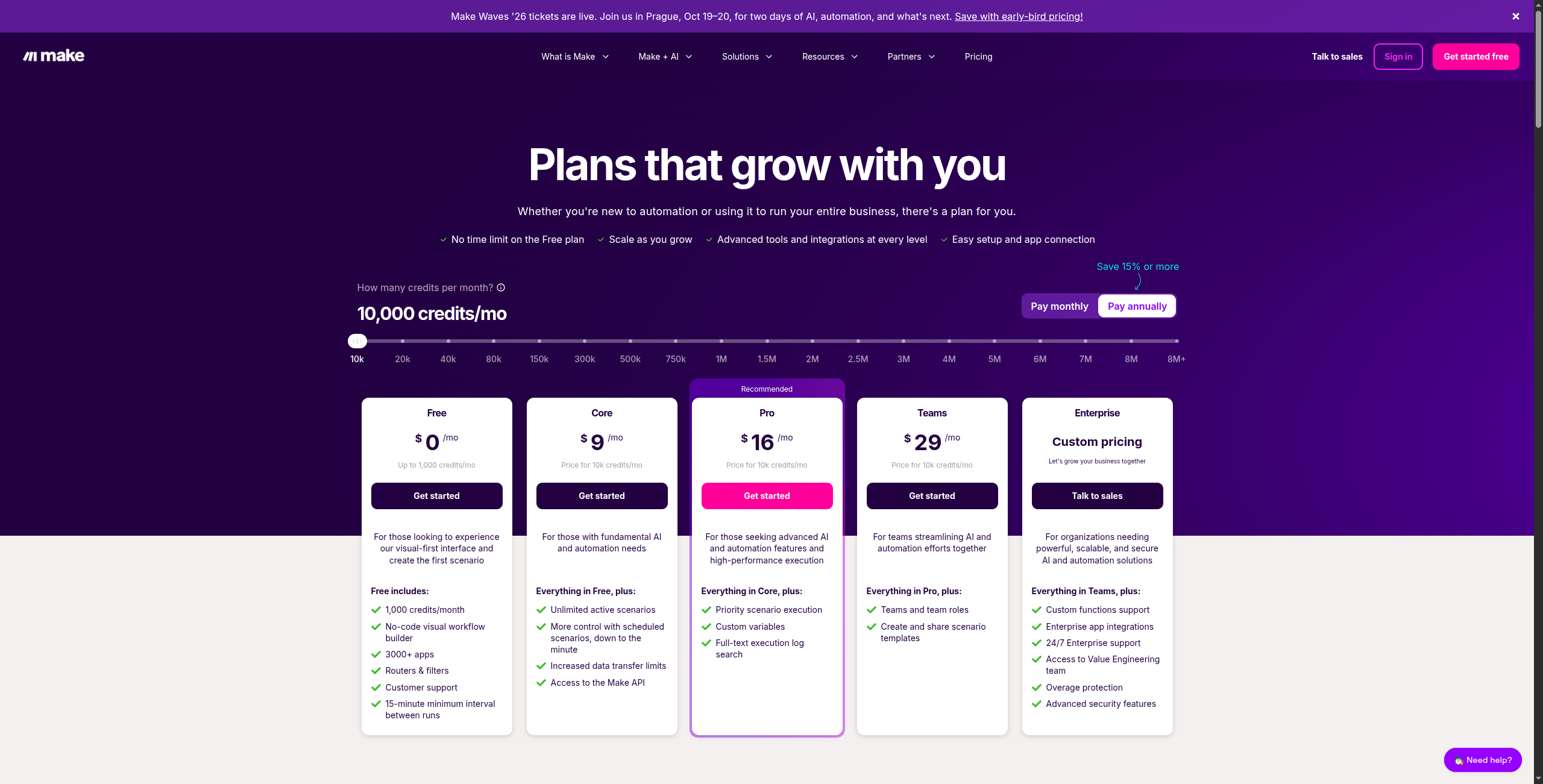
Oceňovanie: Bezplatná vrstva (1 000 operácií/mesiac). Core od 9 USD/mesiac (10 000 operácií), Pro od 16 USD/mesiac (10 000 operácií + pokročilé plánovanie), Teams od 29 USD/mesiac (spolupráca), Enterprise vlastný.
Kľúčové funkcie:
Editor pracovného postupu na vizuálnom plátne zobrazujúci úplný tok údajov medzi modulmi
1 800+ integrácií aplikácií vrátane všetkých hlavných platforiem SaaS
Pokročilá transformácia údajov s vstavanými funkciami pre polia, text, dátumy a matematiku
Moduly Iterator a Aggregator na spracovanie zoznamov a zbierok
Trasy spracovávania chýb s vlastnými cestami catch a automatickým opakovaním
Monitorovanie spustenia scenára v reálnom čase s inspekciou vstupov/výstupov na modul
Modul Router na rozdelenie pracovného postupu do paralelných vetiev
Výhody:
Vynikajúci staviteľ vizuálnych pracovných postupov s protokolmi spustenia v reálnom čase
Silné nástroje manipulácie a transformácie údajov
Výrazne lacnejší ako Power Automate pri ekvivalentnom použití
Nevýhody:
Model oceňovania “Operácie” môže byť mätúci na odhad
Strmšia krivka učenia ako Zapier pre prvých používateľov
Najlepší pre: Tímy, ktoré potrebujú zložité viacstupňové pracovné postupy s rozvetvaniam, transformáciou údajov a paralelnými trasami — a chcú výrazne nižšie náklady ako Power Automate alebo Zapier.
4. n8n — Najlepšia alternatíva s otvoreným zdrojovým kódom
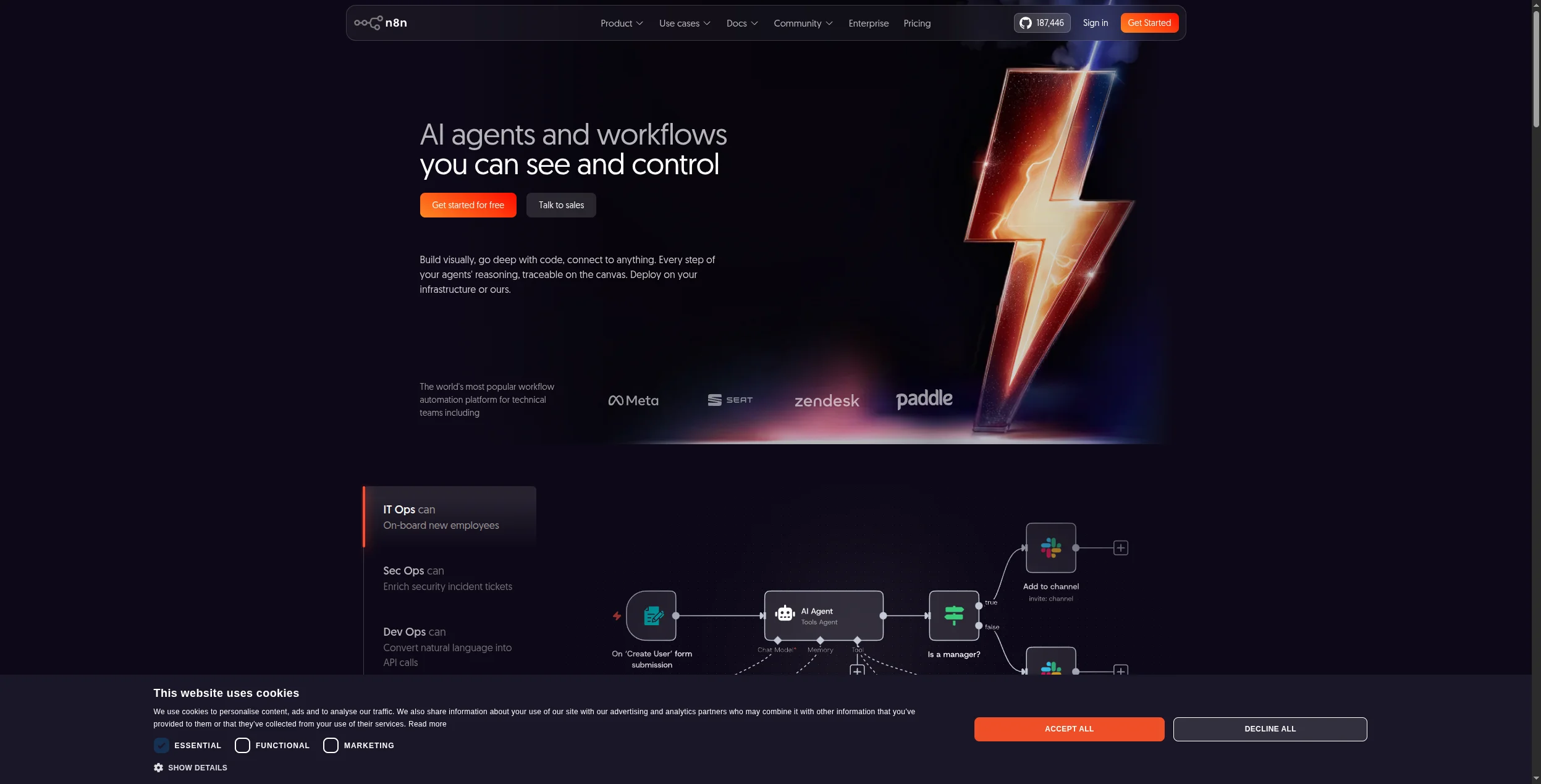
n8n je vedúca platforma automatizácie pracovného postupu s otvoreným zdrojovým kódom, samohostovateľná na vašej vlastnej infraštruktúre. Má natívne uzly AI (vrátane integrácií LLM a vektorových úložísk) priamo v editore — niečo, čo Power Automate stále doháňa.
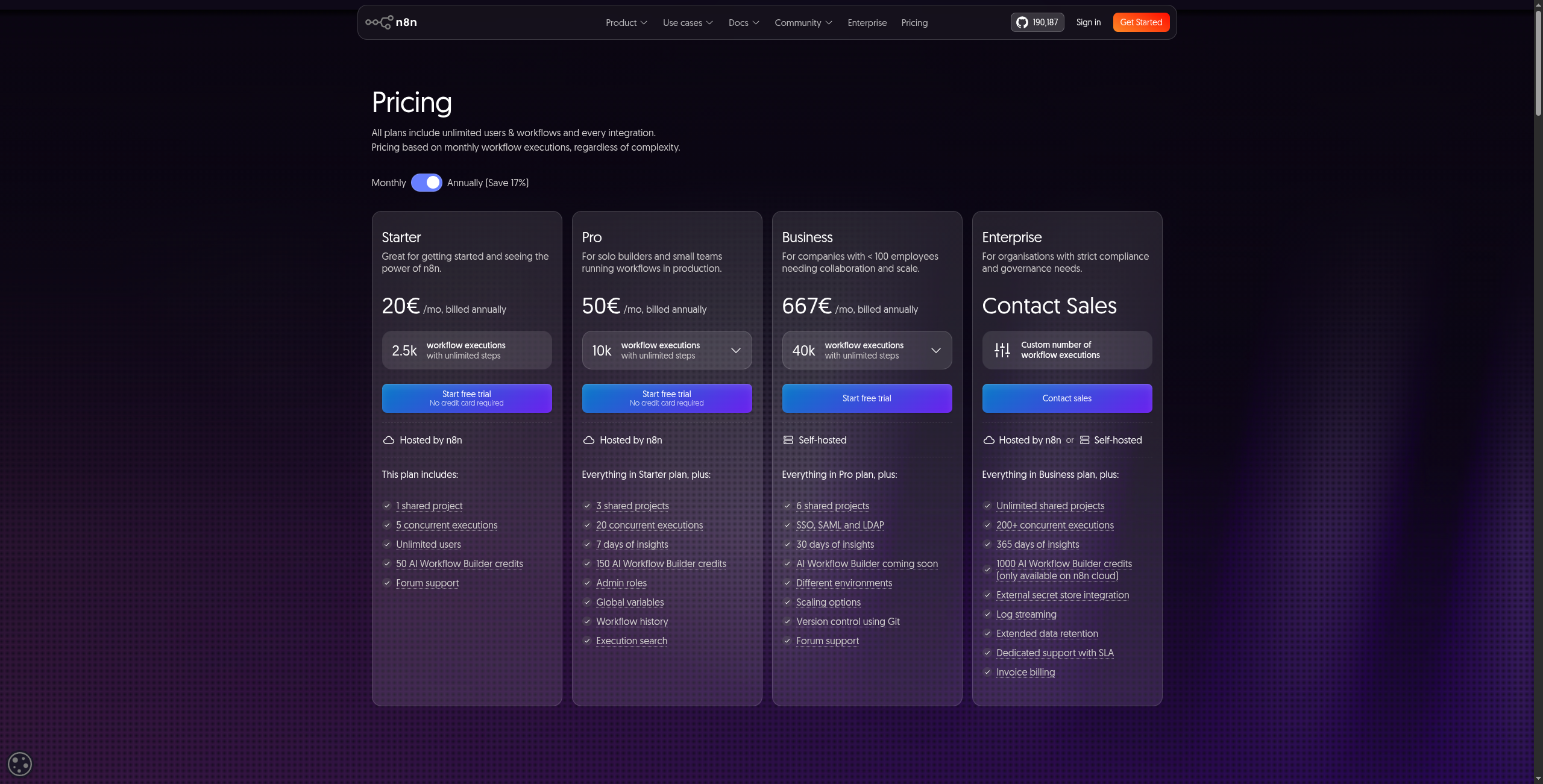
Oceňovanie: Bezplatné (samohostované, licencia fair-code). Cloud Starter od 20 USD/mesiac (5 aktívnych pracovných postupov), Pro od 50 USD/mesiac (15 aktívnych pracovných postupov), Enterprise vlastný.
Kľúčové funkcie:
500+ natívnych uzlov plus knižnica uzlov vytvorenej komunitou
Natívne uzly AI: reťazce LLM, dotazy na vektorové úložiská, orchestrácia agentov AI
Kódový uzol na spustenie JavaScriptu alebo Pythonu uprostred pracovného postupu
Podpora podpracovného postupu pre modulárne, znovupoužiteľné komponenty automatizácie
Samohostovateľné cez Docker s PostgreSQL alebo SQLite backendom
Spúšťače webhooku, plány cron a spúšťače na základe aplikácií
Úplná história verzií pracovného postupu a vrátenie jedným kliknutím
Výhody:
Úplná suverenita údajov — hostujte na vlastných serveroch
Natívne uzly AI/LLM zabudované
Silná komunita vývojárov a rozsiahla dokumentácia
Nevýhody:
Samohostovanie vyžaduje vedomosti DevOps
Menší katalóg aplikácií ako Zapier (~500 natívnych uzlov)
Najlepší pre: Tímy vedené vývojármi, ktoré potrebujú suverenitu údajov, uzly pracovného postupu AI/LLM a úplnú kontrolu nad svojou infraštruktúrou automatizácie.
5. Activepieces — Najlepšia alternatíva s otvoreným zdrojovým kódom pre netechnikov
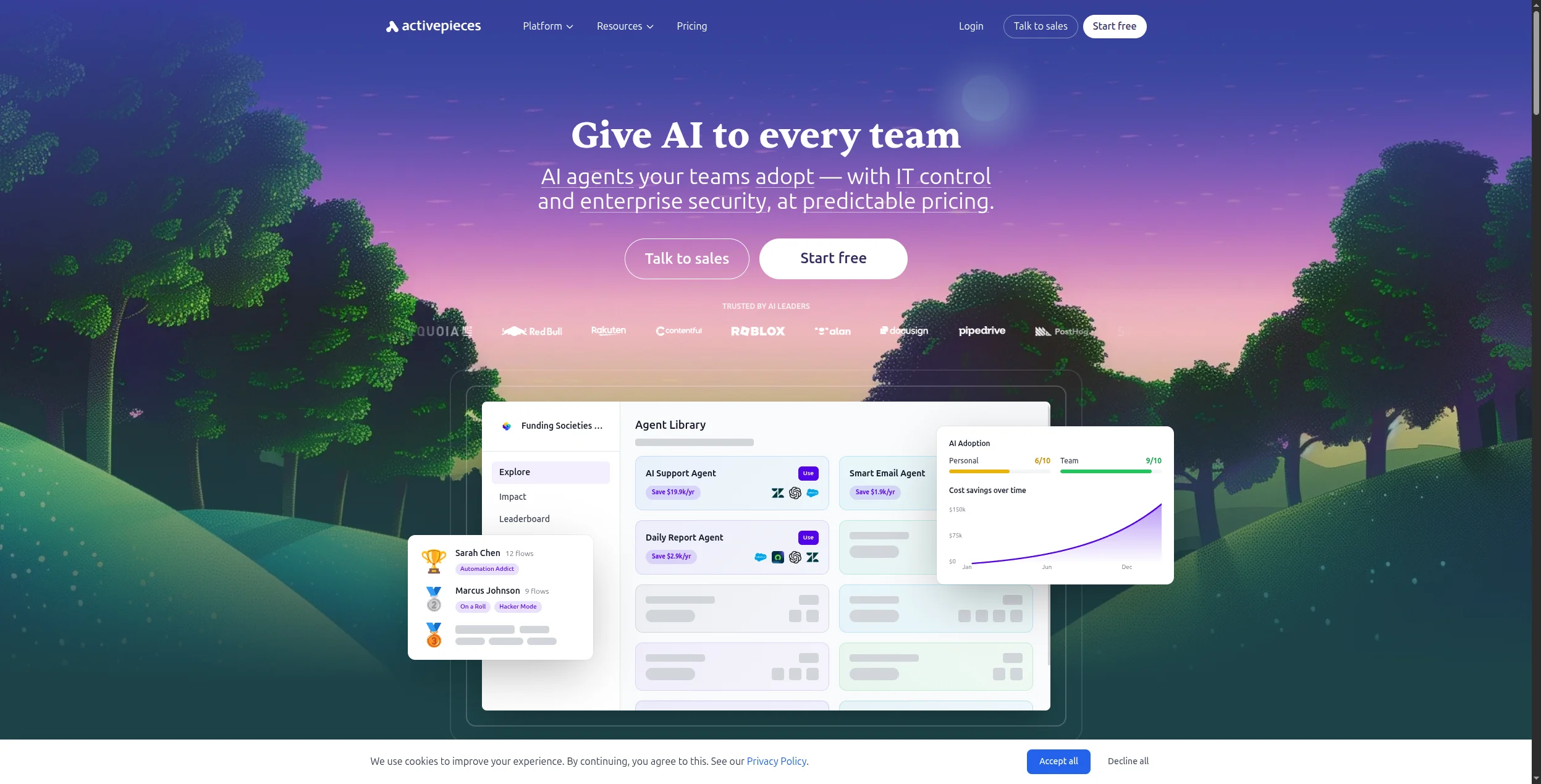
Activepieces je novšia platforma automatizácie s otvoreným zdrojovým kódom s rozhraním drag-and-drop podobným Zapier. Je jednoduchšia pre netechnické tímy ako n8n, pričom stále ponúka samohostovanie na dodržiavanie.
Oceňovanie: Bezplatné (samohostované, licencia MIT). Cloud bezplatná vrstva (1 000 úloh/mesiac, 5 tokov). Platform od 99 USD/mesiac (50 000 úloh, neobmedzené toky, 5 používateľov). Vrstva Scale vlastný.
Kľúčové funkcie:
Staviteľ tokov drag-and-drop s známym lineárnym rozhraním podobným Zapier
500+ kúskov vytvorených komunitou s novými prírastkami každý týždeň
Logika rozvetvovania, slučky, kroky oneskorenia a podmienené smerovanie bez kódu
Kroky vlastného kódu TypeScript pre pokročilé transformácie
Samohostovanie cez Docker Compose s priamou dokumentáciou nasadenia
Kúsky AI pre OpenAI, Anthropic a modely s otvoreným zdrojovým kódom
Spúšťače webhooku a plánu s aktiváciou toku na základe udalosti
Výhody:
Najpoužívateľnejší nástroj automatizácie s otvoreným zdrojovým kódom pre začiatočníkov
Rastúca knižnica kúskov so 100+ integráciami
Aktívna komunita pridávajúca nové konektory pravidelne
Nevýhody:
Menší katalóg integrácií ako n8n alebo Make
Oceňovanie cloudu je vysoké v pomere k funkciám na úrovni tímu
Najlepší pre: Netechnické tímy, ktoré chcú open-source a samohostovanie na dodržiavanie, ale potrebujú jednoduchšie rozhranie ako n8n — bez napísania kódu.
Pabbly Connect ponúka neobmedzené pracovné postupy a spojenia za pevnú mesačnú cenu — a možnosť celoživotnej ponuky, ktorá poráža každú SaaS alternatívu na dlhodobé náklady. Pre malé podniky s vysokým objemom jednoduchých automatizácií je ťažké to poraziť.
Oceňovanie: Standard od 19 USD/mesiac (neobmedzené pracovné postupy, 10 000 úloh/mesiac). Pro od 39 USD/mesiac (50 000 úloh). Ultimate od 79 USD/mesiac (neobmedzené úlohy). Celoživotná ponuka od 249 USD jednorazovo (navždy prístup, neobmedzené pracovné postupy).
Kľúčové funkcie:
1 000+ integrácií aplikácií so staviteľom pracovného postupu spustené podľa podmienky a akcie
Neobmedzené pracovné postupy a spojenia na všetkých plánoch — bez poplatku za pracovný postup
Viacstupňová automatizácia s filtrami, cestami a formátovačmi
Iterator na spracovanie zoznamov a hromadných záznamov v jednom pracovnom postupe
Opätovné spustenie historických spustení pracovného postupu na ladenie
Zdieľané spojenia pre používanie tímom bez opätovného zadávania poverení
Možnosť jednorazového celoživotného oceňovania — jedinečná v tomto segmente trhu
Výhody:
Skutočne neobmedzené pracovné postupy a operácie
Dostupné jednorazové oceňovanie — zriedkavé v tejto kategórii
Žiadne limity úloh/operácií na väčšine úrovní plánu
Nevýhody:
Žiadne AI možnosti
Menšia knižnica aplikácií ako Zapier alebo Make
Žiadna možnosť samohostovania
Najlepší pre: Malé podniky s vysokým objemom jednoduchých automatizácií, ktoré chcú neobmedzené pracovné postupy a najnižšie dlhodobé náklady — vrátane tímov, ktorí chcú jednorazovú celoživotnú ponuku.
7. Pipedream — Najlepší pre vývojárov
Pipedream je platforma automatizácie poháňaná udalosťami, ktorá vývojárom umožňuje písať vlastné kroky kódu Node.js alebo Python popri vopred vytvorených integráciách. Je to najsilnejšia voľba, ak váš tím vie kódovať a chce maximálnu flexibilitu.
Oceňovanie: Bezplatná vrstva (10 000 kreditov/mesiac). Basic od 29 USD/mesiac (100 000 kreditov). Advanced od 99 USD/mesiac (1M kreditov, dedikovaní pracovníci). Business od 499 USD/mesiac (10M kreditov). Enterprise vlastný.
Kľúčové funkcie:
1 000+ vopred vytvoreného spúšťača a akcií na hlavných platformách SaaS
Vlastné kroky kódu v Node.js, Python, Go alebo Bash na ľubovoľnom mieste v pracovnom postupe
Serverless spustenie — žiadne kontajnery alebo servery na konfiguráciu
Podpora balíkov npm a PyPI priamo v krokoch kódu
Zdroje udalostí: webhooku, cron, databázové dotazovanie, Kafka, udalosti S3
Vstavané dátové úložisko na jednoduchú perzistenciu pármi kľúč-hodnota medzi spusteniami pracovného postupu
Verzia pracovného postupu s úplnou históriou spustenia a ladením jednotlivých krokov
Výhody:
Úplná podpora kódových krokov popri automatizáciách bez kódu
1 000+ vopred vytvoreného spúšťača a akcií
Vynikajúce pre automatizácie zamerané na API a vytvorené vývojármi
Nevýhody:
Vyžaduje vedomosti kódovania na efektívne používanie
Menej vhodný pre netechnických obchodných používateľov
Najlepší pre: Tímy inžinierstva a DevOps, ktoré potrebujú vlastné kroky kódu popri integráciách — obzvlášť pre automatizácie zamerané na API alebo poháňané udalosťami, ktoré nástroje bez kódu nemôžu zvládnuť.
8. Workato — Najlepšia podniková alternatíva
Workato je podniková iPaaS (platforma integrácie ako služba) s hlbokými konektormi ERP/CRM, silným riadením IT a automatizovaným budovaním receptov s AI. Je to najbližšia podniková porovnateľnosť s Power Automate pre veľké organizácie mimo ekosystému Microsoft.
Oceňovanie: Vlastný (podnik). Žiadne verejné oceňovanie — zmluvy zvyčajne začínajú na 10 000–15 000 USD/rok; úplné nasadenia podniku bežne prekračujú 50 000 USD/rok. Oceňovanie na základe počtu receptov, úrovní konektora a mesačne aktívnych používateľov.
Kľúčové funkcie:
1 200+ vopred vytvoreného konektora vrátane SAP, Oracle, Workday, Salesforce, ServiceNow a NetSuite
Workato AI Copilot generuje kroky receptu z podnetov v prirodzenom jazyku
Správa životného cyklu receptu na riadenie pracovného postupu dev/staging/production
Agent on-prem na pripojenie k interným databázam a starším systémom za firewall
Spracovanie v reálnom čase a dávkovom režime s vysokoobjemovým spracovaním udalostí
Vstavená platforma API na expozíciu interných údajov ako REST API
Riadenie prístupu na základe rolí, protokoly auditu a maskovanie údajov na dodržiavanie podnikov
Výhody:
Bezpečnosť a kontroly dodržiavania na úrovni podniku
Hlboké konektory Salesforce, SAP, Oracle, Workday
AI Copilot na budovanie receptov
Nevýhody:
Veľmi drahý — nevhodný pre malé a stredné podniky
Vyžaduje dedikovaný čas implementácie
Najlepší pre: Veľké podniky nahrádzajúce Power Automate v prostredí mimo Microsoftu, ktoré potrebujú bezpečnosť na úrovni podniku, hlboké konektory ERP/CRM a kontroly riadenia IT.
Ktorú alternatívu Power Automate by ste mali zvoliť?
Chcete automatizáciu natívnu pre AI → FlowHunt
Potrebujete najviac integrácií aplikácií → Zapier
Chcete vizuálne zložité pracovné postupy za nízku cenu → Make
Potrebujete open-source a suverenitu údajov → n8n
Chcete open-source s jednoduchým rozhraním → Activepieces
Pre väčšinu tímov prechadzajúcich z Power Automate sú rozhodujúcimi faktormi: ako veľmi sa spoliehate na stack Microsoft 365, či potrebujete uvažovanie AI versus jednoduché pravidlá a váš rozpočet. FlowHunt rieši medzeru AI; Make a n8n riešia medzery v oceňovaní a flexibilite.
n8n (samohostované) a Activepieces (samohostované) sú úplne bezplatné. FlowHunt ponúka veľkorysú bezplatnú vrstvu. Make a Pipedream majú aj bezplatné plány s užitočnými limitmi. Ak nie ste viazaní na ekosystém Microsoft, ktorákoľvek z týchto možností je silnou voľbou bez nákladov na licenciu na používateľa.
Hlavné dôvody sú: (1) Power Automate je hlboko viazaný na Microsoft 365 — stáva sa obmedzujúcim, keď potrebujete pripojiť aplikácie mimo Microsoftu; (2) licencovanie prémium konektorov sa rýchlo kumuluje; (3) rozhranie má strmú krivku učenia v porovnaní s nástrojmi ako Make alebo Zapier; (4) AI možnosti zaostávajú za platformami zameranými na účel ako FlowHunt.
Absolútne. Väčšina alternatív Power Automate — FlowHunt, Zapier, Make, n8n, Activepieces — je nezávislá na stacku a funguje s ľubovoľnou kombináciou aplikácií. Hlavnou výhodou Power Automate je hlboká integrácia s Microsoft 365, ktorá je irelevantná, ak nie ste v tomto ekosystéme.
Power Automate si účtuje za používateľa za mesiac (15 USD za štandardný, 40 USD za prémium s RPA s operátorom). Make začína na 9 USD/mesiac za tím. Profesionálny plán Zapier začína na 49 USD/mesiac. Pabbly Connect ponúka celoživotnú ponuku od 249 USD jednorazovo. n8n je bezplatný samohostovaný. Pre väčšinu malých a stredných podnikov sú alternatívy výrazne lacnejšie.
Áno — n8n a Activepieces sú obe s otvoreným zdrojovým kódom a samohostovateľné. n8n je obzvlášť populárny u technických tímov pre svoju flexibilitu, natívnu podporu uzlov AI a aktívnu komunitu. Obe vám poskytujú úplnú kontrolu údajov bez cien SaaS.
Arshia je inžinierka AI workflowov v spoločnosti FlowHunt. S pozadím v informatike a vášňou pre umelú inteligenciu sa špecializuje na tvorbu efektívnych workflowov, ktoré integrujú AI nástroje do každodenných úloh, čím zvyšuje produktivitu a kreativitu.
Arshia Kahani
Inžinierka AI workflowov
Alternatíva Power Automate vytvorená pre AI — skúste FlowHunt zadarmo
FlowHunt vám ponúka automatizáciu pracovných postupov natívnu pre AI, ktorá funguje s ľubovoľným stackom — nie len s Microsoft 365. Vytvárajte inteligentných agentov za minúty bez kódu.
Najlepšie nástroje na automatizáciu pracovných tokov v roku 2026: 12 platforiem hodnotených a recenzovaných
Hodnotené a recenzované: 12 najlepších nástrojov na automatizáciu pracovných tokov v roku 2026. Tabuľka porovnania, ceny, bezplatné verzie a jasný verdikt, ktor...
Najlepšie alternatívy Zapier v roku 2026: 12 nástrojov, ktoré robia viac za menej
Hodnotené a recenzované: 12 najlepších alternatív Zapier v roku 2026. Bez ohľadu na to, či potrebujete automatizáciu natívnu pre AI, lacnejšie ceny, vlastný hos...
19 min čítania
Automation
AI Tools
+3
Súhlas s cookies Používame cookies na vylepšenie vášho prehliadania a analýzu našej návštevnosti. See our privacy policy.