AI Documentation Writers Compared: FlowHunt vs Mintlify vs Confluence AI vs Swimm
We compared four AI documentation tools on the same content types. We generated API docs, a user guide, an internal wiki page, and release notes. Here’s how each one generates and maintains documentation, the pricing of each tool, and which one fits your stack.
Picking an AI documentation tool used to mean choosing between a handful of docs-hosting platforms with a chatbot bolted on. That’s no longer true. We compared four tools that take different approaches to generating and maintaining documentation, FlowHunt, Mintlify, Confluence AI (Rovo), and Swimm. We compared them on generating an API reference, a user-facing onboarding guide, an internal wiki page, and a set of release notes.
Here’s how each one actually works, what changed in their pricing as of mid-2026, and which one will fit your use case.
What We Tested and Testing Criteria
We evaluated all four tools against the same four aforementioned documentation scenarios. For each tool, we looked at what input it needs to produce documentation, the output format, integration and publishing options, whether it can detect or propose updates when the underlying code changes, and pricing.
FlowHunt’s results reflect its actual documented process, since it’s our own product and we can describe its four-stage flow precisely. For Mintlify, Confluence AI, and Swimm, results are based on each vendor’s current product documentation, pricing pages, and recent independent reviews, since enterprise trial access and seat requirements vary too much to guarantee an identical hands-on setup across all four.
FlowHunt AI Documentation Writer: Results
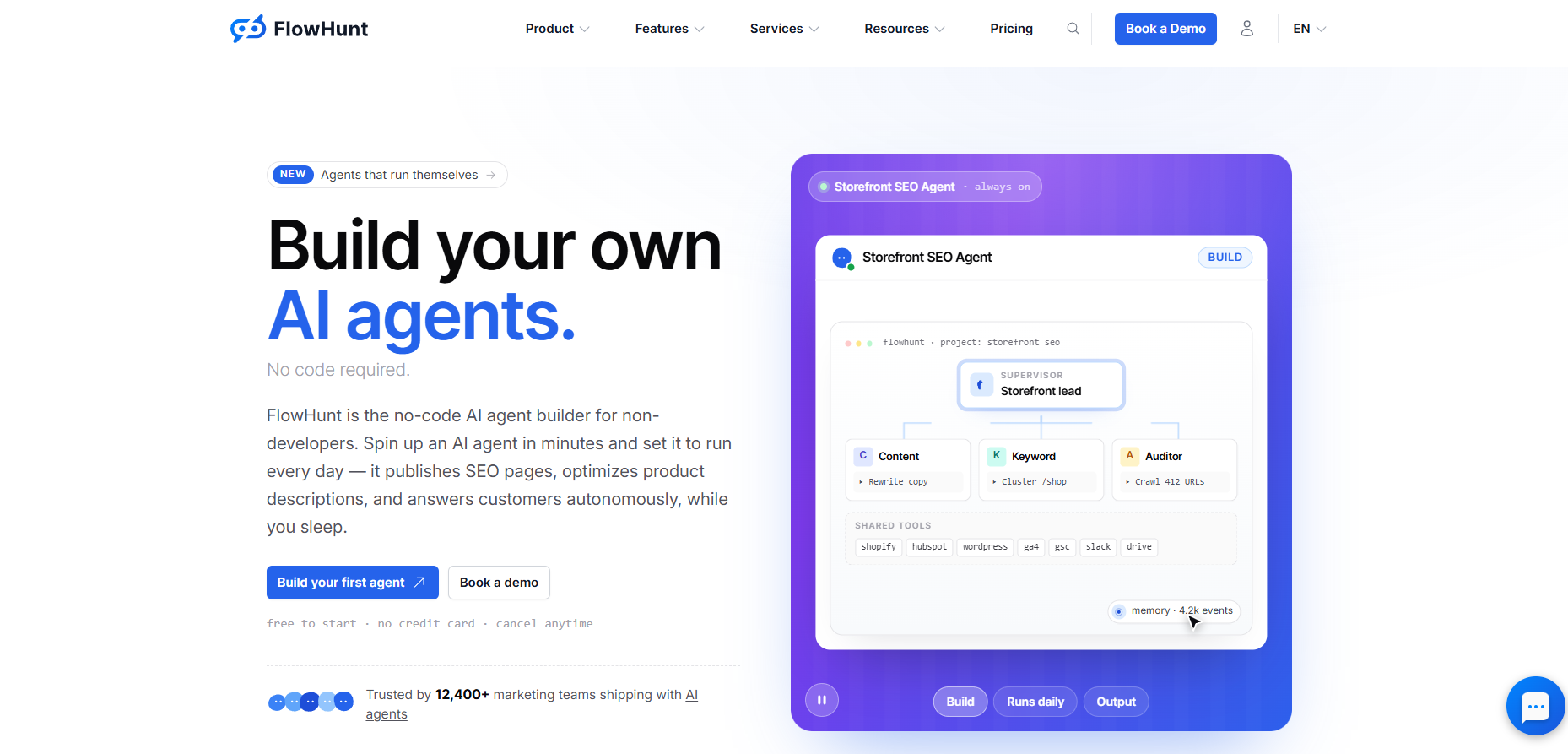
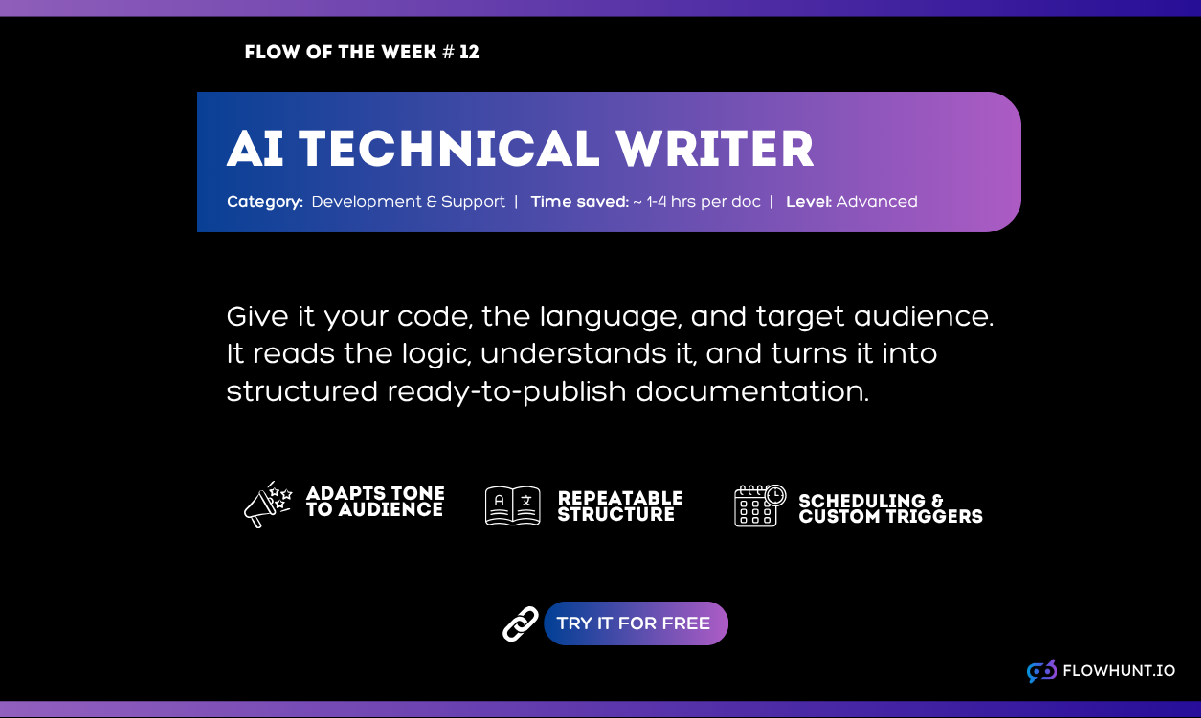
The AI Documentation Writer
takes your source code plus a few specifying inputs, such as description or target audience. It then runs it through the stages of code analysis, logic translation, and document structuring.
For our four scenarios, this covers three cleanly by only really changing the target audience. From the same code, we’ve generated an API reference (audience: developers), onboarding guide (audience: new users), and release notes (audience: customers, scoped to the changed module). Internal wiki content works well specifically when the process is captured as a real script or automation, since the tool needs actual code to analyze.
What it doesn’t do is host anything. It either outputs to chat or to integrated tools. It also doesn’t handle automatic code change monitoring and documentation updates out of the box, although it can be set up to do so. For the full four-stage breakdown, see how to write technical documentation automatically with AI
.
Ready to grow your business?
Start your free trial today and see results within days.
Mintlify’s pricing changed significantly in 2026. The old seat-based Pro plan (previously around $150–300/month
depending on the source) is gone. The current structure is a free Starter plan with 5,000 included AI credits, plus a custom-quoted Enterprise tier. AI features, the Agent that monitors your codebase and proposes documentation updates, and the Assistant chat, run on metered credits starting at $100/month for 10,250 credits, scaling up to $1,000/month for 108,500 credits.
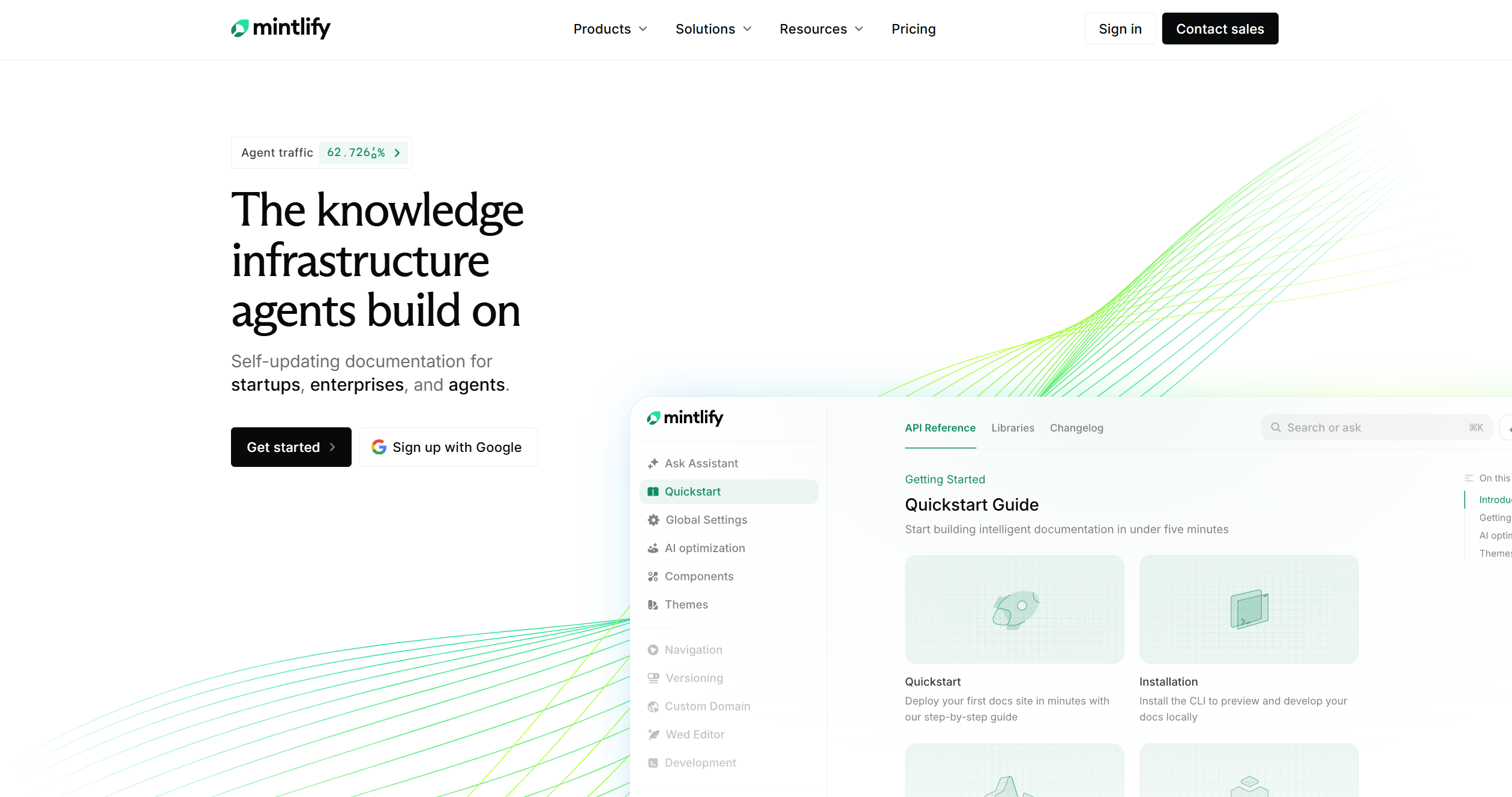
Mintlify is purpose-built for hosting public developer documentation. Git-based sync from GitHub or GitLab, MDX pages, a custom domain, and, notably, an MCP server and API playground are included even on the free Starter tier.
For our scenarios, API docs are Mintlify’s strongest fit by design, and the Agent’s automatic update proposals suit release notes well. A recent independent review
rates it as excellent for public API documentation but explicitly “narrowly specialized” and unsuitable for internal wikis or support knowledge bases, which matches the product’s dev-docs focus rather than general-purpose documentation.
Confluence AI (Rovo): Results
Confluence’s Rovo AI is bundled into paid plans at no separate list price. Standard runs $5.42/user/month billed monthly ($4.49 annually) with Rovo search, chat, and agents included. Premium runs $10.44/user/month billed monthly ($8.61 annually) with the fuller AI-assisted content creation. Usage is metered by credits behind the scenes, 10 credits per Rovo chat or agent request, 100 for a Deep Research request, but there’s no extra subscription cost on top of the seat price.
Rovo drafts a first pass from a prompt, rewrites and rephrases existing text, summarizes long pages, and includes a Global Translator agent
that localizes a page into another language though Atlassian’s own community guidance notes. The translation output is often cited as too literal for production-critical translations.
The key limitation is the fact that Confluence AI doesn’t ingest source code. There’s no “paste your codebase” step, so it can’t independently generate an accurate API reference or logic-flow document the way FlowHunt, Mintlify, or Swimm can.
What it does well is exactly what it’s built for, which is drafting and polishing internal wiki content and SOPs your team already keeps in Confluence, which made it the strongest fit for the internal wiki scenario and a workable assistant for release notes and guides once a human provides a detailed outline.
Join our newsletter
Get latest tips, trends, and deals for free.
Swimm: Results
Swimm makes the documentation live next to the code, linked to specific snippets, and automatically flagged as outdated when the underlying code changes, with staleness checks that can run directly in CI/CD. It integrates via IDE plugins for VS Code and JetBrains, so documentation stays part of the developer’s existing workflow instead of living on a separate site.
Swimm doesn’t publish self-serve pricing. Cost is based on the number of lines of code you want it to analyze, and getting an actual number requires a demo or proof-of-concept conversation
with their sales team.
For our scenarios, Swimm is strongest exactly where FlowHunt and Mintlify also compete, which is API references and internal engineering documentation backed by real code. Its staleness-detection is the most mature of the four tools at catching drift automatically.
The only place where Swimm is a poor fit is user-facing guides or release notes meant for a non-technical audience, since the whole design keeps documentation inside the developer workflow rather than publishing it for outside readers.
Output Quality Comparison (Real Examples)
The compared tools each have their strenghts, especially based on the target audience. That’s why we can’t crown a single “best” tool, but rather rank them according to scenarios:
Scenario
FlowHunt
Mintlify
Confluence AI
Swimm
API reference from source code
Strong — direct code analysis
Strong — purpose-built for this
Weak — no code ingestion
Strong — code-coupled by design
User-facing onboarding guide
Strong — same code, audience reset
Workable — inside a dev-docs site
Workable — drafts from an outline
Weak — stays in dev workflow
Internal wiki / SOP
Workable — needs a real script as input
Weak — not built for this
Strong — its core use case
Workable — code-backed SOPs only
Release notes
Workable — scope to the diff
Workable — Agent proposes on ship
Workable — drafting assistant
Weak — not for external readers
The consistent pattern is that tools reading your actual source code (FlowHunt, Mintlify, Swimm) win on technical accuracy for code-adjacent content. Confluence AI wins on general wiki content precisely because it isn’t trying to analyze code at all.
Integration and Export Format Comparison
FlowHunt AI Documentation Writer tool asks you for your preferred output beforehand. In terms of chat and attachment outputs, it supports most popular formats, including HTML and PDF. It can also output to third-party tools via MCP servers, including Notion
and Confluence
, so pushing generated docs into your team’s existing wiki doesn’t require manual reformatting.
Mintlify is git-native, syncing from GitHub or GitLab and publishing MDX pages to a custom domain. It ships with a built-in MCP server and API playground on every plan, including the free Starter tier.
Confluence AI lives entirely inside Confluence spaces and pages, with context pulled from across the Atlassian suite (Jira, Bitbucket). Getting content out programmatically means using Atlassian’s APIs or a hosted MCP server if you want another platform’s AI agent to read or write pages.
Swimm integrates through IDE plugins and CI/CD pipelines, storing documentation as files alongside the code it describes rather than on a separate platform.
10,250 AI credits for Agent/Assistant use (hosting itself is free)
Confluence
Premium
$10.44/user/month ($8.61 annual)
Unlimited storage, full Rovo content creation, unlimited automations
Swimm
Custom
Quote-based
Priced per lines of code analyzed; no published self-serve tier
For a five-person team, Confluence Premium comes out to roughly $52/month, though the cost scales per seat as the team grows. FlowHunt’s Pro tier stays flat until you need more than 10 teammates. There’s also a Starter option of FlowHunt at $50/month, but it’s limited to a single uer. Mintlify’s realistic starting cost once you’re actually using its AI features lands around $100/month and climbs with usage. Swimm remains the hardest to budget for without a sales conversation first.
Which Tool Is Right for Your Use Case?
Choose FlowHunt if you want one flexible engine that covers API references, onboarding guides, and release notes
from the same source-code input, and you already have somewhere to put the output rather than needing a dedicated hosting platform. Starter is €50/month for one user, or $120 for up to 10 teammates.
Choose Mintlify if you need a polished, publicly hosted developer documentation site and you’re comfortable with its metered AI-credit model for automated updates.
Choose Confluence AI (Rovo) if your priority is internal knowledge-base content and SOPs your team already keeps in Confluence, especially if one-click translation across languages matters to your organization.
Choose Swimm if your main problem is documentation drifting out of sync with code inside the developer workflow, and you’re comfortable with sales-quoted, usage-based pricing rather than a published rate.
Try FlowHunt’s AI Documentation Writerwith the 7-day free trial (5 credits included) before committing to a paid plan, and run it against the messiest file in your own codebase, that’s the real test none of these comparisons can do for you.
For output grounded directly in your source code, FlowHunt and Swimm both start from the actual code rather than a prompt describing it, meaning the documentation track real logic. Mintlify's Agent also reads your repository, but it's scoped to keeping existing documentation pages current rather than generating anew. Confluence AI (Rovo) doesn't ingest source code at all, so its accuracy depends entirely on the quality of the prompt or existing page content you give it.
Swimm and Mintlify are both git-native. Swimm links documentation directly to code snippets and can run staleness checks in CI/CD, while Mintlify syncs docs-as-code from a GitHub or GitLab repo and ships an Agent that proposes updates when you push changes. FlowHunt ingests code per run, querying git each time rather than maintaining a persistent connection. Re-generation has to be triggered manually. Confluence AI has no native code repository integration.
On paid tiers only, Confluence Premium runs $10.44/user/month (or $8.61/user/month billed annually), which is cheap for a very small team but scales with headcount. FlowHunt's Starter plan is a flat €50/month with the limit of a singular user, and €120/month for up to 10 members in 5 workspaces. Mintlify's realistic paid entry point is around $100/month once you're actually using its metered AI credits for the Agent or Assistant. Swimm doesn't publish self-serve pricing at all. It's quoted per lines of code analyzed after a sales conversation, which makes it the hardest of the four to budget for early on.
Mintlify has the most purpose-built localization tooling. Locale-based routing plus an AI translation agent (Locadex) that translates an entire docs site into multiple languages. Confluence's Rovo includes a Global Translator agent that translates a page with a label or one click. FlowHunt's Documentation Writer doesn't have a dedicated localization feature, but it can be easily paired with the translator workflow to translate docs at scale. Swimm doesn't advertise multilingual documentation as a feature.
Swimm and Mintlify both do, in different ways. Swimm flags documentation as stale when the linked code changes and can enforce that check in CI. Mintlify's Agent monitors your codebase and proposes documentation updates when you ship changes, billed through its AI credit system. FlowHunt doesn't watch a repository on its own, but because it's a workflow automation platform, you can wire the Documentation Writer flow to a webhook that fires on a merged pull request to get a similar practical outcome. Confluence AI has no code-change detection since it doesn't read source code.
Maria is a copywriter at FlowHunt. A language nerd active in literary communities, she's fully aware that AI is transforming the way we write. Rather than resisting, she seeks to help define the perfect balance between AI workflows and the irreplaceable value of human creativity.
Maria Stasová
Copywriter & Content Strategist
Try FlowHunt AI Documentation Writer
Stop writing documentation from scratch. Provide your source code and context, and FlowHunt's AI Documentation Writer returns a complete, structured technical manual in seconds. No free tier, just a tool built for real production use.
5 Documentation Types AI Writes Faster Than Any Technical Writer
From API references to onboarding guides, here are five specific documentation types where AI writing tools consistently outperform manual methods on speed with...
AI Documentation Writer: Generate Your First Technical Doc in 10 Minutes
Step-by-step guide from entering your source code and context to reviewing a structured technical document ready for your knowledge base or developer portal.