8 Best Workato Alternatives in 2026 (Enterprise & Mid-Market)
Workato’s pricing puts enterprise automation out of reach for most teams. We compared 8 Workato alternatives on cost, integrations, AI capabilities, and enterprise readiness.
Workato built its reputation as the enterprise automation platform — deep ERP integrations, strong IT governance, and AI-assisted recipe building. But its pricing puts it out of reach for most organizations, its complexity requires dedicated administrators, and its AI capabilities are increasingly behind purpose-built platforms.
In 2026, there are strong alternatives across the price spectrum — from free open-source platforms to purpose-built enterprise iPaaS — that match or exceed Workato’s capabilities in specific areas.
What is Workato?
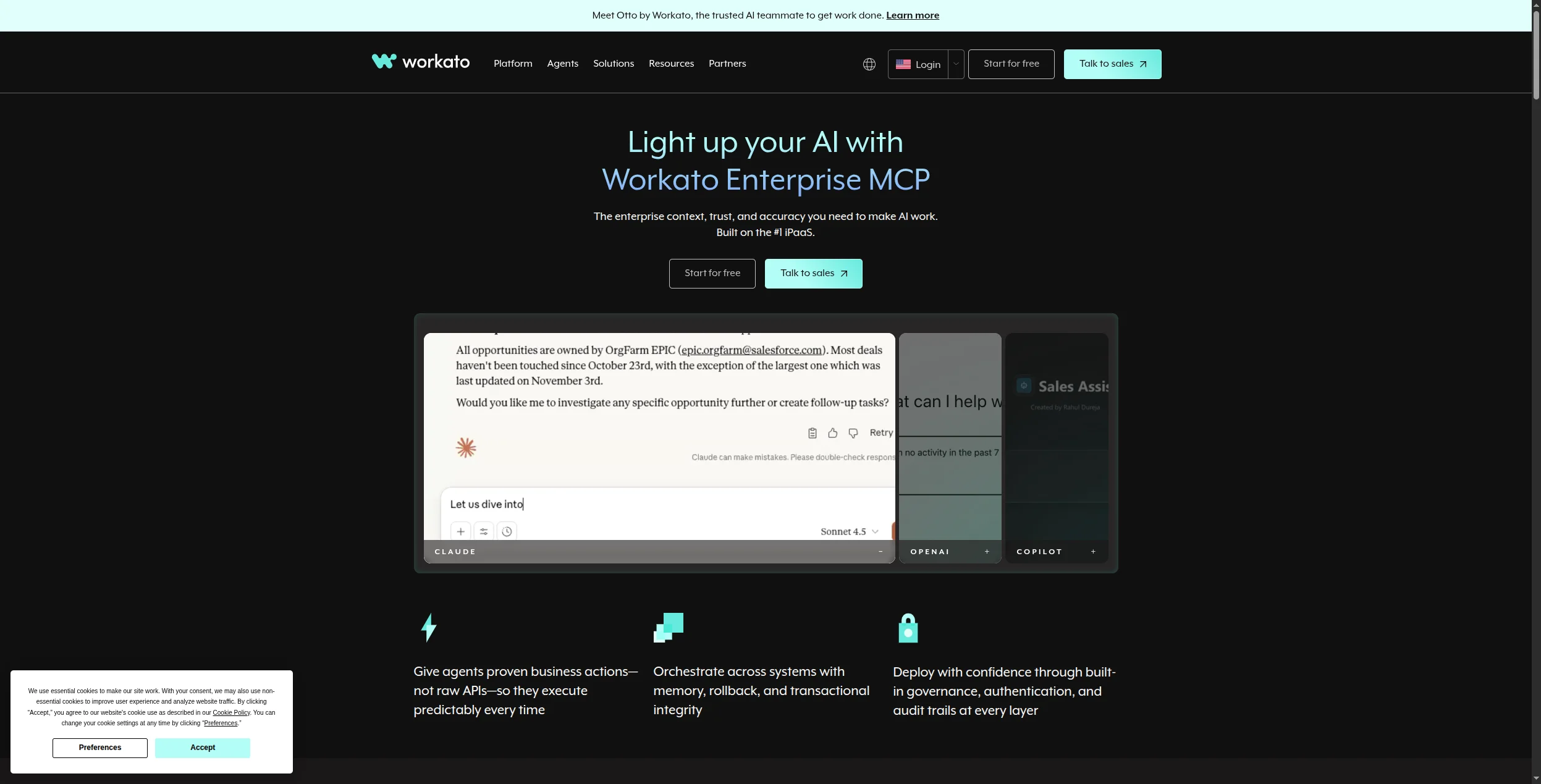
Workato is an enterprise iPaaS (integration Platform as a Service) that lets IT and operations teams build automated workflows — which Workato calls “recipes” — between enterprise applications. Its core strength is deep connectors for Salesforce, SAP, Workday, Oracle, and other enterprise systems, combined with governance features that IT departments require: audit logs, role-based access control, environment management, and compliance controls.
Workato also has a low-code interface that business teams can use without involving IT, making it popular for RevOps, HR automation, and finance operations.
The catch: pricing is custom, opaque, and typically starts at $15,000-$25,000 per year for basic usage. For companies that aren’t in the Fortune 1000, that’s simply too expensive.
Quick Comparison: Workato vs Alternatives
Tool
Best For
Free Tier
Starting Price
AI-Native
Self-Host
FlowHunt
AI-native automation
✅
Usage-based
✅
❌
Workato
Deep ERP integration
❌
$15,000+/yr
Partial
❌
Zapier
SaaS-to-SaaS, SMB
✅
$19.99/mo
Partial
❌
Make
Visual workflows
✅
$9/mo
Partial
❌
MuleSoft
Salesforce ecosystem
❌
Custom
Partial
❌
Boomi
AI-assisted mapping
❌
Custom
✅
❌
Tray.io
Mid-market iPaaS
❌
Custom
Partial
❌
Celigo
ERP/e-commerce
❌
From $600/mo
Partial
❌
n8n
Open-source, technical
✅
Free / $20/mo
✅
✅
Ready to grow your business?
Start your free trial today and see results within days.
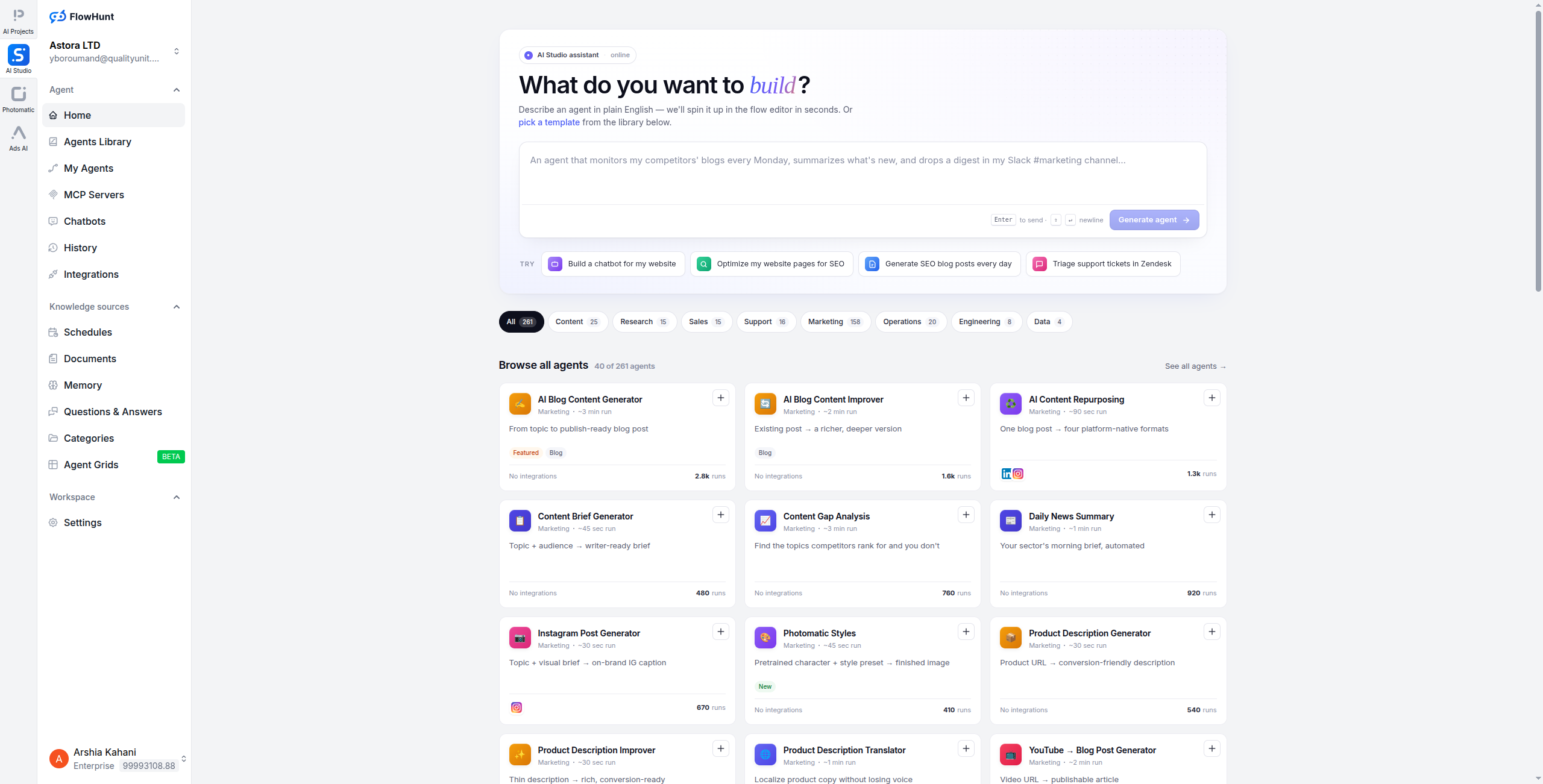
FlowHunt takes a different architectural approach than Workato. Where Workato builds recipes from pre-defined triggers and actions, FlowHunt builds AI agents that reason about what to do — handling complex, unstructured workflows that would require dozens of Workato recipe steps and an experienced Workato administrator to maintain.
For mid-market companies that need automation sophistication without Workato’s price tag and complexity, FlowHunt is the strongest alternative. It connects to 1,400+ tools, handles multi-step reasoning, and lets you build automations that understand context — not just match conditions. The visual canvas means business users can build and modify flows themselves, without a dedicated integration specialist.
A typical FlowHunt workflow that would be expensive and complex in Workato: receive a support ticket → AI agent reads and categorises it → looks up customer history in CRM → drafts a personalised response → routes to appropriate team based on category and customer tier → logs outcome in CRM → updates SLA tracking. All in one visual flow, built by a non-technical ops manager in under an hour.
Pricing:
Free — $0/month. Generous execution credits, access to all integrations and AI components, no credit card required
Pro — Usage-based. Scales with workflow executions and AI API calls — no per-seat charge, no annual contract
Handles unstructured, reasoning-heavy automation that Workato’s recipe model struggles with
No minimum commitment or annual contract — start free, scale by actual usage
Excellent for customer support, content, sales, and marketing automation use cases
Visual canvas enables non-technical team members to build and maintain automations
1,400+ integrations without premium per-connector upcharges that inflate Workato costs
Cons:
Lacks Workato’s depth in legacy ERP connectors (SAP, Oracle, Workday)
No RPA layer for automating legacy desktop applications
Less suited to highly regulated industries requiring Workato-level governance features
Best for: Mid-market teams that need intelligent, reasoning-based automation across their SaaS stack — without Workato’s price tag, annual contracts, or specialist implementation requirements.
Best for: Mid-market teams that need intelligent, reasoning-based automation across their SaaS stack — without Workato’s price tag, annual contracts, or specialist implementation requirements.
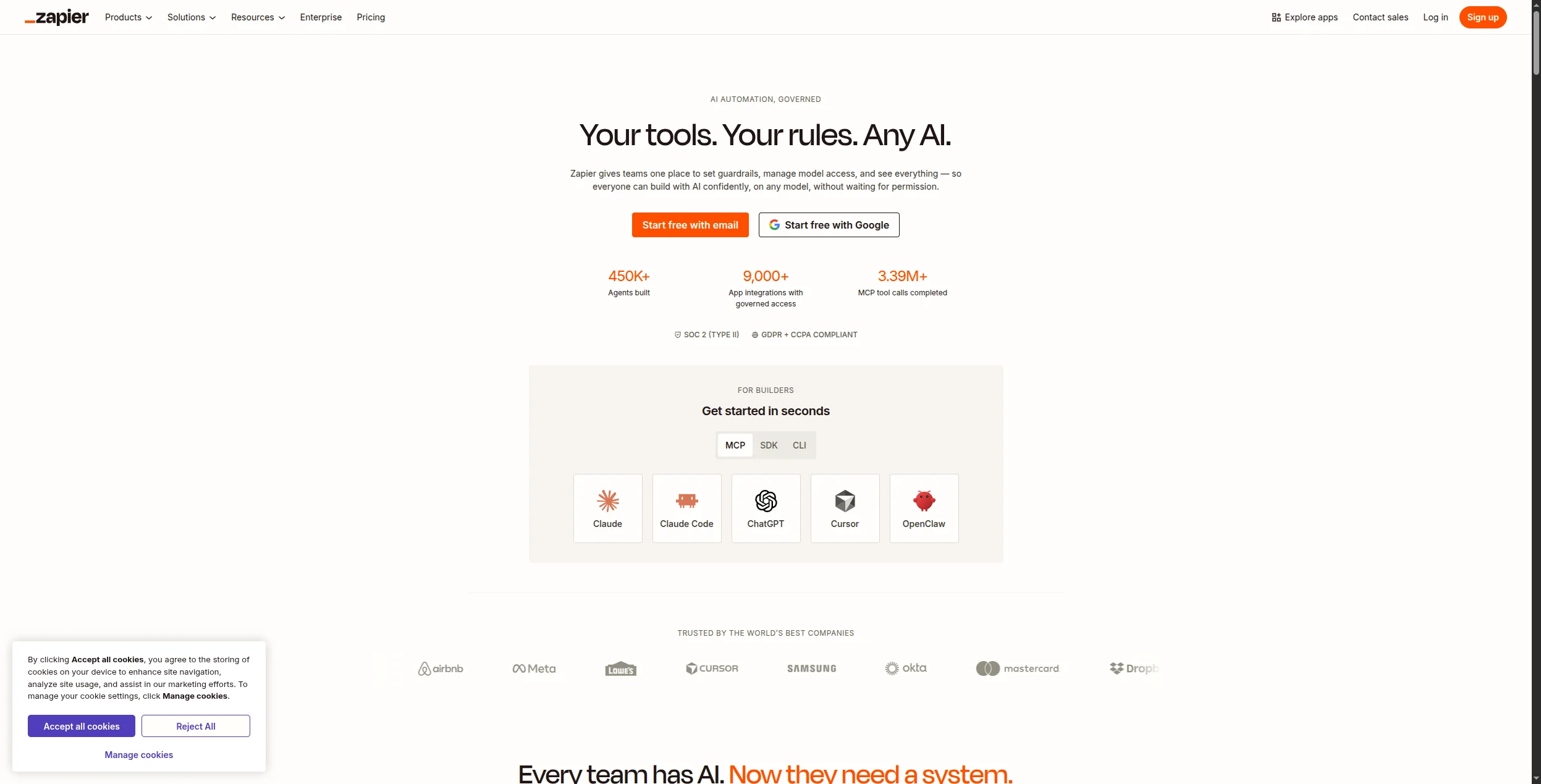
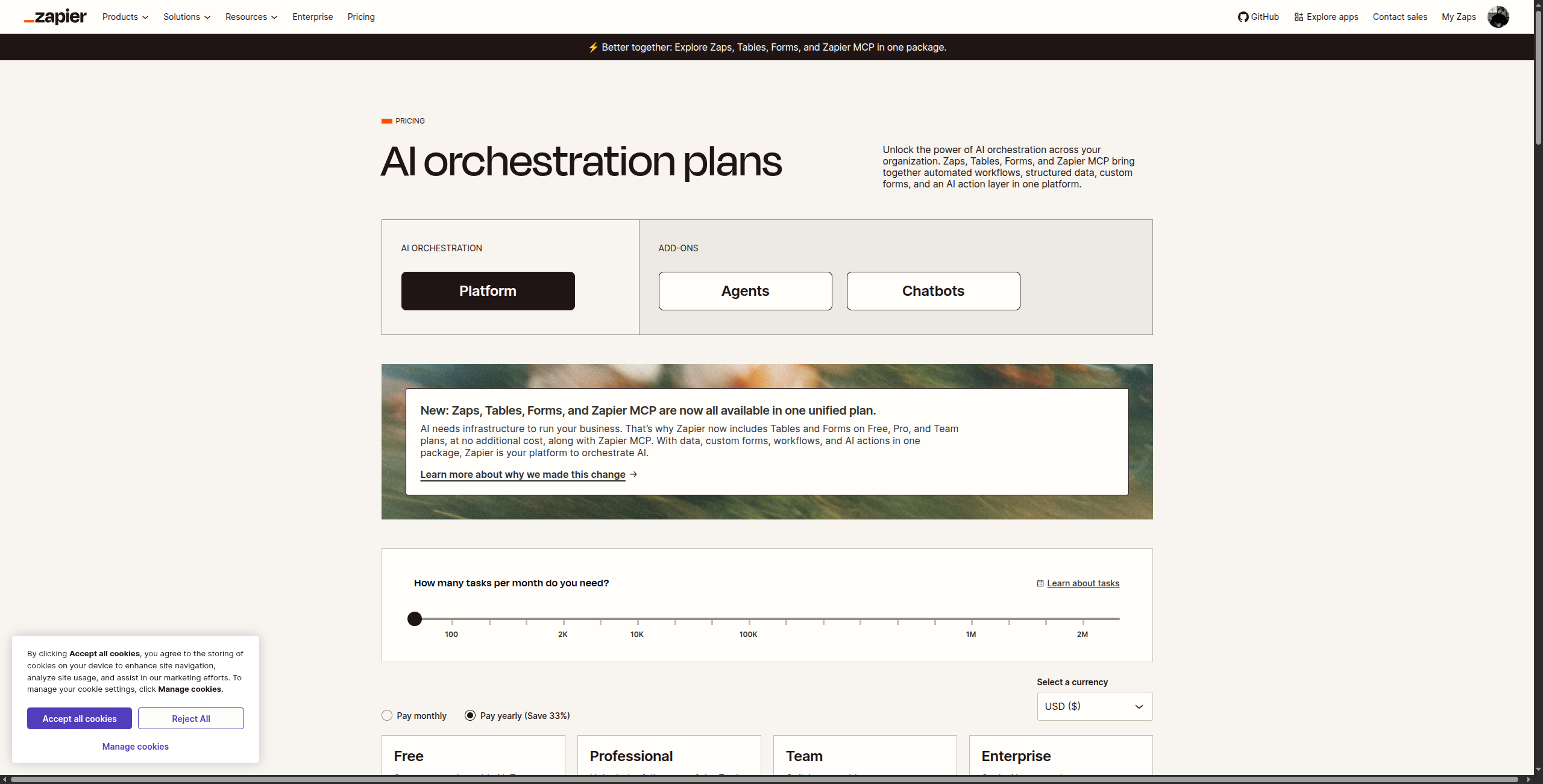
Zapier’s Teams and Enterprise plans bring SSO, team management, shared workspaces, and priority support — making it viable for mid-market companies with straightforward SaaS integration needs. Its 6,000+ app catalog is unmatched.
AI capabilities remain more generative than reasoning — not a substitute for complex agent logic
Best for: Mid-market companies with primarily SaaS-to-SaaS integration needs that want broad app coverage and fast time to value without Workato’s enterprise complexity.
Best for: Mid-market companies with primarily SaaS-to-SaaS integration needs that want broad app coverage and fast time to value without Workato’s enterprise complexity.
Join our newsletter
Get latest tips, trends, and deals for free.
3. Make — Best for Visual Workflow Complexity
Make (formerly Integromat) supports complex multi-step workflows with branching, iteration, error handling, and data transformation on a visual canvas. Its Enterprise plan adds SSO, custom functions, and dedicated infrastructure.
Most powerful visual workflow builder in the mid-market — routers, aggregators, iterators, and error routes
Excellent data transformation between apps — 100+ built-in functions eliminate the need for ETL middleware
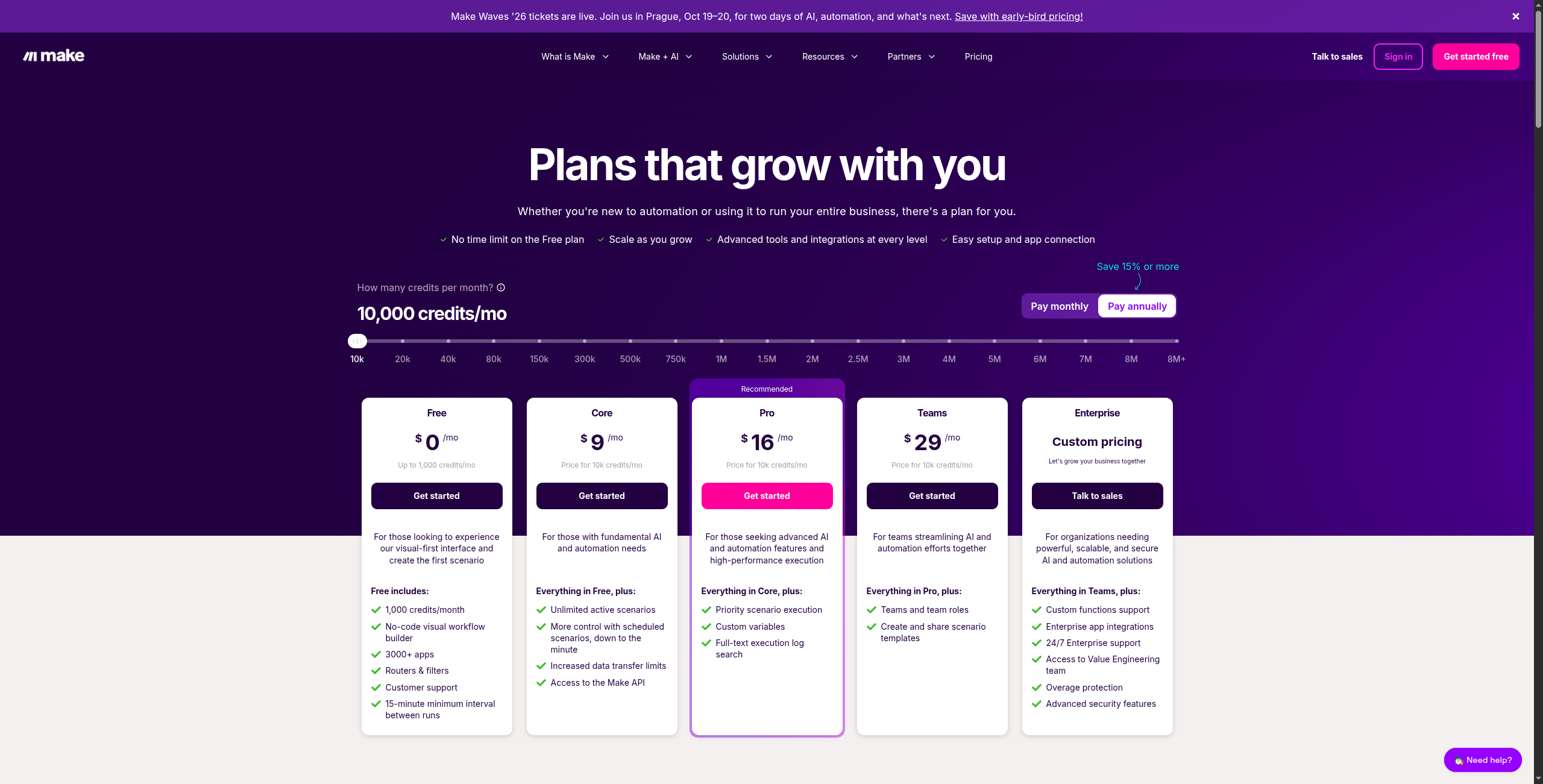
Significantly cheaper than Workato for equivalent workflow complexity — Core starts at $9/month
Enterprise plan adds SSO/SAML, dedicated infrastructure, and custom operations volume
1,800+ integrations with HTTP/webhook modules for any API not in the native catalog
Cons:
Not purpose-built for enterprise governance needs — audit trails and RBAC less mature than Workato
Operations-based pricing can be unpredictable at scale for workflows iterating over large datasets
AI reasoning capabilities are limited — Make routes data but doesn’t reason about it
Steeper learning curve than Zapier for teams new to visual scenario building
Best for: Teams that need complex multi-step workflows with branching, data transformation, and error handling — at a fraction of Workato’s cost.
Best for: Teams that need complex multi-step workflows with branching, data transformation, and error handling — at a fraction of Workato’s cost.
4. MuleSoft — Best Workato Alternative for Salesforce Shops
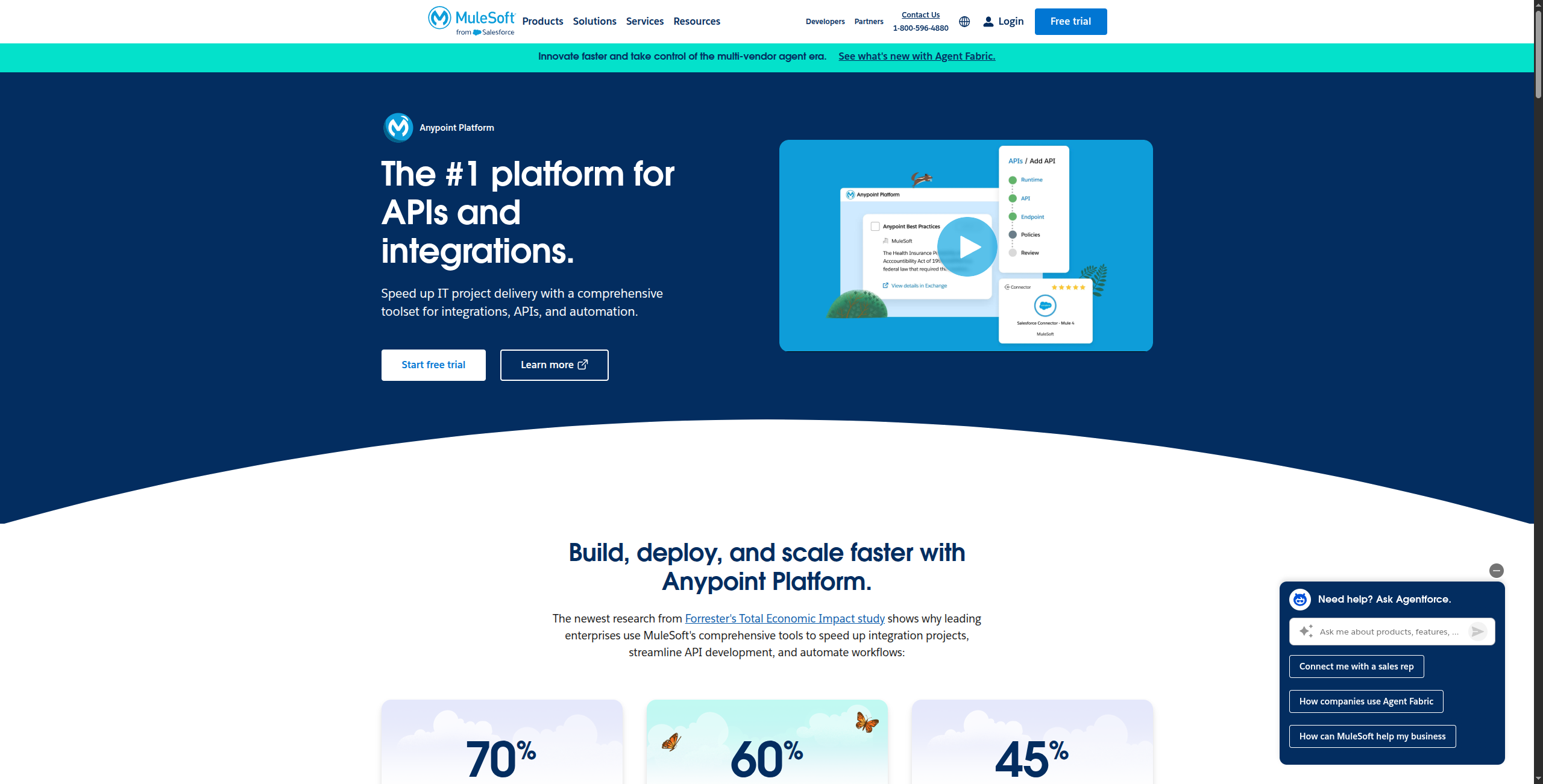
MuleSoft (now Salesforce’s integration platform) is the incumbent enterprise iPaaS for organizations with Salesforce at the center of their tech stack. Its API-led connectivity approach and mature governance tools make it a direct Workato competitor.
Pricing:
Anypoint Platform — Custom (contact Salesforce sales). Typically $50,000–$250,000+/year depending on API call volume, connectors, and vCores provisioned
Pricing units: vCores for Mule runtime, API calls for API gateway, and add-on module licenses (MQ, Object Store, B2B/EDI, etc.)
Starter packs available for smaller organizations; enterprise agreements negotiated annually
Key features:
API-led connectivity: design, build, and manage APIs at network, process, and experience layers
Anypoint Exchange: pre-built connectors, templates, and API specs for 900+ systems
DataWeave: powerful data transformation language for mapping between any data formats (JSON, XML, CSV, EDI, flat files)
Full API lifecycle management: design in Design Center, govern with API Manager, monitor with Anypoint Monitoring
CloudHub 2.0: fully managed runtime with auto-scaling, HA, and 99.99% SLA
MuleSoft AI Chain: LLM-powered integration suggestions and AI prompt chaining within flows
Pros:
Deepest Salesforce ecosystem integration of any platform — native bi-directional sync across all Salesforce clouds
Mature API management and governance — full lifecycle from design through monitoring in one platform
Strong compliance and enterprise security controls — SOC 2, ISO 27001, FedRAMP-ready
DataWeave transformation language handles mapping between any data formats without external ETL
Anypoint Exchange provides 900+ pre-built connectors and templates to accelerate integration development
Cons:
Very expensive — typically $50,000–$250,000+/year — and requires dedicated certified MuleSoft developers
Heavy implementation projects — typical enterprise integration project takes 3–6 months before go-live
Not suitable for business users without dedicated IT/integration support
Overkill for companies not running Salesforce as their primary enterprise system of record
Best for: Salesforce-centric enterprises that need API-led connectivity, mature governance, and deep integration with the broader Salesforce platform including Data Cloud and MuleSoft RPA.
Best for: Salesforce-centric enterprises that need API-led connectivity, mature governance, and deep integration with the broader Salesforce platform including Data Cloud and MuleSoft RPA.
5. Boomi — Best AI-Assisted Enterprise iPaaS
Boomi (Dell Technologies) has leaned heavily into AI with Boomi AI for assisted mapping, integration suggestions, and flow generation. It covers a wide enterprise connector library and has strong master data management capabilities.
Pricing:
Essentials — From ~$550/month (reported). Core integration with standard connectors, AtomSphere platform access, community support
Professional — Custom pricing. Extended connector library, B2B/EDI, advanced API management, standard SLA
Enterprise — Custom pricing. Master Data Hub, Flow (process automation), advanced analytics, high-availability Atoms, premier support
Enterprise Plus — Custom pricing. Full platform including API Control Plane, AI-powered automation, dedicated infrastructure
Key features:
Boomi AI: ML-powered data mapping suggestions, integration recommendations, and automated field matching
200,000+ reusable integration components in the Boomi Suggest community library
Master Data Hub: MDM capability for maintaining a single source of truth across enterprise systems
AtomSphere: cloud-native runtime with 99.99% uptime SLA and multi-cloud deployment
B2B/EDI management for trading partner onboarding with AS2, SFTP, and standard EDI formats
Boomi Flow: visual process automation builder for human-in-the-loop workflows and approvals
API management: full lifecycle from design to publishing with gateway and developer portal
Pros:
AI-assisted integration building speeds up development — Boomi AI suggests field mappings automatically
Strong MDM (Master Data Management) capabilities — Master Data Hub maintains a single source of truth
Good balance of power and usability compared to MuleSoft — lower barriers for non-developer configuration
200,000+ reusable integration components in the community library accelerate development significantly
Cons:
Still requires integration specialists for complex enterprise projects — not self-service for business users
Less proven for modern SaaS automation vs legacy enterprise systems like SAP and Oracle
Pricing is opaque — Essentials starts at ~$550/month but meaningful enterprise features require custom pricing
Less market share than MuleSoft in Salesforce-heavy organisations
Best for: Enterprises migrating legacy system integrations that want AI-assisted data mapping and master data management alongside standard iPaaS connectivity.
Best for: Enterprises migrating legacy system integrations that want AI-assisted data mapping and master data management alongside standard iPaaS connectivity.
6. Tray.io — Best Mid-Market iPaaS
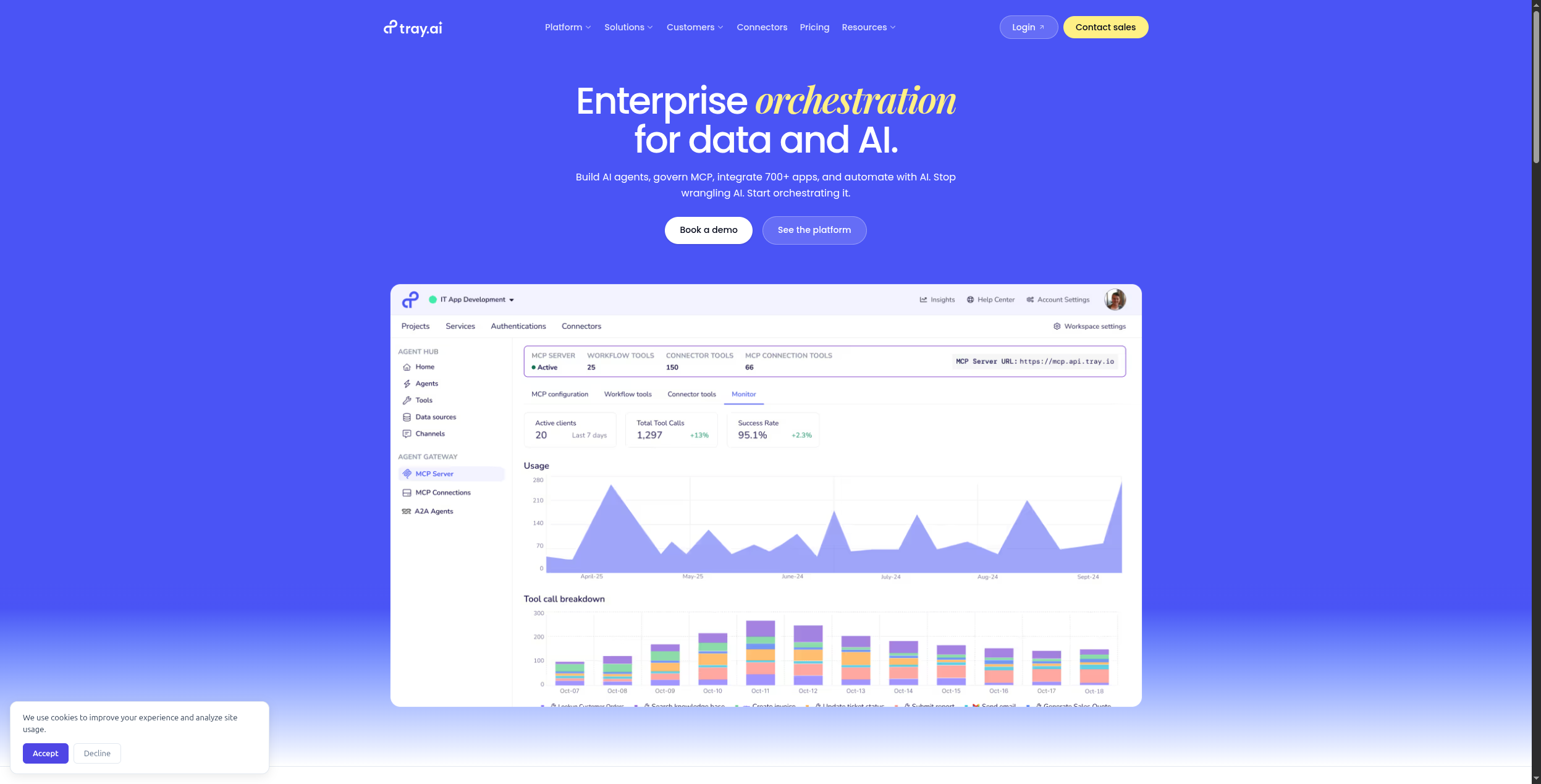
Tray.io targets mid-market companies that have outgrown Zapier but don’t need the full complexity of MuleSoft. It has a low-code builder, strong API connectivity, and an AI layer for intelligent data routing.
Pricing:
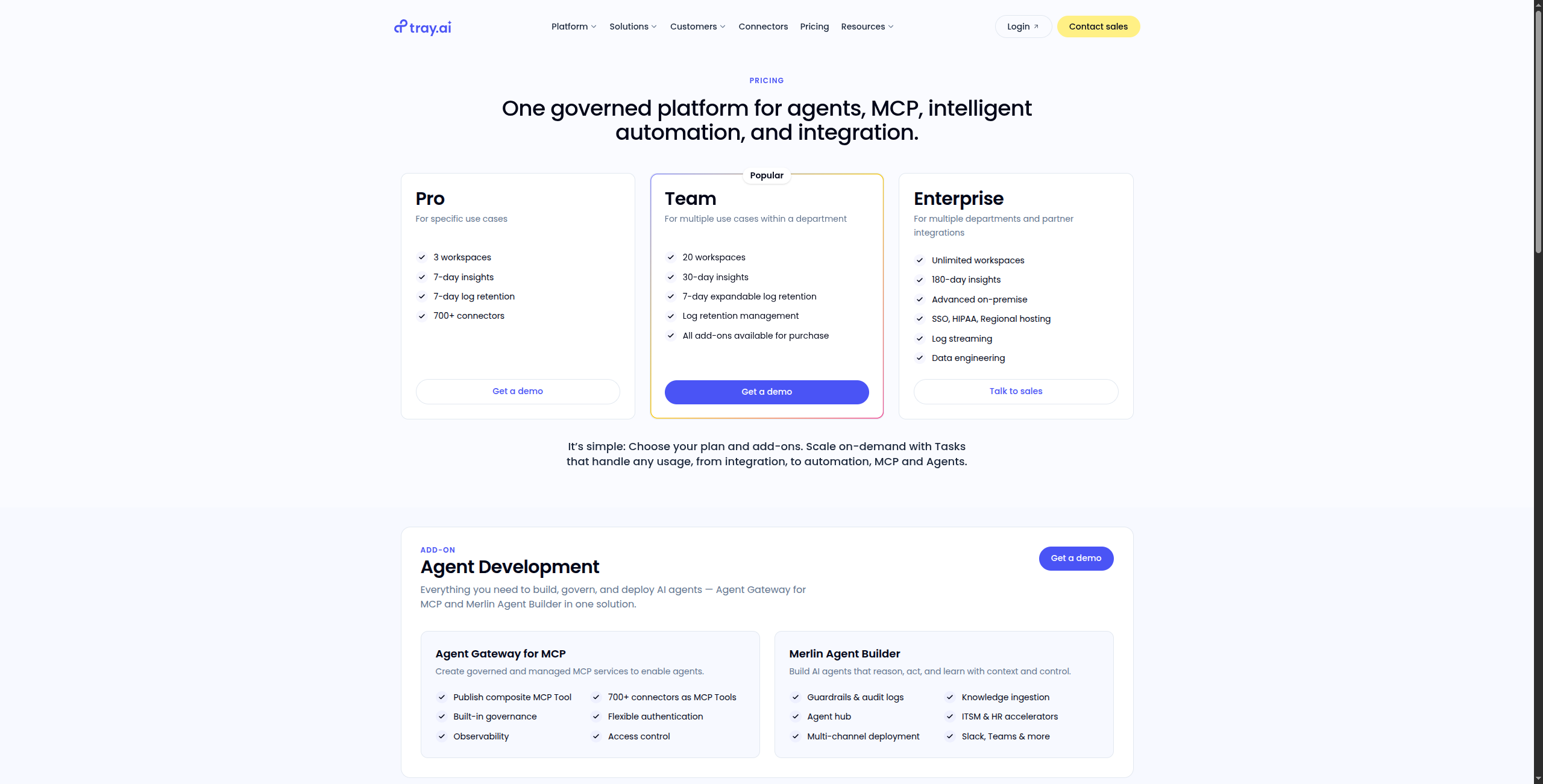
Business — Custom (typically $1,000–$2,500/month reported). Core integrations, standard connectors, shared workspaces, email support
Professional — Custom (typically $2,500–$5,000/month reported). Full connector library, advanced data handling, SSO, priority support
Visual low-code workflow builder with support for loops, branches, and complex data pipelines
Universal connector and HTTP client for integrating any REST or GraphQL API without a pre-built connector
Tray AI: intelligent data routing and enrichment using LLMs to classify and transform data mid-workflow
Real-time trigger support for webhooks, polling, and event-based integrations
Embedded iPaaS: white-label integration builder that ISVs can embed in their own product (key differentiator)
Team collaboration with shared workflow libraries, version history, and role-based access
Observability: execution logs, error alerts, and a retry mechanism for failed workflow steps
Pros:
More accessible than MuleSoft for business teams — low-code builder suitable for non-developers
Good API-first architecture for modern SaaS stacks — HTTP client handles any REST or GraphQL API
AI-powered data routing and enrichment via Tray AI for intelligent data classification mid-workflow
Embedded iPaaS capability allows ISVs to white-label integration into their own product (unique differentiator)
Real-time webhook trigger support with observability and retry mechanisms for reliable production use
Cons:
Pricing ($1,000–$5,000+/month) still puts it out of SMB range — aimed squarely at mid-market
Smaller connector library than Zapier or Make — more reliance on the HTTP client for unlisted apps
Requires sales engagement for all plans — no self-serve pricing transparency
Less community resources and documentation than Zapier, Make, or n8n
Best for: Mid-market companies that have outgrown Zapier and Make but don’t need MuleSoft-level complexity — especially those building embedded integration products for their own customers.
Best for: Mid-market companies that have outgrown Zapier and Make but don’t need MuleSoft-level complexity — especially those building embedded integration products for their own customers.
7. Celigo — Best for ERP/E-commerce Integration
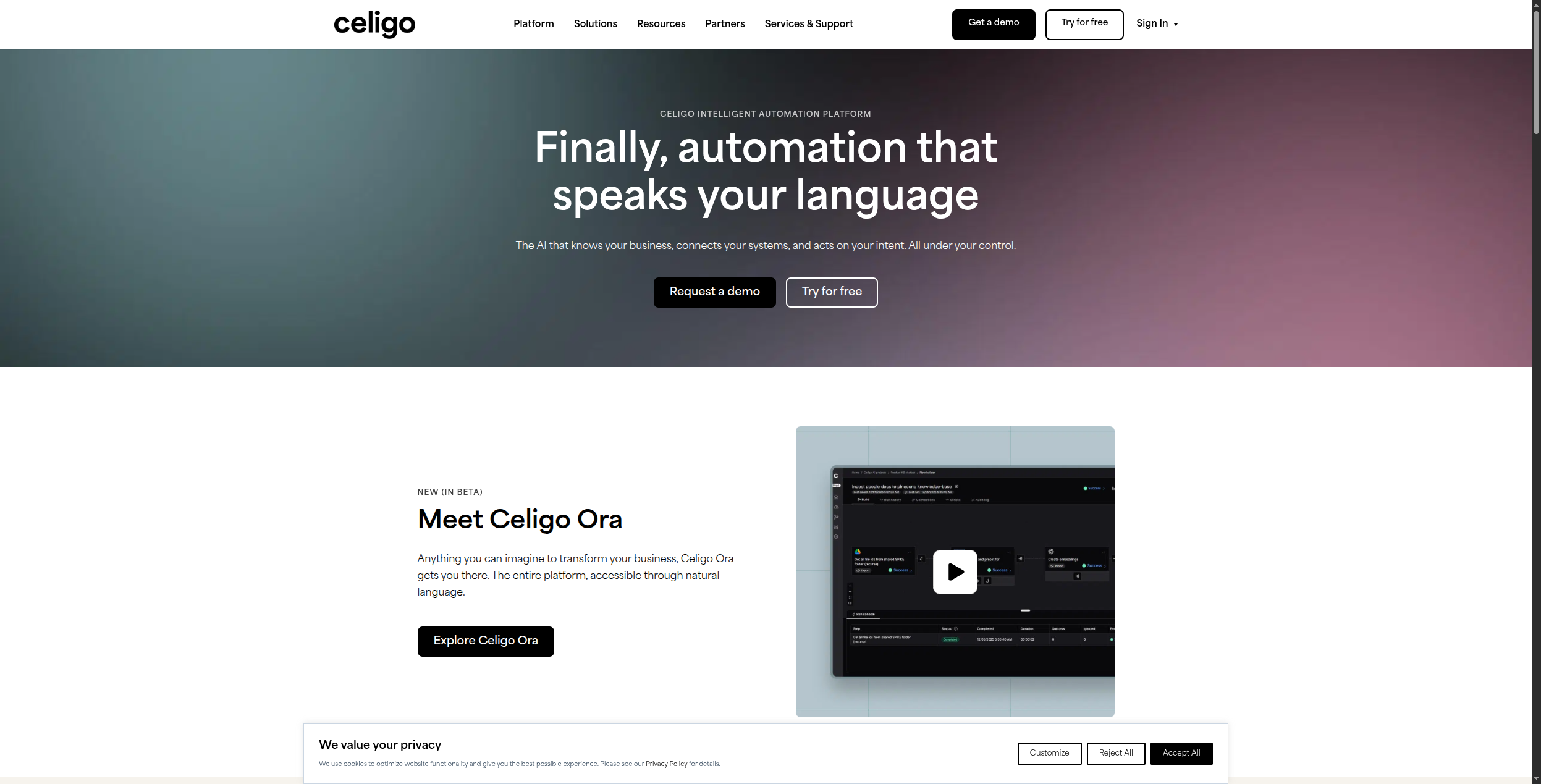
Celigo specializes in ERP and e-commerce integrations — particularly NetSuite, Shopify, Salesforce, and WooCommerce. For retail and distribution companies with complex order/inventory workflows, it’s a more affordable Workato alternative.
Pricing:
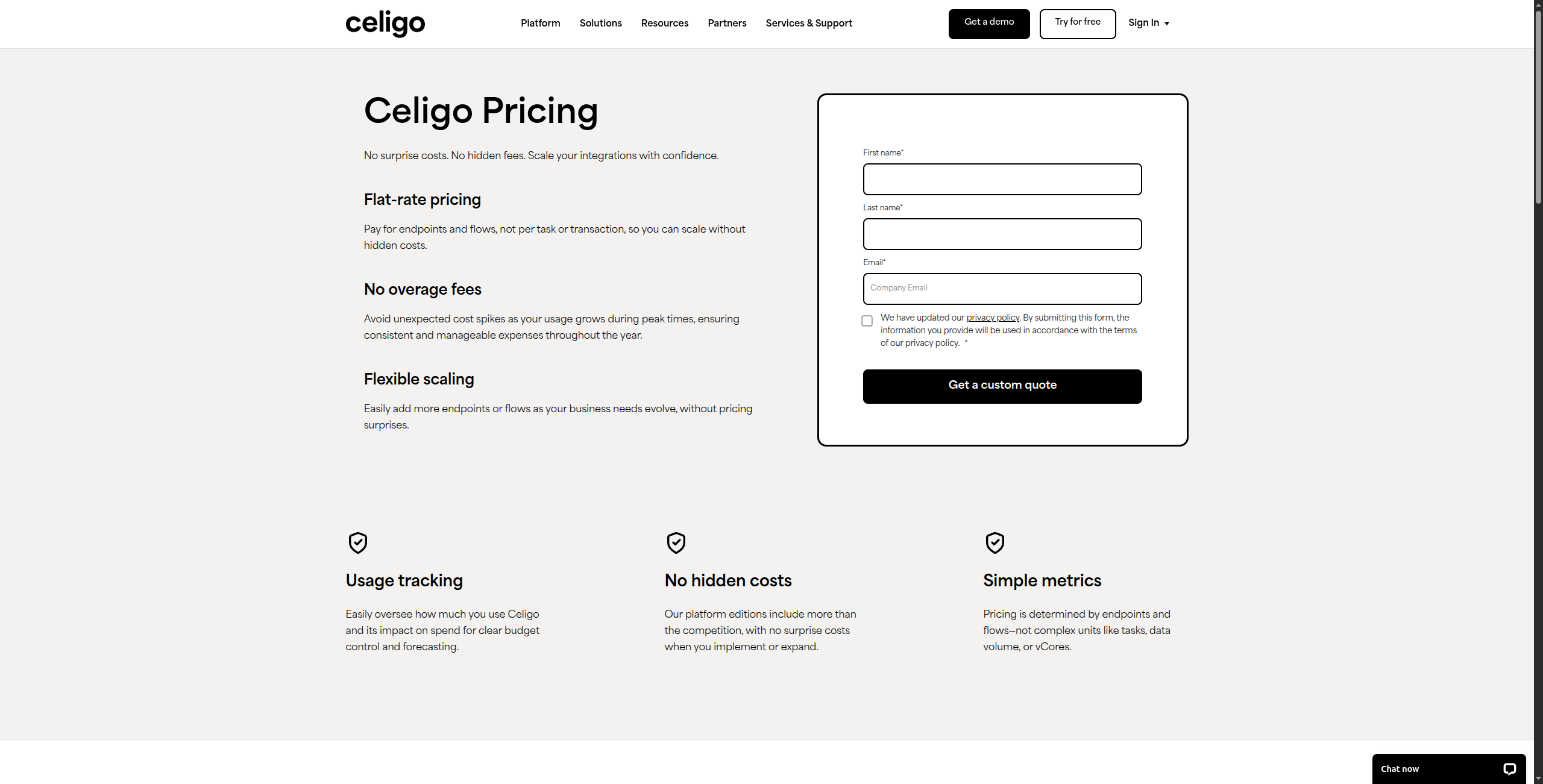
Starter — From $600/month. Up to 3 integration flows, standard connectors (NetSuite, Shopify, Salesforce), email support
Growth — Custom pricing. Unlimited flows, premium connectors, EDI support, advanced error management, standard SLA
Data loader: high-volume batch import/export for initial migrations and ongoing bulk syncs
Pros:
Pre-built iApps for 200+ ERP/e-commerce use cases — NetSuite↔Shopify ready out of the box
Strong support for order management and inventory automation at retail/distribution scale
Celigo AI assists with field mapping and anomaly detection — reduces manual mapping work
Error management dashboard provides centralised visibility with one-click retry for failed records
NetSuite SuiteApp certification ensures compliance with NetSuite’s integration standards
Cons:
Narrow focus — significantly less suited for non-ERP/e-commerce use cases outside retail/distribution
Starting at $600/month — still expensive relative to modern SaaS automation platforms
Growth and Enterprise plans are custom-quoted — pricing is opaque beyond Starter
Limited AI capabilities outside the specific mapping assistance function
Best for: Retail and distribution companies running NetSuite or Shopify that need pre-built integration templates for order management, inventory sync, and 3PL connections.
Best for: Retail and distribution companies running NetSuite or Shopify that need pre-built integration templates for order management, inventory sync, and 3PL connections.
8. n8n — Best Open-Source Enterprise Alternative
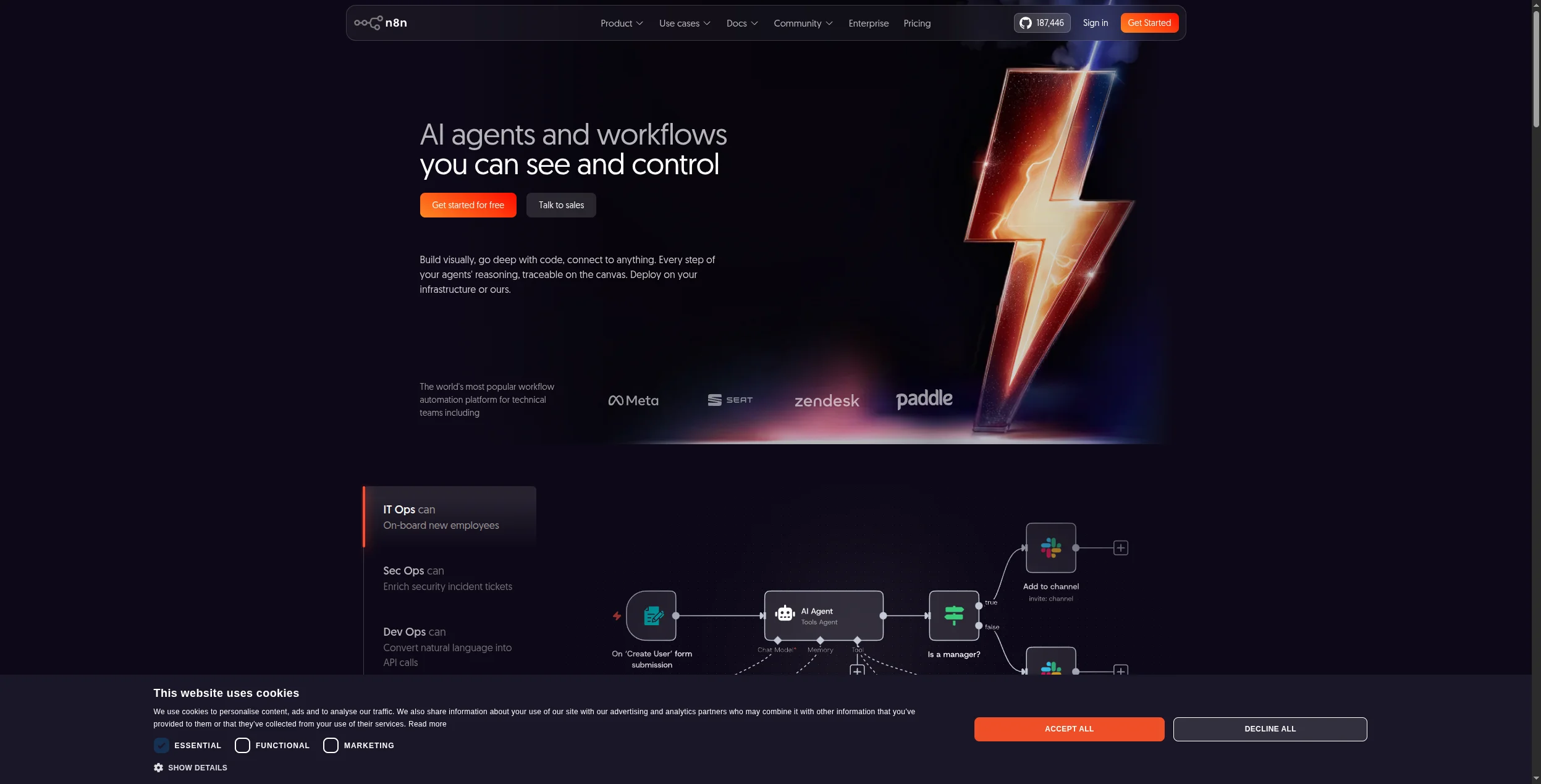
n8n is the leading open-source workflow automation platform, with an Enterprise cloud plan that adds SSO, advanced permissions, and dedicated infrastructure. For technical teams that want maximum flexibility and data control, n8n is the strongest Workato alternative.
Pricing:
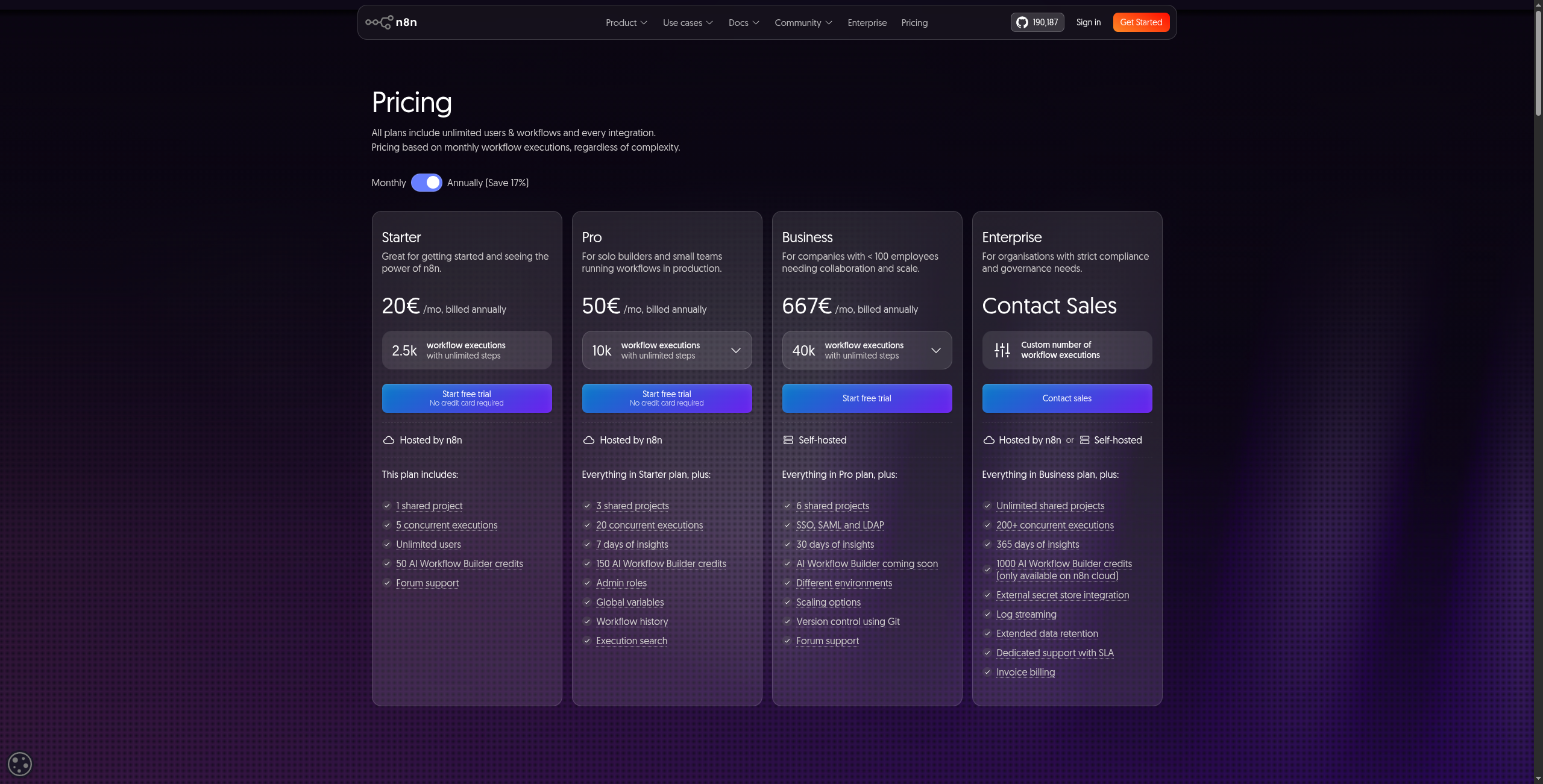
Community (Self-hosted) — Free forever. Unlimited workflows, unlimited executions, all 400+ integrations, full source code access (Apache 2.0/Sustainable Use License)
Starter — $20/month (cloud). 5 active workflows, 2,500 workflow executions/month, community support
Pro — $50/month (cloud). 15 active workflows, 10,000 executions/month, admin panel, execution history search
Enterprise — Custom. Unlimited workflows and executions, SSO/SAML, advanced permissions, air-gapped deployment, SLA-backed support
Key features:
400+ native integrations including all major SaaS, databases, messaging, and AI/LLM providers
Native AI nodes: LangChain integration, OpenAI, Anthropic, and vector database connections built in
Code node: write custom JavaScript or Python logic directly inside a workflow step
Self-hosting on Docker, Kubernetes, or any cloud — full data sovereignty with no vendor lock-in
Visual node-based editor with sub-workflows, sticky notes, and workflow folders for organization
Webhook triggers and HTTP request nodes for connecting any REST API
Execution history with full input/output logs for every node and built-in retry on failure
Pros:
Full data sovereignty with self-hosting — no vendor lock-in, complete infrastructure control
Native AI/LLM nodes (OpenAI, Anthropic, LangChain, vector databases) built directly into the editor
Active open-source community with extensive templates, shared workflows, and documentation
Free for self-hosted deployments — eliminates recurring platform costs entirely at scale
Code node allows custom JavaScript or Python logic when visual editor hits its limits
Cons:
Lacks Workato’s depth in legacy ERP connectors (SAP, Oracle, Workday) — critical for some enterprises
Self-hosting requires DevOps resources — Docker or Kubernetes setup and ongoing maintenance needed
Less polished governance UI than Workato — audit trails and RBAC less mature at current Enterprise tier
Enterprise cloud plan still relatively young — fewer enterprise case studies than Workato
Best for: Technical teams that want full data sovereignty, open-source transparency, and built-in AI/LLM nodes — with an Enterprise plan that adds the SSO and permissions controls larger organizations require.
Best for: Technical teams that want full data sovereignty, open-source transparency, and built-in AI/LLM nodes — with an Enterprise plan that adds the SSO and permissions controls larger organizations require.
Which Workato Alternative Is Right for You?
You need AI-native automation at reasonable cost → FlowHunt
Your stack is primarily SaaS and you’re mid-market → Zapier Teams or Make Enterprise
You’re a Salesforce-centric enterprise → MuleSoft
You need AI-assisted enterprise iPaaS → Boomi
You’re mid-market and outgrown Zapier → Tray.io
You run NetSuite or Shopify at scale → Celigo
You want open-source with Enterprise SLA → n8n Enterprise
The automation market has matured to the point where Workato’s price premium is hard to justify for most organizations. For AI-native use cases, FlowHunt delivers more capability at a fraction of the cost. For complex SaaS integration, Make and Zapier cover most scenarios. For open-source control, n8n is the default choice.
For SMBs and mid-market companies, Make (from $9/month) and FlowHunt (usage-based, free tier available) offer the best value. n8n is free when self-hosted. Workato's pricing typically starts at $10,000+ per year — all these alternatives are dramatically cheaper.
For large enterprises needing deep ERP/CRM integration, MuleSoft (Salesforce) and Boomi (Dell) are the closest feature match. For AI-powered automation at scale, FlowHunt offers enterprise capabilities with more accessible pricing. Tray.io is a strong mid-market option.
n8n is the leading open-source iPaaS alternative. It supports self-hosting, has native AI/LLM nodes, and offers an Enterprise cloud plan with SSO and advanced permissions. It lacks some of Workato's deep ERP connectors but covers most integration scenarios.
The primary driver is cost — Workato's pricing is opaque and typically ranges from $10,000 to $100,000+ per year depending on usage and connectors. Teams also cite: the complexity of Workato's 'recipe' model vs visual builders, limited AI-native capabilities, and the need for dedicated Workato specialists to maintain integrations.
Zapier's Teams and Enterprise plans cover many mid-market use cases, with SSO, team management, and 6,000+ app integrations. However, Zapier lacks Workato's deep ERP connectors, real-time event processing, and enterprise data governance features. It's best for companies whose integration needs are primarily SaaS-to-SaaS.
Arshia is an AI Workflow Engineer at FlowHunt. With a background in computer science and a passion for AI, he specializes in creating efficient workflows that integrate AI tools into everyday tasks, enhancing productivity and creativity.
Arshia Kahani
AI Workflow Engineer
Enterprise Automation Without Enterprise Pricing — Try FlowHunt Free
FlowHunt delivers AI-native workflow automation with enterprise-grade capabilities at a fraction of Workato's cost. Start free, scale on your terms.
8 Best Power Automate Alternatives in 2026 (Free & Paid)
Looking for Microsoft Power Automate alternatives? We compared 8 tools on pricing, AI capabilities, ease of use, and integrations — so you can find the best fit...
Best Workflow Automation Tools in 2026: 12 Platforms Ranked and Reviewed
Ranked and reviewed: the 12 best workflow automation tools in 2026. Comparison table, pricing, free tiers, and a clear verdict on which platform fits your team.
Best Zapier Alternatives in 2026: 12 Tools That Do More for Less
Ranked and reviewed: the 12 best Zapier alternatives in 2026. Whether you need AI-native automation, cheaper pricing, self-hosting, or enterprise power — there'...
18 min read
Automation
AI Tools
+3
Cookie Consent We use cookies to enhance your browsing experience and analyze our traffic. See our privacy policy.