



Botpress
Learn about Botpress, an AI platform for building chatbots. Discover its key features, pros and cons, pricing options, and top alternatives to help you choose t...
5 min read
AI
Chatbots
+3

Looking for a Botpress alternative? Here are the 8 best options in 2026 — from no-code chatbot builders to AI agent platforms that go far beyond rule-based bots.
Here’s how the top Botpress alternatives compare in 2026:
| Tool | Type | NLU/AI | Self-Host | No-Code | Best For |
|---|---|---|---|---|---|
| FlowHunt | AI Agent Platform | LLM-native | No | Yes | AI agents with full workflow automation |
| Voiceflow | Visual Builder | LLM + NLU | No | Yes | Multi-channel conversation design |
| Landbot | No-Code Builder | Basic NLP | No | Yes | Lead gen, conversational landing pages |
| Typebot | Visual Builder | Basic | Yes | Yes | Open-source, self-hosted chatbots |
| Dialogflow | Enterprise NLU | Advanced NLU | No (GCP) | Partial | Enterprise multi-language NLU |
| Rasa | OSS Framework | Full NLU control | Yes | No | On-premise, custom NLU pipelines |
| Tidio | SMB Chat + Bot | AI (Lyro) | No | Yes | E-commerce, SMB customer support |
| Intercom | Customer Messaging | LLM (Fin AI) | No | Partial | Enterprise customer support automation |
Botpress is an open-source conversational AI platform launched in 2017 that became one of the most popular developer-focused chatbot frameworks on the market. It combines a visual flow editor (for designing conversation paths), a built-in NLU engine (for intent recognition and entity extraction), and a JavaScript-based custom action system that lets developers add arbitrary logic and API calls to bot flows.
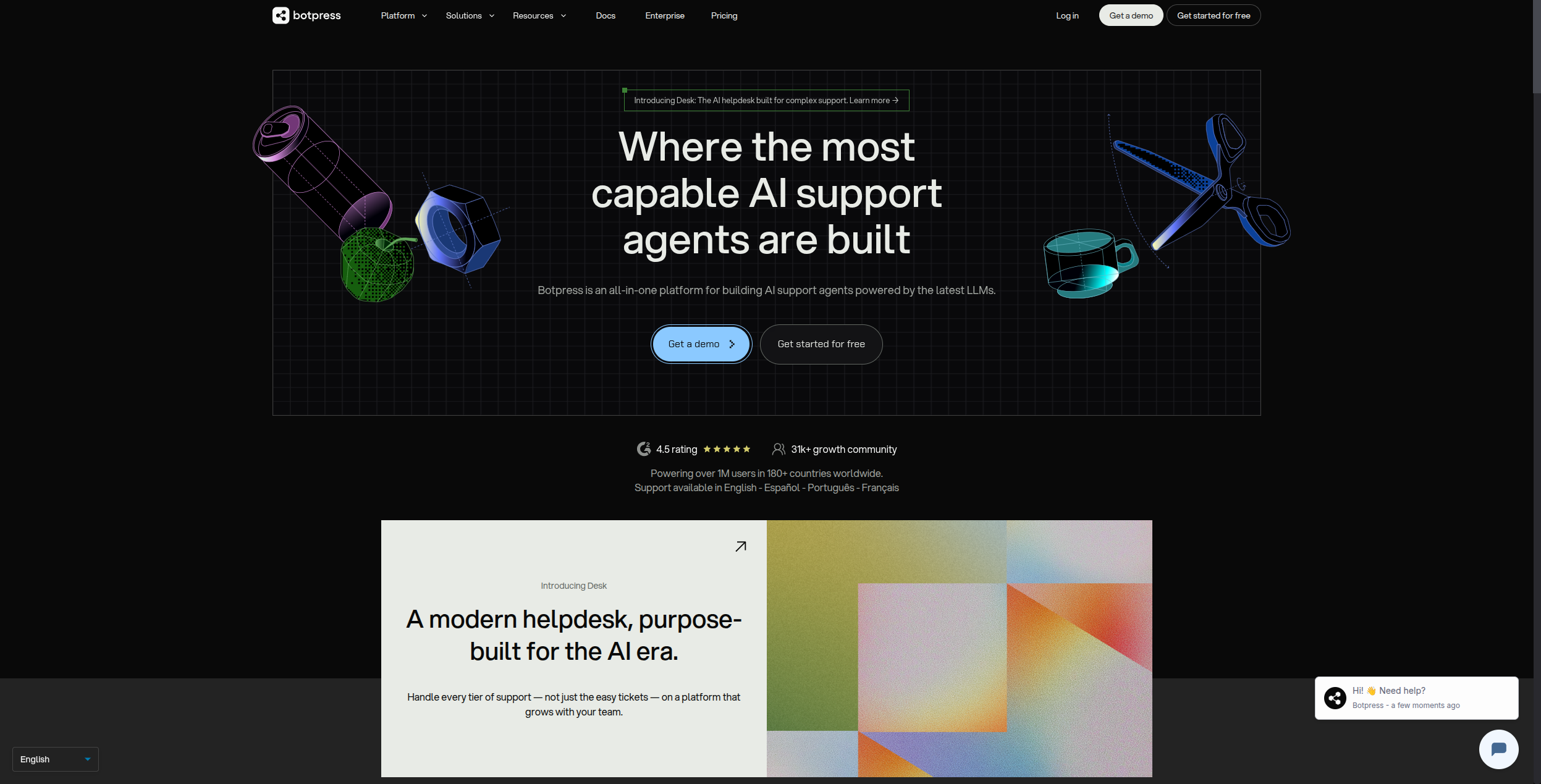
Botpress was built for a world where chatbots needed carefully crafted decision trees and intent classifiers. It gave developers tools to design every conversation branch explicitly — which user inputs map to which intents, which intents trigger which actions, and how to handle edge cases.
That model worked well through 2022. But the rise of GPT-4 and large language models has fundamentally changed what’s possible in conversational AI — and revealed the limitations of Botpress’s approach.
Why developers look for Botpress alternatives in 2026:
The conversation tree problem. Building complex chatbots in Botpress requires designing every possible conversation branch in advance. When users ask something outside the anticipated paths, the bot fails or falls back to generic responses. LLM-native platforms handle free-form conversation naturally without predefined trees.
Limited AI integration. Botpress has added LLM features, but its core architecture is still built around intent classification and dialog management rather than LLM-first reasoning. Integrating GPT-4 or Claude into a Botpress flow requires significant custom development.
Developer-heavy setup. Botpress requires JavaScript skills for custom actions, a technical infrastructure setup, and ongoing maintenance. Teams without dedicated developers struggle to maintain and update their bots over time.
Scaling costs and complexity. As bots grow more complex, the Botpress dialog tree becomes increasingly difficult to maintain. Teams often find themselves spending more time on bot maintenance than on actual improvements.
None of this means Botpress is bad for its intended use case. But in 2026, there are better options for almost every use case — from simpler no-code builders to AI agent platforms that make the whole decision-tree approach obsolete.
FlowHunt takes a fundamentally different approach from Botpress. Where Botpress asks you to design a conversation tree, FlowHunt lets you deploy an AI agent that understands free-form conversation using LLMs and takes actions through a visual workflow — no decision trees required.

This distinction matters enormously in practice. A Botpress bot needs you to anticipate every question variant and design a branch for it. A FlowHunt agent reads whatever the user types, understands their intent through an LLM, and decides what to do — whether that’s searching your knowledge base, calling an API, looking up a customer record in your CRM, creating a ticket, or handing off to a human agent with full conversation context.
FlowHunt’s workflow builder connects your chatbot to any backend system: your CRM, your helpdesk, your product database, your calendar, your internal APIs. An agent that can book meetings, check order status, process refunds, or escalate a complaint — all within the same conversation — is fundamentally more capable than any decision-tree bot.
Key FlowHunt capabilities beyond what Botpress offers:
Pros: True AI agent capability (not just chatbot flows), no decision trees needed, connects to any system via workflow, smart human handoff, multi-channel, no code required
Cons: Less suitable for use cases requiring strict conversation scripts (e.g., regulated industries with exact required phrasings), no self-hosting option currently
Best for: Businesses that want AI agents that actually understand customers and take real actions — not just route conversation trees.
See also: AI Chatbot guide and Automate Customer Support with AI and Human Handoff .
Voiceflow is the platform of choice for product teams and conversation designers who want to design, prototype, and deploy chatbots and voice agents with a professional visual design system. Its canvas is cleaner and more design-centric than Botpress, with components for branching flows, conditions, API calls, and LLM-powered steps.
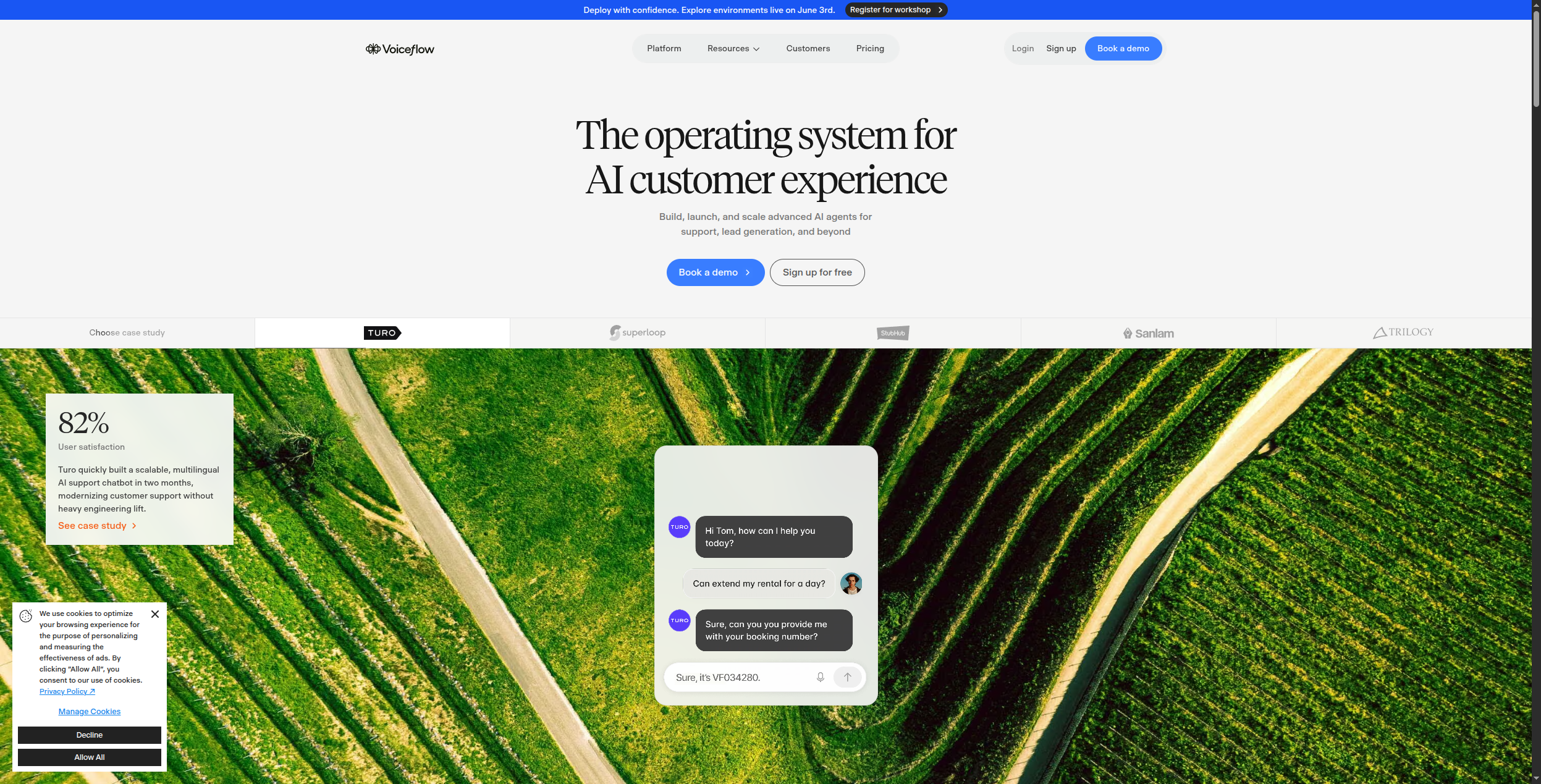
Voiceflow’s knowledge base (KB) feature lets you upload documentation and product content that the AI references when answering questions — similar to a RAG setup built into the Voiceflow interface. Its “AI Response” step uses GPT-4 to generate contextually appropriate responses based on KB content and conversation history.
Voiceflow’s collaboration features (real-time co-editing, commenting, design handoff) make it popular in teams where product managers, designers, and engineers all contribute to the bot experience. The platform supports deployment to web chat, voice assistants, WhatsApp, SMS, and custom API channels from a single flow.
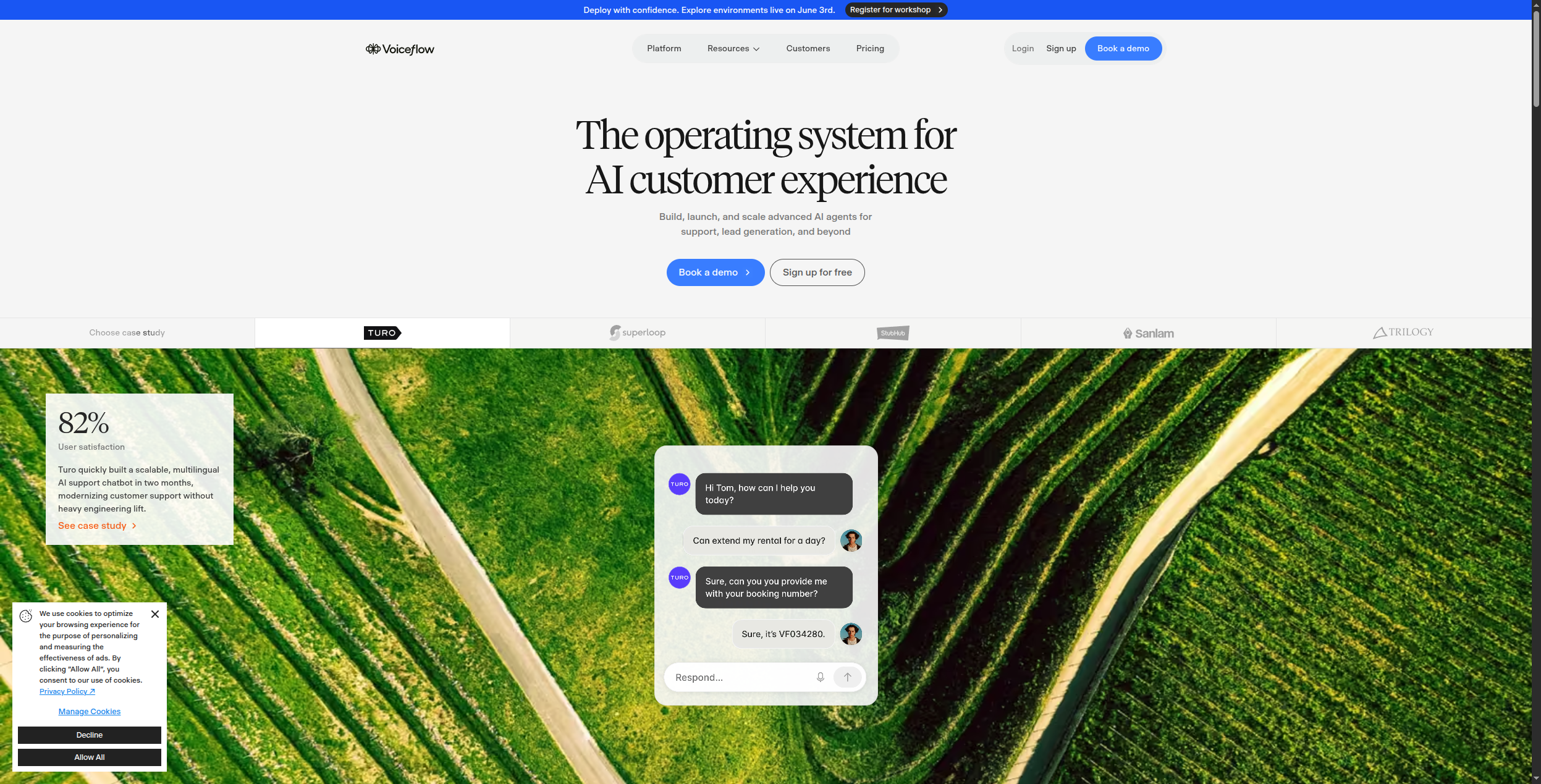
Pricing: Voiceflow has moved to enterprise/usage-based pricing with no public tiers — plans are quoted based on agent volume, seat count, and deployment scale. There is a free trial with no credit card required. Contact their sales team for “For Businesses” (fully managed, multi-channel) or “For Agencies & Partners” (white-label, client management) pricing.
Key features:
Pros: Excellent visual design system, strong collaboration features, good KB/RAG integration, multi-channel deployment, growing integration ecosystem
Cons: No public pricing (quote-based), LLM capabilities less mature than FlowHunt for complex reasoning, workflow automation limited compared to agent platforms
Best for: Product teams and conversation designers building sophisticated multi-channel chatbots where design quality and team collaboration matter.
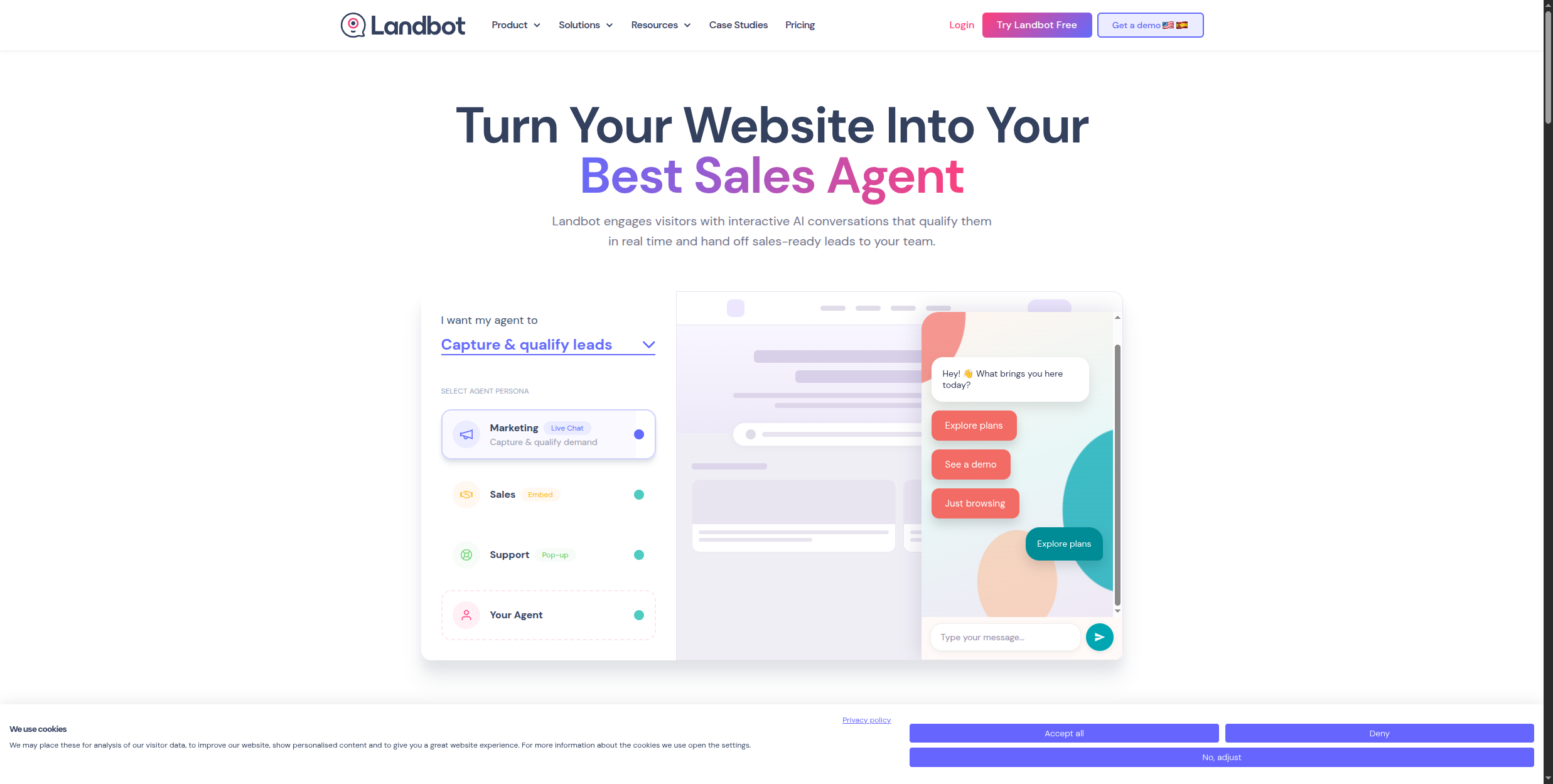
Landbot specializes in conversational marketing — turning traditional web forms into engaging chat experiences that dramatically improve lead capture rates. Its visual builder creates chatbot flows that feel like friendly conversations rather than interrogations, with high-conversion design templates for lead gen, product qualification, and demo booking.
Landbot integrates with HubSpot, Salesforce, Zapier, and Make, making it easy to pipe captured leads directly into your CRM and marketing automation flows. Its WhatsApp Business API integration is particularly strong, with Meta Business Partner certification, making it the go-to choice for businesses targeting WhatsApp as a lead capture channel.
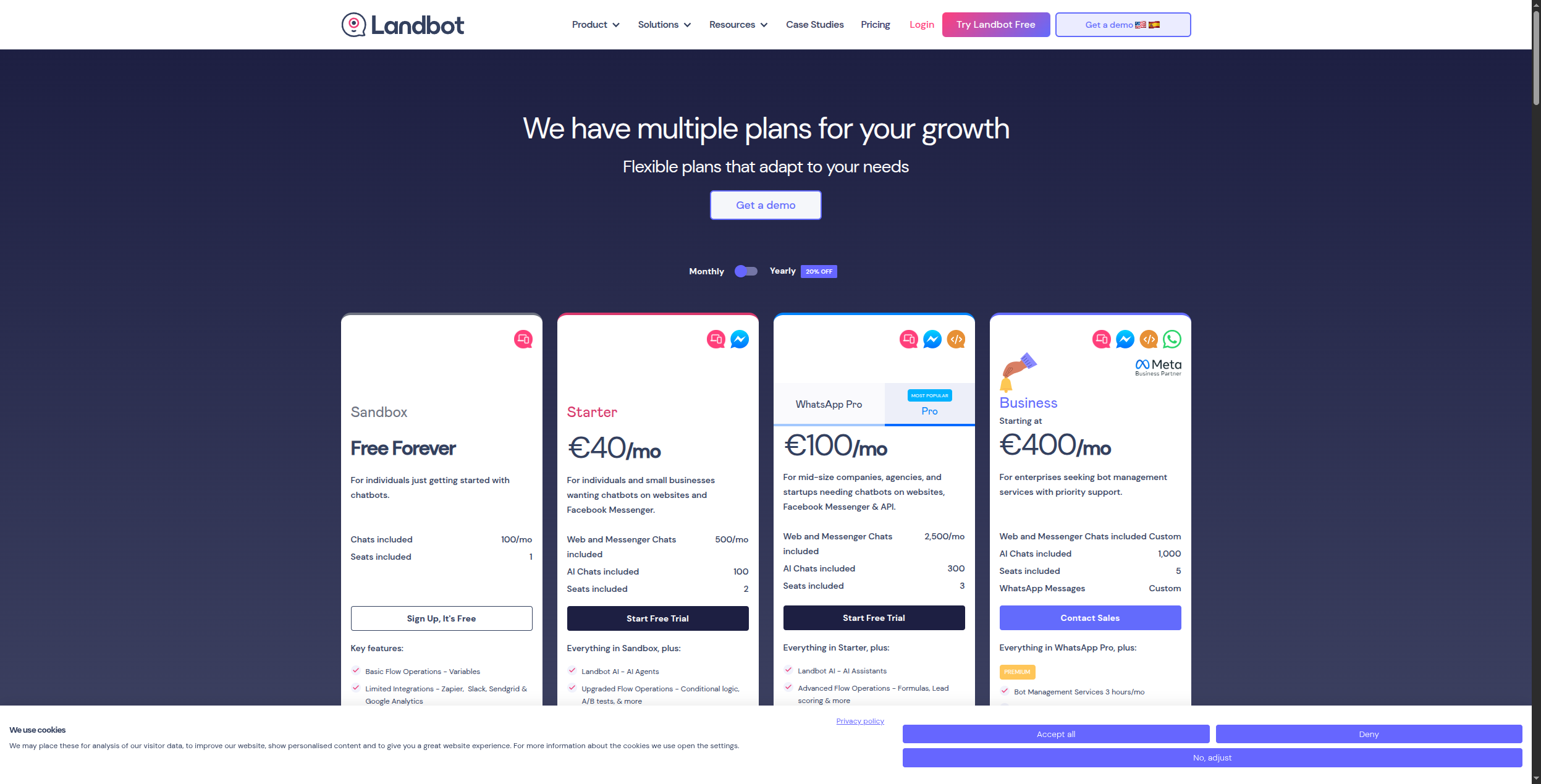
Pricing:
Key features:
Pros: Best for lead generation use cases, clean conversational UI, strong WhatsApp integration, good CRM integrations, easy to set up
Cons: Less powerful for complex support or transactional use cases, LLM/AI capabilities basic compared to FlowHunt or Voiceflow, prices in EUR and scale quickly for high-volume use
Best for: Marketing teams running lead generation, qualification, and demo booking chatbots — especially for WhatsApp and website chat channels.
Typebot is an open-source chatbot builder with a Typeform-like design aesthetic — conversational forms that feel native and modern rather than clunky. It’s fully self-hostable (Docker-based), MIT licensed, and free to use on your own infrastructure.
Despite being open-source, Typebot is surprisingly polished: it supports conditional logic, variables, API calls, custom code, and integrations with OpenAI, Google Sheets, Airtable, and major CRM systems. The flow editor (shown below) organizes conversation steps into blocks — text bubbles, input fields, logic conditions, integrations — connected by a visual canvas that’s easier to navigate than Botpress’s dense editor.
Pricing:
Key features:
Pros: Open-source and self-hostable (MIT license), clean modern UI, competitive pricing, 34+ integrations including OpenAI and Anthropic, active development community
Cons: Less powerful NLU than Rasa or Dialogflow, community support only on free tier, fewer enterprise-grade features than commercial platforms
Best for: Developers and technical teams that need a self-hosted chatbot builder with good UX and don’t want to pay Botpress cloud pricing.
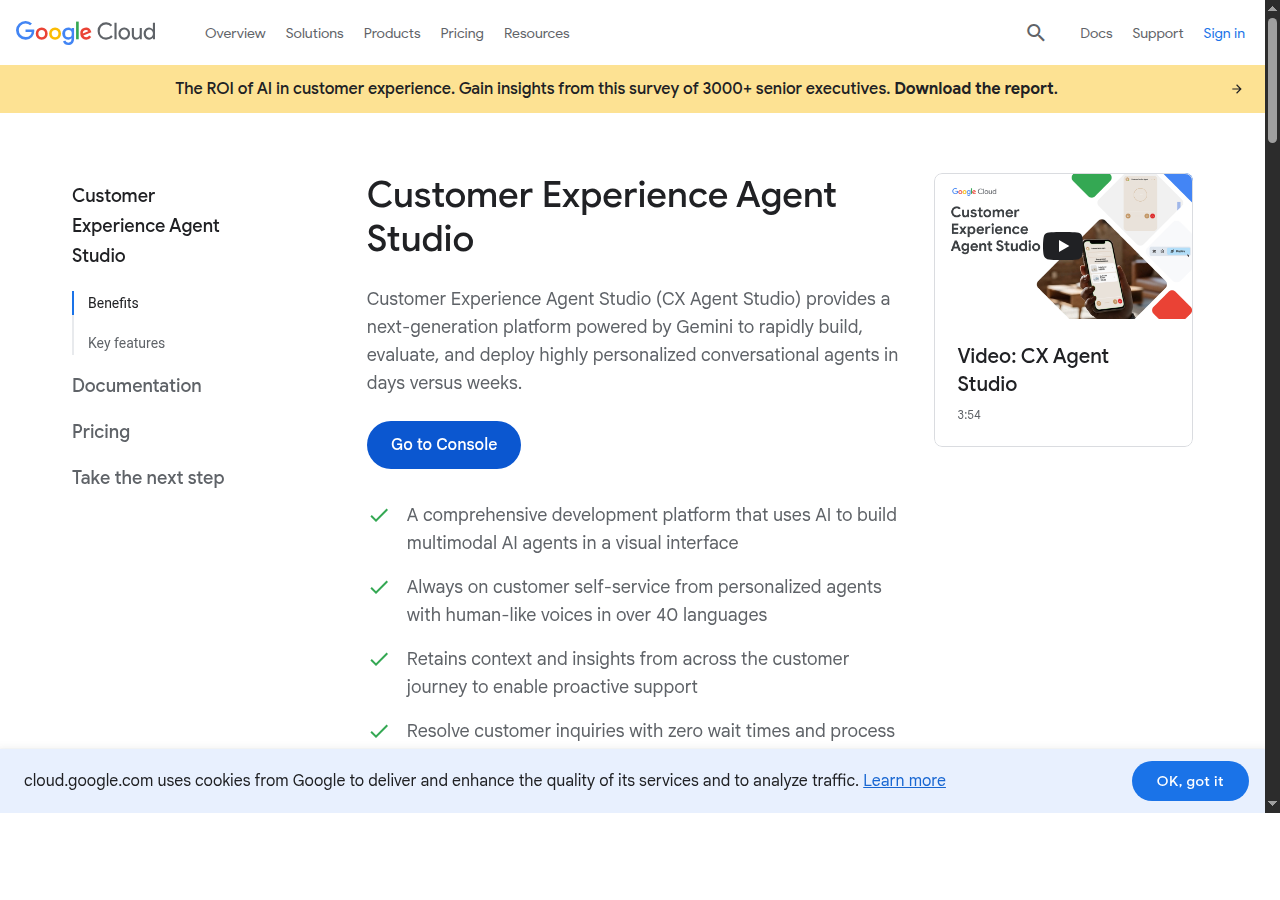
Dialogflow CX is Google’s enterprise-grade conversational AI platform, now rebranded as “Conversational Agents” within Google Cloud. Its strengths lie in natural language understanding: multi-language support (30+ languages), sophisticated intent classification, entity extraction, and advanced NLU models backed by Google’s research. For high-volume, complex NLU requirements — especially in non-English languages — Dialogflow remains the gold standard.
Dialogflow has two distinct modes: Flows (formerly Dialogflow CX) for deterministic agents built with intents and NLU, and Playbooks for generative agents powered by Gemini that use natural language instructions instead of explicit intent training. This means you can mix rule-based precision with LLM flexibility in the same agent.
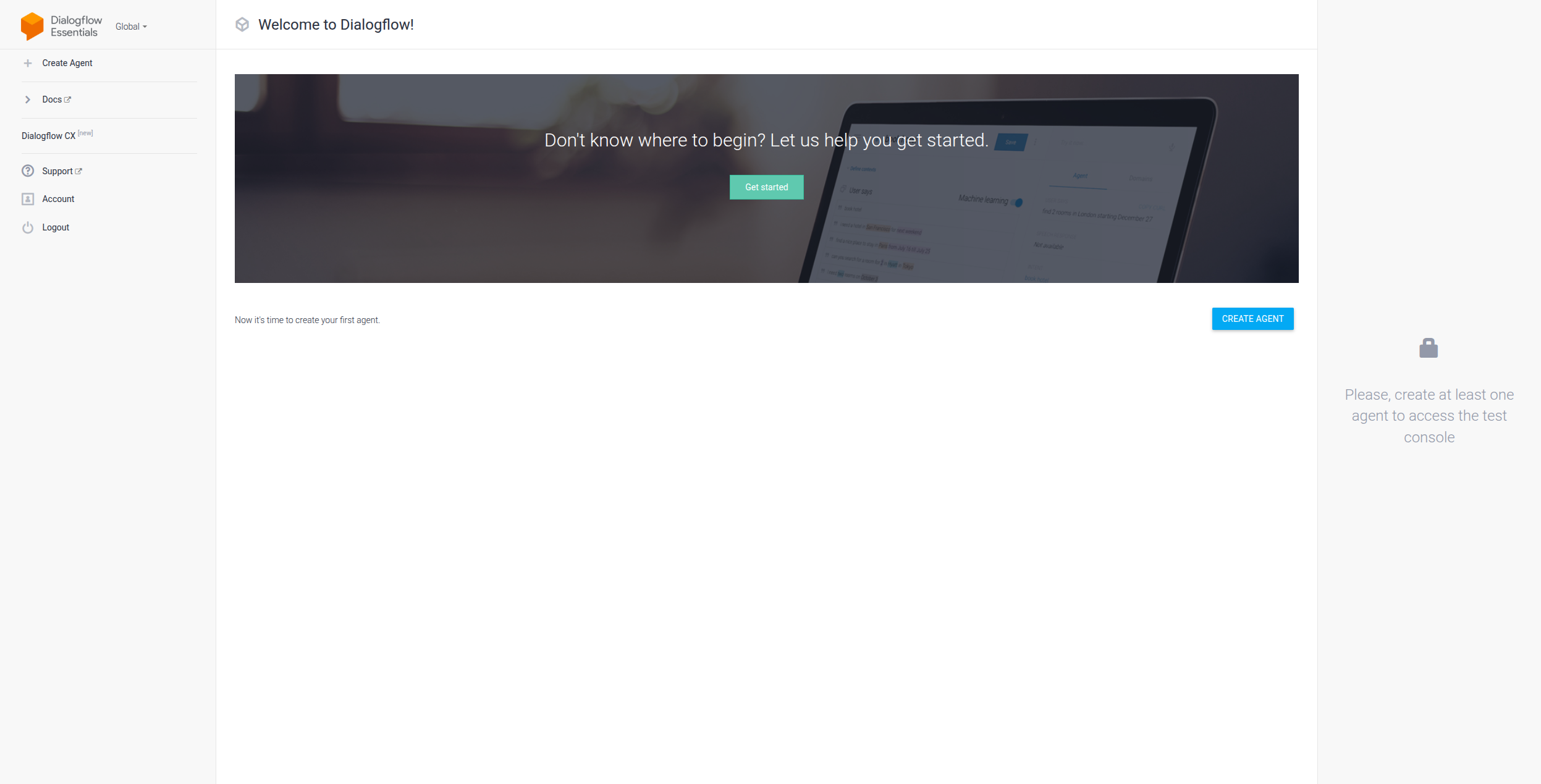
Pricing: Pure pay-as-you-go — no monthly minimums, no seat fees:
At 100,000 chat requests/month, you’re paying ~$700-$1,200/month depending on whether you use Flows or Playbooks — which scales well for high-volume enterprise deployments.
Key features:
Pros: Best-in-class NLU (especially multi-language), hybrid deterministic + generative mode, enterprise-grade reliability, Google Cloud infrastructure, pay-per-use pricing
Cons: Complex to learn and configure, can get expensive at scale, requires Google Cloud commitment, overkill for simple chatbot use cases
Best for: Enterprise contact centers, global businesses needing multi-language NLU, and teams building on Google Cloud infrastructure.
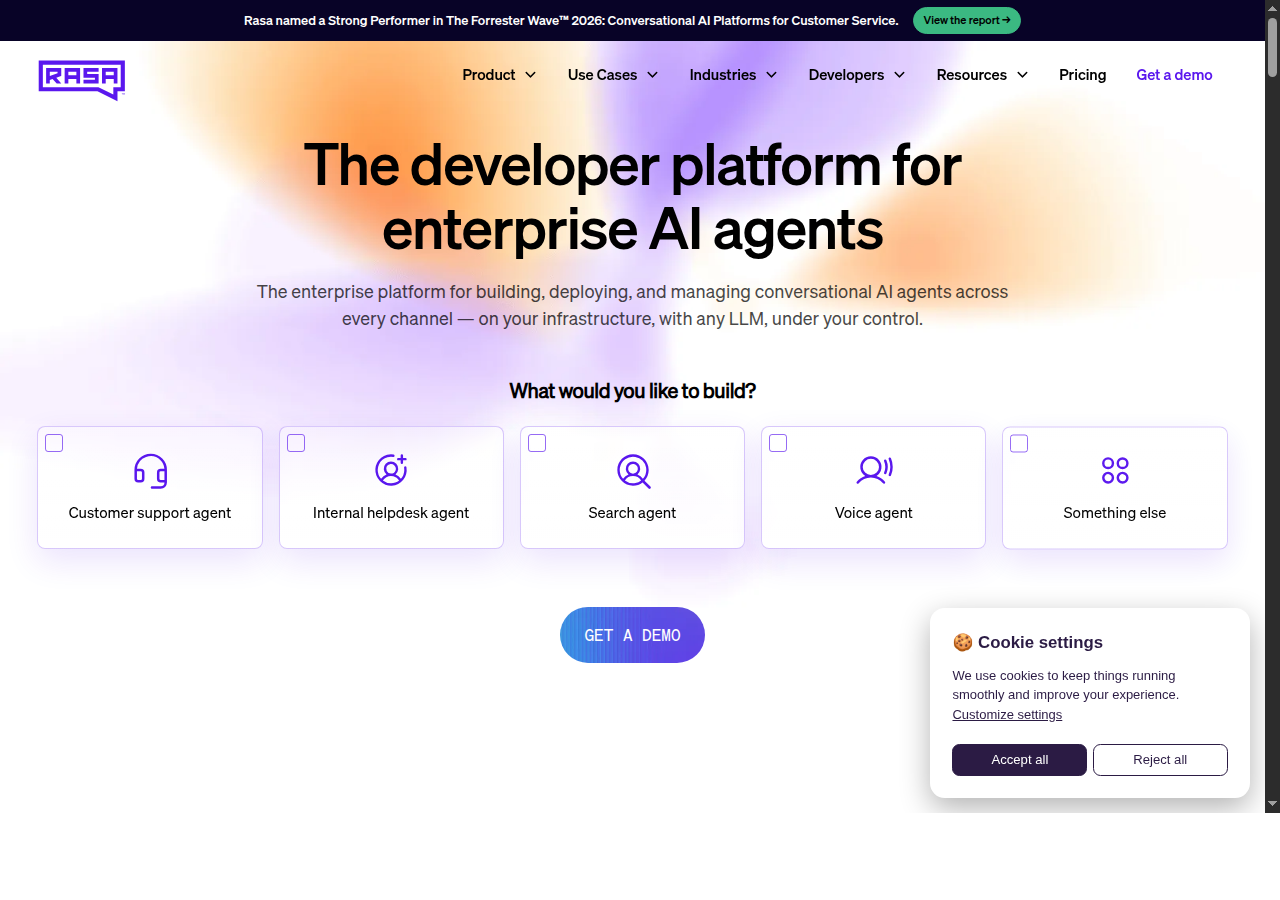
Rasa is the most powerful open-source framework for building production chatbots with custom NLU pipelines. Unlike Botpress’s embedded NLU, Rasa gives you complete control over your NLU architecture: choose your featurizers, classifiers, entity extractors, and response selectors, then train on your own data with full transparency into the model.
The platform is built in Python and follows a YAML-based configuration model. You define intents, entities, stories (conversation paths), and rules in config files, train your NLU model locally, and deploy to any infrastructure. Custom actions are Python functions that can call APIs, query databases, or trigger any business logic mid-conversation.
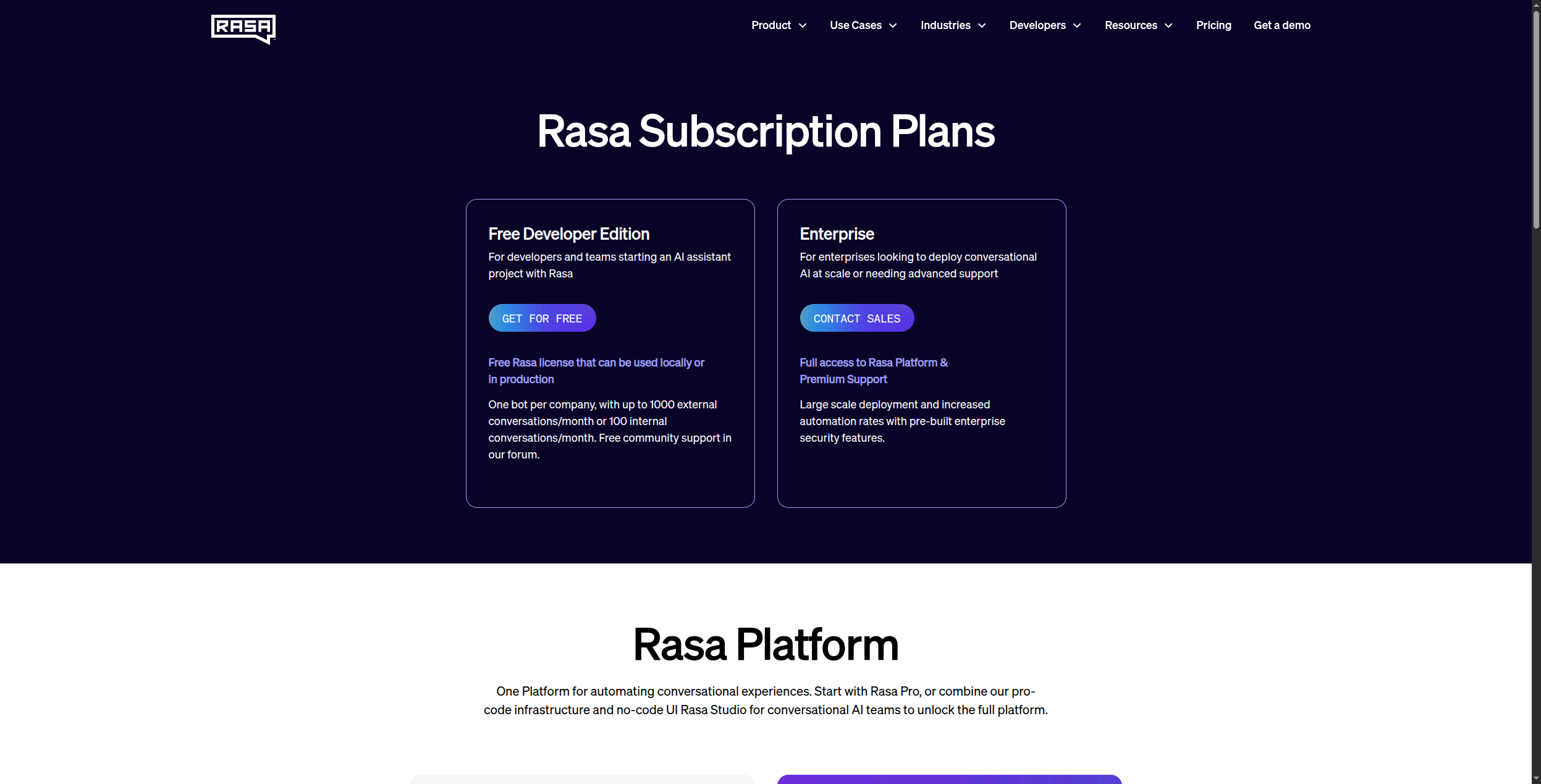
Pricing:
Key features:
Pros: Maximum NLU control, fully open-source (Apache 2.0 core), on-premise deployment, enterprise tier available, large community and ecosystem
Cons: Requires Python/ML expertise, significant infrastructure overhead, slower to build than no-code tools, enterprise tier pricing not public
Best for: Technical teams in regulated industries (banking, healthcare, insurance) that need on-premise deployment, custom NLU models, and full data control.
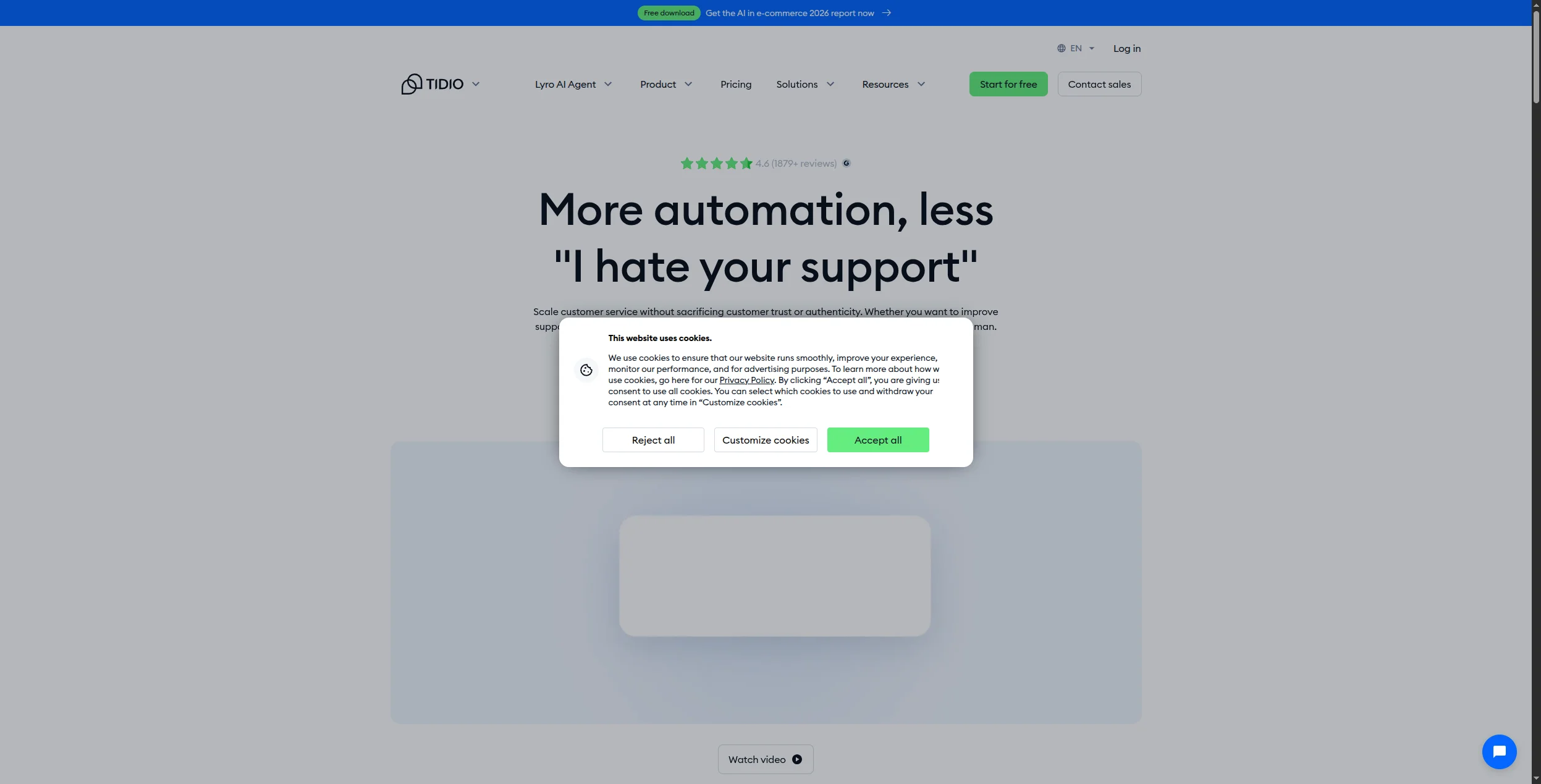
Tidio combines live chat, AI chatbot automation, and a simple visual bot builder in one affordable platform designed specifically for e-commerce and small businesses. Its AI agent Lyro (powered by Anthropic’s Claude) handles customer support queries automatically, answering up to 70% of common questions without human intervention.
Tidio integrates natively with Shopify, WooCommerce, Wix, Squarespace, and other e-commerce platforms, making setup a matter of minutes for online retailers. It also integrates with Zendesk, Salesforce, and Intercom if you want to run Lyro AI alongside your existing helpdesk. Its live chat and bot handoff is particularly smooth — customers can move between AI responses and human agents without friction.
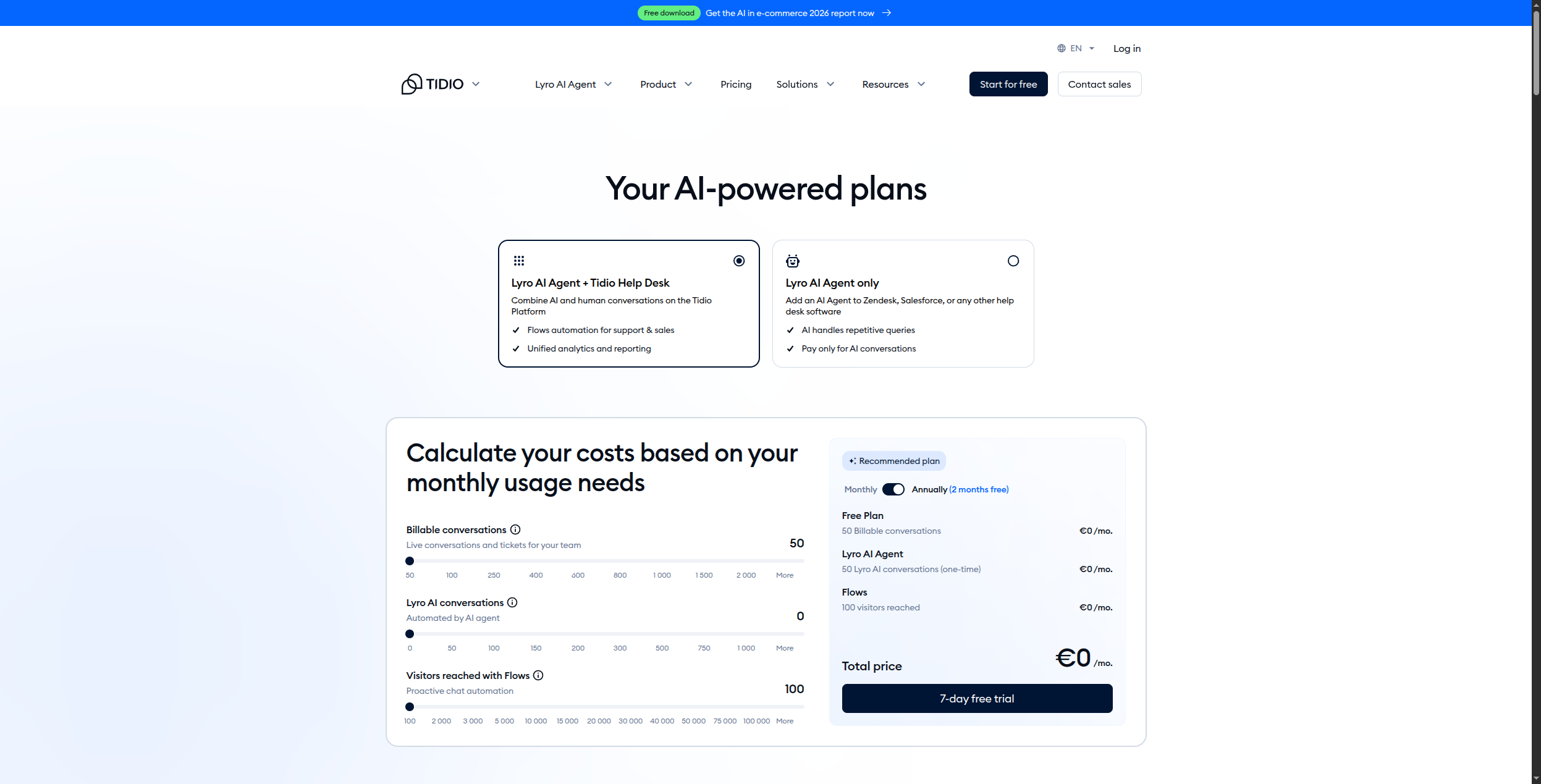
Pricing (usage-based, billed by consumption):
Key features:
Pros: Best for e-commerce, easy setup, live chat + bot + AI in one tool, native Shopify integration, affordable free tier, Claude-powered Lyro AI
Cons: Limited for complex enterprise use cases, NLU less advanced than Dialogflow or Rasa, usage-based pricing can surprise at higher volumes
Best for: E-commerce stores, small businesses, and startups that need a combined live chat and chatbot solution without technical complexity.
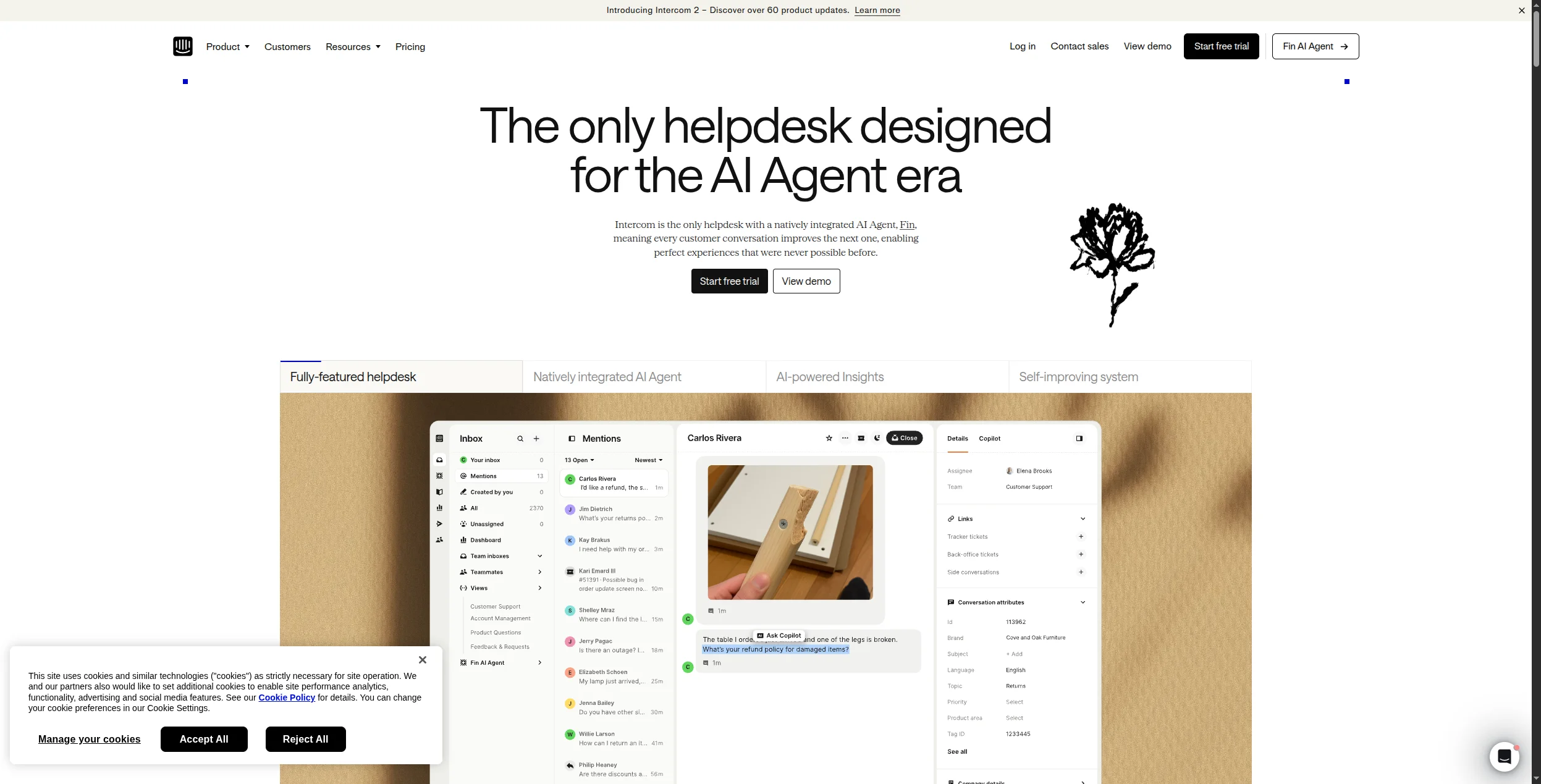
Intercom’s Fin AI is the most capable out-of-the-box AI support agent on the market. Powered by large language models, Fin answers complex customer questions using your existing help center content, resolves support tickets autonomously, and escalates to human agents when needed — all within Intercom’s established customer messaging platform.
Fin’s resolution rate is Intercom’s key metric: on average, Fin resolves 40-60% of support conversations without any human involvement. Intercom backs this with their “Fin Million Dollar Guarantee” — if Fin doesn’t hit the promised resolution rate, they refund the difference. For enterprises with high support volume, the ROI is clear.
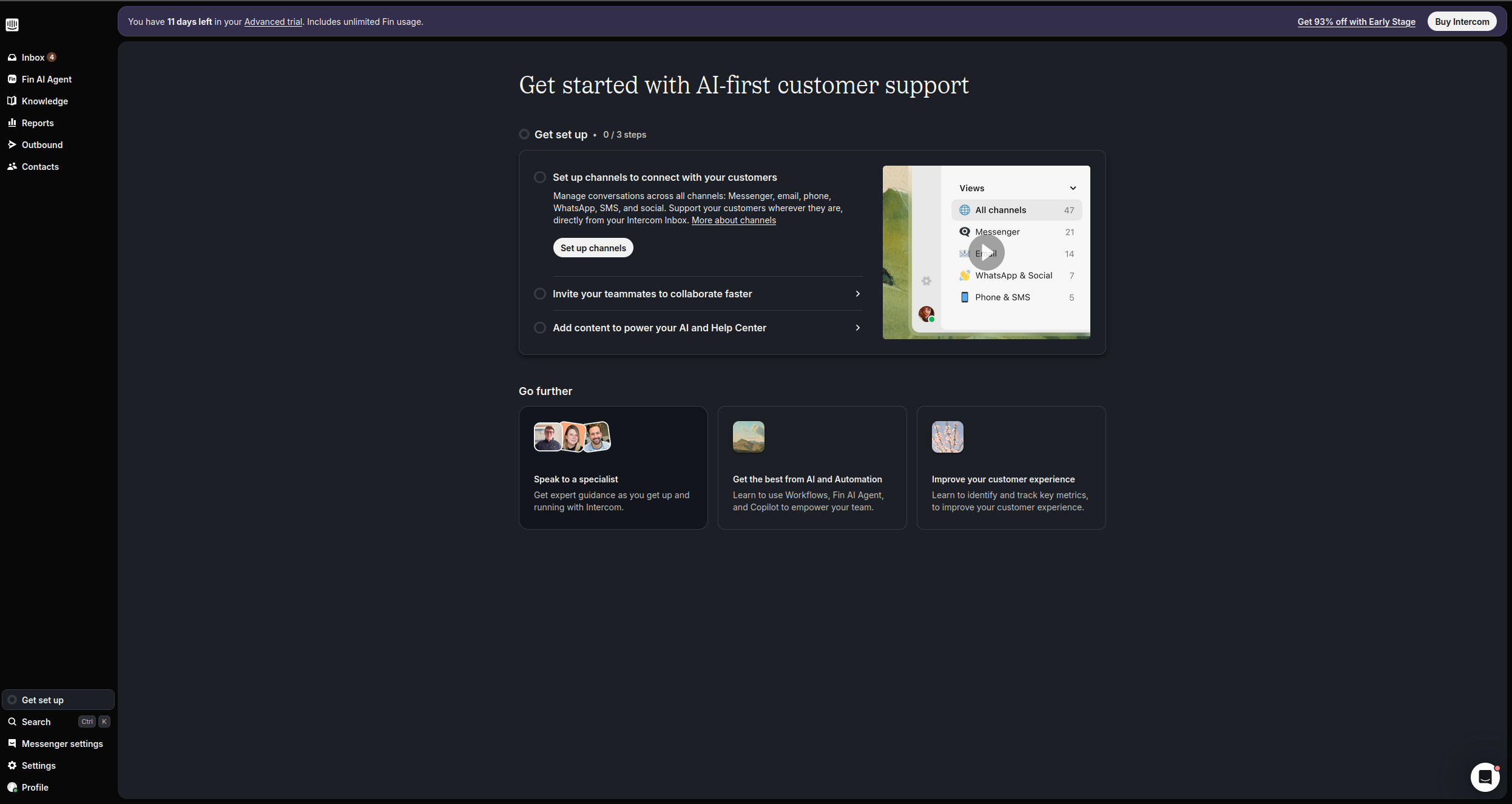
Pricing (billed annually):
Key features:
Pros: Best out-of-the-box AI resolution rate with guaranteed outcomes, proven messaging infrastructure, deep analytics, smooth human escalation, Fin-only option for existing helpdesks
Cons: Expensive at scale (seat fees + per-outcome fees add up quickly), limited outside the support use case, less customizable agent logic than FlowHunt
Best for: Enterprise SaaS companies with large support teams looking to automate a significant portion of their customer support volume.

Start your free trial today and see results within days.
Choose FlowHunt if you want to replace Botpress’s decision trees with true AI agents that understand customers and take real actions — especially if workflow automation behind the chatbot is part of your requirements.
Choose Voiceflow if you have a product and design team focused on multi-channel conversation experiences and need a professional design system with collaboration tools.
Choose Landbot if your primary use case is lead generation, qualification, and demo booking — especially via WhatsApp or website chat.
Choose Typebot if you need an open-source, self-hosted chatbot builder with a modern UI at a lower cost than Botpress’s cloud pricing.
Choose Dialogflow if you need enterprise-grade NLU in multiple languages and are committed to Google Cloud infrastructure.
Choose Rasa if you need on-premise deployment, complete NLU control, and have a technical team capable of maintaining a Python-based framework.
Choose Tidio if you’re an e-commerce company or SMB that wants live chat + AI bot + simple automation in one tool without technical overhead.
Choose Intercom if you’re an enterprise SaaS company with high support volume and want the best out-of-the-box AI support resolution rate.
The key question to ask yourself: do you want a chatbot (a scripted conversation system) or an AI agent (an autonomous system that understands context and takes actions)? In 2026, for most use cases, AI agents deliver significantly better user experiences and business outcomes than even the best chatbot platforms.
For more on AI agents and automation, see Best AI Agent Builders 2026 , Best Workflow Automation Tools , and Automate Customer Support with AI and Human Handoff .
Arshia is an AI Workflow Engineer at FlowHunt. With a background in computer science and a passion for AI, he specializes in creating efficient workflows that integrate AI tools into everyday tasks, enhancing productivity and creativity.

FlowHunt goes beyond what Botpress can do — AI agents that reason, take action across your systems, and hand off to humans with full context. No rule-based decision trees required.
Learn about Botpress, an AI platform for building chatbots. Discover its key features, pros and cons, pricing options, and top alternatives to help you choose t...
Explore the top chatbot builders in 2026, from enterprise solutions like OpenAI and Google Dialogflow to specialized platforms. Learn which tools best fit your ...
Discover the top AI chatbot builders in 2025. Compare FlowHunt, Botpress, Chatbase, and other leading platforms with detailed features, pricing, and use cases.
Cookie Consent
We use cookies to enhance your browsing experience and analyze our traffic. See our privacy policy.