Best Zapier Alternatives in 2026: 12 Tools That Do More for Less
Ranked and reviewed: the 12 best Zapier alternatives in 2026. Whether you need AI-native automation, cheaper pricing, self-hosting, or enterprise power — there’s a better fit.
Automation
AI Tools
Workflow Automation
No-Code
Integrations
Zapier built the automation category — but it’s no longer the best answer for every team. Its task-based pricing model becomes expensive fast, its AI capabilities are still catching up, and complex multi-step logic hits real limits in its editor. Meanwhile, a generation of purpose-built alternatives have launched with better pricing, deeper AI integration, and capabilities Zapier wasn’t designed for.
This guide covers the 12 best Zapier alternatives in 2026: what each one does better, what it gives up, and which is the right choice for your team’s specific situation.
What is Zapier?
Zapier is the world’s most widely used no-code automation platform, founded in 2011. It connects 7,000+ apps through simple trigger-action “Zaps” — when something happens in one app, Zapier automatically does something in another. Its core strength is breadth: no other platform covers as many integrations, which made it the default choice for non-technical teams automating repetitive SaaS tasks throughout the 2010s. Zapier is cloud-only, priced per task, and designed for simplicity over power — making it excellent for straightforward automations but expensive and limited for complex, high-volume, or AI-driven workflows.
Quick Comparison Table
Tool
Best Alternative For
Pricing
Free Tier
Self-Host
FlowHunt
AI-native automation, complex reasoning
Free + usage-based
✅
❌
Make
Visual multi-step workflows, lower cost
From $9/mo
✅
❌
n8n
Open-source, data compliance
Free (self-host) / $20/mo
✅
✅
Activepieces
Zapier-like UI, open-source
Free (self-host) / $99/mo
✅
✅
Pabbly Connect
Budget, high-volume, one-time pricing
From $19/mo
❌
❌
Pipedream
Developers, code + automation
Free / $19/mo
✅
✅
Relay.app
Human-in-the-loop approvals
From $9/mo
✅
❌
Workato
Enterprise iPaaS, ERP/CRM integration
Custom
❌
❌
Power Automate
Microsoft 365 shops
From $15/user/mo
✅ (limited)
❌
Integrately
Speed of setup, ready-made automations
From $19.99/mo
✅
❌
IFTTT
Consumer automations, IoT
Free / $2.99/mo Pro
✅
❌
Albato
European/CIS apps, white-label
From $13/mo
✅
❌
Ready to grow your business?
Start your free trial today and see results within days.
Before picking an alternative, it’s worth understanding what drives the switch:
Pricing — Zapier bills per task. At scale, costs balloon fast. A team running 50,000 tasks/month pays $299/mo on Zapier’s Professional plan.
AI limitations — Zapier’s AI features (Agents, AI actions) are in beta and limited compared to purpose-built AI automation platforms.
Complex logic — Branching, loops, error handling, and data transformation are clunky in Zapier’s linear step editor.
Data compliance — Zapier has no self-hosting option. Teams in regulated industries or with data residency requirements need an alternative.
Integration gaps — Despite 6,000+ apps, Zapier’s connectors for niche or enterprise systems are often shallow.
1. FlowHunt — Best Zapier Alternative for AI-Powered Automation
FlowHunt is what Zapier would look like if it were built today, for AI-first workflows. Instead of wiring together fixed trigger-action steps, you build intelligent agents that can read unstructured data, decide what to do next, use multiple tools in sequence, and hand off to humans when needed.
A FlowHunt workflow can do things a Zapier zap fundamentally cannot: read an incoming email, understand the customer’s intent, check your knowledge base, draft a personalised response, route to the right team if it’s out of scope, and log the interaction — all in a single flow.
What makes it a superior Zapier alternative:
AI reasoning, not just rules — handle inputs that don’t match a predefined template
1,400+ native integrations — comparable coverage to Zapier with deeper connections
Multi-agent support — chain specialist agents together, something Zapier can’t do
Usage-based pricing — pay for what runs, not a fixed task quota
Built-in observability — every execution is logged with full input/output detail
Pricing: Free tier with generous limits. Paid plans scale with usage. See full pricing details
.
Pros:
Handles ambiguous, unstructured inputs that break rule-based automations
No-code interface accessible to non-technical teams
Significantly more powerful for AI content and support workflows
Cons:
More setup time than Zapier for simple two-step automations
Overkill if you only need basic app-to-app triggers
Best for: Teams with complex, multi-step workflows that involve unstructured data, AI reasoning, or multi-agent pipelines — where Zapier’s rule-based model creates recurring maintenance and edge-case failures.
Pro Tip: If you’re migrating from Zapier, start by identifying your 3 highest-volume Zaps and rebuild them in FlowHunt first. Most teams find they can collapse 2–3 sequential Zaps into a single FlowHunt flow with better error handling — and add AI reasoning on top for free.
2. Make — Best Zapier Alternative for Complex Workflows
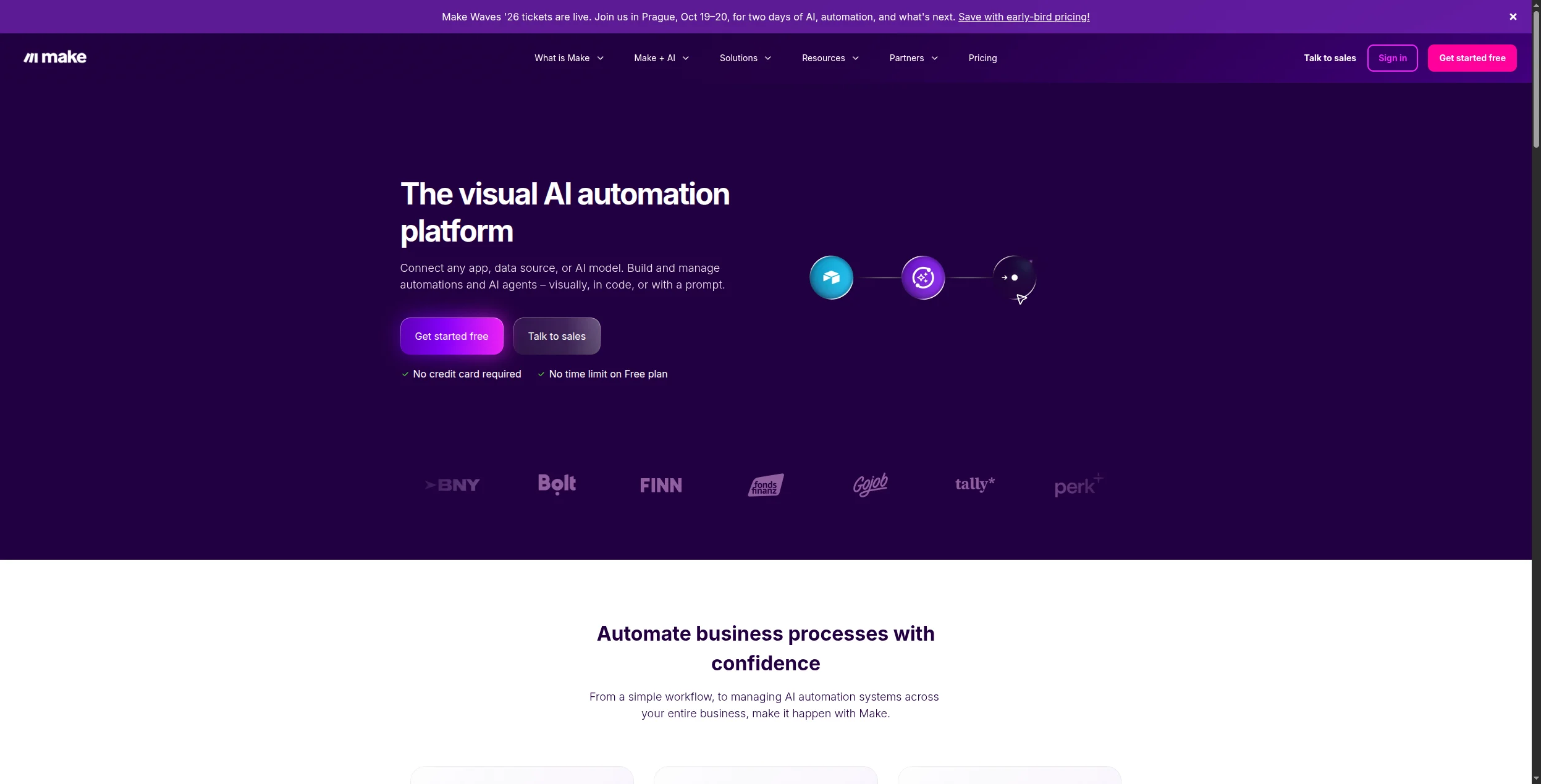
Make (formerly Integromat) is the most direct Zapier competitor and the most popular migration destination. Its canvas-based editor shows the full workflow as a connected graph — dramatically easier to reason about than Zapier’s linear step list when workflows get complex. Pricing is scenario-based (not task-based), which works out considerably cheaper at volume.
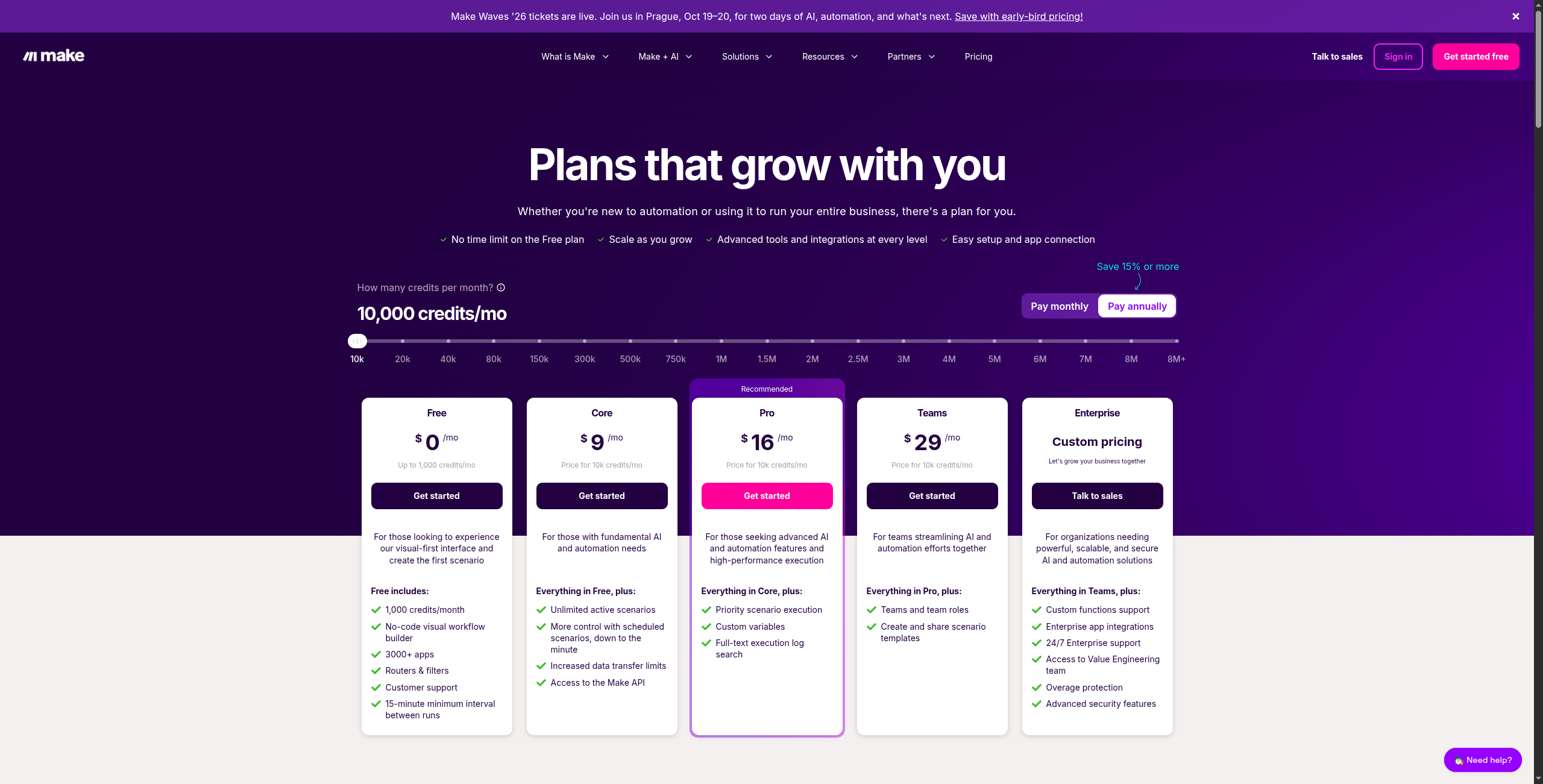
Pricing:
Free — 1,000 operations/month, unlimited scenarios, 2 active scenarios
Core — $9/month (billed annually). 10,000 operations/month, unlimited active scenarios
Visual canvas showing full workflow graph with branching and error-handling paths
1,800+ app integrations with deep data transformation via built-in tools (JSON parser, text aggregator, router, etc.)
Scenario scheduling (minutes to monthly), webhooks, and instant triggers
Iterator and aggregator modules for bulk data processing
Built-in HTTP/REST and SOAP modules for any custom API
Team collaboration with scenario version history and rollback
Pros:
Visual canvas makes branching and error logic readable
Cheaper than Zapier at equivalent usage — scenarios cost less than tasks
1,800+ integrations with richer data transformation options
Generous free tier (1,000 operations/month)
Cons:
Steeper learning curve than Zapier for first-time users
AI capabilities are modules (OpenAI, Anthropic HTTP calls), not native agents
No self-hosting option
Best for: Teams that have outgrown Zapier’s linear editor and need multi-branch, error-aware workflows at a lower per-operation cost.
3. n8n — Best Open-Source Zapier Alternative
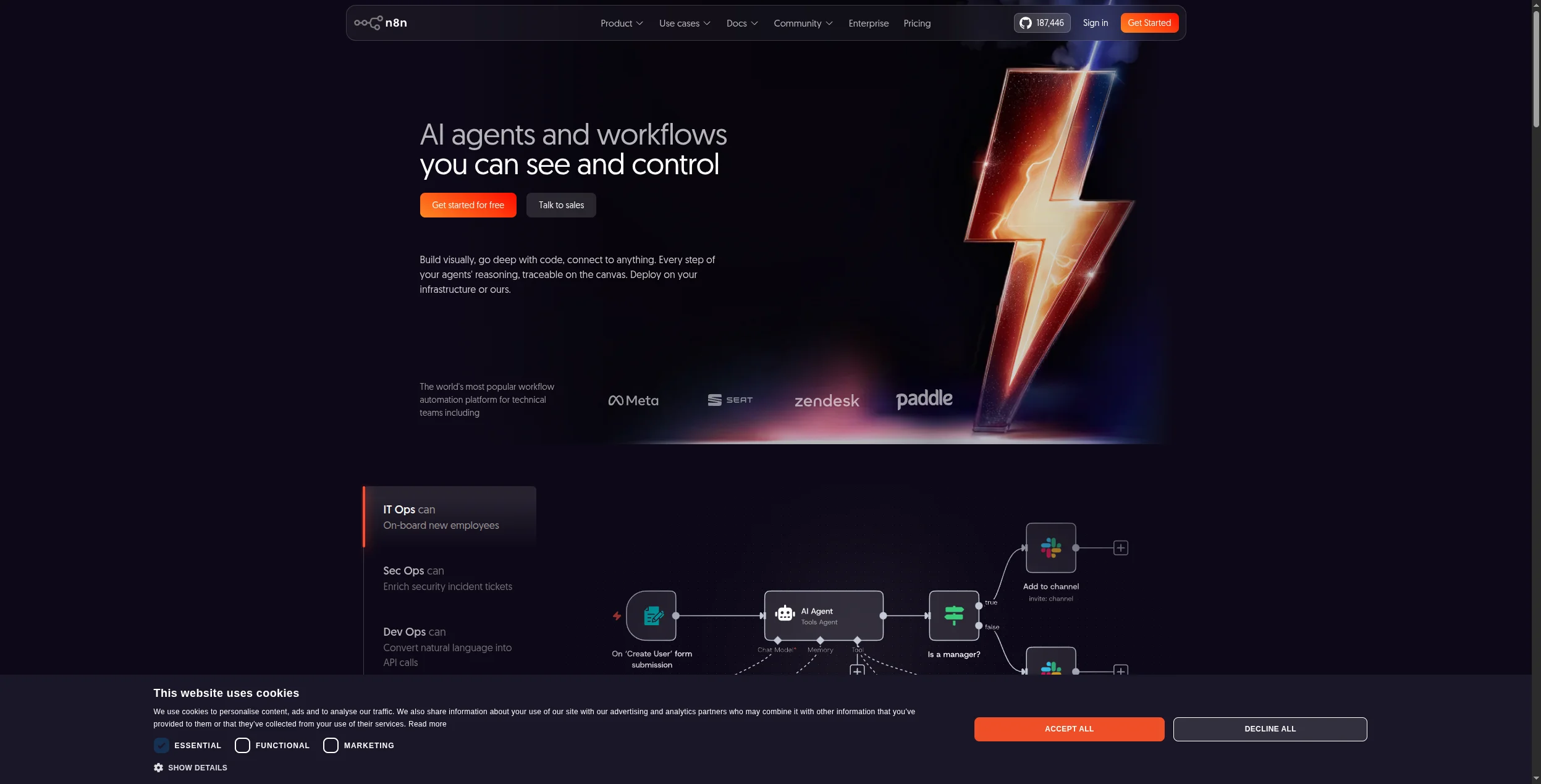
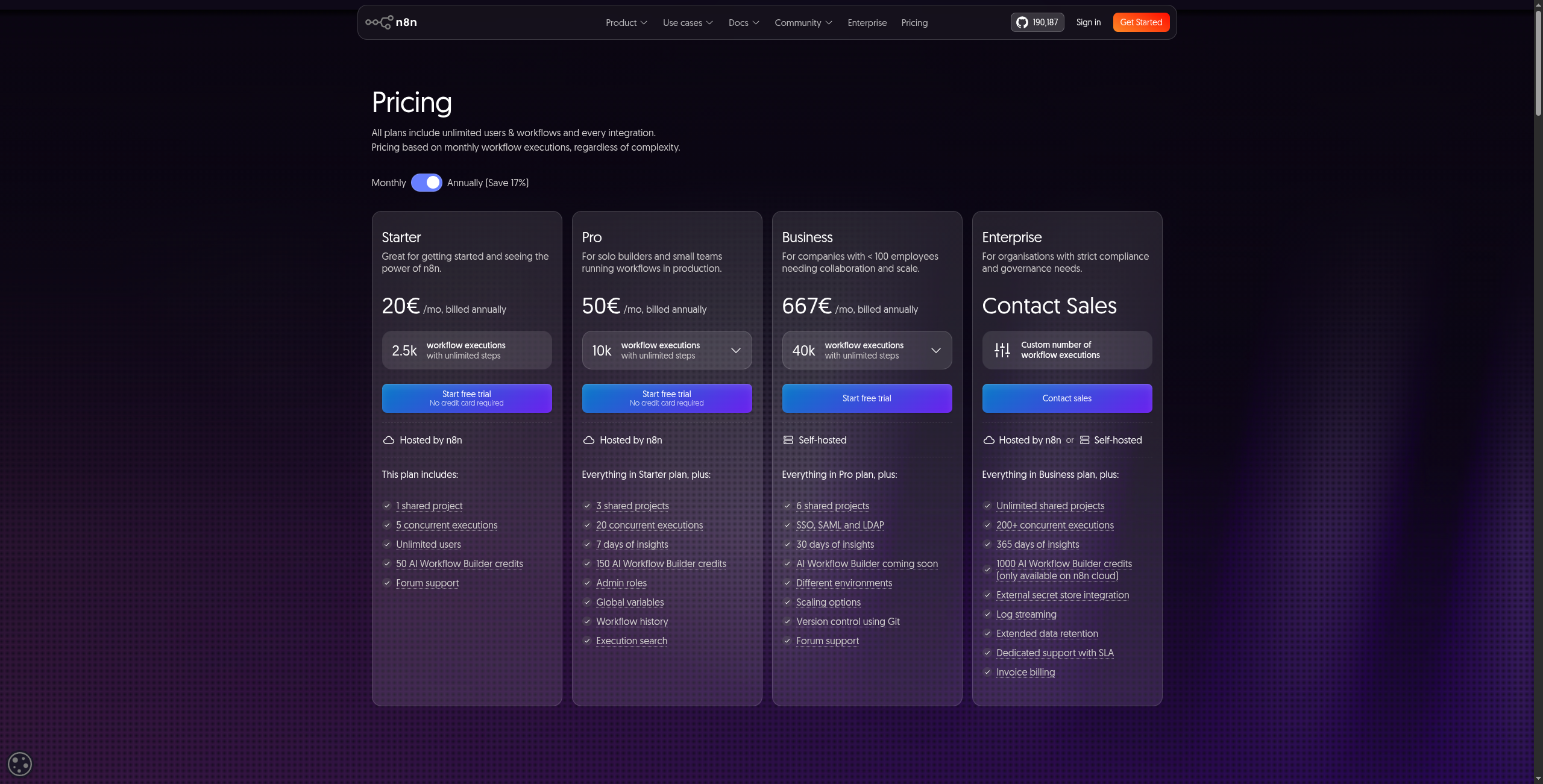
n8n is the go-to for teams that need to self-host their automation infrastructure. It’s MIT-licensed, runs on any cloud or on-premises server, and has shipped strong AI workflow support: LLM nodes, vector store integration, tool-calling agents, and memory. The community maintains 400+ integrations, and the visual editor is comparable to Make’s.
Pricing:
Self-hosted (Community) — Free forever. Unlimited workflows and executions. Requires your own server/Docker setup
Starter — $20/month (cloud). 2,500 workflow executions/month, 5 active workflows, community support
Pro — $50/month (cloud). 10,000 executions/month, unlimited active workflows, debug mode, priority support
Self-hosting requires DevOps capacity to deploy and maintain
Cloud version pricing is similar to Zapier at scale
AI features less polished than dedicated AI platforms like FlowHunt
Best for: Technical teams in regulated industries or those with data sovereignty requirements who want a visual automation platform they can run on their own infrastructure.
4. Activepieces — Best No-Code Open-Source Alternative
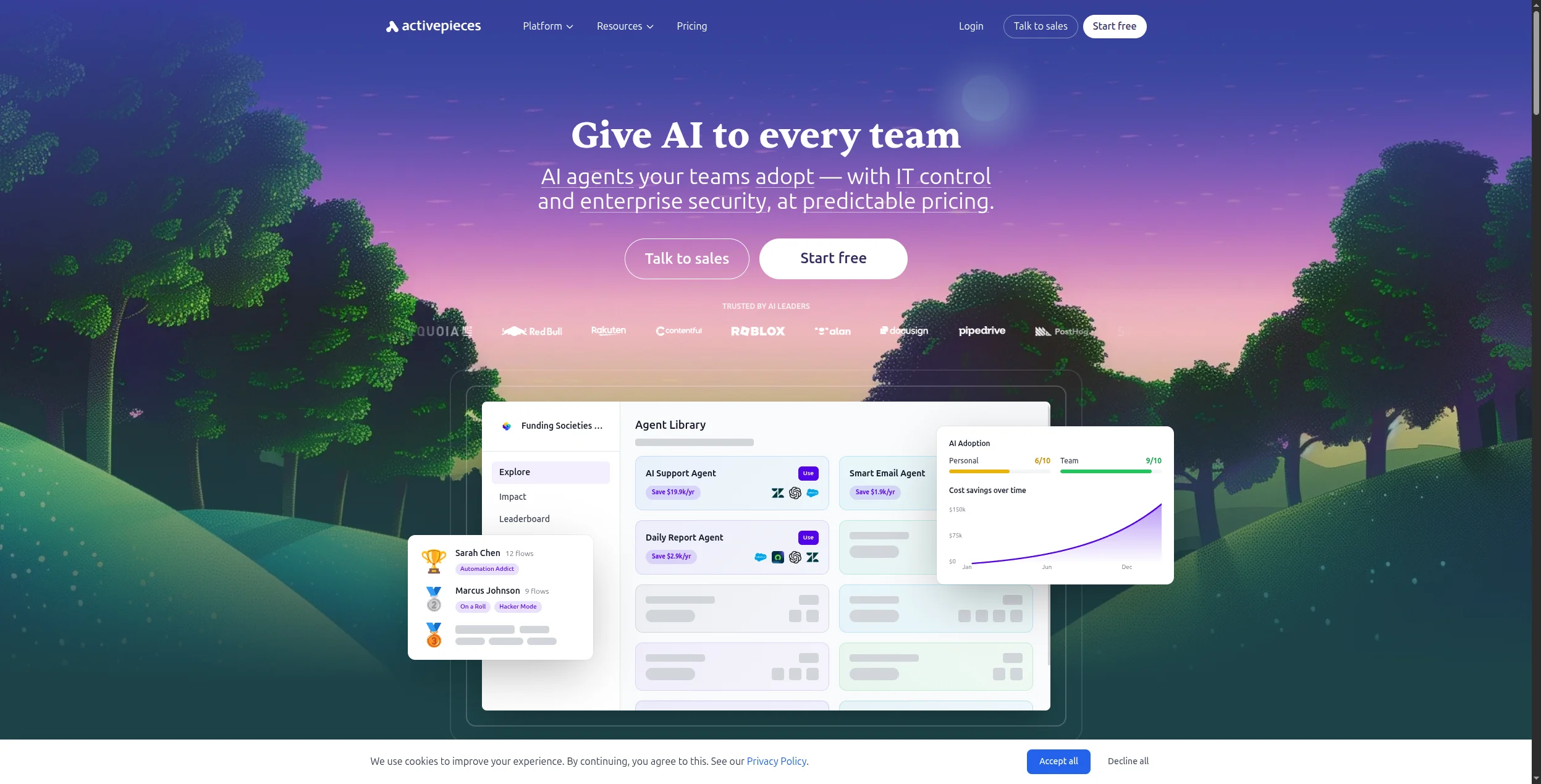
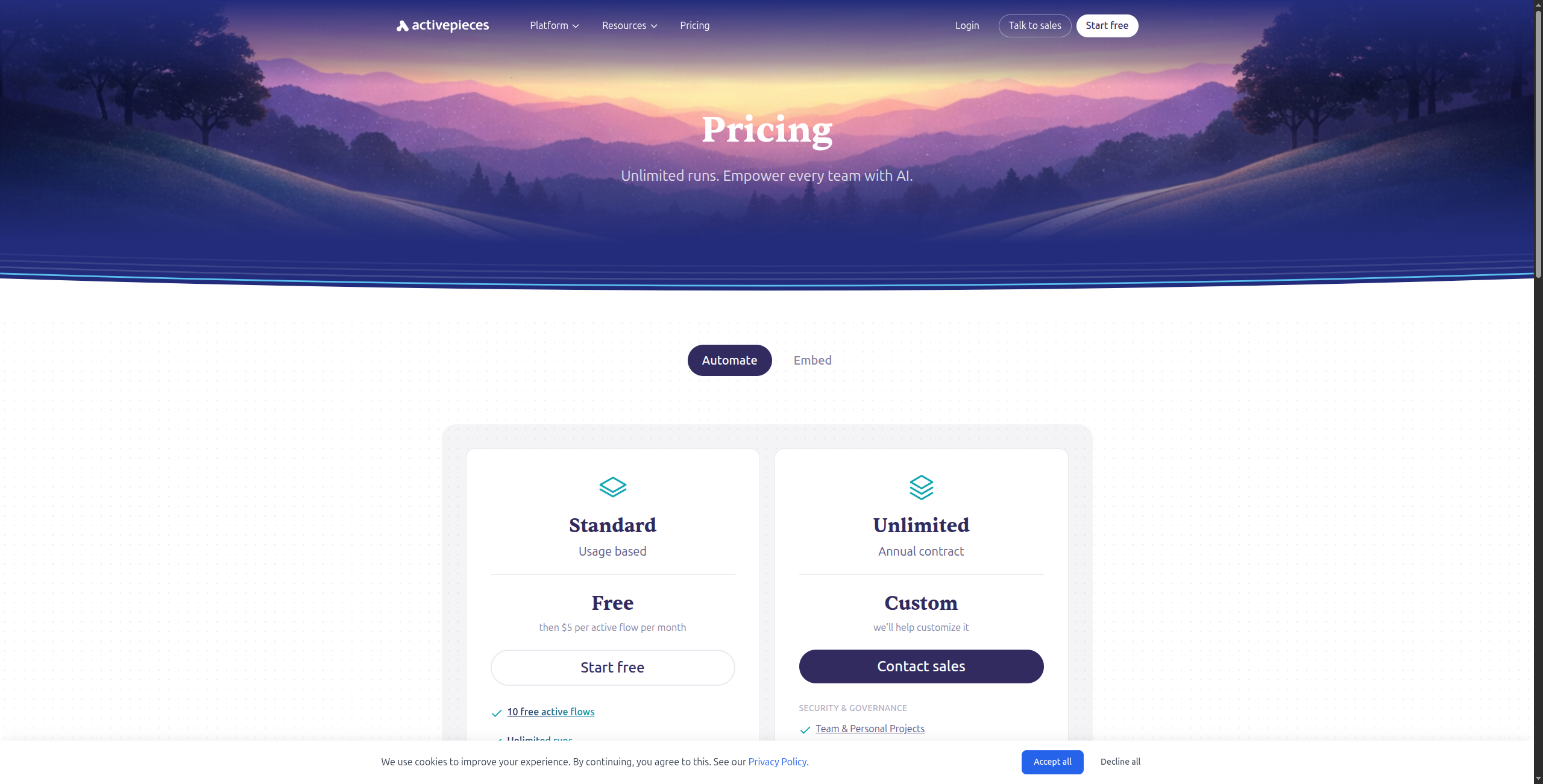
Activepieces is the cleanest option if you want Zapier’s simplicity with open-source flexibility. The interface is deliberately familiar — trigger, actions, conditions — making migration from Zapier require almost no relearning. Self-hosting via Docker is straightforward, and the cloud version has a free tier. The community is shipping new integrations quickly.
Pricing:
Free (Self-hosted) — Free forever. Unlimited flows and tasks on your own infrastructure
Best for: Teams migrating from Zapier who want an open-source, self-hostable platform without a steep learning curve.
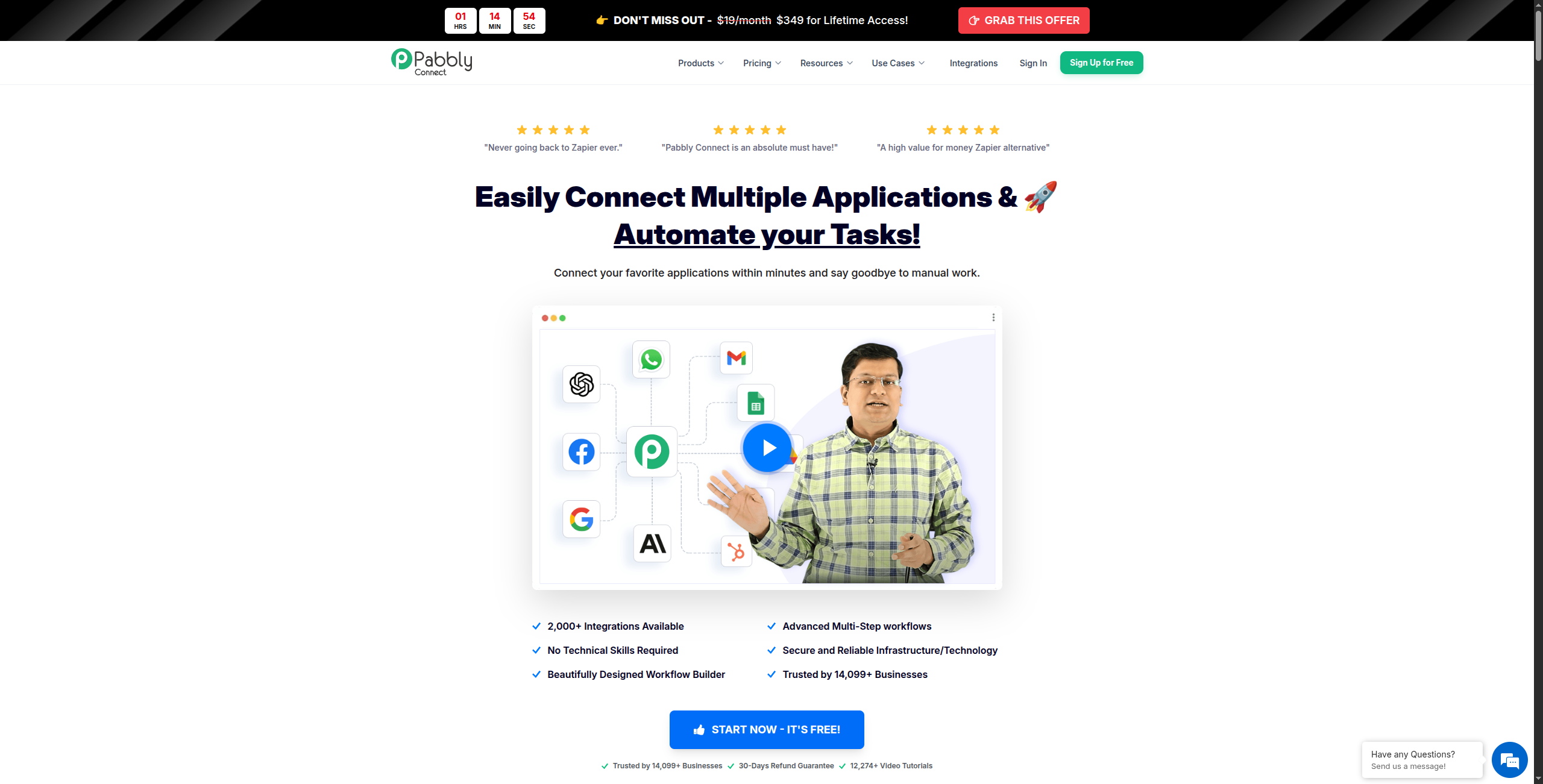
5. Pabbly Connect — Best Budget Zapier Alternative
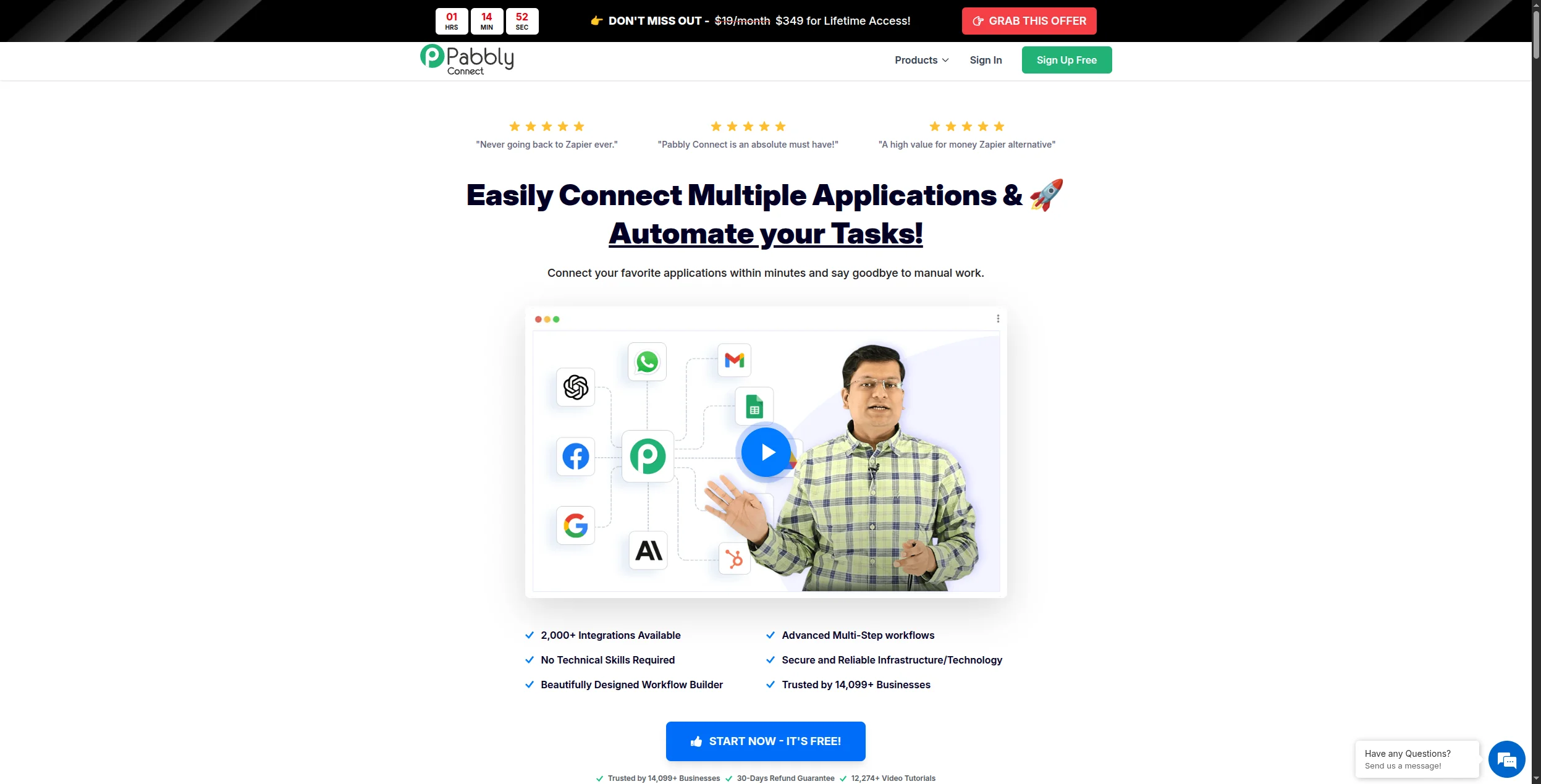
Pabbly Connect stands out with lifetime pricing — a one-time payment that covers unlimited workflows and unlimited operations. For high-volume teams whose Zapier bills are climbing, this is the most cost-effective alternative available. The integration catalog covers 1,000+ apps and the editor is straightforward, though less polished than Make or Activepieces.
Pricing:
Standard — $19/month. 12,000 tasks/month, unlimited workflows, multi-step automation, webhook support
Pro — $39/month. 24,000 tasks/month, all Standard features plus priority support
Ultimate — $79/month. 50,000 tasks/month, all Pro features
Lifetime Deal — From $249 one-time (periodic LTD offer via AppSumo/direct). Unlimited tasks, unlimited workflows, no recurring fees
Key features:
Unlimited workflows and multi-step automation on all paid plans
1,000+ app integrations including CRMs, email platforms, and e-commerce tools
Webhook triggers for any HTTP-based event source
Workflow scheduler for time-based automations (cron-style)
Iterator for processing list data in bulk
Shared team workspace on higher tiers
Pros:
Lifetime pricing option — unbeatable value for high-volume teams
Unlimited workflows and operations on paid plans
1,000+ integrations covering most business tools
Cons:
No AI agent capabilities
Interface and reliability are less polished than top-tier alternatives
Support response times can be slow
Best for: Budget-conscious teams and agencies with high automation volume who want to eliminate recurring per-task fees.
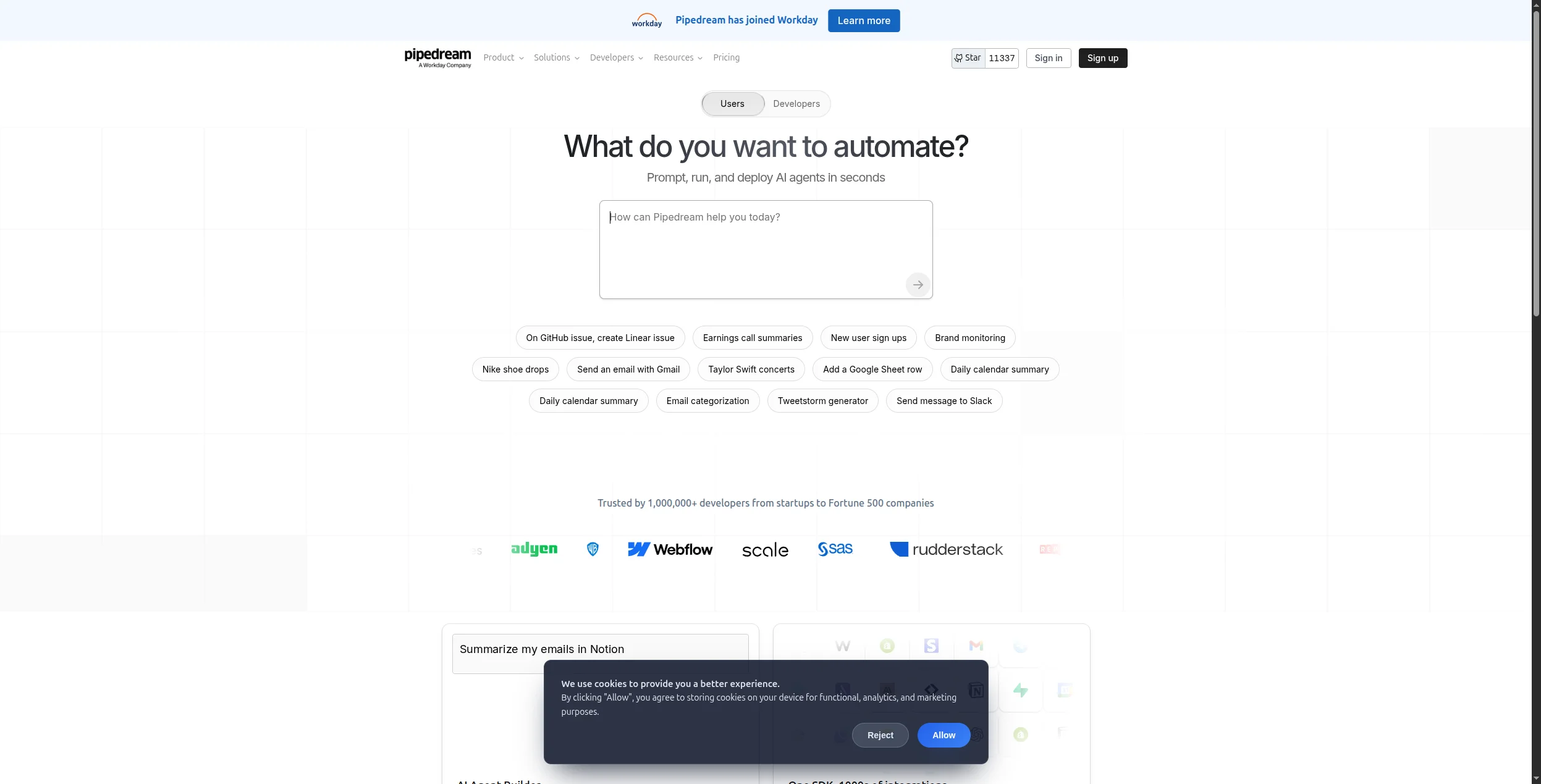
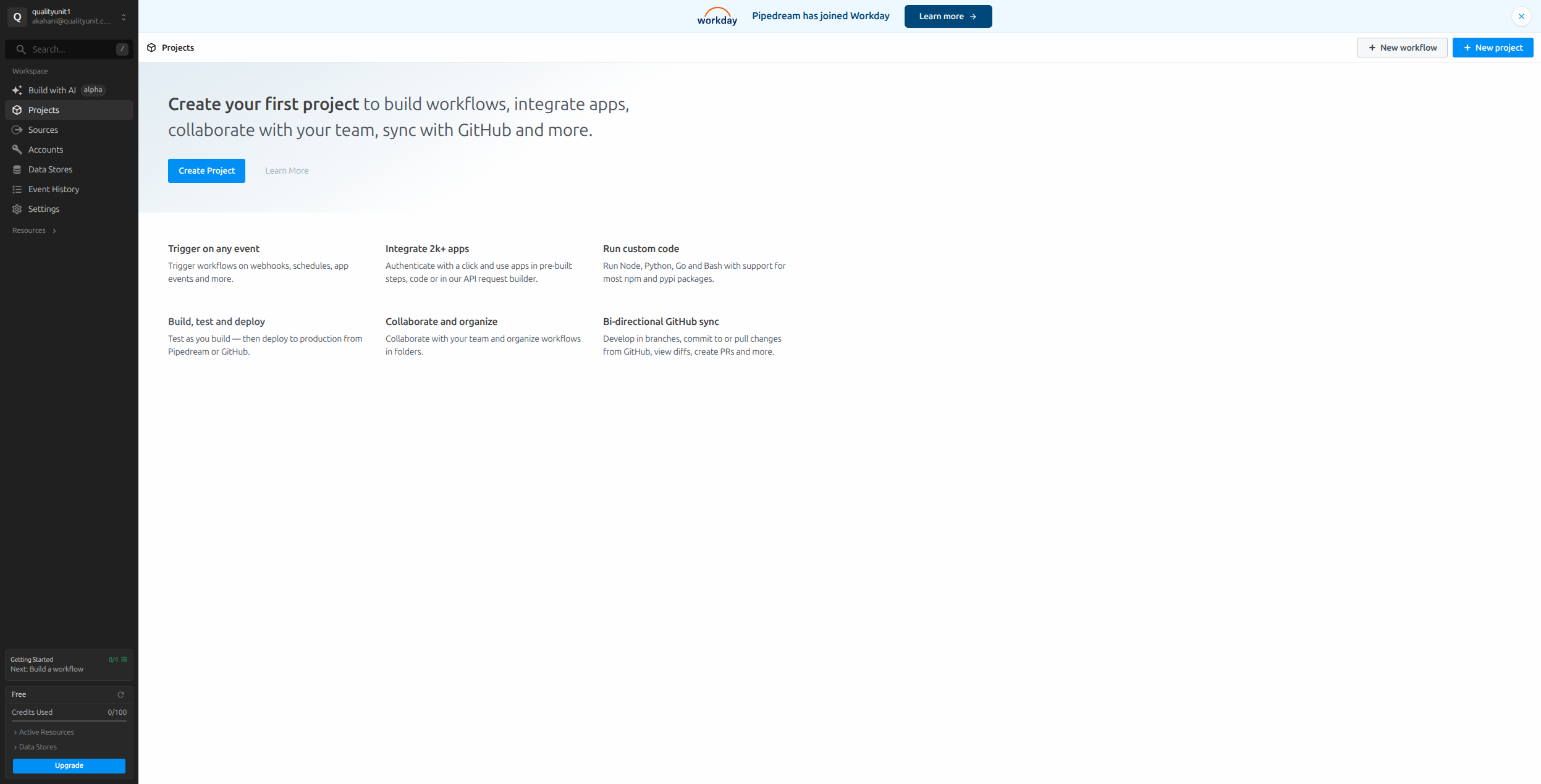
6. Pipedream — Best Developer-Focused Alternative
Pipedream lets you mix no-code integration steps with custom Node.js, Python, or Go code in the same workflow. Every step runs serverlessly — no deployment overhead. It’s the best choice for developers who need the breadth of pre-built integrations (1,000+) with the freedom to write custom logic where no connector exists.
Best for: Software developers and engineering teams who want the integration catalog of a no-code tool with the precision of custom code.
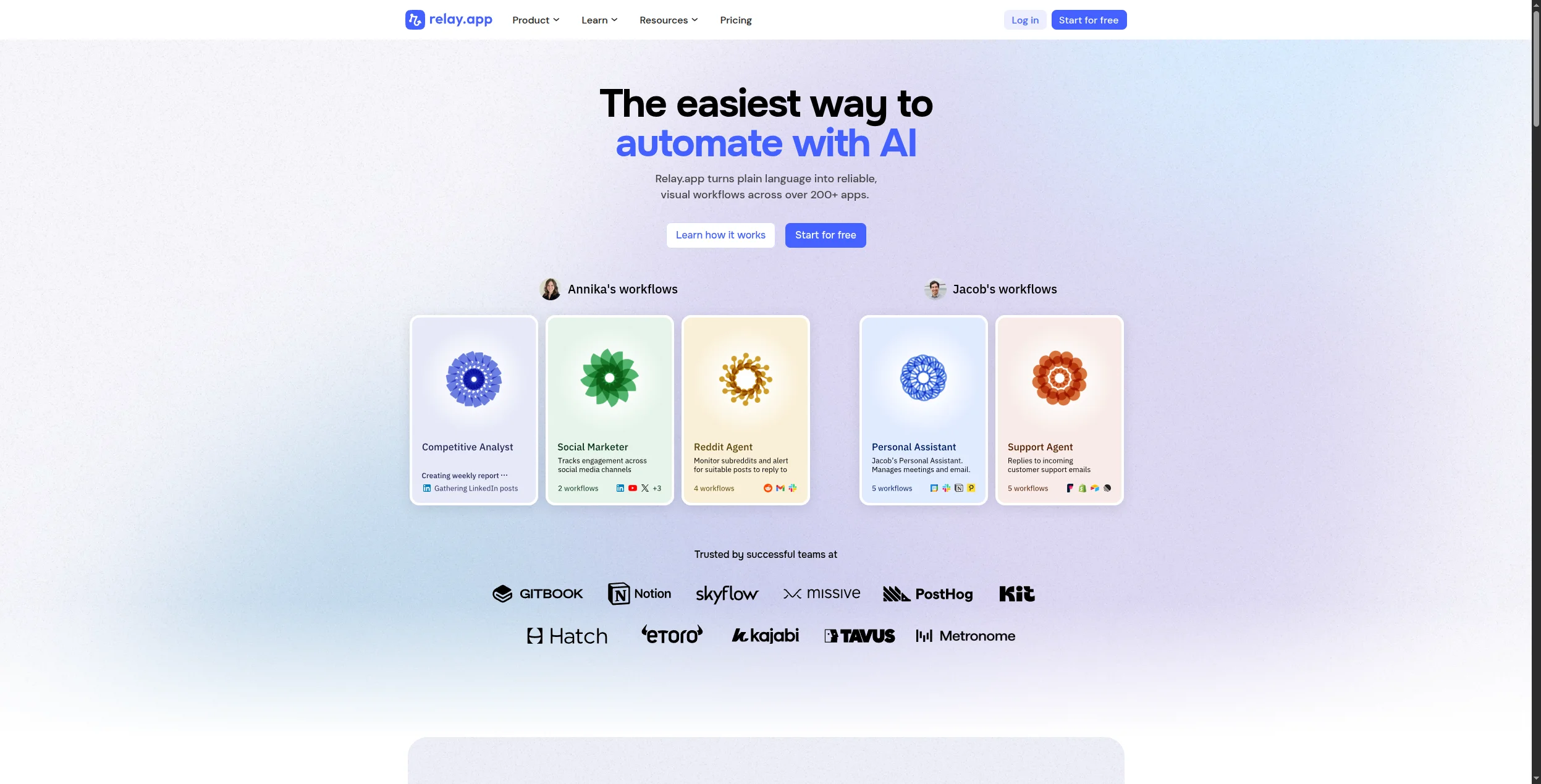
7. Relay.app — Best for Approval-Based Workflows
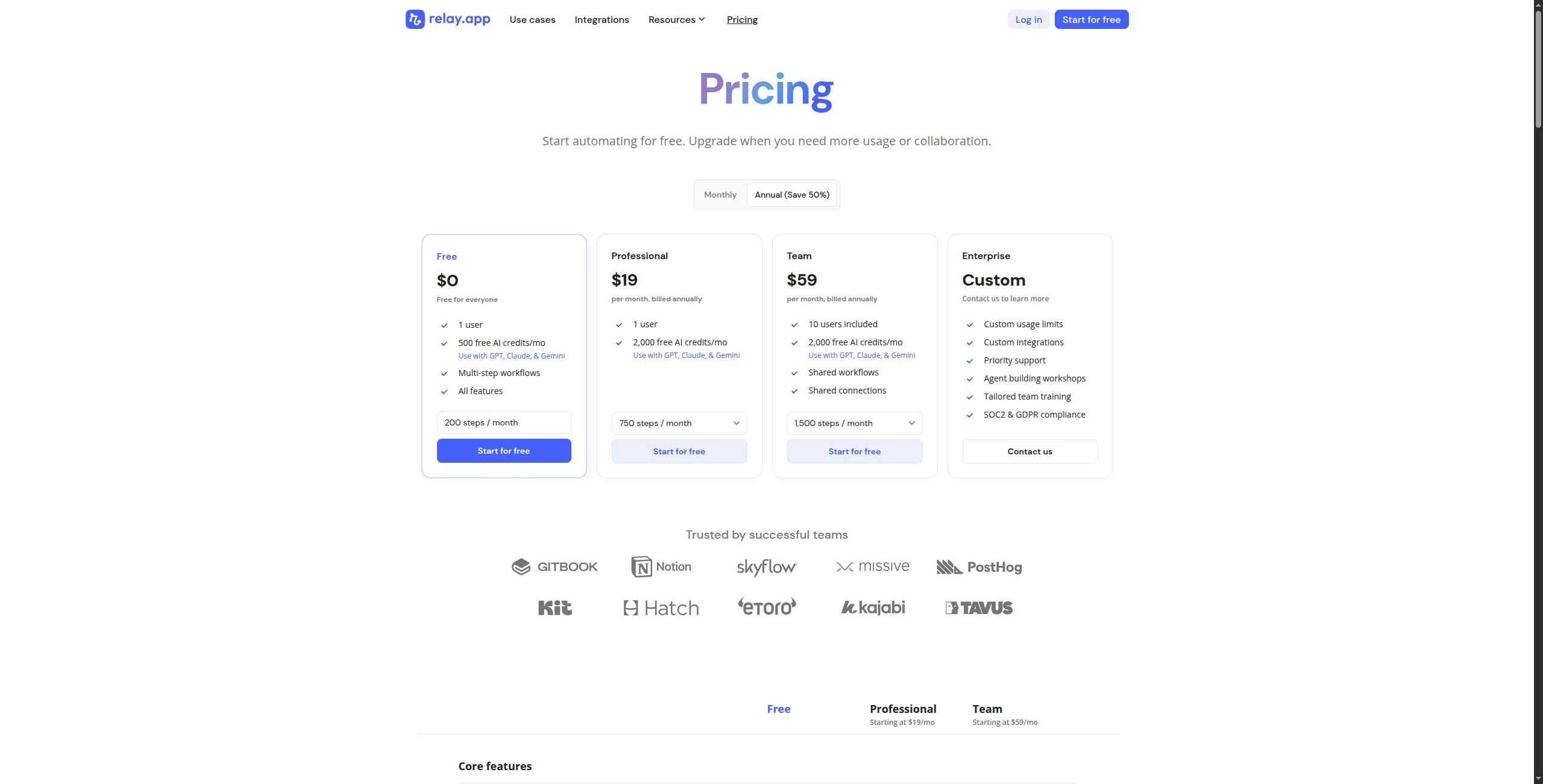
Relay.app fills a gap that Zapier and most alternatives ignore: workflows where a human needs to approve, review, or decide before automation continues. It’s purpose-built for RevOps, HR, legal, and finance teams where “automate everything” isn’t appropriate — but neither is doing everything manually.
Native human-in-the-loop step type (approval gates, review tasks, collaborative decisions) as a first-class workflow primitive
Slack and email-based approval notifications with in-context decision buttons
Conditional branching based on human approval outcomes
300+ app integrations focused on business productivity tools
AI-assisted step suggestions during workflow building
Full audit trail of who approved what and when
Pros:
Best human-in-the-loop workflow design available
Clean, easy-to-use interface
Affordable pricing for small teams
Good Slack and email integration for approval notifications
Cons:
Integration catalog is smaller than Zapier (300+)
Not suitable for fully automated, high-volume pipelines
AI capabilities are limited
Best for: RevOps, HR, legal, and finance teams that need to embed human review and approval steps inside automated workflows.
8. Workato — Best Enterprise Zapier Alternative
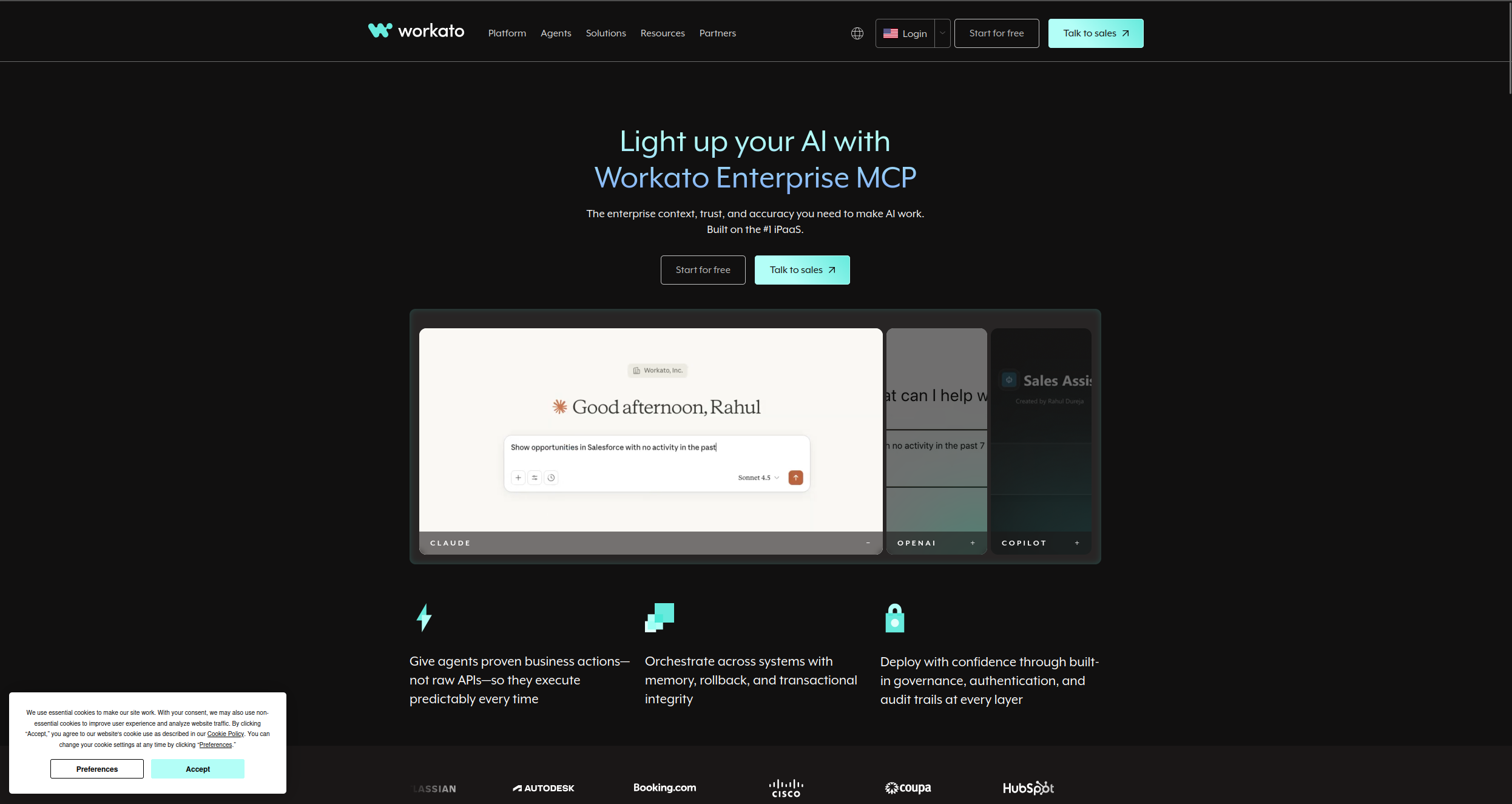
Workato operates in a different tier to Zapier — it’s an enterprise iPaaS designed for IT teams integrating ERP systems, data warehouses, and business-critical applications. Its AI-assisted recipe builder can generate workflow steps from natural language, and the platform handles complex error logic, data transformations, and governance requirements that Zapier can’t approach.
Pricing:
Base — Typically $15,000+/year (contact sales). Includes a set number of recipes, tasks, and connectors
Business — Custom pricing. Expanded recipe count, premium connectors, enhanced support
No public self-service tier or free trial — sales-led only
Key features:
1,200+ pre-built connectors including deep ERP integrations (SAP, Oracle, Workday, ServiceNow)
AI-assisted recipe creation from natural language descriptions (Workato Copilot)
Enterprise governance: RBAC, SSO, audit logs, and environment-based deployment (dev/staging/prod)
Pre-built accelerator packages for common enterprise use cases (Salesforce ↔ SAP, HR onboarding, etc.)
Real-time and batch processing modes with built-in error handling and retry logic
Workbot for Slack and Teams — embedded automation bots for employee-facing workflows
Pros:
Designed for complex enterprise integration scenarios
Strong IT governance, RBAC, and compliance posture
AI-assisted recipe building speeds development
Deep ERP/CRM connectivity (SAP, Salesforce, Workday)
Cons:
Expensive — typically five-figure annual contracts
No self-service free tier or trial
Overkill for SMBs or single-team use cases
Best for: Enterprise IT and operations teams integrating ERP, HRIS, and CRM systems at scale with strict compliance requirements.
9. Microsoft Power Automate — Best for Microsoft-Centric Teams
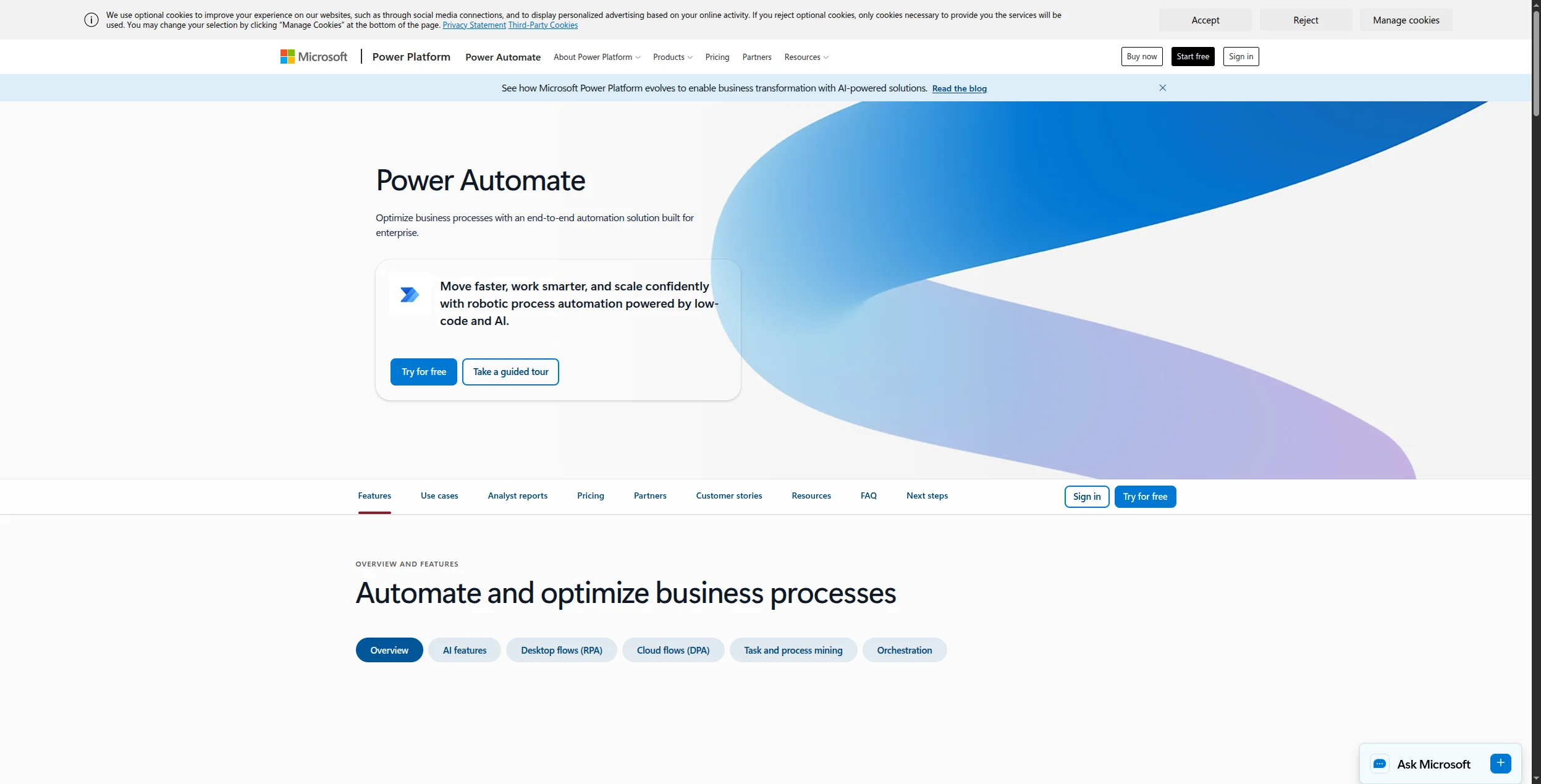
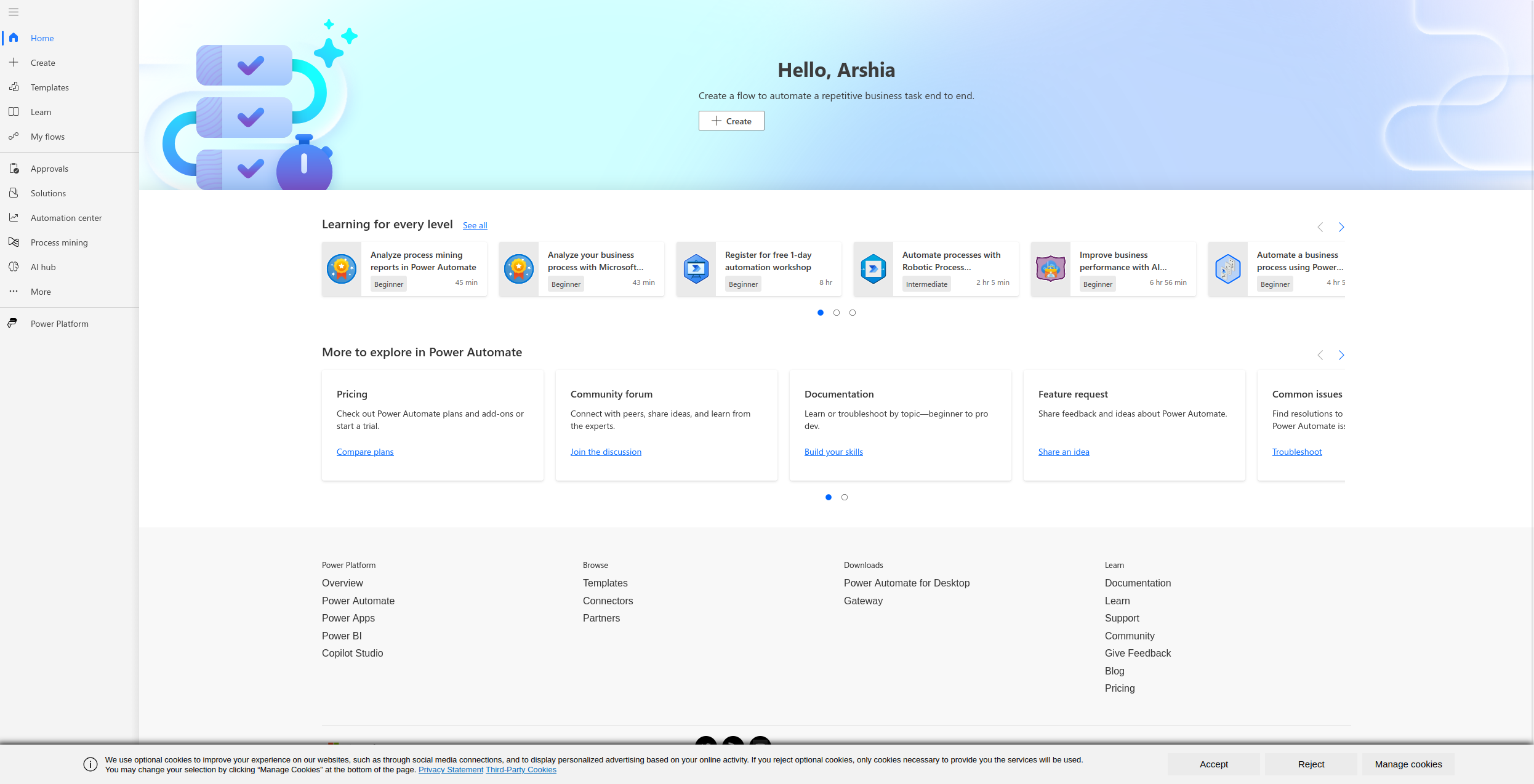
If your organisation already runs on Microsoft 365, Power Automate is the logical Zapier replacement. It’s deeply integrated with Teams, SharePoint, Outlook, and Dynamics 365 — automations that would require Zapier connectors work natively here. Copilot integration allows natural language workflow creation for licensed users.
Pricing:
Power Automate Free — Included in Microsoft 365 Business/Enterprise plans. Standard connectors only
Power Automate Premium — $15/user/month. Includes premium connectors (Salesforce, ServiceNow, SAP), RPA desktop flows, Process Mining
Power Automate Process — $150/bot/month. Unattended RPA execution for business process automation
Note: Many organizations already have access through their M365 subscription at no extra cost
Key features:
Deep native integration with Microsoft 365 apps: Teams, SharePoint, Outlook, OneDrive, Dynamics 365
Copilot-assisted flow creation from natural language descriptions
900+ connectors including both standard (free) and premium tiers
Desktop flow (RPA) capability for legacy application automation
Power Automate Desktop for UI-based automation of Windows applications
Approval flows with integrated Teams and Outlook notifications
Pros:
Native M365 integration — no connector setup for core Microsoft apps
Copilot can draft flows from plain-language descriptions
Included in many M365 enterprise plans — no additional cost
Cons:
Minimal value outside the Microsoft ecosystem
Non-Microsoft connectors are hit-or-miss in quality
Complex pricing (per-user vs per-flow vs premium connectors)
Best for: Organizations running entirely on Microsoft 365 who want to automate SharePoint, Teams, and Dynamics 365 workflows without a separate subscription.
10. Integrately — Best for One-Click Setup
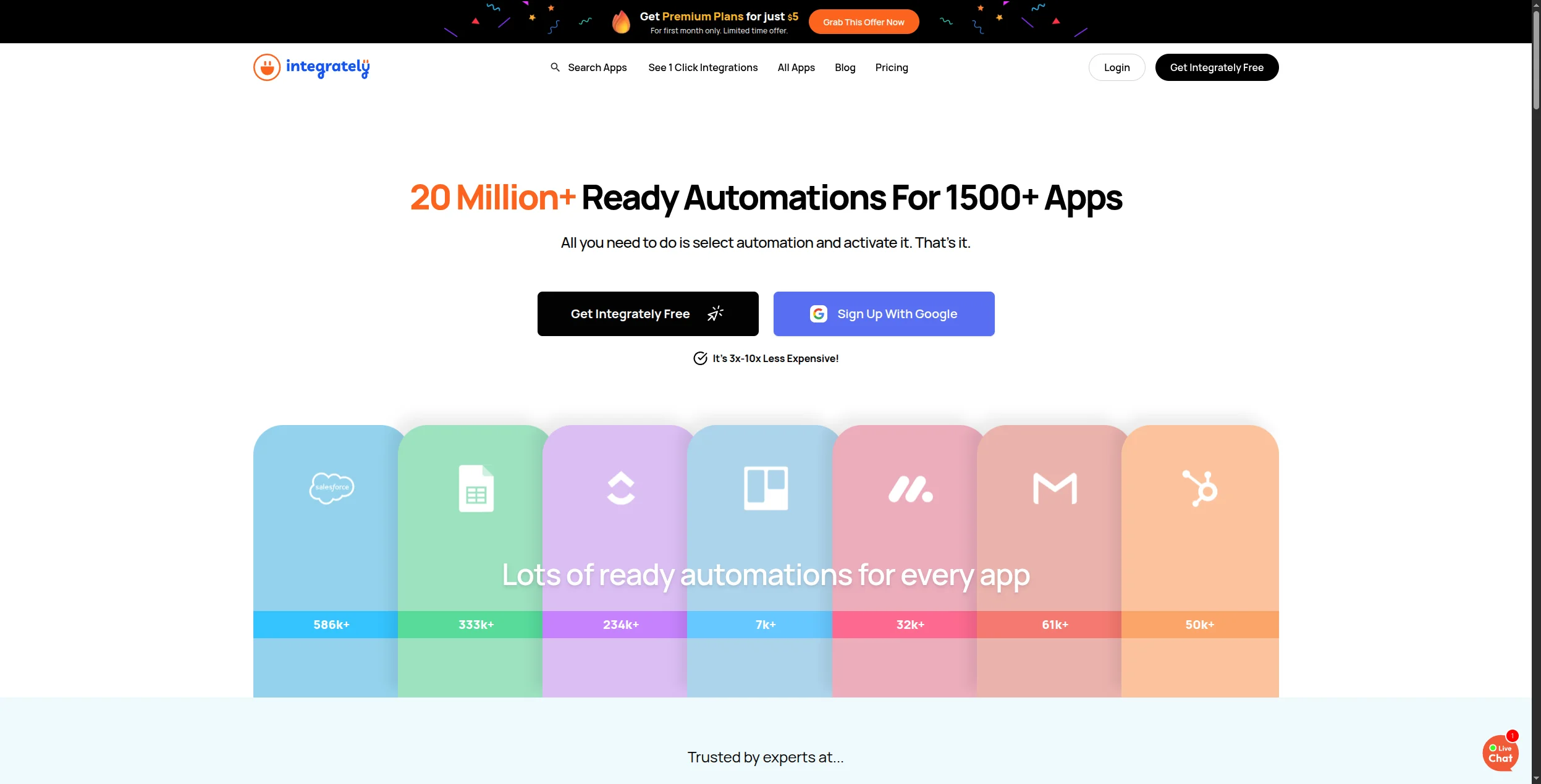
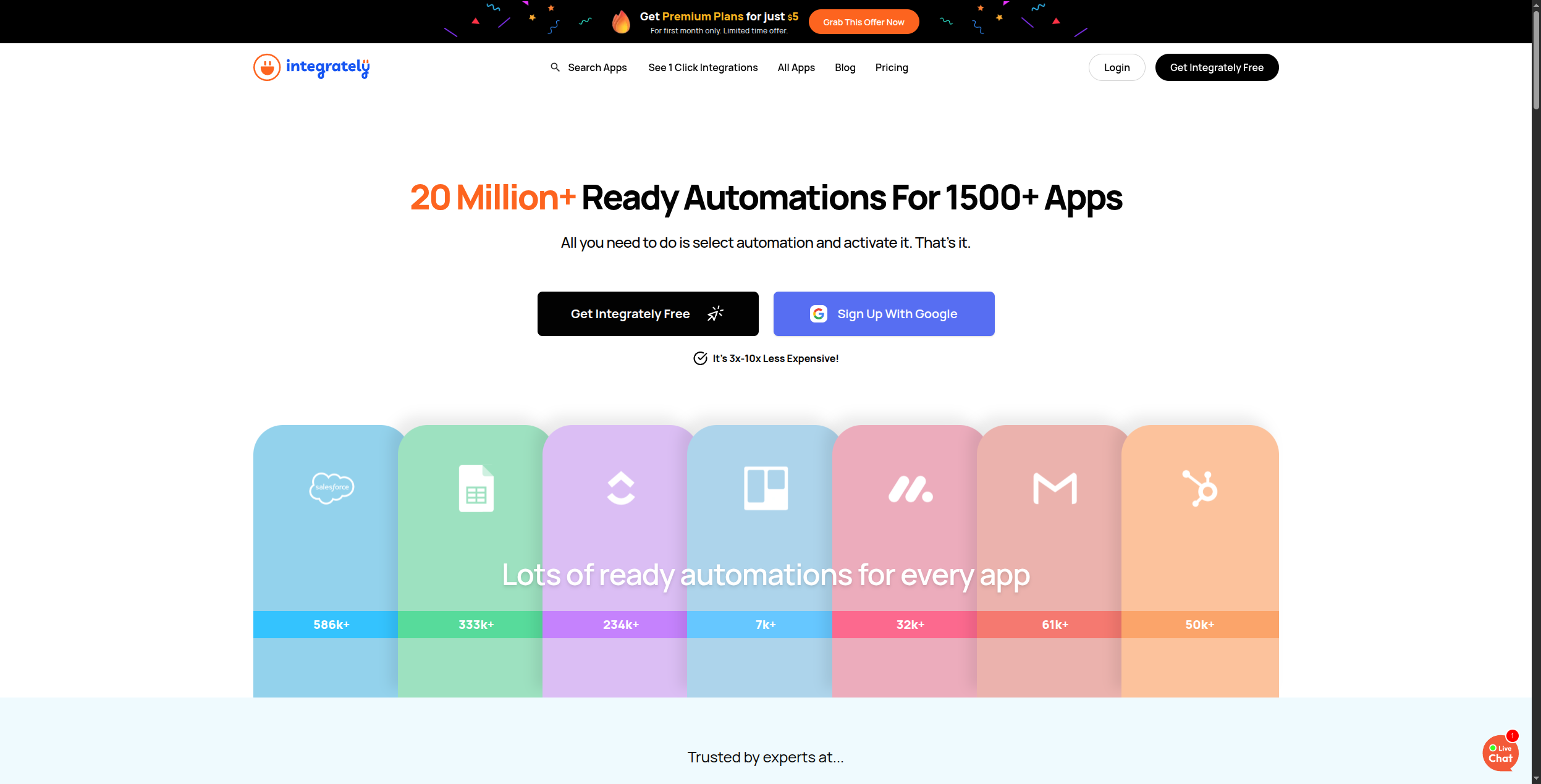
Integrately markets itself on speed: 8+ million ready-made automations that activate in one click. If you need a standard connection between two popular apps — HubSpot to Mailchimp, Stripe to Google Sheets, Calendly to Slack — Integrately probably has a pre-built automation ready to switch on. It’s not the most powerful platform, but it’s the fastest for common use cases.
Formatter for text, number, and date transformations
Router module for conditional branching to multiple paths
Bulk automation management dashboard for teams running many connections
Pros:
Millions of pre-built automations — fastest setup for common connections
Lower price point than Zapier at equivalent tiers
1,200+ integrations covering popular business tools
Cons:
Limited customisation beyond pre-built templates
No AI agent capabilities
Complex or custom workflows require more effort than Make or n8n
Best for: Small businesses and individuals who need standard app-to-app connections live in minutes, not hours.
11. IFTTT — Best for Consumer and IoT Automation
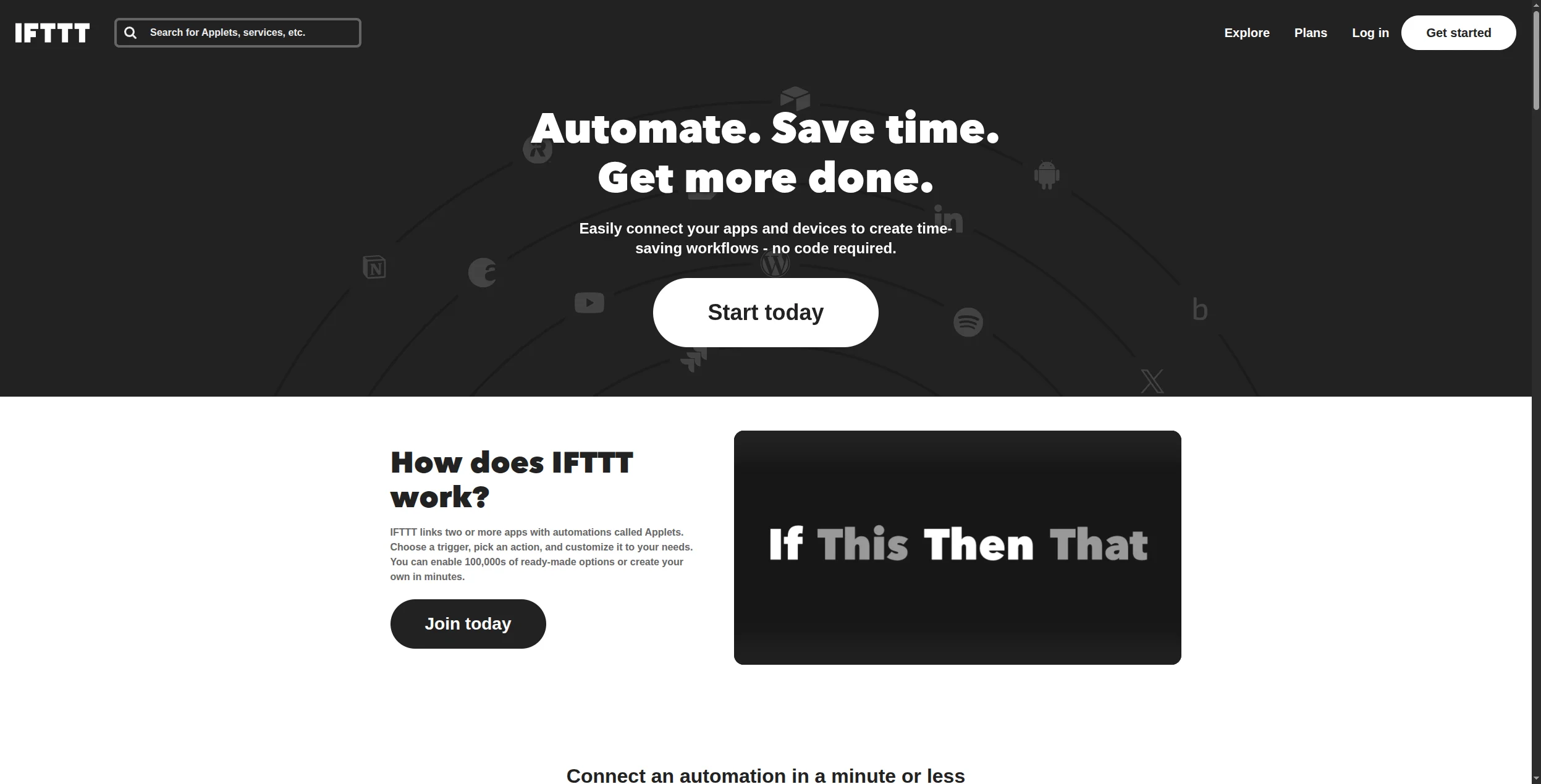
IFTTT (If This Then That) is where the automation category started — and it remains the best option for consumer-grade automations, smart home integrations, and IoT triggers. Its Pro tier adds multi-step applets and AI actions. For business workflow automation, it’s outclassed by every other tool on this list — but for connecting a smart home device to a Google Sheet, nothing is simpler.
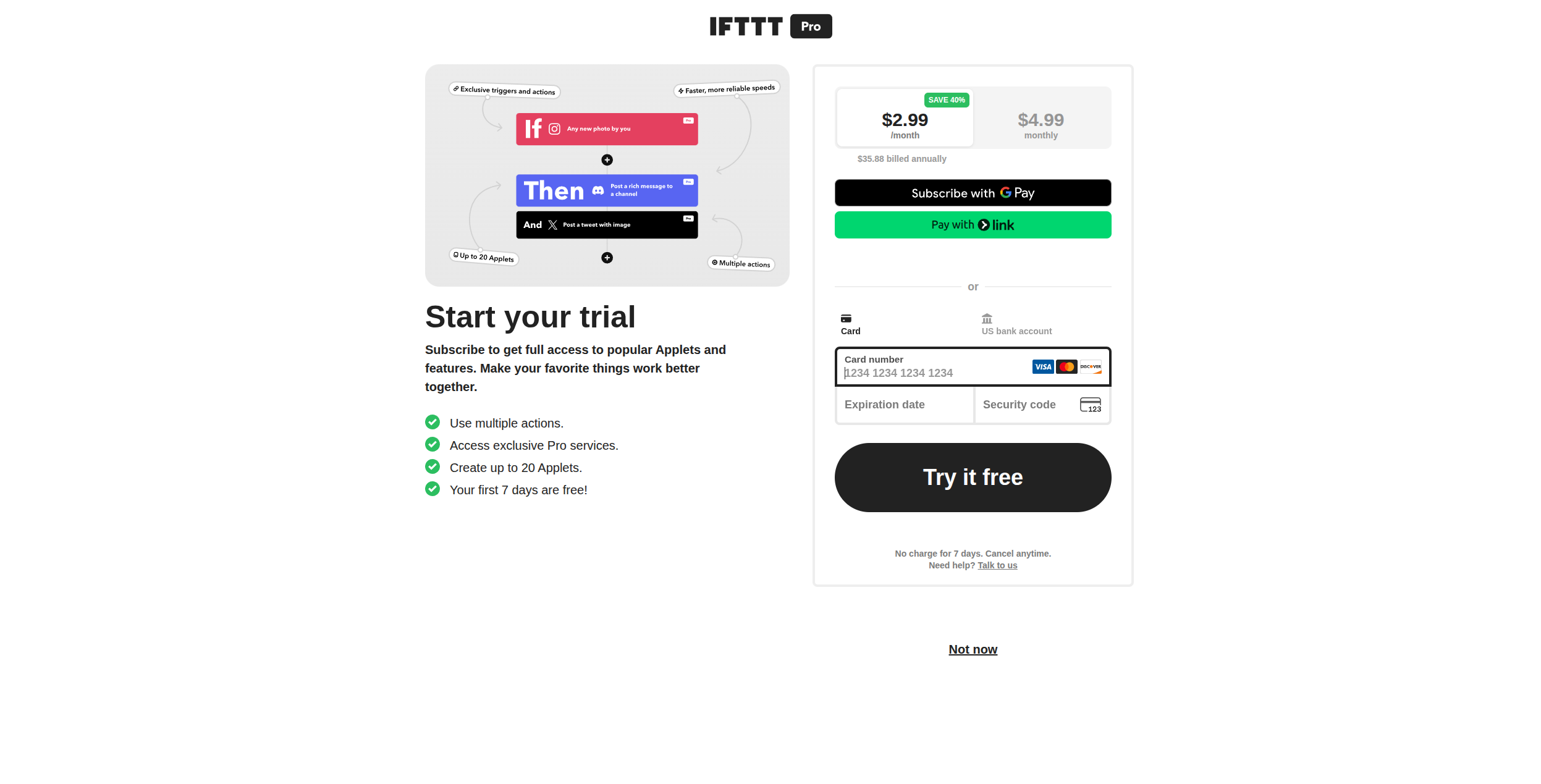
Pricing:
Free — 3 applets, standard triggers only, community support
Pro+ — $12.99/month (or $9.99/month billed annually). Everything in Pro plus multiple-account service connections, faster polling, priority customer support
Key features:
700+ service integrations spanning IoT devices, smart home platforms, and consumer apps
Applet builder for creating “if trigger → then action” automations without any technical knowledge
Multi-step applets (Pro+) for chaining multiple actions from a single trigger
AI actions powered by OpenAI for text generation, summarization, and translation steps
Webhook trigger (Maker service) for connecting any HTTP-capable device or service
IFTTT for Business for teams running shared applets and customer-facing integrations
Pros:
Best IoT and smart device integration available
Extremely simple — anyone can set it up
Very affordable (free tier covers most personal use cases)
Cons:
Not designed for business workflow automation
Limited data transformation and logic
No AI agent capabilities
Best for: Consumers, smart home enthusiasts, and individuals needing simple personal automations — not business workflow automation.
12. Albato — Best for European and White-Label Use Cases
Albato is a no-code integration platform with solid coverage of European and CIS-region applications that Zapier’s catalog often lacks. It also offers a white-label option — making it popular with SaaS companies that want to embed automation into their own products. Pricing is lower than Zapier at equivalent tiers.
Standard — $29/month. 15,000 transactions/month, unlimited automations, scheduler, filters
Pro — $69/month. 50,000 transactions/month, priority support, advanced logic
White-label — Custom pricing. Embed Albato automation into your own SaaS product under your brand
Key features:
600+ integrations with strong coverage of European and CIS-region apps not found in Zapier/Make
White-label embedding option — SaaS companies can offer native automation to their users
Multi-step workflows with filters, conditions, and data transformations
Webhook support for custom event sources
Data mapper for field-level transformation between apps
GDPR-compliant EU data processing infrastructure
Pros:
Strong coverage of European and CIS-region apps
White-label option for SaaS embedding
Competitive pricing vs Zapier
Cons:
Smaller global integration catalog than Zapier or Make
Less community support and documentation than established alternatives
No AI agent capabilities
Best for: European businesses with GDPR/data residency requirements, and SaaS companies looking to embed automation capabilities natively in their product.
How to Choose the Right Zapier Alternative
You need AI that goes beyond triggers → FlowHunt. If your workflows involve unstructured data, content generation, or decisions that can’t be hardcoded, FlowHunt is the only no-code platform built for it.
You want the closest Zapier replacement at lower cost → Make. The visual canvas, 1,800+ integrations, and scenario-based pricing make it the most direct upgrade.
You need full data control → n8n or Activepieces. Both self-host cleanly and give you complete infrastructure ownership.
Your budget is the primary constraint → Pabbly Connect. The lifetime pricing model wins for high-volume teams.
You’re a developer → Pipedream. Mixing code and connectors in a serverless runtime beats every other option.
You’re in the Microsoft ecosystem → Power Automate. The M365 depth is unmatched elsewhere.
The Real Advantage of Switching
The biggest unlock most teams discover when they switch from Zapier isn’t cost — it’s capability. Zapier was designed for a world where automation meant connecting two apps. The best alternatives today, particularly FlowHunt, are designed for a world where automation means deploying an AI agent that handles entire workflows end-to-end.
Teams using FlowHunt for customer support automation
and AI content workflows
typically find they replace five to ten Zaps with a single flow — and the flow handles edge cases that previously required human intervention.
The result isn’t just lower cost. It’s automation that actually finishes the job.
Bottom Line
The best Zapier alternative depends on what you need from it:
FlowHunt is the best Zapier alternative for teams that need AI-native automation — workflows that reason and adapt, not just trigger-action rules. For the closest feature match at a lower price, Make is the top pick. For open-source self-hosting, n8n leads.
The main reasons: Zapier's task-based pricing becomes expensive at volume, its AI capabilities are limited, complex multi-step logic is difficult to build, and it lacks self-hosting for data compliance. Alternatives like FlowHunt, Make, and n8n address all four.
Make offers more powerful multi-step logic, better data transformation, and a lower price point than Zapier. However, Zapier has a wider app catalog (6,000+ vs 1,800+) and a gentler learning curve. For complex workflows, Make wins; for quick simple automations, Zapier is faster to set up.
Yes — most Zapier alternatives support manual recreation of Zaps. Make and Activepieces have the most Zapier-like interfaces, making migration easiest. n8n and Pipedream require more technical knowledge but offer greater flexibility post-migration.
n8n (self-hosted) and Activepieces (self-hosted) are free. Pabbly Connect offers a lifetime deal that works out cheaper than Zapier at most usage levels. Integrately's paid plans start lower than Zapier's equivalent tier.
Arshia is an AI Workflow Engineer at FlowHunt. With a background in computer science and a passion for AI, he specializes in creating efficient workflows that integrate AI tools into everyday tasks, enhancing productivity and creativity.
Arshia Kahani
AI Workflow Engineer
The Zapier Alternative Built for AI — Try FlowHunt Free
FlowHunt goes beyond triggers and actions. Build AI agents that reason, adapt, and automate complex workflows across your entire stack — no code required.
Best Workflow Automation Tools in 2026: 12 Platforms Ranked and Reviewed
Ranked and reviewed: the 12 best workflow automation tools in 2026. Comparison table, pricing, free tiers, and a clear verdict on which platform fits your team.
Best No-Code Automation Tools in 2026: 10 Platforms Compared
The definitive guide to no-code automation platforms in 2026. We compare 10 tools — from visual workflow builders to AI-native platforms — to help you automate ...
Best n8n Alternatives in 2026: 12 Tools Ranked for Developers and Teams
Ranked and reviewed: the 12 best n8n alternatives in 2026. From AI-native no-code platforms to open-source orchestration frameworks — find the right fit for you...
19 min read
Automation
AI Tools
+3
Cookie Consent We use cookies to enhance your browsing experience and analyze our traffic. See our privacy policy.