


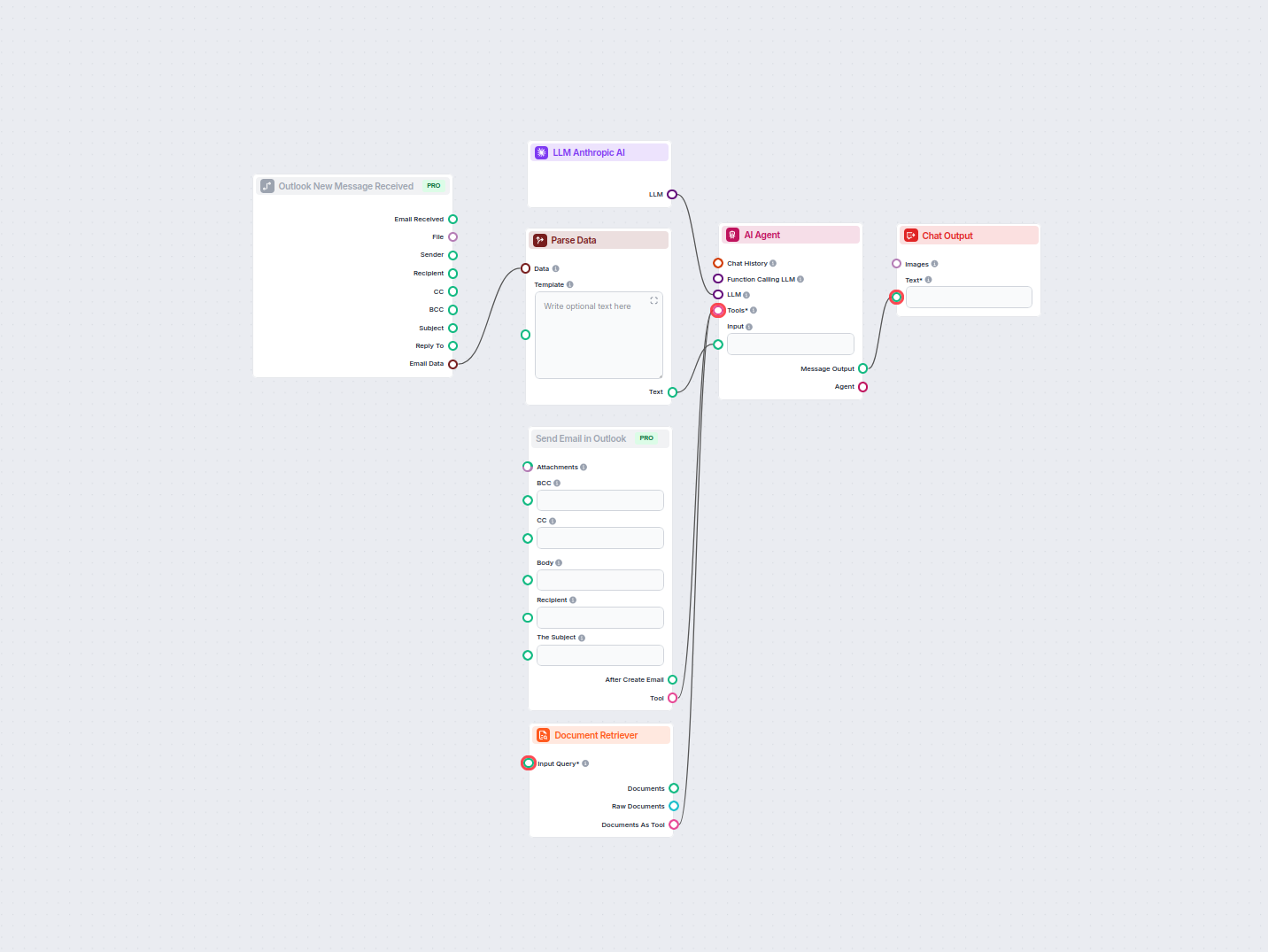
AI-Powered Outlook Email Reply Automation
Automate professional email replies in Outlook using an AI agent that leverages organizational knowledge sources. Incoming emails are received, parsed, and answ...
3 min read
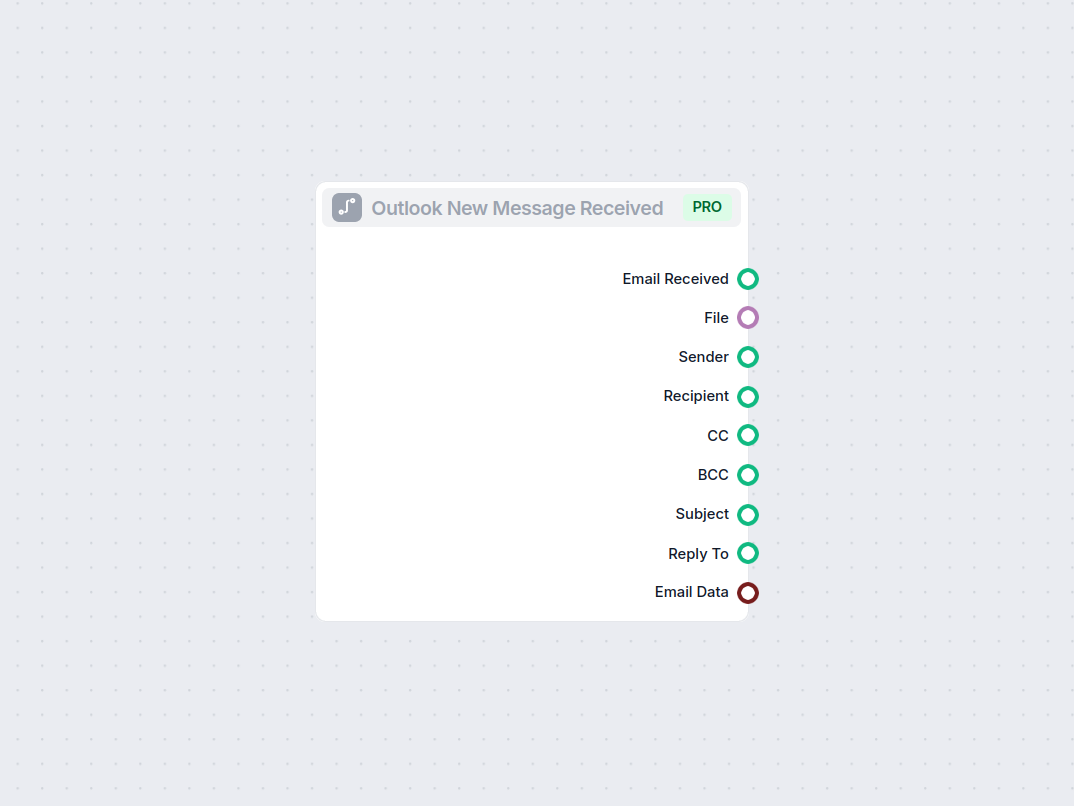
Triggers flows when a new message is received in Outlook, capturing details like sender, recipient, subject, and attachments for seamless workflow automation.
Component description
The Outlook New Message Received component acts as a trigger in your AI workflow. It activates when a new email message is received in your Outlook mailbox. This allows your automated process to respond instantly to incoming emails, making it a valuable tool for building email-driven AI automations, such as ticketing systems, notifications, or intelligent assistants.
| Name | Type | Description | Required | Default |
|---|---|---|---|---|
| input_value | Message | Message to be passed as input. | No | (empty) |
input_value field is typically filled automatically when a new message arrives. It is marked as traceable as input and metadata, helping with workflow tracking and auditability.When an email is received, the component makes several pieces of information available as outputs:
| Output Name | Type | Description |
|---|---|---|
| Email Received | Message | The full message content. |
| File | FlowSessionAttachmentResponse | Any attached files in the email. |
| Sender | Message | Information about the sender. |
| Recipient | Message | Information about the recipient(s). |
| CC | Message | CC’d recipients. |
| BCC | Message | BCC’d recipients. |
| Subject | Message | The subject of the email. |
| Reply To | Message | The reply-to address, if present. |
| Email Data | Data | Additional metadata or email data. |
These outputs allow other components in your workflow to access different aspects of the received email, such as processing attachments, identifying the sender, or analyzing the subject line.
| Feature | Details |
|---|---|
| Trigger | New Outlook message received |
| Inputs | Message (input_value) |
| Outputs | Email, Sender, Recipient, CC, BCC, Subject, Attachments, Email Data |
| Use Cases | Automation, extraction, integration |
This component is essential for anyone looking to build responsive, email-driven AI workflows using Microsoft Outlook as a starting point.
To help you get started quickly, we have prepared several example flow templates that demonstrate how to use the Outlook New Message component effectively. These templates showcase different use cases and best practices, making it easier for you to understand and implement the component in your own projects.
Automate professional email replies in Outlook using an AI agent that leverages organizational knowledge sources. Incoming emails are received, parsed, and answ...
Integrate FlowHunt with Outlook to automate email communication, trigger workflows on new messages, and streamline your business processes with AI.
Start automating your email workflows and respond instantly to new messages with the Outlook New Message component.
Integrate FlowHunt with Outlook to automate email communication, trigger workflows on new messages, and streamline your business processes with AI.
Automate professional email replies in Outlook using an AI agent that leverages organizational knowledge sources. Incoming emails are received, parsed, and answ...
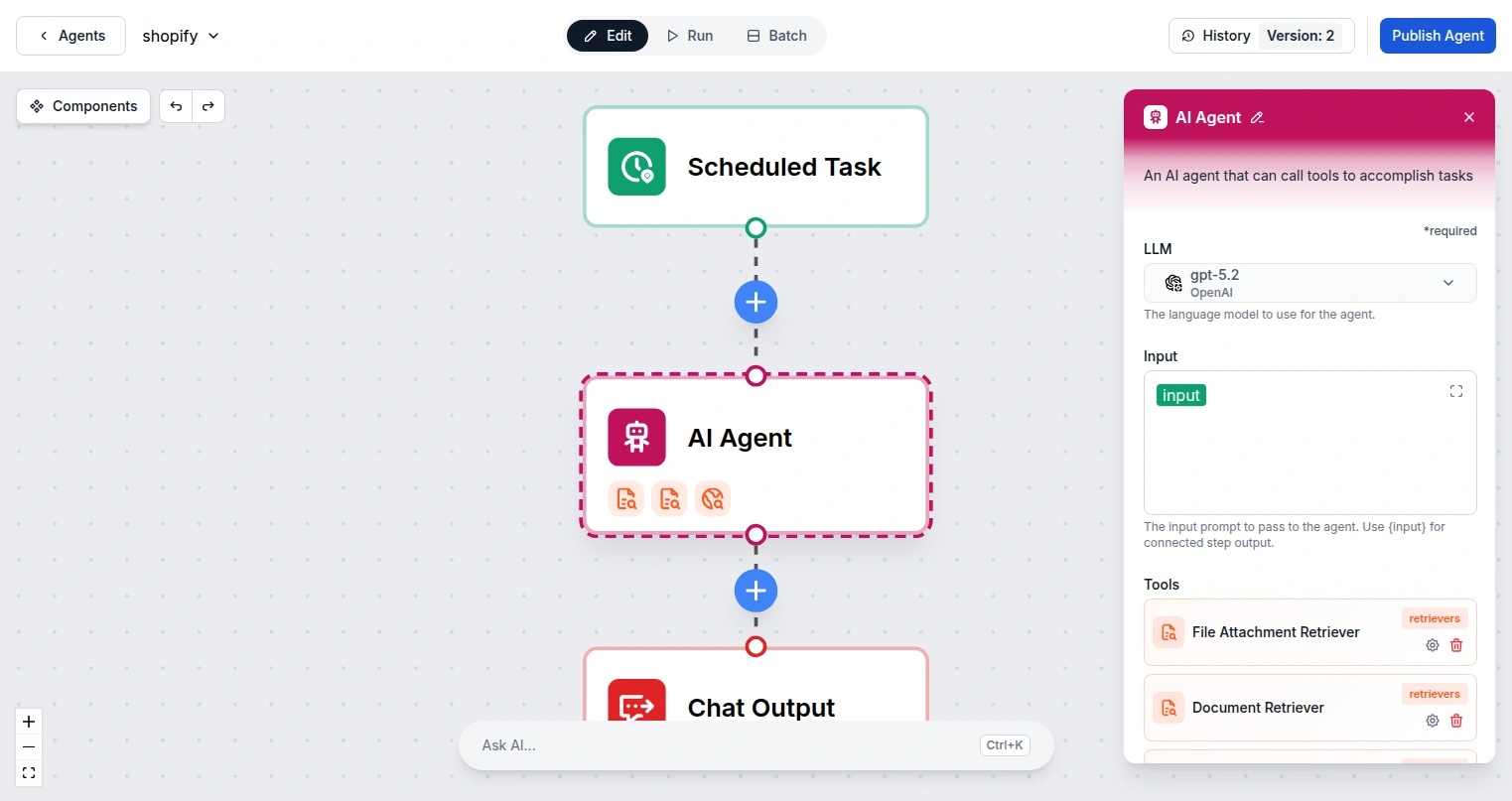
Integrate FlowHunt with Microsoft Outlook Contacts to automate contact management, search contacts, and send emails using AI agents connected to your Microsoft ...
Cookie Consent
We use cookies to enhance your browsing experience and analyze our traffic. See our privacy policy.