



Workspaces & Accounts
Learn how to manage your FlowHunt workspace and account. Invite team members, configure roles and permissions, manage billing, and organize your workspace for c...
3 min read
Workspaces
Accounts
Collaborate with multiple users in FlowHunt by inviting teammates, assigning workspace roles, and managing shared workspaces efficiently.
FlowHunt allows multiple users to collaborate seamlessly on building Flows. Here’s how to invite teammates and assign workspace roles.
Note: Only workspace owners and admins can see and manage the members. You need the Pro subscription or higher to share workspaces.
You can create a shared workspace and invite your teammates with just a few clicks. Each workspace is fully separated, including the Credits count.
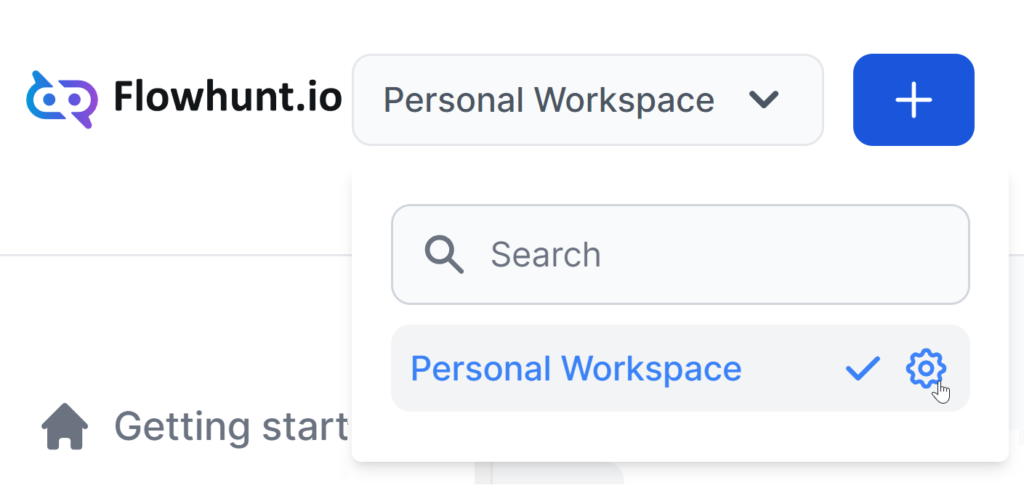
The workspace selector is located in the top navigation bar. You can create a new workspace for your teammates or rename your personal one and invite them.
Click the blue plus button to create a new workspace, or click the settings cog next to an existing workspace to rename or delete it.
To invite your teammates, navigate to Workspace Settings -> Users in the left-side menu. Click Add new Member:
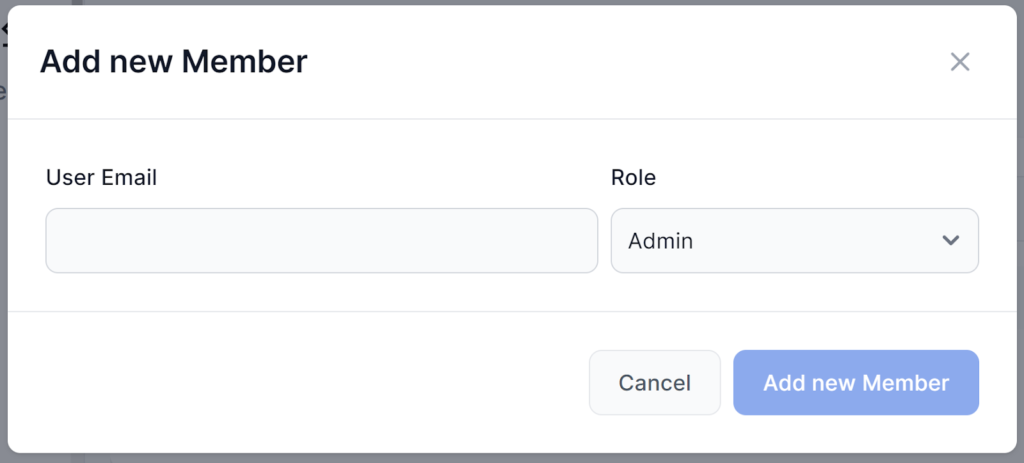
There are three possible Roles:
After you add a new member, they receive a simple email invitation.
Build smarter AI workflows together. Invite your team, assign roles, and streamline your workspace collaboration with FlowHunt.
Learn how to manage your FlowHunt workspace and account. Invite team members, configure roles and permissions, manage billing, and organize your workspace for c...
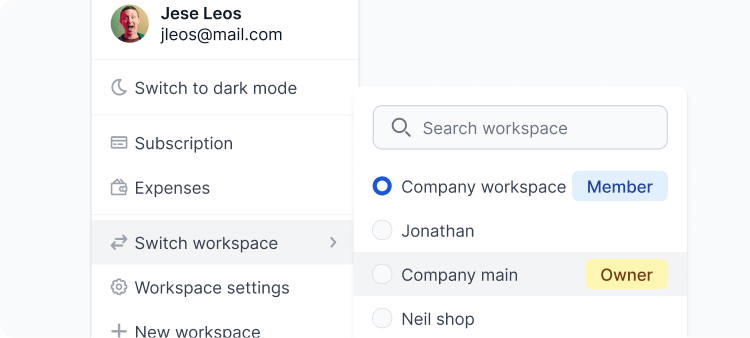
Separate team workspaces, easily collaborate and integrate with other apps. Learn how to make the best of your Workspace.
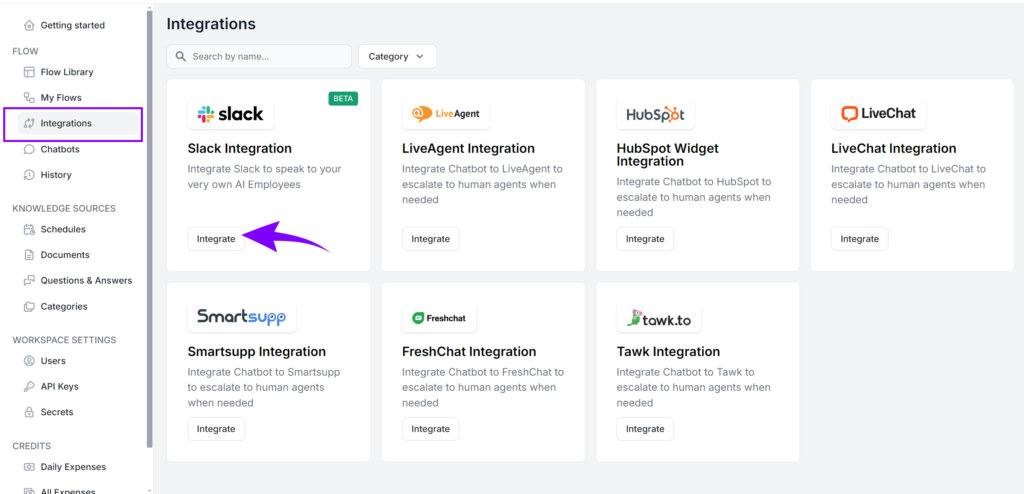
FlowHunt’s Slack integration enables seamless AI collaboration directly within your Slack workspace. Bring any Flow into Slack, automate workflows, provide real...
Cookie Consent
We use cookies to enhance your browsing experience and analyze our traffic. See our privacy policy.