


Users Collaboration in FlowHunt
FlowHunt enables seamless collaboration by allowing multiple users to build Flows together. Learn how to invite teammates, assign roles, and manage shared works...
1 min read
Collaboration
Users
+3

Manage your FlowHunt workspace, team members, roles, and account settings.
This knowledge base section covers all the tools and settings that keep your account, team, and budget running smoothly, from spinning up your first workspace to understanding exactly what each AI interaction costs you.
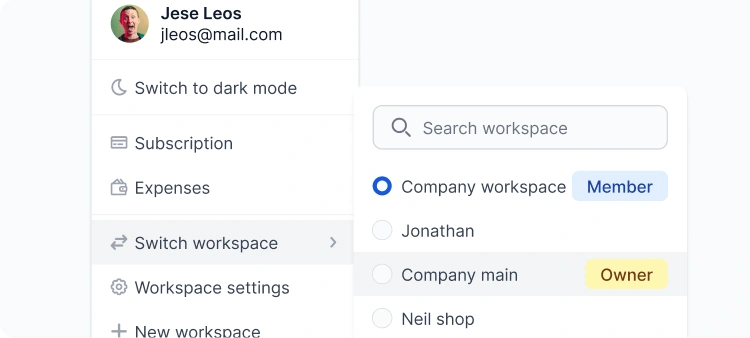
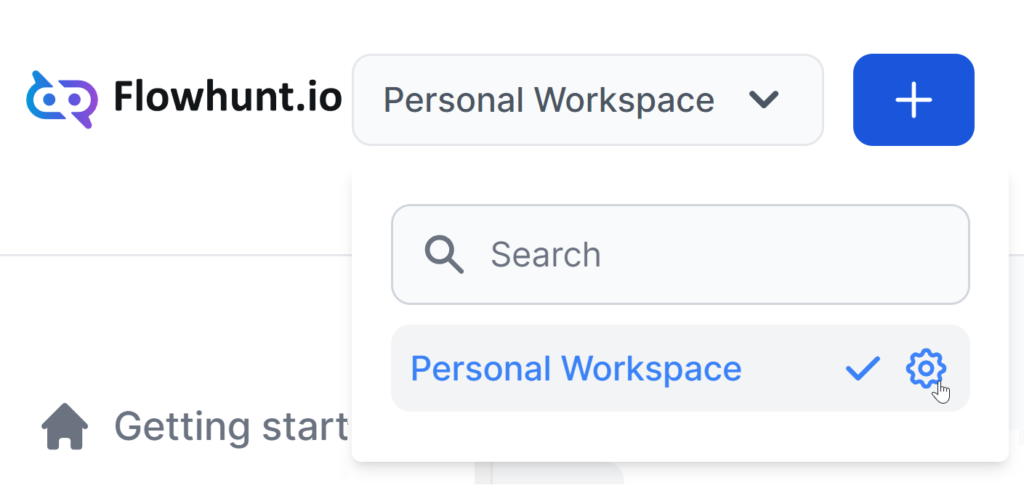
Everything you build in FlowHunt lives inside a workspace. Your Flows, knowledge sources, integrations, and team members. You can run a single shared workspace for your whole company, or split things up so each team has its own focused environment with its own knowledge sources and expense tracking. Flows can be shared across workspaces via a simple JSON export/import, so you’re never locked into one setup. API Keys are also managed at the workspace level, letting you connect FlowHunt to external tools like your CRM or helpdesk.
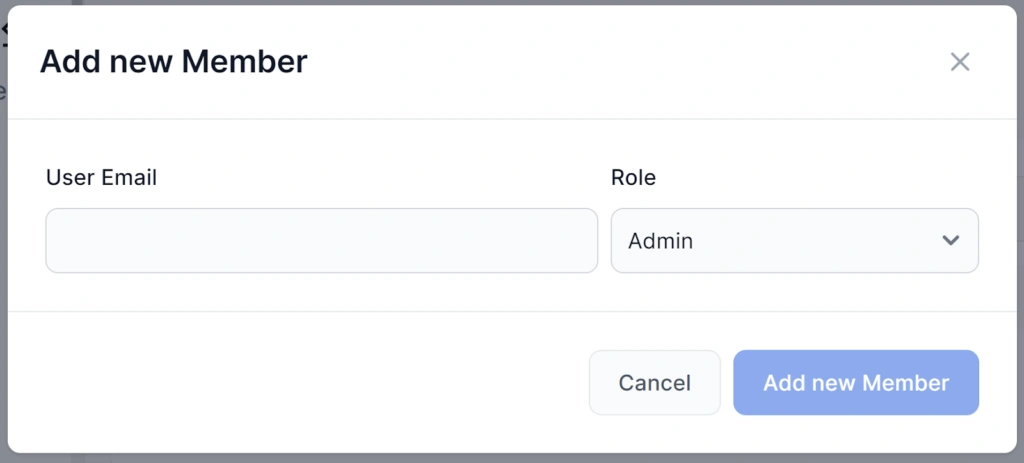
Inviting teammates takes a few clicks. Once they’re in, you assign one of three roles: Admin (full access, including workspace settings and API Keys), Member (access to all features except subscription and workspace management), or Guest (read-only). Owners and Admins can see and manage the member list; regular Members cannot. Workspace sharing requires a Pro plan or higher.

Start your free trial today and see results within days.
Every chatbot session your workspace runs is logged in the History screen. Each entry covers one full conversation from first to last message, with the cost, duration, used flow & and the user’s IP address. This feature is useful for monitoring response accuracy, building workspace memory, troubleshooting and debugging, or catching misuse.

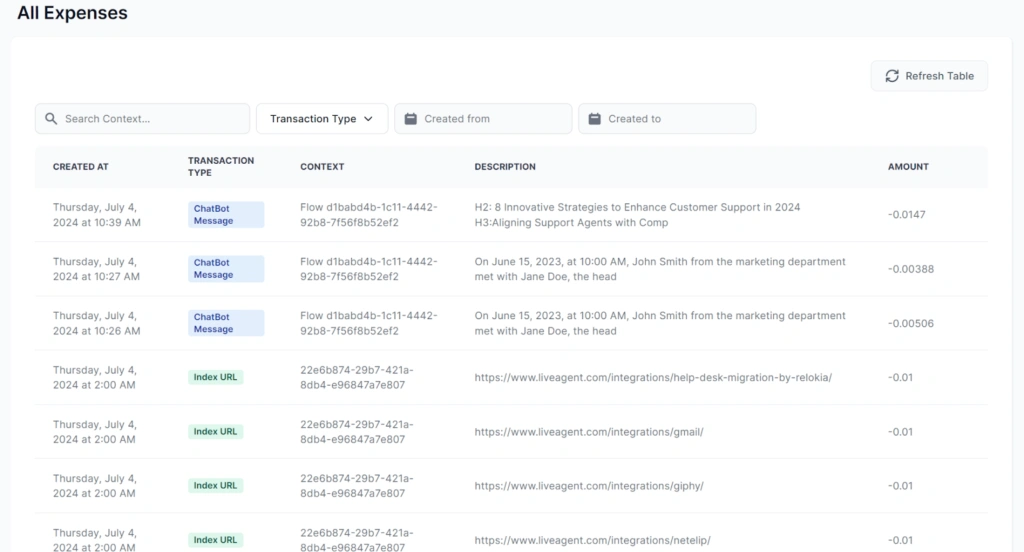
All Expenses is the granular receipt for your workspace. Every single AI interaction appears as its own line item with an exact timestamp, the ID of the Flow or Schedule it belongs to, a description, and the credit cost. This is the screen to use when you need to understand exactly what drove a spike in usage.
Daily Expenses rolls up your transactions by type and date, giving you the big-picture spending view. Instead of individual messages, you see one row per transaction type per day — how many were performed and what they cost in total. It’s the right screen for spotting trends, comparing day-over-day usage, and keeping your monthly budget on track. For the per-interaction breakdown, switch to All Expenses.
Get latest tips, trends, and deals for free.

FlowHunt uses a credit-based system to keep AI costs transparent across all the models and tasks. One credit is worth roughly $1, and most everyday interactions, such as chatbot replies or short content generations, cost just fractions of a cent. Your plan comes with a monthly credit allowance that resets each billing cycle. If you need more mid-cycle, one-off credit packs ($20 / $100 / $800) are available and those do carry over.
Invite your team, assign roles, and collaborate on AI workflows — all within your FlowHunt workspace.
FlowHunt enables seamless collaboration by allowing multiple users to build Flows together. Learn how to invite teammates, assign roles, and manage shared works...
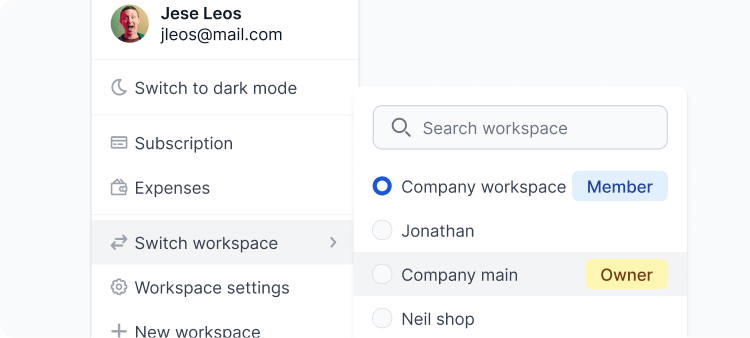
Separate team workspaces, easily collaborate and integrate with other apps. Learn how to make the best of your Workspace.
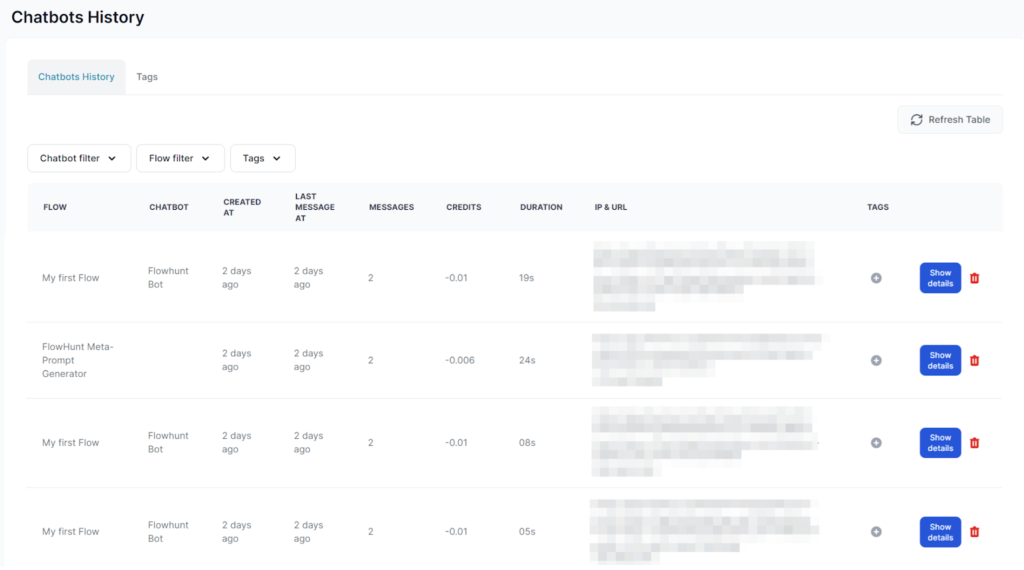
FlowHunt's History Feature details all Chatbot interactions, providing insights into Flow usage, troubleshooting, and management of past sessions, tags, costs, ...
Cookie Consent
We use cookies to enhance your browsing experience and analyze our traffic. See our privacy policy.