


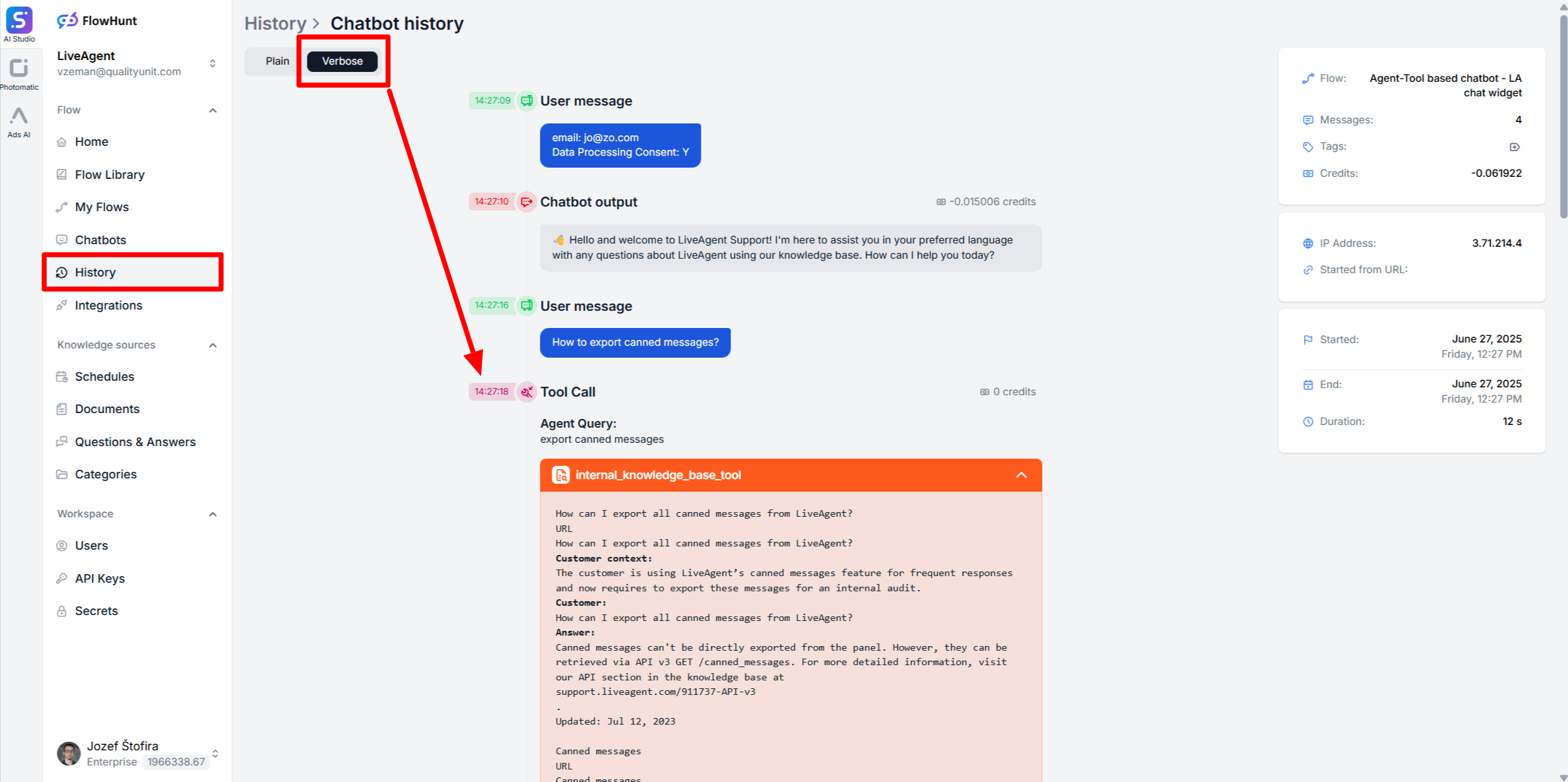
How to Debug Chatbot Answers
Learn effective strategies for debugging chatbot responses using verbose history, reviewing chatbot answers, and fixing common issues.
3 min read
AI Chatbot
Debugging
+2
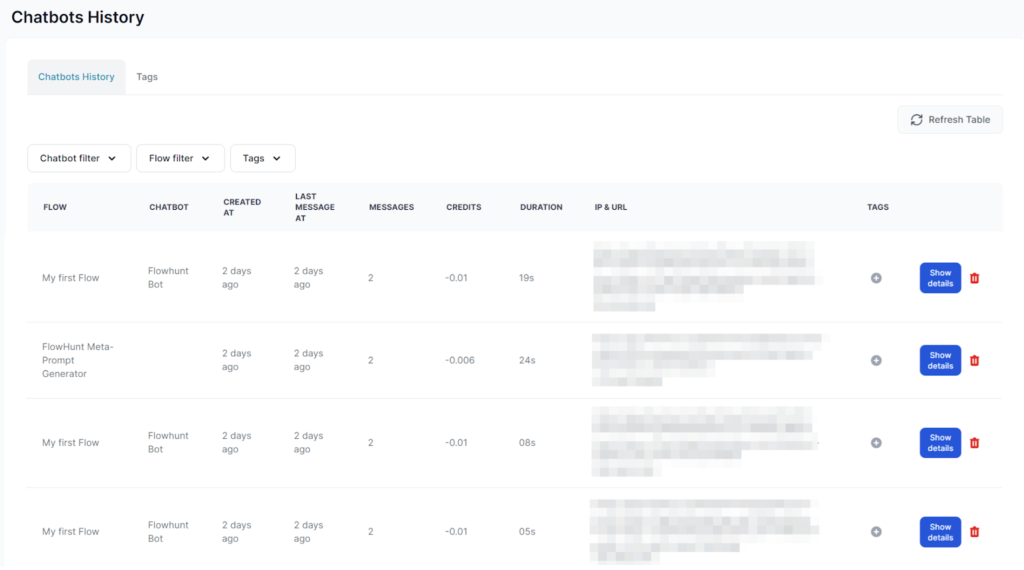
Easily track, manage, and analyze all your Chatbot interactions with FlowHunt’s comprehensive History Feature.
Each entry represents one Chatbot session from the first to the last message. The entries also detail the cost and duration of each session while linking it to the used Flow, Chatbot, and user IP.
The default view shows all chat sessions within your workspace. You can filter the results by Flows, Chatbots, or tags.

Get latest tips, trends, and deals for free.
Clicking Show details reveals further information, including the entire content of the conversation and the number of messages:
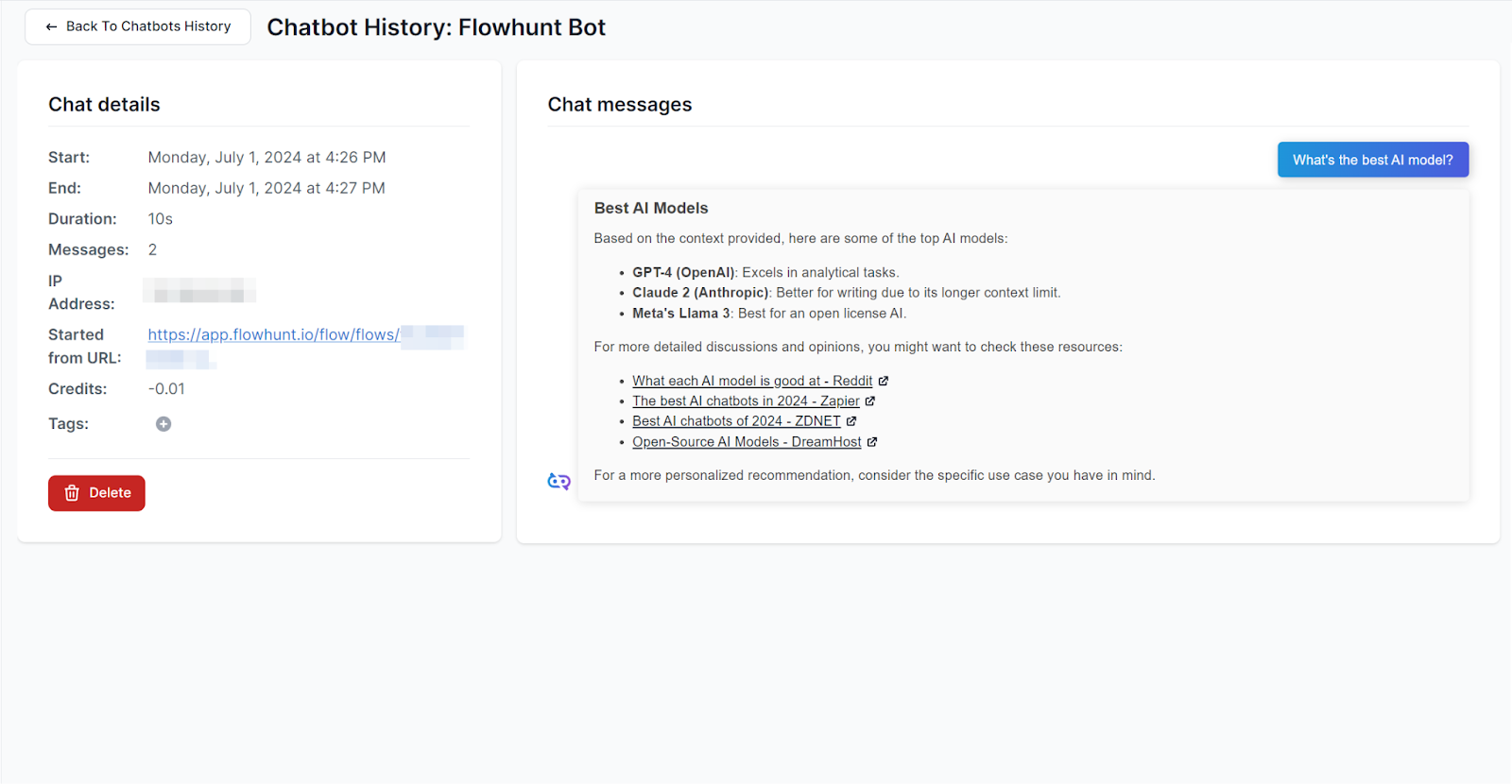
The details allow you to monitor the accuracy of responses, troubleshoot user complaints, and ensure malicious actors aren’t misusing your chatbot.
Tip: If your public ChatBot is being attacked or misused, put a rate limit on the IP to cut it off.
To better organize the history, you can assign tags to the entries. To manage your existing tags, switch to the Tag tab in the list view:
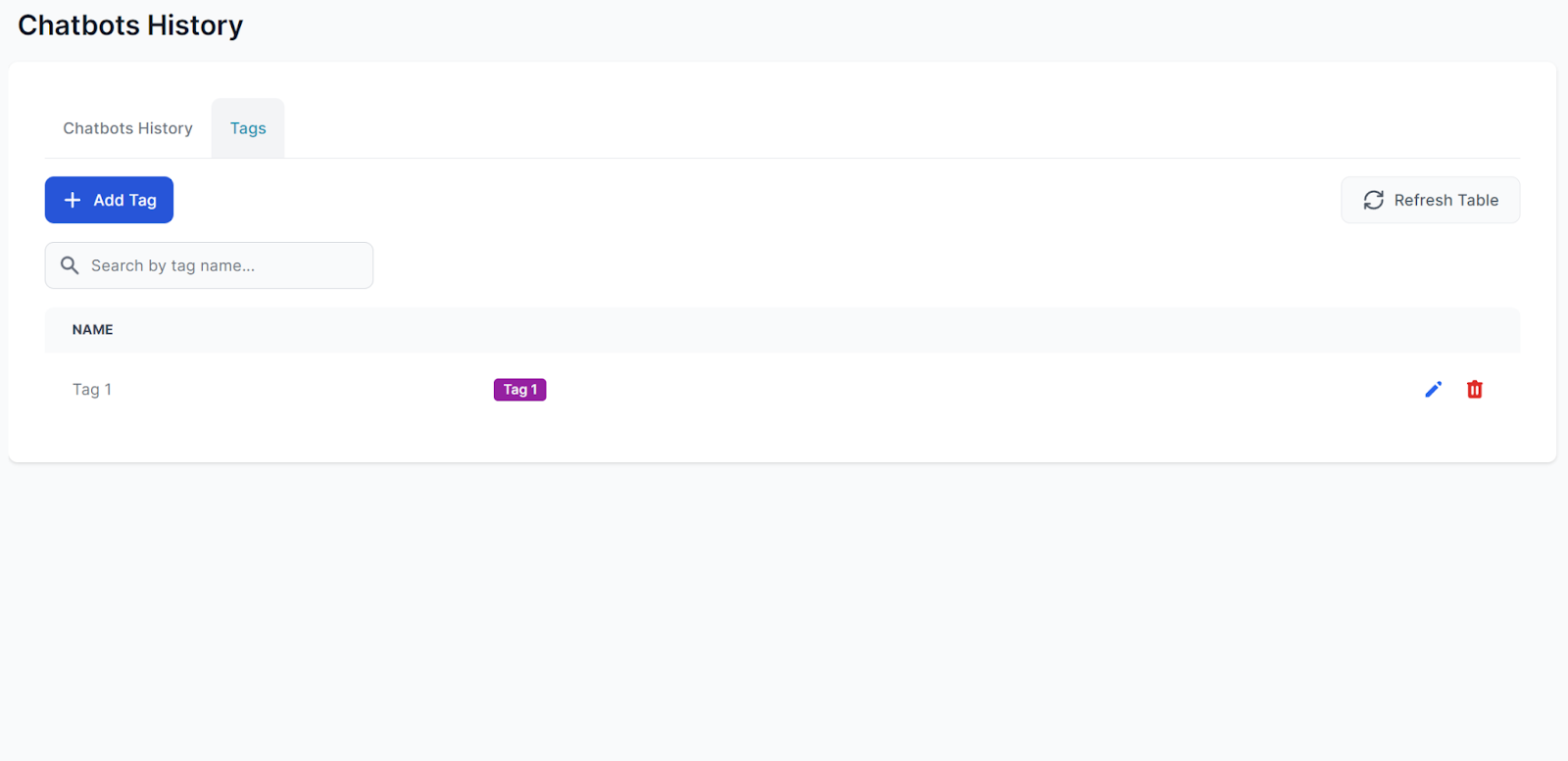
You can edit and create new tags here. However, only admins can delete tags.
Discover how FlowHunt's History Feature empowers you to monitor, analyze, and optimize all chatbot interactions effortlessly.
Learn effective strategies for debugging chatbot responses using verbose history, reviewing chatbot answers, and fixing common issues.
Learn how to manage your FlowHunt workspace and account. Invite team members, configure roles and permissions, manage billing, and organize your workspace for c...
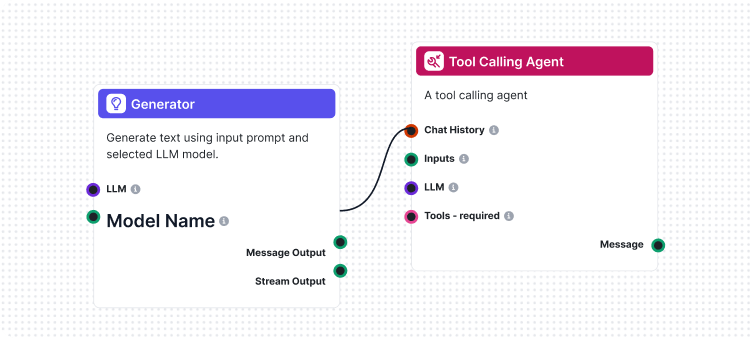
Flows are the brains behind it all in FlowHunt. Learn how to build them with a no-code visual builder, from placing the first component to website integration, ...
Cookie Consent
We use cookies to enhance your browsing experience and analyze our traffic. See our privacy policy.