


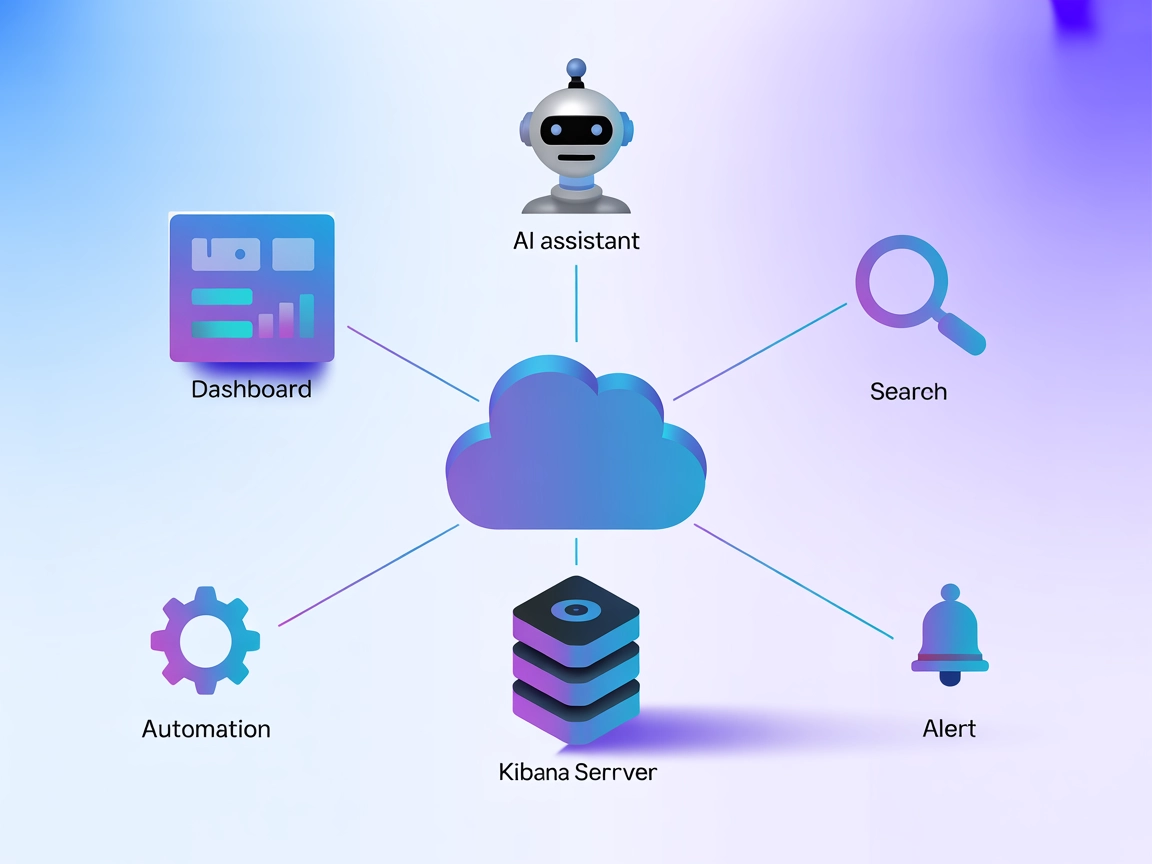
Kibana MCP Server Integration
The Kibana MCP Server bridges AI assistants with Kibana, enabling automated search, dashboard management, alert monitoring, and reporting through the standardiz...
4 min read
AI
Kibana
+6

Connect AI agents to your 1Panel environment for automated system management, secure workflows, and real-time operations with FlowHunt’s 1Panel MCP Server integration.
The 1Panel MCP Server is an implementation of the Model Context Protocol (MCP) server designed specifically for integration with 1Panel
. It serves as a bridge connecting AI assistants with the 1Panel platform, enabling enhanced development workflows by allowing AI agents to interact programmatically with 1Panel’s APIs and data sources. By deploying this server, developers can use AI-powered tools to automate and streamline common administrative and operational tasks within their 1Panel environments, such as querying system status, managing files, or executing control commands. The server supports multiple transport methods (stdio and sse), offering flexibility for integration in various environments, and can be securely configured with API tokens and host addresses.
No prompt templates are mentioned in the available documentation or code.

Start your free trial today and see results within days.
No explicit MCP resources are described in the available documentation or code.
No specific tools are listed or described in the available documentation or code (e.g., server.py does not exist in this Go-based project).
Get latest tips, trends, and deals for free.
Ensure you have the 1Panel MCP Server binary or Docker image.
Obtain your 1Panel access token and host URL.
Edit the Windsurf configuration file.
Add the following JSON snippet under mcpServers:
{
  "mcpServers": {
    "mcp-1panel": {
      "command": "mcp-1panel",
      "env": {
        "PANEL_ACCESS_TOKEN": "<your 1Panel access token>",
        "PANEL_HOST": "such as http://localhost:8080"
      }
    }
  }
}
Save and restart Windsurf, then verify the server connection.
{
  "mcpServers": {
    "mcp-1panel": {
      "command": "docker",
      "args": [
        "run",
        "-i",
        "--rm",
        "-e",
        "PANEL_HOST",
        "-e",
        "PANEL_ACCESS_TOKEN",
        "1panel/1panel-mcp-server"
      ],
      "env": {
        "PANEL_HOST": "such as http://localhost:8080",
        "PANEL_ACCESS_TOKEN": "<your 1Panel access token>"
      }
    }
  }
}
mcpServers.Ensure 1Panel MCP Server is installed.
Get your access token and host URL.
Edit the Cursor configuration file.
Add:
{
  "mcpServers": {
    "mcp-1panel": {
      "command": "mcp-1panel",
      "env": {
        "PANEL_ACCESS_TOKEN": "<your 1Panel access token>",
        "PANEL_HOST": "such as http://localhost:8080"
      }
    }
  }
}
Save changes and restart Cursor.
If using SSE mode, start the server with:
mcp-1panel -host http://localhost:8080 -token <your 1Panel access token> -transport sse -addr http://localhost:8000
Add to mcpServers:
{
  "mcpServers": {
    "mcp-1panel": {
      "url": "http://localhost:8000/sse"
    }
  }
}
Store API keys and sensitive info in environment variables. Example configuration:
{
  "mcpServers": {
    "mcp-1panel": {
      "command": "mcp-1panel",
      "env": {
        "PANEL_ACCESS_TOKEN": "${PANEL_ACCESS_TOKEN}",
        "PANEL_HOST": "${PANEL_HOST}"
      }
    }
  }
}
Replace ${PANEL_ACCESS_TOKEN} and ${PANEL_HOST} with your environment variable names.
Using MCP in FlowHunt
To integrate MCP servers into your FlowHunt workflow, start by adding the MCP component to your flow and connecting it to your AI agent:

Click on the MCP component to open the configuration panel. In the system MCP configuration section, insert your MCP server details using this JSON format:
{
  "MCP-name": {
    "transport": "streamable_http",
    "url": "https://yourmcpserver.example/pathtothemcp/url"
  }
}
Once configured, the AI agent is now able to use this MCP as a tool with access to all its functions and capabilities. Remember to change “MCP-name” to “mcp-1panel” and replace the URL with your own MCP server URL.
| Section | Availability | Details/Notes |
|---|---|---|
| Overview | ✅ | |
| List of Prompts | ⛔ | No prompt templates provided |
| List of Resources | ⛔ | No explicit resources listed |
| List of Tools | ⛔ | No tools listed in code or docs |
| Securing API Keys | ✅ | Environment variable approach described |
| Sampling Support (less important in evaluation) | ⛔ | Not mentioned |
The 1Panel MCP Server offers clear installation and integration instructions and is actively maintained with a good number of stars and forks. However, the lack of detailed tool, prompt, and resource descriptions in the documentation limits its out-of-the-box usability for complex AI workflows. Based on the above, we rate this MCP implementation a 5/10 for completeness and developer friendliness.
| Has a LICENSE | ✅ (GPL-3.0) |
|---|---|
| Has at least one tool | ⛔ |
| Number of Forks | 17 |
| Number of Stars | 127 |
Empower your server management with AI-driven automation and secure integrations using the 1Panel MCP Server in FlowHunt.
The Kibana MCP Server bridges AI assistants with Kibana, enabling automated search, dashboard management, alert monitoring, and reporting through the standardiz...
Integrate FlowHunt with 1Panel MCP Server to automate server management, website deployment, SSL certificates, and database operations using secure, AI-powered ...

The Integration App MCP Server provides AI assistants with secure, token-based access to a unified ecosystem of APIs, tools, and data sources, enabling powerful...
Cookie Consent
We use cookies to enhance your browsing experience and analyze our traffic. See our privacy policy.