


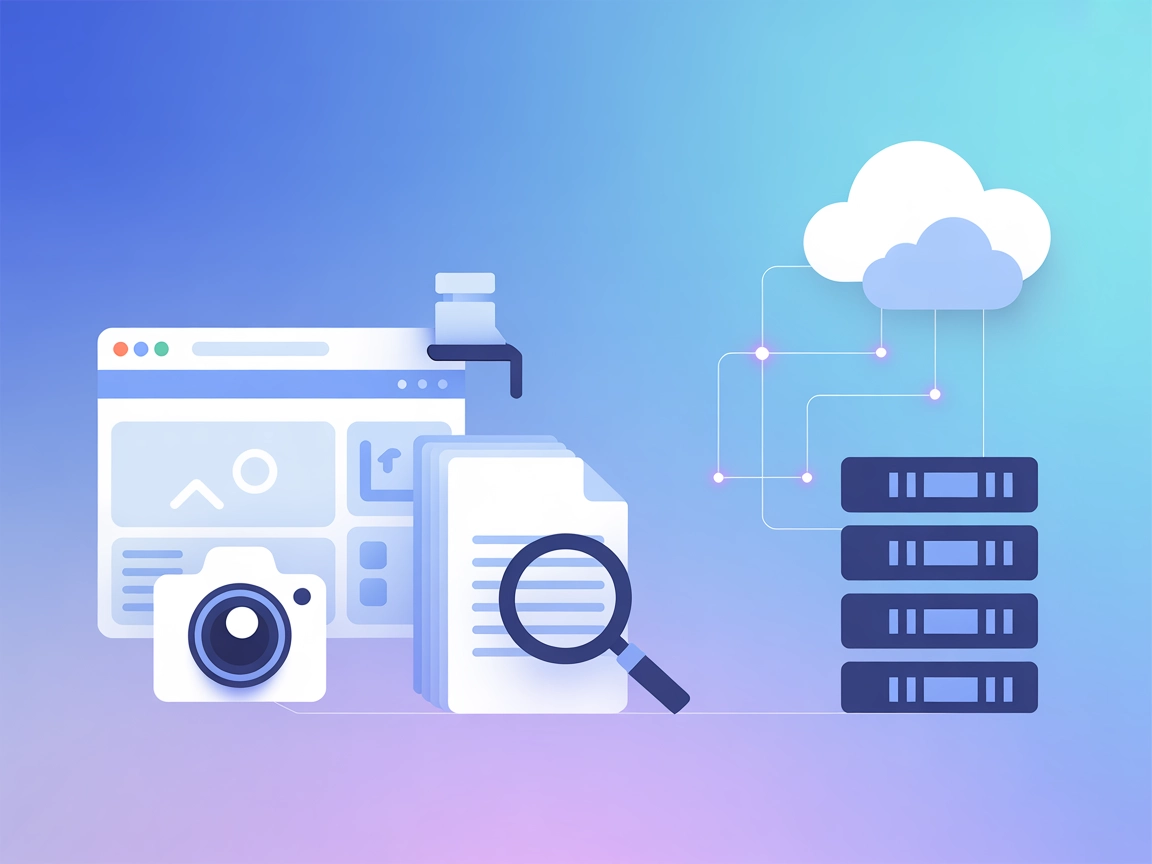
ScreenshotOne MCP Integration
Automate website screenshot capture by integrating FlowHunt with the ScreenshotOne MCP Server. Effortlessly generate high-quality web page images for monitoring...
3 min read
AI
Automation
+5

Connect FlowHunt and AI agents to ScreenshotOne for seamless, automated website screenshot capture—perfect for QA, documentation, reporting, and archiving use cases.
The ScreenshotOne MCP (Model Context Protocol) Server is an official implementation that acts as a bridge between AI assistants and the ScreenshotOne API. By connecting to this server, AI agents and tools can automate the process of capturing website screenshots, providing visual context and reference for development, QA, reporting, and documentation workflows. Through the MCP protocol, developers can empower AI assistants to generate real-time website snapshots, integrate visual assets into their conversations or reports, and streamline the workflow of sharing and archiving web content. This server makes it easy to securely execute screenshot requests within larger AI-powered or automated pipelines.
No prompt templates are documented in the repository.
No explicit MCP resources are documented in the repository.
No specific setup instructions provided for Windsurf.
~/Library/Application Support/Claude/claude_desktop_config.json.{
"mcpServers": {
"screenshotone": {
"command": "node",
"args": ["path/to/screenshotone/mcp/build/index.js"],
"env": {
    "SCREENSHOTONE_API_KEY": "<your api key>"
}
}
}
}
Store your ScreenshotOne API key in the env section of the configuration, not in the codebase.
Example:
"env": {
"SCREENSHOTONE_API_KEY": "<your api key>"
}
No specific setup instructions provided for Cursor.
No specific setup instructions provided for Cline.
npm install && npm run build
SCREENSHOTONE_API_KEY=your_api_key && node build/index.js
Using MCP in FlowHunt
To integrate MCP servers into your FlowHunt workflow, start by adding the MCP component to your flow and connecting it to your AI agent:

Click on the MCP component to open the configuration panel. In the system MCP configuration section, insert your MCP server details using this JSON format:
{
  "screenshotone": {
    "transport": "streamable_http",
    "url": "https://yourmcpserver.example/pathtothemcp/url"
  }
}
Once configured, the AI agent is now able to use this MCP as a tool with access to all its functions and capabilities. Remember to change “screenshotone” to whatever the actual name of your MCP server is and replace the URL with your own MCP server URL.
| Section | Availability | Details/Notes |
|---|---|---|
| Overview | ✅ | |
| List of Prompts | ⛔ | No prompt templates documented |
| List of Resources | ⛔ | No explicit resources documented |
| List of Tools | ✅ | render-website-screenshot |
| Securing API Keys | ✅ | Uses environment variable for API key |
| Sampling Support (less important in evaluation) | ⛔ | Not documented |
This MCP server is focused and practical, but documentation is minimal outside the core use case. It is easy to set up for Claude, but lacks detailed setup for other platforms and does not expose prompt templates or resources. The presence of a single, well-documented tool and secure API handling are strengths, but breadth is limited.
| Has a LICENSE | ✅ (MIT) |
|---|---|
| Has at least one tool | ✅ |
| Number of Forks | 11 |
| Number of Stars | 23 |
Empower your AI workflows with real-time website screenshots. Integrate ScreenshotOne MCP Server into FlowHunt and boost your QA, reporting, and documentation efficiency.
Automate website screenshot capture by integrating FlowHunt with the ScreenshotOne MCP Server. Effortlessly generate high-quality web page images for monitoring...
The ModelContextProtocol (MCP) Server acts as a bridge between AI agents and external data sources, APIs, and services, enabling FlowHunt users to build context...
The wxflows MCP Server bridges AI assistants with external data sources and APIs, enabling secure, modular, and AI-driven workflow automation in FlowHunt. Easil...
Cookie Consent
We use cookies to enhance your browsing experience and analyze our traffic. See our privacy policy.