


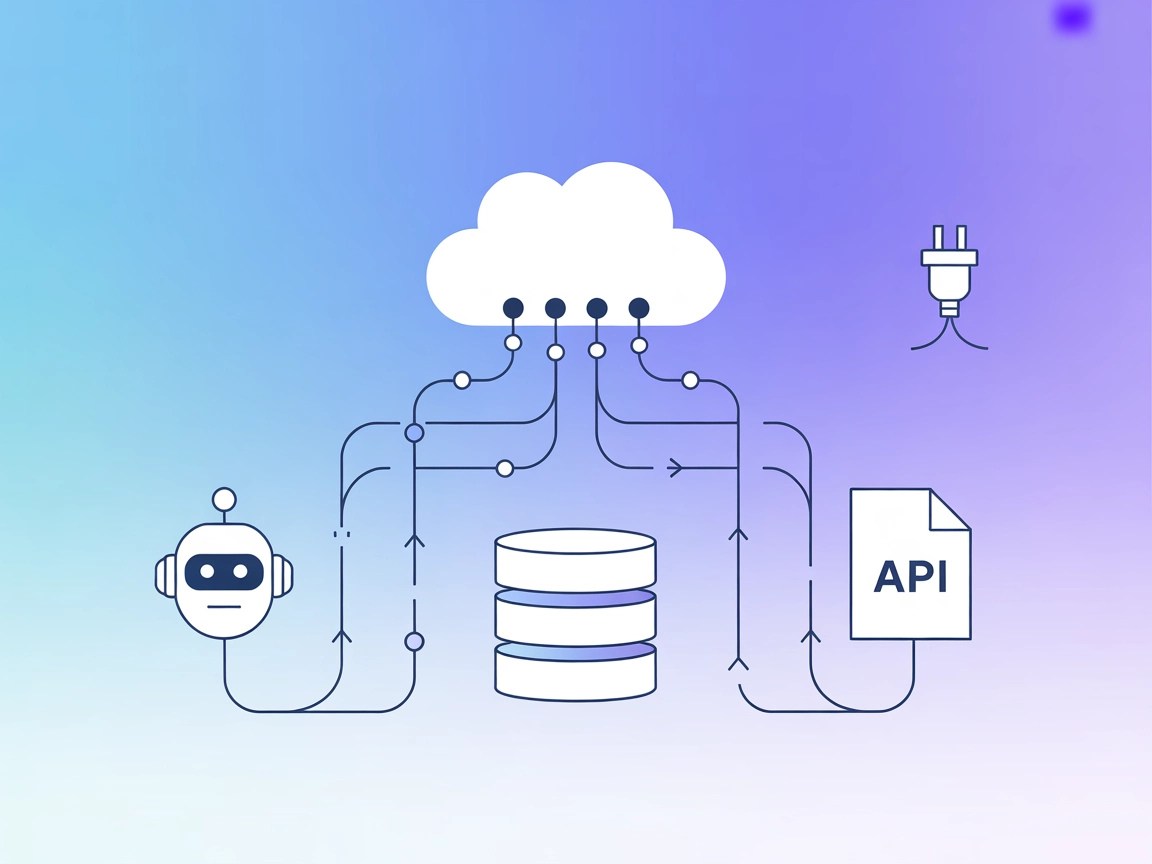
Mesh Agent MCP Server
The Mesh Agent MCP Server connects AI assistants with external data sources, APIs, and services, bridging large language models (LLMs) with real-world informati...
4 min read
AI
MCP
+5
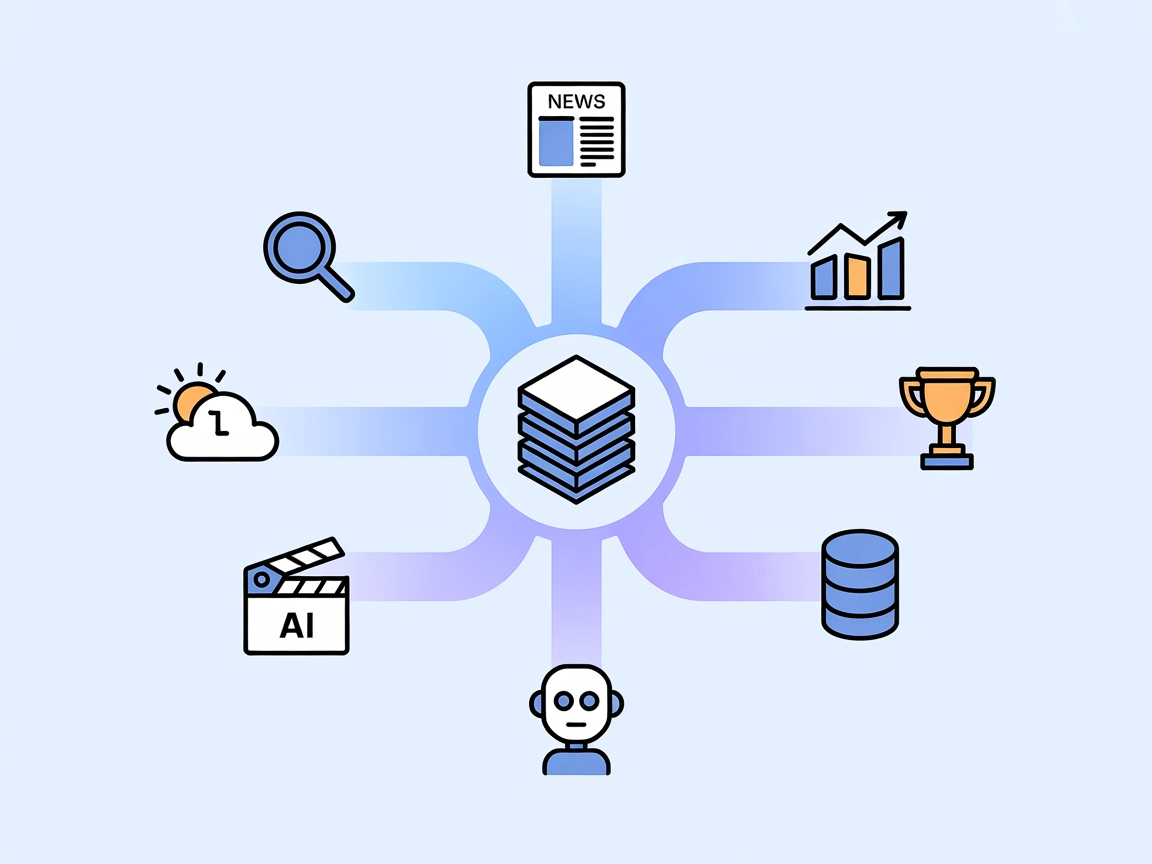
Dappier MCP empowers your AI agents with real-time access to news, markets, weather, sports, and more—directly in FlowHunt. Perfect for live data lookups and automated context-rich workflows.
Dappier MCP Server is a tool designed to connect AI assistants with real-time web search capabilities and access to premium data from trusted media brands, covering news, financial markets, sports, entertainment, and weather. By acting as a bridge between AI clients and diverse external data sources or APIs, Dappier MCP enables powerful AI agents to be built for various development workflows. These agents can enhance productivity by automating data retrieval, analysis, and integration tasks, allowing for seamless database queries, real-time information lookups, and rich context augmentation for language models.
No information about prompt templates was found in the provided repository or documentation.

Start your free trial today and see results within days.
No explicit resources (as defined by MCP) are listed in the available documentation or repository files.
No explicit tools or tool definitions were found in the repository files or documentation.
Get latest tips, trends, and deals for free.
No setup instructions for Windsurf are provided in the current documentation.
uv (Python package manager):curl -LsSf https://astral.sh/uv/install.sh | shpowershell -ExecutionPolicy ByPass -c "irm https://astral.sh/uv/install.ps1 | iex"claude_desktop_config.json) with the following:{
"mcpServers": {
"dappier": {
"command": "uvx",
"args": ["dappier-mcp"],
"env": {
  "DAPPIER_API_KEY": "YOUR_API_KEY_HERE"
}
}
}
}
~/Library/Application Support/Claude/claude_desktop_config.json%APPDATA%\Claude\claude_desktop_config.jsonNo setup instructions for Cursor are provided in the current documentation.
No setup instructions for Cline are provided in the current documentation.
You can secure your API key using the env field in your configuration:
"env": {
"DAPPIER_API_KEY": "YOUR_API_KEY_HERE"
}
Using MCP in FlowHunt
To integrate MCP servers into your FlowHunt workflow, start by adding the MCP component to your flow and connecting it to your AI agent:

Click on the MCP component to open the configuration panel. In the system MCP configuration section, insert your MCP server details using this JSON format:
{
  "MCP-name": {
    "transport": "streamable_http",
    "url": "https://yourmcpserver.example/pathtothemcp/url"
  }
}
Once configured, the AI agent is now able to use this MCP as a tool with access to all its functions and capabilities. Remember to change “MCP-name” to whatever the actual name of your MCP server is (e.g., “github-mcp”, “weather-api”, etc.) and replace the URL with your own MCP server URL.
| Section | Availability | Details/Notes |
|---|---|---|
| Overview | ✅ | |
| List of Prompts | ⛔ | Not listed in documentation |
| List of Resources | ⛔ | Not listed in documentation |
| List of Tools | ⛔ | Not listed in documentation |
| Securing API Keys | ✅ | Supported via env in config |
| Sampling Support (less important in evaluation) | ⛔ | Not specified |
Roots support: Not specified
Sampling support: Not specified
Based on the tables above, Dappier MCP provides a clear overview and solid setup instructions for Claude Desktop, but lacks detailed information about prompts, resources, tools, and feature support specifics in the public documentation. It is best suited for users seeking web and data integration but not for those requiring deep MCP extensibility or explicit workflow templates.
| Has a LICENSE | ✅ (MIT) |
|---|---|
| Has at least one tool | ⛔ |
| Number of Forks | 7 |
| Number of Stars | 19 |
Overall, I would rate this MCP a 4/10:
While Dappier MCP is promising for real-time data access and provides basic setup guidance, it currently lacks transparency and documentation about MCP primitives (tools, resources, prompts), which limits its utility for advanced MCP integrations and developer adoption.
Supercharge your AI workflows with live web search and premium data from Dappier. Enhance your agents with real-time answers and actionable insights.
The Mesh Agent MCP Server connects AI assistants with external data sources, APIs, and services, bridging large language models (LLMs) with real-world informati...
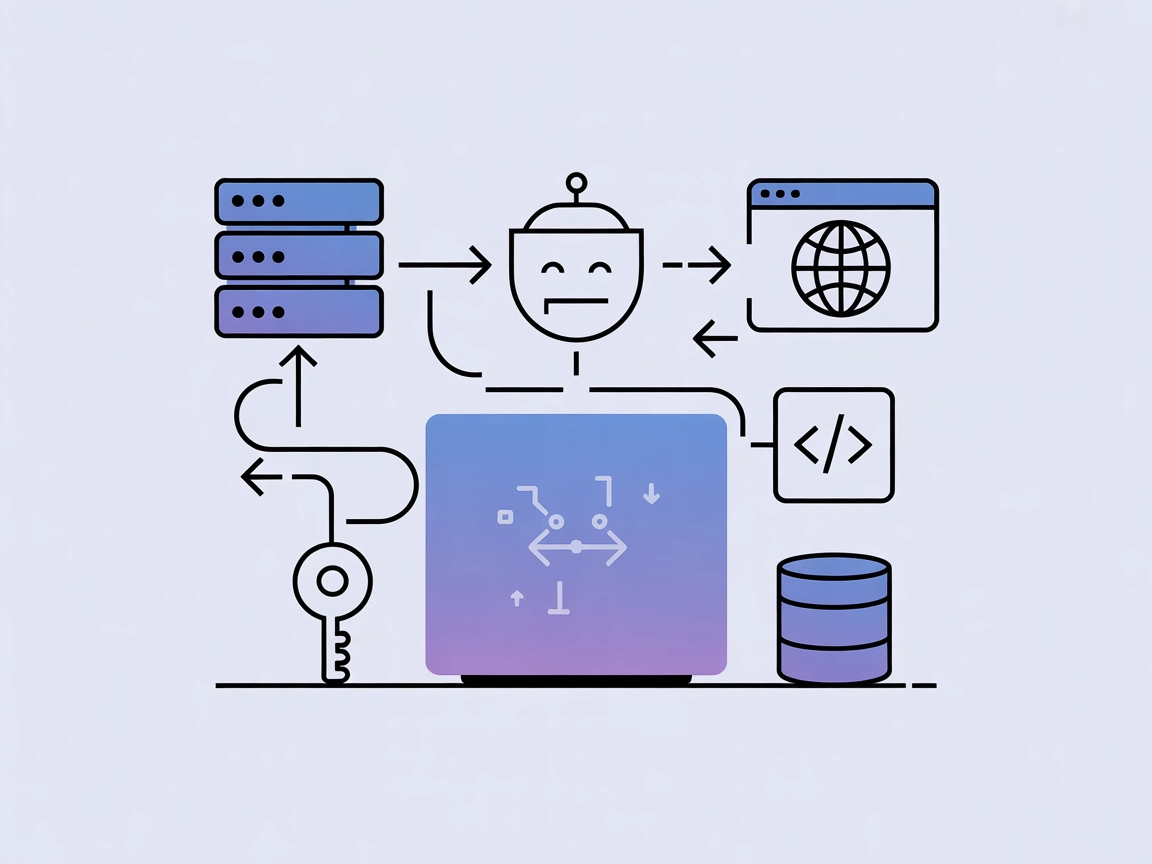
The AgentQL MCP Server integrates advanced web data extraction into AI workflows, enabling seamless structured data retrieval from web pages via customizable pr...
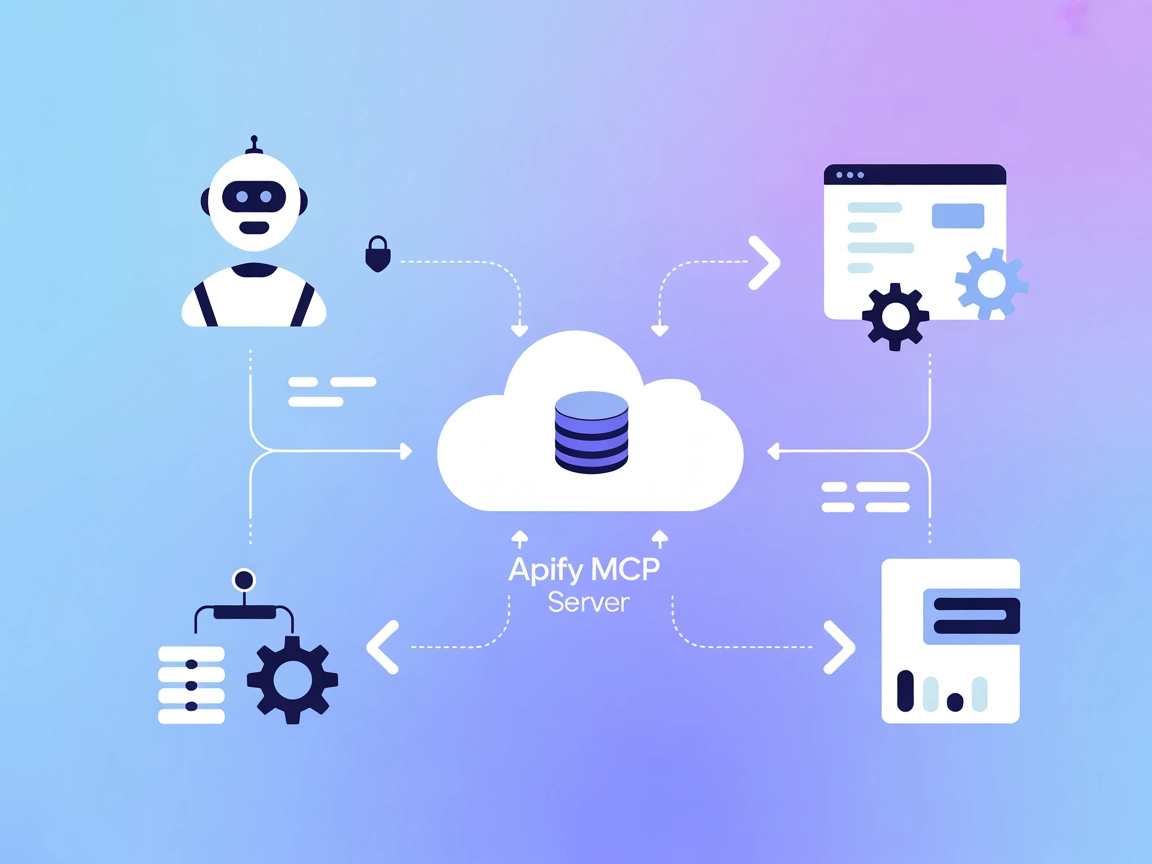
The Apify MCP Server connects AI assistants with the Apify platform, enabling seamless automation, data extraction, and workflow orchestration via standardized ...
Cookie Consent
We use cookies to enhance your browsing experience and analyze our traffic. See our privacy policy.