


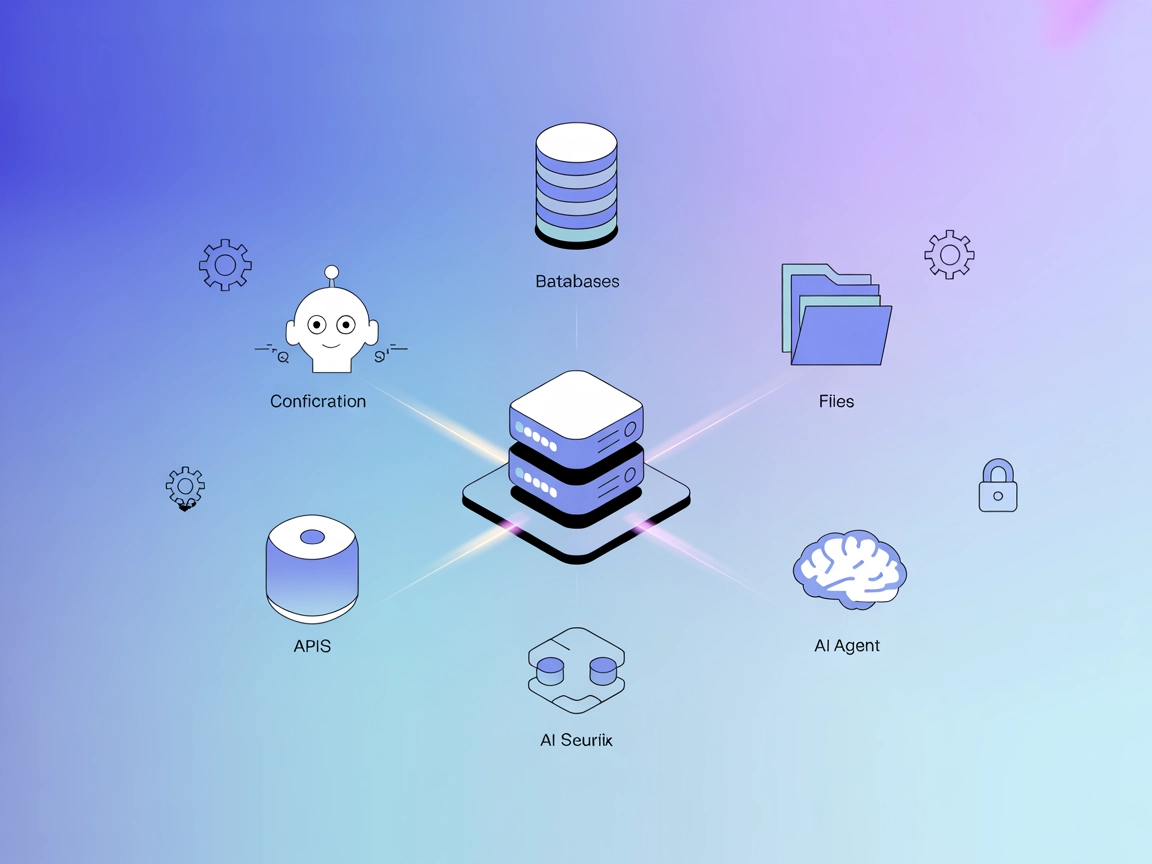
ModelContextProtocol (MCP) Server Integration
The ModelContextProtocol (MCP) Server acts as a bridge between AI agents and external data sources, APIs, and services, enabling FlowHunt users to build context...
3 min read
AI
Integration
+4
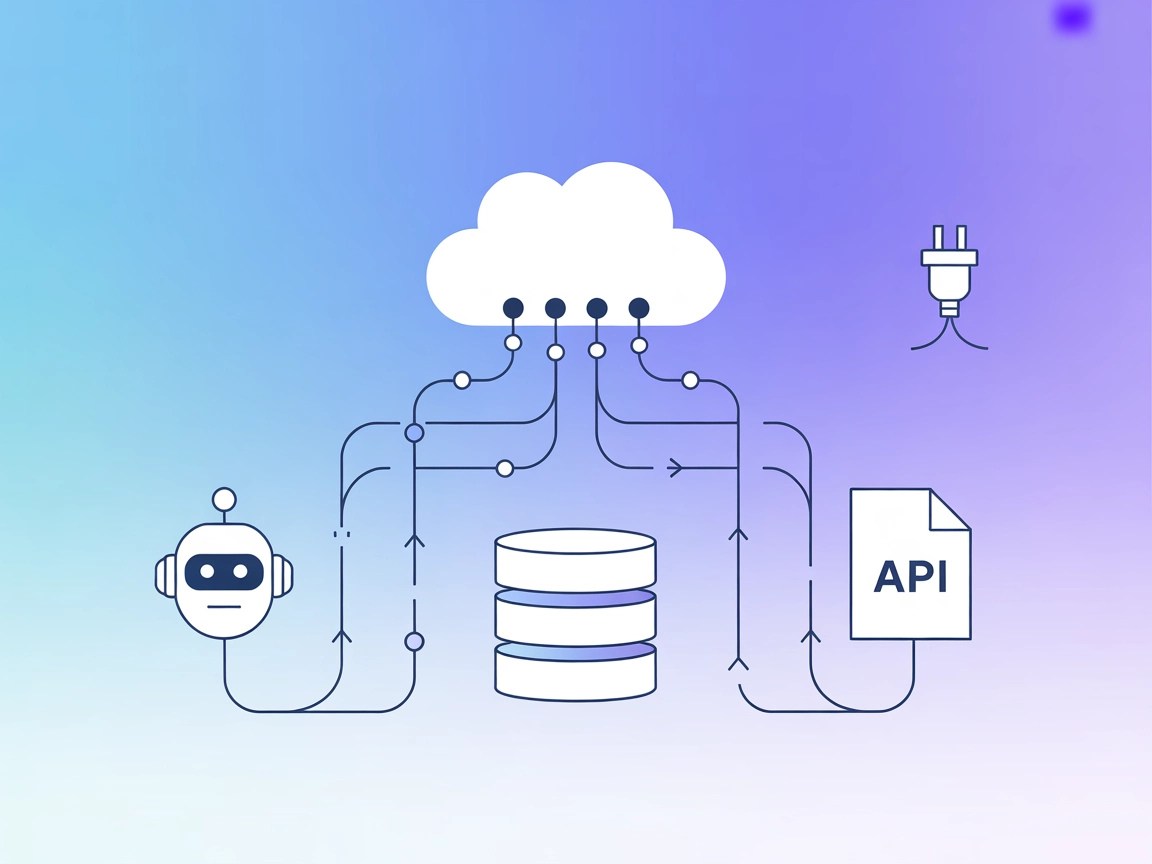
The Mesh Agent MCP Server bridges AI models and external systems, enabling your FlowHunt bots to interact with databases, APIs, and files for rich, actionable automation.
The Mesh Agent MCP Server is designed to connect AI assistants with external data sources, APIs, and services, enhancing the development workflow by providing a bridge between large language models (LLMs) and real-world information. By acting as a connective layer, the Mesh Agent MCP Server enables tasks such as database queries, file management, and API interactions to be performed seamlessly. Its integration within the Model Context Protocol (MCP) ecosystem allows developers to leverage standardized methods for exposing resources, tools, and workflows, facilitating more robust, context-aware, and actionable AI-driven applications.
No information about prompt templates was found in the repository.

Start your free trial today and see results within days.
No information about specific MCP resources provided by the Mesh Agent MCP Server was found in the repository.
No explicit tool definitions were found in the repository files or documentation.
Get latest tips, trends, and deals for free.
No concrete use cases were described in the accessible repository files.
windsurf.json).mcpServers section using the JSON snippet below.{
"mcpServers": {
"mesh-agent-mcp": {
"command": "npx",
"args": ["@mesh-agent/mcp-server@latest"]
}
}
}
{
  "mcpServers": {
    "mesh-agent-mcp": {
      "command": "npx",
      "args": ["@mesh-agent/mcp-server@latest"]
    }
  }
}
{
  "mcpServers": {
    "mesh-agent-mcp": {
      "command": "npx",
      "args": ["@mesh-agent/mcp-server@latest"]
    }
  }
}
{
  "mcpServers": {
    "mesh-agent-mcp": {
      "command": "npx",
      "args": ["@mesh-agent/mcp-server@latest"]
    }
  }
}
Store sensitive API keys using environment variables and reference them in your configuration. Example:
{
  "mcpServers": {
    "mesh-agent-mcp": {
      "command": "npx",
      "args": ["@mesh-agent/mcp-server@latest"],
      "env": {
        "API_KEY": "${MESH_AGENT_API_KEY}"
      },
      "inputs": {
        "api_key": "${MESH_AGENT_API_KEY}"
      }
    }
  }
}
Using MCP in FlowHunt
To integrate MCP servers into your FlowHunt workflow, start by adding the MCP component to your flow and connecting it to your AI agent:

Click on the MCP component to open the configuration panel. In the system MCP configuration section, insert your MCP server details using this JSON format:
{
  "mesh-agent-mcp": {
    "transport": "streamable_http",
    "url": "https://yourmcpserver.example/pathtothemcp/url"
  }
}
Once configured, the AI agent is now able to use this MCP as a tool with access to all its functions and capabilities. Remember to change “mesh-agent-mcp” to whatever the actual name of your MCP server is and replace the URL with your own MCP server URL.
| Section | Availability | Details/Notes |
|---|---|---|
| Overview | ✅ | |
| List of Prompts | ⛔ | Not found in repo |
| List of Resources | ⛔ | Not found in repo |
| List of Tools | ⛔ | Not found in repo |
| Securing API Keys | ✅ | Example provided in setup |
| Sampling Support (less important in evaluation) | ⛔ | Not found in repo |
Based on the tables above, the Mesh Agent MCP Server repository is missing many MCP features such as explicit prompts, resources, and tools documentation. Its setup instructions are generic, and there’s a lack of concrete implementation or usage examples. Therefore, this MCP scores low for completeness and developer usability.
| Has a LICENSE | ✅ (MIT) |
|---|---|
| Has at least one tool | ⛔ |
| Number of Forks | 13 |
| Number of Stars | 49 |
Enhance your AI workflows with the Mesh Agent MCP Server. Bridge your FlowHunt bots to APIs, databases, and more for context-aware, actionable automation.
The ModelContextProtocol (MCP) Server acts as a bridge between AI agents and external data sources, APIs, and services, enabling FlowHunt users to build context...
The A2A MCP Server bridges Model Context Protocol (MCP) with the Agent-to-Agent (A2A) protocol, enabling MCP-compatible AI assistants like Claude to interact se...
The wxflows MCP Server bridges AI assistants with external data sources and APIs, enabling secure, modular, and AI-driven workflow automation in FlowHunt. Easil...
Cookie Consent
We use cookies to enhance your browsing experience and analyze our traffic. See our privacy policy.