


EdgeOne Pages MCP
Integrate FlowHunt with EdgeOne Pages MCP for seamless deployment of HTML content, folders, or zip files. Instantly obtain public URLs, automate static site pub...
3 min read
AI
EdgeOne Pages
+4
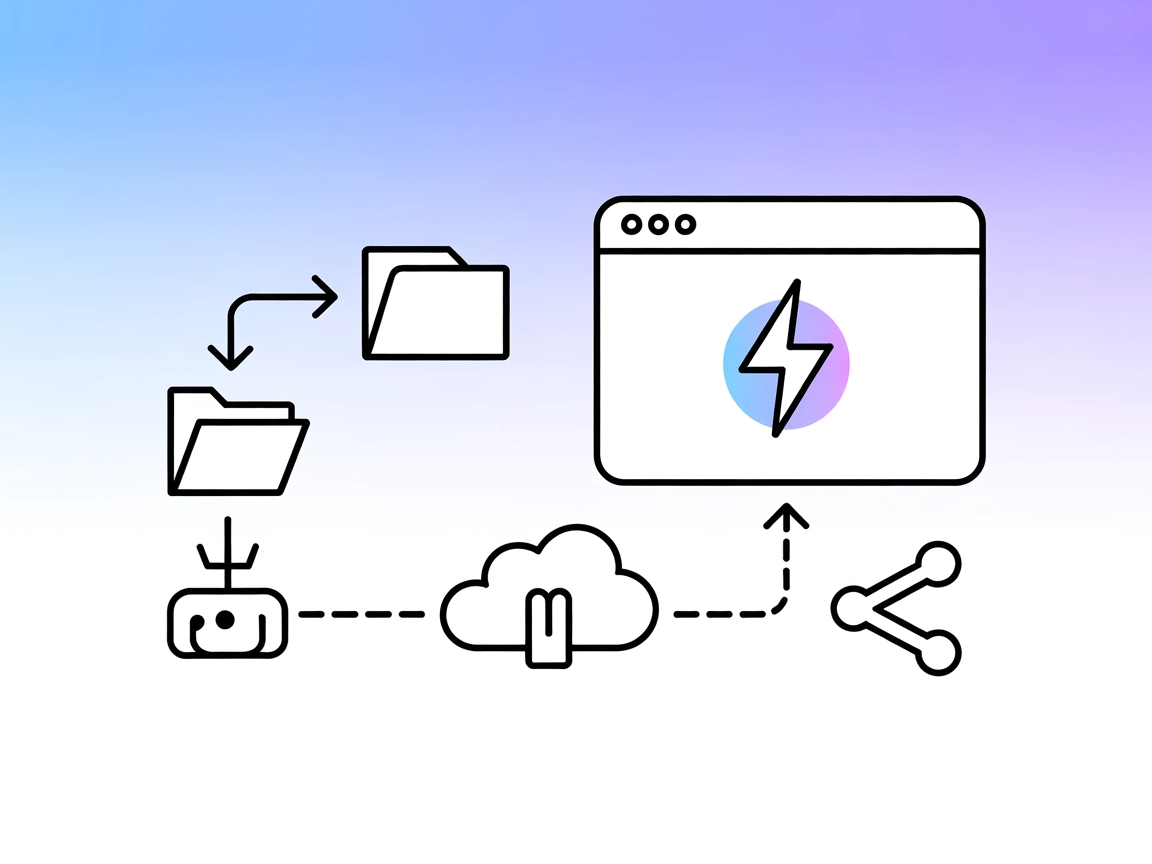
Deploy static sites, folders, or zipped assets to EdgeOne Pages instantly—automate hosting and web publishing directly from AI or CI/CD pipelines.
The EdgeOne Pages MCP Server is a Model Context Protocol (MCP) service designed to deploy HTML content, entire folders, or zip files to EdgeOne Pages, instantly generating a publicly accessible URL. By connecting AI assistants and development tools to EdgeOne’s deployment workflows, this MCP server enables automated publishing of web assets and front-end projects directly from LLM-driven or agentic workflows. Developers can use this service to streamline static site deployment, automate CI/CD for web content, and empower AI tools to manage web hosting and content publishing. The integration with the EdgeOne Pages platform makes it especially suitable for rapid prototyping, documentation hosting, and sharing project outputs in a frictionless, programmatic way.
No prompt templates are mentioned in the available documentation or repository.

Start your free trial today and see results within days.
No explicit MCP resource definitions are detailed in the available documentation or repository.
No explicit tool definitions are found in the provided files or documentation. However, the service functionality centers on deploying HTML, folders, or zip files to EdgeOne Pages.
Get latest tips, trends, and deals for free.
{
  "mcpServers": {
    "edgeone-pages-mcp-server": {
      "command": "npx",
      "args": ["edgeone-pages-mcp"],
      "env": {
        "EDGEONE_PAGES_API_TOKEN": ""
      }
    }
  }
}
EDGEONE_PAGES_API_TOKEN field.{
"mcpServers": {
"edgeone-pages-mcp-server": {
"command": "npx",
"args": ["edgeone-pages-mcp"],
"env": {
"EDGEONE_PAGES_API_TOKEN": ""
}
}
}
}
{
  "mcpServers": {
    "edgeone-pages-mcp-server": {
      "command": "npx",
      "args": ["edgeone-pages-mcp"],
      "env": {
        "EDGEONE_PAGES_API_TOKEN": ""
      }
    }
  }
}
env.{
"mcpServers": {
"edgeone-pages-mcp-server": {
"command": "npx",
"args": ["edgeone-pages-mcp"],
"env": {
"EDGEONE_PAGES_API_TOKEN": ""
}
}
}
}
It is recommended to use environment variables for API keys. Example configuration:
{
  "mcpServers": {
    "edgeone-pages-mcp-server": {
      "command": "npx",
      "args": ["edgeone-pages-mcp"],
      "env": {
        "EDGEONE_PAGES_API_TOKEN": "your_api_token_here"
      }
    }
  }
}
Using MCP in FlowHunt
To integrate MCP servers into your FlowHunt workflow, start by adding the MCP component to your flow and connecting it to your AI agent:

Click on the MCP component to open the configuration panel. In the system MCP configuration section, insert your MCP server details using this JSON format:
{
  "edgeone-pages-mcp": {
    "transport": "streamable_http",
    "url": "https://yourmcpserver.example/pathtothemcp/url"
  }
}
Once configured, the AI agent is now able to use this MCP as a tool with access to all its functions and capabilities. Remember to change "edgeone-pages-mcp" to whatever the actual name of your MCP server is and replace the URL with your own MCP server URL.
| Section | Availability | Details/Notes |
|---|---|---|
| Overview | ✅ | High-level description available. |
| List of Prompts | ⛔ | No prompt templates found. |
| List of Resources | ⛔ | No explicit MCP resources listed. |
| List of Tools | ⛔ | No explicit MCP tools found in repository. |
| Securing API Keys | ✅ | Env var approach shown in documentation. |
| Sampling Support (less important in evaluation) | ⛔ | Not mentioned. |
Between these tables:
This MCP server is focused and easy to set up for its deployment use case, but lacks depth in tooling, prompts, and resources documentation. For teams needing static site hosting via MCP, it delivers, but is not a comprehensive agentic toolkit. Based on the above, I would rate it a 5/10 for general MCP capabilities.
| Has a LICENSE | ✅ (MIT) |
|---|---|
| Has at least one tool | ⛔ |
| Number of Forks | 20 |
| Number of Stars | 138 |
Streamline your static site deployment, enable instant previews, and empower AI agents to publish content automatically via the EdgeOne Pages MCP Server.
Integrate FlowHunt with EdgeOne Pages MCP for seamless deployment of HTML content, folders, or zip files. Instantly obtain public URLs, automate static site pub...
The Edgee MCP Server connects AI assistants and LLM-based agents with the Edgee API, enabling advanced organization, project, component, and user management for...
The Webflow MCP Server connects AI assistants and automation tools to Webflow's APIs, enabling seamless site discovery, automated management, and contextual dat...
Cookie Consent
We use cookies to enhance your browsing experience and analyze our traffic. See our privacy policy.