


Fitbit
Integrate FlowHunt with Fitbit MCP to securely unify your health and fitness data, automate workflows, and enable AI-driven insights from activity, sleep, heart...
4 min read
AI
Fitbit
+3

Integrate Fitbit health and fitness data into your FlowHunt workflows for advanced AI-powered wellness tracking, personal metrics analysis, and automated recommendations.
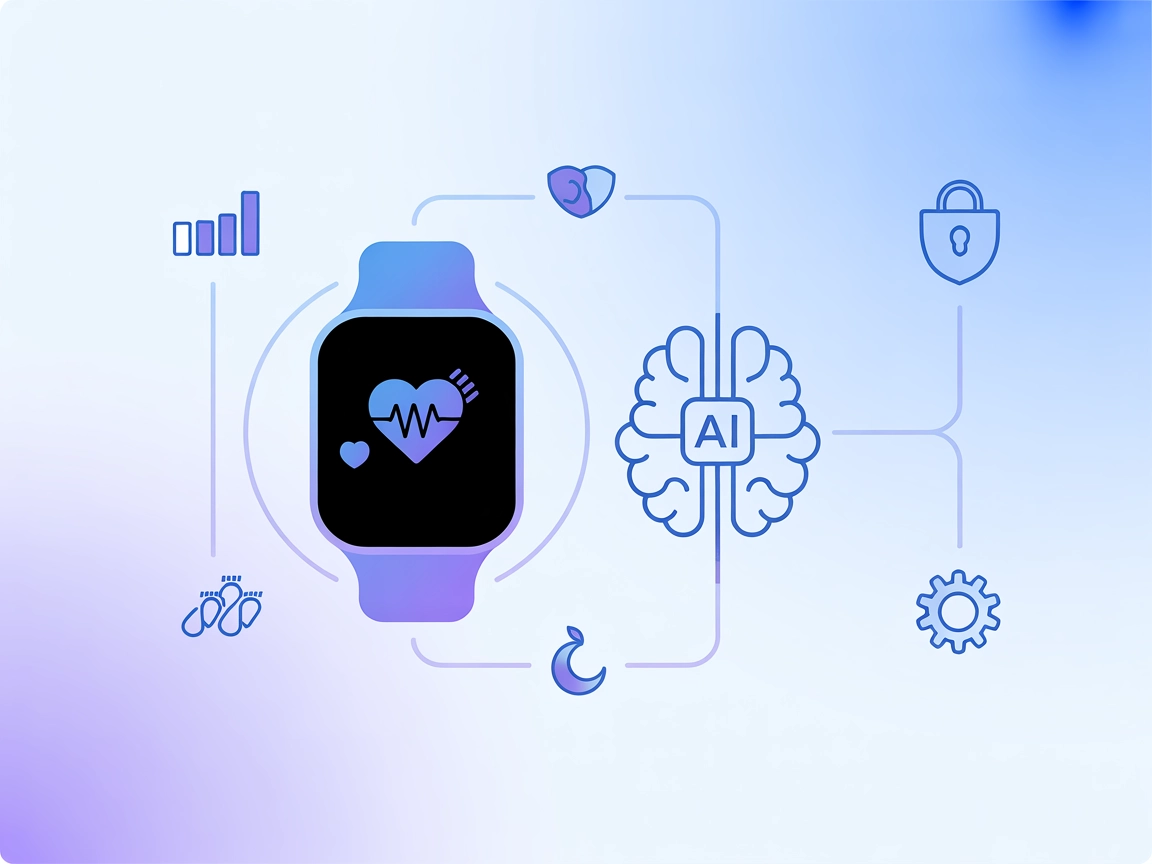
The Fitbit MCP (Model Context Protocol) Server is an integration layer that enables AI assistants to access, analyze, and interact with Fitbit health and fitness data. By connecting external AI models to your Fitbit account, this MCP server allows developers and AI-powered applications to retrieve a wide variety of personal health metrics, including activity logs, heart rate, sleep patterns, nutrition, and device information. This capability empowers applications to deliver personalized insights, automate wellness tracking, and enhance user engagement with data-driven health recommendations. The Fitbit MCP Server streamlines the process of querying Fitbit’s APIs, making it easier for developers to build tools and workflows that incorporate users’ health and fitness context seamlessly into their products.
No prompt templates are mentioned in the repository.

Start your free trial today and see results within days.
No explicit MCP resources are documented in the repository.
Get latest tips, trends, and deals for free.
{
  "mcpServers": {
    "fitbit-mcp": {
      "command": "npx",
      "args": ["-y", "fitbit-mcp", "--stdio"],
      "env": {
        "FITBIT_ACCESS_TOKEN": "YOUR_FITBIT_ACCESS_TOKEN"
      }
    }
  }
}
Securing API Keys:
Store your Fitbit access token in an environment variable to avoid exposing it in configuration files:
{
  "env": {
    "FITBIT_ACCESS_TOKEN": "${FITBIT_ACCESS_TOKEN}"
  }
}
{
  "mcpServers": {
    "fitbit-mcp": {
      "command": "npx",
      "args": ["-y", "fitbit-mcp", "--stdio"],
      "env": {
        "FITBIT_ACCESS_TOKEN": "YOUR_FITBIT_ACCESS_TOKEN"
      }
    }
  }
}
Securing API Keys:
{
  "env": {
    "FITBIT_ACCESS_TOKEN": "${FITBIT_ACCESS_TOKEN}"
  }
}
{
  "mcpServers": {
    "fitbit-mcp": {
      "command": "npx",
      "args": ["-y", "fitbit-mcp", "--stdio"],
      "env": {
        "FITBIT_ACCESS_TOKEN": "YOUR_FITBIT_ACCESS_TOKEN"
      }
    }
  }
}
Securing API Keys:
{
  "env": {
    "FITBIT_ACCESS_TOKEN": "${FITBIT_ACCESS_TOKEN}"
  }
}
{
  "mcpServers": {
    "fitbit-mcp": {
      "command": "npx",
      "args": ["-y", "fitbit-mcp", "--stdio"],
      "env": {
        "FITBIT_ACCESS_TOKEN": "YOUR_FITBIT_ACCESS_TOKEN"
      }
    }
  }
}
Securing API Keys:
{
  "env": {
    "FITBIT_ACCESS_TOKEN": "${FITBIT_ACCESS_TOKEN}"
  }
}
Using MCP in FlowHunt
To integrate MCP servers into your FlowHunt workflow, start by adding the MCP component to your flow and connecting it to your AI agent:

Click on the MCP component to open the configuration panel. In the system MCP configuration section, insert your MCP server details using this JSON format:
{
  "fitbit-mcp": {
    "transport": "streamable_http",
    "url": "https://yourmcpserver.example/pathtothemcp/url"
  }
}
Once configured, the AI agent is now able to use this MCP as a tool with access to all its functions and capabilities. Remember to change “fitbit-mcp” to whatever the actual name of your MCP server is and replace the URL with your own MCP server URL.
| Section | Availability | Details/Notes |
|---|---|---|
| Overview | ✅ | |
| List of Prompts | ⛔ | None found |
| List of Resources | ⛔ | None found |
| List of Tools | ✅ | 16+ documented in README |
| Securing API Keys | ✅ | Env vars documented |
| Sampling Support (less important in evaluation) | ⛔ | Not mentioned |
Between the two tables, the Fitbit MCP server is well-documented for tools and setup. However, lack of prompt and resource definitions, and no explicit mention of sampling or roots, slightly limits its completeness for full MCP ecosystem integration. Based on this, I would rate this MCP server a 6/10 for its practical utility and clarity, but with room for improvement in MCP-native features.
| Has a LICENSE | ✅ (MIT) |
|---|---|
| Has at least one tool | ✅ |
| Number of Forks | 2 |
| Number of Stars | 4 |
Unlock the power of your Fitbit data in FlowHunt. Build smarter, health-aware AI agents and automate fitness insights with a few clicks.
Integrate FlowHunt with Fitbit MCP to securely unify your health and fitness data, automate workflows, and enable AI-driven insights from activity, sleep, heart...

The Oura MCP Server enables AI assistants to securely access, analyze, and visualize health data from Oura Ring, providing structured endpoints for sleep, readi...

The Strava MCP Server bridges large language models (LLMs) with the Strava API, enabling AI assistants to securely access, analyze, and interact with fitness da...
Cookie Consent
We use cookies to enhance your browsing experience and analyze our traffic. See our privacy policy.