


GibsonAI MCP
Integrate FlowHunt with GibsonAI’s Model Context Protocol (MCP) Server to streamline project management, database schema design, SQL querying, and deployment wo...
4 min read
AI
GibsonAI
+4

Bridge your AI tools and GibsonAI projects with the GibsonAI MCP Server—manage databases, schemas, and deployments using natural language in your favorite development environments.
The GibsonAI MCP (Model Context Protocol) Server serves as a bridge between AI assistants and your GibsonAI projects and databases. It allows MCP-compatible clients—such as Cursor, Windsurf, Claude Desktop, and others—to perform a wide range of project and database management tasks using natural language instructions. By leveraging GibsonAI MCP Server, users can create new projects, design and modify database schemas, execute SQL queries, manage deployments, seed tables with mock data, and more, all directly from within their favorite development environments. This integration streamlines the development workflow, enabling seamless interaction with databases and project resources through conversational AI.

Start your free trial today and see results within days.
Get latest tips, trends, and deals for free.
Windsurf → Settings → Windsurf Settings → CascadeAdd server in the Model Context Protocol (MCP) Servers section.Add custom server in the modal dialog.{
"mcpServers": {
"gibson": {
"command": "uvx",
"args": ["--from", "gibson-cli@latest", "gibson", "mcp", "run"]
}
}
}
Note: Secure API keys and sensitive environment variables via your system’s environment configuration.
Claude → Settings → Developer and click Edit Config.claude_desktop_config.json file.{
"mcpServers": {
"gibson": {
"command": "uvx",
"args": ["--from", "gibson-cli@latest", "gibson", "mcp", "run"]
}
}
}
Note: Secure API keys via environment variables where appropriate.
Cursor → Settings → Cursor Settings → MCP Tools.New MCP Server.{
"mcpServers": {
"gibson": {
"command": "uvx",
"args": ["--from", "gibson-cli@latest", "gibson", "mcp", "run"]
}
}
}
Note: Secure API keys via environment variables.
.vscode/mcp.json file:{
"inputs": [],
"servers": {
"gibson": {
"type": "stdio",
"command": "uvx",
"args": ["--from", "gibson-cli@latest", "gibson", "mcp", "run"]
}
}
}
Note: Secure API keys using environment variables.
{
  "mcpServers": {
    "gibson": {
      "command": "uvx",
      "args": ["--from", "gibson-cli@latest", "gibson", "mcp", "run"],
      "env": {
        "GIBSON_API_KEY": "${GIBSON_API_KEY}"
      },
      "inputs": []
    }
  }
}
Using MCP in FlowHunt
To integrate MCP servers into your FlowHunt workflow, start by adding the MCP component to your flow and connecting it to your AI agent:

Click on the MCP component to open the configuration panel. In the system MCP configuration section, insert your MCP server details using this JSON format:
{
  "gibson": {
    "transport": "streamable_http",
    "url": "https://yourmcpserver.example/pathtothemcp/url"
  }
}
Once configured, the AI agent is now able to use this MCP as a tool with access to all its functions and capabilities. Remember to change “gibson” to whatever the actual name of your MCP server is and replace the URL with your own MCP server URL.
| Section | Availability | Details/Notes |
|---|---|---|
| Overview | ✅ | Description of GibsonAI MCP server found. |
| List of Prompts | ✅ | Prompt templates provided as examples in README. |
| List of Resources | ✅ | Descriptions inferred from features and task listings. |
| List of Tools | ✅ | Tool functions described in README feature list. |
| Securing API Keys | ✅ | Example JSON with env section provided. |
| Sampling Support (less important in evaluation) | ⛔ | No mention of sampling support. |
Based on the tables above, GibsonAI MCP Server scores highly for documentation and feature clarity, but lacks explicit mention of advanced MCP features like sampling and roots. It provides practical setup guidance and a reasonable set of tools/resources for most development workflows.
The GibsonAI MCP Server is well-documented and easy to set up for several popular AI development platforms. While it covers essential project and database management use cases, it does not mention support for advanced MCP features such as sampling or roots, which may limit some agentic or boundary-aware workflows. Overall, it is a solid and practical MCP server for developers working with GibsonAI projects.
| Has a LICENSE | ⛔ |
|---|---|
| Has at least one tool | ✅ |
| Number of Forks | 4 |
| Number of Stars | 9 |
Streamline your AI-powered development workflow: connect your GibsonAI projects and databases to FlowHunt and other popular AI assistants using the GibsonAI MCP Server.
Integrate FlowHunt with GibsonAI’s Model Context Protocol (MCP) Server to streamline project management, database schema design, SQL querying, and deployment wo...
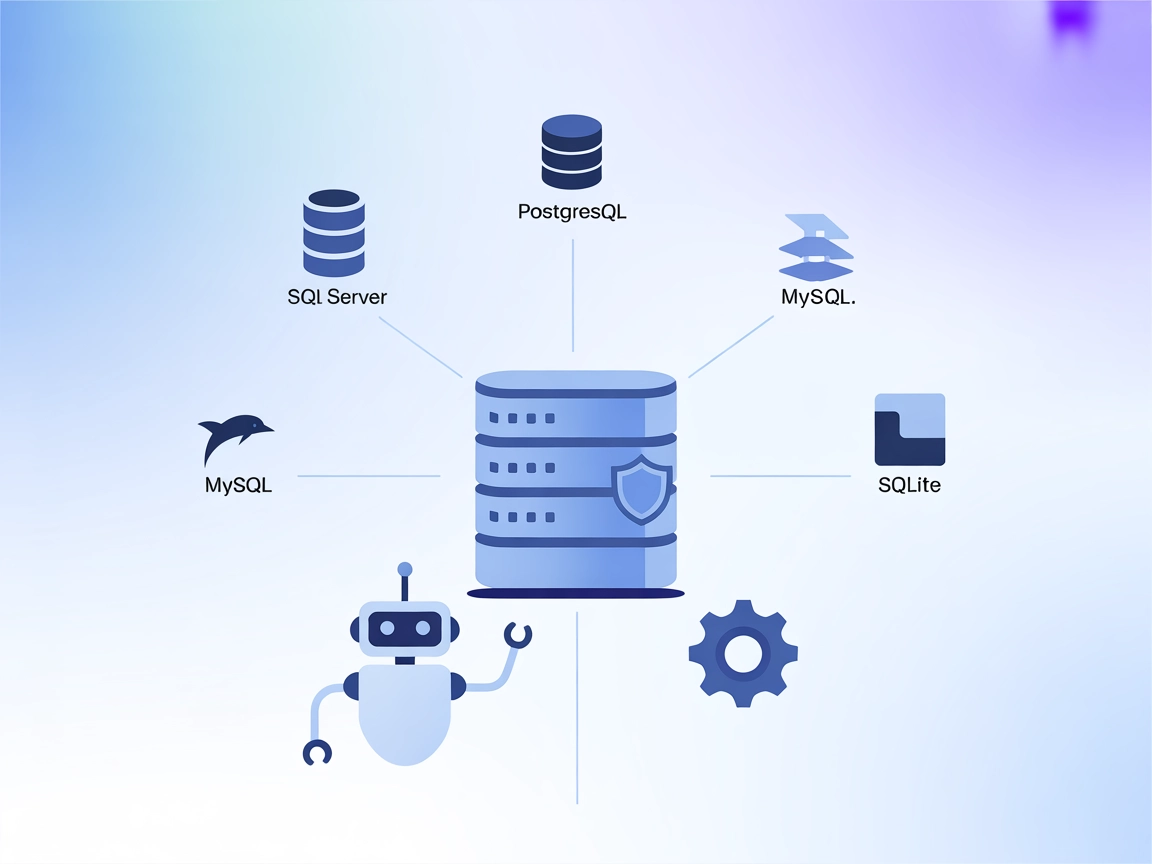
The MCP Database Server enables secure, programmatic access to popular databases like SQLite, SQL Server, PostgreSQL, and MySQL for AI assistants and automation...
The MSSQL MCP Server connects AI assistants with Microsoft SQL Server databases, enabling advanced data operations, business intelligence, and workflow automati...
Cookie Consent
We use cookies to enhance your browsing experience and analyze our traffic. See our privacy policy.